
Ghost mannequin
Ghost Mannequin AI
Turn a photo of a garment on a model, mannequin or hanger into a clean invisible-mannequin product shot on white.
Platform — sets the image shape
Images run one at a time. Max runs them in parallel
What you get
Ghost mannequin
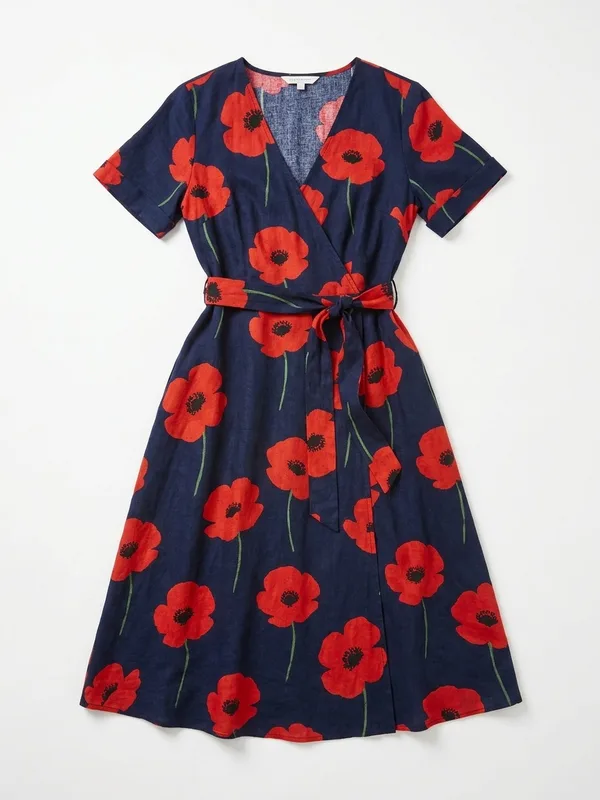
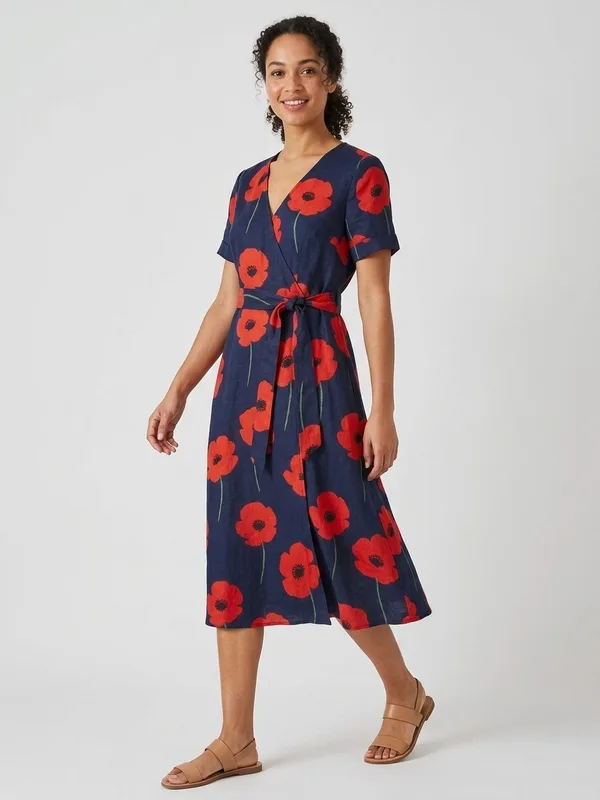
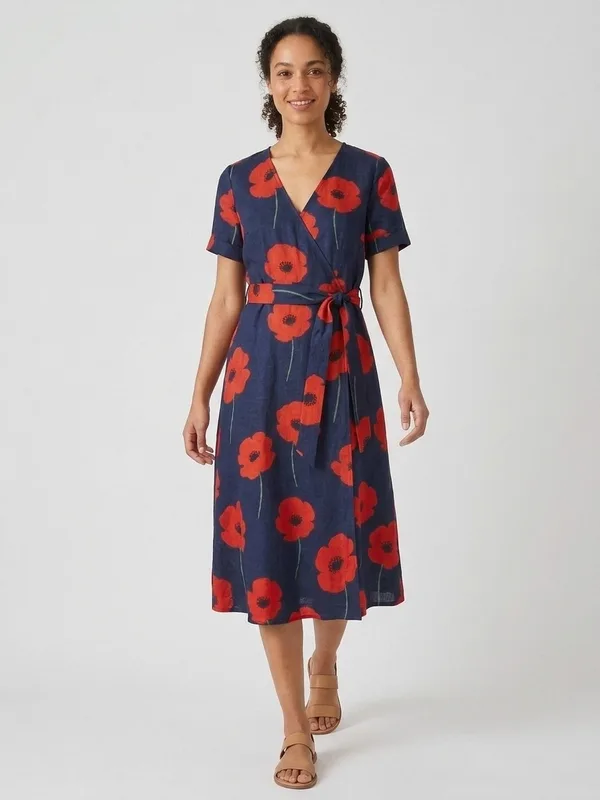
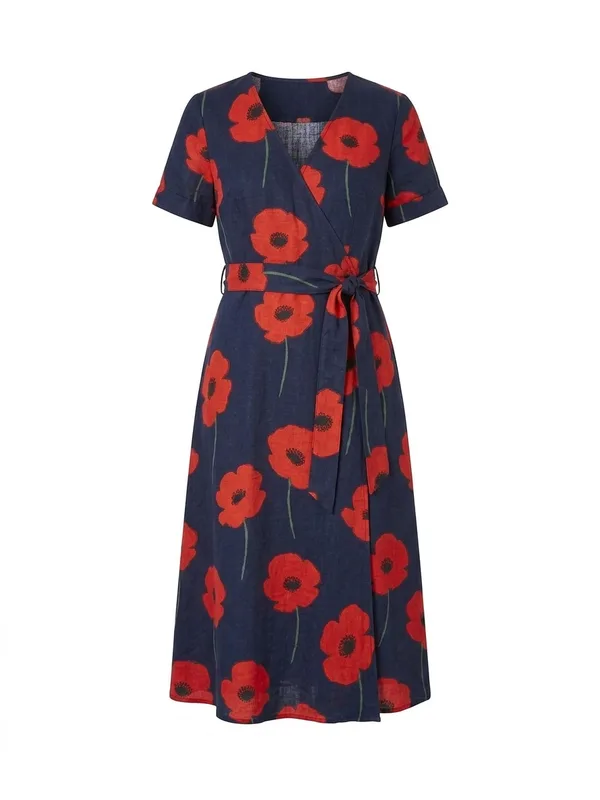
- ✓ Your product stays the same — colour, print and logo
- ✓ You see the credit total before anything runs
- ✓ Failed images are refunded and can be retried one by one
What is a ghost mannequin photo?
A ghost mannequin photo, also called an invisible mannequin or hollow-man shot, shows a garment in the three-dimensional shape it has when worn, with no model and no mannequin in the picture. You can see the inside of the neckline, and the garment appears to float on a white background.
Studios normally make it by photographing the garment on a mannequin, shooting the inside separately and joining the two in an editor. This tool does it from one photo: upload the garment on a model, a mannequin or a hanger, and it removes the support and rebuilds the hollow shape.
What it does
Works from one photo
A garment worn by a model, on a mannequin or on a hanger. No second shot of the inside is needed.
Clean white background
The result is centred on pure white with a soft shadow, the format most marketplaces expect for a main image.
Keeps the garment faithful
Colour, print placement, logos and stitching are kept as they are in your photo. Check the result against the real item before you publish.
How it works
- 1
Upload the garment photo
Front-facing and evenly lit works best. The whole garment should be in frame.
- 2
Pick the image shape
Choose a marketplace preset or a ratio. Square suits most main images.
- 3
Generate and download
You get one or two versions. Retry any you are not happy with.
More tools for sellers
Questions and answers
What kind of photo should I upload?+
A clear front view of the garment on a model, a mannequin or a hanger, with the whole garment visible. Flat lays also work, but photos where the garment already has its worn shape give a more natural result.
How much does it cost?+
One image costs 50 credits with the Standard engine or 70 with the Advanced engine. The total is shown before you generate, and failed images are refunded automatically.
Is the result accurate enough for a product listing?+
It usually is, but AI rebuilds the parts that were hidden by the model or mannequin, such as the inside of the collar. Compare the result with the real garment and regenerate if a detail is wrong.
Does it work for dresses, jackets and trousers?+
Yes. Tops, dresses, outerwear and bottoms all work. Very sheer or heavily layered garments are harder and may need a second try.
Can I do many garments at once?+
This page handles one garment at a time. For a whole collection, use Batch mode in Ecommerce Studio.