GTA 6 Filter
Turn your photo into GTA 6-style art: a loading-screen poster, a cover-art collage, a neon night scene or an outlaw-partners duo.
Tap to uploadDrop image or click
JPG · PNG · WebP
Preview Examples
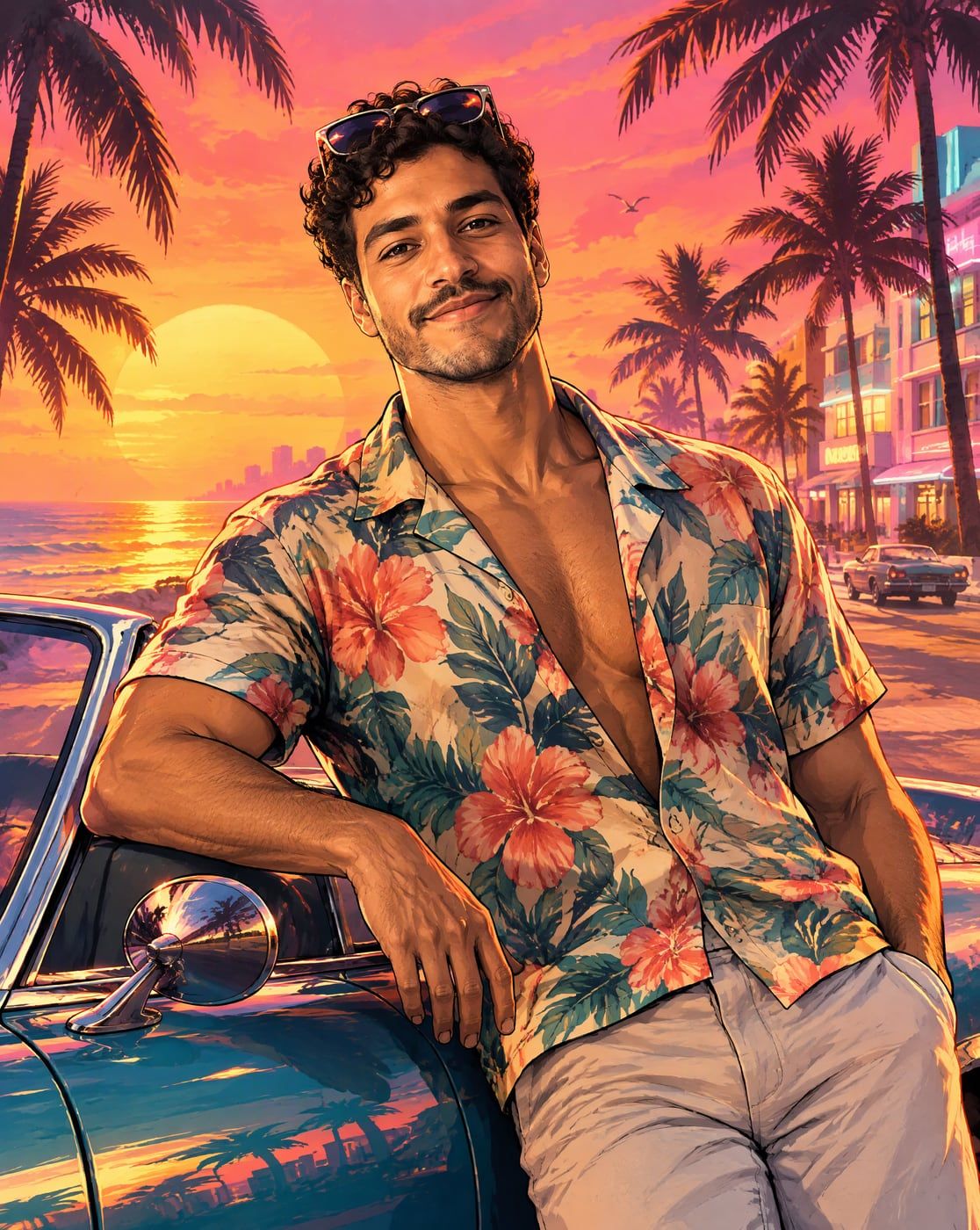
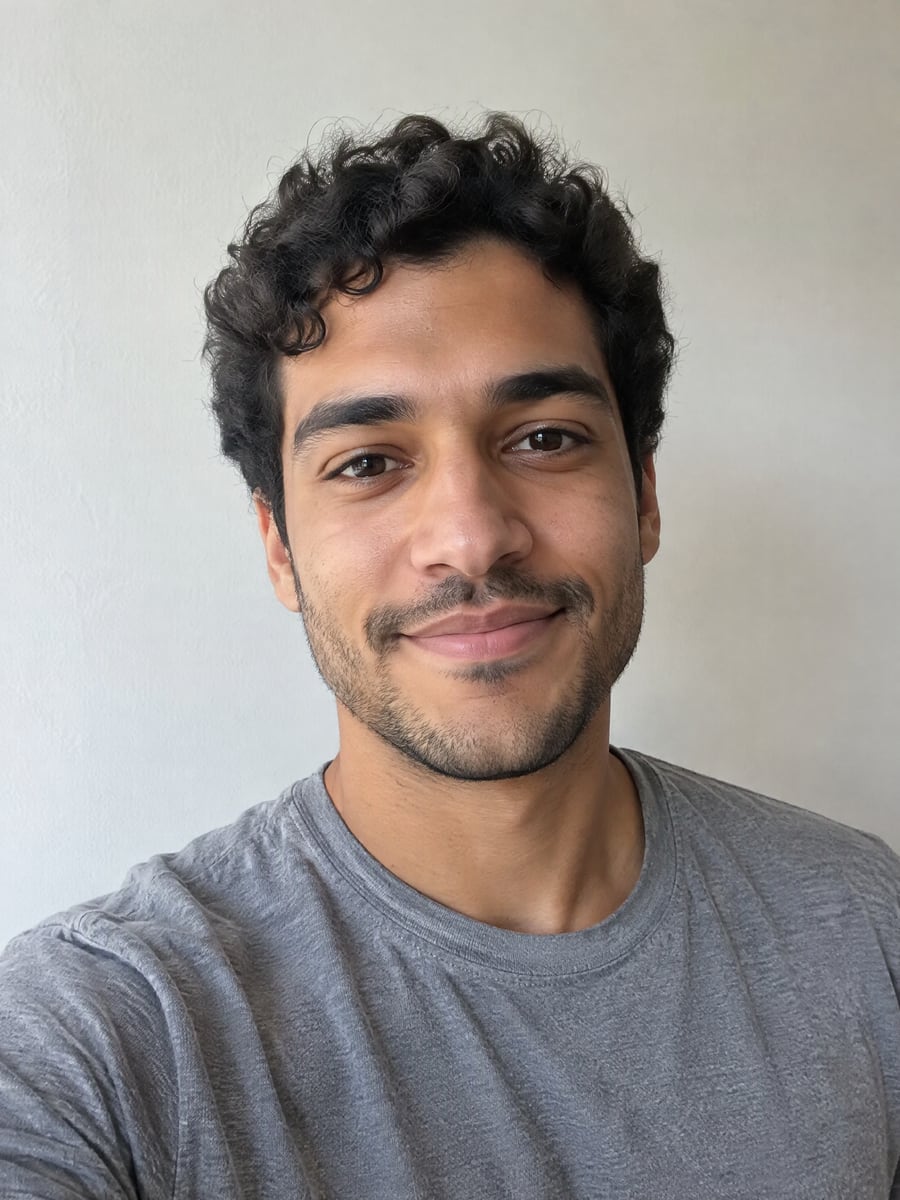
Drag the slider to compare
What is the GTA 6 filter?
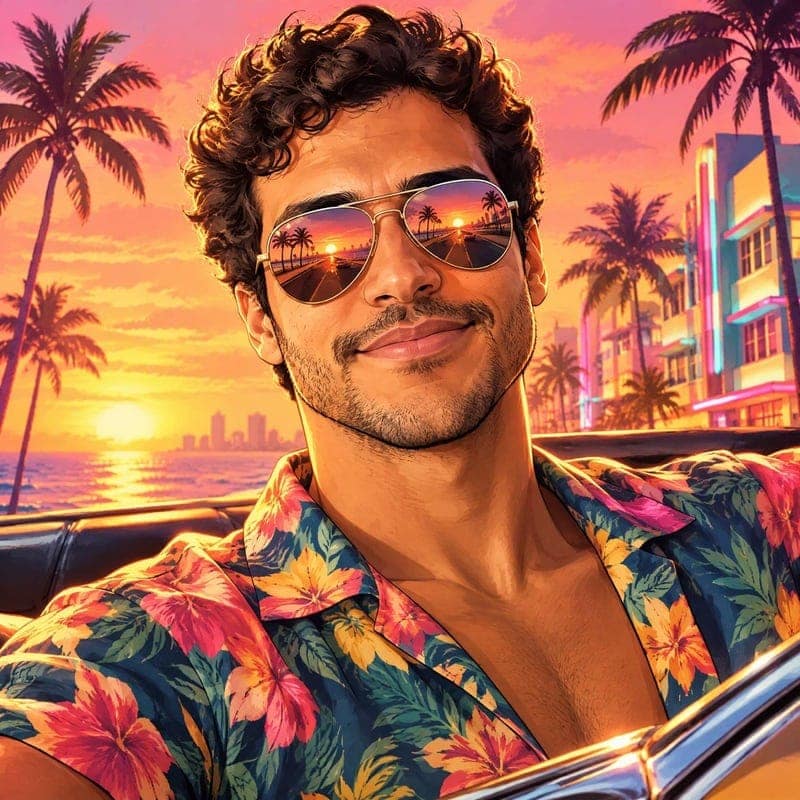
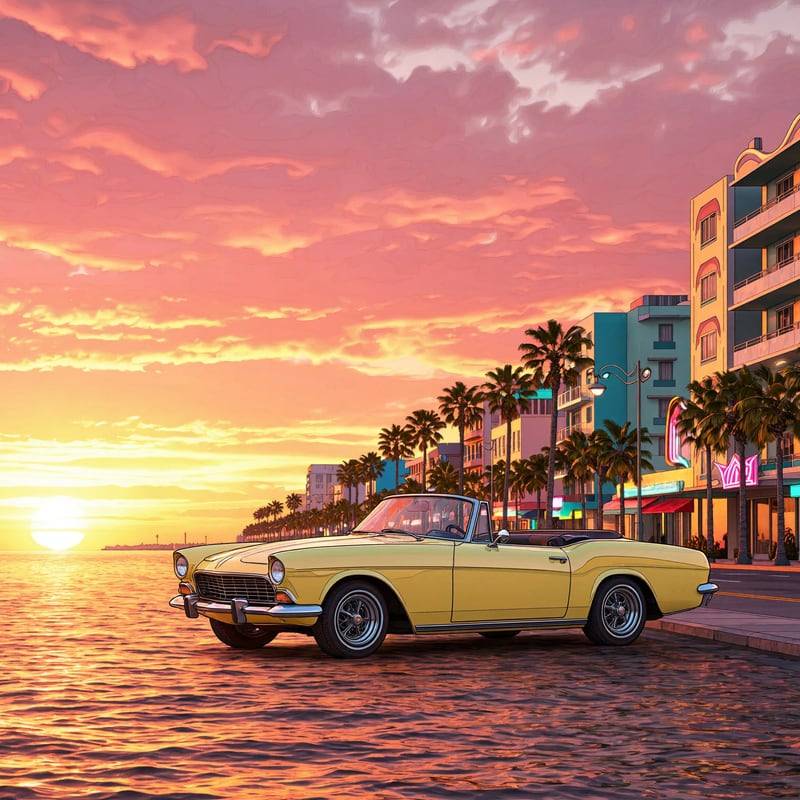
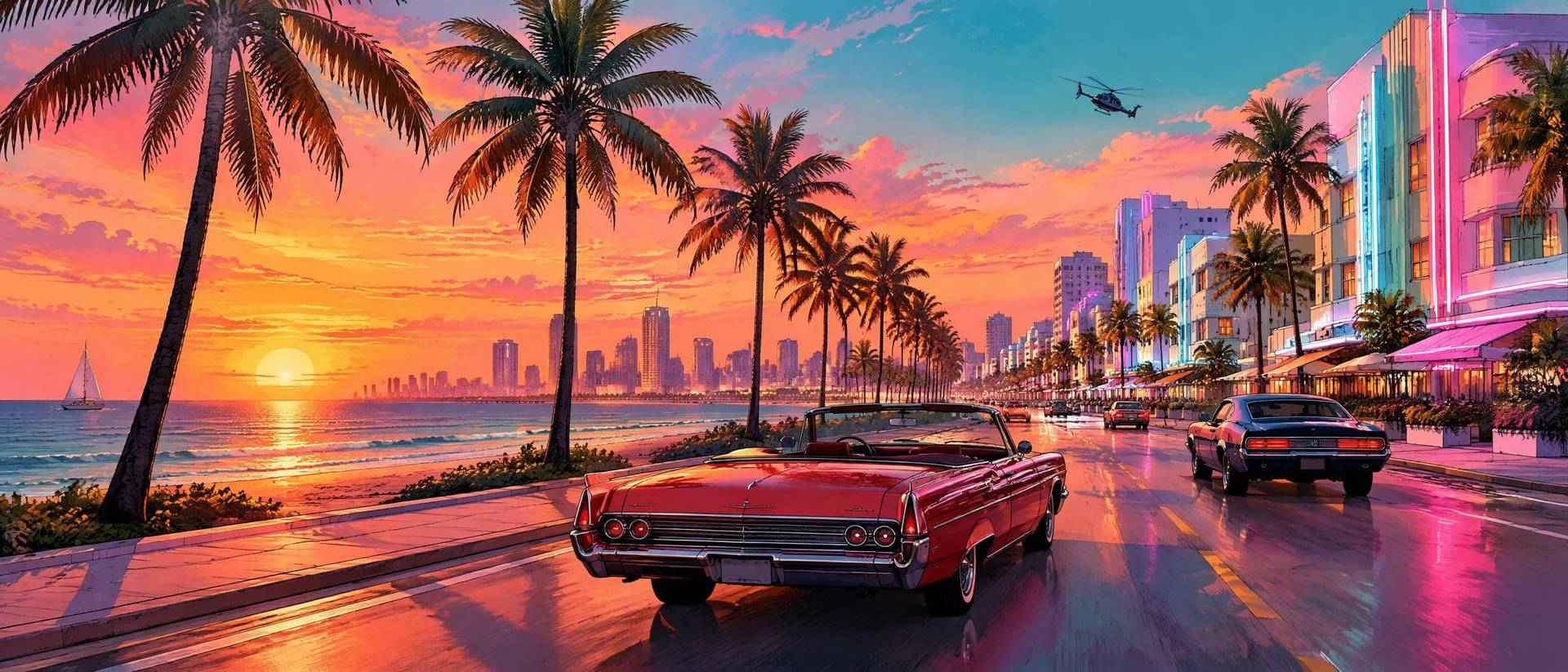
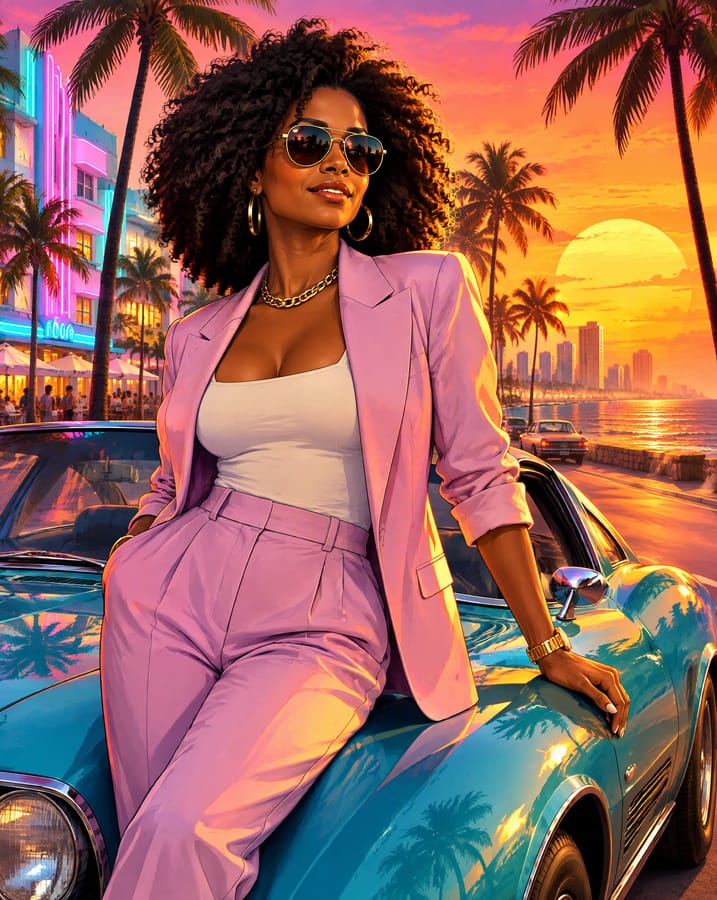
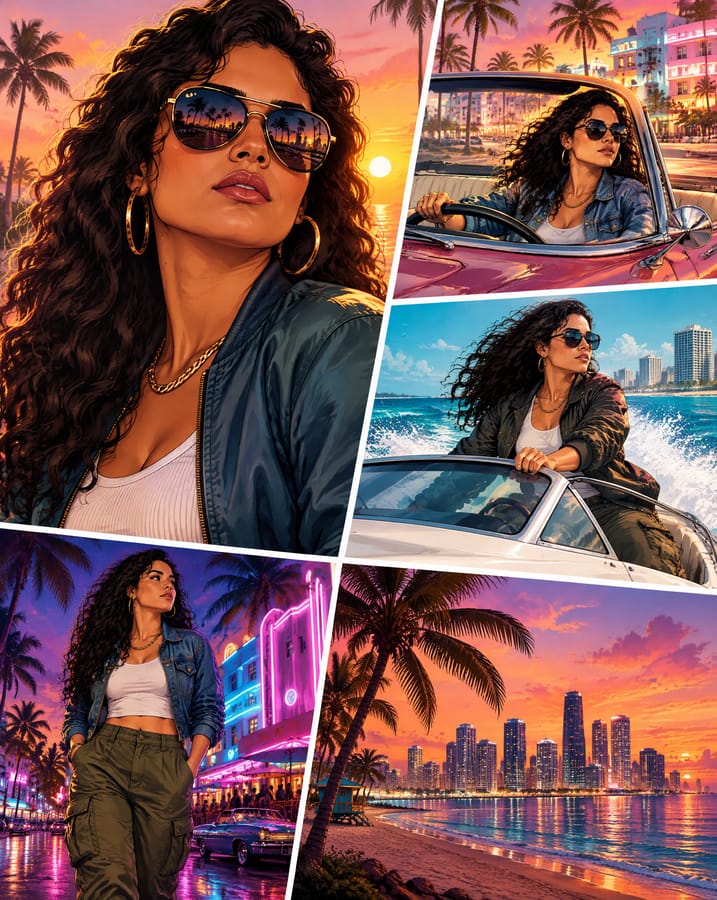
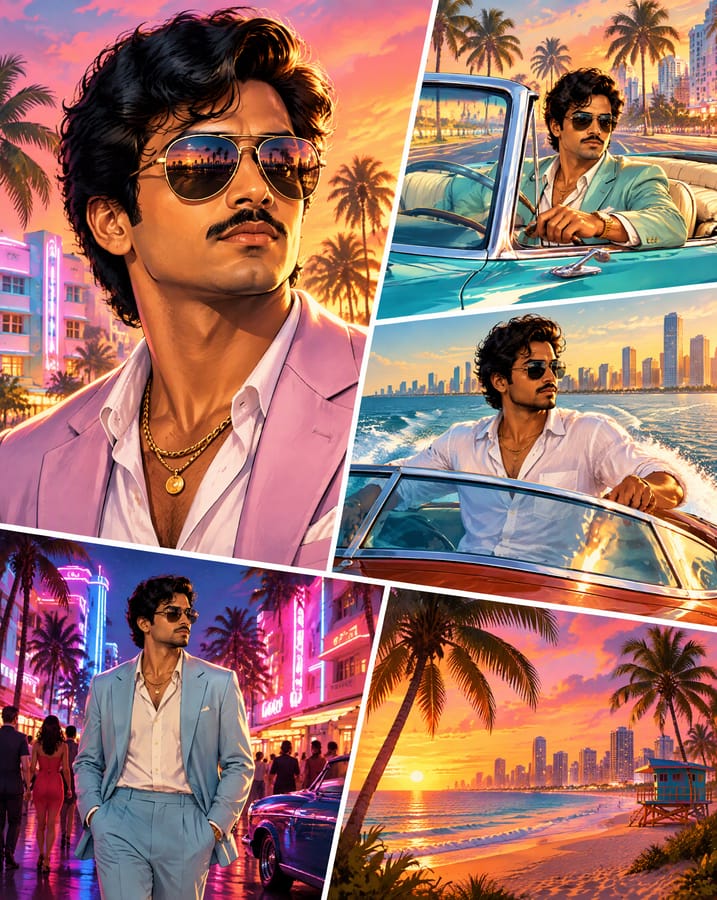
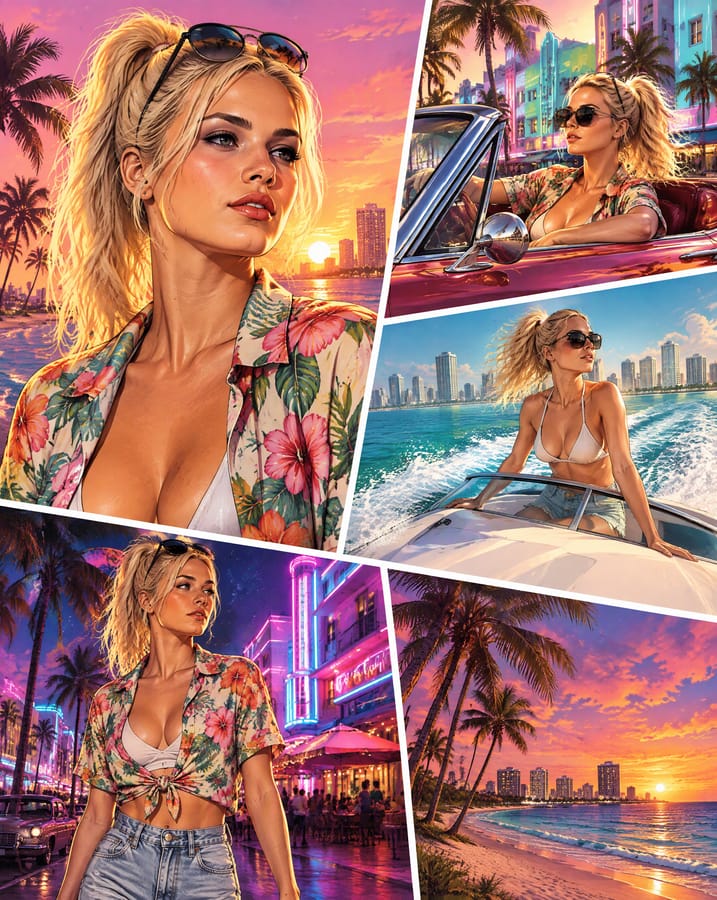
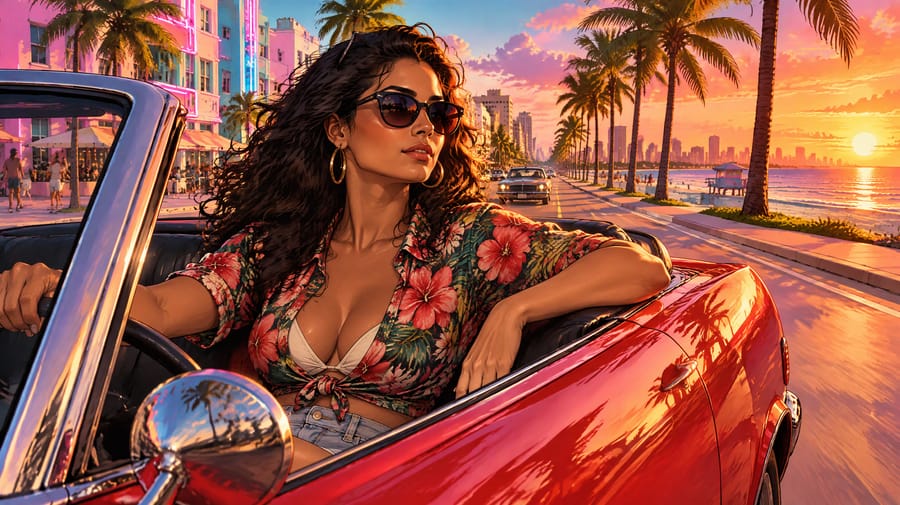
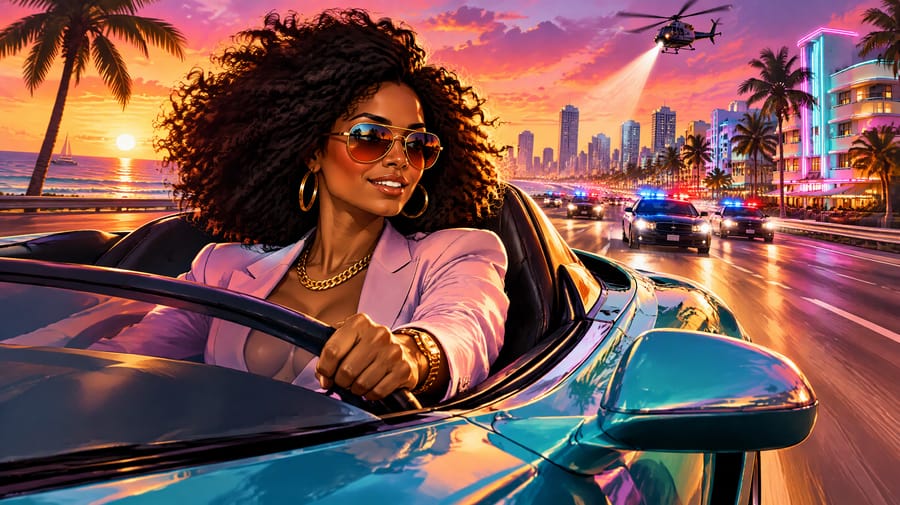
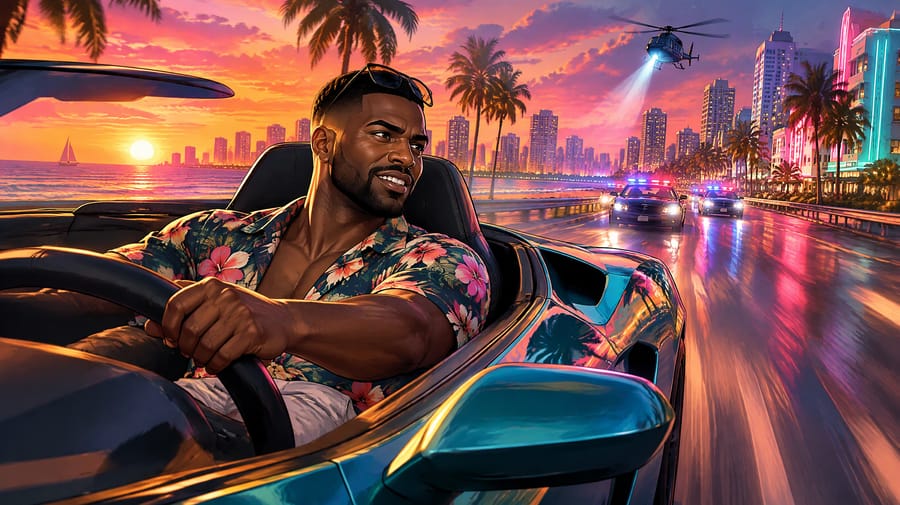
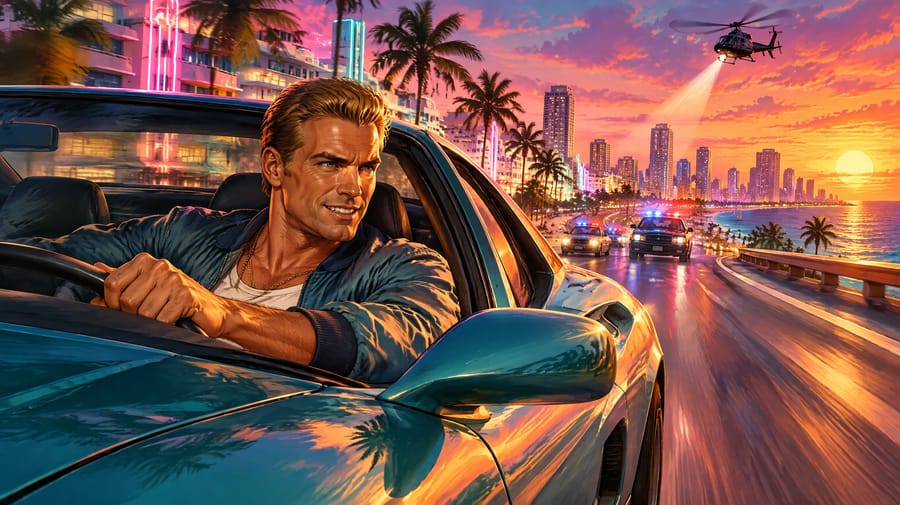
An AI tool that redraws your photo in the painted loading-screen style of GTA 6 promo art: bold outlines, sunset colours, palm trees, sports cars and neon. Pick one of eight scenes and the AI draws you into it while keeping your face recognisable.
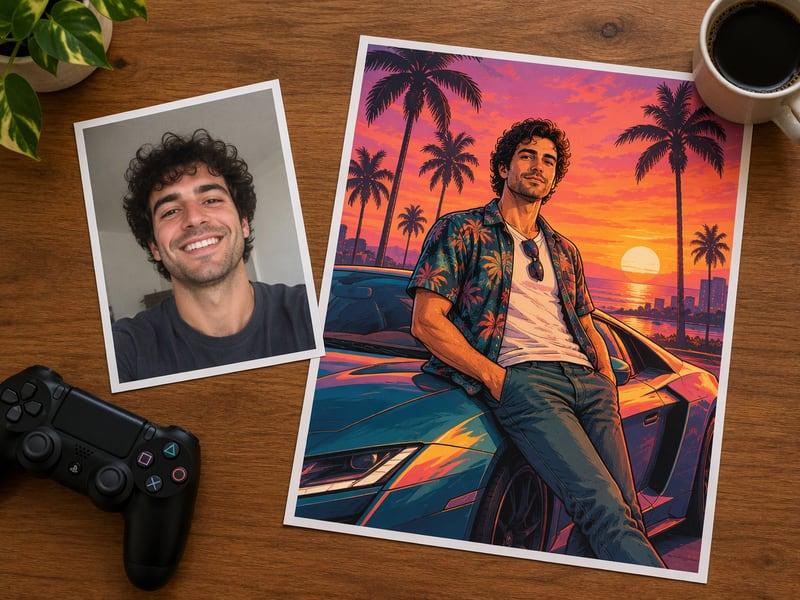
Free GTA 6 Art Gallery
Original AI artwork, free to download for personal use. Like one? Make your own version with your photo.
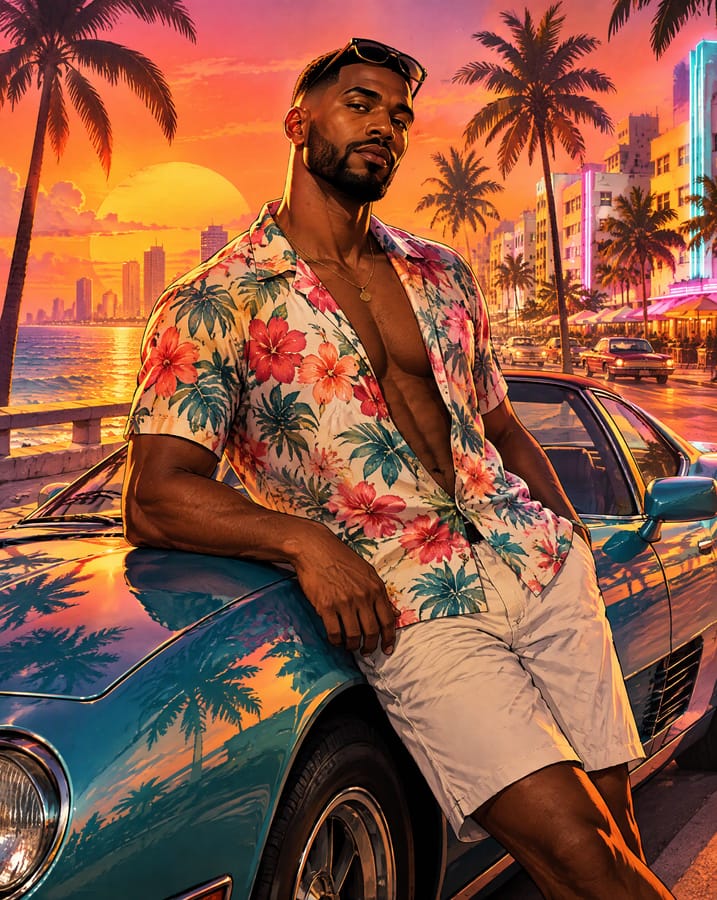
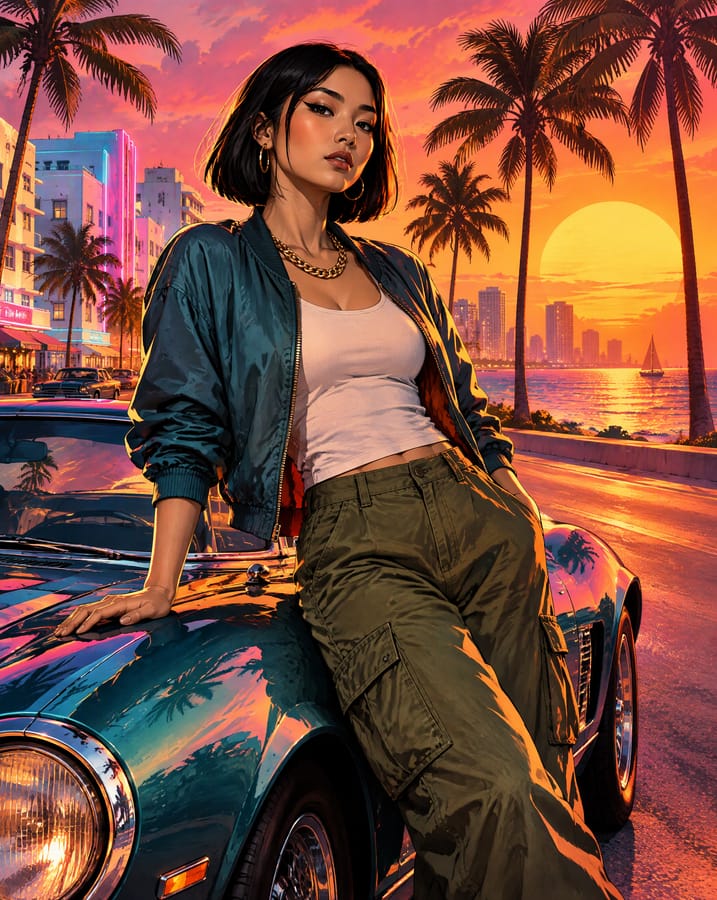
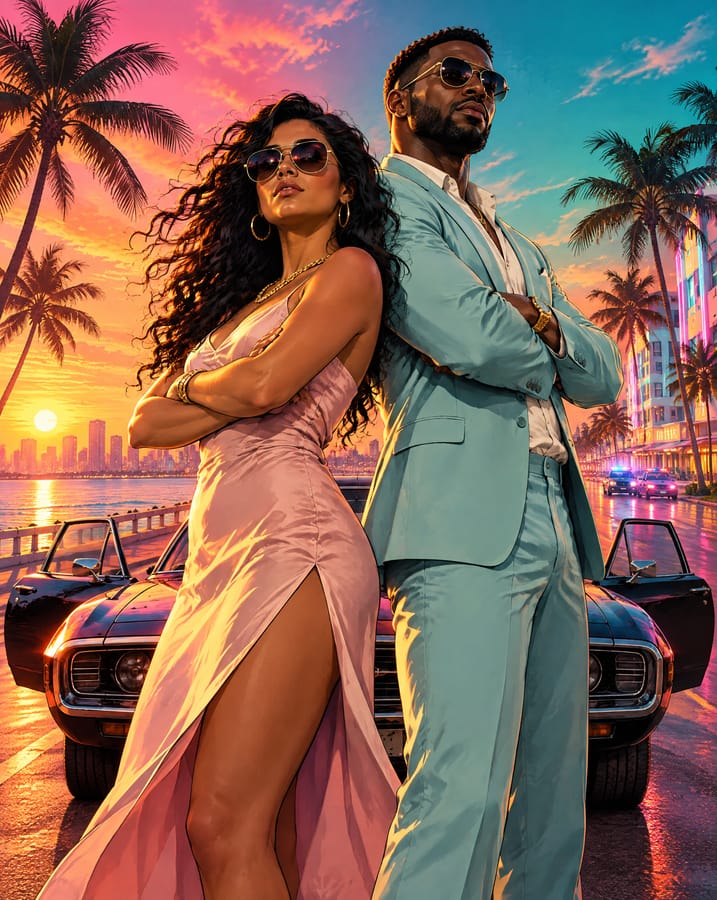
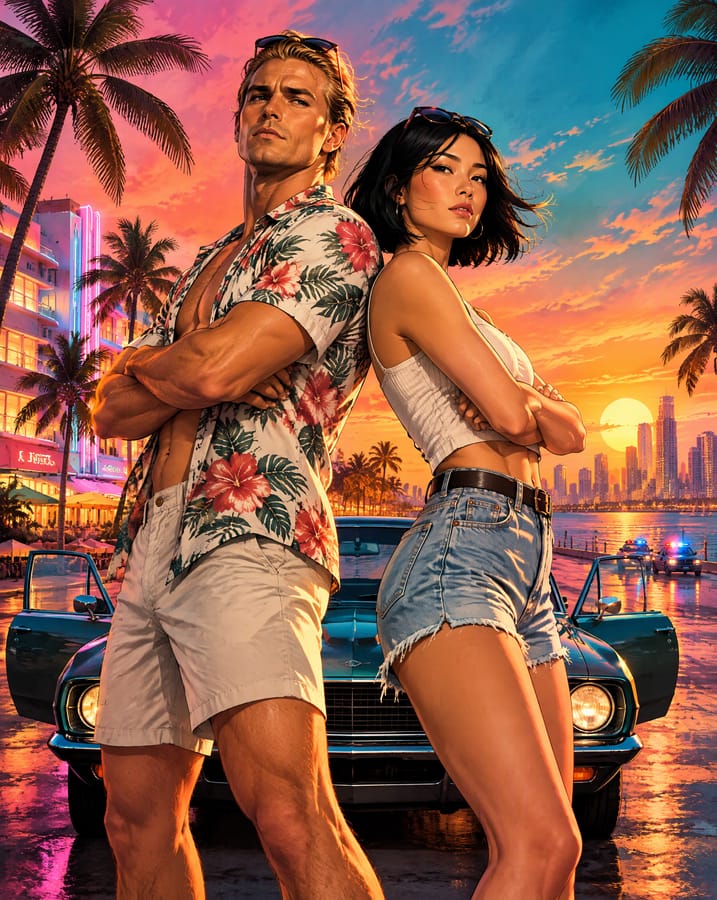
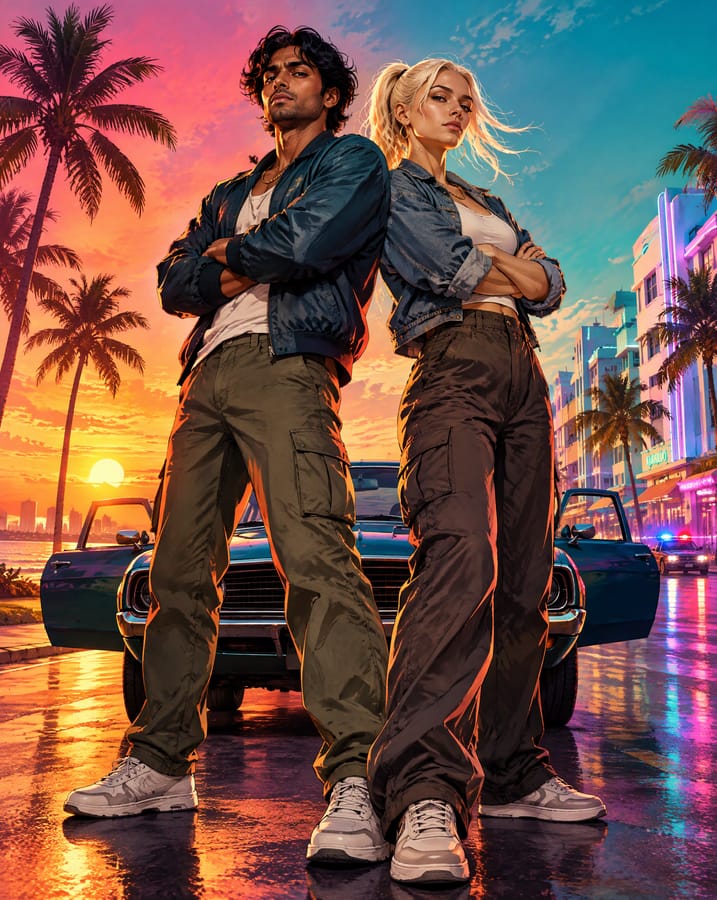
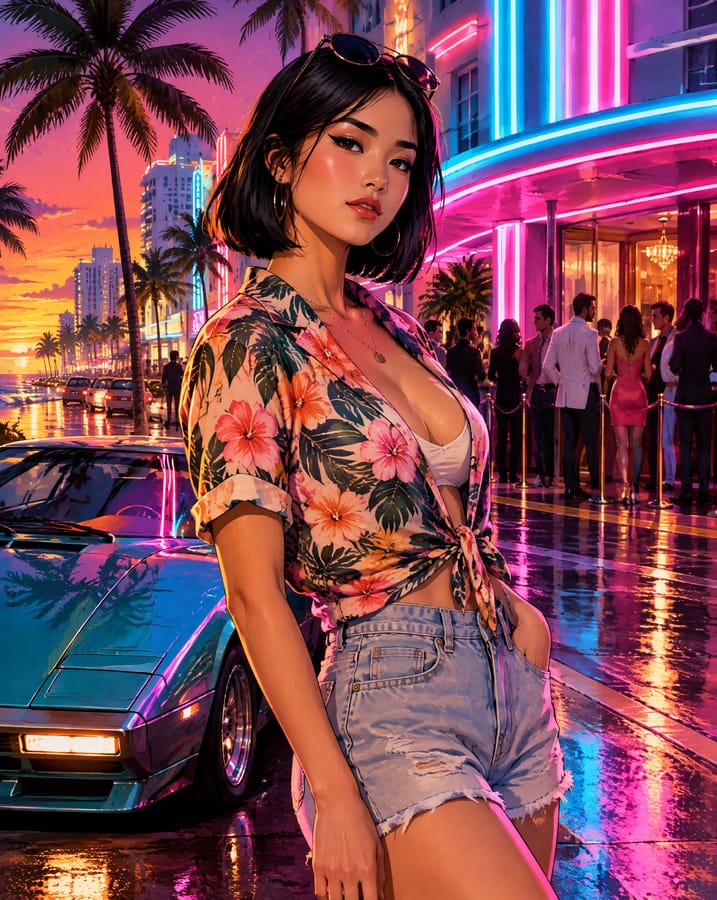
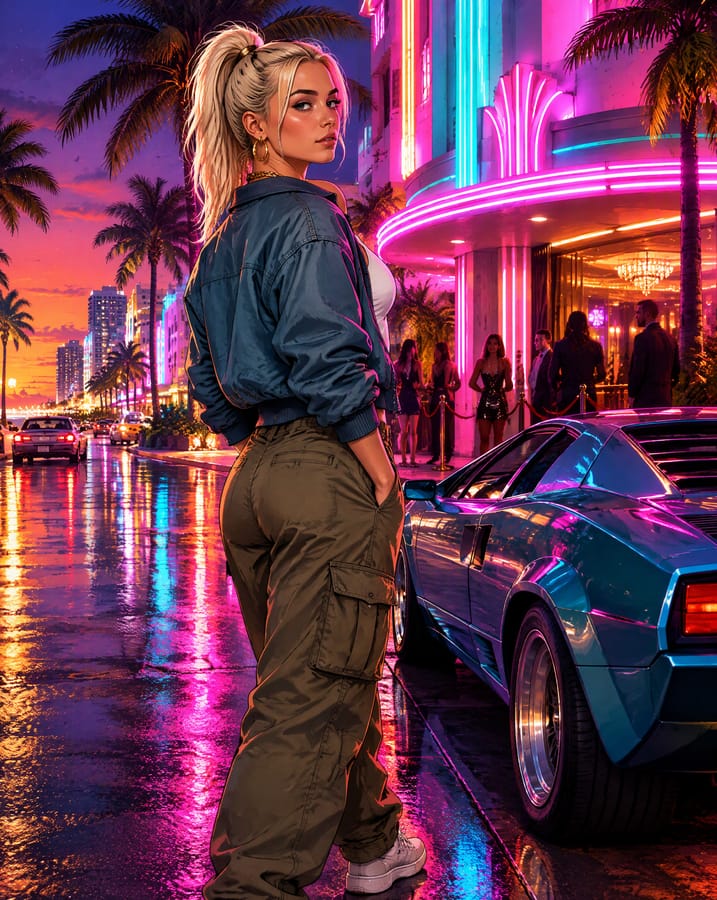
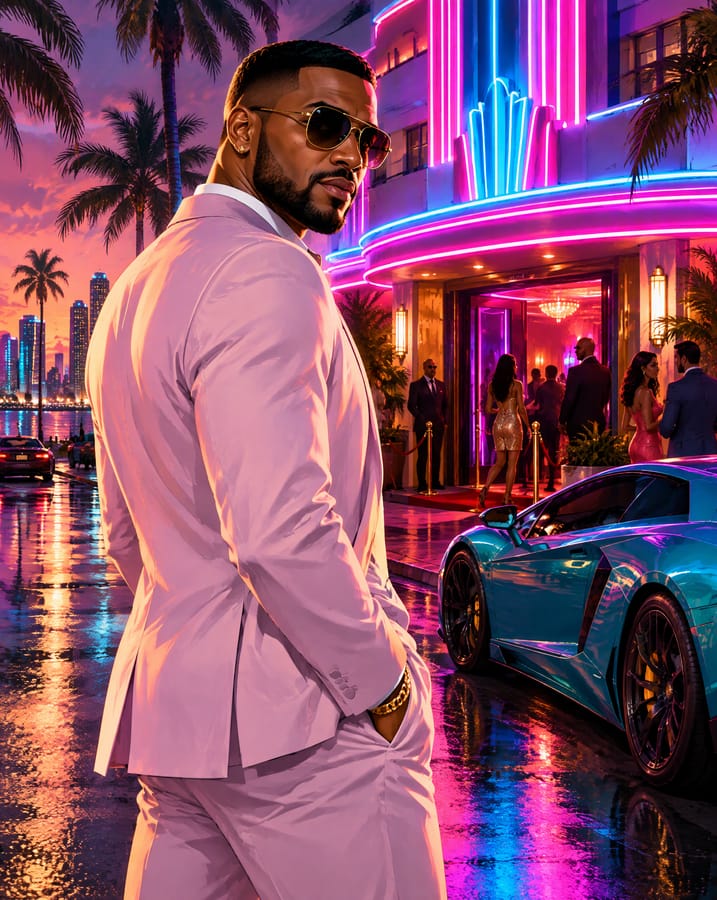
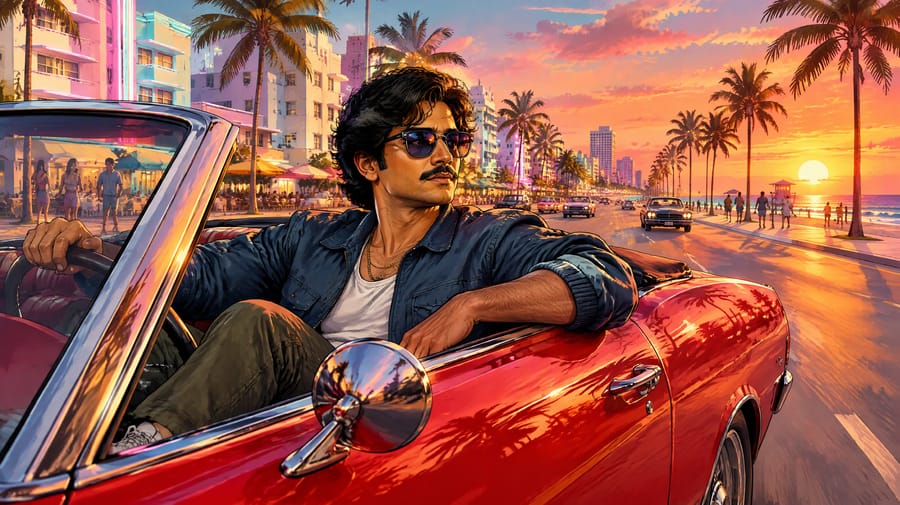
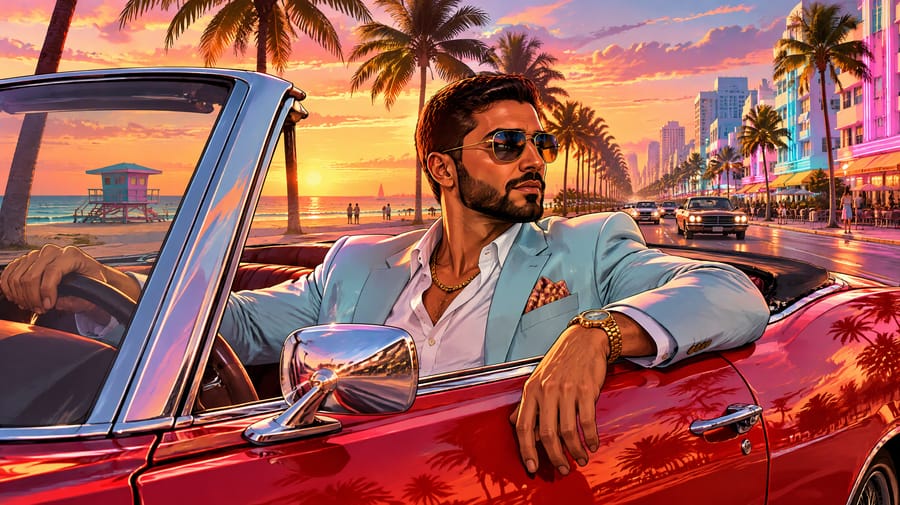
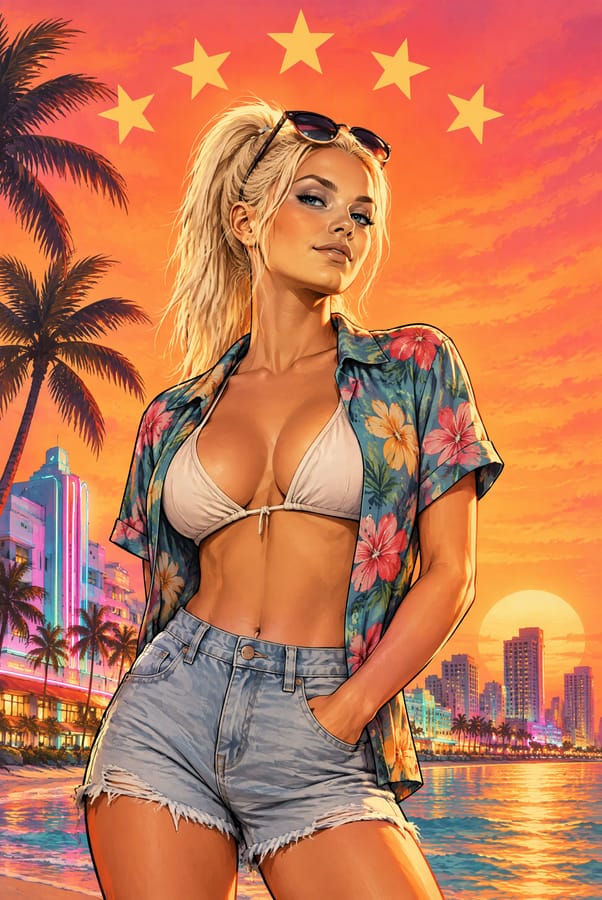
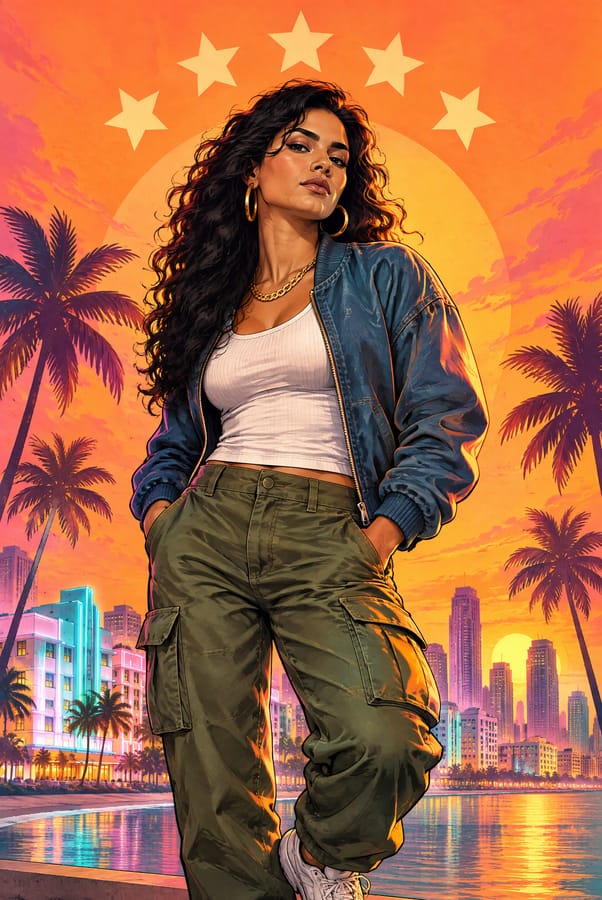
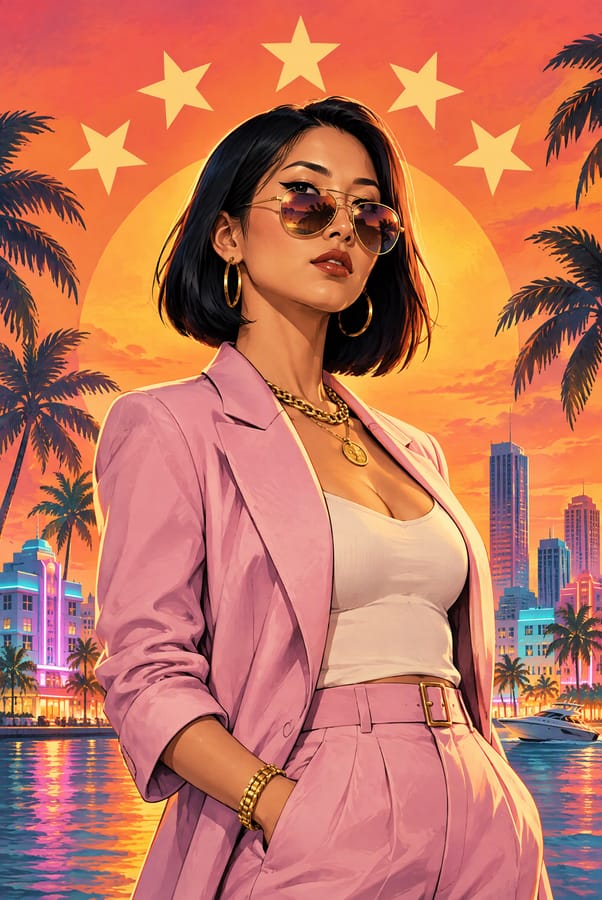
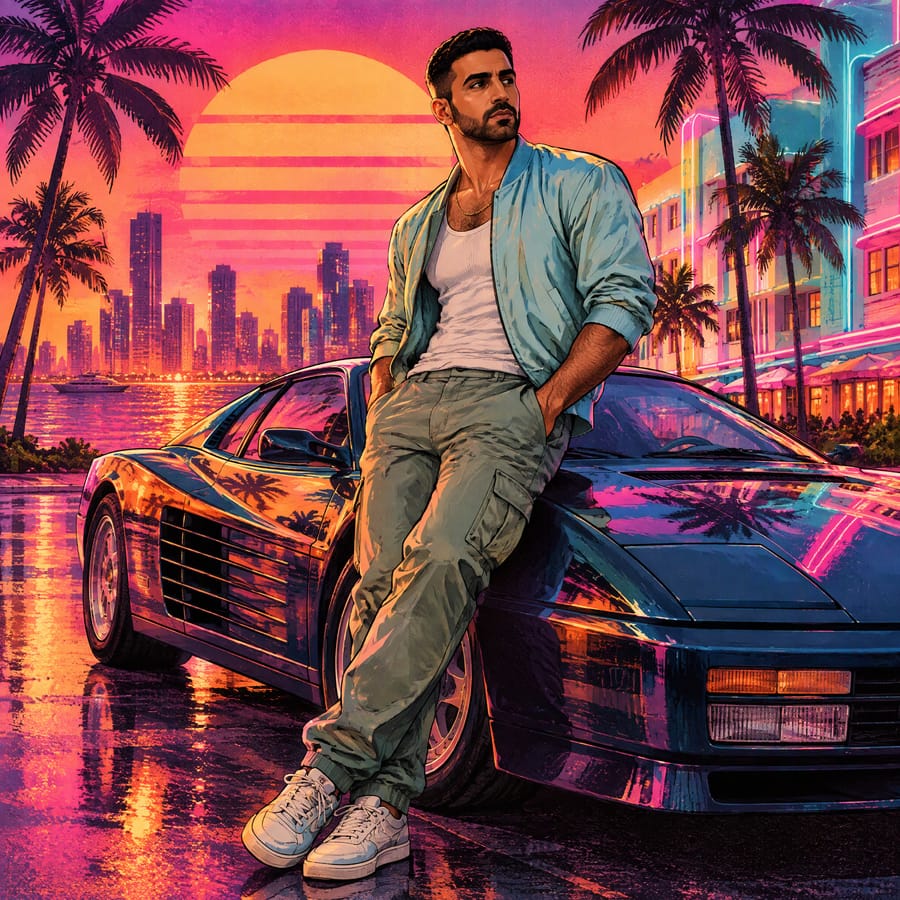
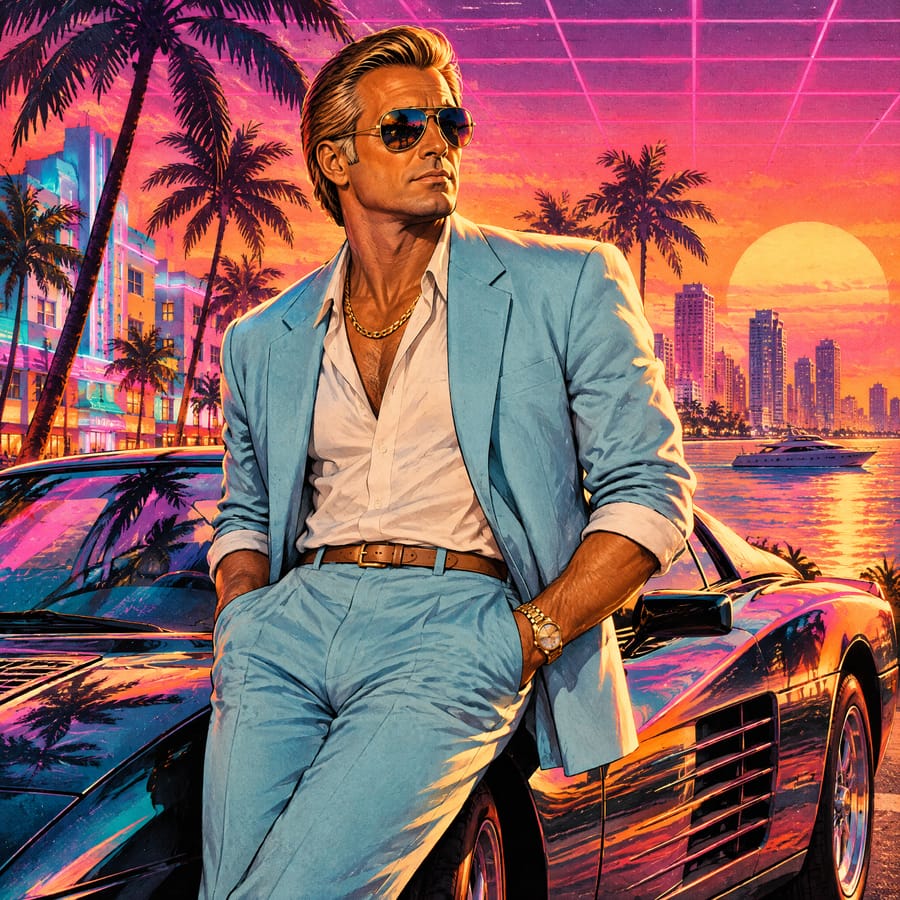
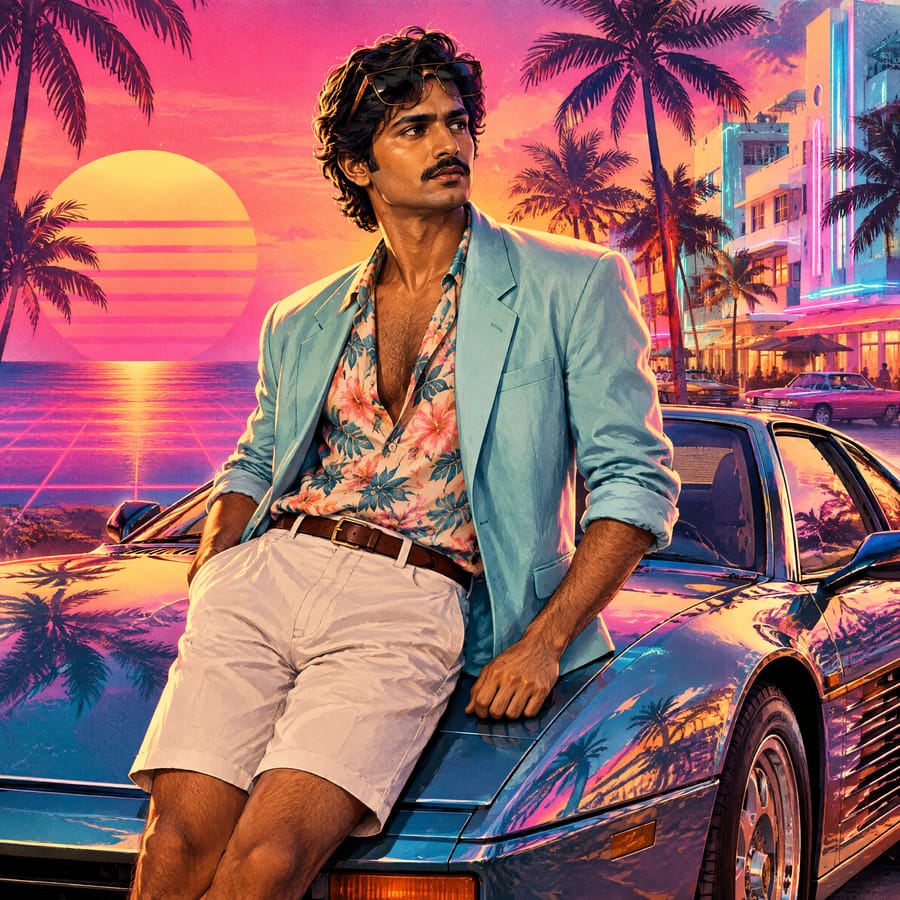
Why This GTA 6 Filter Still Looks Like You
Professional quality, privacy protected, instant results
Your face, redrawn — not pasted
Face shape, eyes, skin tone and hair are kept from your photo, but you get a new pose, new lighting and the full painted style. No cut-out sticker look.
Eight scenes built for the launch
Poster, collage, neon, beach, chase, outlaw poster, retro 80s and a duo scene — each with its own framing and aspect ratio, so the result is ready to post.
Bring a partner
Most GTA filters handle one face. Ours draws two people from two photos in one scene, with both faces kept.
What People Make with the GTA 6 Filter
Perfect for various professional scenarios, instant and secure
Launch-week posts
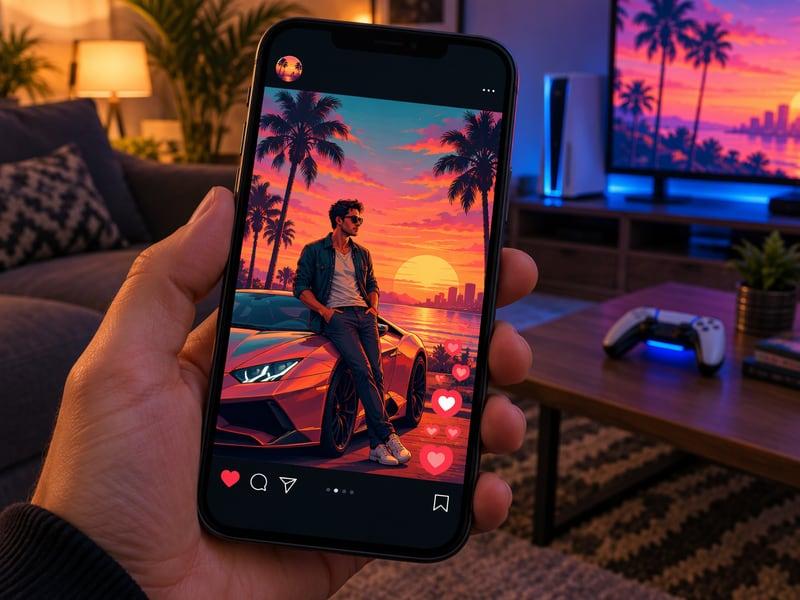
GTA 6 is out and everyone is posting. Drop yourself into a loading-screen poster or a cover-style collage and post it the same day — no editing skills needed.
You and your partner in crime
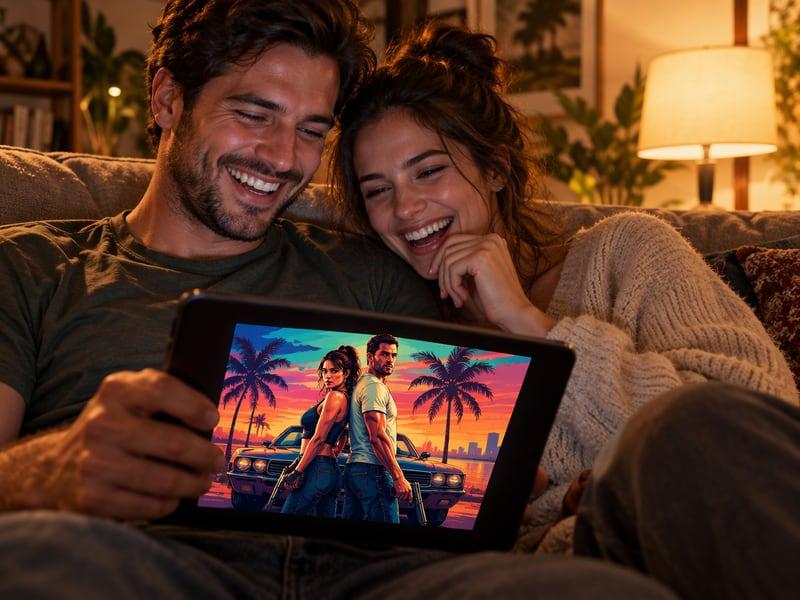
Upload two photos and pick Outlaw Partners: the two of you back to back in front of a getaway car, drawn in the same painted style. Works for couples, best friends and squads of two.
Thumbnails and banners
Streamers and YouTubers use the wide Beach Cruise and Police Chase scenes (16:9) as thumbnails and channel banners for GTA 6 content.
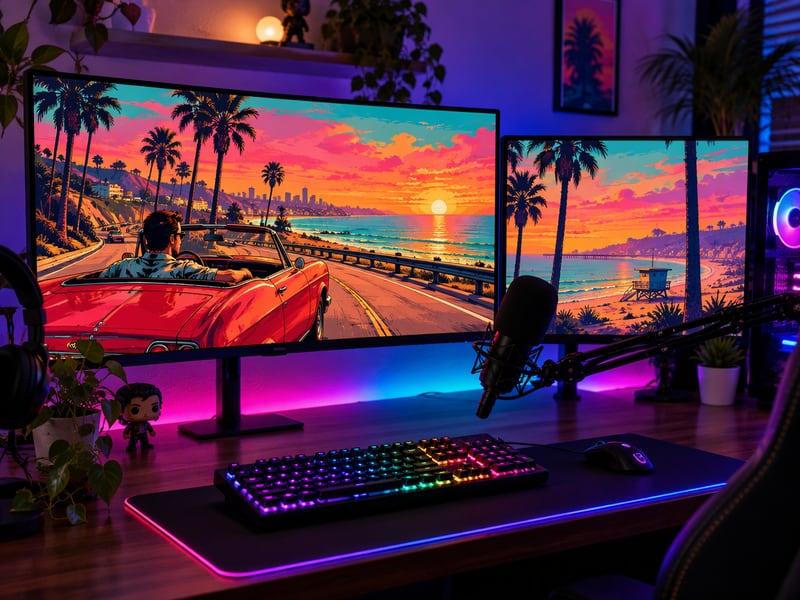
How to Use the GTA 6 Filter
Upload your photo, select a style, and download your professional result instantly
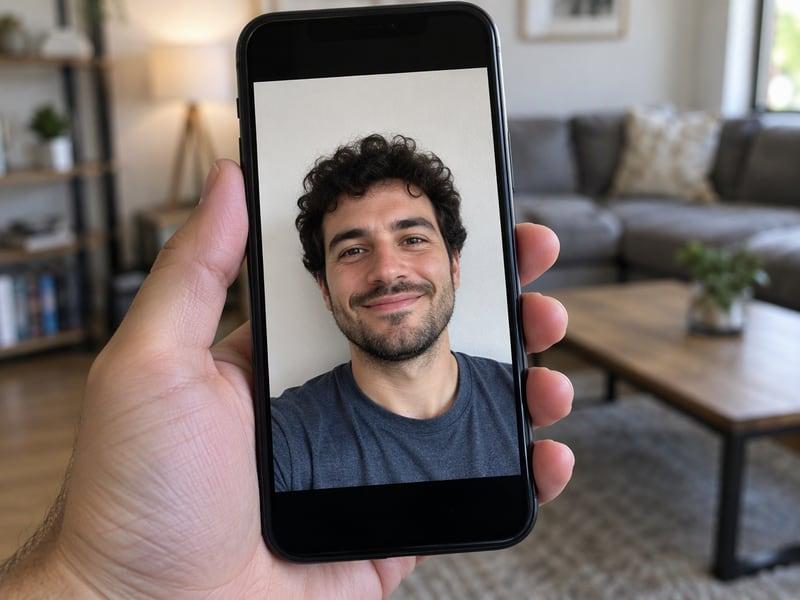
📷Step 1:Upload a selfie
One clear photo where your face is visible. For the duo scene, open "Add a partner" and upload a second photo.
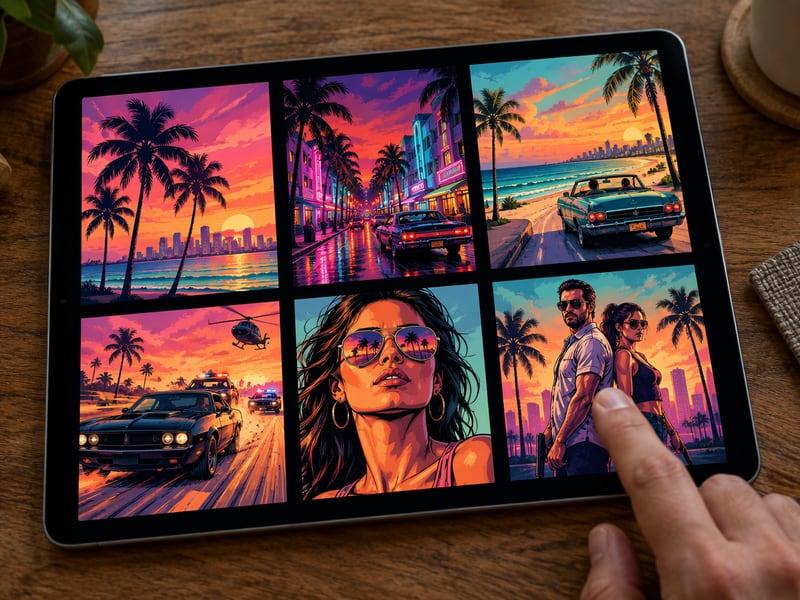
🌴Step 2:Pick a scene
Loading-screen poster, cover collage, outlaw duo, neon night, beach cruise, police chase, five-star poster or retro 80s. Optionally set the time of day and outfit.
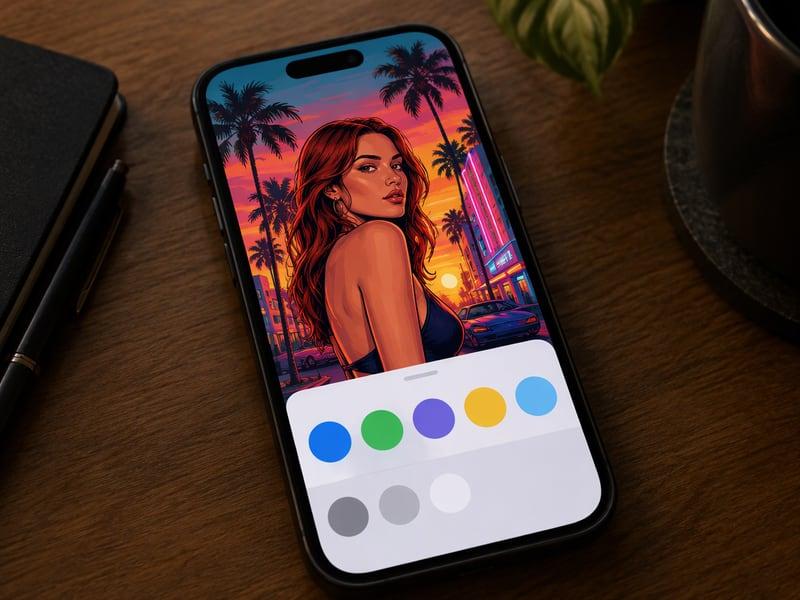
📲Step 3:Download and share
The size follows the scene — 4:5 posters for feeds, 16:9 for thumbnails, 2:3 and 1:1 for profiles. Generate again for another scene.
The All-in-One AI Creation Platform
One account for images, videos, an AI agent that works for you, expert AI mentors and 80+ ready-made tools.
AI Image & Video Generator
Every leading model in one workspace: Seedream, Nano Banana, GPT Image, Seedance, Veo and more.
Open
Ava, your AI creative agent
Describe what you need and Ava plans, generates and iterates for you.
Open
80+ AI tools
One-click tools for photos, videos, cards, portraits and viral trends.
Open
Template library
Thousands of ready prompts and styles to start from.
Open
Studios
Portrait, marketing, poster and cinema studios for finished work, not single shots.
Open
AI model library
Compare and pick the right image or video model for every job.
Open
AI mentors
Learn from expert mentors in photography, design and video, then create with their guidance.
OpenSee yourself in GTA 6 style
Eight scenes, one selfie, your face kept. Try it once free.
GTA 6 Filter FAQs
An AI tool that redraws your photo in the painted loading-screen style of GTA 6 promo art: bold outlines, sunset colours, palm trees, sports cars and neon. Pick one of eight scenes and the AI draws you into it while keeping your face recognisable.
You can try it once without an account. That result, and results from free accounts, carry a small CreateVision watermark. Subscribers download without a watermark.
Identity (closest likeness) costs 60 credits. Natural costs 80 credits at 2K or 160 credits at 4K. A failed generation is refunded.
Yes. Choose Outlaw Partners, open "Add a partner" and upload a second photo. The first photo is the person on the left, the second is the person on the right. If you only upload one photo, the AI invents an original partner character.
No. It is an unofficial fan tool, not affiliated with or endorsed by Rockstar Games or Take-Two Interactive. "Grand Theft Auto", "GTA" and "GTA 6" are trademarks of Take-Two Interactive; we use them only to describe the art style. We don't use official artwork, logos or characters — every image is original AI artwork.
Your photo is used only to generate your image. Your results are private to your account by default and are not added to any public gallery.
Related Tools You Might Like
Explore more AI creative tools