

AI Photo to Ghibli
Transform photos into Studio Ghibli anime art style
Tap to uploadDrop image or click
JPG · PNG · WebP
Preview Examples


Drag the slider to compare
What is AI Photo to Ghibli?
AI Photo to Ghibli repaints your photos in the soft, hand-painted style of films like Spirited Away and My Neighbor Totoro. Choose from 10 film-inspired looks for portraits, landscapes and pets.

Why Use Our Ghibli Filter on Your Photos
Professional quality, privacy protected, instant results
A Hand-Painted Ghibli Feel
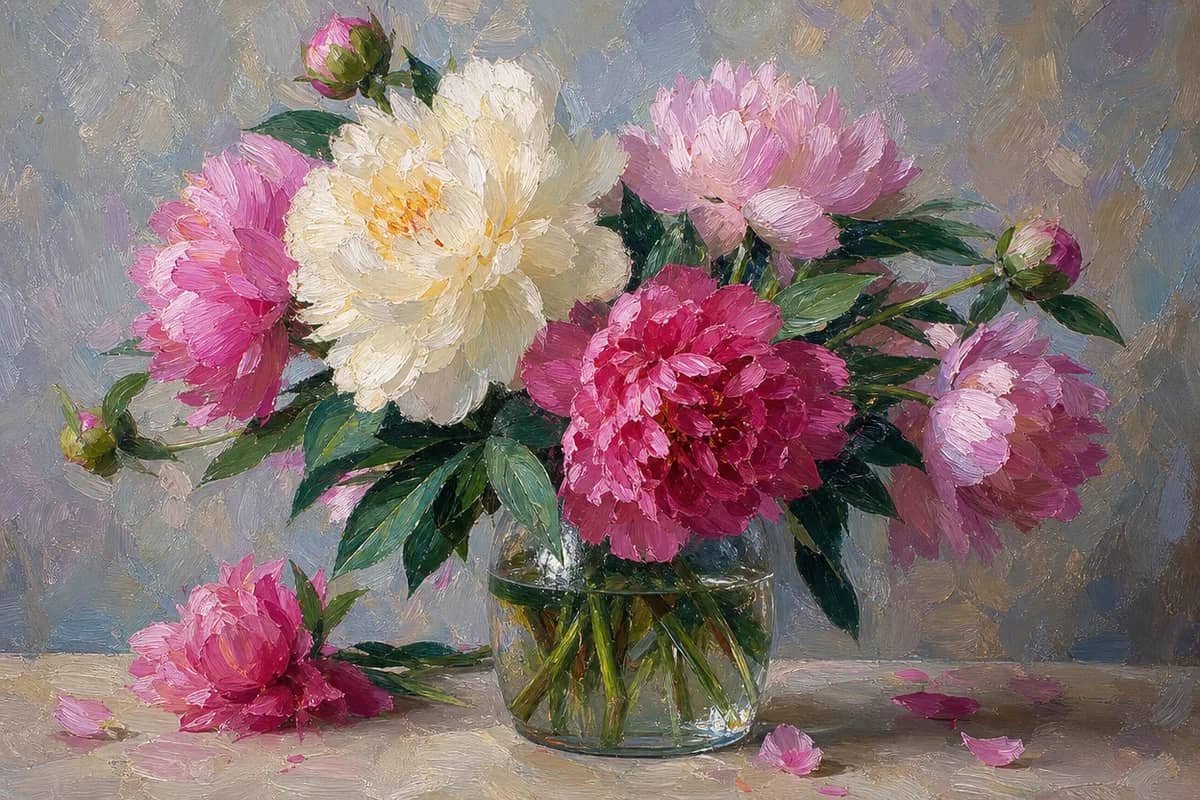
Your photo comes back with soft watercolor skies, warm light and the painted backgrounds people love in Ghibli-style art.
10 Film-Inspired Styles
Pick a look inspired by Spirited Away, Totoro, Howl's Moving Castle, Ponyo, Kiki's Delivery Service, Princess Mononoke and four more films.
Still Recognizably You
Choose a style engine that fits your photo, including Identity for the closest facial likeness when your face matters most.
See What You Can Do With the Ghibli Filter
Perfect for various professional scenarios, instant and secure
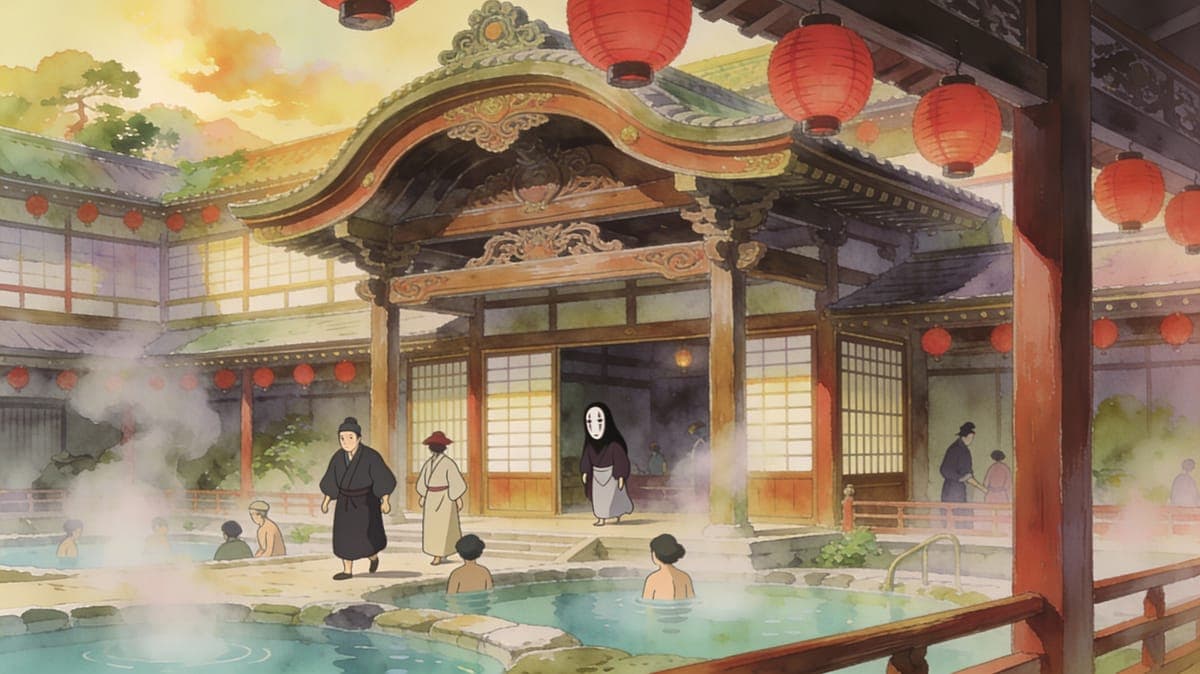
Step Into a Ghibli-Style World
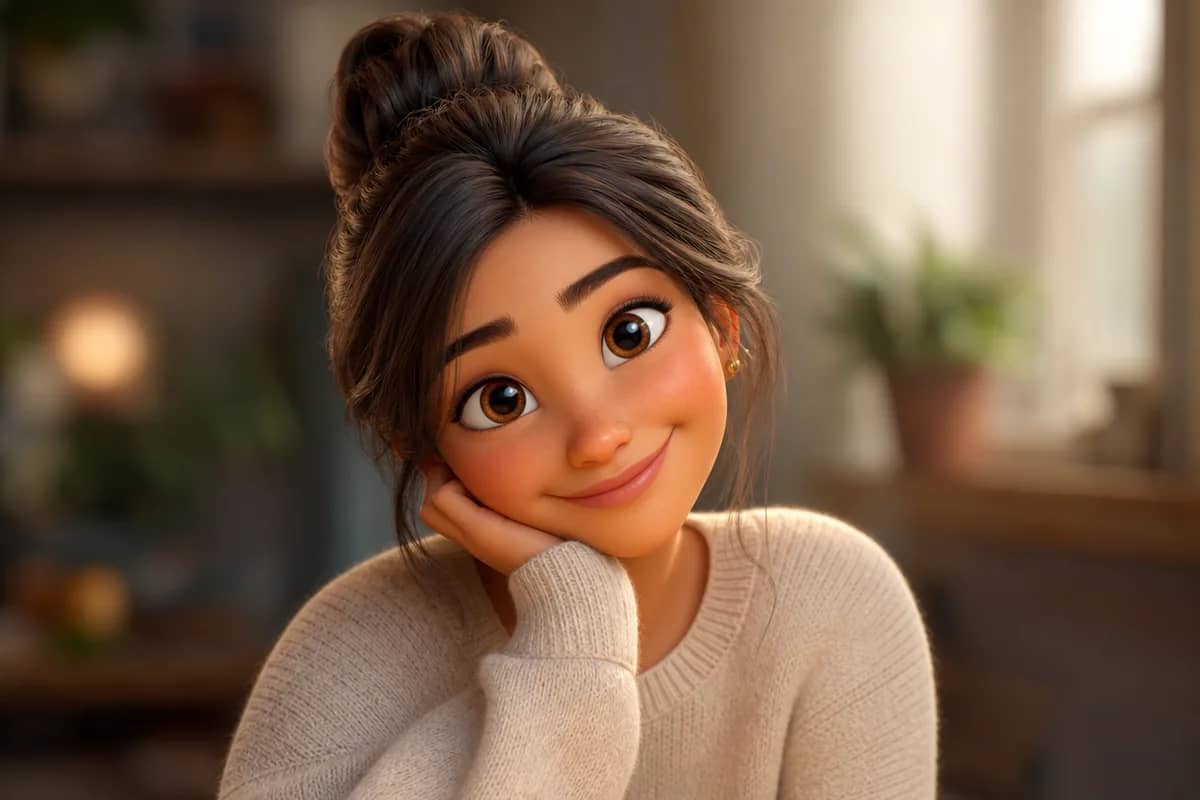
Turn your portrait into a character who could live in a Miyazaki-inspired film. Your pose and expression carry over into a soft, hand-painted look. Make an anime avatar
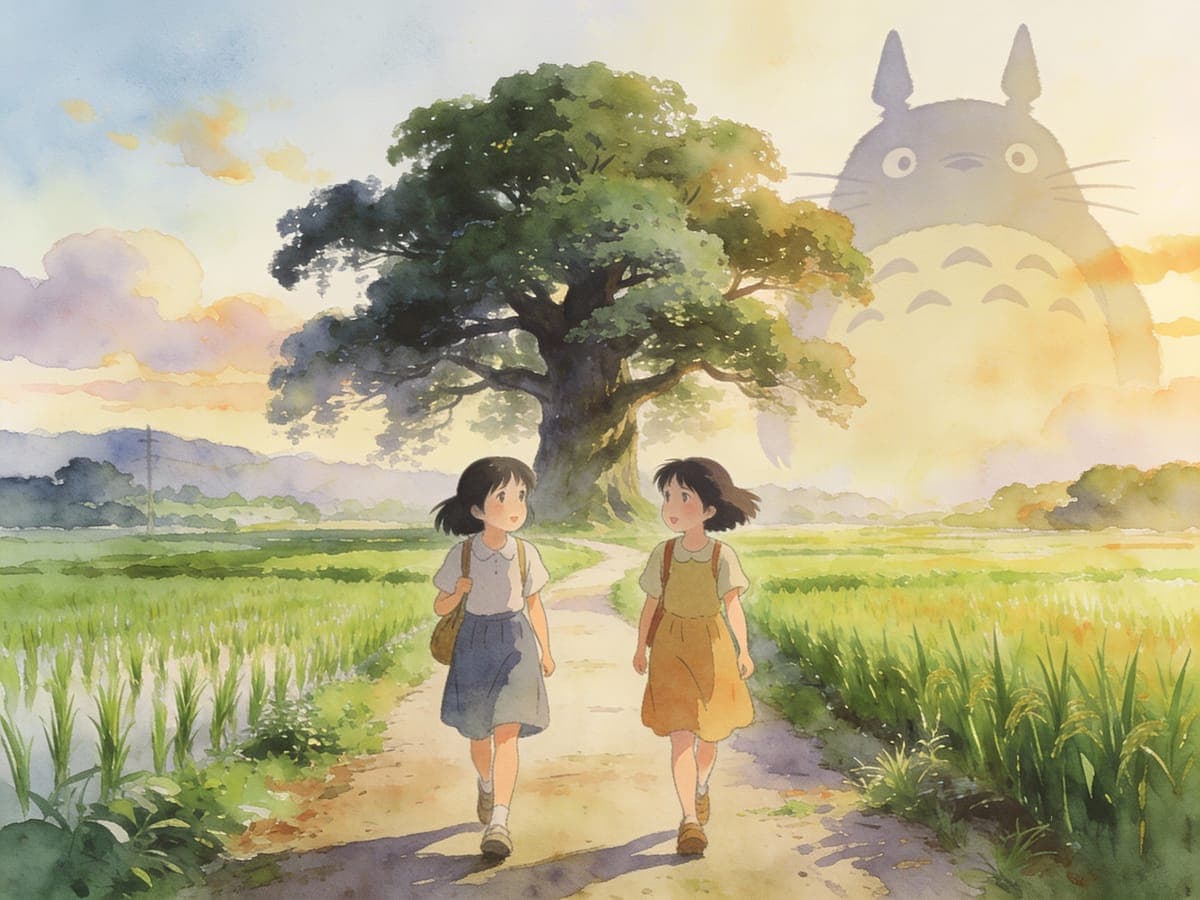
Repaint Your Travel Memories
Landscapes, countryside roads and city streets turn into painterly backgrounds with glowing skies. Your favorite trip photos start to look like film stills. Try other art styles
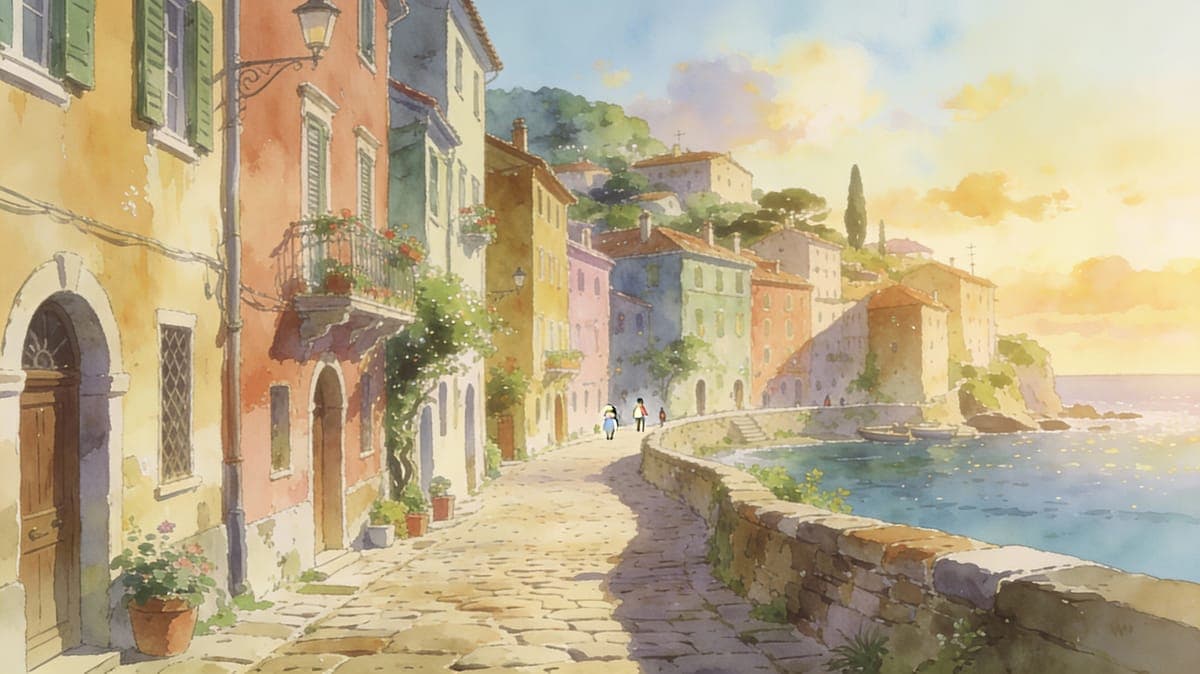
Give Your Pet a Ghibli Moment
Upload a photo of your cat or dog and see it drawn in a gentle, storybook style. It makes a sweet profile picture or print for your wall. Create a pet portrait
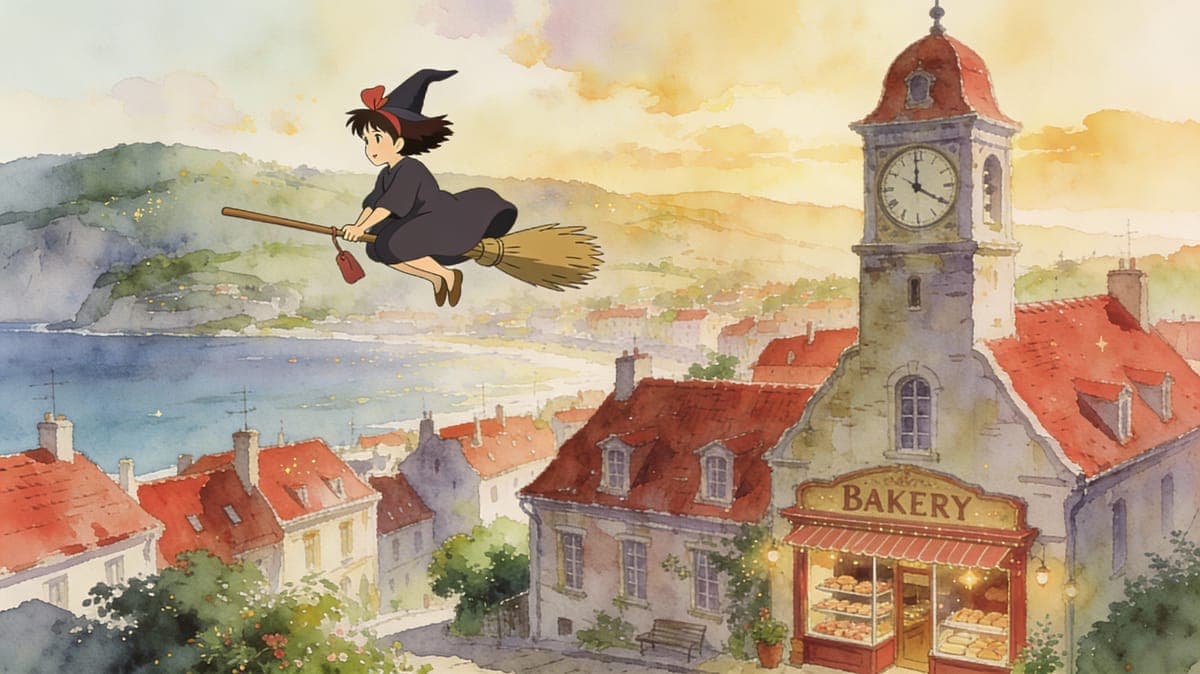
Make a Personal Gift for Fans
Create a Ghibli-style portrait of a friend who loves these films. A one-of-a-kind picture of them means more than anything off a shelf. Try general anime styles
Who Uses AI Photo to Ghibli
Four ways people use it every week

See yourself drawn in your favorite film's style
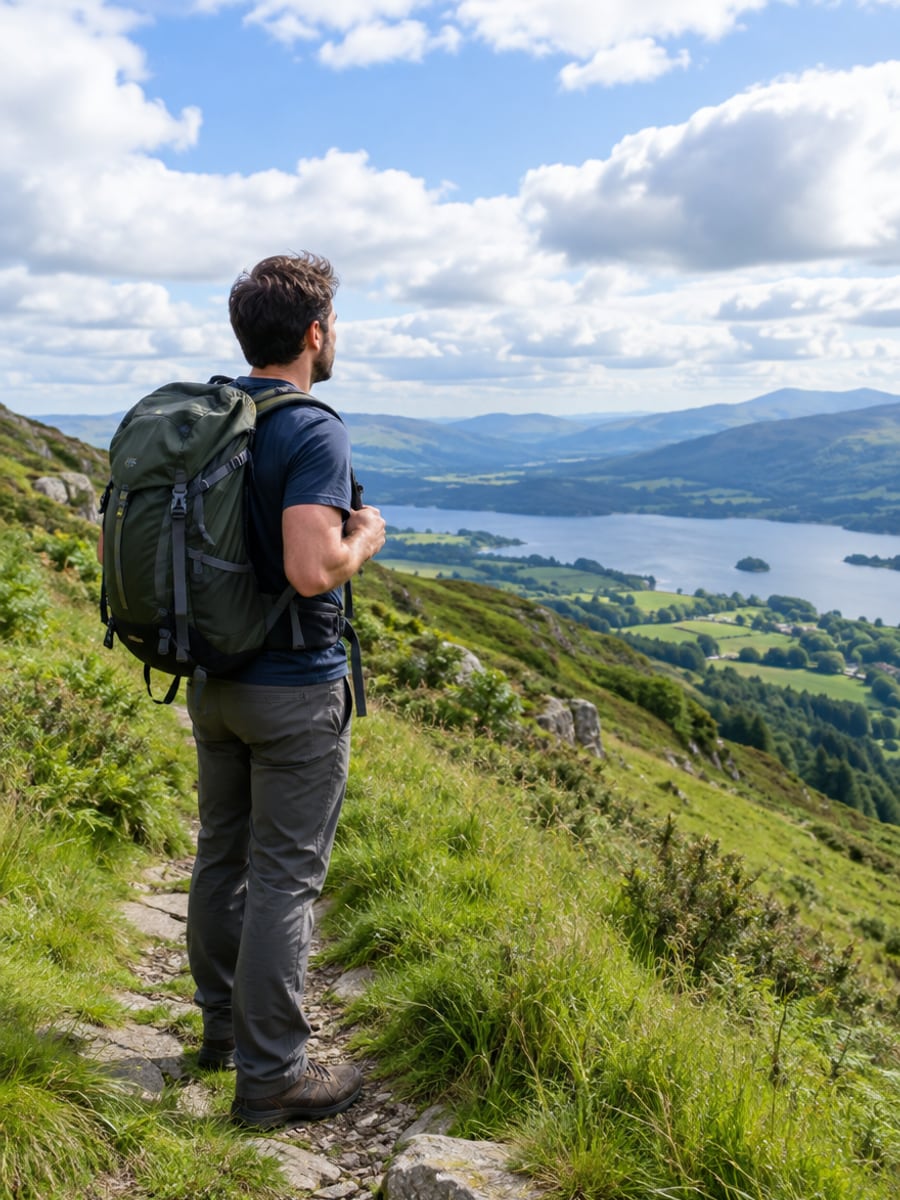
Turn trip photos into painted film scenes
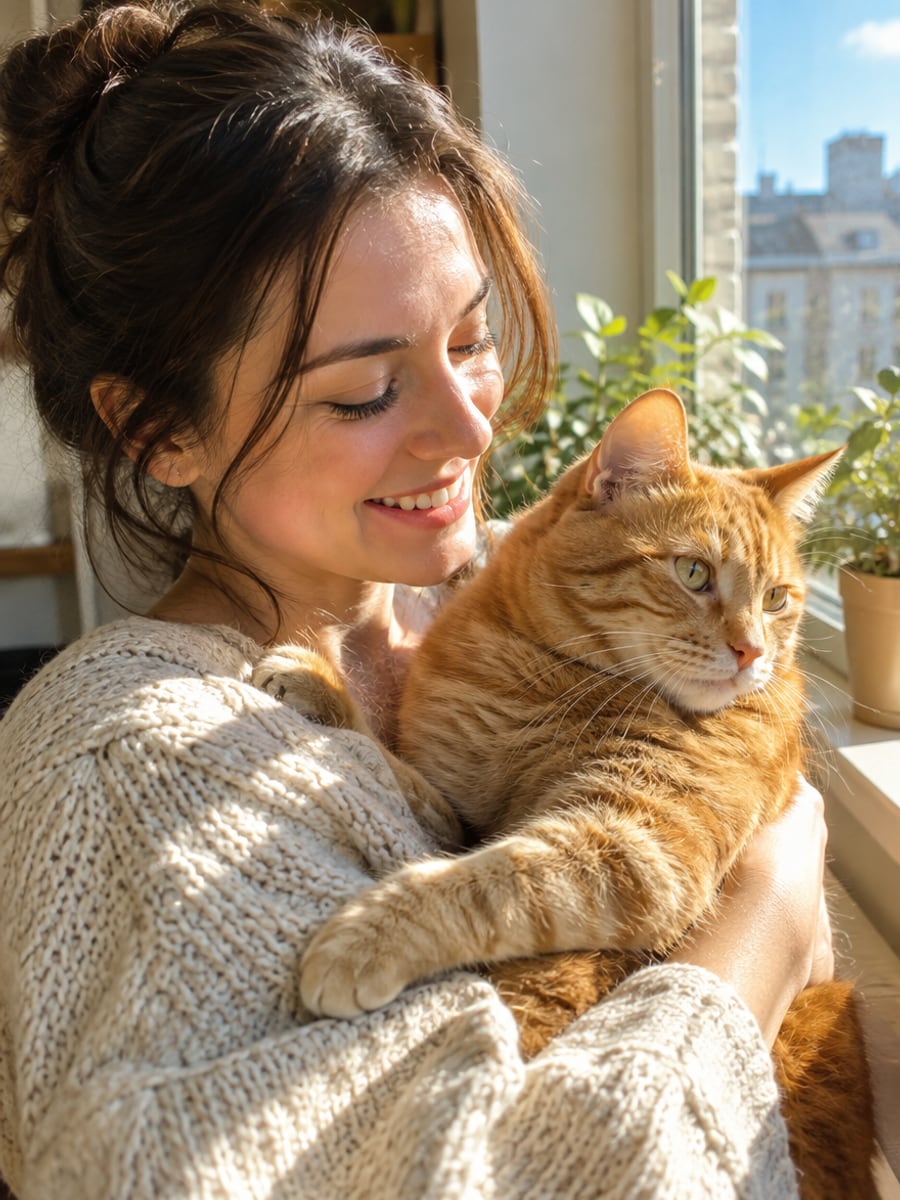
Give your cat a storybook portrait
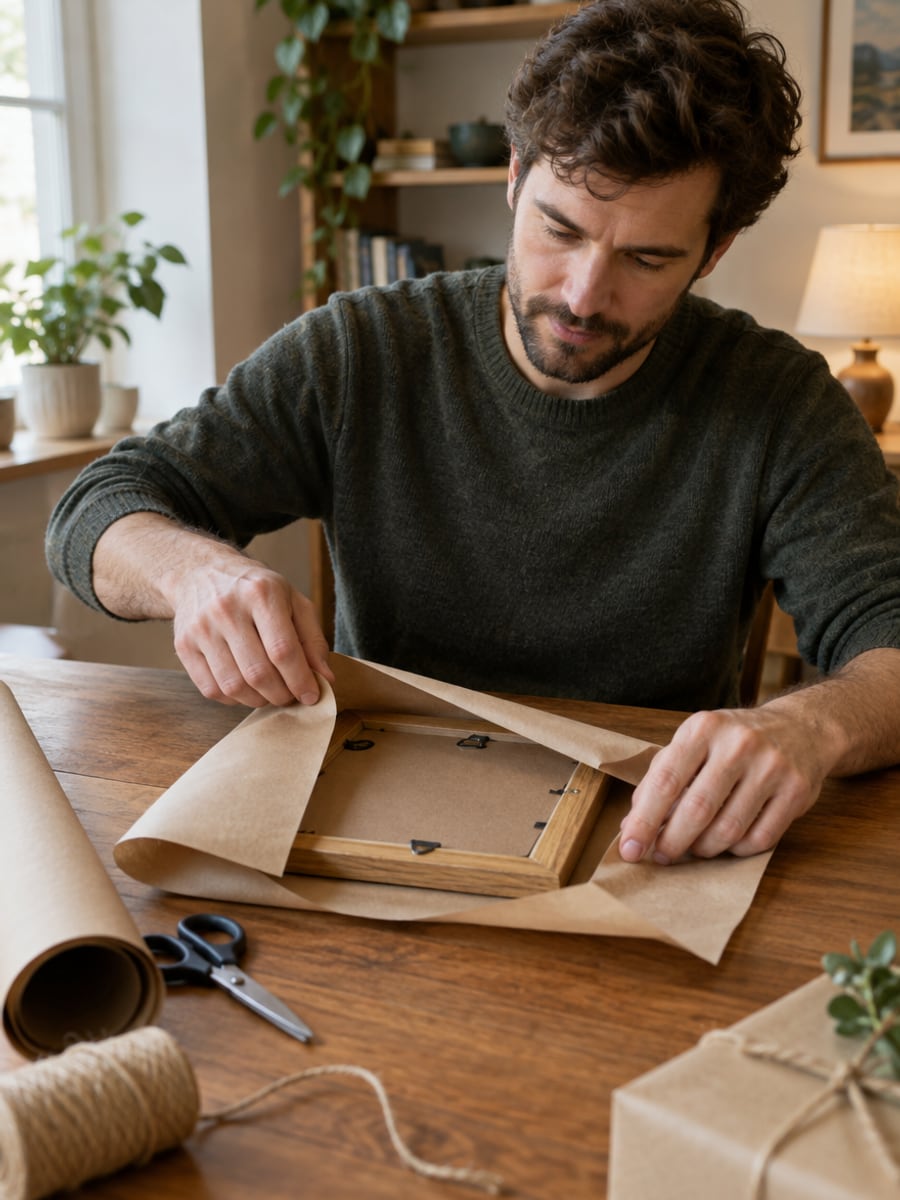
Make a framed gift a fan will treasure
How to Turn Photos Ghibli Style with CreateVision
Upload your photo, select a style, and download your professional result instantly

Upload Your Photo
Upload a portrait, landscape or pet photo. Clear, well-lit images give the cleanest result.

Pick a Film Style
Choose one of 10 film-inspired looks, from Totoro's warm countryside to Mononoke's deep forests.

Download Your Art
Get your Ghibli-style picture in high resolution, ready to share or print.
The All-in-One AI Creation Platform
One account for images, videos, an AI agent that works for you, expert AI mentors and 80+ ready-made tools.

AI Image & Video Generator
Every leading model in one workspace: Seedream, Nano Banana, GPT Image, Seedance, Veo and more.
Open
Ava, your AI creative agent
Describe what you need and Ava plans, generates and iterates for you.
Open
80+ AI tools
One-click tools for photos, videos, cards, portraits and viral trends.
Open
Template library
Thousands of ready prompts and styles to start from.
Open
Studios
Portrait, marketing, poster and cinema studios for finished work, not single shots.
Open
AI model library
Compare and pick the right image or video model for every job.
Open
AI mentors
Learn from expert mentors in photography, design and video, then create with their guidance.
Open190K+ creators
Using CreateVision to create and share
What Users Say
Real feedback from users worldwide
“As a huge Ghibli fan, I'm amazed! My photo looks like it could be a frame from a Miyazaki movie.”

“Used this for my art portfolio. Clients love seeing their photos transformed into Ghibli style concepts.”

“Made Ghibli-style portraits of my students for graduation. They were absolutely thrilled!”

FAQs About Our AI Photo to Ghibli Converter
A Ghibli filter redraws a photo in the soft, hand-painted look associated with Studio Ghibli films. CreateVision's AI Photo to Ghibli works on portraits, landscapes and pets. You pick one of 10 styles inspired by individual films, and the AI repaints your photo in that look.
A good Ghibli filter gives you a real painted feel and still keeps your subject recognizable. CreateVision offers 10 film-inspired styles instead of one generic anime look. You can also choose between three style engines, including Identity for the closest facial likeness. It handles portraits, landscapes and pet photos.
Upload a photo, pick a film style, and choose a style engine. The AI keeps the composition and subject of your photo and repaints it with soft light, watercolor skies and painterly backgrounds. You then download the result in high resolution.
There are 10 styles inspired by Spirited Away, My Neighbor Totoro, Howl's Moving Castle, Ponyo, Kiki's Delivery Service, Princess Mononoke, Arrietty, The Wind Rises, Porco Rosso and Nausicaa. Portraits, landscapes, street scenes and pets all work. Outdoor and nature photos tend to give the richest painted backgrounds.
Each result costs credits based on the style engine you pick: Natural 60 (the default), Precise 50 or Identity 40 (closest facial likeness). You can start with 200 free credits from Google sign-up. Free accounts download with a small CreateVision mark, and subscribers and credit-pack buyers can turn it off.
No. These are AI-generated interpretations inspired by the Ghibli look, not official Studio Ghibli products. Use them for personal sharing, profile pictures and gifts. Do not sell them or present them as official Studio Ghibli artwork.
This tool focuses on the soft, hand-painted Ghibli feel, with styles tied to specific films. Photo to Anime covers broader anime looks. If you want a cleaner, more general anime style, try that tool instead.
Turn Your Photos Into Ghibli-Style Art
Upload a portrait, landscape or pet photo and pick one of 10 film-inspired styles.
Related Tools You Might Like
Explore more AI creative tools

Related Tools You Might Like
Explore more AI creative tools