
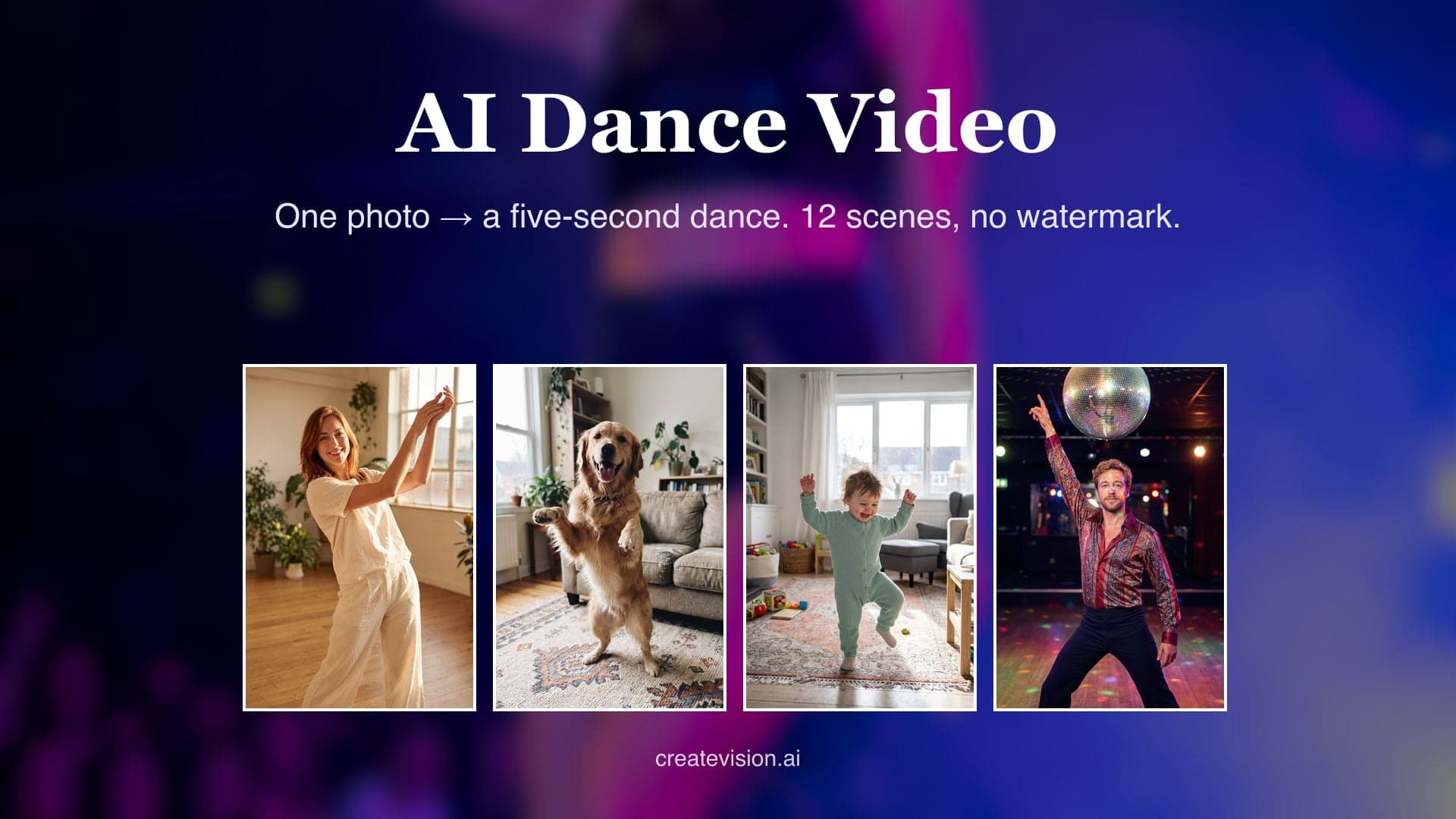
One clear full-body or half-body photo works best. The second slot is optional — use it for partner dances like salsa or the wedding first dance.
Preview
Why Do AI Dance Videos Usually Go Wrong?
We built this generator around the three things users complain about most in typical AI dance tools — and made each fix something you can verify.
"The face morphs into a stranger mid-move, arms bend backwards, extra legs appear… the dance is cool but it isn't me anymore."
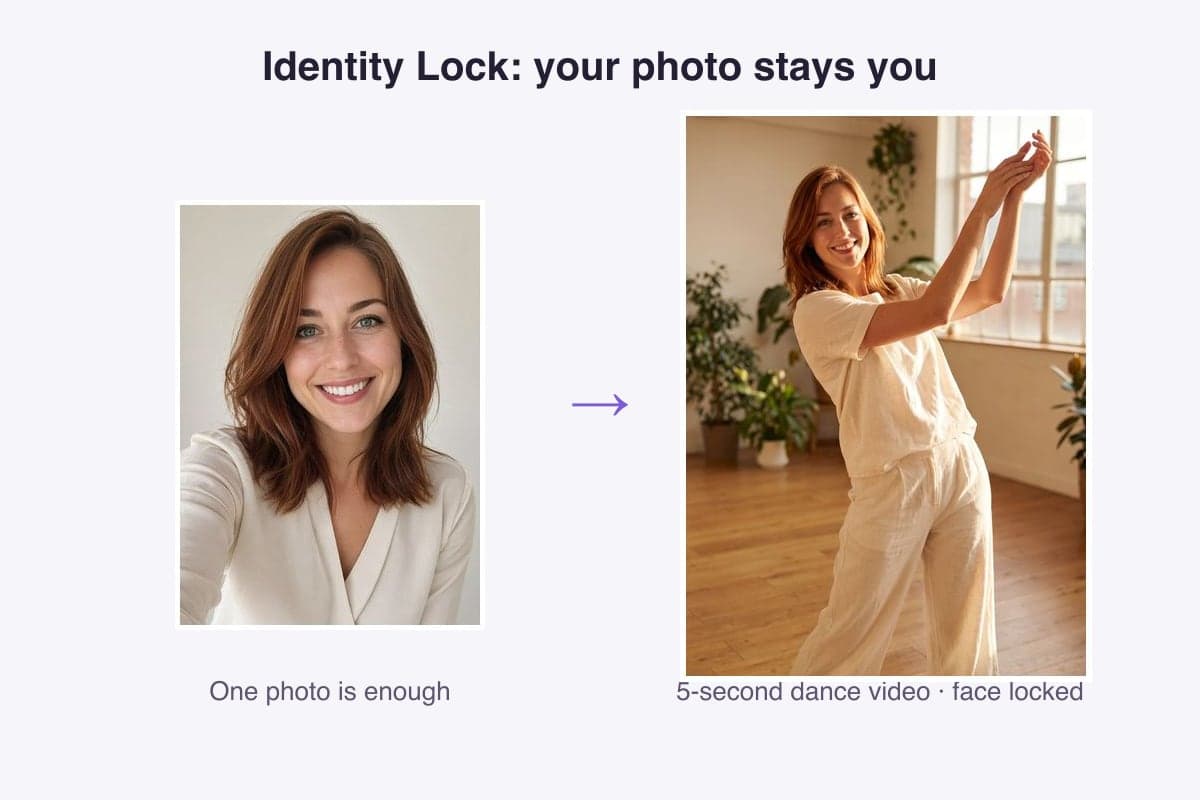
Identity lock keeps the face sharp through every move — check the same two people holding up across all 12 scenes below, pets included.
"Failed generations burned my credits with nothing to show, and support never answered."
If a generation fails, your credits are refunded automatically — every time, no support ticket needed.
"It looked free until I uploaded my photo — then came the paywall and a weekly subscription."
Pricing is on the page: 45 credits for a 5-second Grok clip, 75 with Seedance Mini, 550 with Seedance 2.5 — and a failed run is refunded automatically.
What is AI Dance Video?
The AI Dance Video Generator turns one photo of a person or pet into a 5, 10 or 15 second dance clip. Pick one of 12 scenes, from the viral Sway Dance to K-pop or a wedding first dance. The face is locked before the moves start, so the dancer stays recognizable.
12 Dance Scenes, Real Results
Every clip below was generated by this tool — same prompts you'll use. Hover any card to play.
Sway Dance
The viral TikTok effect: your photo starts swaying in a smooth, hypnotic rhythm. The trend everyone is trying — from a single photo.
Dancing Dog
Your dog on two legs, paws paddling to the beat. The clip your group chat will replay all week.
Dancing Cat
A cat that suddenly knows choreography. Peak internet — starring your own cat.
Baby Dance
Wobbly knees, waving arms, pure giggles. The adorable baby dance clip grandparents demand on repeat.
Hip-Hop
Chest pops and sharp footwork on a dusk street. Turn any photo into street-dance swagger.
K-Pop Stage
Idol-grade point choreography under stage lights, hair flip included. Main-character energy.
Salsa Together
A led turn, a flaring dress, a laughing close hold — the partner dance for two photos.
Ballet
An arabesque melting into a slow turn in a sunlit studio. Elegance from one photo.
70s Disco
Mirror ball, wide collar, the classic point-up move. Send someone back to the 70s.
Robot Dance
Stiff ticks, chest slides, deadpan face. The meme dance that never misses.
First Dance
The first dance under fairy lights — a twirl, a close embrace. Relive it or preview it.
Kitchen Dance with Grandma
A gentle kitchen twirl with grandma, both laughing. The wholesome clip that melts the family chat.
Why Creators Pick Our AI Dance Video Generator
Made for everyday people, not editors.
Stay Recognizably You Mid-Spin
Your photo pins face shape, hairstyle and skin tone before the moves start, so the dancer still looks like you on every turn.
Make Anyone Dance, Even Pets
You, your partner, grandma, a toddler, your dog or your cat. One clear photo is enough to get them moving.
Built for Vertical Feeds
Clips default to 9:16 for Reels, TikTok and Shorts. Switch to 1:1 or 16:9 when you need a different frame.
See What You Can Make With AI Dance Video
Real moments, ready to share — pick the one that fits.
Jump on the Sway Dance Trend Fast
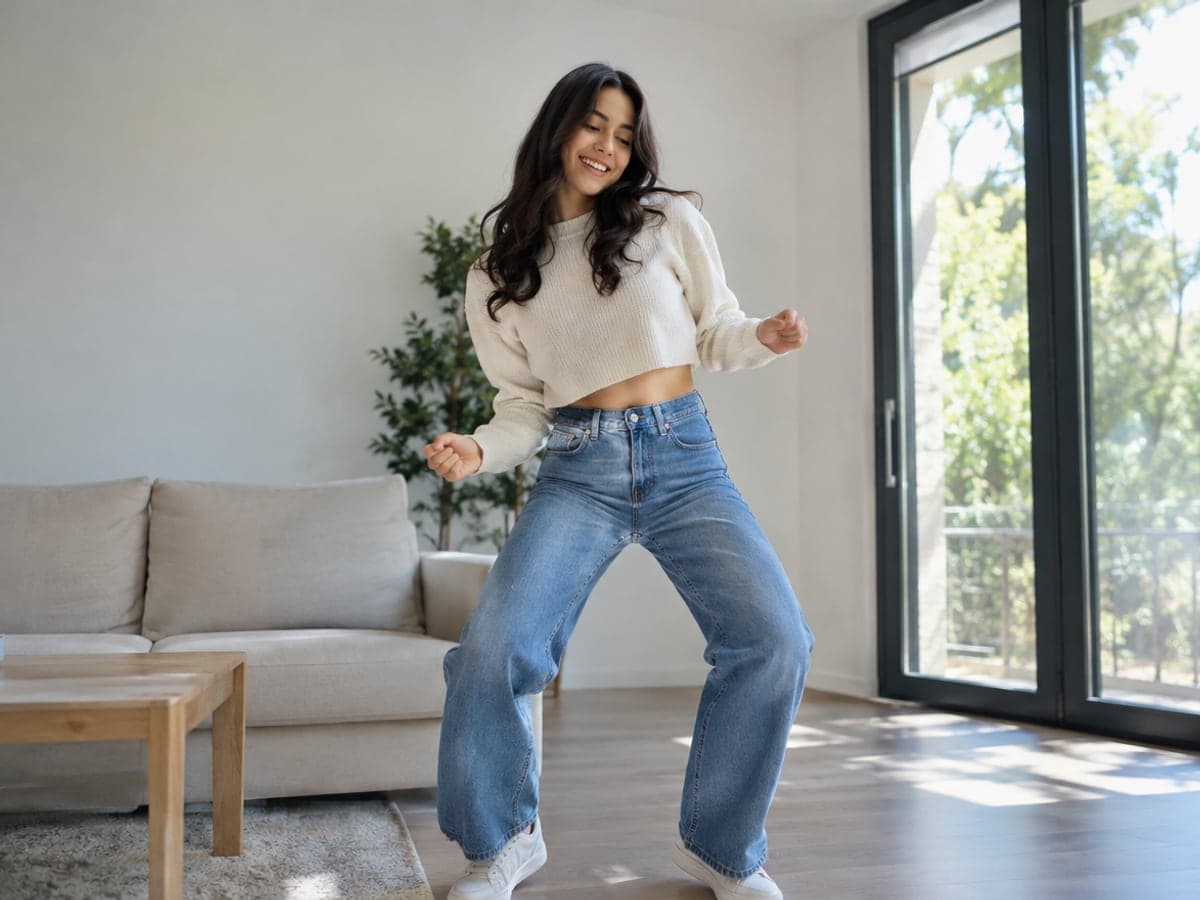
Upload one photo and pick Sway Dance to get the looping viral move. You can post your version while the trend is still climbing. Try a celebrity clip
Choose From Twelve Dance Styles
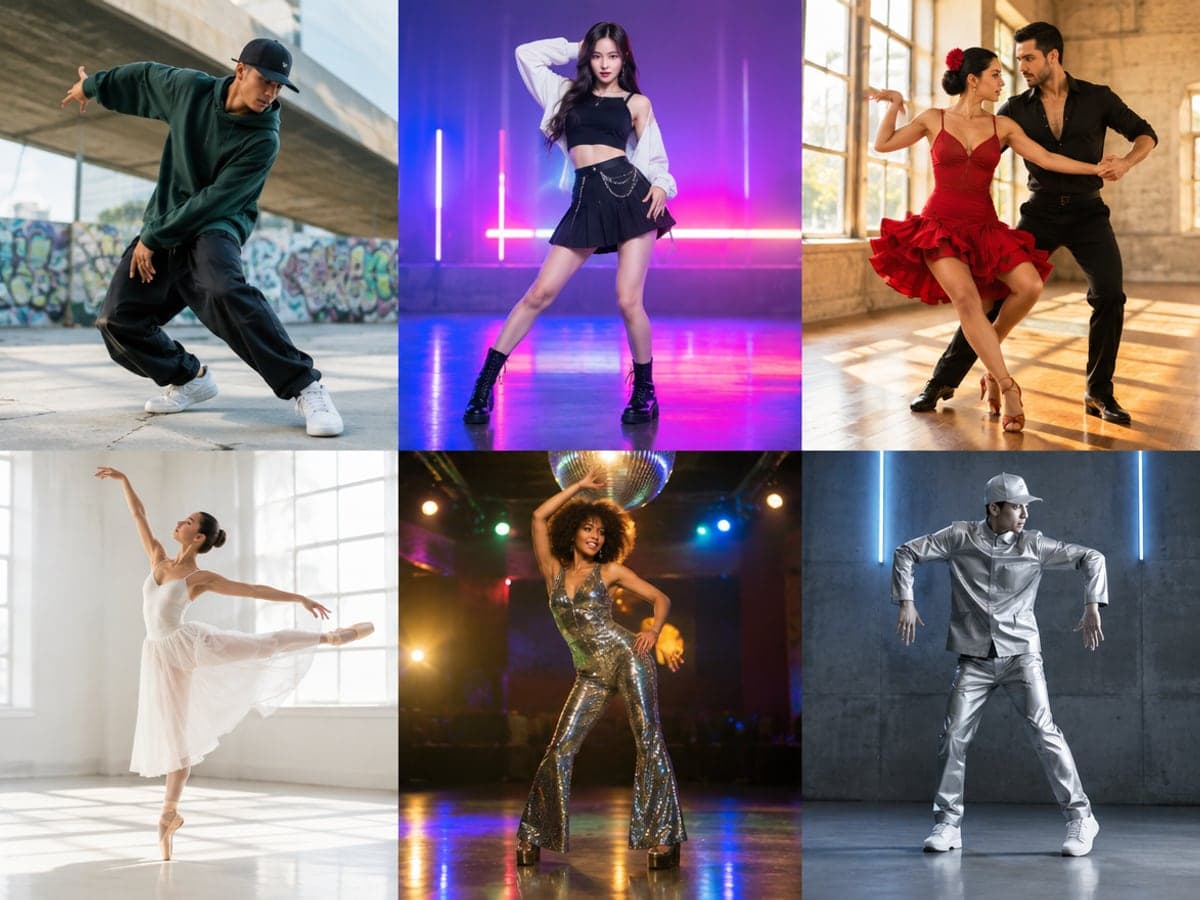
Go hip-hop, K-pop, salsa, ballet, disco or robot with one tap. Each scene sets the moves, lighting and framing for your photo. Make a hug video
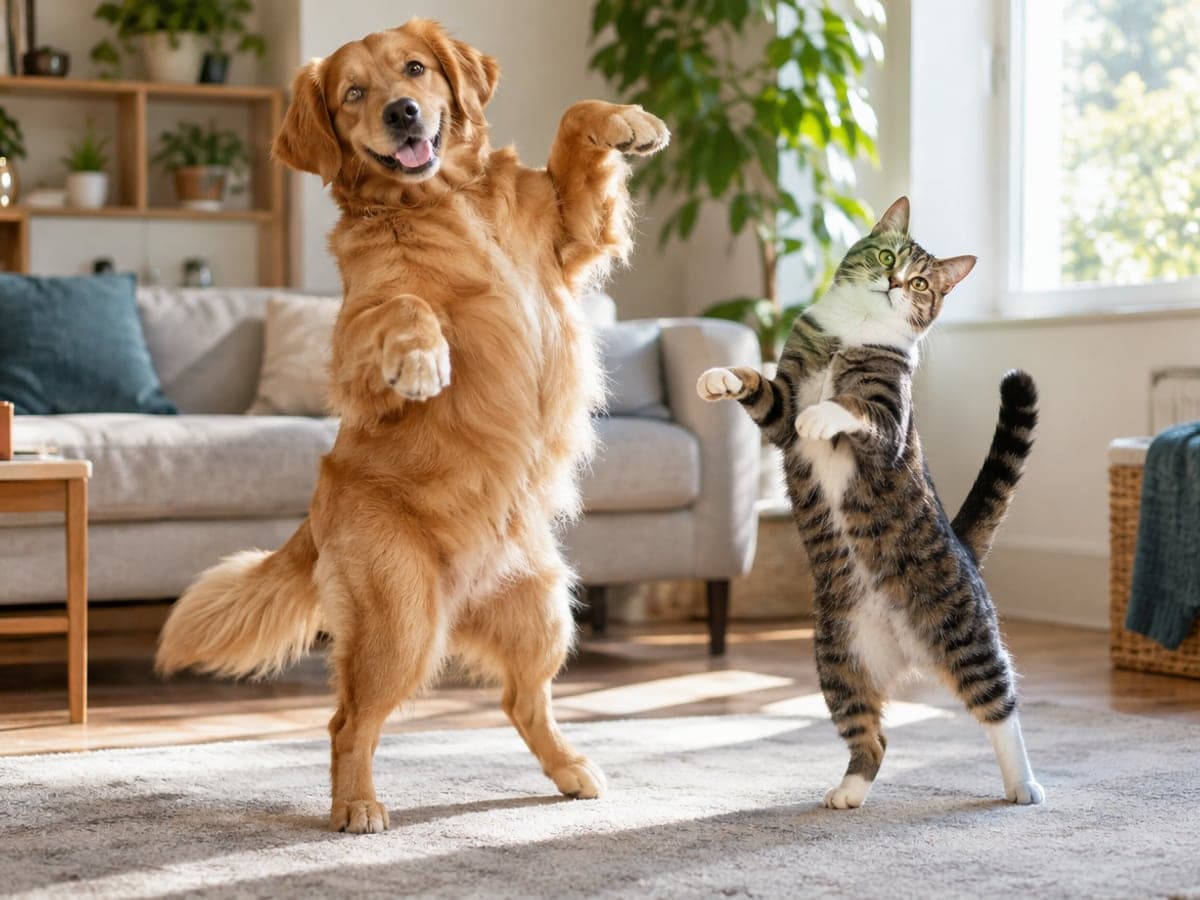
Give Your Dog or Cat Some Moves
Pick Dancing Dog or Dancing Cat and your pet's breed, coat color and markings stay intact. It is the clip your followers will ask for again. More pet videos
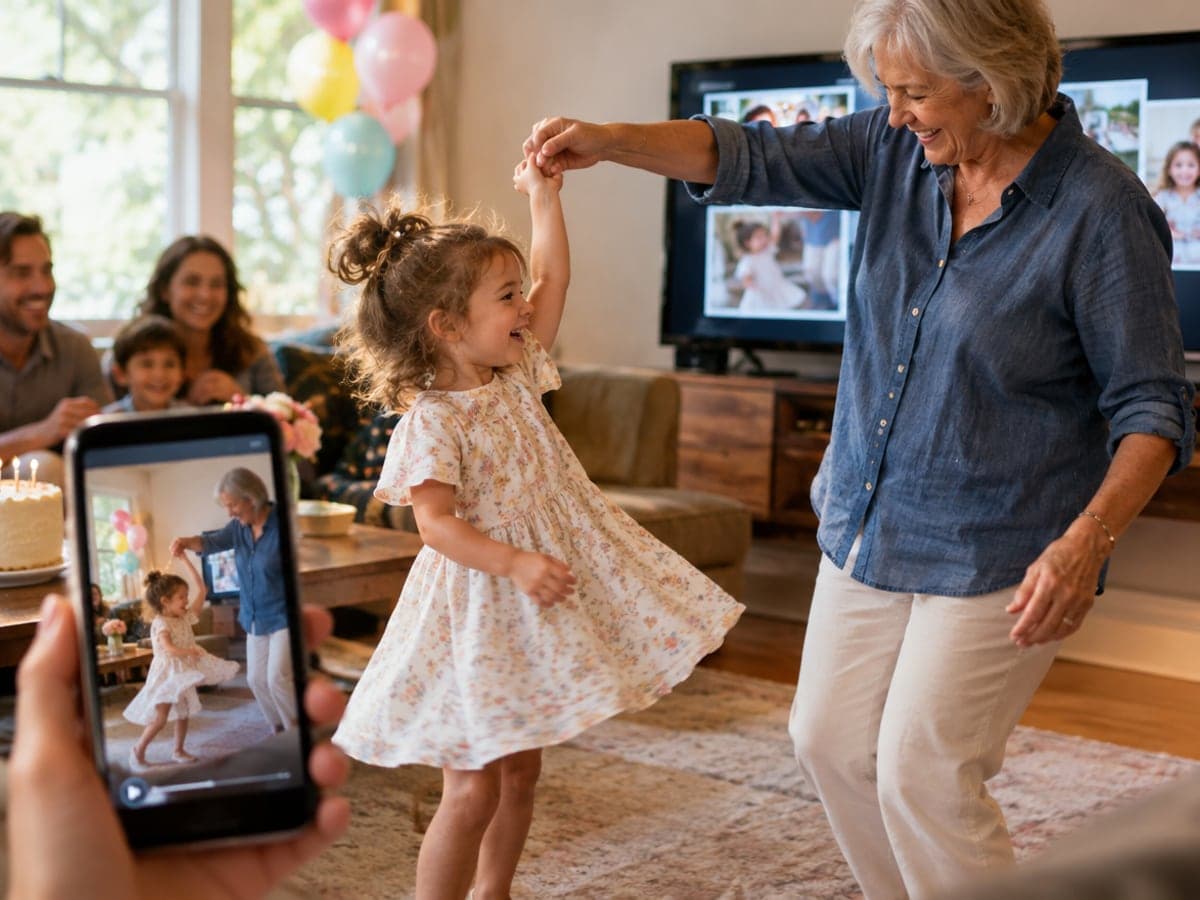
Turn Family Photos Into Party Clips
Make a toddler's first dance, a kitchen twirl with grandma or a wedding first dance. Drop the clip into a birthday slideshow or the family chat. Try a kiss video
Who Uses AI Dance Video
Four ways people use it every week
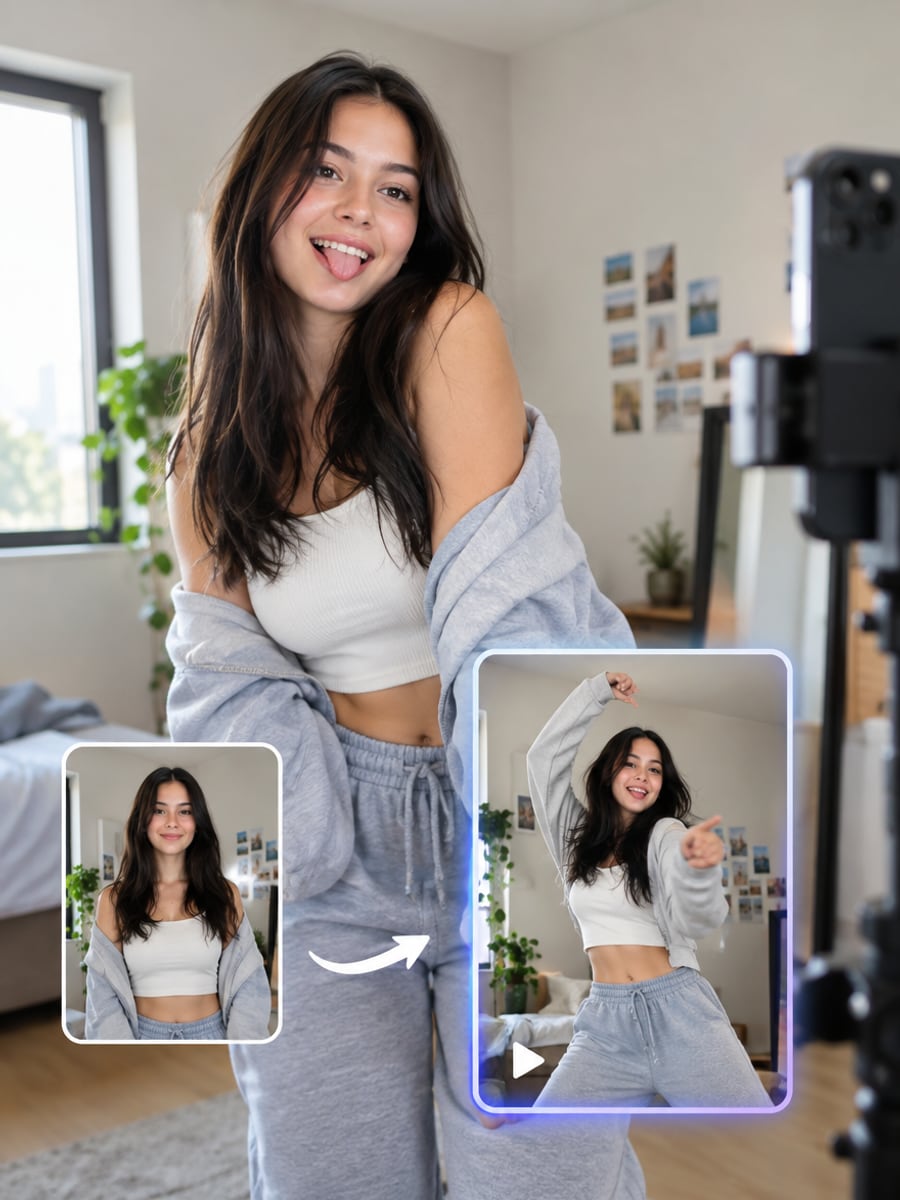
Post the newest dance trend from one photo
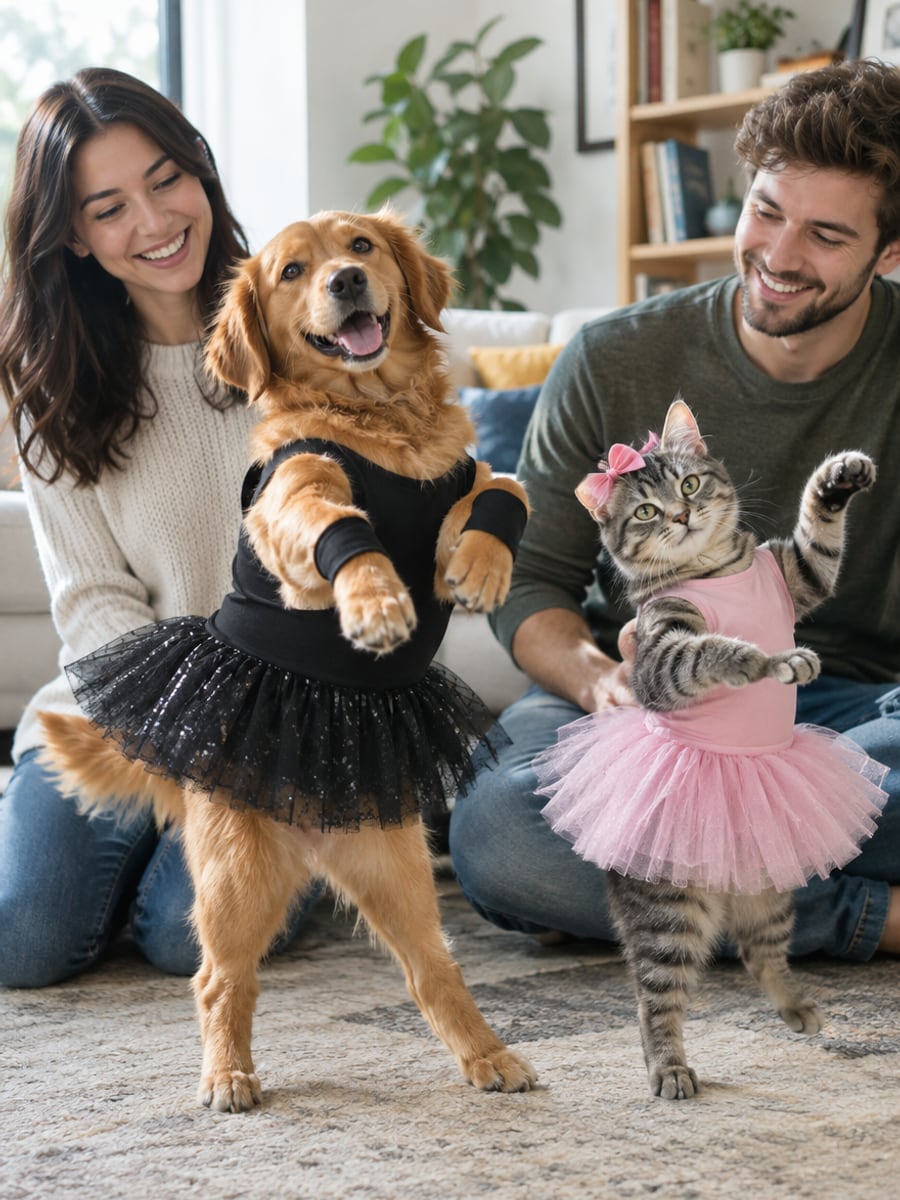
Turn your dog or cat into a dancer
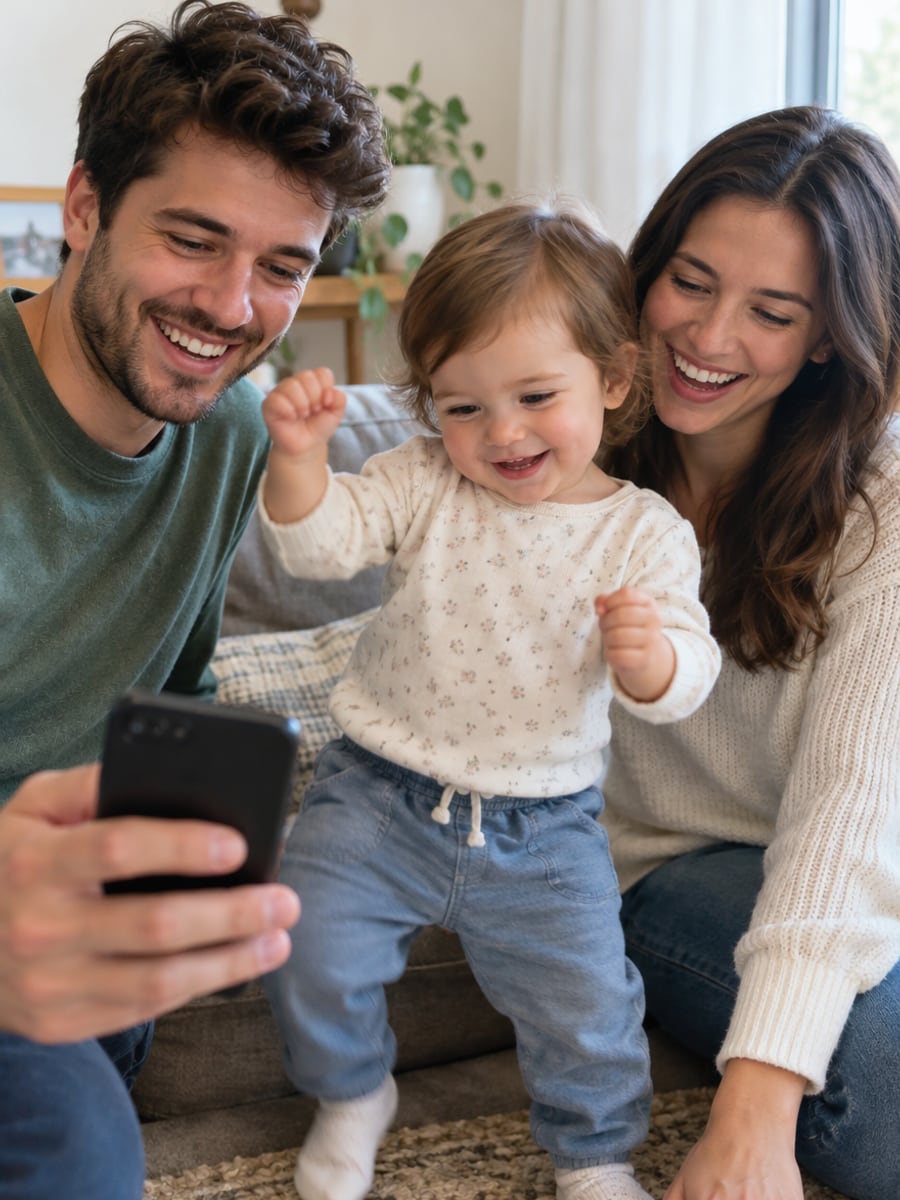
Share a baby dance clip the whole family replays
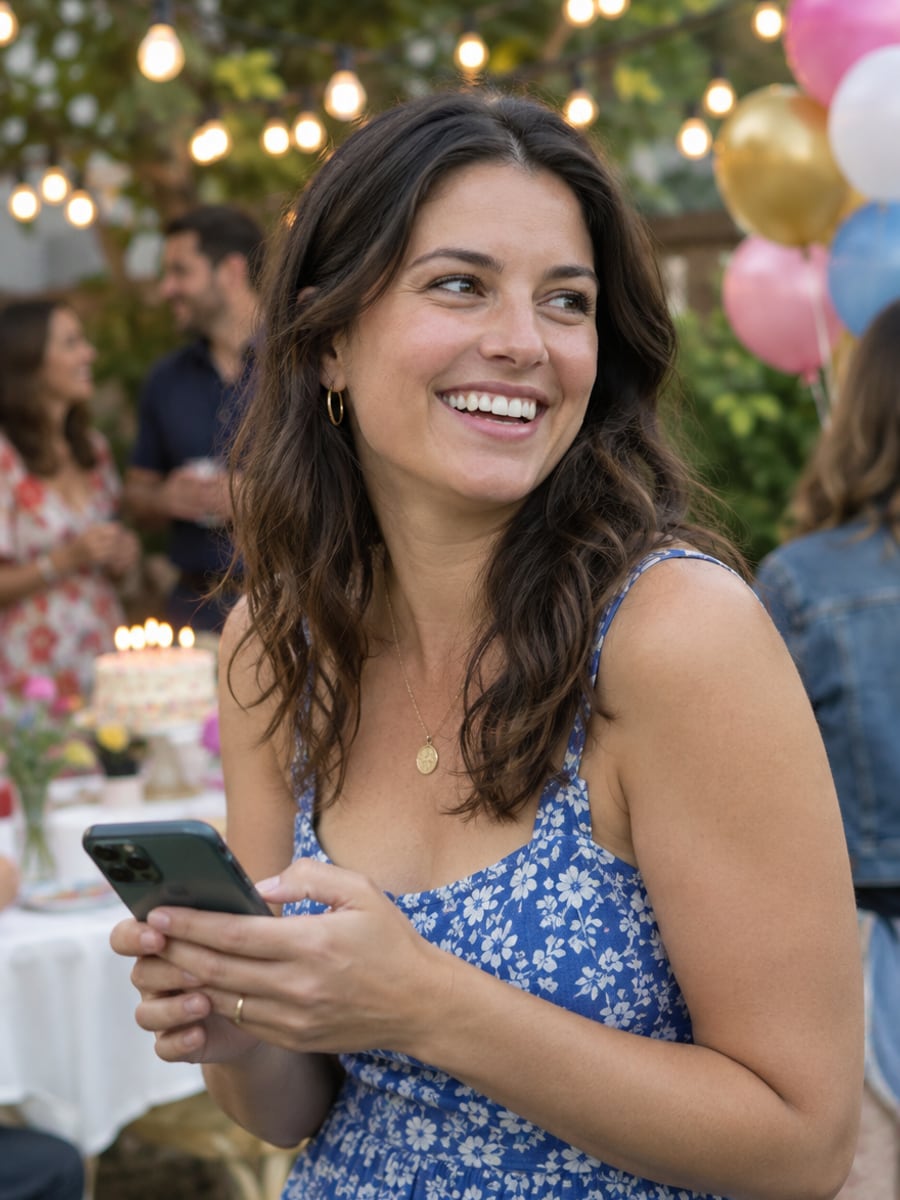
Make the guest of honor dance on screen
How to Make a Photo Dance with CreateVision
Three small steps to a video you'll actually want to send.
Upload a clear photo
Add one or two clear, front-facing photos. A full-body shot gives the dancer the most room to move.
Pick a dance
Choose one of 12 dance scenes, from Sway Dance to salsa, or write your own short prompt.
Generate and download
Choose 5, 10 or 15 seconds and 480p or 720p, then click Generate and download your MP4.
The All-in-One AI Creation Platform
One account for images, videos, an AI agent that works for you, expert AI mentors and 80+ ready-made tools.

AI Image & Video Generator
Every leading model in one workspace: Seedream, Nano Banana, GPT Image, Seedance, Veo and more.
Open
Ava, your AI creative agent
Describe what you need and Ava plans, generates and iterates for you.
Open
80+ AI tools
One-click tools for photos, videos, cards, portraits and viral trends.
Open
Template library
Thousands of ready prompts and styles to start from.
Open
Studios
Portrait, marketing, poster and cinema studios for finished work, not single shots.
Open
AI model library
Compare and pick the right image or video model for every job.
Open
AI mentors
Learn from expert mentors in photography, design and video, then create with their guidance.
Open190K+ creators
Using CreateVision to create and share
AI Dance Video Generator FAQs
An AI dance video generator turns a still photo into a short clip of that person or pet dancing. On CreateVision you upload a photo, pick a dance scene such as Sway Dance, hip-hop or K-pop, and get a 5, 10 or 15 second video.
The best one keeps the dancer recognizable and gives you real choice of moves. CreateVision locks face shape, hairstyle and skin tone before animating, offers 12 dance scenes including pets and couples, and outputs vertical 9:16 clips ready for Reels, TikTok and Shorts. Every scene preview on this page was made with the same tool you use.
You upload one or two photos and pick a dance scene. The generator first locks each face, then animates the moves, lighting and camera framing for that scene. You choose the length, resolution and quality tier before you click Generate.
A clear, front-facing photo that shows at least the upper body works well, and a full-body shot gives the best moves. Good light helps. Sunglasses, heavy shadows or crowded group shots lower the quality.
The default Quick tier costs 9 credits per second at 480p and 17 credits per second at 720p. A 5-second 480p clip is 45 credits, 10 seconds is 90 and 15 seconds is 135. Higher quality tiers cost more, and each tier button shows its exact price. You can start with 200 free credits from Google sign-up.
Yes, you can download the MP4 and post it to Instagram, TikTok or YouTube Shorts. Videos download as clean MP4s with no watermark on any plan. Only upload photos of people who have agreed to be animated.
Fast spins and complex footwork are hard to animate from one still frame, so hands or feet can blur in some takes. A sharp, well-lit full-body photo reduces this. If a generation fails, your credits are refunded automatically.
Make Any Photo Dance With AI Dance Video
Upload a photo, pick a dance style and get a vertical clip ready for Reels, TikTok and Shorts.
Related Tools You Might Like
Explore more AI creative tools