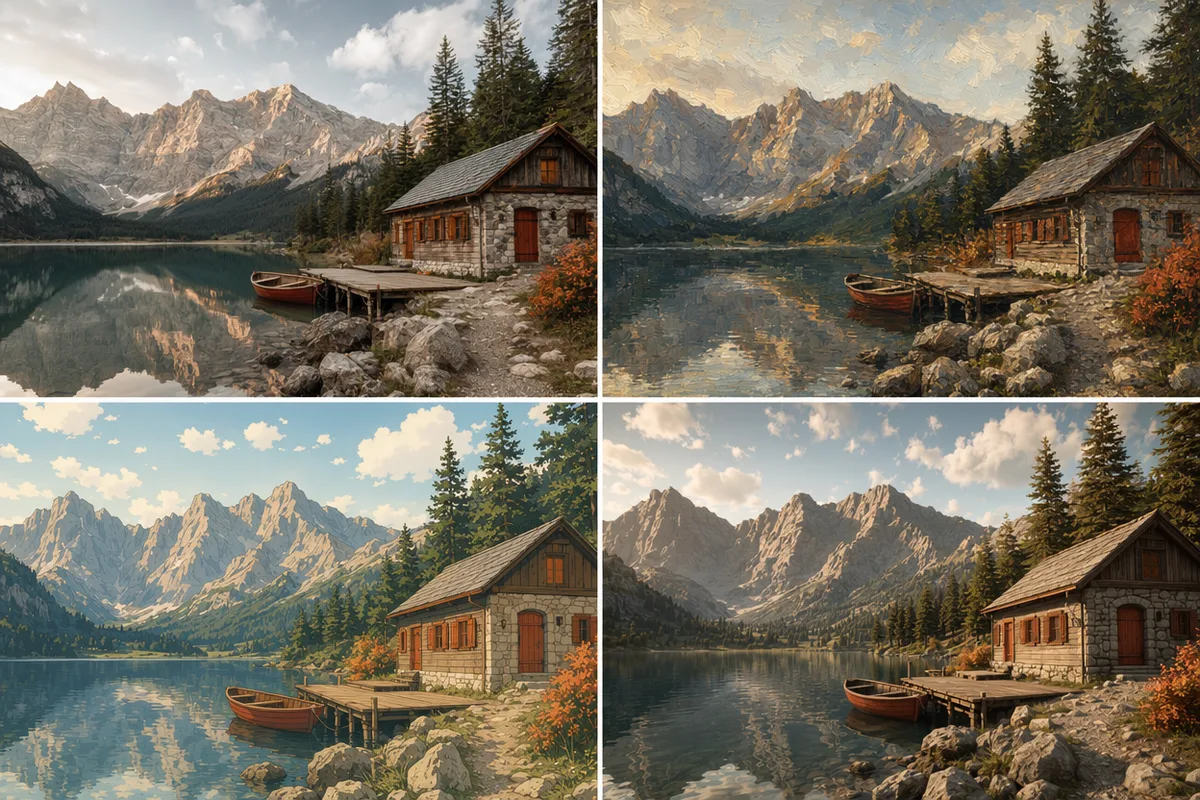


AI video model

Veo 3.1 Pro AI Video Generator

Produce premium, cinematic clips with Google Veo 3.1 Pro — native synced audio, resolution up to 4K, and reference-image guidance, all in one CreateVision AI workspace.

Premium cinematicNative audioUp to 4K

Explore More Models

Compare Veo 3.1 Pro with other video models — same workspace, one click to switch.

Get Inspired

A glimpse of what people are creating with AI video models on CreateVision AI.

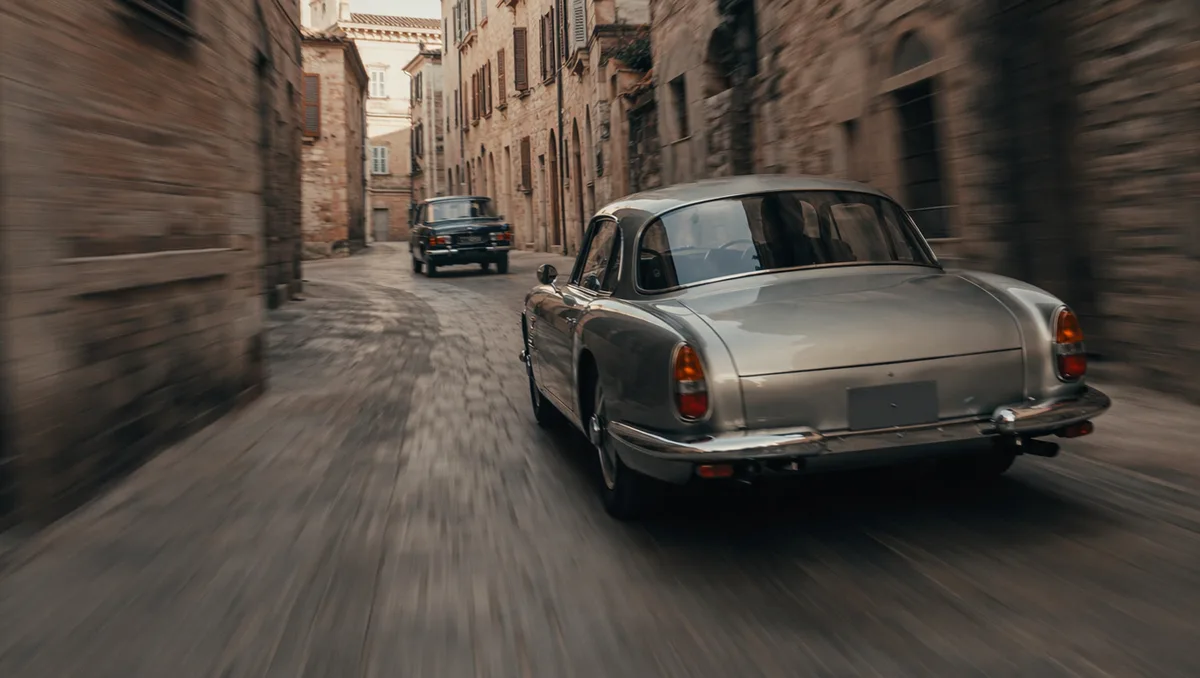
AI video still of a vintage car chase through narrow European streets
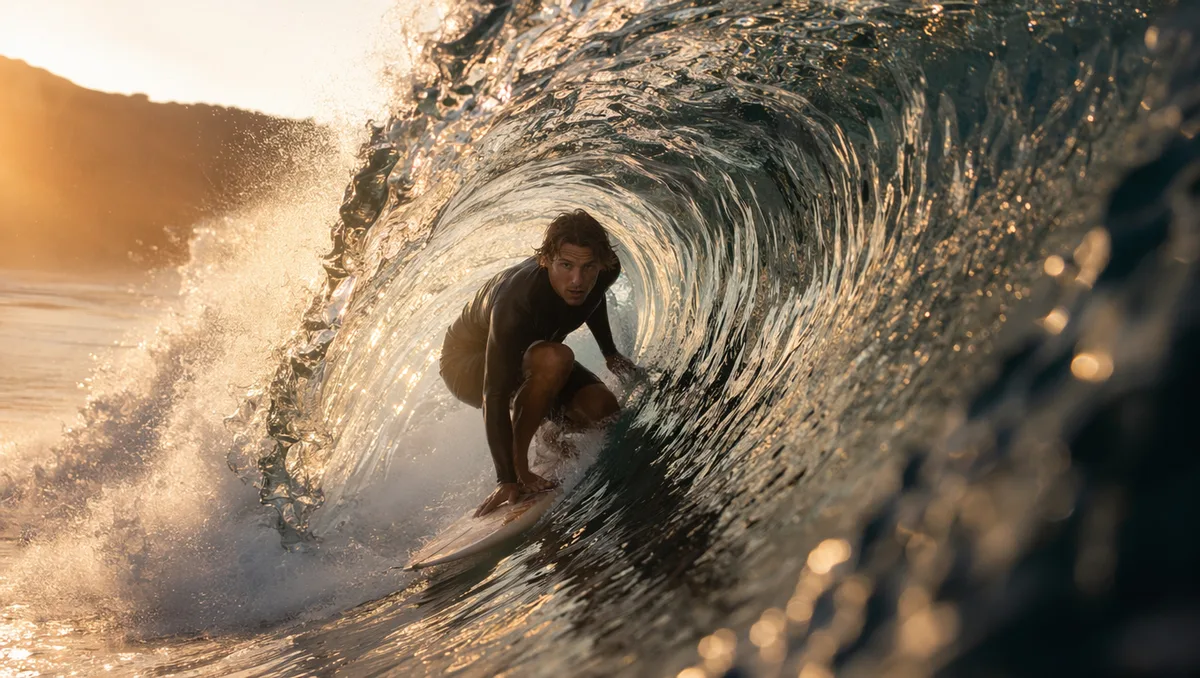
AI video still of a surfer inside a glassy barrel wave at sunrise
AI video still of northern lights swirling over a snowy cabin
AI video still of rain running down a cafe window with warm bokeh
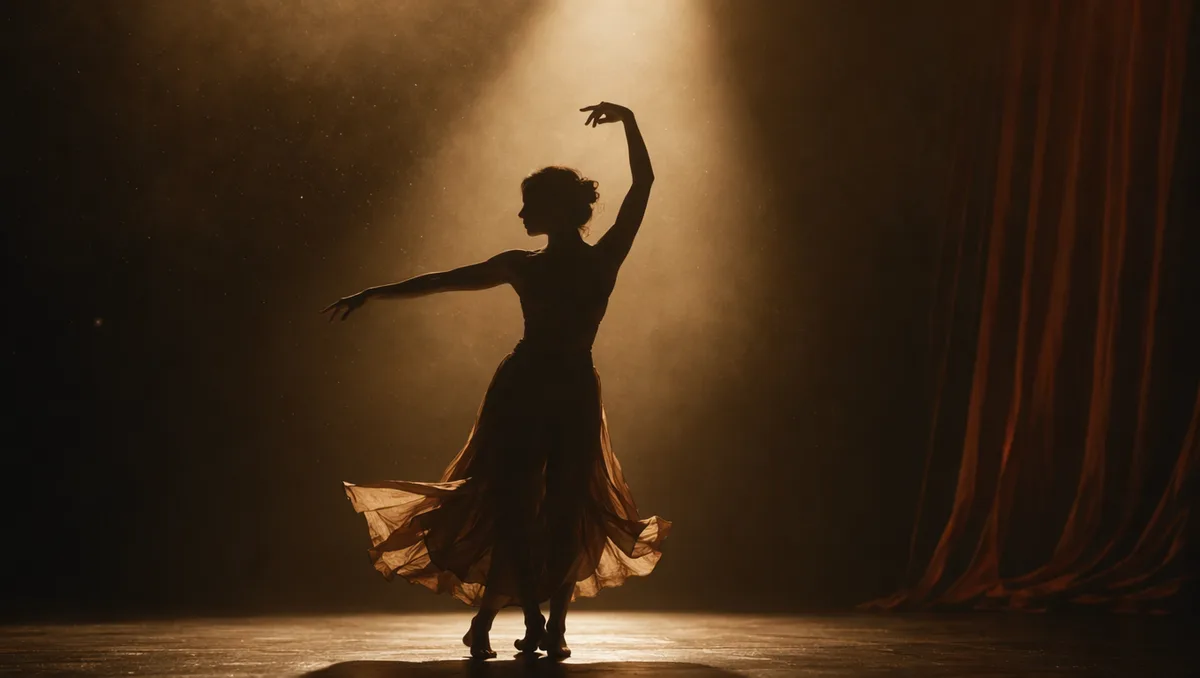
AI video still of a dancer silhouette on a smoky stage under amber light
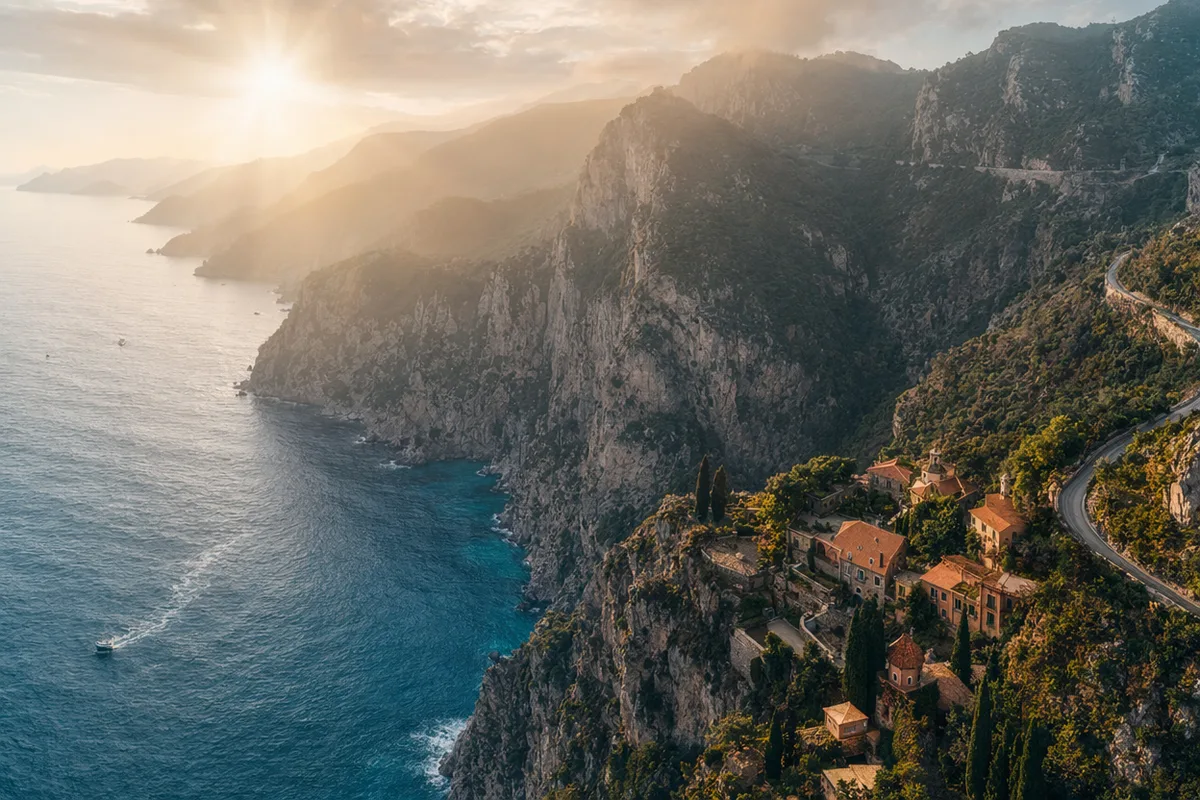
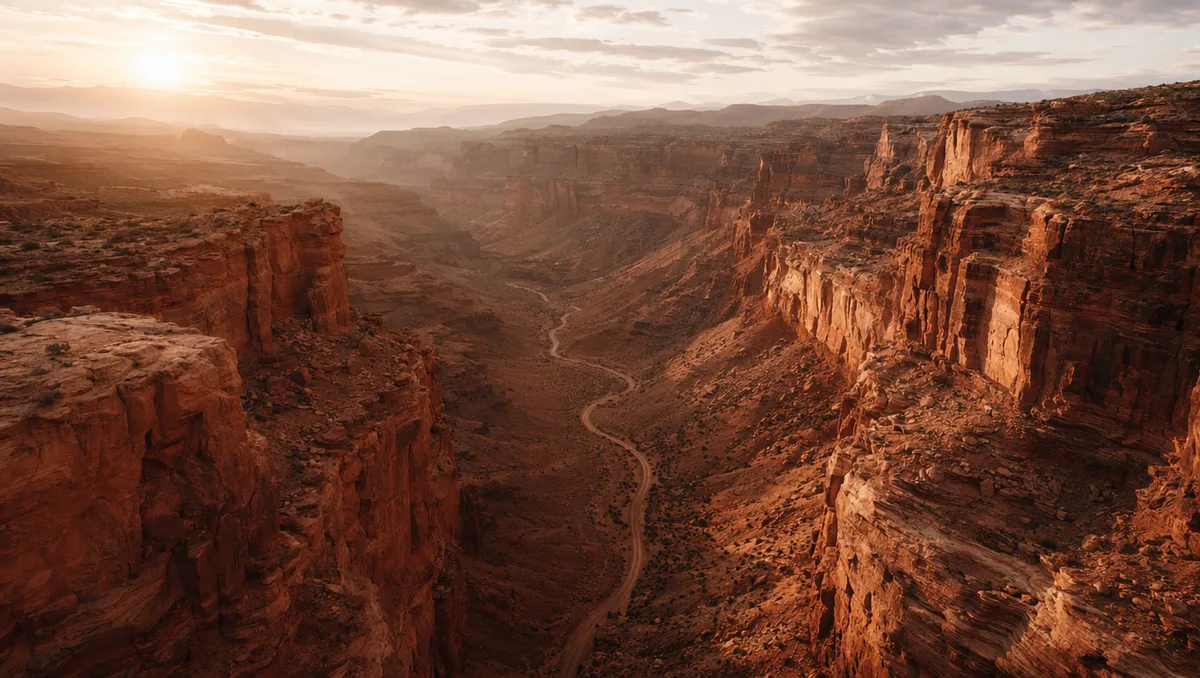
AI video still from a drone flight through a red rock canyon
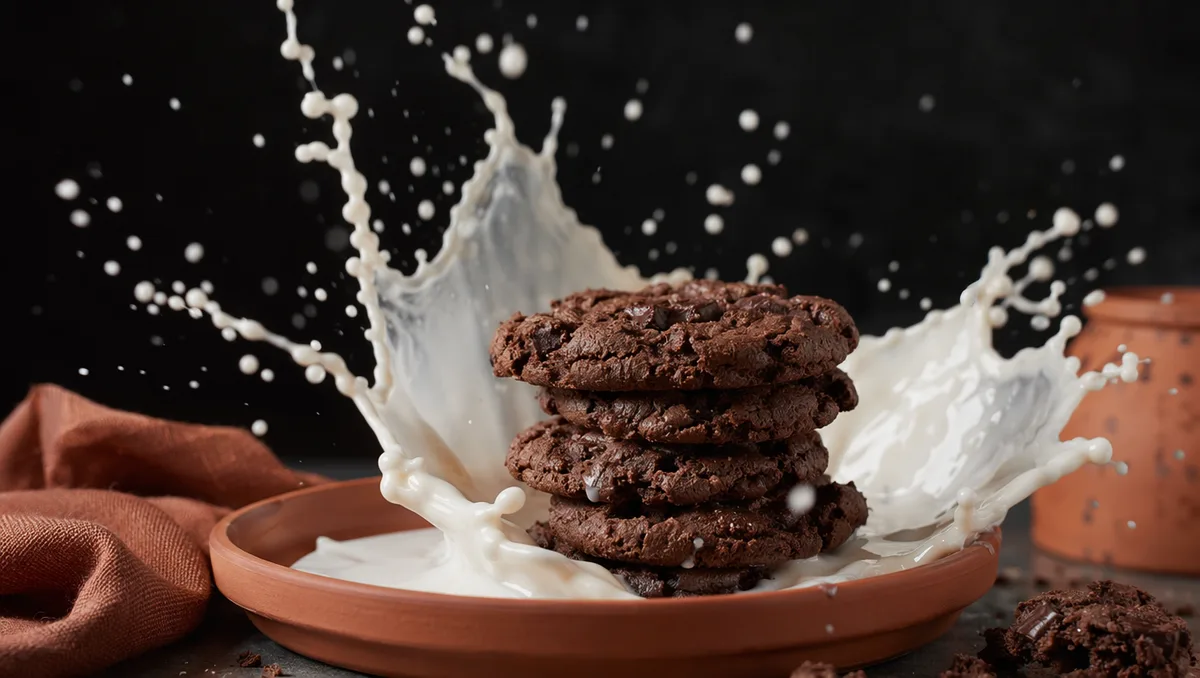
AI video still of milk splashing around chocolate cookies
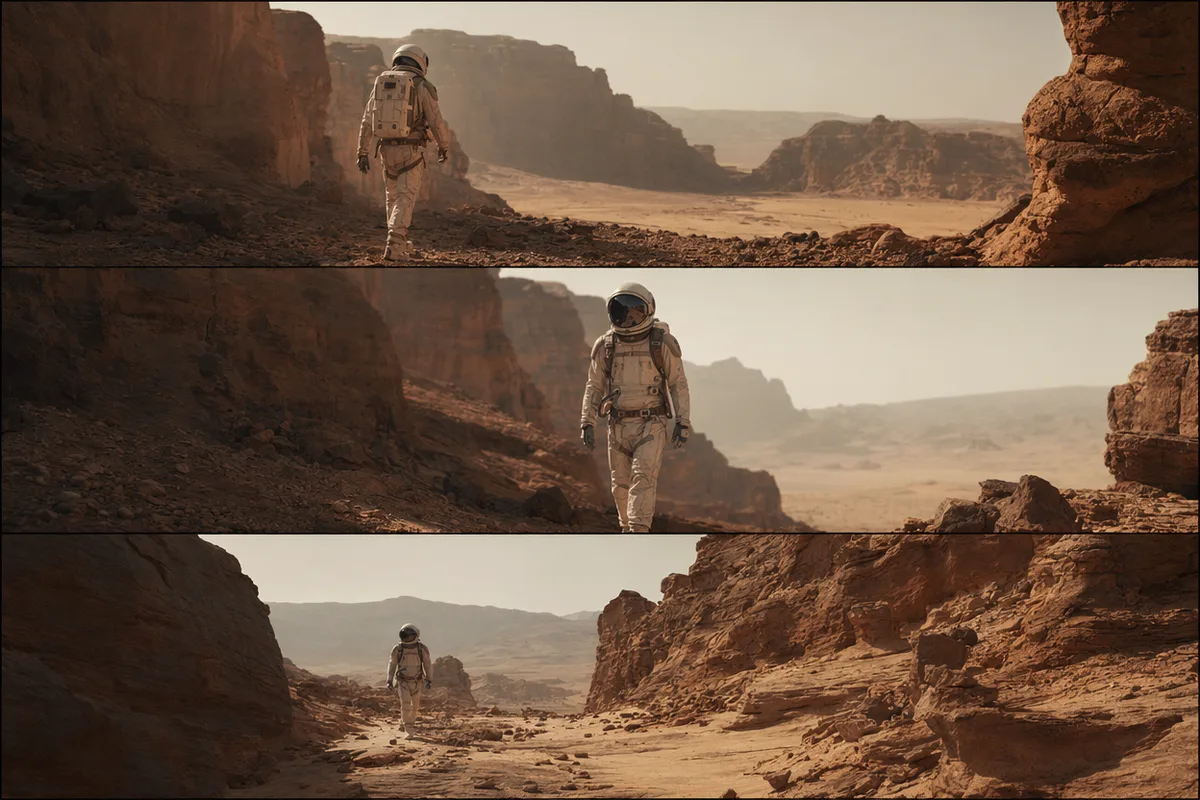
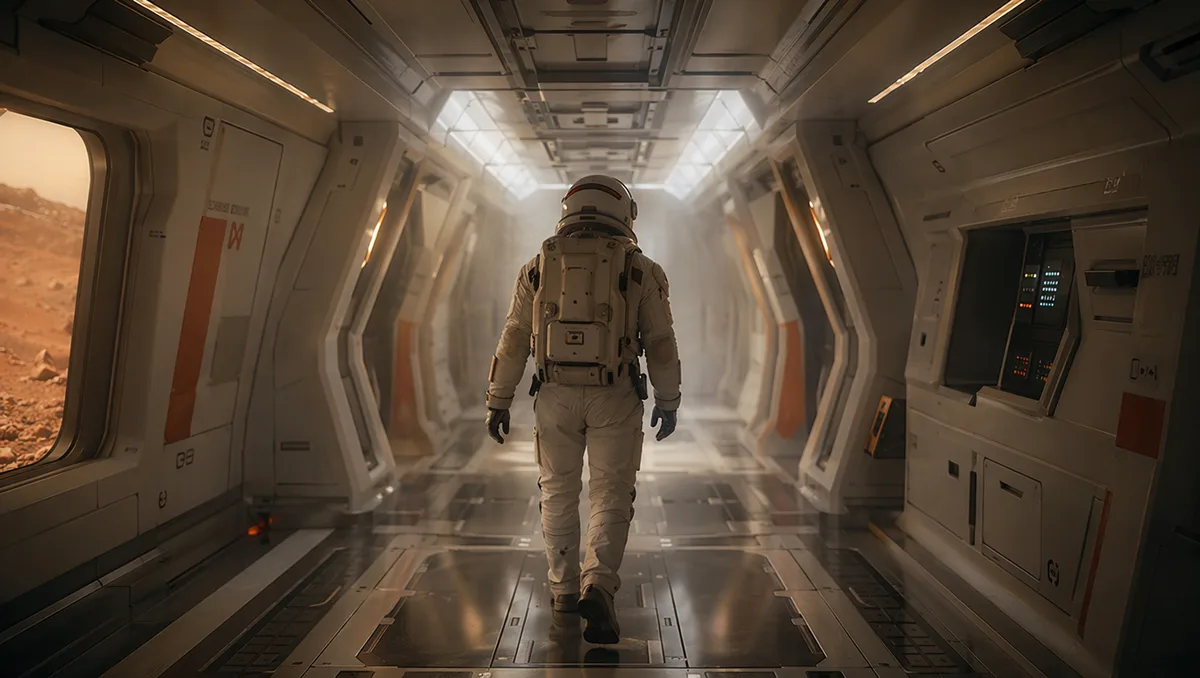
AI video still of an astronaut walking down a glowing spaceship corridor

Veo 3.1 Pro — Google's premium cinematic video with native audio

Veo 3.1 Pro is Google's top-tier Veo tier: filmic motion and lighting, native synced audio generated in the same pass, resolution up to 4K, and reference-image guidance for first-frame or first-and-last-frame control.

AI video still from a drone flight through a red rock canyon

Premium cinematic quality

Veo 3.1 Pro is tuned for the most demanding shots — believable lighting, depth, and motion that read as professionally produced. When a clip needs to look like a finished commercial rather than a tech demo, this is the tier to reach for.

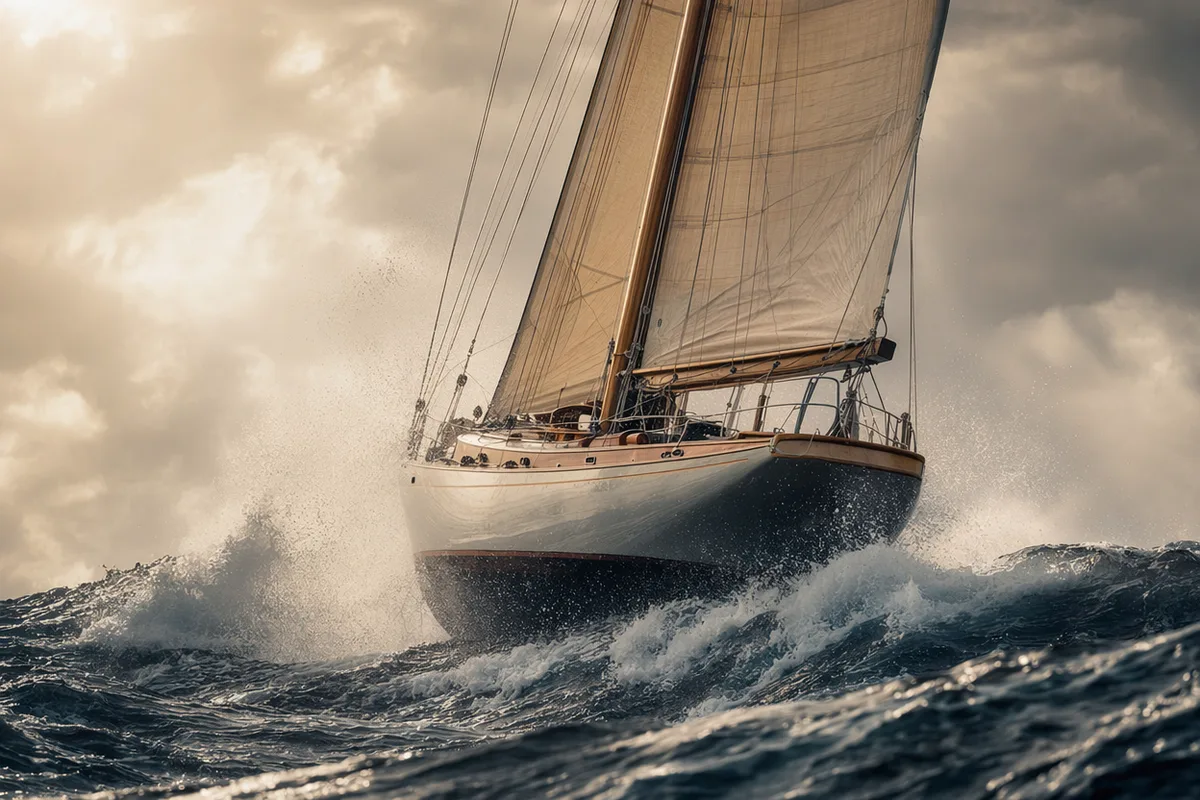
AI video still of a dancer silhouette on a smoky stage under amber light

Native synced audio

Audio is generated inside the same pass with believable sync, so dialogue, ambience, and effects arrive attached to the picture. There is no separate sound step to line up in post — the clip comes out complete.

AI video still of northern lights swirling over a snowy cabin

Up to 4K, 4–8 seconds

Choose 720p, 1080p, or 4K, and a 4-, 6-, or 8-second length, with audio toggled per generation. Each combination prices transparently before you commit, so premium quality stays a deliberate decision.

AI video still of a vintage car chase through narrow European streets

Reference-image guidance

Provide a reference image to drive a first-frame or first-and-last-frame generation, anchoring the look or framing of the shot. Pair it with a prompt to direct camera and action from a fixed starting point.

Keep exploring CreateVision AI

One account, the full image and video generation workflow.

Choose Your Plan

Start free with daily credits. Upgrade for premium models, faster generation, and 4K output.

Free

$0

Perfect for getting started

  • 80 credits per day, 400 per month
  • Z Image Turbo drafts at 0 credits
  • Standard generation speed
  • Generation history included
Get Started

Premium

Most popular
$29/month

Billed annually · $240/year

  • 1,600 credits/day, 8,000 credits/month
  • All premium models — GPT Image 2, Nano Banana, Seedream, Seedance, Veo, Kling
  • 5x generation speed, priority queue
  • AI prompt enhancement
Upgrade to Premium

Ultimate

$49/month

Billed annually · $300/year

  • 4,000 credits/day, 18,000 credits/month
  • HD generation up to 4K resolution
  • Private generation — results stay out of the gallery
  • Fastest queue and early access to new models
Upgrade to Ultimate

Frequently Asked Questions

1

What is Veo 3.1 Pro?

Veo 3.1 Pro is the premium tier of Google's Veo 3.1 video model, focused on cinematic quality with native synced audio and resolution up to 4K.

2

How is Veo 3.1 Pro different from Veo 3.1 Fast?

Pro targets the highest visual quality and is priced accordingly; Fast is the faster, lower-cost tier. Both support audio and resolutions up to 4K — Pro is the choice when polish matters most.

3

Does Veo 3.1 Pro generate audio?

Yes — native audio is generated in the same pass with believable sync, and can be toggled on or off per generation.

4

What resolutions and lengths are supported?

720p, 1080p, and 4K, at 4, 6, or 8 seconds. Higher resolution, longer duration, and audio all affect the price, which is shown before you generate.

5

Can I use a reference image?

Yes — supply an image to drive a first-frame or first-and-last-frame generation and anchor the shot's look or framing.

6

How much does Veo 3.1 Pro cost?

It is priced per second by resolution and audio. As a premium tier it costs more than Fast, and the exact total is shown up front with automatic refunds on failed runs.

Direct your next shot with Veo 3.1 Pro

Start Generating Videos