AI Product Video Generator
URL to video AI: paste an Amazon, Shopify, Etsy or eBay product link — or upload a product photo — pick a shot (turntable, hero reveal, lifestyle, unboxing, macro detail) and get a 5-second product video ad with the label, shape and colour kept exact. No watermark.
Drop your image here or click to browse
Support JPG, PNG, WebP up to 10MB
One clear photo of the product on a plain background works best. Packshots, listing images and phone photos all work.
Preview
What is AI Product Video Generator?
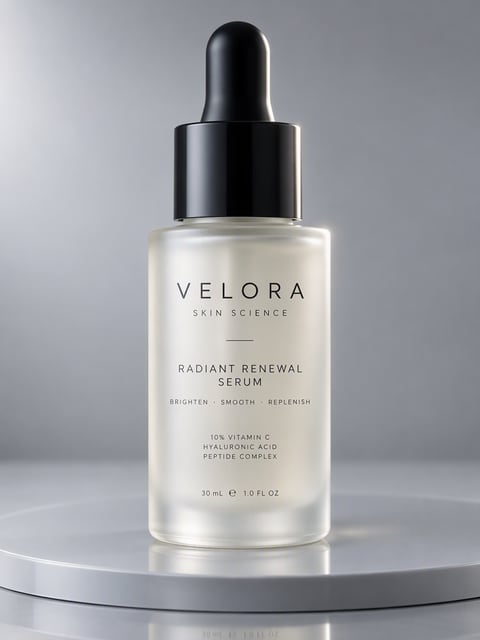
The AI Product Video Generator turns a product URL or a single product photo into a short video ad. Pick a turntable, hero reveal, lifestyle, floating, unboxing or macro detail shot. The camera and light move while your product keeps its exact shape, color and label.
Why Sellers Pick Our AI Product Video Generator
Made for everyday people, not editors.
Go From Link to Video in One Step
Paste a Shopify, Etsy, eBay or WooCommerce product URL. We pull the main image and title, so you skip the download and re-upload.
Keep Your Label and Shape Exact
Each shot moves only the camera, the light and the hands. The product from your photo keeps its shape, color and label.
Pay Only for Finished Clips
A 5-second 480p clip costs 75 credits on the default Seedance 2.0 Mini tier. A failed generation is refunded automatically.
See What You Can Do With AI Product Videos
Real moments, ready to share — pick the one that fits.
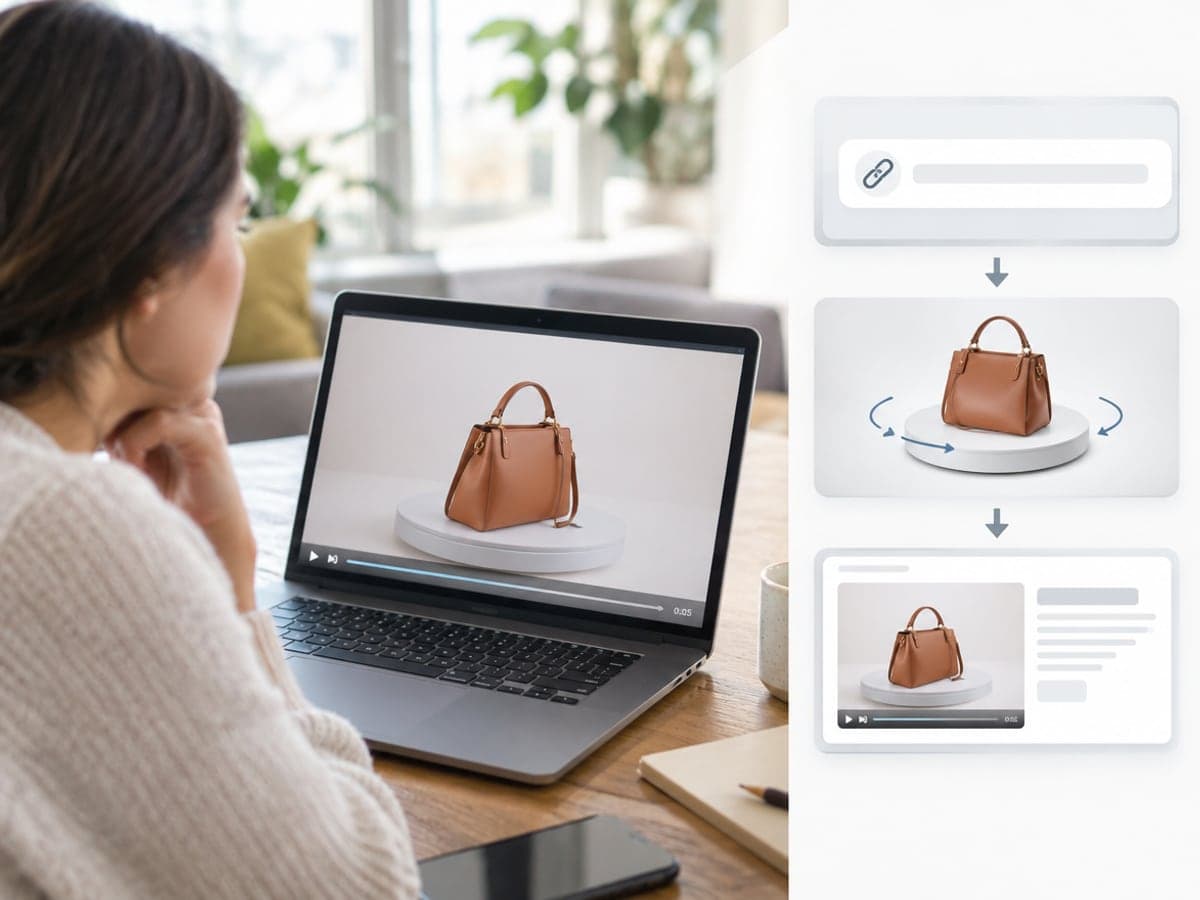
Add Video to Every Product Listing
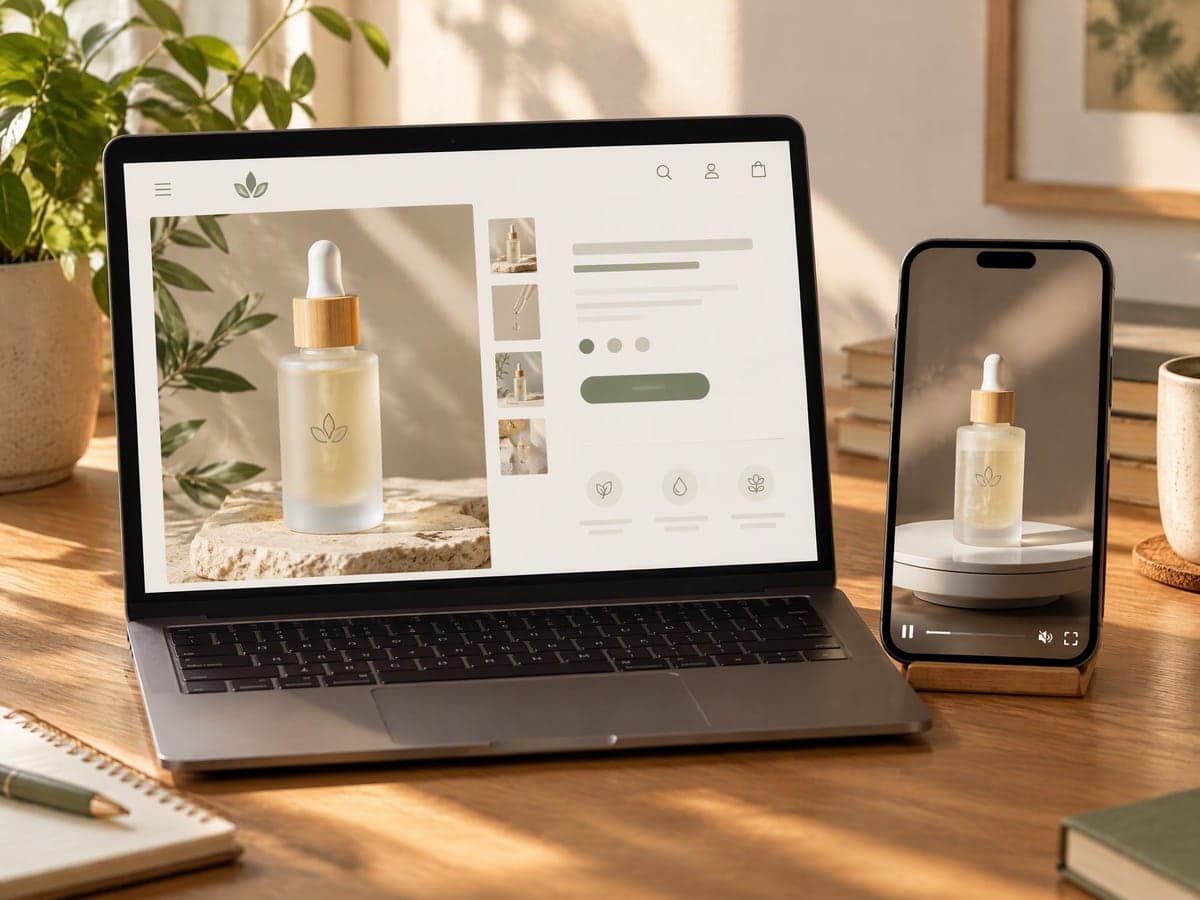
Shoppers watch a 5-second spin before they read a word. Paste your listing URL, pick a turntable shot and post the clip back to the same page. Make a product mockup
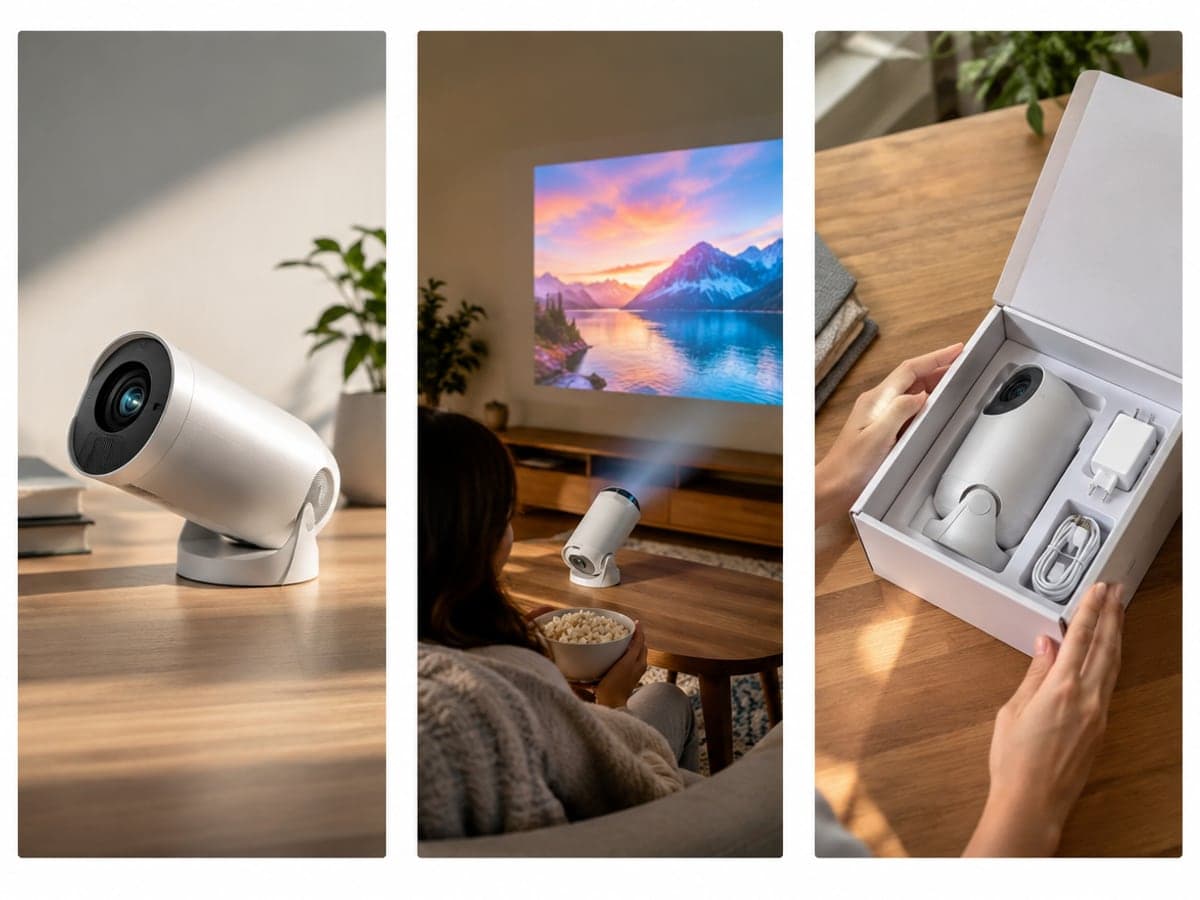
Test More Ad Creatives From One Photo
Turn one product photo into a hero reveal, a lifestyle shot or an unboxing in 9:16. Run each angle as its own TikTok, Reels or Shorts ad and keep the winner. Animate any image
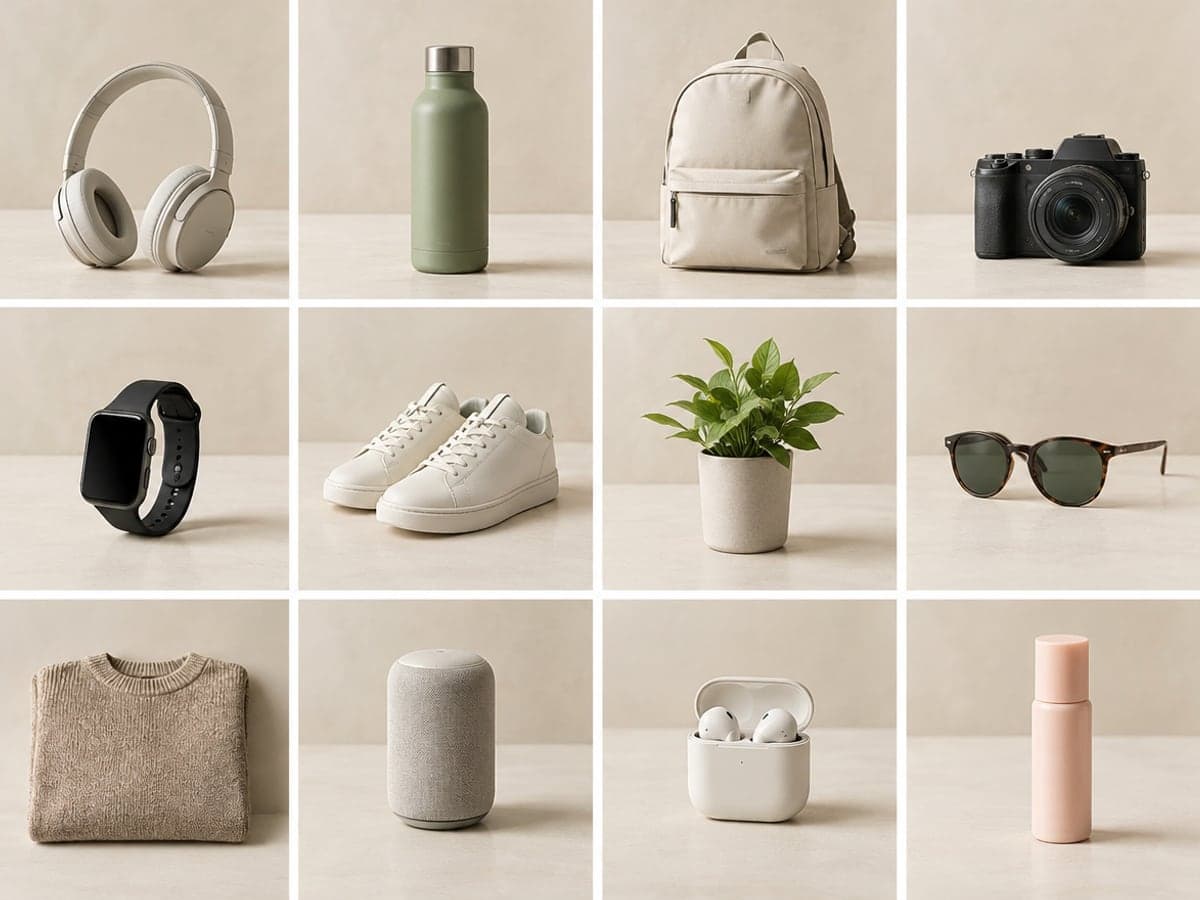
Give Your Whole Catalog One Look
Run every SKU through the same shot for a consistent storefront. Same backdrop, same spin and same light make your product grid look planned. Clean up the background
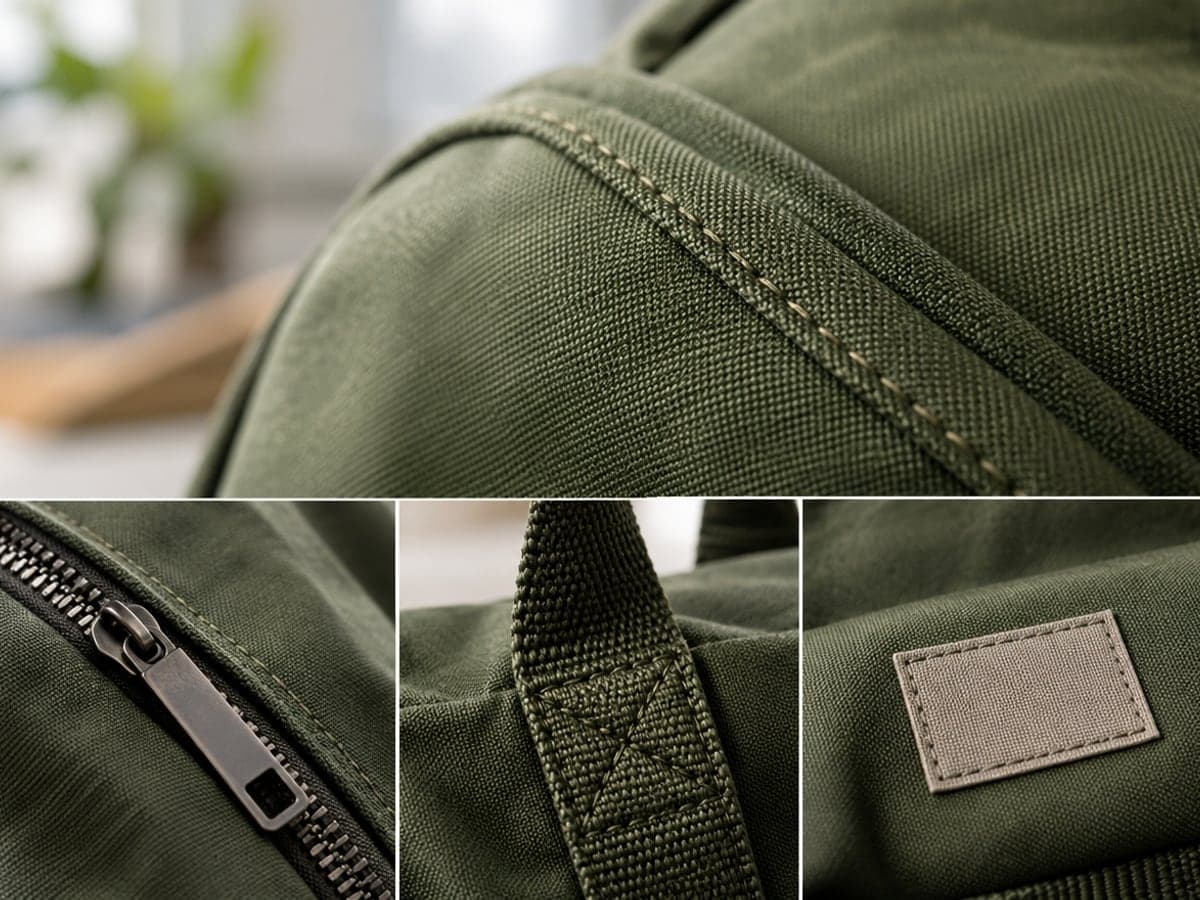
Show the Details Shoppers Want to See
The macro detail shot moves slowly across texture, stitching and finish. Choose 720p for small print so your label stays sharp on product pages. Build a product mockup
Who Uses AI Product Video Generator
Four ways people use it every week

Put a product video on every listing this week
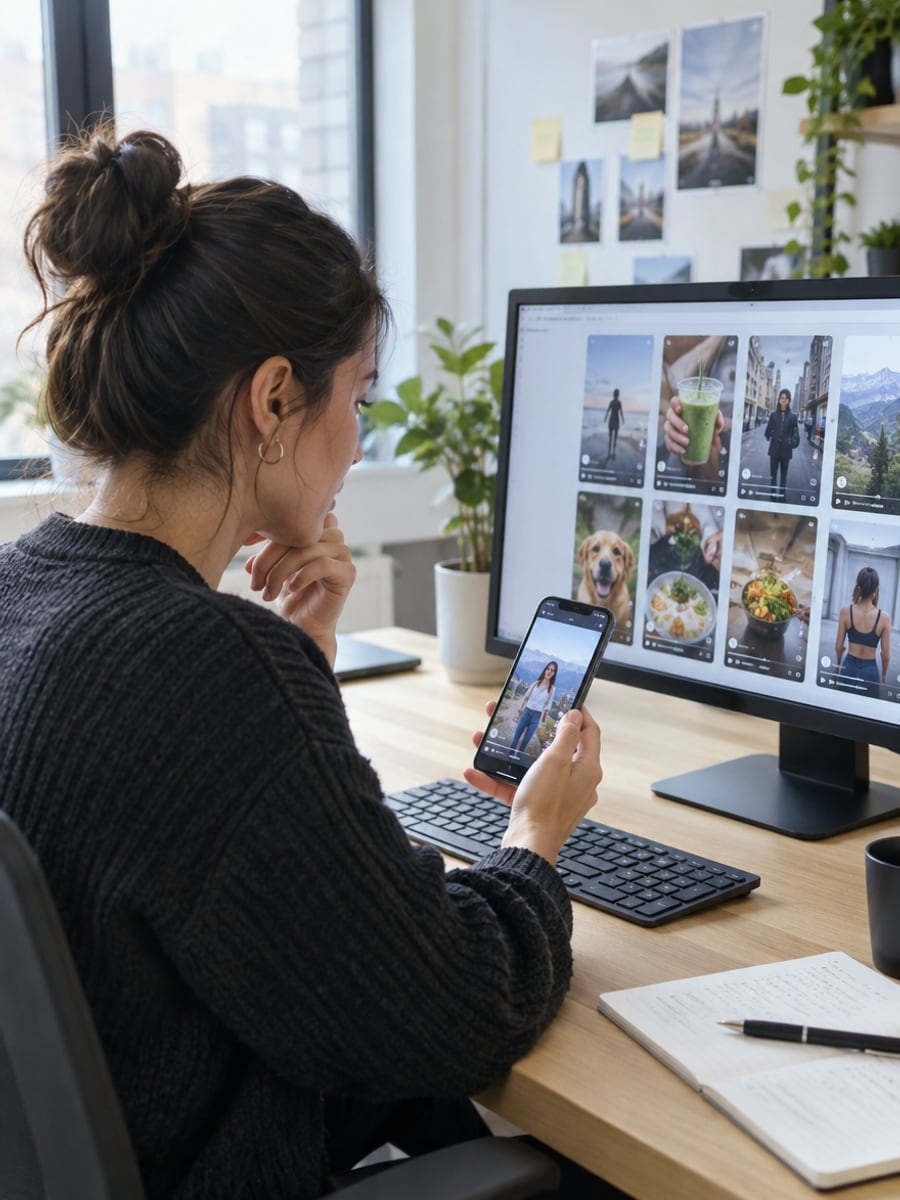
Launch more creatives to test without another shoot
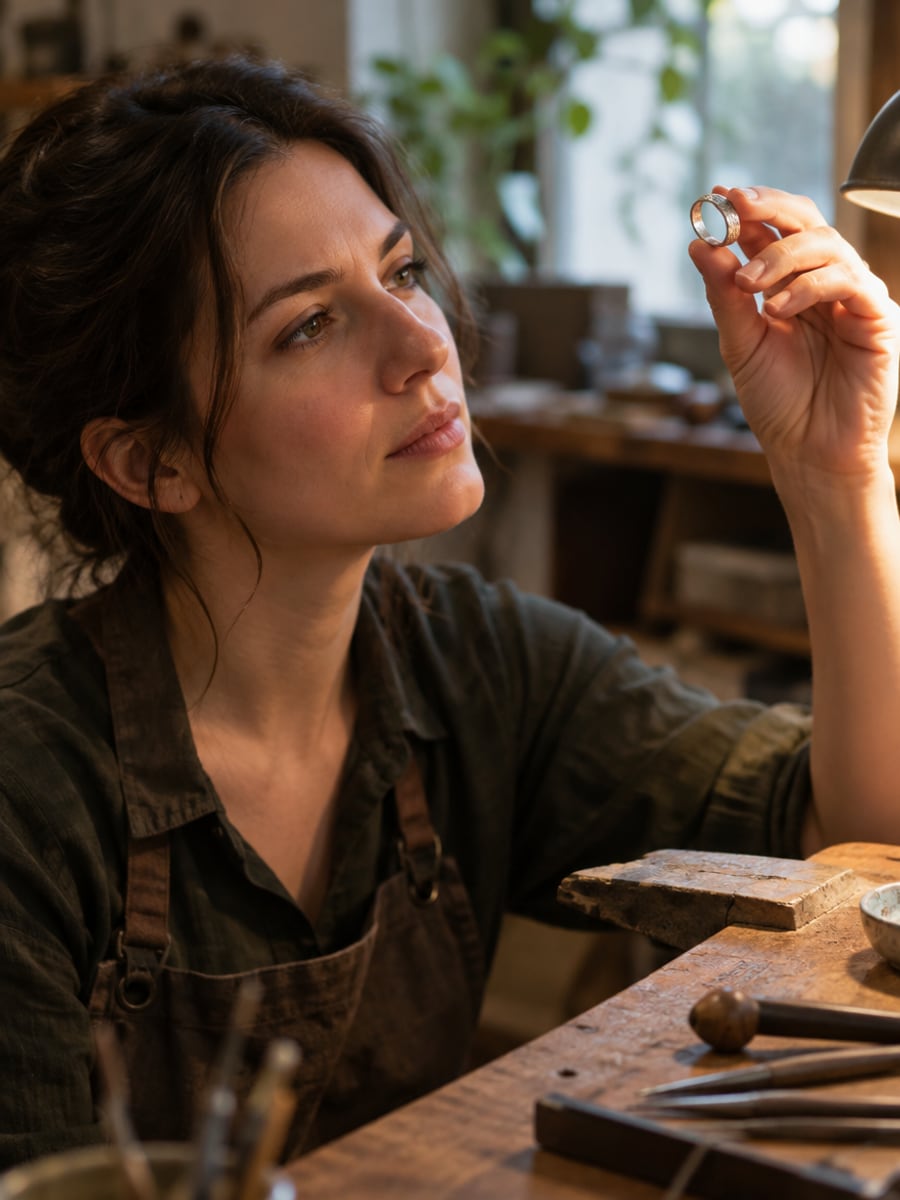
Show your craft moving, not just sitting still

Keep every SKU on the same visual system
How to Make a Product Video with CreateVision
Three small steps to a video you'll actually want to send.

Paste a Link or Upload
Paste your product page URL, or upload one clear product photo such as a packshot or listing image.

Pick a Shot
Choose turntable, hero reveal, lifestyle, floating product, unboxing or macro detail, then set the length and aspect ratio.

Generate and Download
Click Generate and download a 5-second MP4 by default. Videos download with no watermark on any plan.
The All-in-One AI Creation Platform
One account for images, videos, an AI agent that works for you, expert AI mentors and 80+ ready-made tools.

AI Image & Video Generator
Every leading model in one workspace: Seedream, Nano Banana, GPT Image, Seedance, Veo and more.
Open
Ava, your AI creative agent
Describe what you need and Ava plans, generates and iterates for you.
Open
80+ AI tools
One-click tools for photos, videos, cards, portraits and viral trends.
Open
Template library
Thousands of ready prompts and styles to start from.
Open
Studios
Portrait, marketing, poster and cinema studios for finished work, not single shots.
Open
AI model library
Compare and pick the right image or video model for every job.
Open
AI mentors
Learn from expert mentors in photography, design and video, then create with their guidance.
Open190K+ creators
Using CreateVision to create and share
AI Product Video Generator FAQs
An AI product video generator turns a product photo or a product page link into a short video ad. CreateVision's version animates the camera, light and hands around your real product, so the item itself stays as photographed. You get a 4 to 8 second clip ready for listings and ads.
The best one keeps your product exact and fits how you already sell. CreateVision reads Shopify, Etsy, eBay and WooCommerce links directly, offers six ready-made shots and exports 9:16, 1:1 or 16:9. Downloads carry no watermark on any plan, and failed generations are refunded automatically.
Paste a product URL or upload a photo, pick a shot and click Generate. Every scene prompt describes camera, light and hand motion only and never restates what the product is. The model animates the photo you gave it, so the shape, color and label stay the same.
Shopify, WooCommerce, Etsy, eBay and most standard product pages work. We read the page's product data and take the main image and title. Some large marketplaces block automated fetches. If the fetch is refused, you see a clear message, nothing is charged, and you can upload the product image instead.
The default tier, Seedance 2.0 Mini, costs 75 credits for a 5-second clip at 480p. You can also choose 4, 6 or 8 seconds, 720p, or another quality tier, and the Generate button shows the exact price before you click. Start with 200 free credits from Google sign-up. A failed generation is refunded automatically.
Yes. Videos download with no watermark, and you can use them in listings, ads and social posts. You are responsible for holding the rights to the product photo you upload. Your uploads and results are private by default, and you can delete them any time from your history.
Video models still vary from run to run, and very small text can soften at 480p. Choose 720p for macro shots and label-heavy products. Add prices, headlines and logos later in your editor or ad manager, because models spell overlays unreliably.
Turn Your Product Photo Into a Video Ad
Paste a product link or upload a photo and get a 5-second clip with your label, shape and color kept exact.
Related Tools You Might Like
Explore more AI creative tools