

AI Christmas Card Generator
Create personalized Christmas cards with AI - romantic, family, pet & more
Tap to uploadDrop image or click
JPG · PNG · WebP
Preview Examples

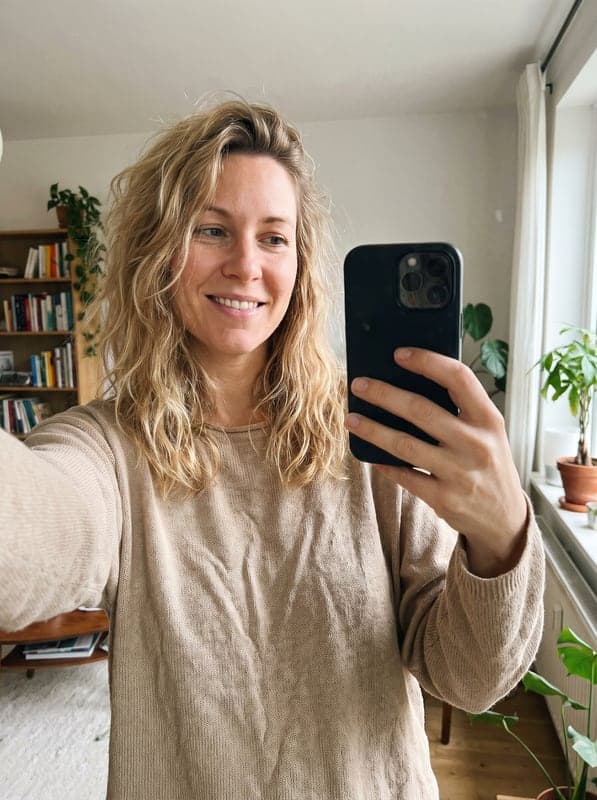
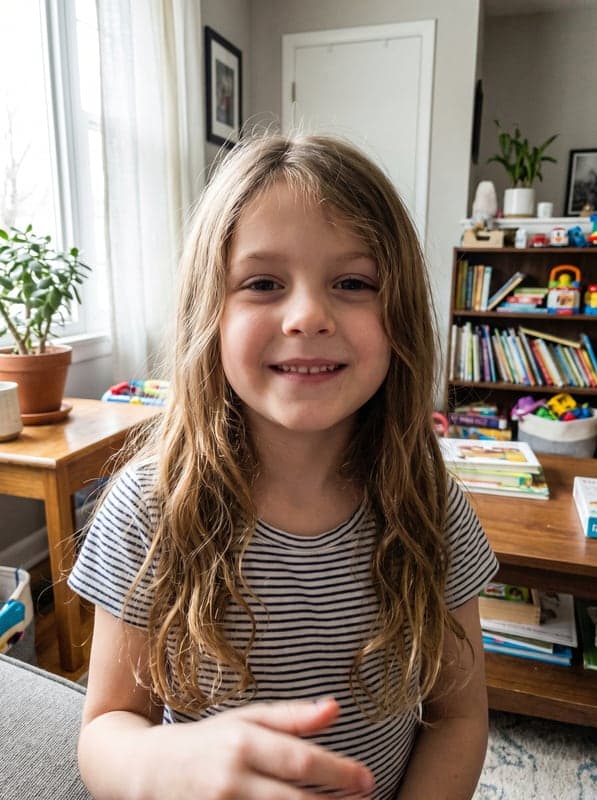
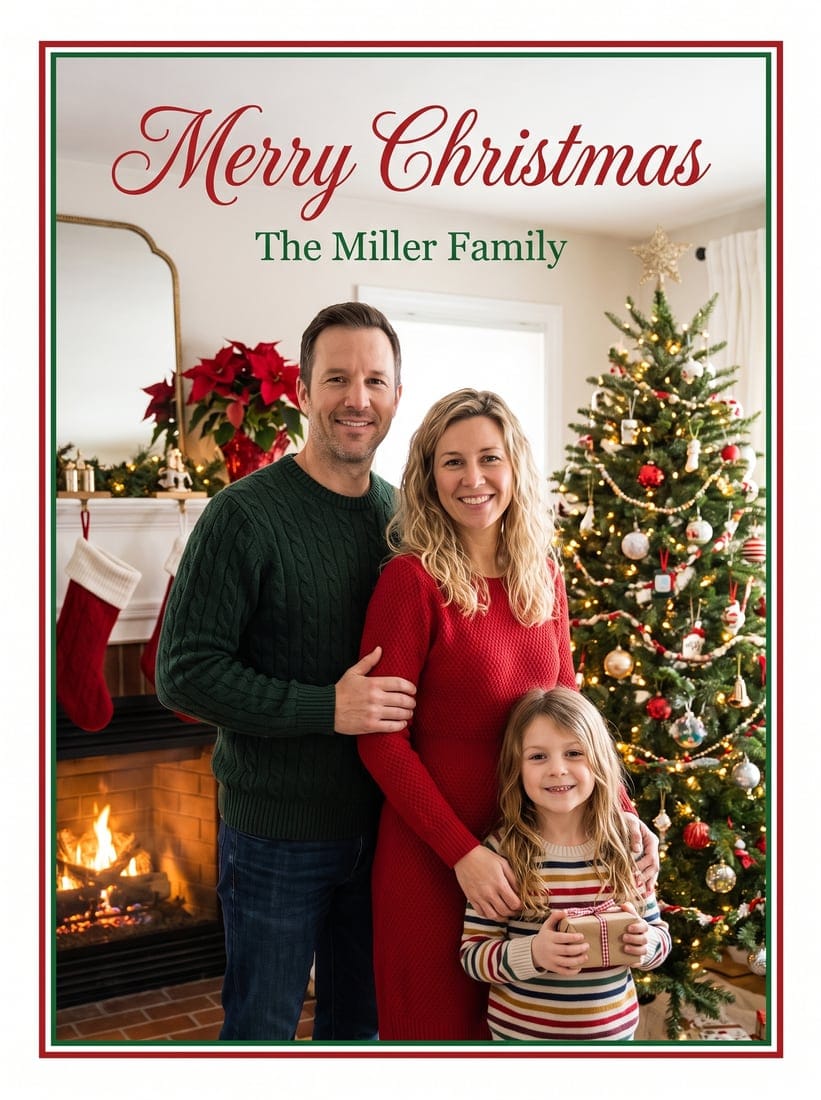
Select a scene to see different results
How does AI Christmas Cards work?
Upload 1-5 photos of people or pets, choose a festive Christmas scene, and our AI creates a personalized holiday card featuring them.

Why Use Our AI Christmas Card Generator
Professional quality, privacy protected, instant results
Put Everyone in One Card
Combine up to 5 separate photos into one festive scene, including kids, grandparents, pets and relatives who live far away.
Skip the Holiday Photoshoot
No studio booking or matching schedules. Everyday photos already on your phone are enough to build your card.
Keep Faces Natural and Real
Real skin texture and scene-matched lighting keep everyone recognizable, without the waxy, airbrushed AI look.
See What You Can Make With Our Christmas Card Generator
Perfect for various professional scenarios, instant and secure
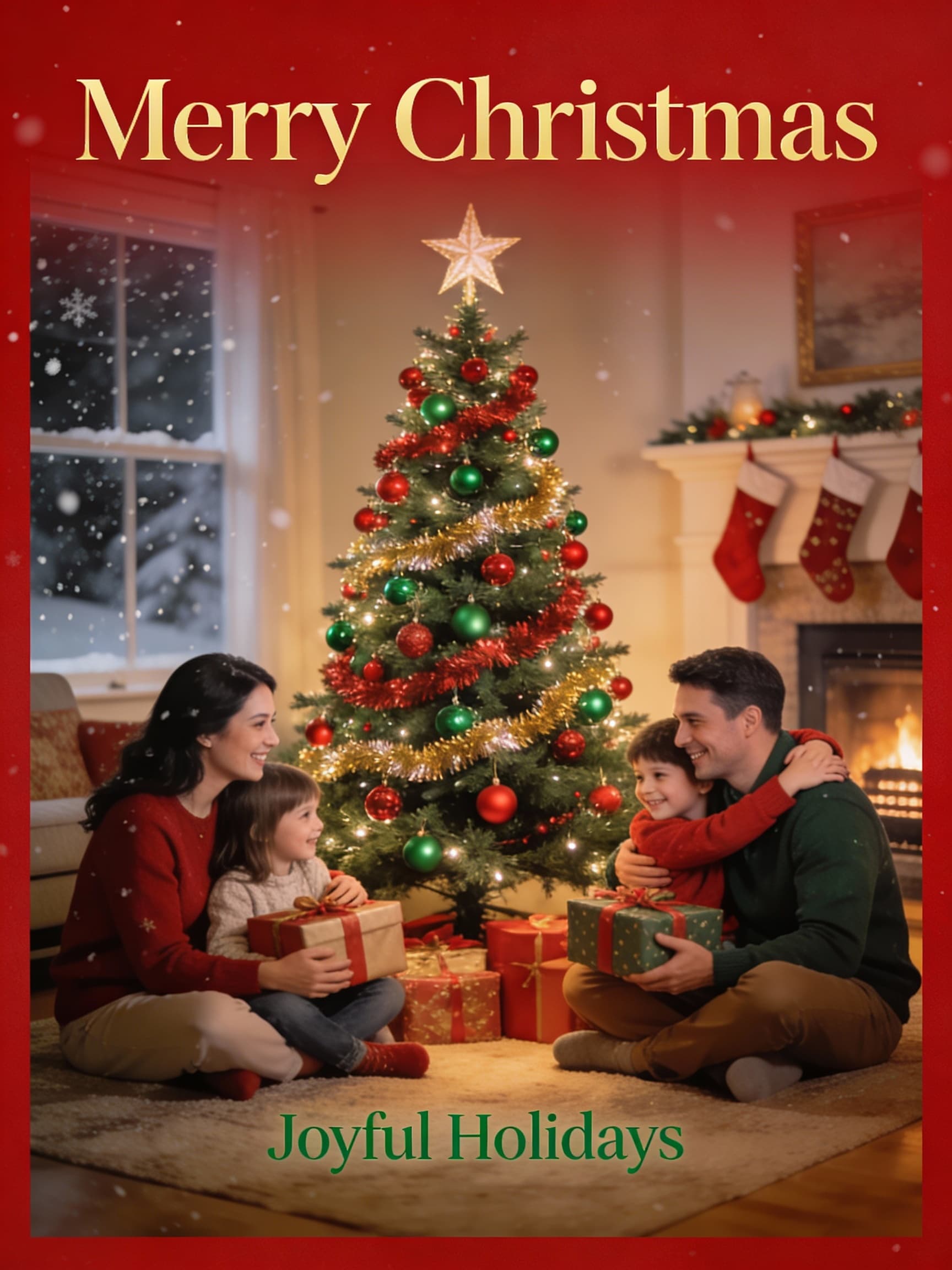
Send a Family Card Everyone Appears In
Upload a photo of each family member and place them together in one Christmas scene. Your card is ready to send to relatives, friends and neighbors. Make a family photo

Bring Your Pets Into the Holiday Scene
Add your dog or cat next to the family by the fireplace or the tree. Your pet gets its own photo slot, so it lands in the scene as itself. Create a pet portrait
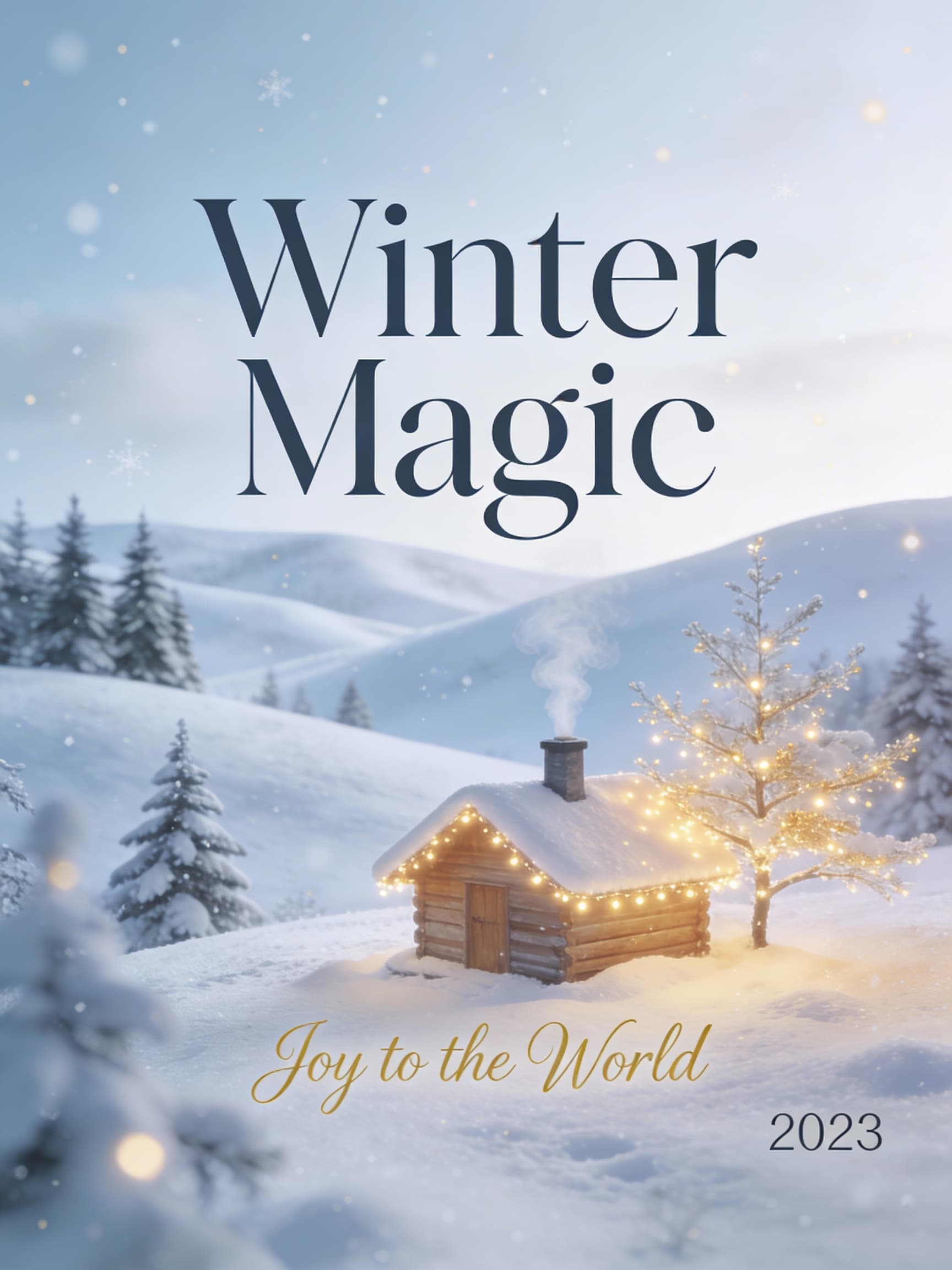
Create Holiday Cards for Clients and Teams
Place your team in a winter wonderland or an elegant festive setting. Your clients and partners get a card that actually shows the people behind your business. Mix a group photo
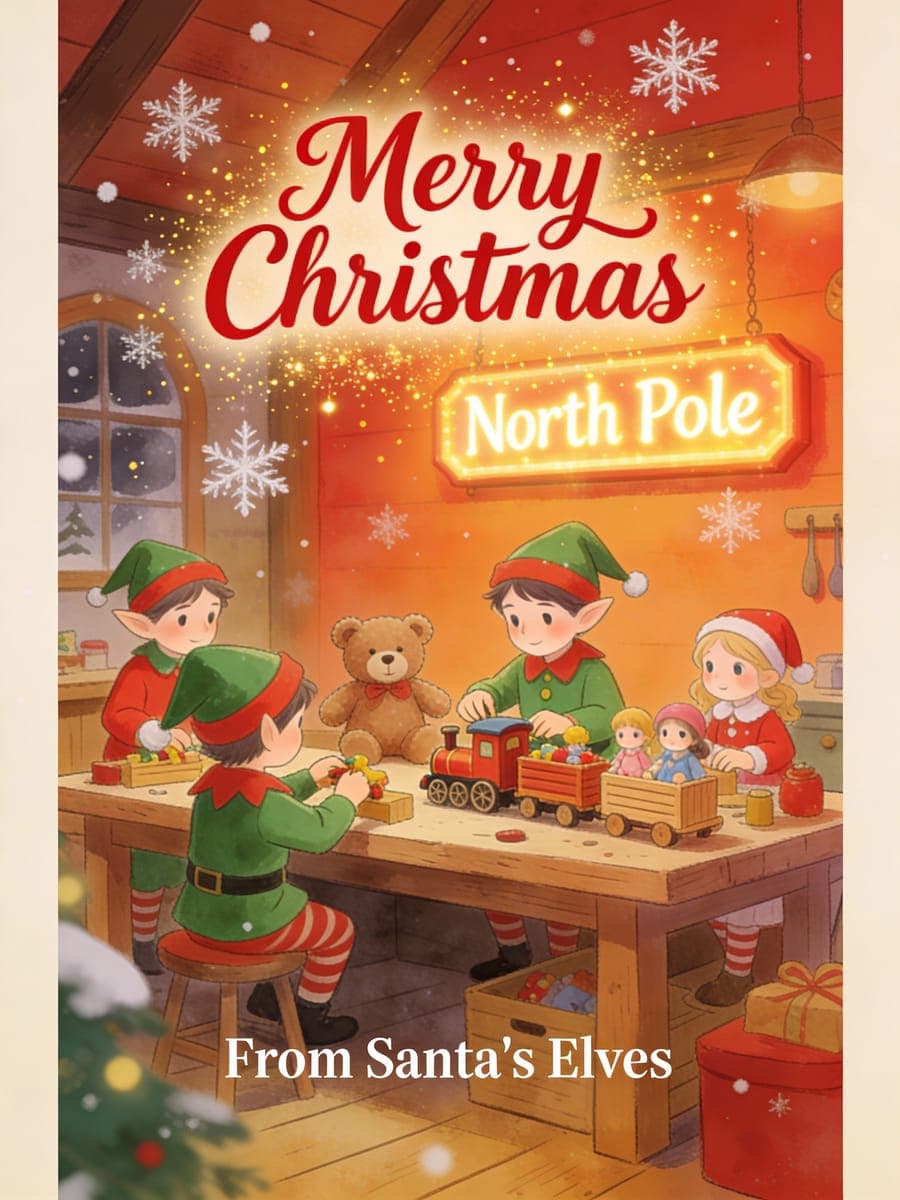
Add Your Greeting, Family Name or Year
Choose a message style and type the exact wording you want on the card. You can also pick a card style, color theme and decorations to match your family. Make a Santa video
Who Uses AI Christmas Card Generator
Four ways people use it every week
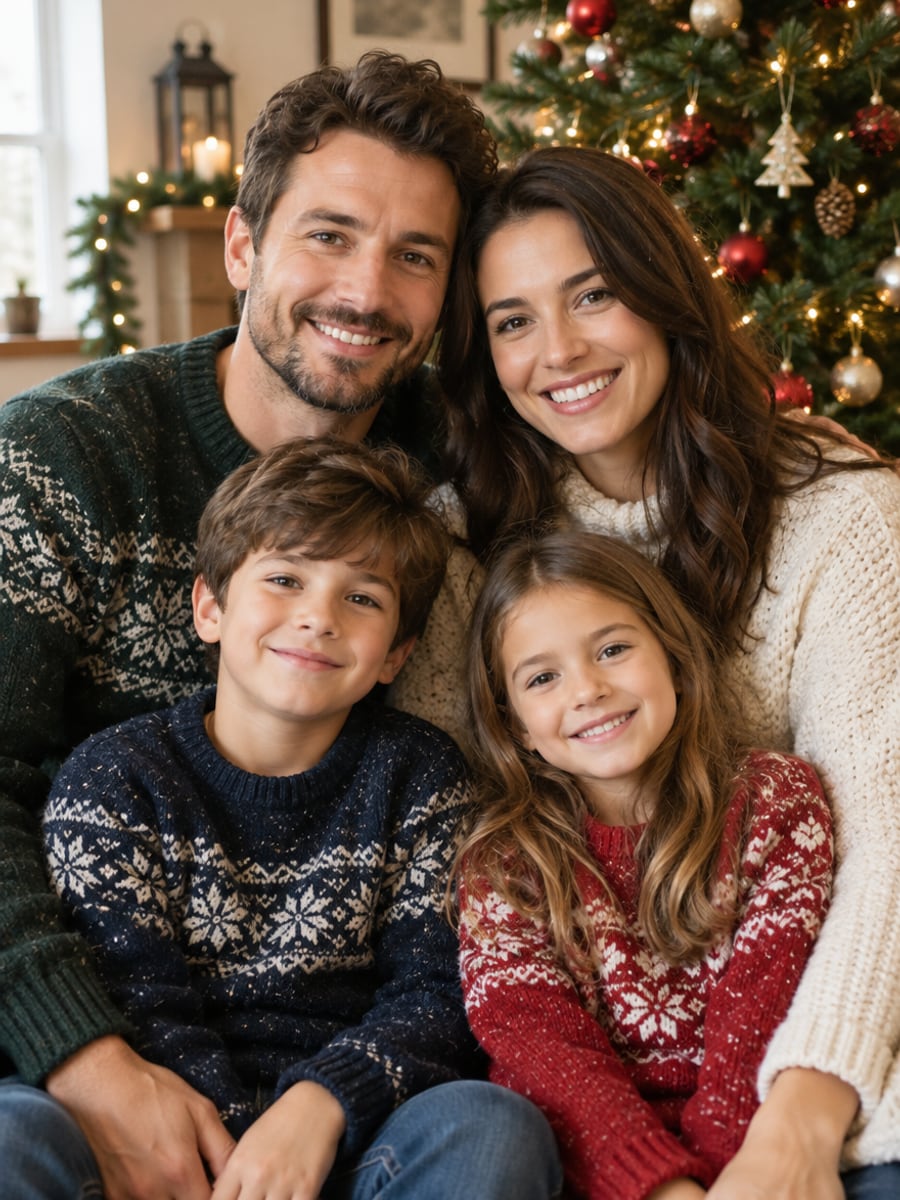
Get the whole family on one card without a photoshoot
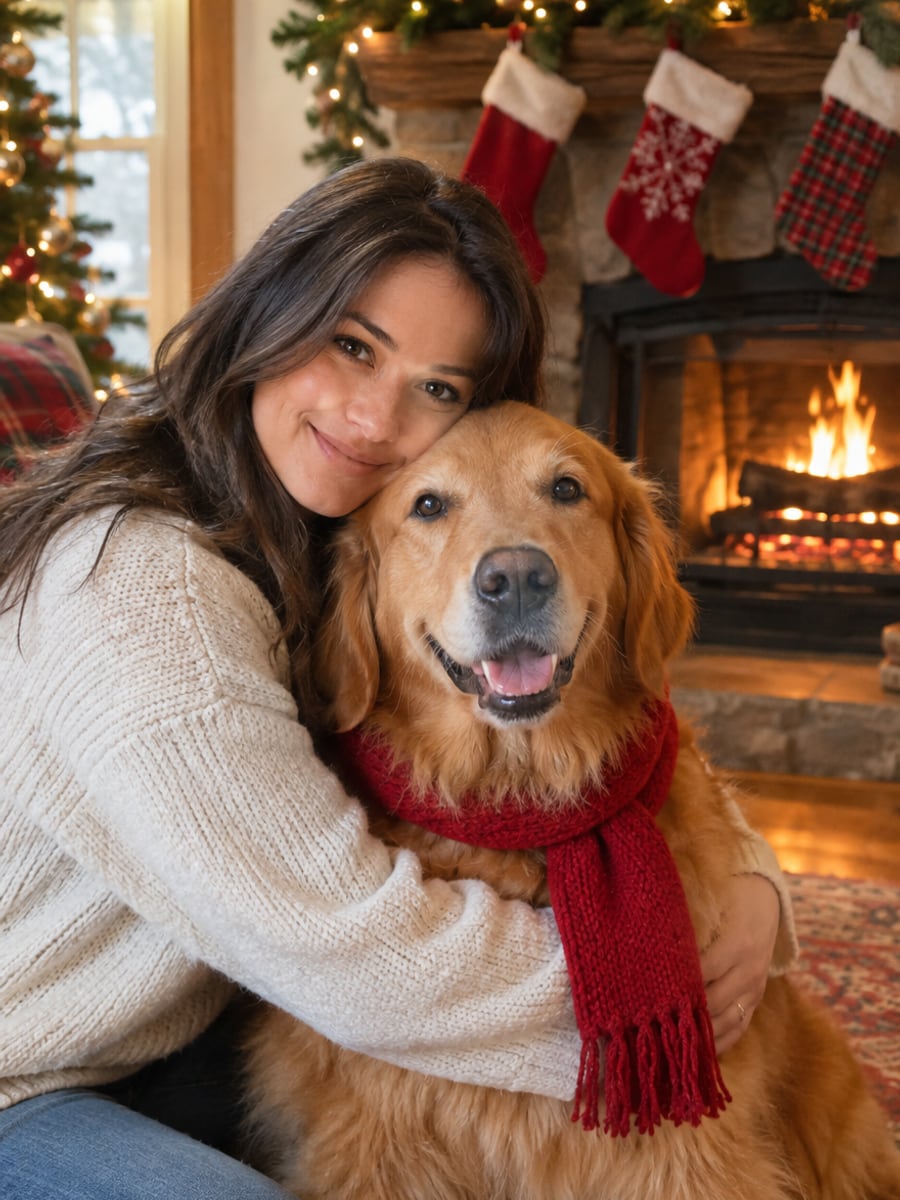
Make your dog or cat the star of this year's card
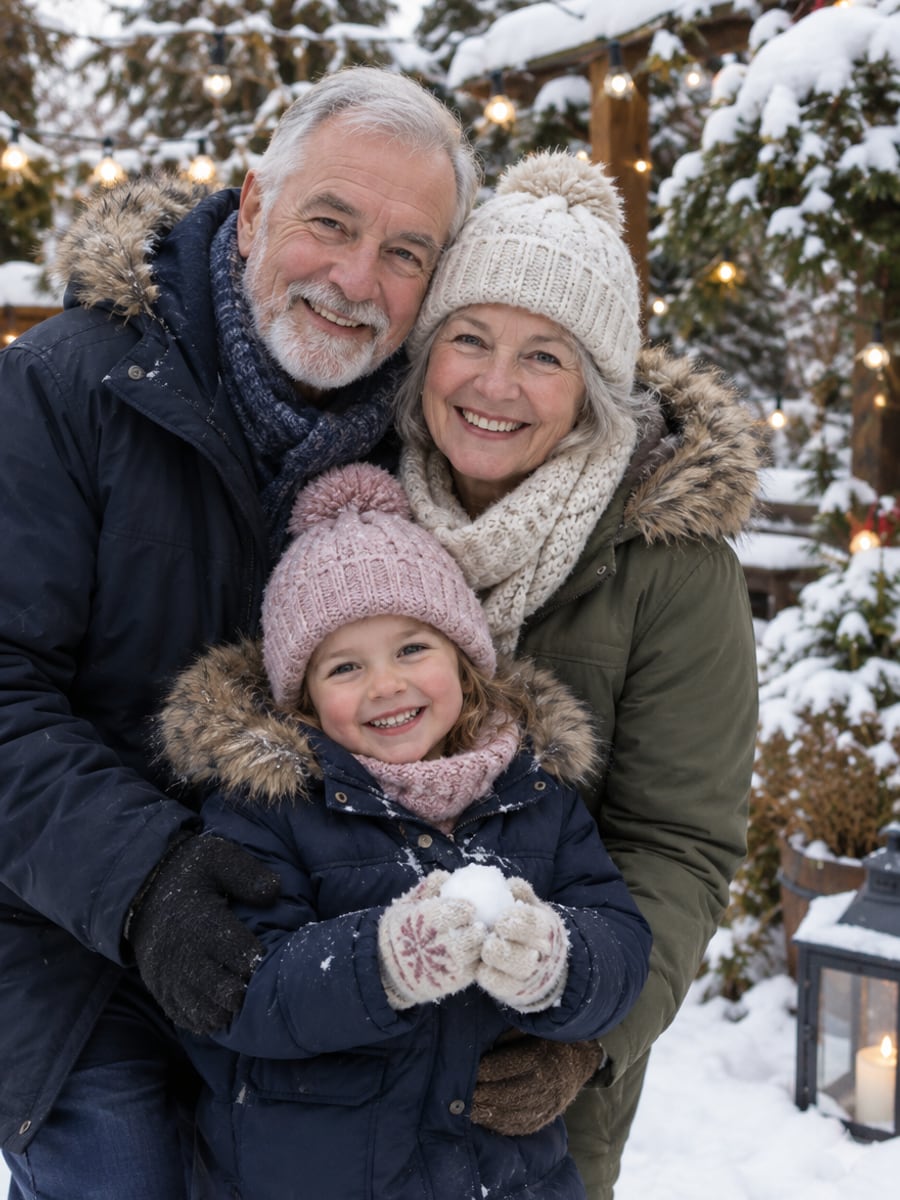
Bring relatives who live far away into one scene

Send clients a holiday card that shows your team
How to Make a Christmas Card with CreateVision
Upload your photo, select a style, and download your professional result instantly

Upload Photos (1-5)
Upload photos of the family members, friends or pets you want on your card. Clear, well-lit faces work best.

Choose a Christmas Scene
Pick a scene such as a cozy fireplace, winter wonderland, Santa's workshop or a classic Christmas tree, then add a message style if you want text.

Generate Your Card
The AI places everyone in the festive scene and creates your card. Download it to share online or print at home or a print shop.
The All-in-One AI Creation Platform
One account for images, videos, an AI agent that works for you, expert AI mentors and 80+ ready-made tools.

AI Image & Video Generator
Every leading model in one workspace: Seedream, Nano Banana, GPT Image, Seedance, Veo and more.
Open
Ava, your AI creative agent
Describe what you need and Ava plans, generates and iterates for you.
Open
80+ AI tools
One-click tools for photos, videos, cards, portraits and viral trends.
Open
Template library
Thousands of ready prompts and styles to start from.
Open
Studios
Portrait, marketing, poster and cinema studios for finished work, not single shots.
Open
AI model library
Compare and pick the right image or video model for every job.
Open
AI mentors
Learn from expert mentors in photography, design and video, then create with their guidance.
Open190K+ creators
Using CreateVision to create and share
AI Christmas Card Generator FAQs
An AI Christmas card generator turns your own photos into a finished holiday card. You upload pictures of the people and pets you want on it, choose a festive scene and the AI builds one card with everyone in it. It saves you a photoshoot and a design session.
The best generator uses your real photos and keeps everyone looking like themselves. CreateVision lets you combine up to 5 photos in one card, choose from festive scenes like fireplace, snow globe or matching pajamas, and add a greeting, family name or year. Faces keep real skin texture instead of a plastic AI finish, and each card costs 40 credits.
Upload 1 to 5 photos of people or pets, choose a Christmas scene and optionally a card style, color theme, decoration and message style. The AI places everyone in the scene with matched lighting. You can download the card when it is ready.
Yes. Upload a separate photo of each person, such as relatives who live far away, and the card brings everyone together in one scene. Each person keeps their own face and body as they are. Please only add people who agreed to be on the card.
Each card costs 40 credits. If you sign up with Google, you start with 200 free credits, enough for five cards. After that you can subscribe or buy a credit pack.
Uploaded reference photos are deleted automatically within 24 hours, and your cards stay in your private gallery until you delete them. You can download your card and print it as a regular photo, and note that free accounts download with a small CreateVision mark that subscribers and credit-pack buyers can turn off.
Results depend on the photos you upload. Blurry, dark or heavily filtered photos, or faces turned away from the camera, give the AI less to match. If someone looks off, try a clearer front-facing photo for that person and generate the card again.
Make Your Christmas Card With AI Today
Upload up to 5 photos, pick a festive scene and get a personalized card for 40 credits.
Related Tools You Might Like
Explore more AI creative tools



Related Tools You Might Like
Explore more AI creative tools