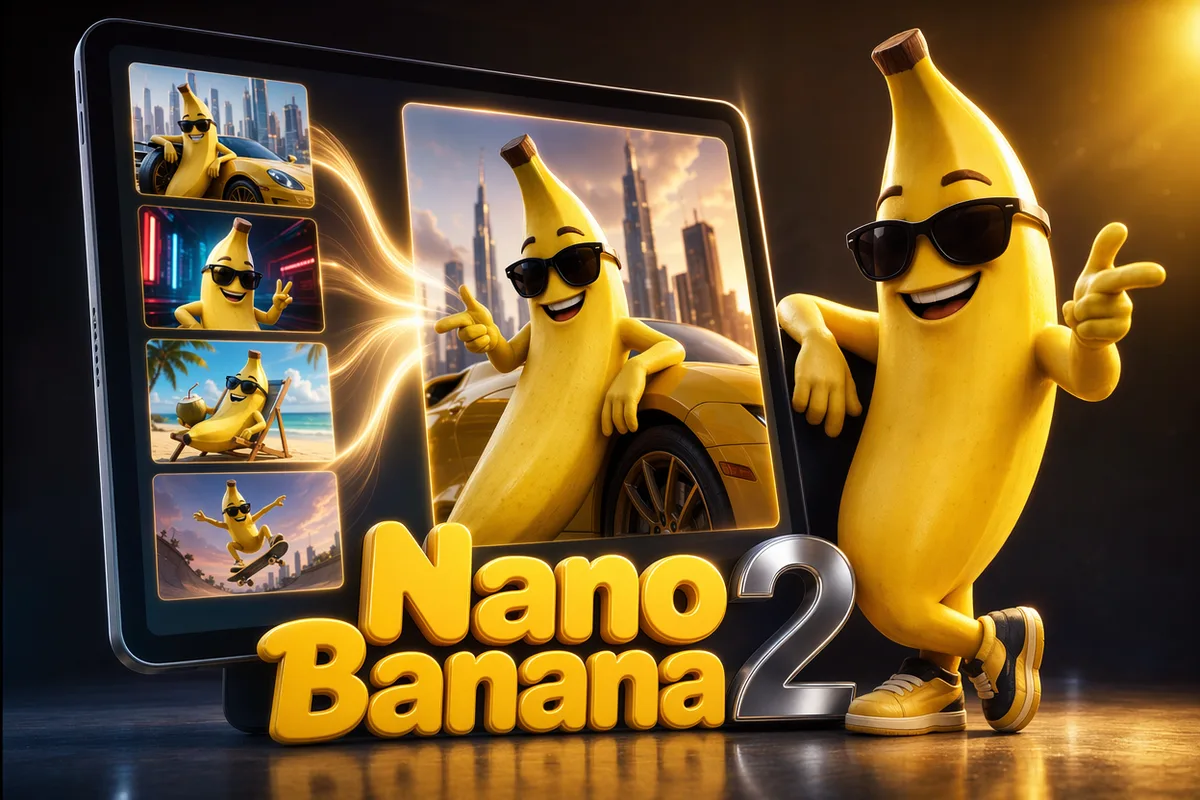

Nano Banana 2 AI Image Generator

Use Nano Banana 2 for image fusion, reference-driven generation, and fast creative iteration from prompts or uploaded images.

Multi-image fusionQuality tiersReference guided
0 / 2,000
~30 cr

Google's image model became a Reddit favorite for keeping the same face, outfit, and style across edits and scenes. Generate, fuse, and restyle with multi-image references in CreateVision AI.

Same AI character shown consistently across three different scenes

The same character, every scene

Nano Banana 2 extracts what users describe as "character DNA" — facial structure, hair, clothing, distinctive features — and holds it steady across new poses, outfits, and locations. For mascots, story characters, and brand figures, that consistency is the difference between a one-off image and a usable series.

Product photo background swap from studio white to a sunset beach

Multi-image fusion in one instruction

Upload product shots, portraits, and design assets together and merge them into a single coherent composite. Nano Banana 2 handles object placement, lighting, and color matching intelligently, so a "put this product in this scene with this model" brief works in one pass instead of an evening in Photoshop.

Anime illustration of a girl with umbrella on a rainy neon street

Anime and illustration that keep identity

The community rates Nano Banana 2 exceptionally for anime and stylized work: outfit swaps, expression changes, and scene shifts that preserve the character's identity. Style stays intact when you move a character between looks — a notorious failure point for most models.

Laptop showing a grid of freshly generated AI artworks

Fast, light, and economical

At 20 credits per image with quality tiers, Nano Banana 2 is one of the most cost-effective ways to iterate. Users describe it as faster and lighter than premium alternatives, which makes it the practical default for reference-driven editing and high-volume creative exploration.

More Image Models Like Nano Banana 2

Compare Nano Banana 2 with other image models — same workspace, one click to switch.

How to Use Nano Banana 2

Three steps from a blank prompt box to a finished image.

  1. 1

    Select Nano Banana 2

    Open the model picker and choose Nano Banana 2. The panel shows its credit cost, resolution options, and aspect ratios before you spend anything.

  2. 2

    Describe what you want

    Write the subject, setting, lighting, and finish. Attach reference images if the model accepts them.

  3. 3

    Generate, then keep going

    Download the result, or continue — edit it, restyle it, upscale it, or animate it into video. Every generation keeps its prompt and parameters.

Beyond Nano Banana 2

One account, the full image and video generation workflow.

Nano Banana 2 Pricing and Free Daily Credits

Run Nano Banana 2 on the free tier's daily credits, or upgrade for premium models, faster generation, and 4K output.

Free

$0

Perfect for getting started

  • 80 credits per day, 400 per month
  • Z Image Turbo drafts at 0 credits
  • Standard generation speed
  • Generation history included
Get Started

Premium

Most popular
$29/month

Billed annually · $240/year

  • 1,600 credits/day, 8,000 credits/month
  • All premium models — GPT Image 2, Nano Banana, Seedream, Seedance, Veo, Kling
  • 5x generation speed, priority queue
  • AI prompt enhancement
Upgrade to Premium

Ultimate

$49/month

Billed annually · $300/year

  • 4,000 credits/day, 18,000 credits/month
  • HD generation up to 4K resolution
  • Priority support
  • Fastest queue and early access to new models
Upgrade to Ultimate

Nano Banana 2 — Frequently Asked Questions

1

What is Nano Banana 2 best at?

Character consistency and multi-image fusion. It keeps the same face, outfit, and style across scenes and merges multiple reference images into one coherent composite — strengths community reviews highlight again and again.

2

How many reference images can I use?

You can attach multiple reference images per generation directly in the workspace — combine a character, a product, and a scene reference in the same brief.

3

How much does Nano Banana 2 cost?

Nano Banana costs 20 credits per image and Nano Banana Pro 40 credits, with the exact cost always shown before you generate. Free accounts get 80 credits per day to experiment with.

4

Is Nano Banana 2 good for anime?

Yes — it is one of the most praised models for anime and stylized illustration, holding character identity through outfit, expression, and scene changes.

5

Nano Banana 2 vs Nano Banana Pro — which should I pick?

Start with Nano Banana 2 for fast, economical fusion and editing. Step up to Nano Banana Pro or the Official channel when you need higher resolution output or web-search-grounded generation.

6

Can I edit an existing photo with it?

Yes. Upload the photo as a reference and describe the change — background, outfit, lighting, or style — and the model edits while preserving the subject.

Keep your characters consistent with Nano Banana 2

Keep your characters consistent with Nano Banana 2

Start Generating Images

Discover our one-click AI image tools

One-click tools for everything around generation — polish, restyle, and share.