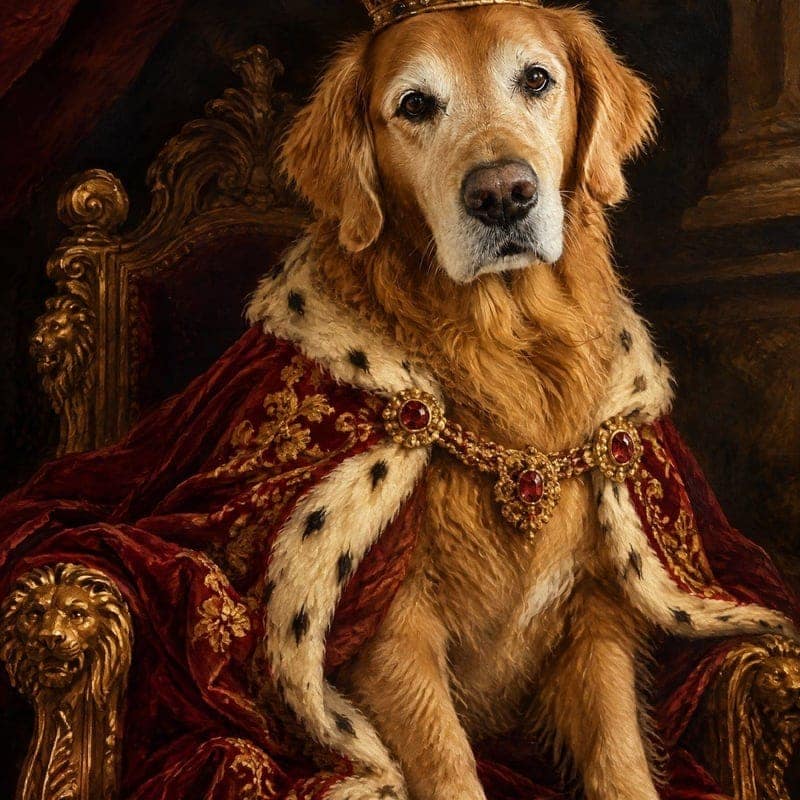
Cat, dog, rabbit — a clear, front-facing photo works best. Add a second pet in the other slot.
Preview
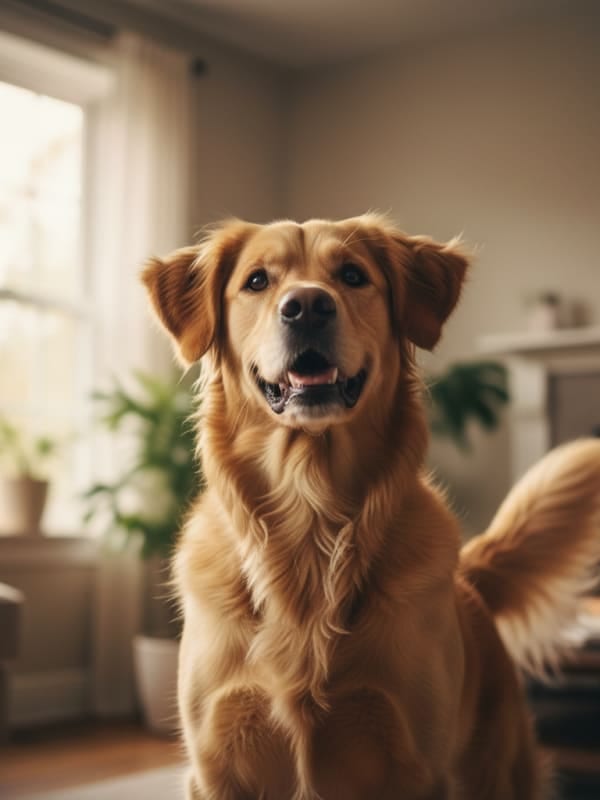
What is an AI pet video?
AI Pet Video turns one photo of your pet into a 5, 10 or 15 second clip: a tail wag, a head tilt, a gentle goodbye or a birthday wish. The animal keeps the markings, ears and eye color from your photo.

Why Owners Pick Our AI Pet Video Generator
Made for everyday people, not editors.
Keep Your Pet's Markings Intact
Every scene animates the animal in your photo, with its own markings, ears and eye color, instead of swapping in a generic breed.
Start at 45 Credits a Clip
The Quick tier costs 9 credits per second at 480p, so a 5-second clip is 45 credits. A failed generation is refunded automatically.
Post It Straight to the Feed
Pick 9:16, 1:1 or 16:9 and download a clip with no watermark, ready for Reels, Shorts or the family group chat.
See What You Can Do With AI Pet Video
Real moments, ready to share — pick the one that fits.
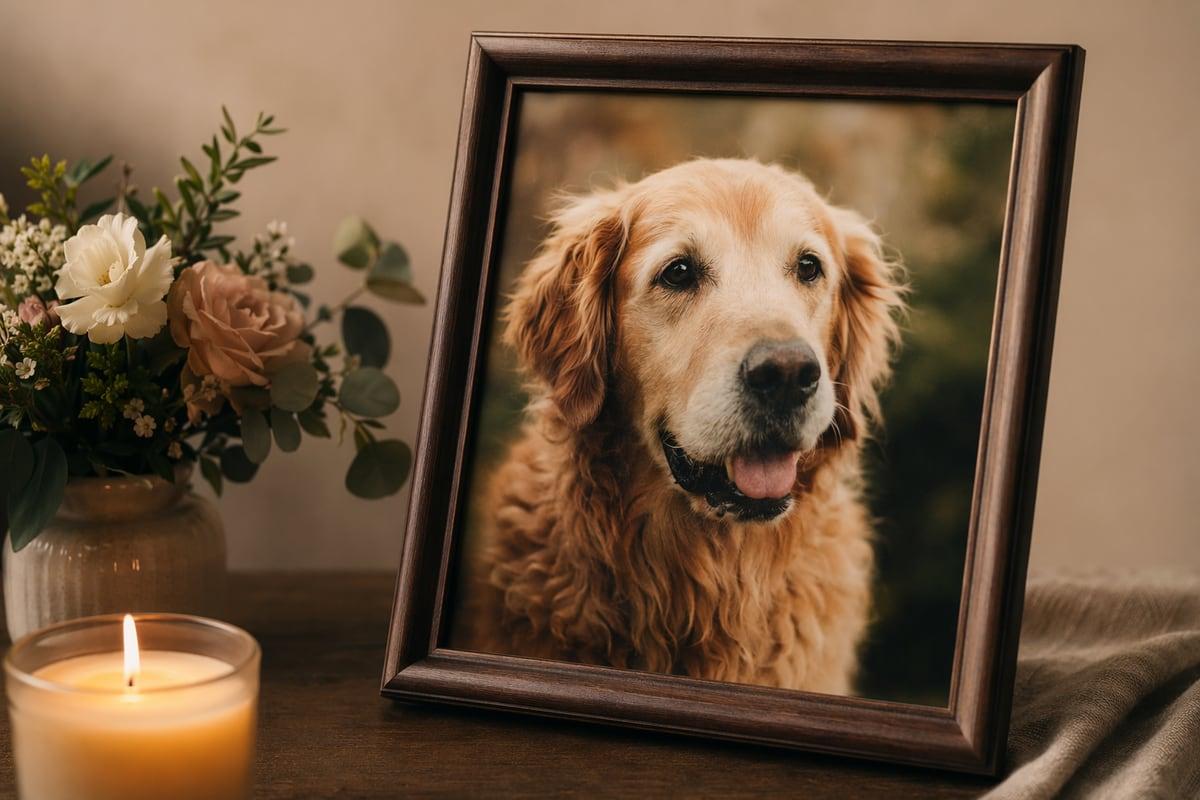
See Them Breathe and Blink Again
The Gentle Goodbye scene shows your pet calm and healthy, breathing, blinking and looking up once more. Nothing is invented, and the clip stays in your private gallery. Restore an old photo
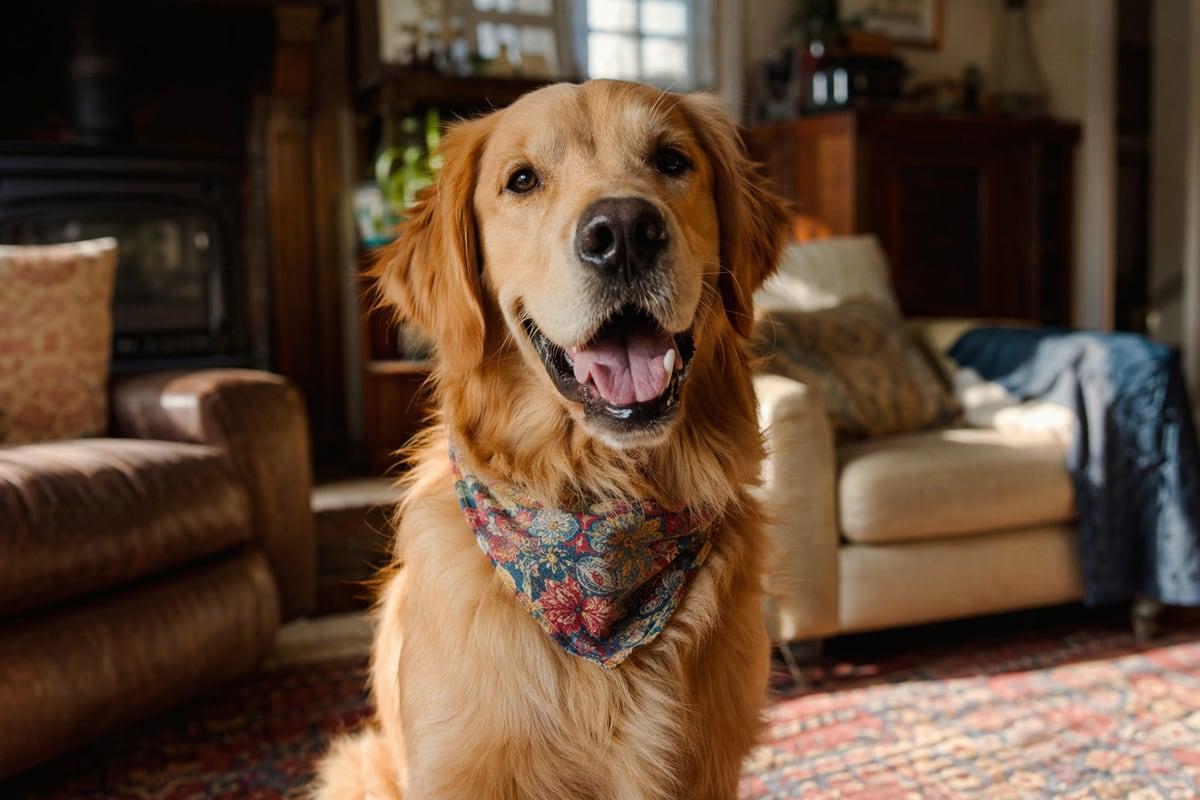
Make Birthday and Holiday Posts Easy
Party hat, cake or a snow day, without waiting for your pet to cooperate. Pick the scene, generate, and the post is ready for the group chat. Make a pet portrait
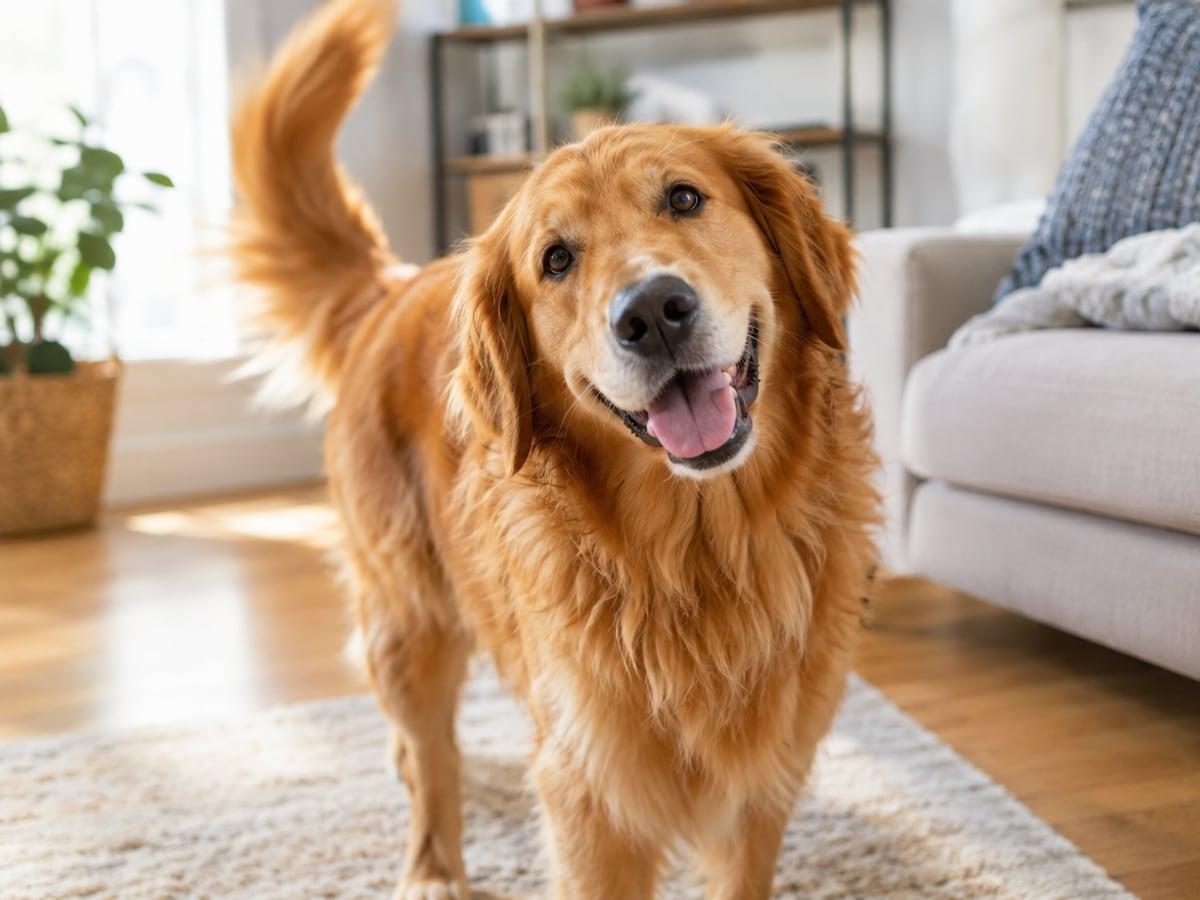
Capture the Tail Wag You Missed
Choose a happy tail wag, a curious head tilt, a treat or a cozy nap. Your one photo turns into the small moment you never caught on camera. Make a hug video
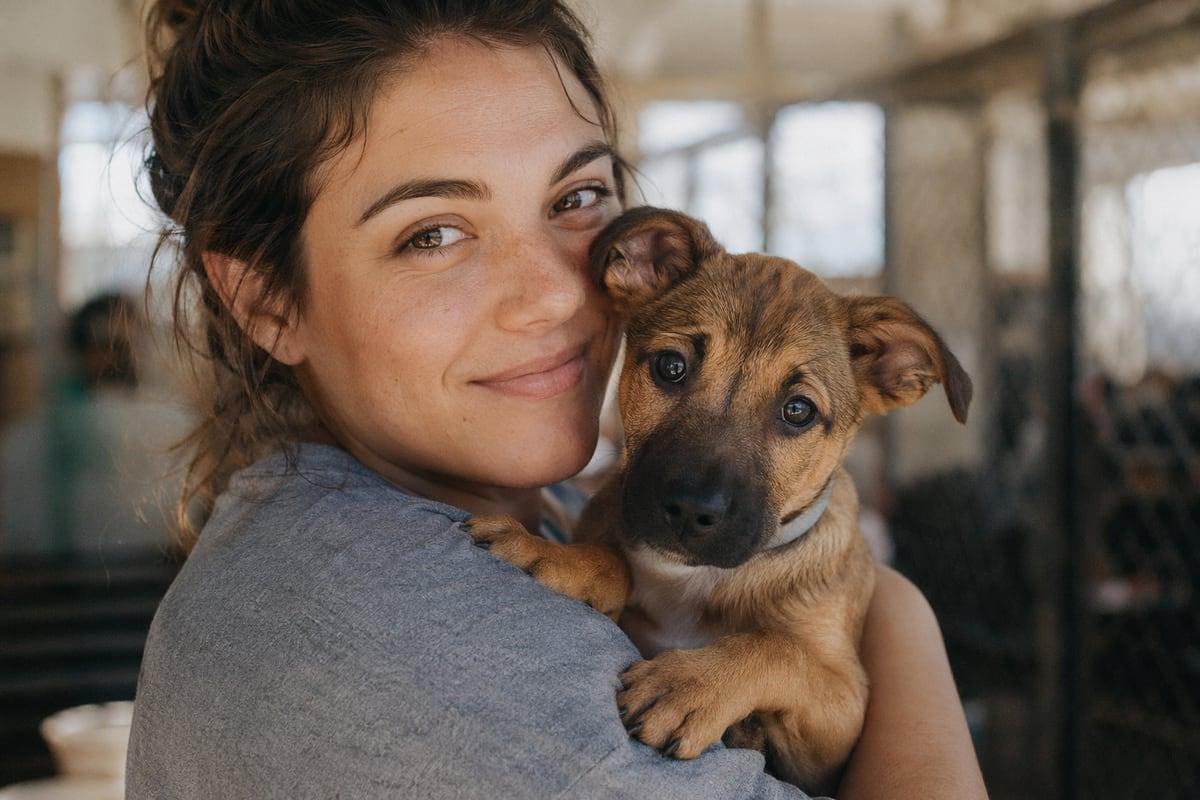
Give Your Pet a Voice Next
This page animates motion, not speech. For real lip-sync to your own words, take the same photo to our talking pet tool, which is built for that. Make your pet talk
Who Uses AI Pet Video
Four ways people use it every week
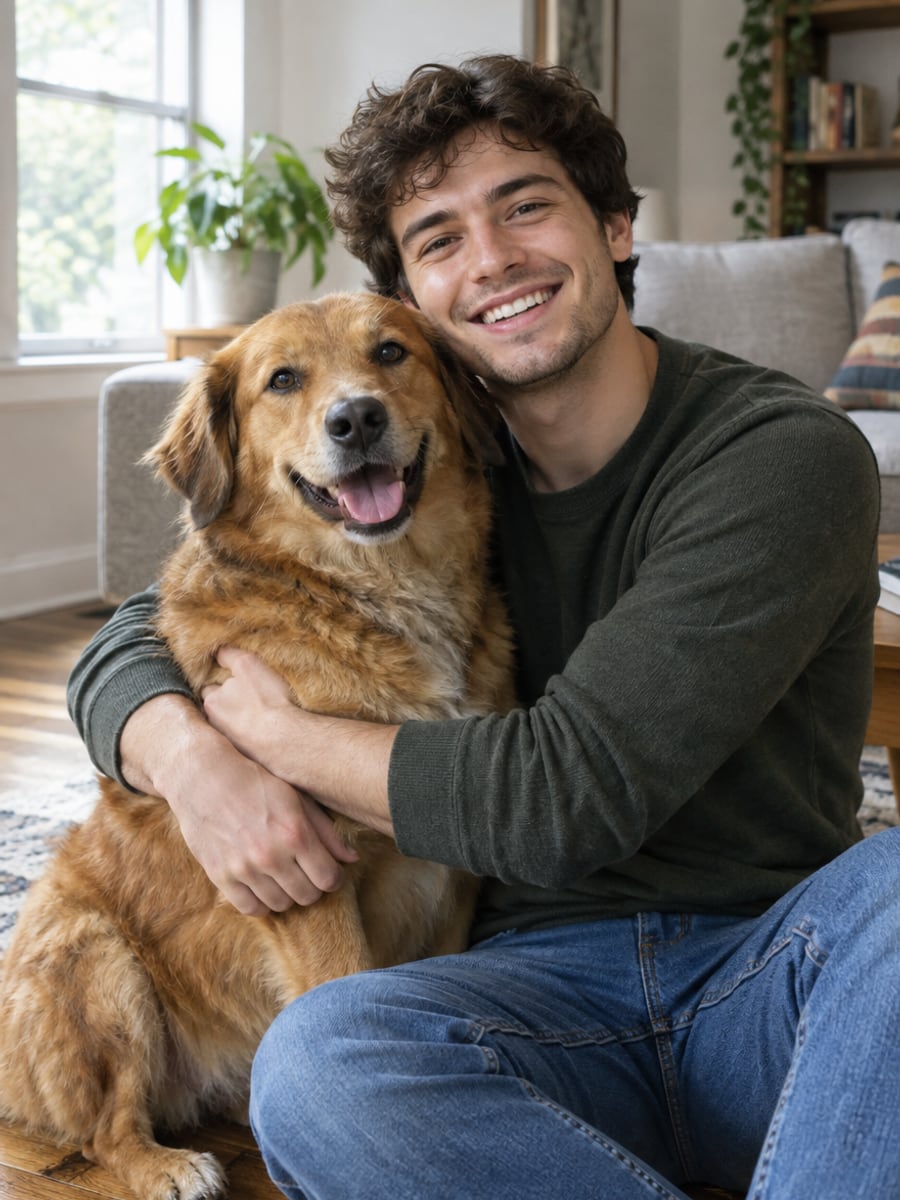
Turn your favorite dog photo into a wagging clip
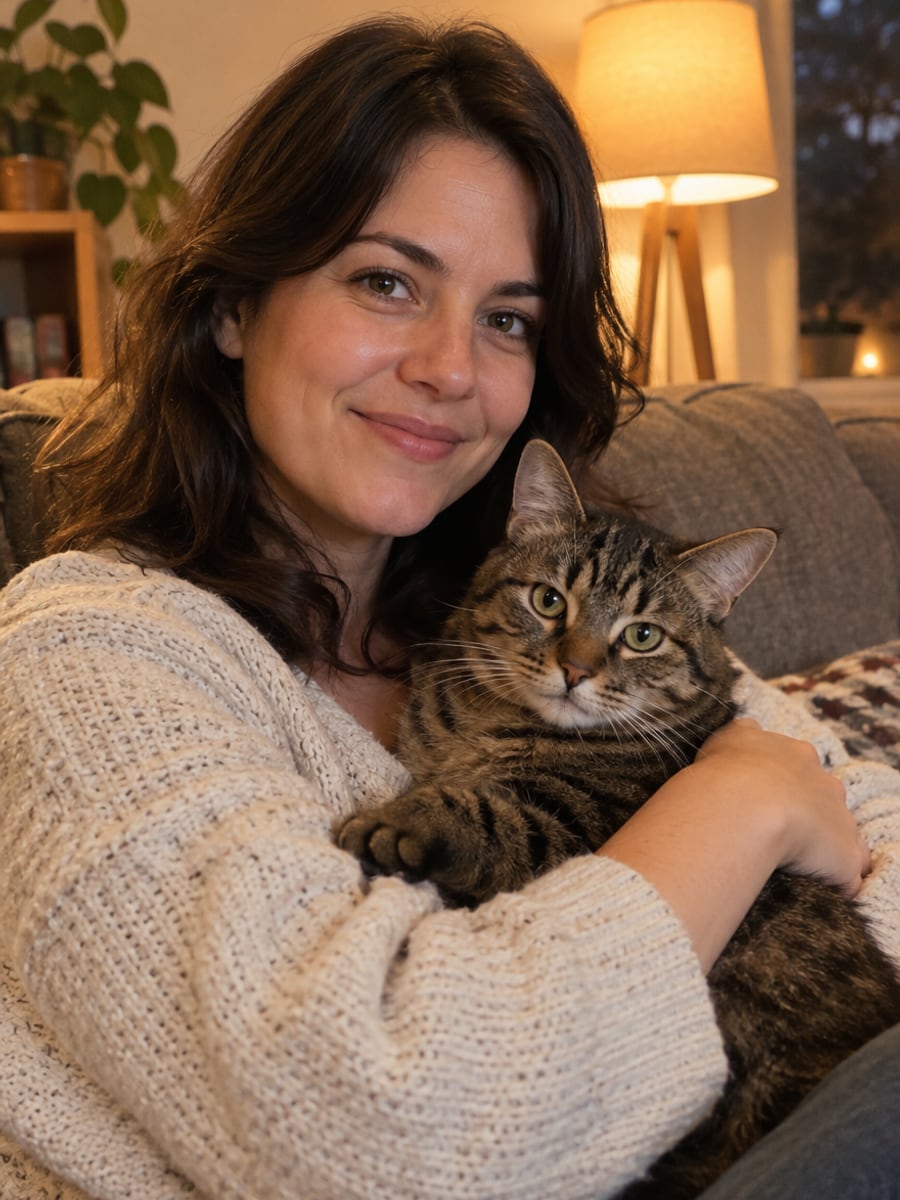
Catch the head tilt your cat never does on cue
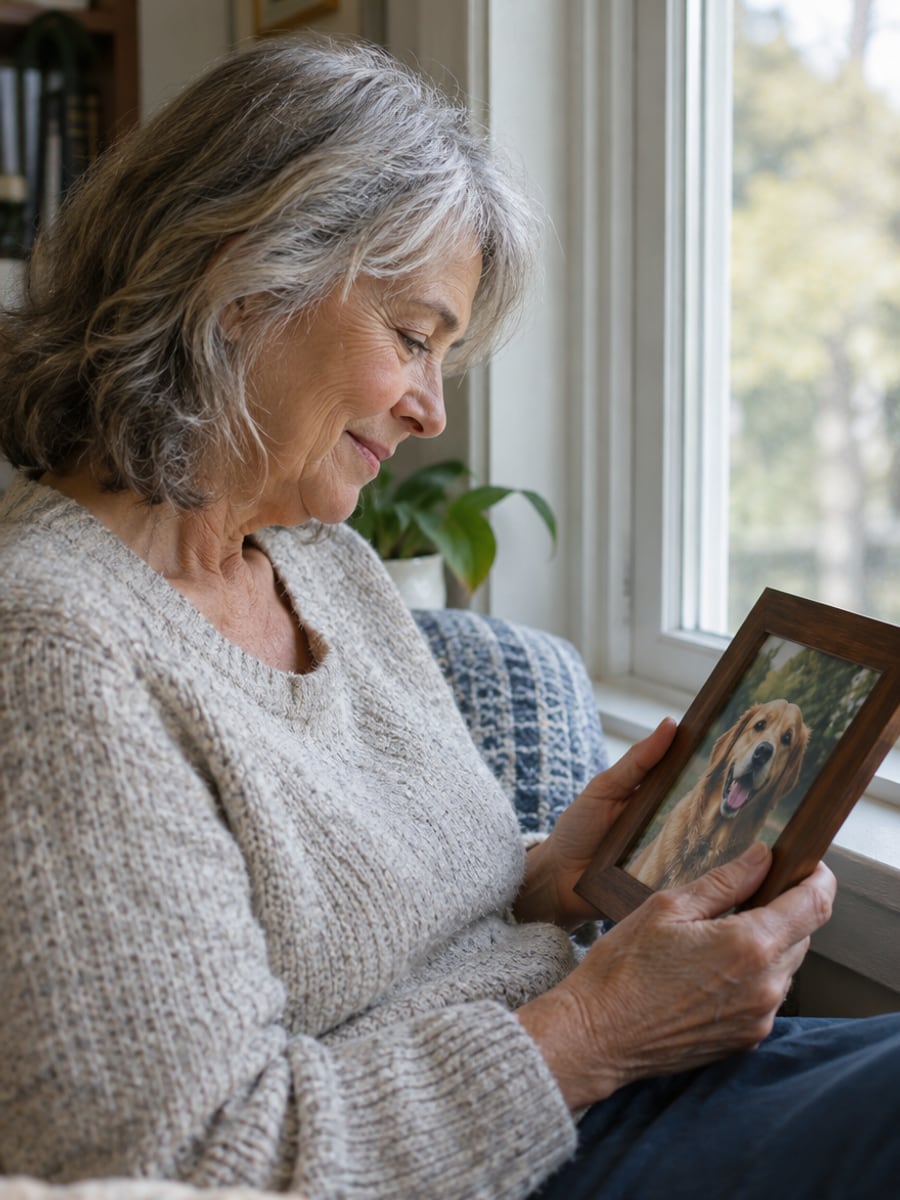
See a pet you miss move gently once more
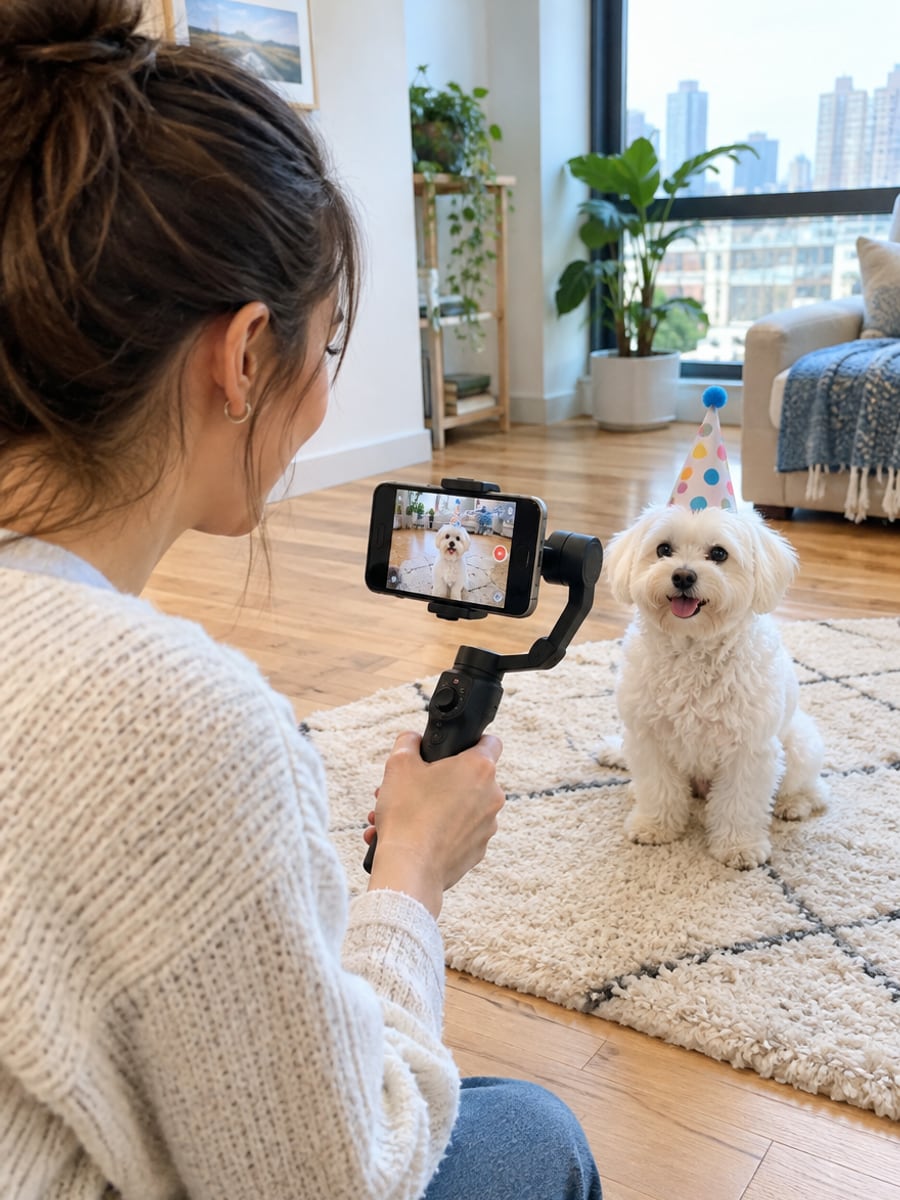
Post fresh pet videos without hours of filming
How to Animate a Pet Photo with CreateVision
Three small steps to a video you'll actually want to send.

Upload Your Pet Photo
Add a clear, front-facing photo where your pet's face is visible. Higher resolution gives better results.

Pick a Scene
Choose a one-click scene like a tail wag, a birthday wish or a gentle goodbye, then set the length and aspect ratio.

Generate and Download
Click Generate and download your 5, 10 or 15 second MP4 with no watermark.
The All-in-One AI Creation Platform
One account for images, videos, an AI agent that works for you, expert AI mentors and 80+ ready-made tools.
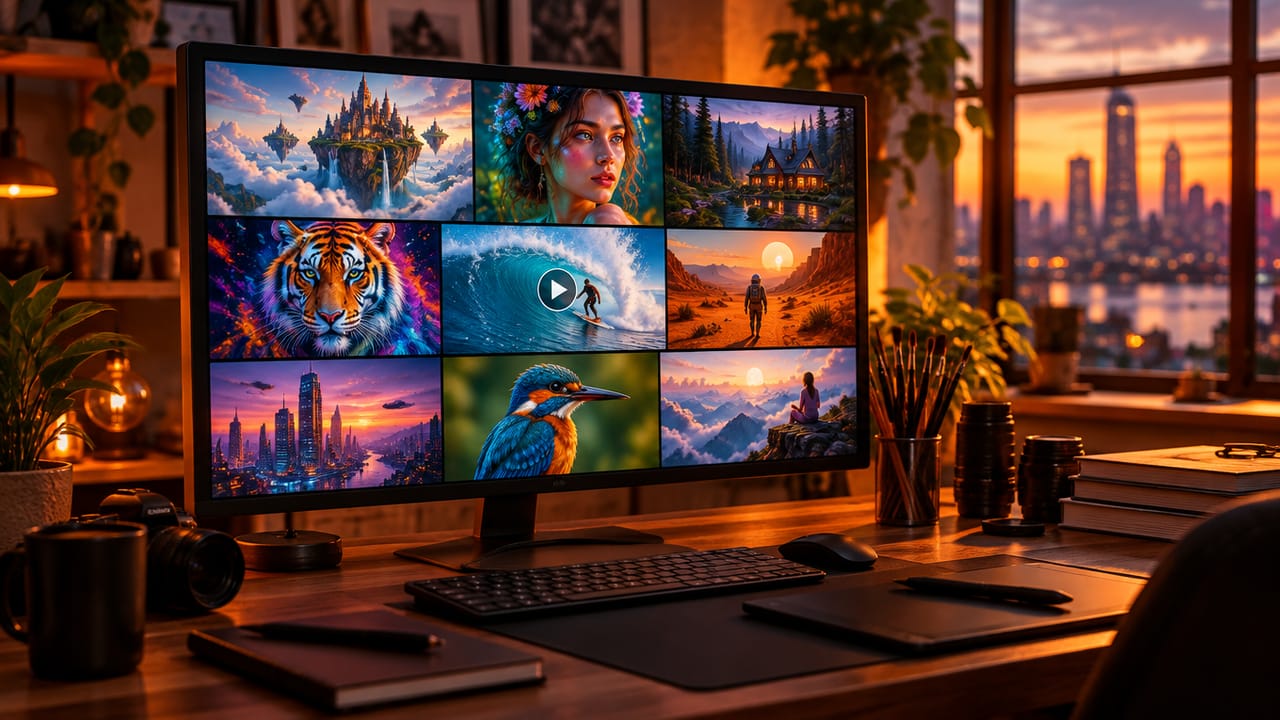
AI Image & Video Generator
Every leading model in one workspace: Seedream, Nano Banana, GPT Image, Seedance, Veo and more.
Open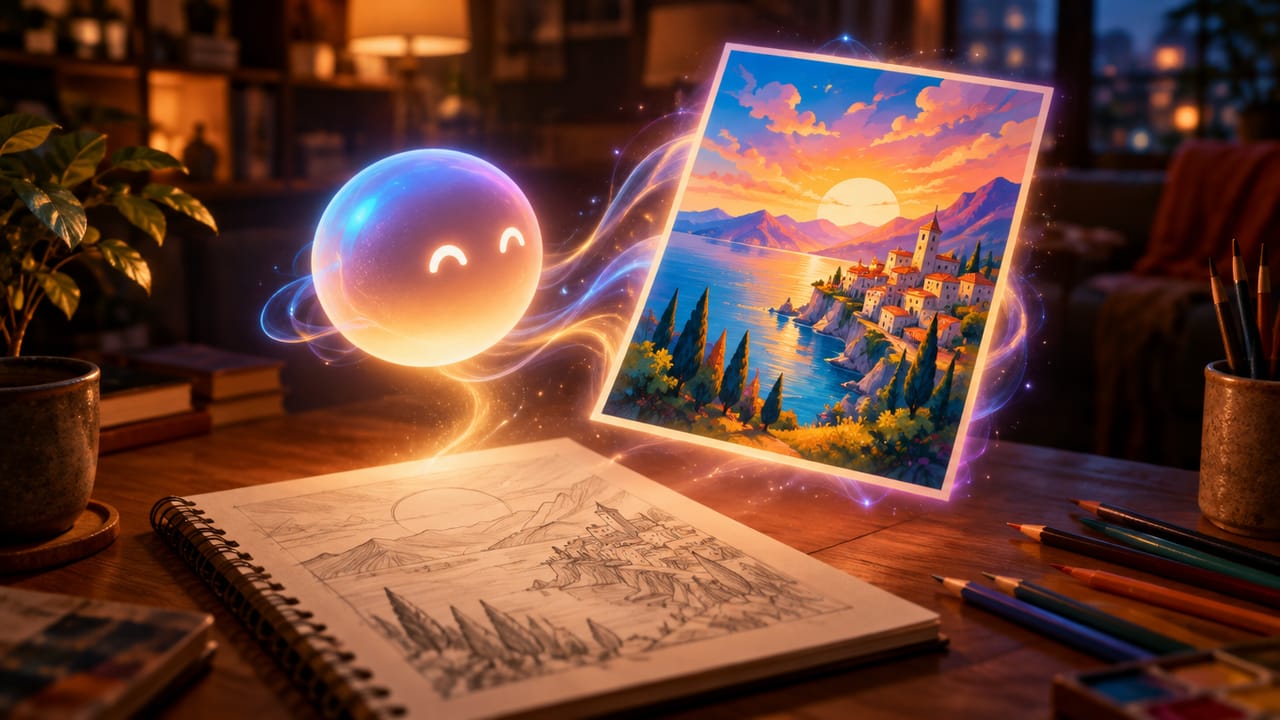
Ava, your AI creative agent
Describe what you need and Ava plans, generates and iterates for you.
Open
80+ AI tools
One-click tools for photos, videos, cards, portraits and viral trends.
Open
Template library
Thousands of ready prompts and styles to start from.
Open
Studios
Portrait, marketing, poster and cinema studios for finished work, not single shots.
Open
AI model library
Compare and pick the right image or video model for every job.
Open
AI mentors
Learn from expert mentors in photography, design and video, then create with their guidance.
Open190K+ creators
Using CreateVision to create and share
FAQs About Our AI Pet Video Generator
AI Pet Video turns one photo of your pet into a short video clip. You pick a moment, such as a tail wag, a head tilt, a gentle goodbye or a birthday wish, and the AI animates the animal from your photo. Clips run 5, 10 or 15 seconds in 9:16, 1:1 or 16:9.
CreateVision's is built around keeping your pet recognizable. Scene prompts describe motion only and never name a breed, so markings, ears and eye color come from your photo. You get one-click scenes, three aspect ratios, no watermark on any plan and an automatic refund if a generation fails.
You upload a photo, pick a scene and choose a length and quality tier. A reference-to-video model animates the animal in your photo while keeping its markings, ears and eye color. A clear, front-facing photo works best.
It works best with cats, dogs, rabbits and other furry animals with a visible face. Birds and reptiles move less naturally. Use a sharp photo where the face is not hidden or cut off.
The default Quick tier costs 9 credits per second at 480p and 17 per second at 720p. A 5-second clip at 480p is 45 credits, 10 seconds is 90 and 15 seconds is 135. Higher quality tiers cost more, and the exact price shows on each tier button. You can start with 200 free credits from Google sign-up.
Yes, you can download and post your clip, and video results carry no watermark on any plan. Uploaded reference photos are deleted automatically within 24 hours. Your results stay in your private gallery until you delete them.
Results depend on the photo. Blurry, dark or side-on shots give the model less to work with, and some animals move less naturally than cats and dogs. If a generation fails, your credits are refunded automatically, and if the model rejects the photo you will see why and can try another shot.
Bring Your Pet Photo to Life Today
Upload one photo, pick a moment and get an AI pet video that still looks like them, from 45 credits.
Related Tools You Might Like
Explore more AI creative tools