AI Logo Generator
Create professional logos for your brand with AI
Tap to uploadDrop image or click
JPG · PNG · WebP
Preview Examples


Drag the slider to compare
What is AI Logo Generator?
The AI Logo Generator turns your brand name and a one-line description into a 2K logo. Pick from ten styles and set the logo type, colors and industry to steer each version.

Why Brands Start with Our AI Logo Generator
Professional quality, privacy protected, instant results
Get Your Brand Name Right
The generator runs on Seedream 5 Pro, chosen for its text rendering. Your brand name comes out as clean lettering, the part most image models get wrong on logos.
Ten Styles, Four Fine-Tune Dials
Start from ten styles, from minimalist to luxury. Then set logo type, color scheme, industry and finish to steer each new version.
See Concepts in Moments
Describe your business and get a 2K logo concept without waiting days for a designer's first round. Regenerate until a direction clicks.
See What You Can Build With the AI Logo Generator
Perfect for various professional scenarios, instant and secure

Launch Your Startup with a Real Logo
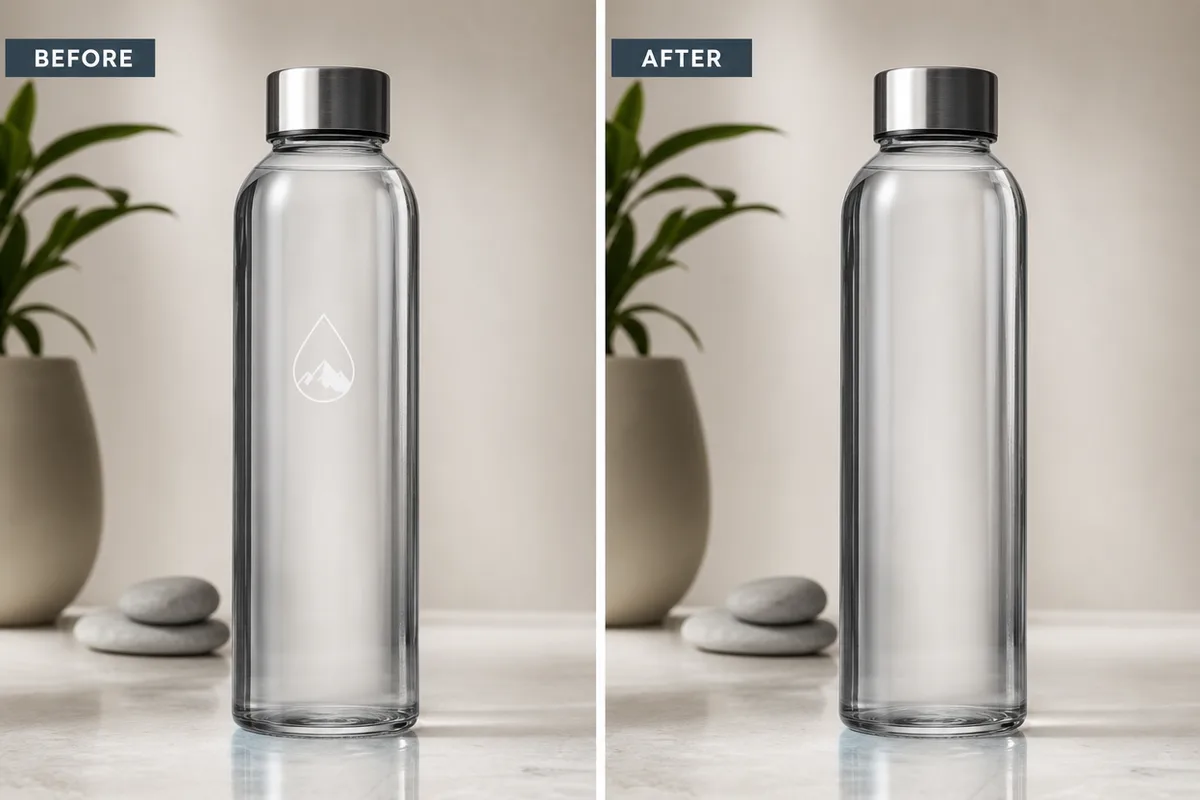
Type your company name and a line about what you do. You get a professional mark for your landing page, pitch deck and app icon before launch day. Remove the background

Test New Looks Before You Rebrand
Generate several directions for your shop, cafe or studio and compare them side by side. Commit only when one version feels like your business. Design a poster
Stand Out with a Personal Mark
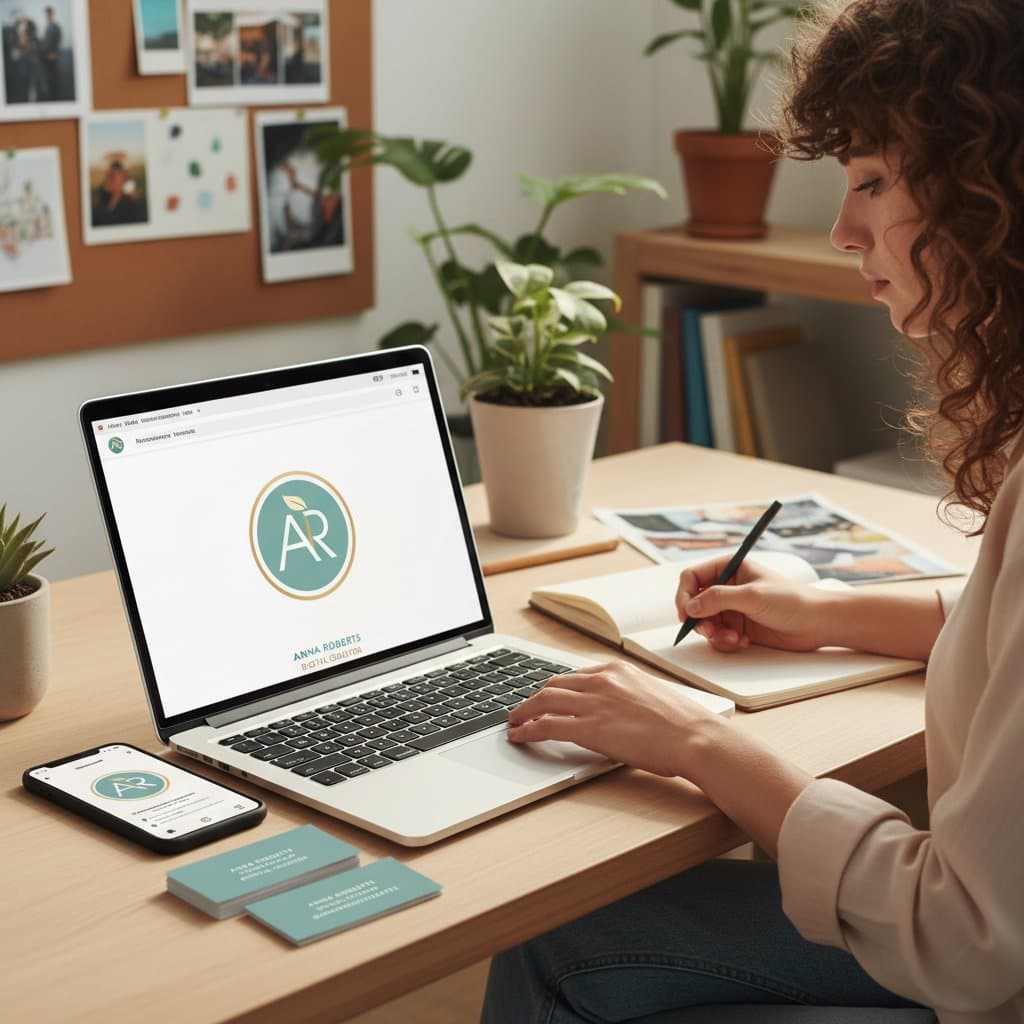
Freelancers, creators and consultants can turn their initials into a lettermark or monogram. Use it on your portfolio, invoices and social profiles. Get a headshot
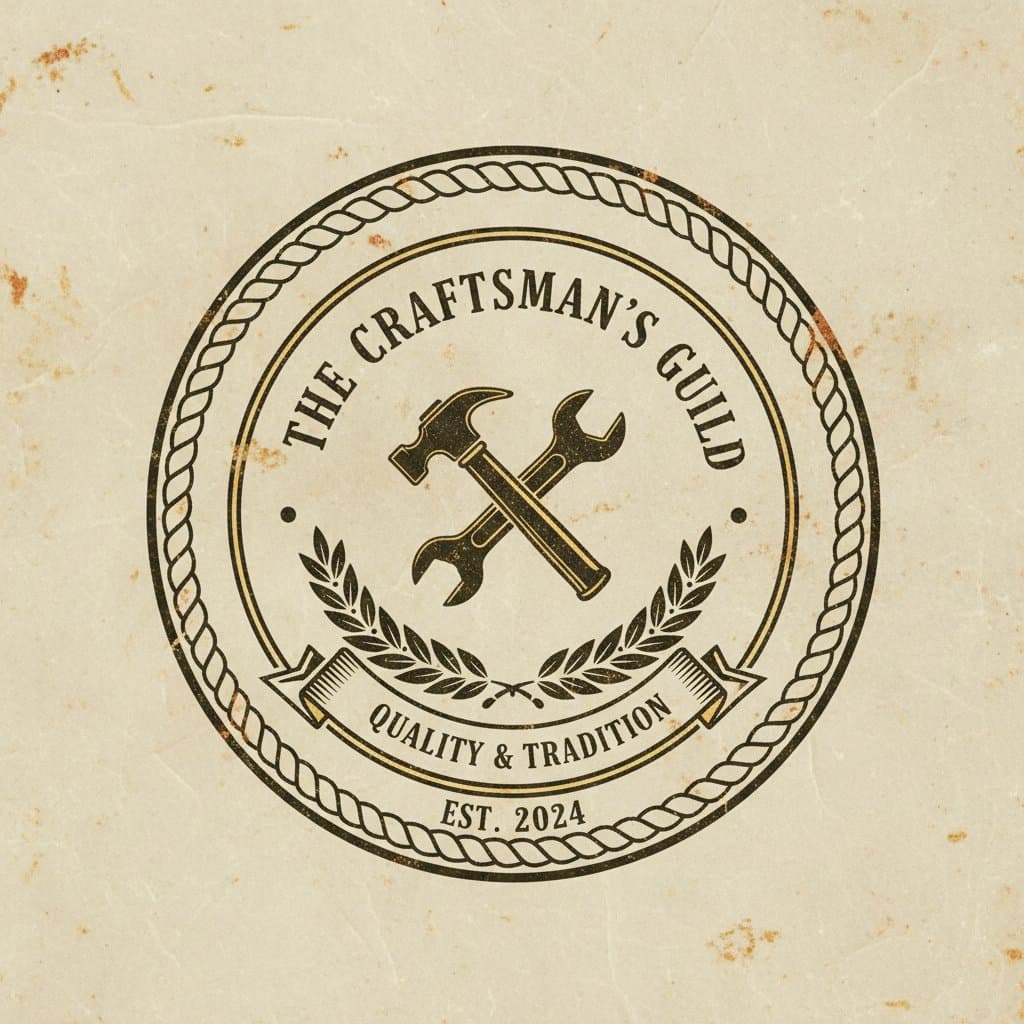
Match the Logo Type to Your Brand
Choose a wordmark, lettermark, symbol, combination mark or emblem. Your logo type sets how the name and the icon share the space. Upscale your logo
Who Uses AI Logo Generator
Four ways people use it every week

Get a launch-ready logo before your first pitch

Refresh your storefront look without an agency

Turn your initials into a mark clients remember

Give your channel a logo that fits your style
How to Design a Logo with CreateVision
Upload your photo, select a style, and download your professional result instantly

Enter your brand name
Type your brand or company name and describe your business in one line. Put the name in quotes so it is spelled exactly.

Choose a style
Pick one of ten design styles, such as minimalist, modern tech, vintage, playful or luxury. Add logo type, colors and industry if you want more control.

Download your logo
Generate a 2K result, regenerate until the direction is right, then download it for your site, socials and print.
The All-in-One AI Creation Platform
One account for images, videos, an AI agent that works for you, expert AI mentors and 80+ ready-made tools.

AI Image & Video Generator
Every leading model in one workspace: Seedream, Nano Banana, GPT Image, Seedance, Veo and more.
Open
Ava, your AI creative agent
Describe what you need and Ava plans, generates and iterates for you.
Open
80+ AI tools
One-click tools for photos, videos, cards, portraits and viral trends.
Open
Template library
Thousands of ready prompts and styles to start from.
Open
Studios
Portrait, marketing, poster and cinema studios for finished work, not single shots.
Open
AI model library
Compare and pick the right image or video model for every job.
Open
AI mentors
Learn from expert mentors in photography, design and video, then create with their guidance.
Open190K+ creators
Using CreateVision to create and share
What Users Say
Real feedback from users worldwide
“Saved me thousands on logo design. Generated a perfect minimalist logo for my tech startup in minutes!”

“As a small business owner, I couldn't afford professional designers. This tool gave me a logo that looks like it cost $500.”

“I use this for quick logo mockups before presenting to clients. Great for initial concepts and brainstorming.”

AI Logo Generator FAQs
An AI logo generator designs a logo from a short text description. On CreateVision you type your brand name and what your business does, pick a style, and the AI returns a 2K logo concept. You can regenerate or change the options until one version fits your brand.
The best one gets your brand name right, which is where most image models fail. CreateVision runs on Seedream 5 Pro, chosen for its text rendering. You get ten design styles plus dials for logo type, color scheme, industry and finish. Each logo is a flat 50 credits at 2K.
You describe your logo, for example a modern tech logo for "NexaFlow" with a blue gradient. You then choose a style and optional settings such as wordmark or emblem. The AI turns that brief into a logo in moments, and you regenerate until the result feels right.
Each logo is generated as a 2K image. For a transparent version, run it through the AI Background Remover. If you need a vector file for large signage, redraw the final design in your vector software or ask a designer to trace it.
Each logo costs 50 credits, whatever style or options you choose. Sign up with Google to start with 200 free credits, which covers four logos. After that, credits come from a subscription or a credit pack.
Paid plans include commercial use, so you can use your logos for business branding, products and marketing. Free accounts download with a small CreateVision mark, which subscribers and credit-pack buyers can turn off. An AI logo is not automatically protected as a trademark, so check trademark availability in your market before you build a brand on it.
Include your brand name in quotes, your industry and one or two key ideas, such as "a leaf" or "bold and friendly". Short names render most reliably. If the lettering or the layout is off, regenerate or simplify the description.
Design Your Brand Logo with AI Today
Type your brand name, pick one of ten styles, and get a 2K logo for 50 credits.
Related Tools You Might Like
Explore more AI creative tools