Ava Agent

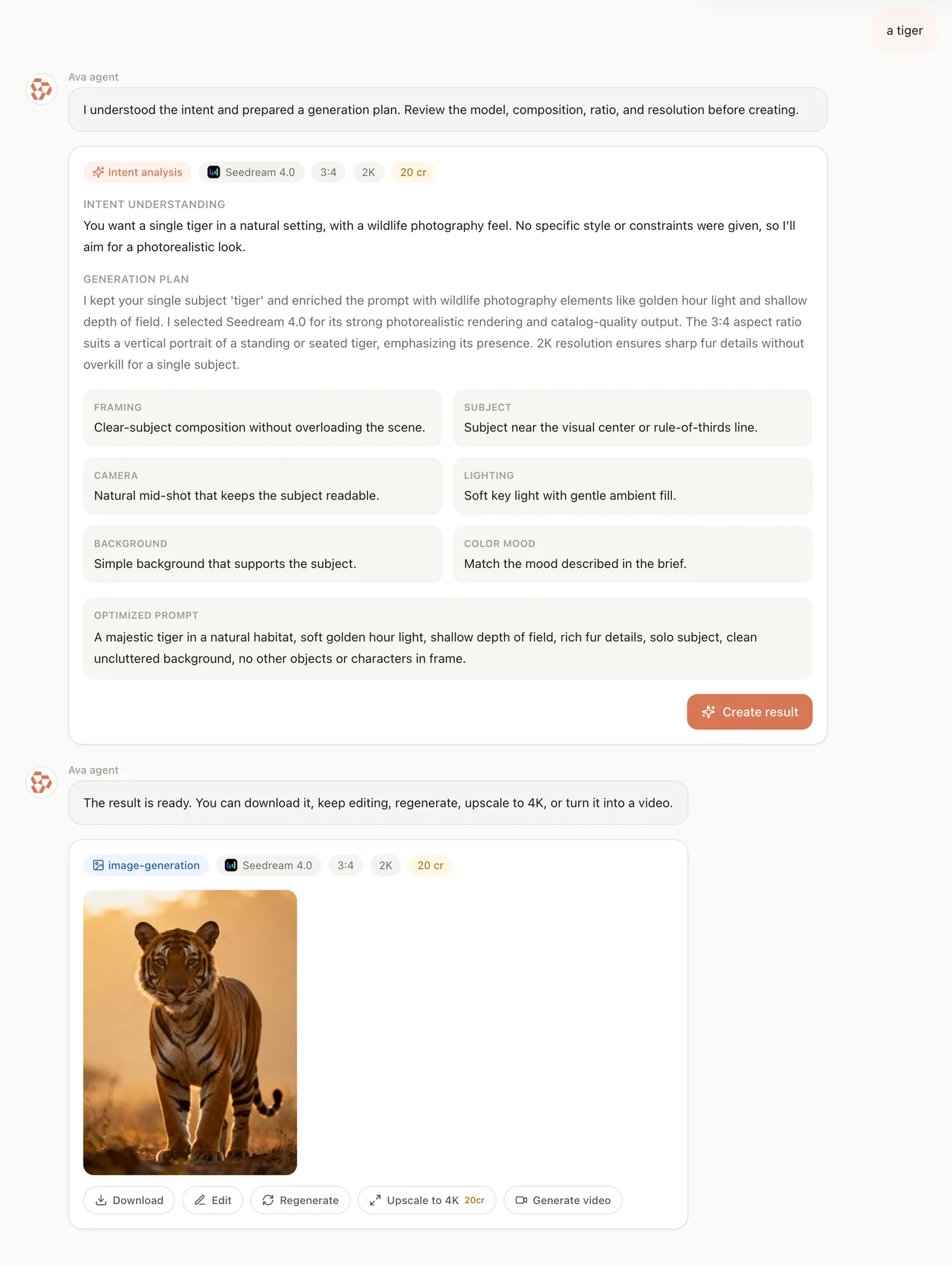
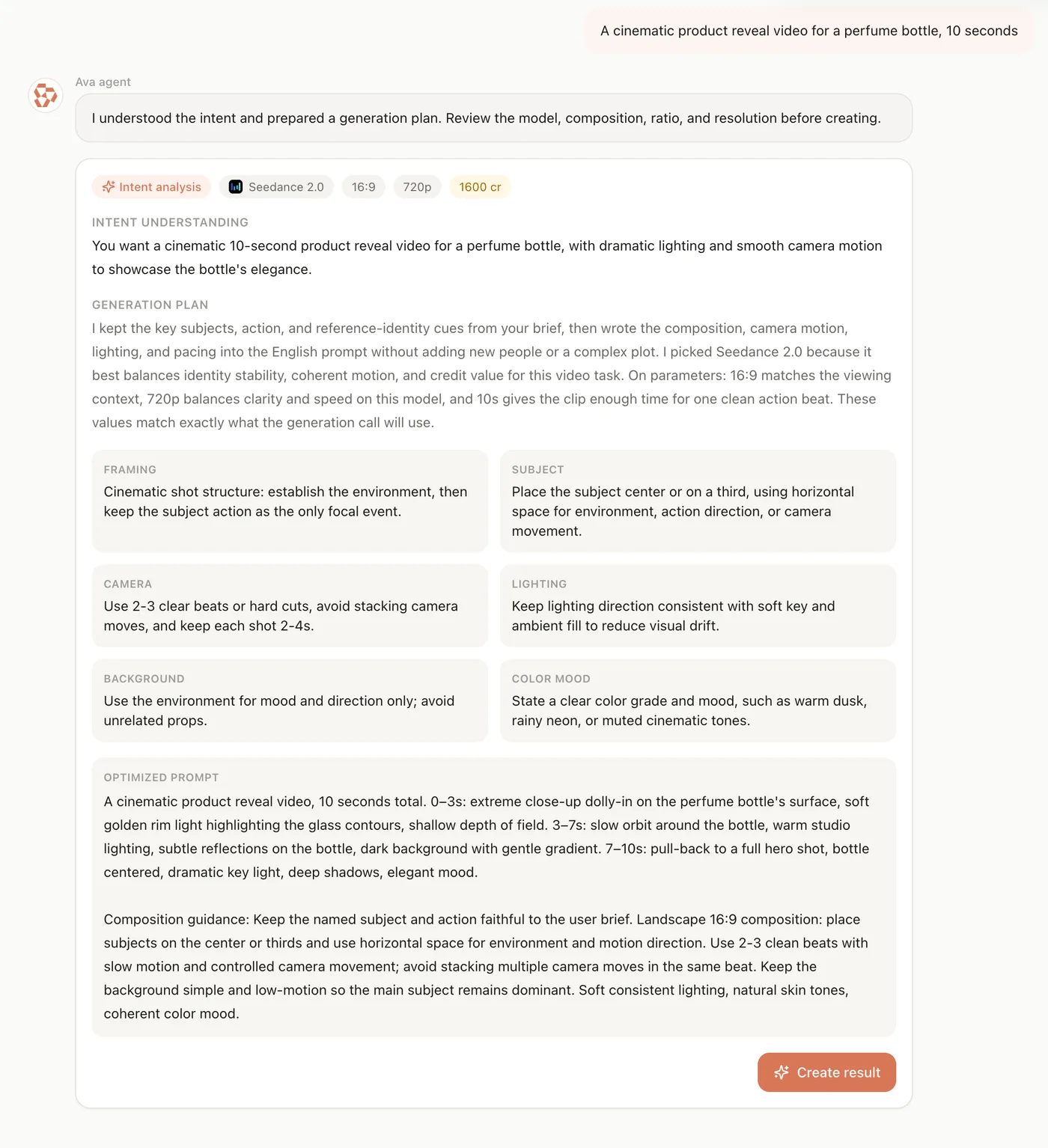
Tell Ava your idea — she reads your intent, plans the shot, picks the right model, and sharpens your prompt for expert-quality results at fewer credits.

Intent UnderstoodModel + PromptCredits Saved

Models Ava Drives For You

The agent plans across the full lineup and picks the right engine per task.

Made With Ava

Results planned and generated through agent conversations.

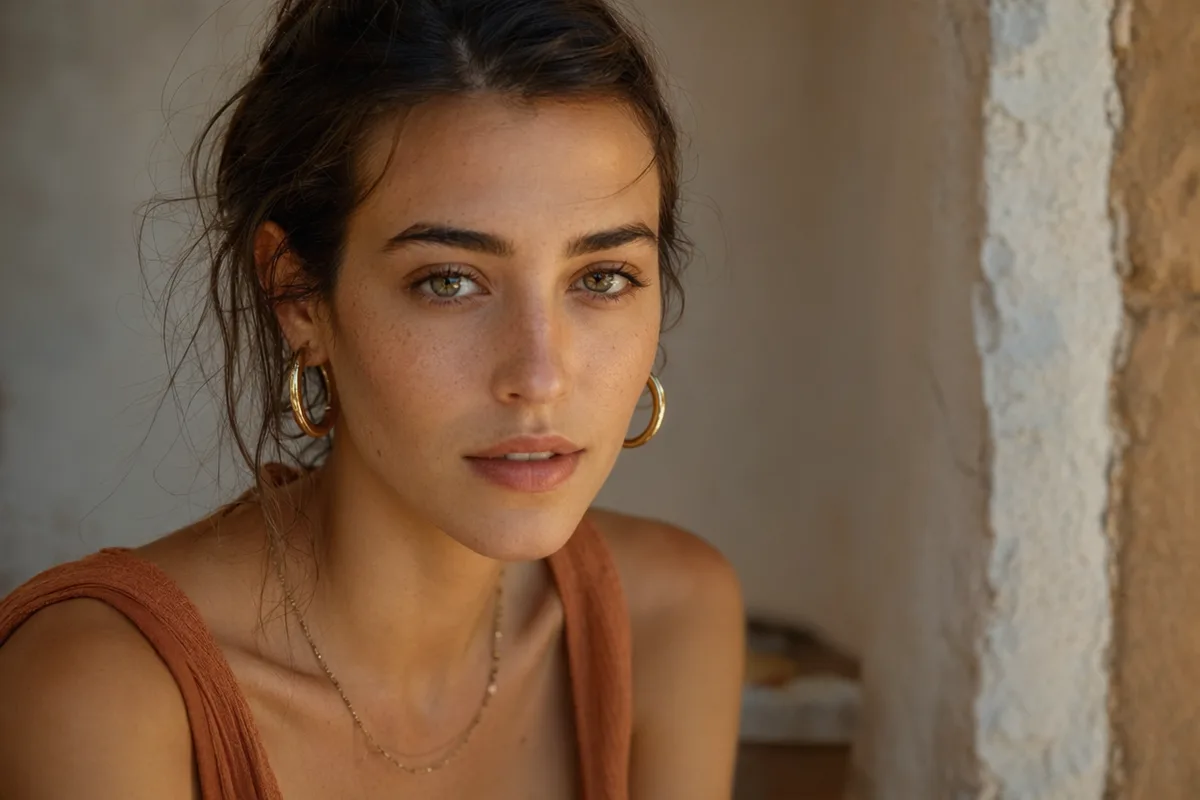
AI generated editorial portrait of a woman in soft window light
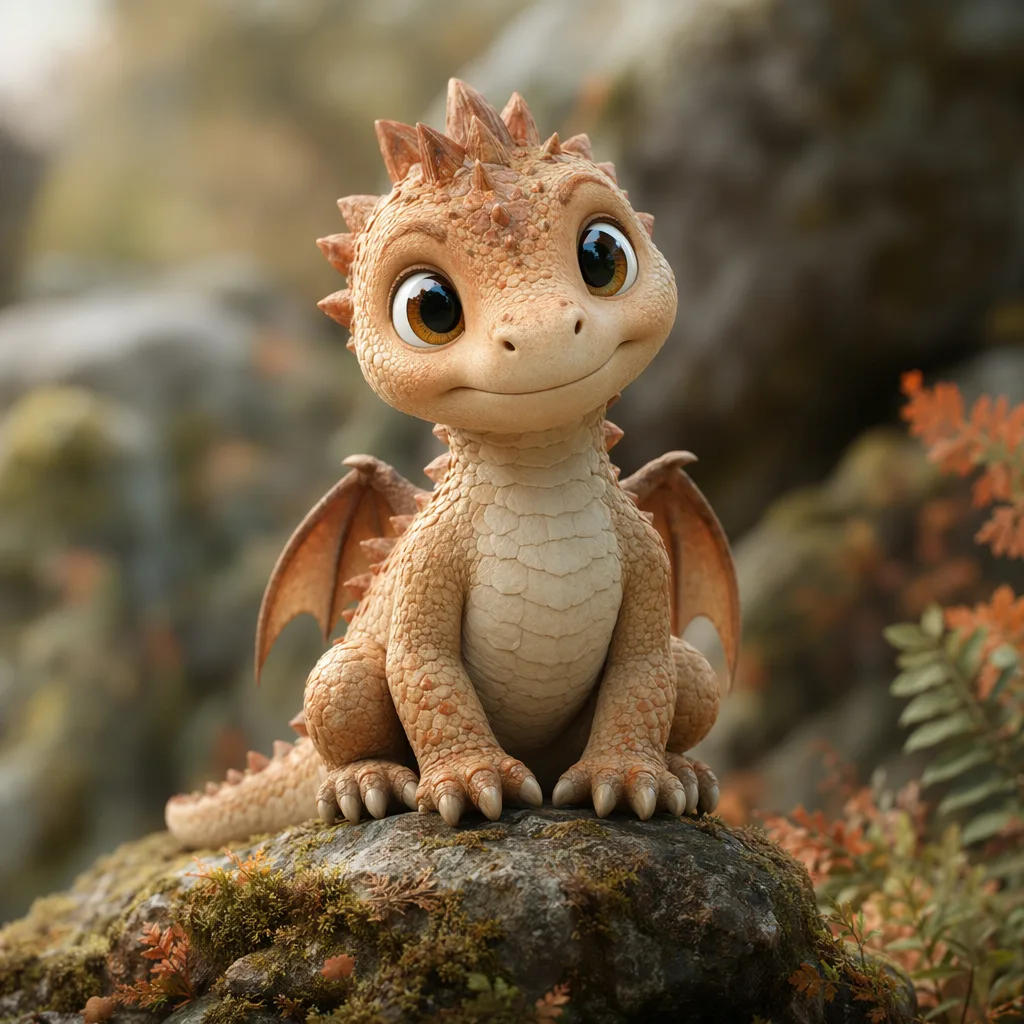
AI generated 3D baby dragon character on a mossy stone
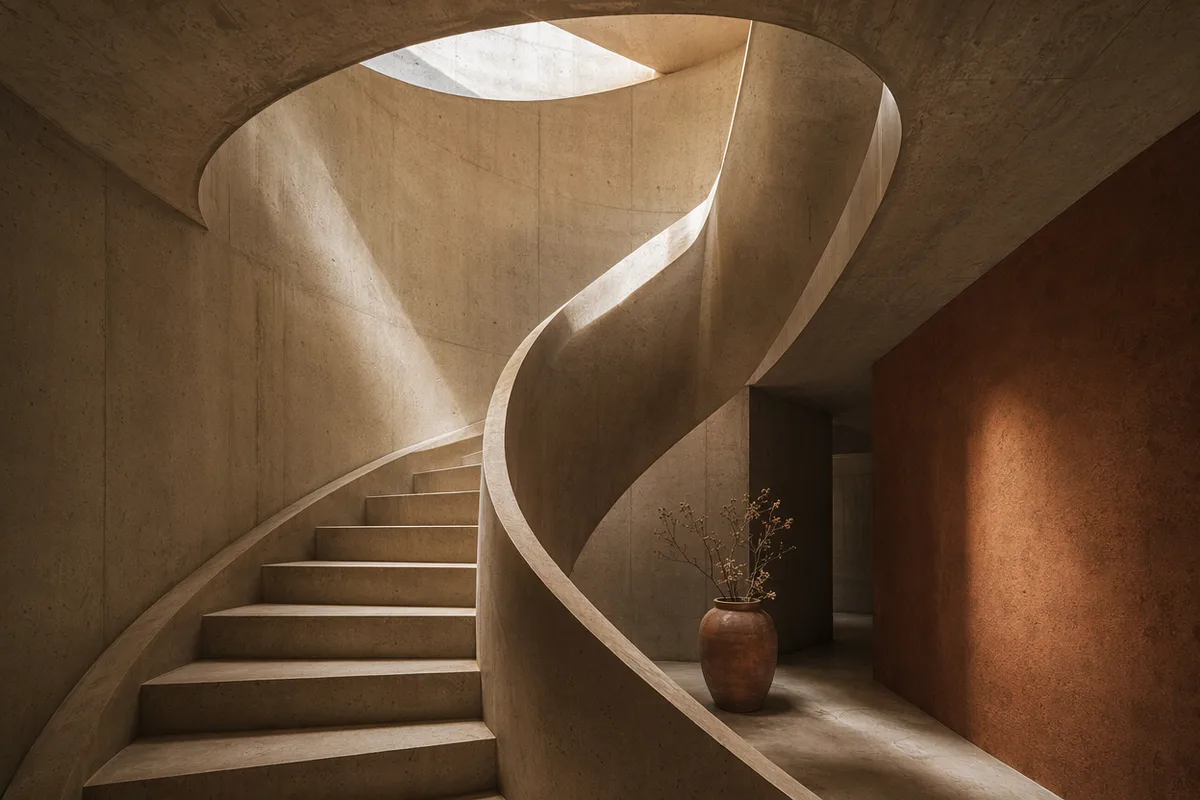
AI generated architectural photo of a warm concrete spiral staircase
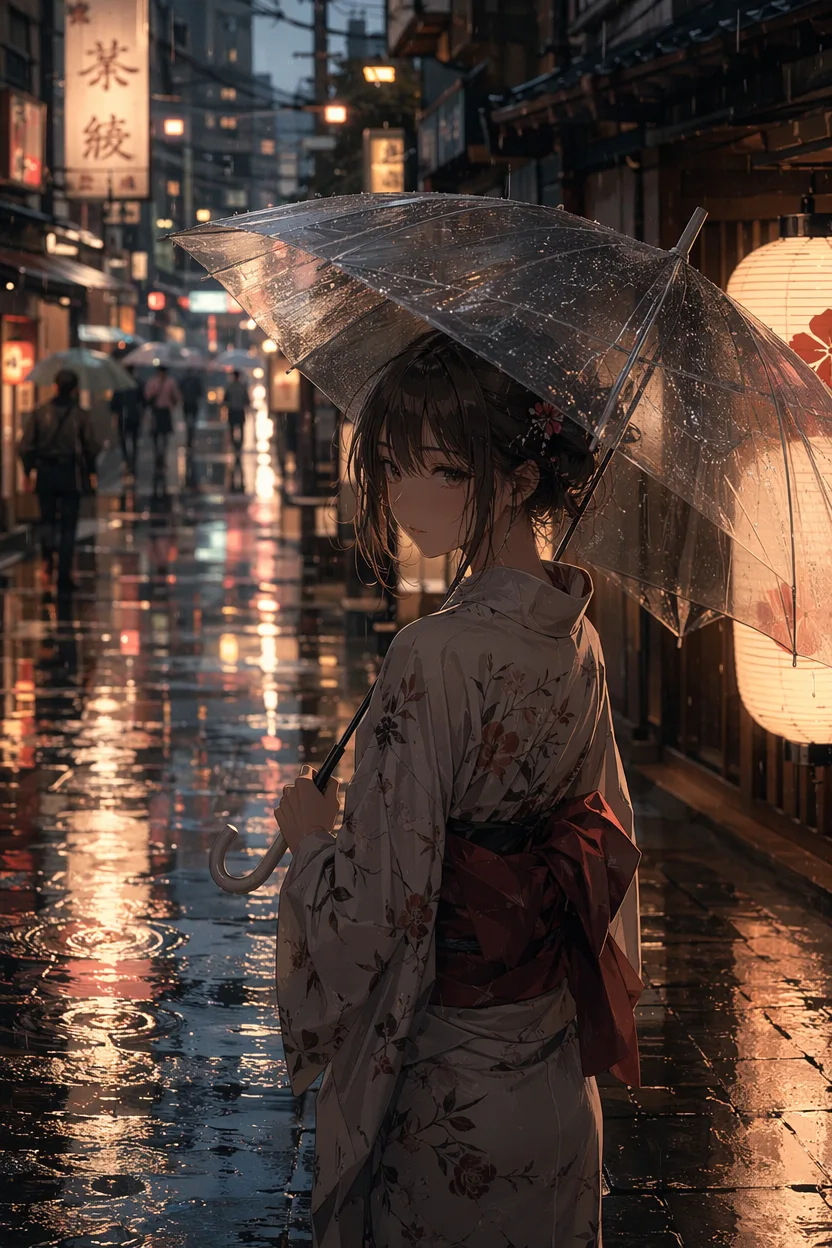
AI generated anime illustration of a girl with an umbrella on a rainy neon street
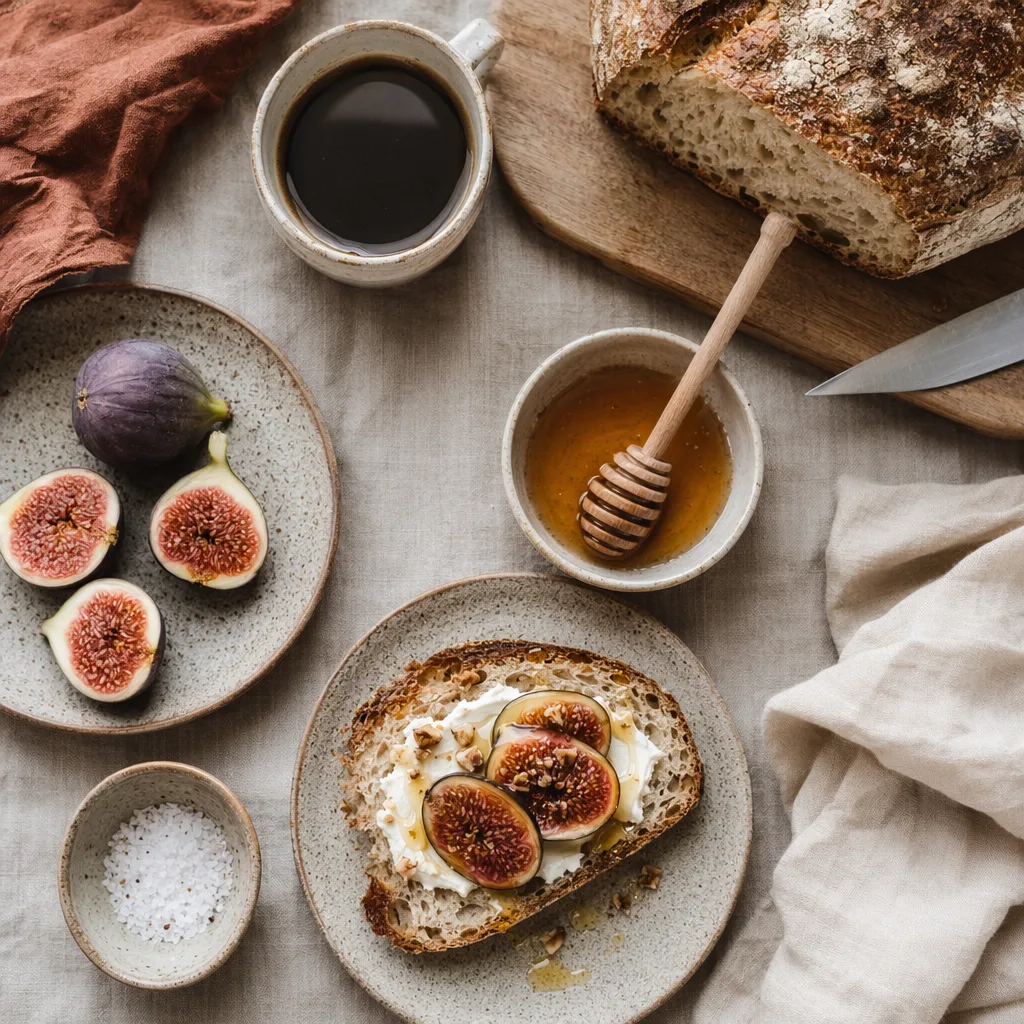
AI generated overhead food photography of a rustic breakfast spread
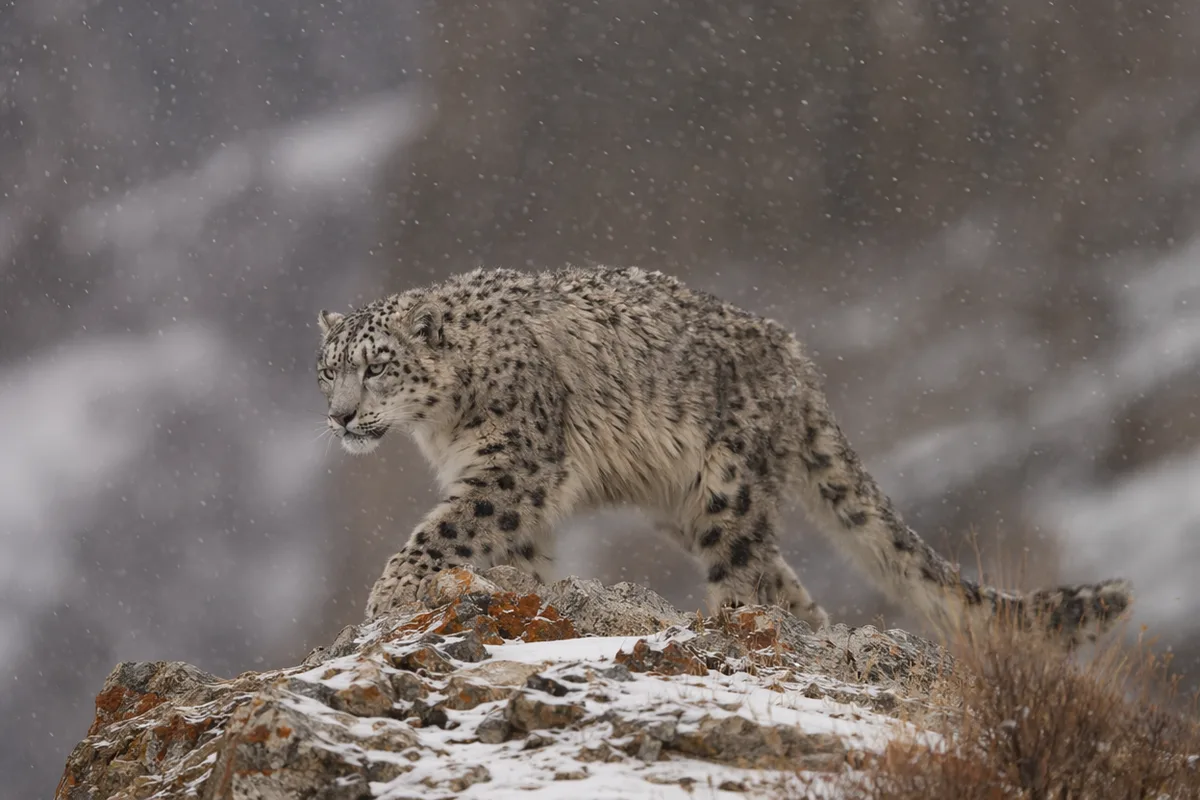
AI generated wildlife photo of a snow leopard in falling snow
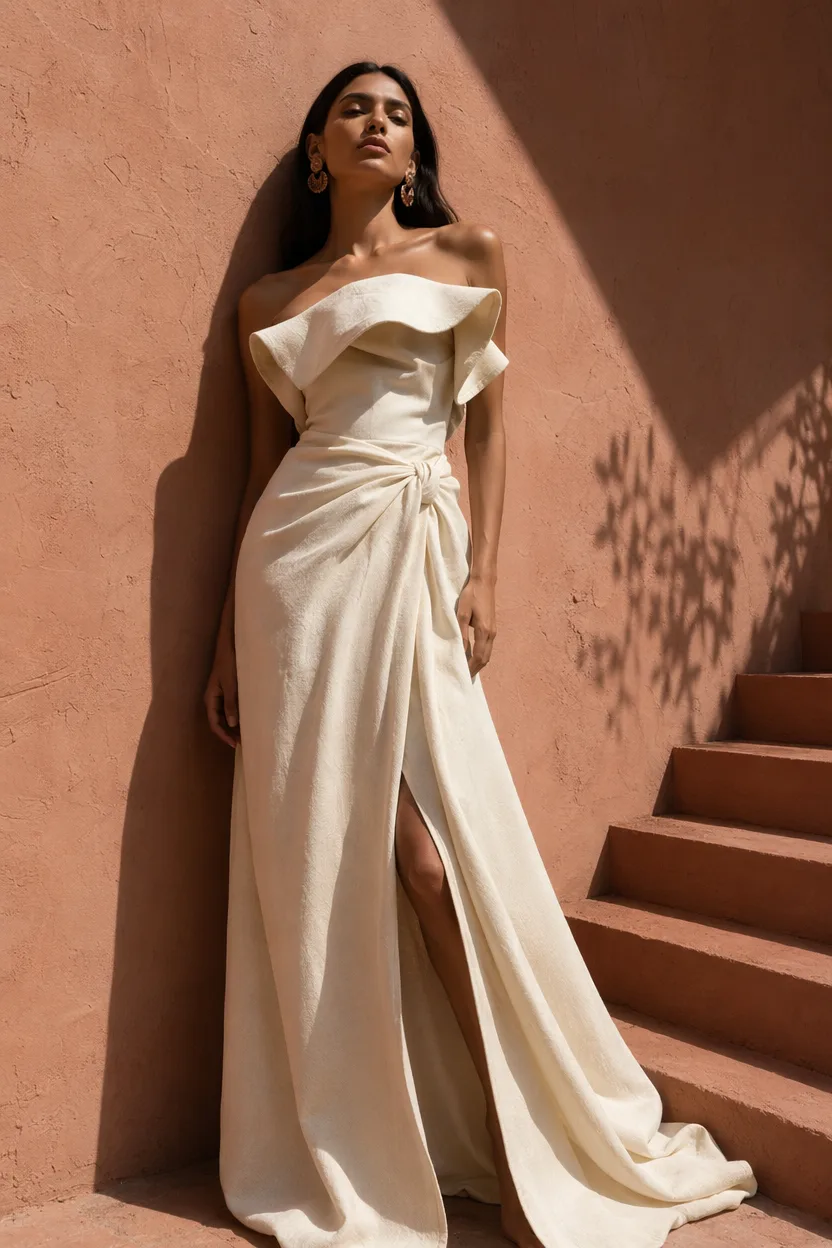
AI generated high fashion editorial portrait against a terracotta wall
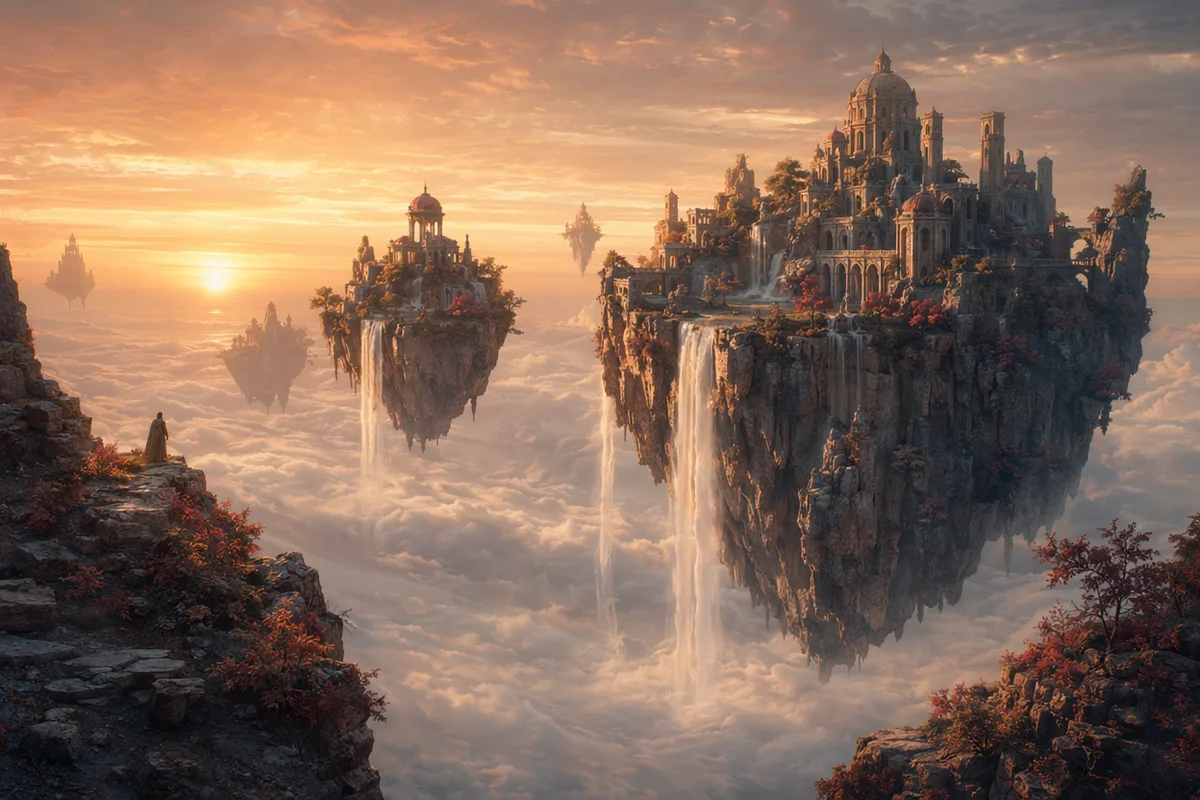
AI generated fantasy landscape of floating islands with waterfalls

Ava agent — describe it once, let the agent handle models and settings

Chat-based generation is winning because it removes the part nobody enjoys: parameter tuning. Ava holds your creative brief across the conversation, plans the generation, and iterates with you in plain language.

Chat conversation next to a generated artwork preview

Plain words in, a plan out

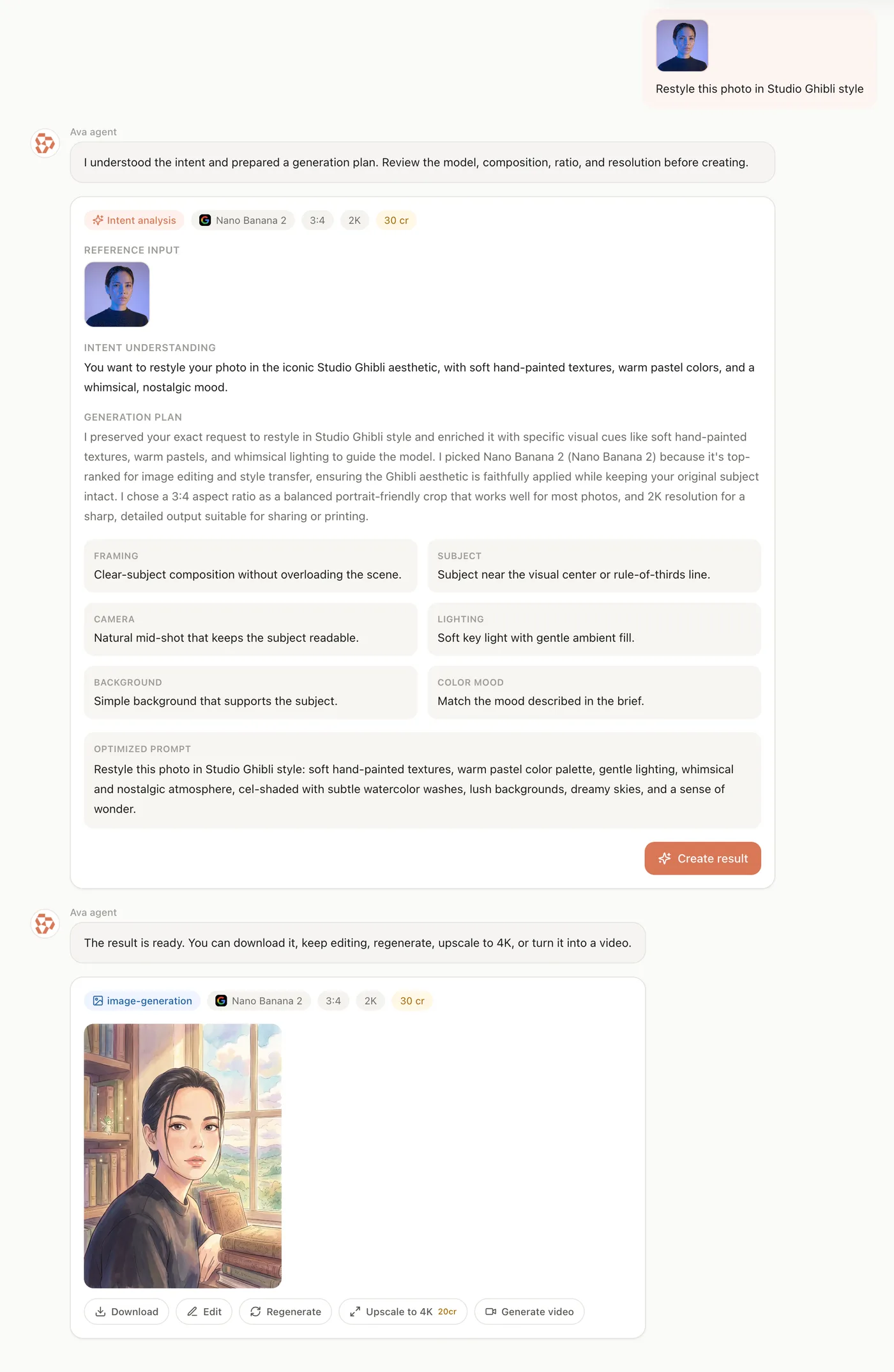
Tell Ava what you want — in any of 27 languages — and it translates intent into a concrete generation plan: model, ratio, resolution, references, credits. The technical vocabulary users say they don't want to learn is exactly what the agent absorbs for you.

Human and AI hands collaborating on a glowing canvas

A brief that doesn't reset

Conversational workflows hold the full creative context across iterations — no re-explaining your vision every attempt. Say "warmer, and closer on the face" and Ava applies the delta to what you were already making. That continuity is the most-praised quality of agent-based creation.

Three plan cards showing different creative directions

Plans you approve, costs you see

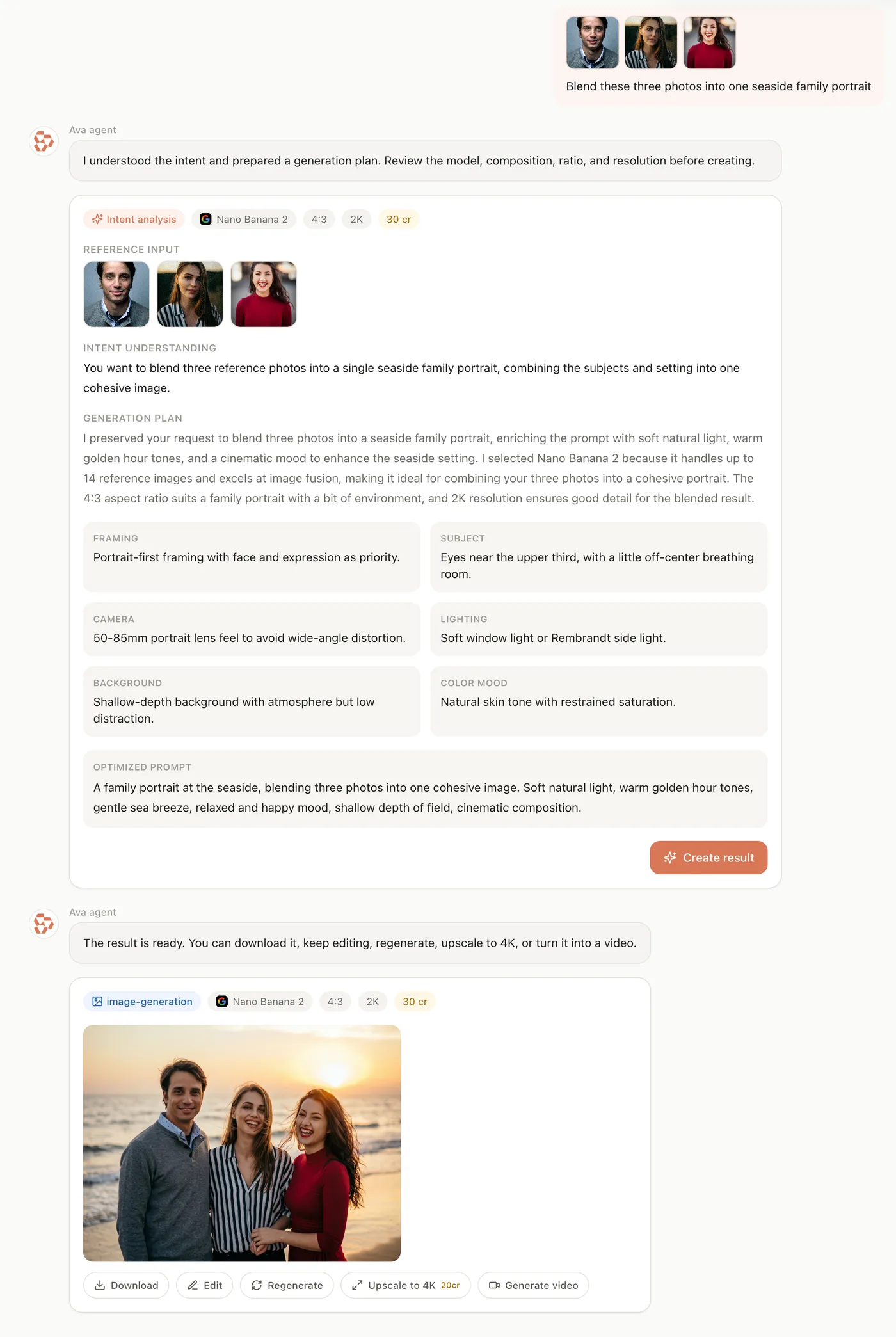
Before anything generates, Ava shows the plan — model, settings, reference images, exact credit cost — and you confirm or adjust. Image or video, including animating a photo you just made: the agent understands the whole pipeline.

A handwritten idea note beside a wall of finished artworks

From chat to finished asset

Every result lands in the conversation with follow-up actions — download, edit, regenerate, upscale to 4K, generate video — and is saved to your history. Conversations persist, so yesterday's thread picks up exactly where it stopped.

Keep exploring CreateVision AI

One account, the full image and video generation workflow.

Choose Your Plan

Start free with daily credits. Upgrade for premium models, faster generation, and 4K output.

Free

$0

Perfect for getting started

  • 80 credits per day, 400 per month
  • Z Image Turbo drafts at 0 credits
  • Standard generation speed
  • Generation history included
Get Started

Premium

Most popular
$29/month

Billed annually · $240/year

  • 1,600 credits/day, 8,000 credits/month
  • All premium models — GPT Image 2, Nano Banana, Seedream, Seedance, Veo, Kling
  • 5x generation speed, priority queue
  • AI prompt enhancement
Upgrade to Premium

Ultimate

$49/month

Billed annually · $300/year

  • 4,000 credits/day, 18,000 credits/month
  • HD generation up to 4K resolution
  • Private generation — results stay out of the gallery
  • Fastest queue and early access to new models
Upgrade to Ultimate

Frequently Asked Questions

1

What is the Ava agent?

Ava is CreateVision AI's creative agent: a chat interface that plans image and video generation for you — choosing models, settings, and references from your plain-language description, then generating after you confirm.

2

Which models can Ava use?

The full customer lineup: GPT Image 2, Nano Banana family, Seedream, Z Image Turbo for images; Seedance 2.0, Veo 3.1 Fast, and Kling for video. It recommends per task and you can always override.

3

Does Ava speak my language?

Yes — Ava replies in the language you write in, across all 27 supported languages, and optimizes your prompt into a detailed brief for the model.

4

Can Ava make videos too?

Yes — including animating an image from earlier in the conversation. Say "turn this into a video" and it plans an image-to-video generation with the right model.

5

Do I control what gets spent?

Yes — every plan shows its exact credit cost before you confirm. Nothing generates without your approval.

6

Can I upload reference images in chat?

Yes — attach up to five images in the composer, and Ava incorporates them into the plan, displaying them on the plan card.

7

Are my conversations saved?

Yes — conversations and their results persist in your history, so you can reopen any thread and continue iterating later.

Tell Ava what you want to make

Start Chatting With Ava