Video generation workspace

AI Video Generator

Generate cinematic videos from text or image references, choose video models, and control duration, aspect ratio, and quality.

Text to videoImage to videoCinematic models

Popular Models

The video lineup we recommend, led by the current leaderboard champion.

Get Inspired

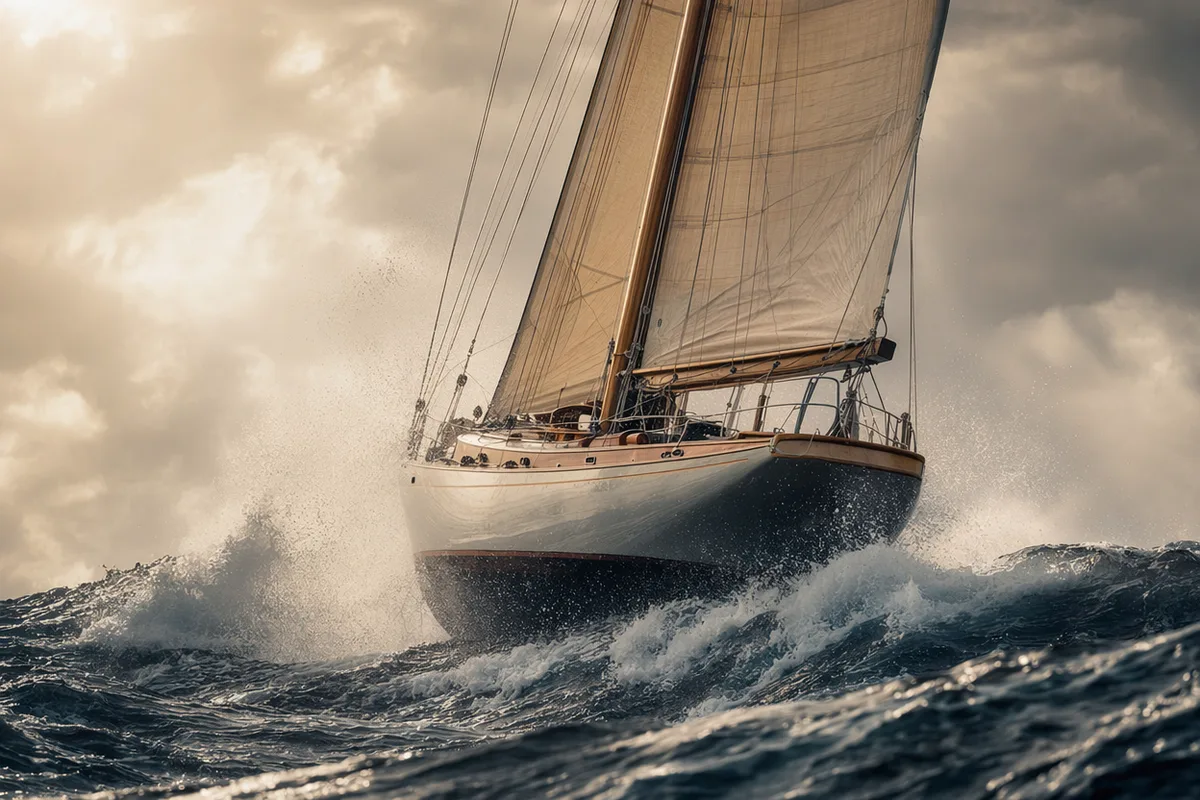
Stills from AI videos generated with CreateVision AI.

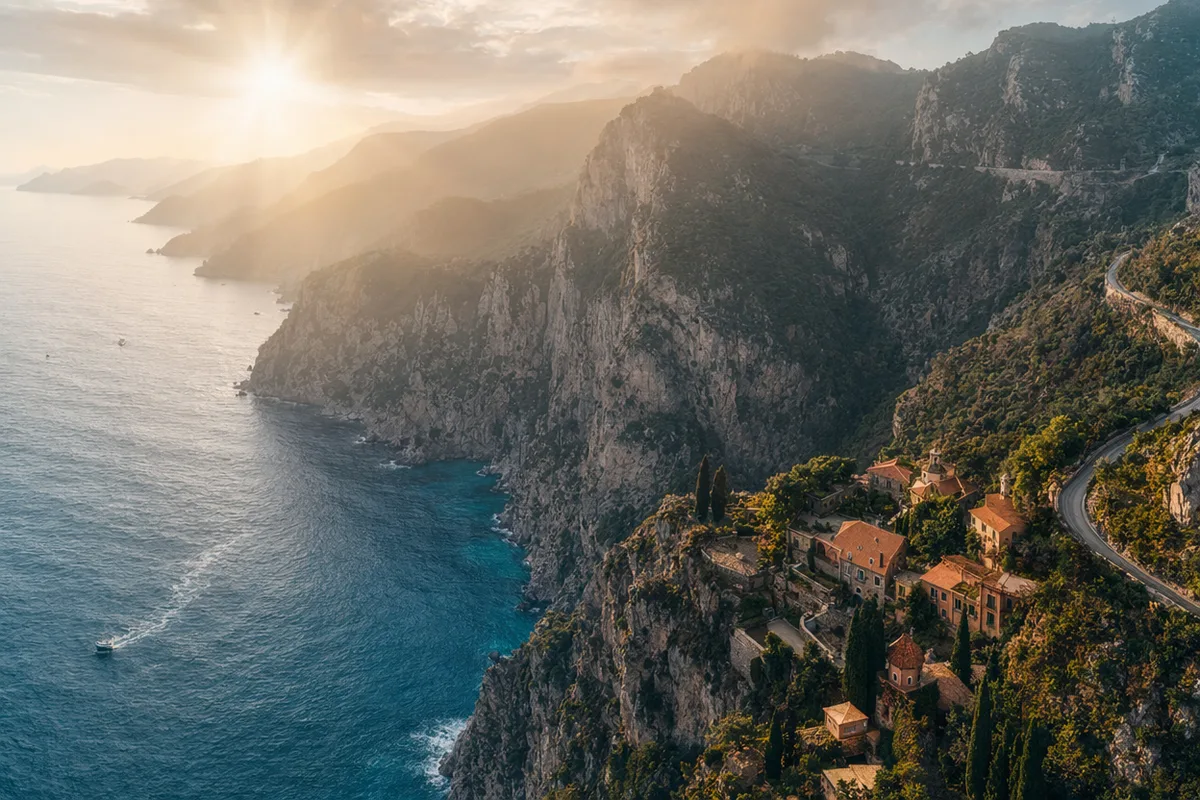
AI video still of a vintage car chase through narrow European streets
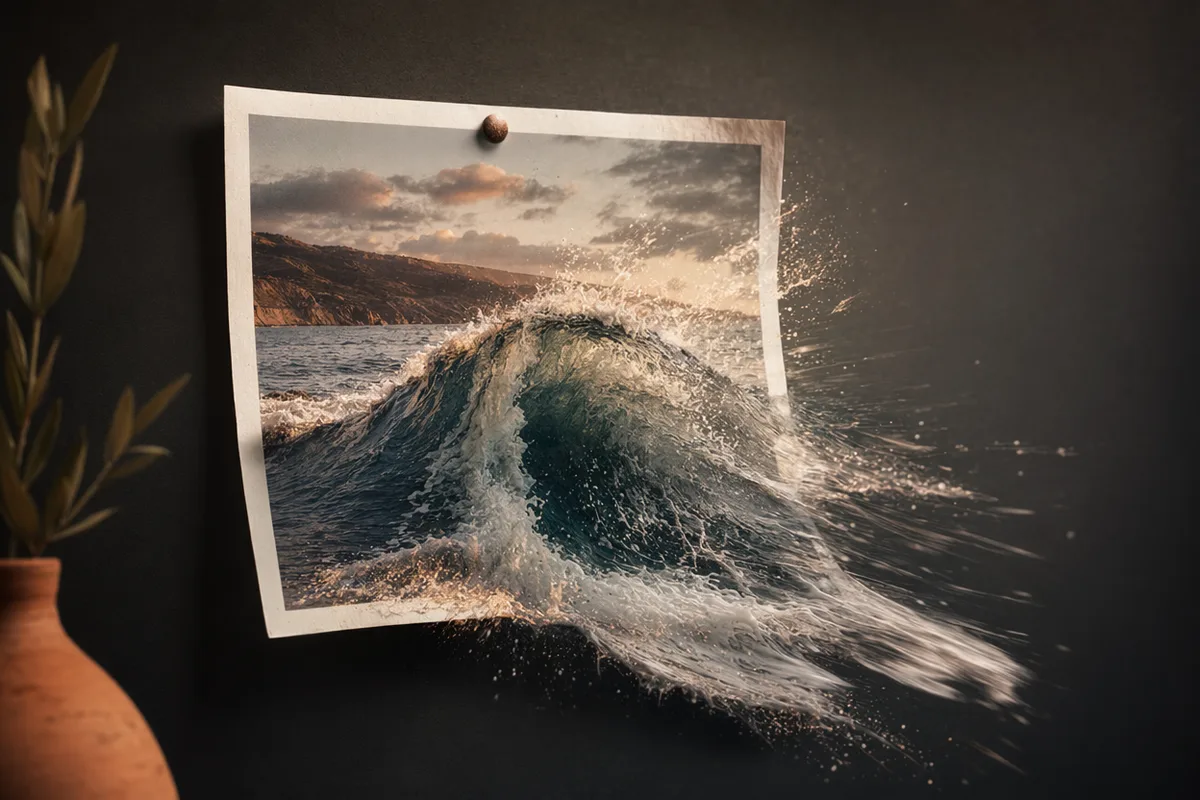
AI video still of a surfer inside a glassy barrel wave at sunrise
AI video still of northern lights swirling over a snowy cabin
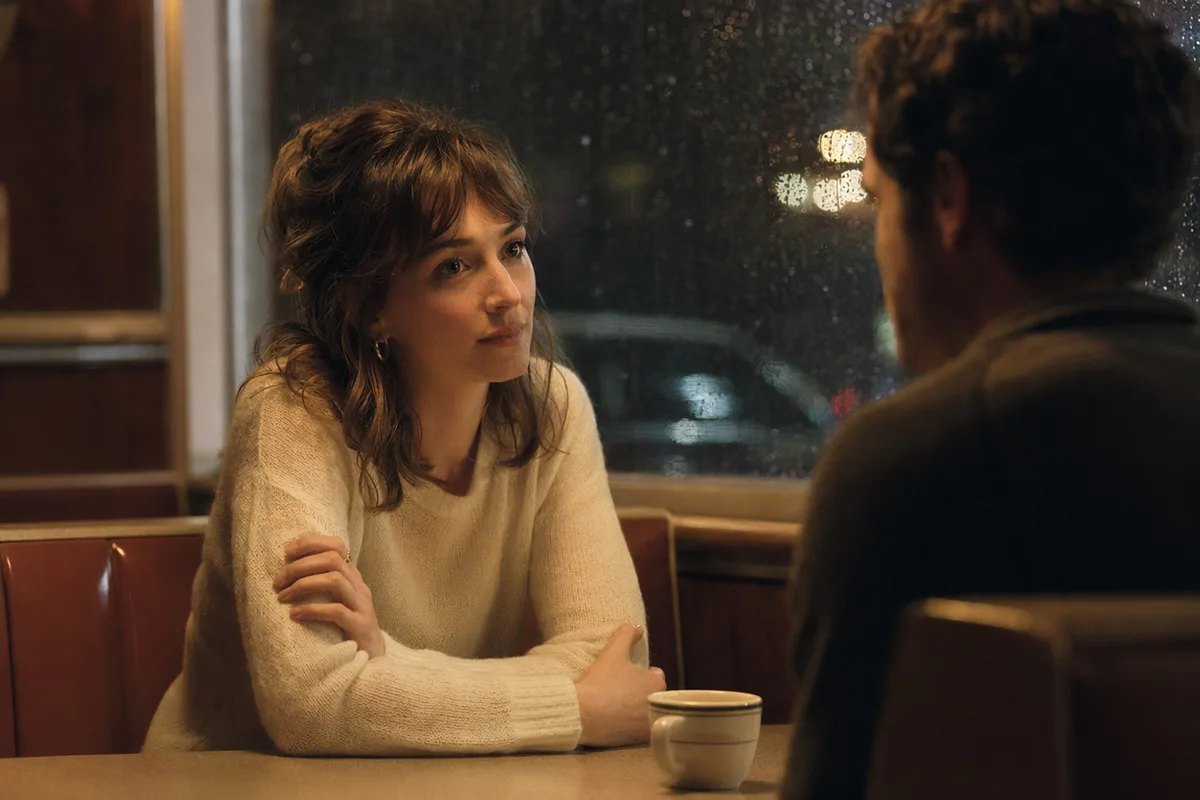
AI video still of rain running down a cafe window with warm bokeh
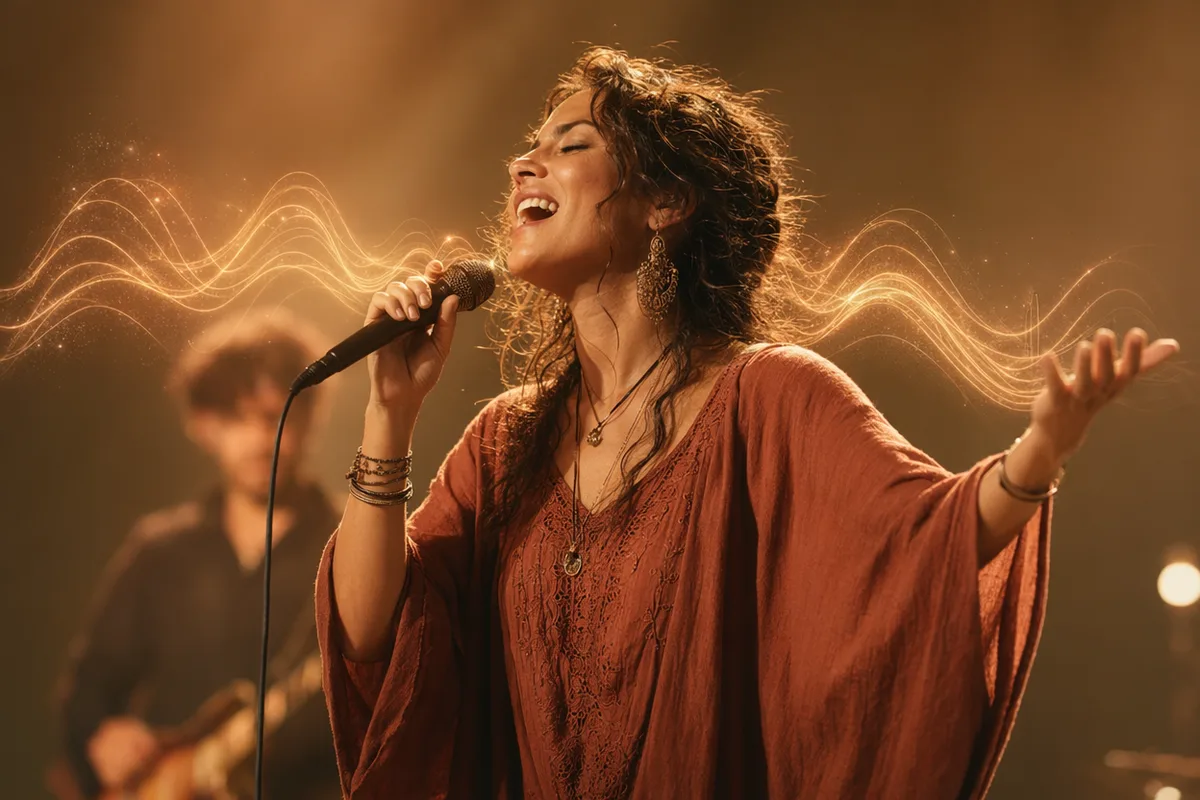
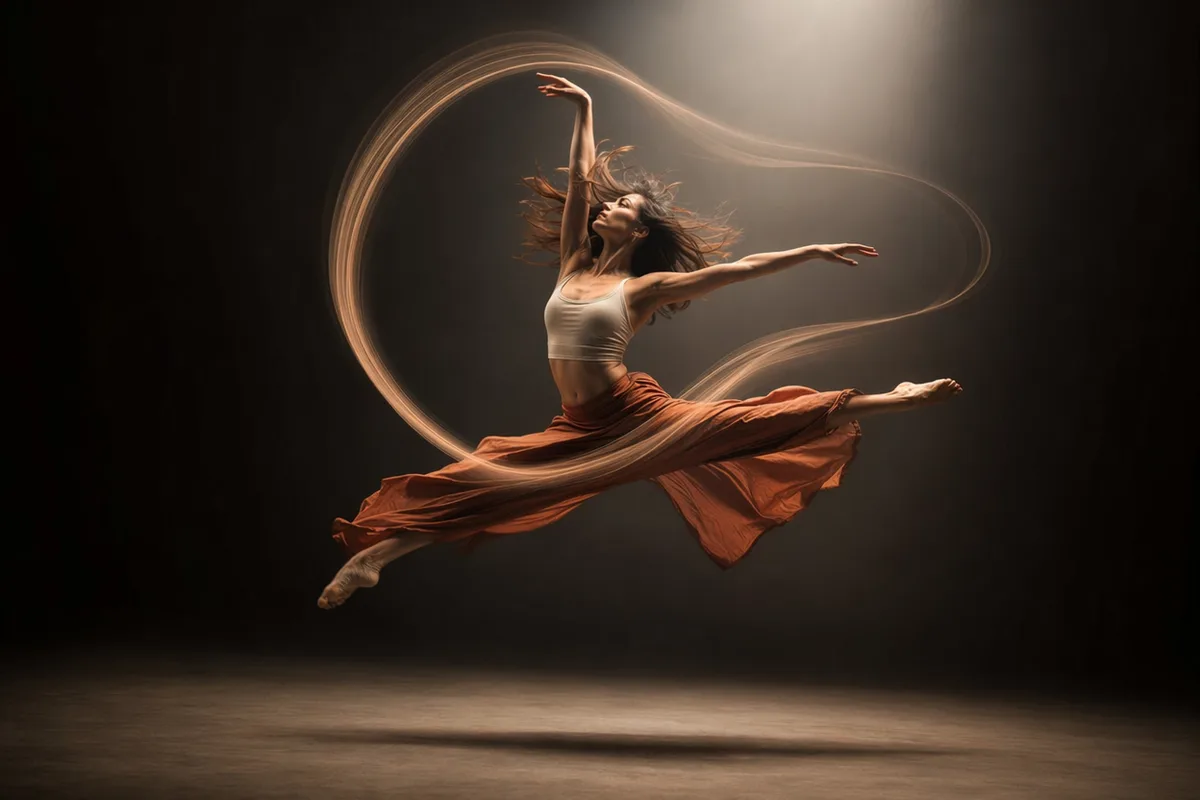
AI video still of a dancer silhouette on a smoky stage under amber light
AI video still from a drone flight through a red rock canyon
AI video still of milk splashing around chocolate cookies
AI video still of an astronaut walking down a glowing spaceship corridor

An AI video generator with the models people actually rank first

Seedance 2.0 tops blind preference leaderboards; Veo brings cinematic physics; Kling transfers motion onto your characters. Text-to-video and image-to-video, with native audio, in one workspace.

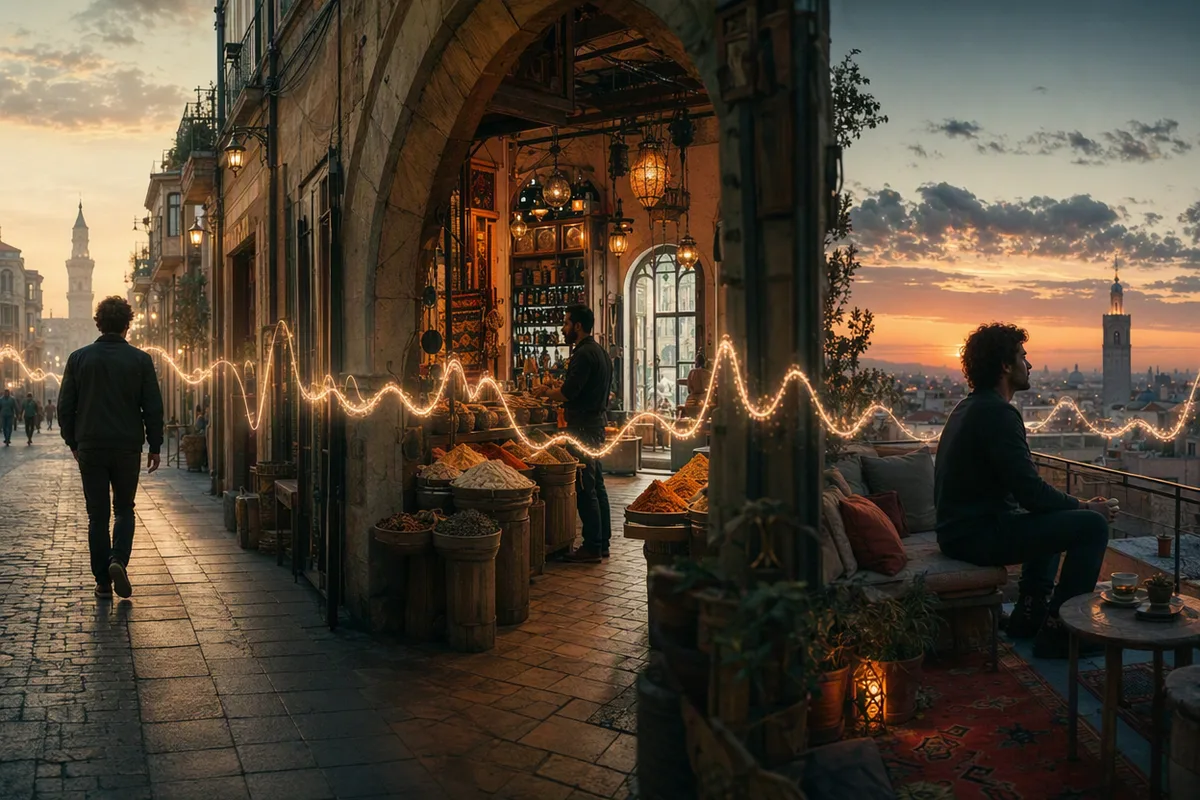
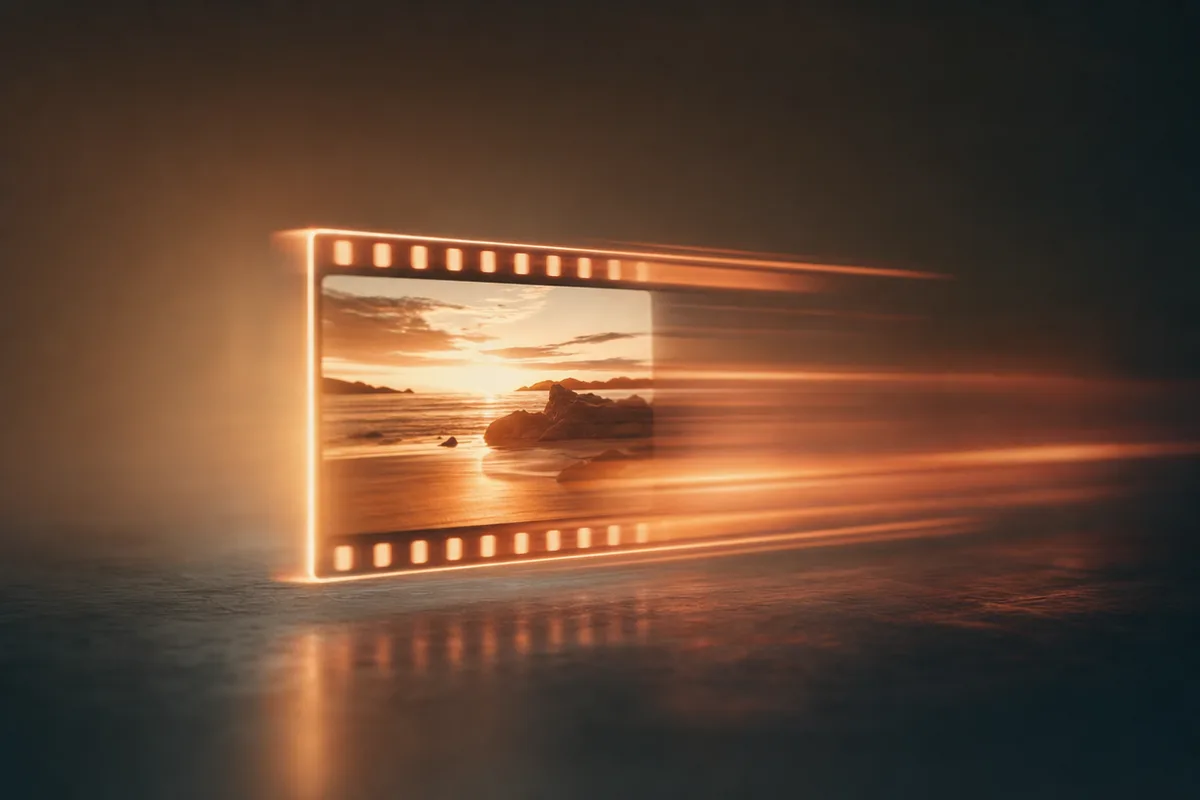
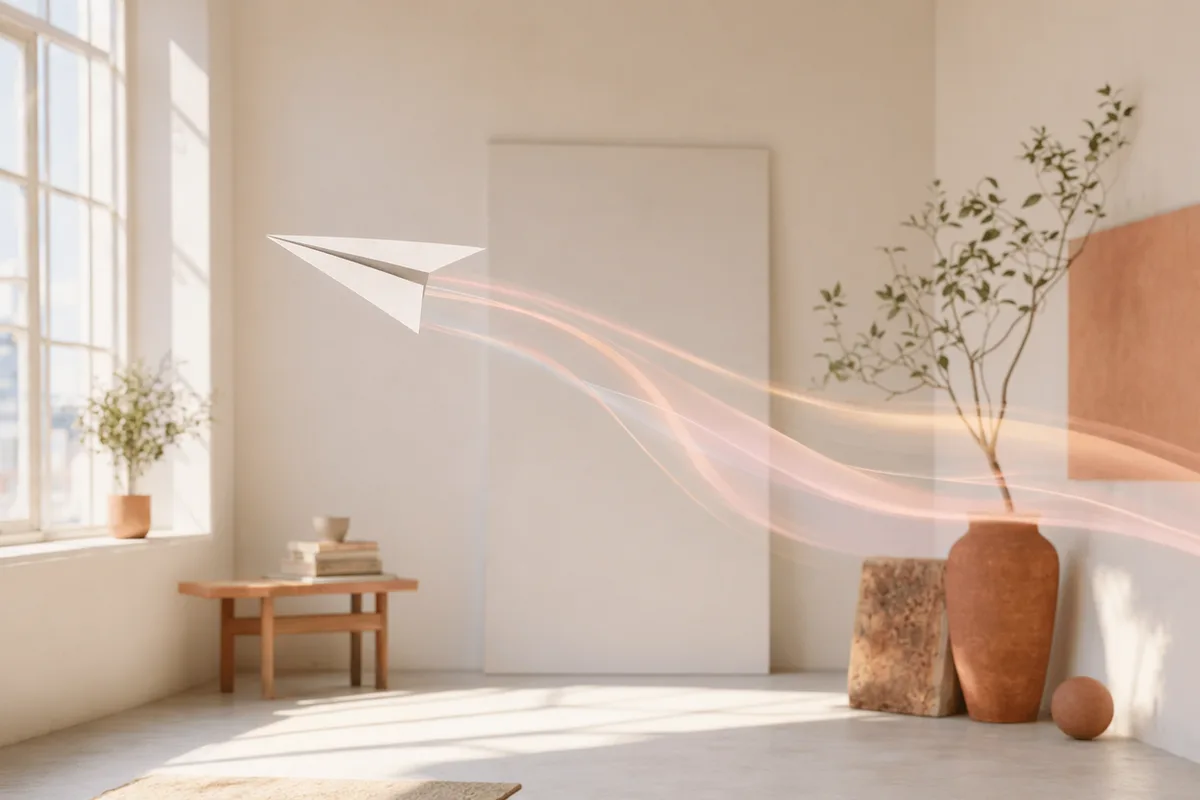
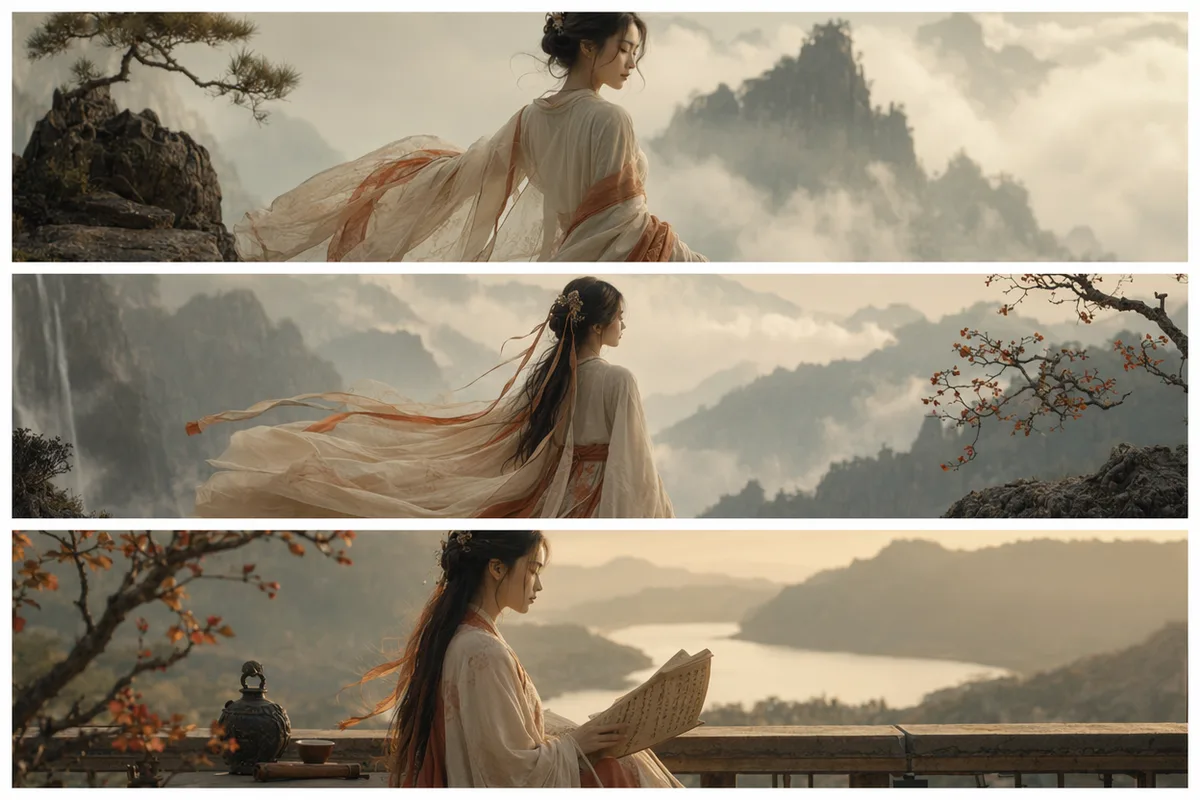
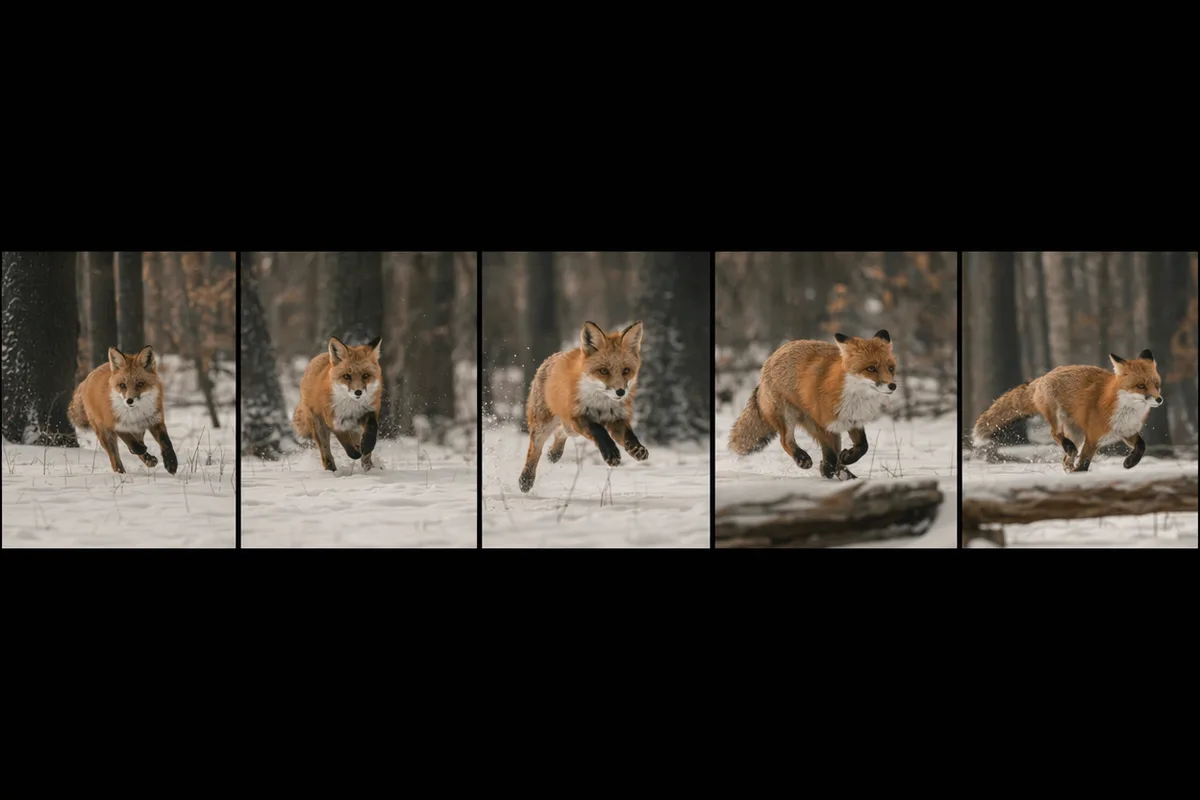
Filmstrip of cinematic frames showing motion progression

Text to video, image to video, one panel

Type a scene or upload a still and describe the motion — the workspace routes either path to the right model. The two workflows communities use most, without juggling tools or re-uploading assets between them.
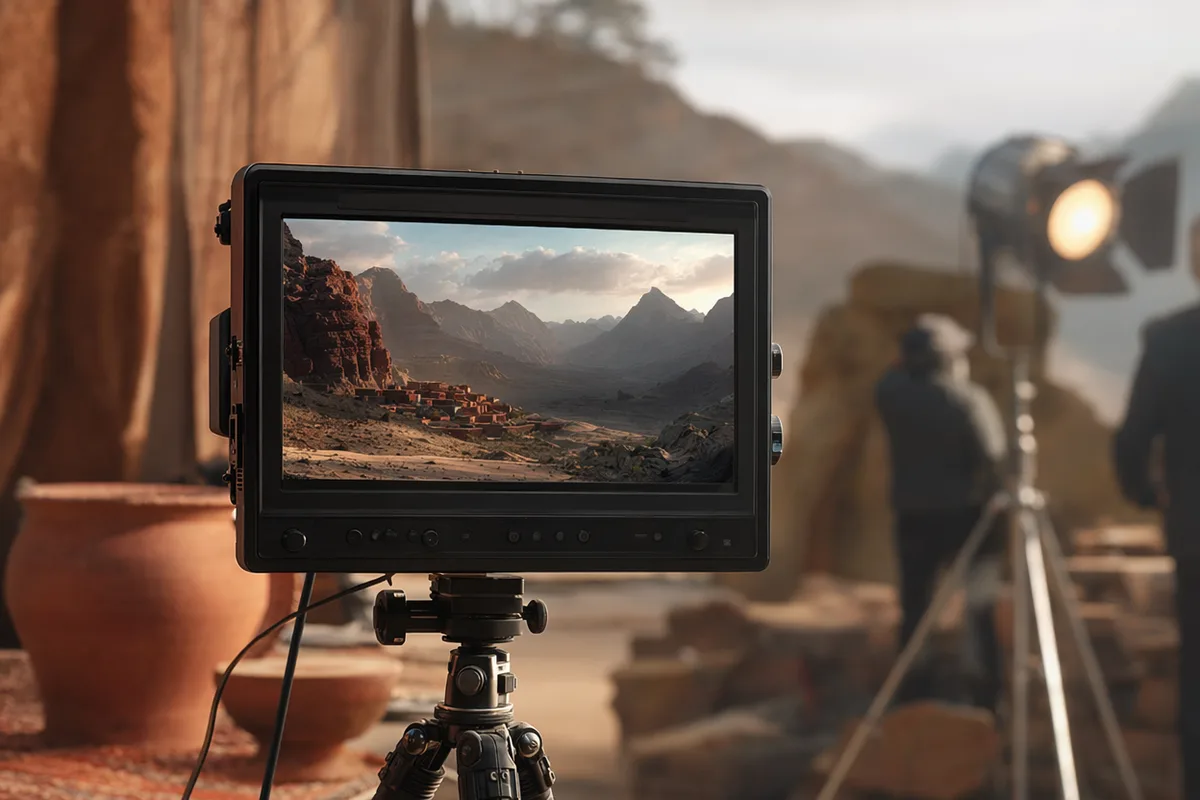
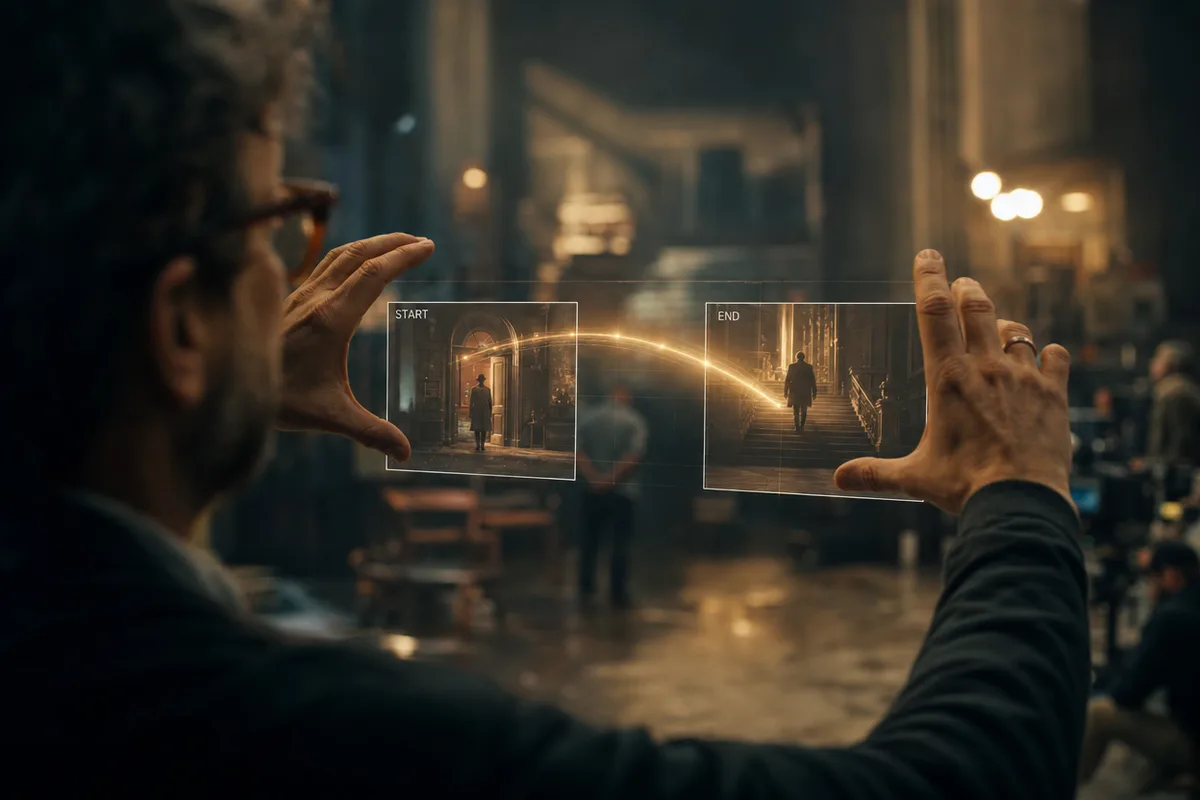
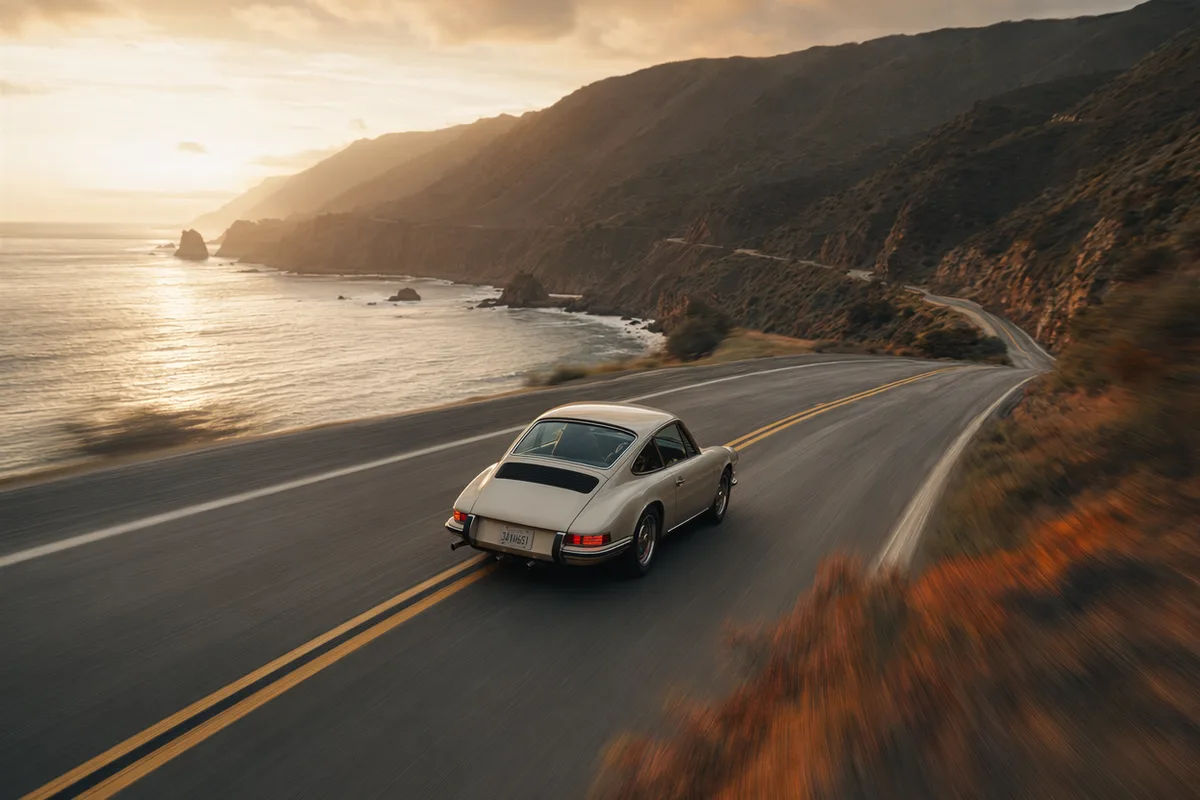
Director's monitor displaying a generated cinematic scene

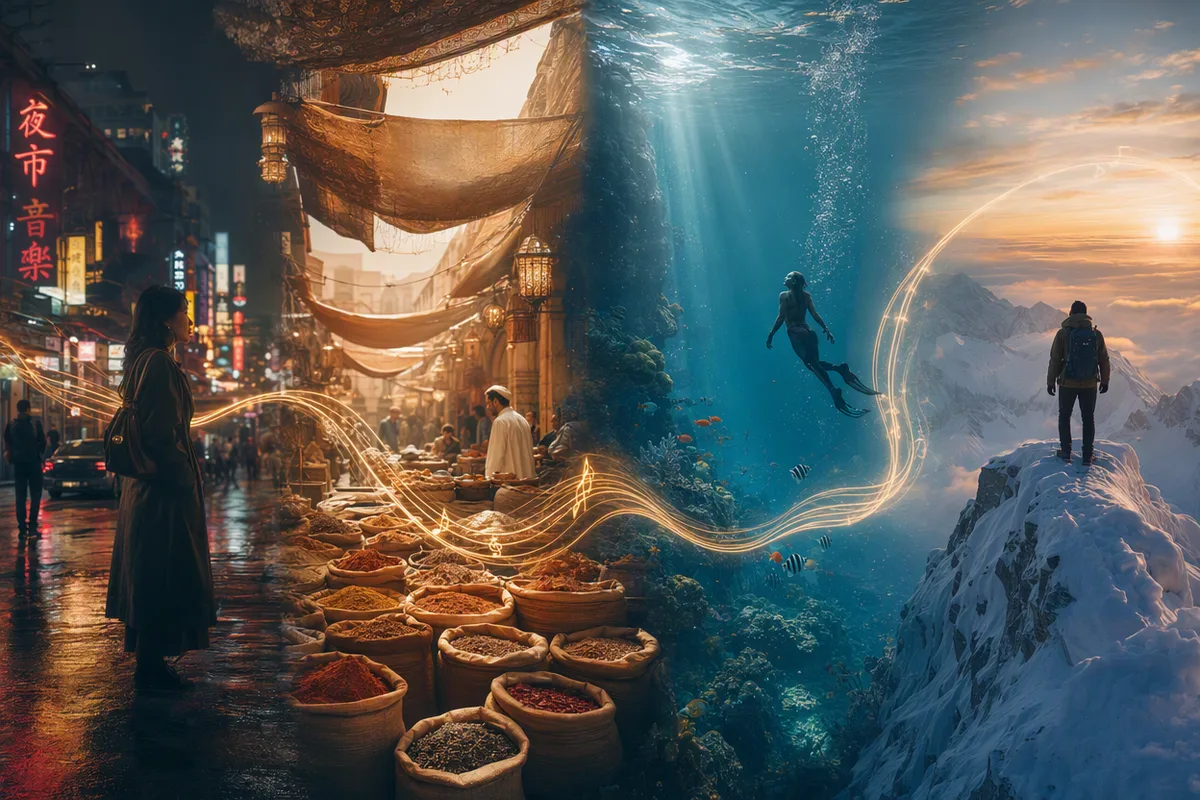
A model lineup, not a single bet

Seedance 2.0 for multi-shot consistency and reference control, Veo 3.1 Fast for cinematic light and physics viewers vote for, Kling 3.0 for identity-preserving motion transfer, Seedance Fast for affordable iteration. Pick per shot, like a director picks lenses.

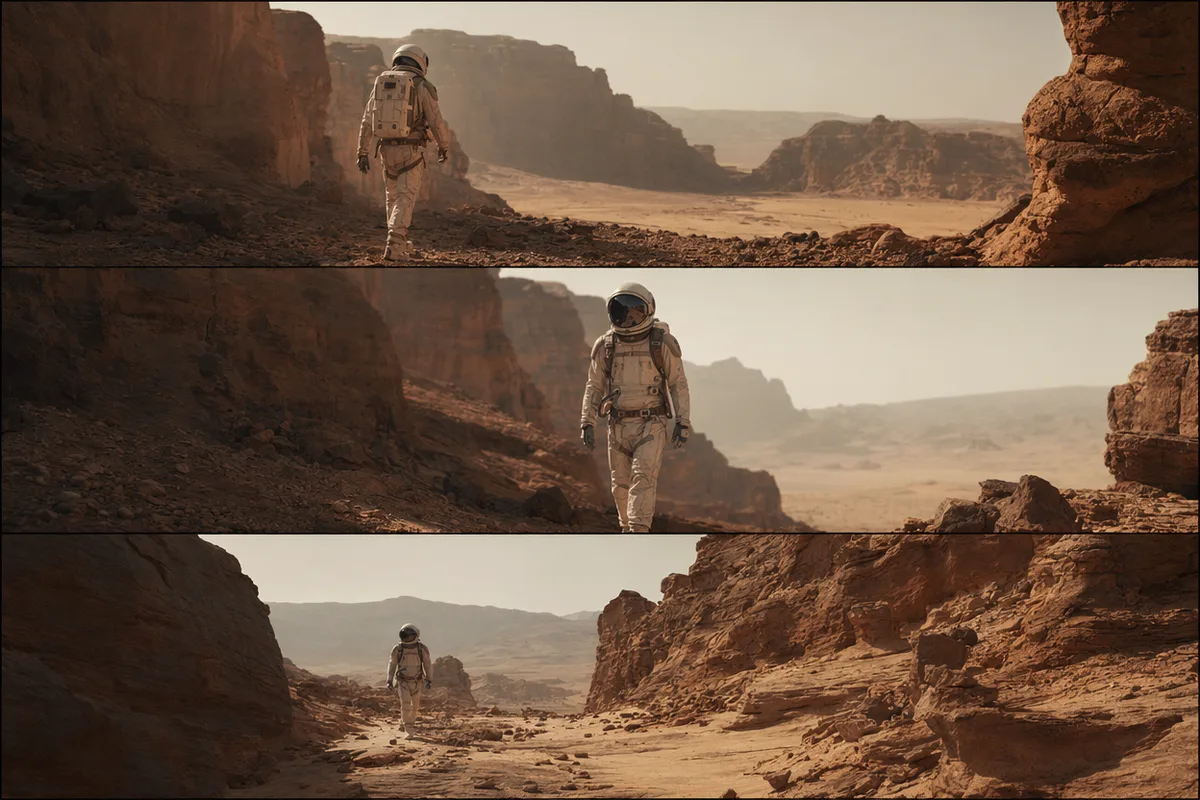
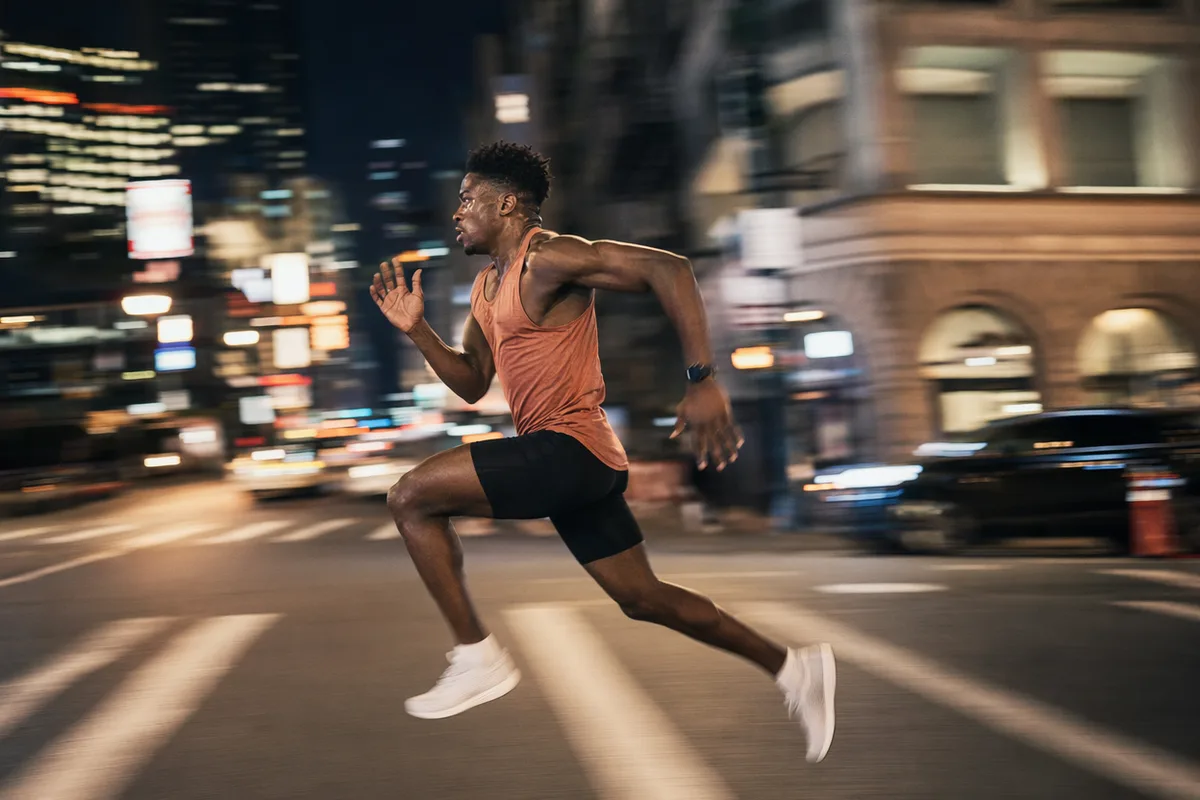
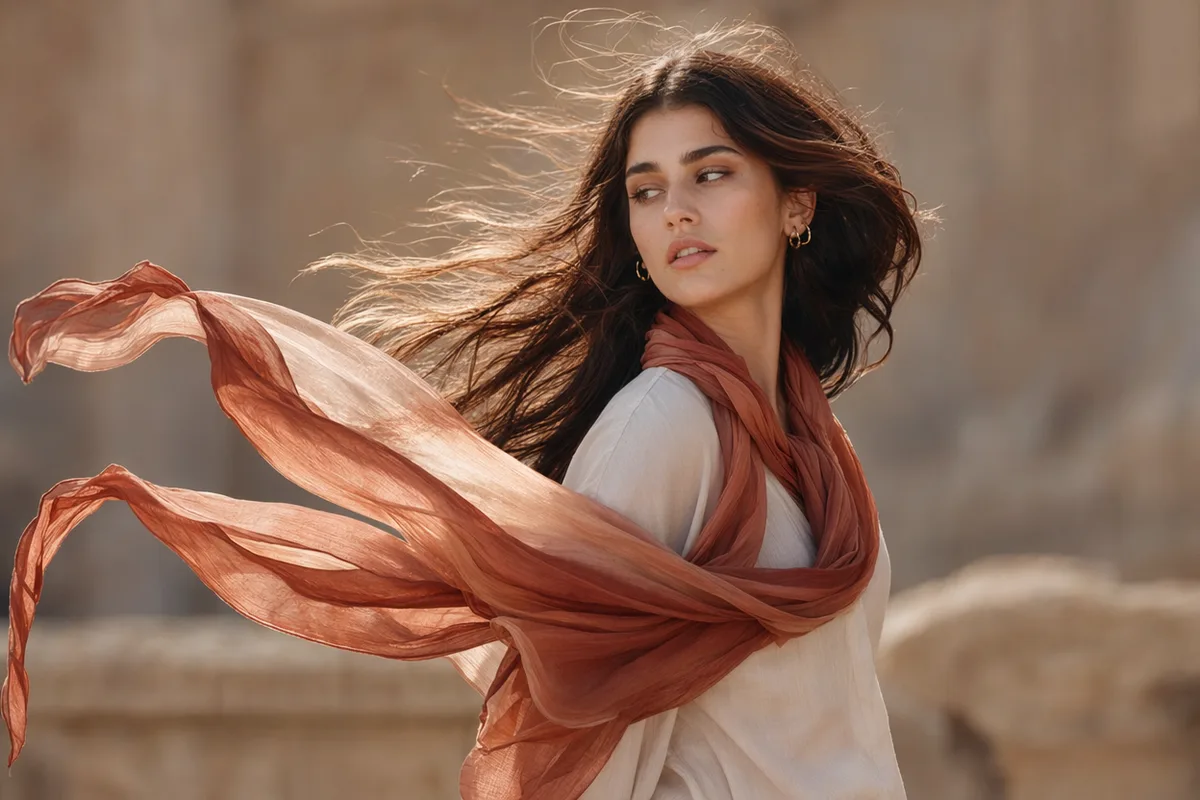
A still portrait coming alive with motion and light streaks

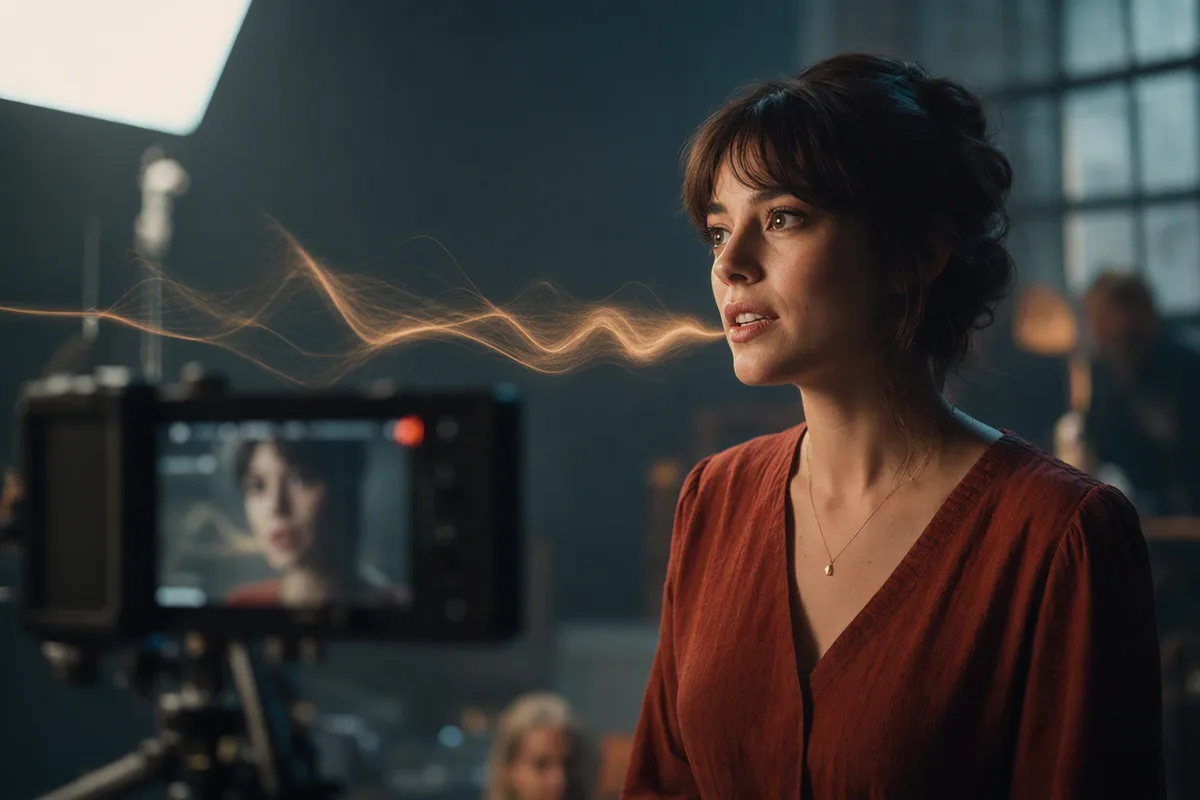
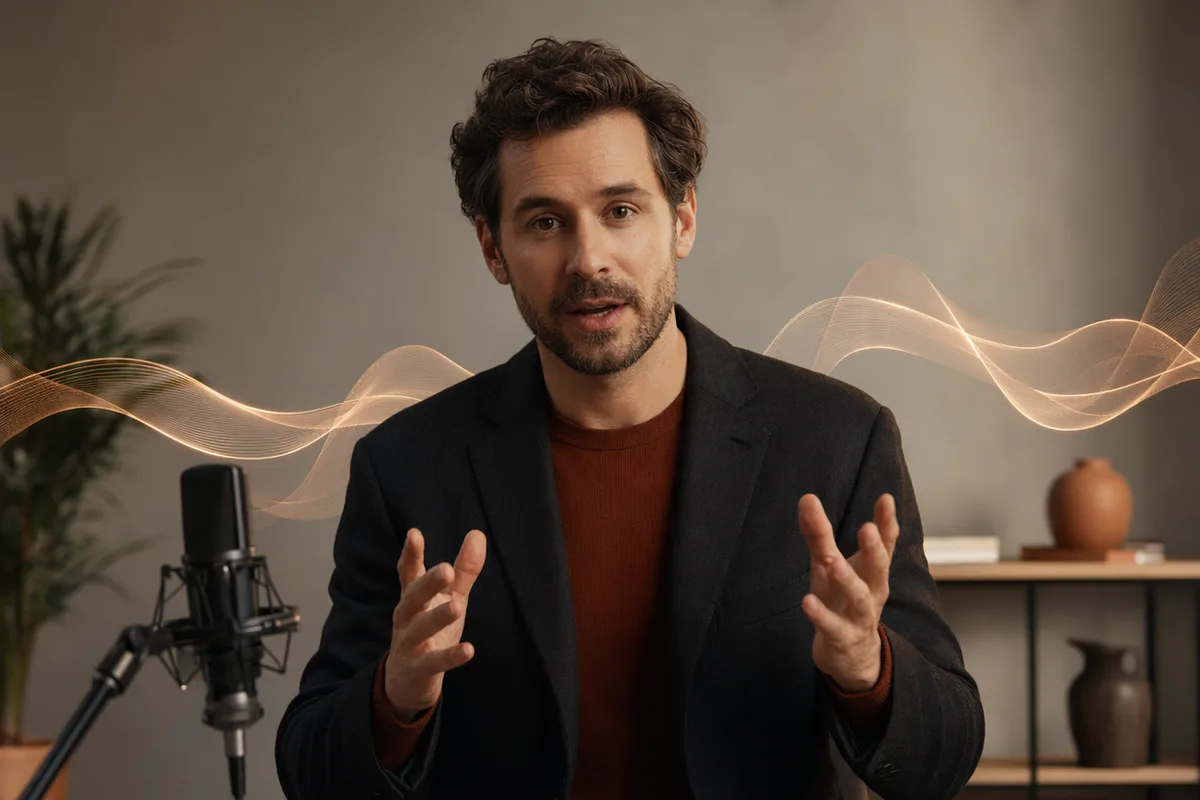
Native audio, not silent clips

Dialogue, ambience, and effects generate inside the same pass — Seedance even lip-syncs. Clips arrive watchable and postable instead of waiting on a sound pass.

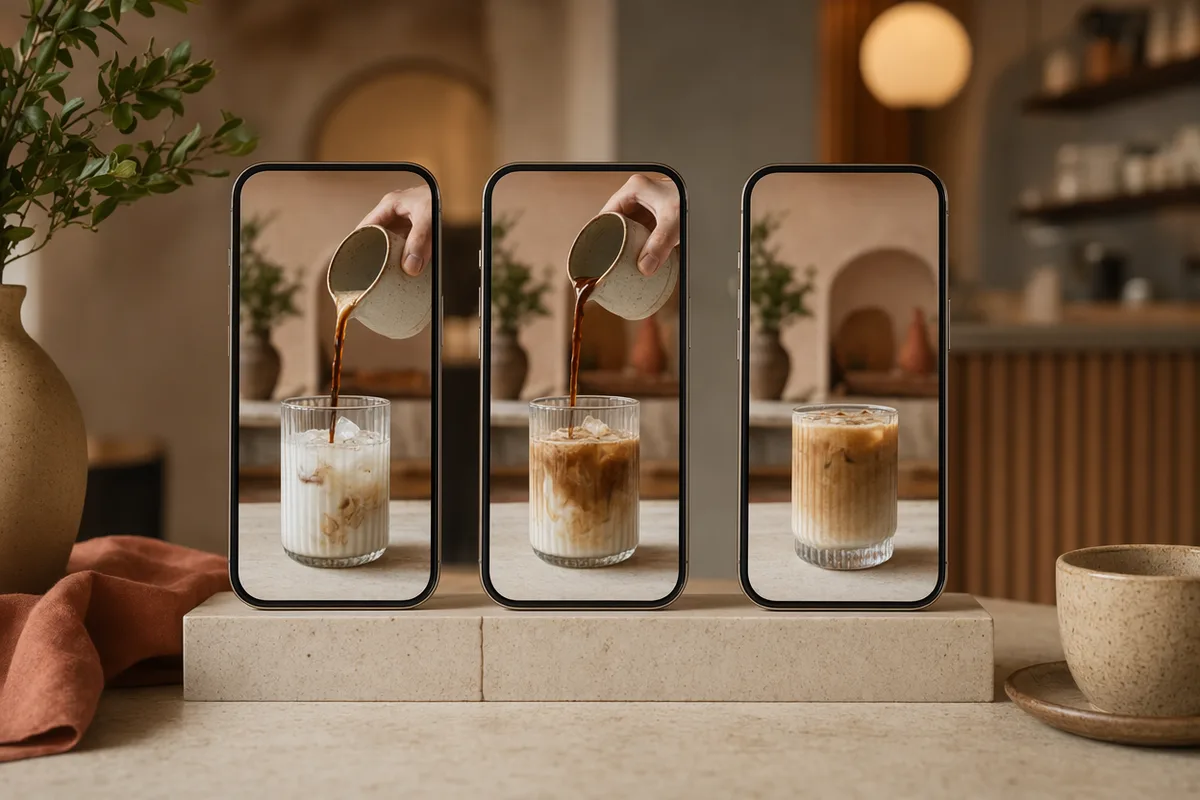
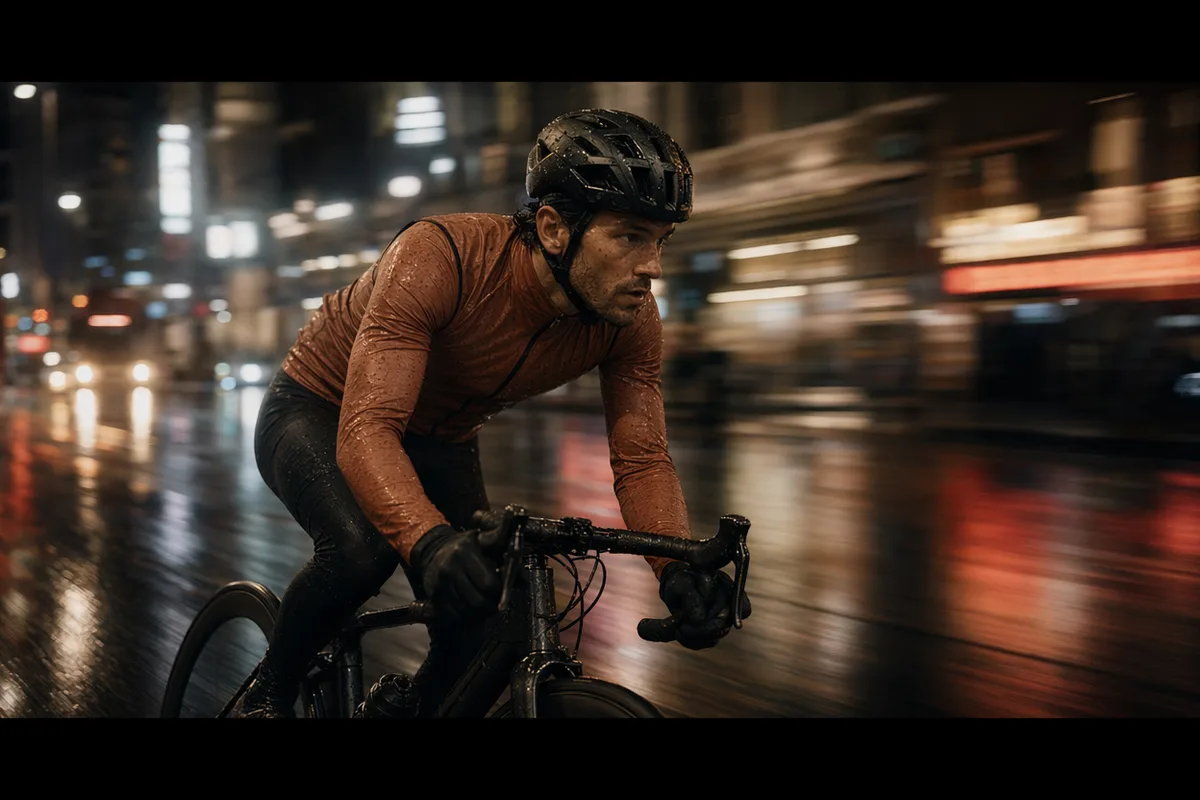
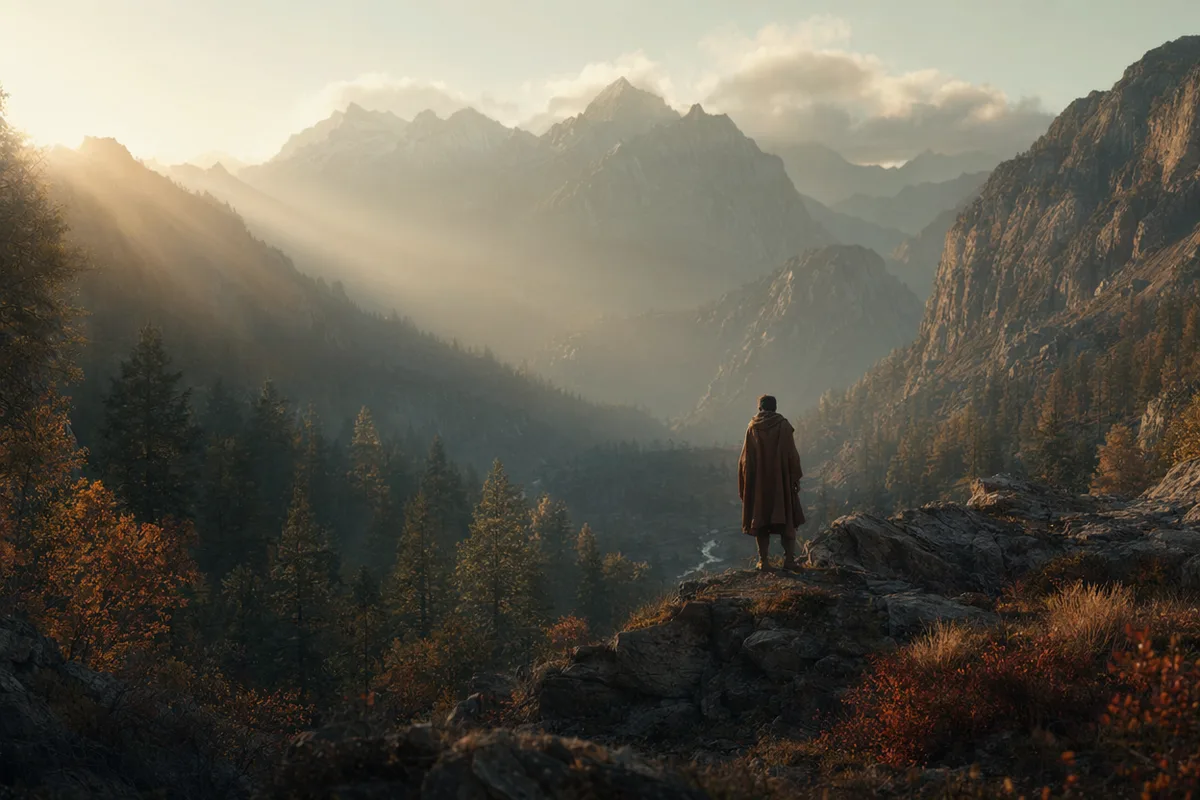
Vertical social video frames displayed on phones

Transparent cost, automatic refunds

Video pricing is per second and shown exactly before you generate — resolution, duration, and audio all visible in the price. If a generation fails, credits refund automatically. The cost anxiety users report with other platforms is designed out.

Keep exploring CreateVision AI

One account, the full image and video generation workflow.

Choose Your Plan

Start free with daily credits. Upgrade for premium models, faster generation, and 4K output.

Free

$0

Perfect for getting started

  • 80 credits per day, 400 per month
  • Z Image Turbo drafts at 0 credits
  • Standard generation speed
  • Generation history included
Get Started

Premium

Most popular
$29/month

Billed annually · $240/year

  • 1,600 credits/day, 8,000 credits/month
  • All premium models — GPT Image 2, Nano Banana, Seedream, Seedance, Veo, Kling
  • 5x generation speed, priority queue
  • AI prompt enhancement
Upgrade to Premium

Ultimate

$49/month

Billed annually · $300/year

  • 4,000 credits/day, 18,000 credits/month
  • HD generation up to 4K resolution
  • Private generation — results stay out of the gallery
  • Fastest queue and early access to new models
Upgrade to Ultimate

Frequently Asked Questions

1

Which AI video models are available?

Seedance 2.0 and 2.0 Fast (current leaderboard leader), Seedance 1.5 Pro, Veo 3.1 Fast, Kling 3.0 Turbo, and Kling 3.0 Motion Control — selectable per generation in one workspace.

2

How much does a video cost?

Pricing is per second and depends on the model, resolution, duration, and audio. The exact credit cost is always displayed before you generate — no surprises.

3

What if a generation fails?

Credits are refunded automatically for failed video generations. You only pay for delivered results.

4

Can I turn a photo into a video?

Yes — upload a still, describe the motion, and use image-to-video with Seedance, Veo, or Kling. Old photos, products, and portraits are the most popular starting points.

5

Do the videos have sound?

Yes — Seedance and Veo generate native audio (dialogue, ambience, effects) with the visuals. You can disable audio on Seedance for a lower rate.

6

What resolutions and durations are supported?

Depending on the model: 480p to 1080p, roughly 4 to 15 seconds per generation, with 16:9 and 9:16 ratios for horizontal and vertical content.

7

Can I use generated videos commercially?

Yes, under our terms of service. You are responsible for the rights to any reference media you upload.

Describe a scene — get a finished clip with sound

Start Generating Videos