Nano Banana Pro AI Image Generator

Generate with Nano Banana Pro when you want fast fusion workflows, optional reference images, and economical creative drafts.

Reverse channelLower costReference fusion
0 / 2,000
~40 cr

Multi-image fusion, face preservation, and style consistency from the Nano Banana family, on a cost-effective channel built for high-volume creative iteration.

Creative fusion shot of a sneaker merged with tropical props

Fuse up to five images into one

Combine portraits, products, and scene references into one coherent composite with a single instruction. Nano Banana Pro keeps faces recognizable and styles unified while it merges — the workflow Reddit users adopted for brand mascots, couple photos, and product-in-scene shots.

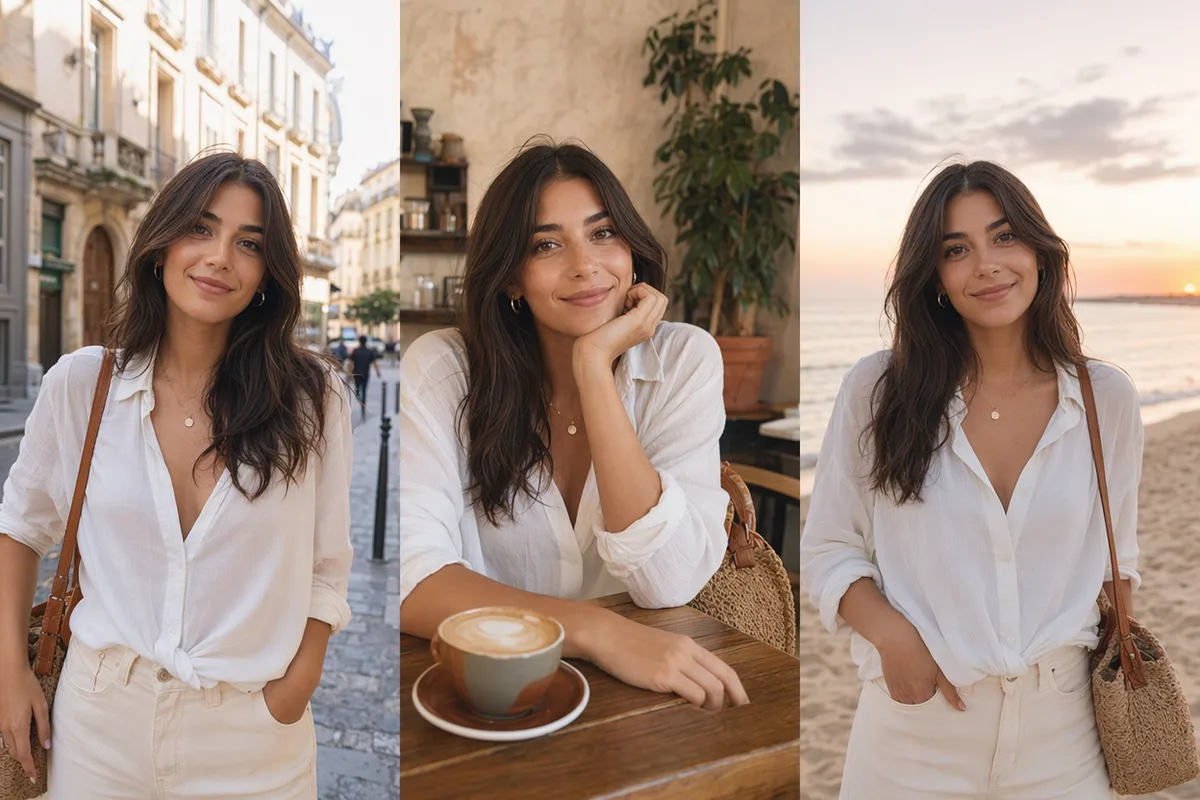
Character model sheet with the same heroine in four outfits

Face preservation that holds up

Identity is the first casualty of most AI edits. Nano Banana Pro is tuned to preserve facial structure and expression through restyles, outfit changes, and scene swaps, which makes it dependable for people-centric work like portraits and family compositions.

Grid of AI artworks with a consistent visual direction

Style consistency across a series

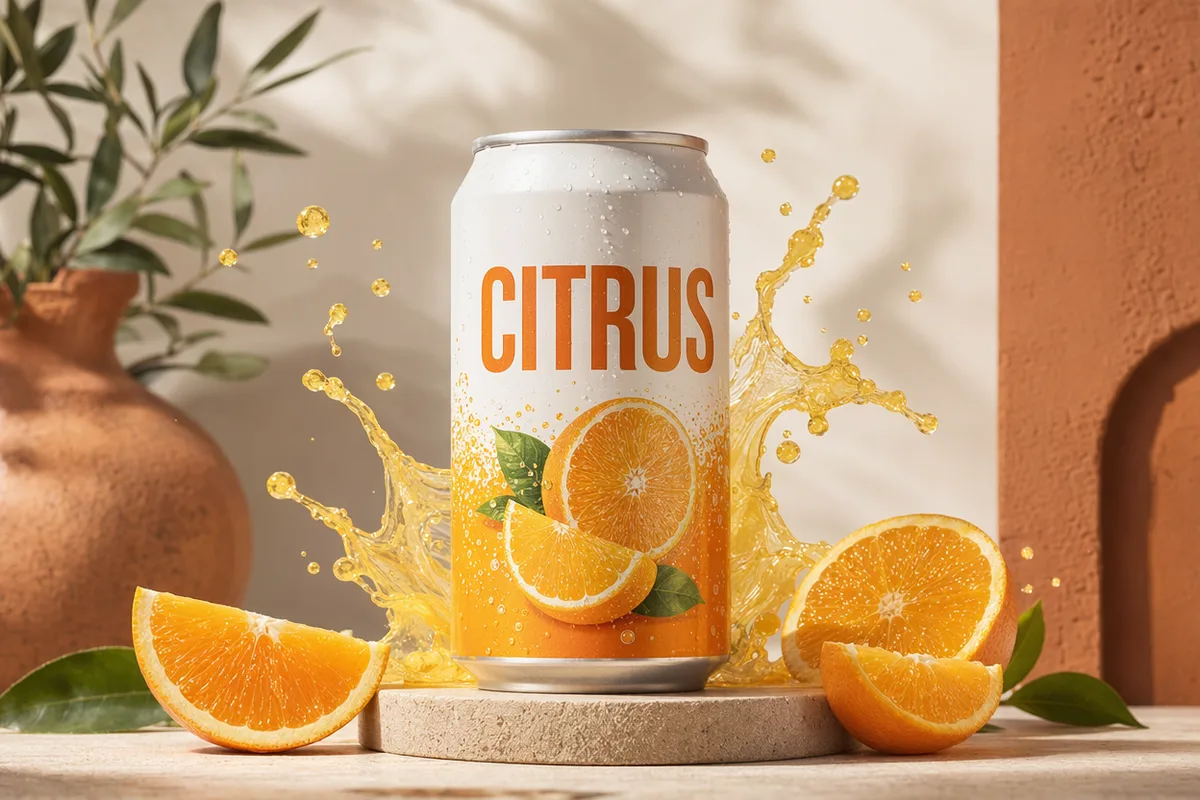
Generate a set — campaign images, story panels, product variants — and the visual direction stays coherent from the first image to the last. Consistent grading, consistent rendering style, no odd one out.

Adorable 3D rendered dragon character

Priced for iteration

At 40 credits per image on the economical channel, Nano Banana Pro lets you run real creative exploration — ten directions instead of two — before committing. Draft volume is exactly where this channel shines.

More Image Models Like Nano Banana Pro

Compare Nano Banana Pro with other image models — same workspace, one click to switch.

How to Use Nano Banana Pro

Three steps from a blank prompt box to a finished image.

  1. 1

    Select Nano Banana Pro

    Open the model picker and choose Nano Banana Pro. The panel shows its credit cost, resolution options, and aspect ratios before you spend anything.

  2. 2

    Describe what you want

    Write the subject, setting, lighting, and finish. Attach reference images if the model accepts them.

  3. 3

    Generate, then keep going

    Download the result, or continue — edit it, restyle it, upscale it, or animate it into video. Every generation keeps its prompt and parameters.

Beyond Nano Banana Pro

One account, the full image and video generation workflow.

Nano Banana Pro Pricing and Free Daily Credits

Run Nano Banana Pro on the free tier's daily credits, or upgrade for premium models, faster generation, and 4K output.

Free

$0

Perfect for getting started

  • 80 credits per day, 400 per month
  • Z Image Turbo drafts at 0 credits
  • Standard generation speed
  • Generation history included
Get Started

Premium

Most popular
$29/month

Billed annually · $240/year

  • 1,600 credits/day, 8,000 credits/month
  • All premium models — GPT Image 2, Nano Banana, Seedream, Seedance, Veo, Kling
  • 5x generation speed, priority queue
  • AI prompt enhancement
Upgrade to Premium

Ultimate

$49/month

Billed annually · $300/year

  • 4,000 credits/day, 18,000 credits/month
  • HD generation up to 4K resolution
  • Priority support
  • Fastest queue and early access to new models
Upgrade to Ultimate

Nano Banana Pro — Frequently Asked Questions

1

What is Nano Banana Pro best at?

Multi-image fusion with face preservation: merging up to five references — people, products, scenes — into one coherent image while keeping identities and style consistent.

2

How is it different from Nano Banana Pro Official?

Same model family, different channel. Pro runs on an economical channel ideal for volume work; Official adds maximum stability, top resolution, and web-search grounding at a higher cost.

3

How much does it cost?

Nano Banana Pro costs 40 credits per image. The generator shows the exact cost before each run, and free accounts get 80 daily credits to try it.

4

Can it keep the same face across images?

Yes — face preservation is one of its core strengths. Attach a portrait reference and the identity carries through restyles and new scenes.

5

What ratios are supported?

Common square, portrait, and landscape ratios, selectable in the generator before each run.

6

Can I use the results commercially?

Yes, generated images can be used commercially under our terms of service. You are responsible for the rights to your reference images.

Fuse your references with Nano Banana Pro

Fuse your references with Nano Banana Pro

Start Generating Images

Discover our one-click AI image tools

One-click tools for everything around generation — polish, restyle, and share.