AI Family Photo Generator
Create realistic family portraits from separate family member photos
Tap to uploadDrop image or click
JPG · PNG · WebP
Tap to uploadDrop image or click
JPG · PNG · WebP
Tap to uploadDrop image or click
JPG · PNG · WebP
Tap to uploadDrop image or click
JPG · PNG · WebP
Tap to uploadDrop image or click
JPG · PNG · WebP
Preview Examples


Select a scene to see different results


Helping creators & businesses everywhere work easier
How does AI Family Photo Generator work?
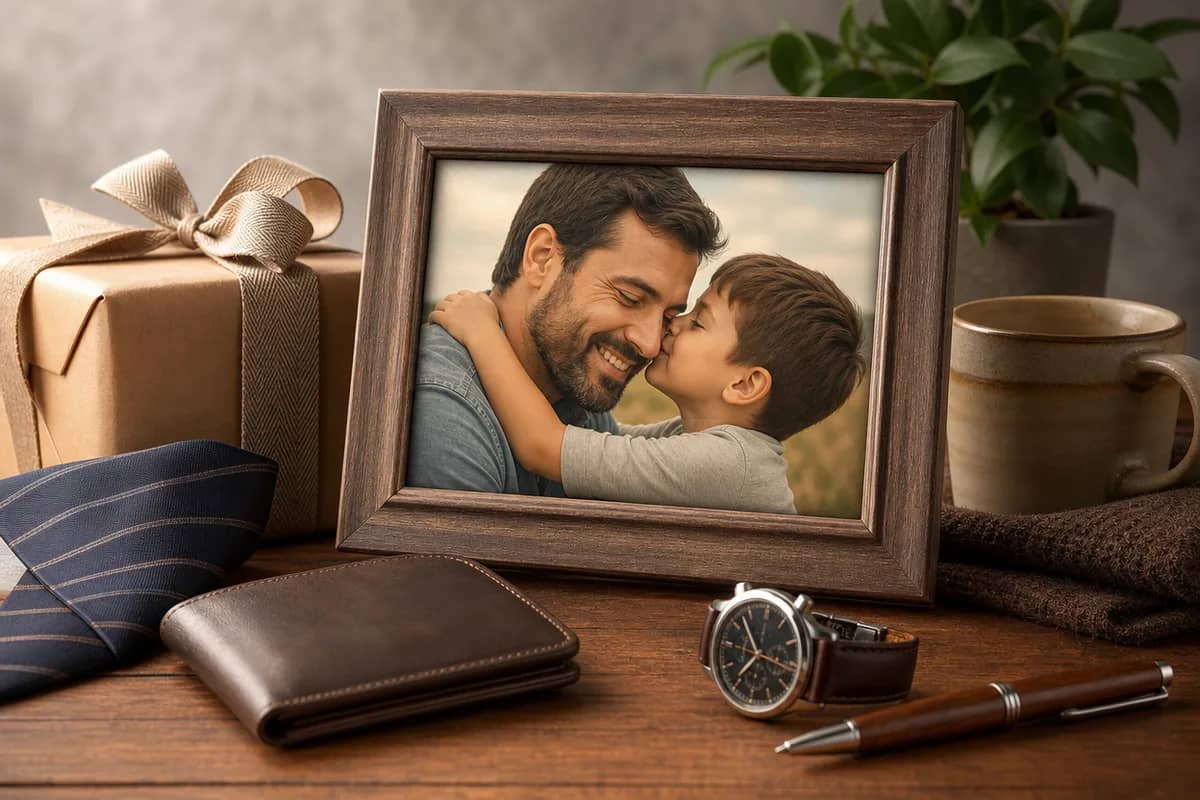
Upload 2-5 family member photos, choose a family scene, and the AI creates one realistic family portrait with matched lighting and composition.

Why Choose AI Family Photo Generator?
Professional quality, privacy protected, instant results
Family Identity Preservation
The prompt is tuned to keep each uploaded family member recognizable while matching lighting and proportions.
Family-Specific Scenes
Studio, home, holiday, reunion, and keepsake presets cover the most common family portrait needs.
Share and Print Ready
Create clean portraits suitable for family chats, cards, albums, and framed prints.
What Can You Use AI Family Photo Generator For?
Perfect for various professional scenarios, instant and secure
Long-Distance Families
Create one family portrait from relatives who live in different cities or countries.

Holiday Family Cards
Make a polished family photo for Christmas cards, New Year greetings, and family announcements.

Legacy Keepsakes
Create respectful family portraits from provided family photos for albums, frames, and memory projects.

How to Use AI Family Photo Generator in 3 Simple Steps
Upload your photo, select a style, and download your professional result instantly

📤Step 1:Upload Family Members
Upload 2-5 clear photos of the family members you want in the portrait. Front-facing or slight-angle portraits work best.

🎨Step 2:Choose a Family Scene
Pick studio, home, outdoor, holiday, reunion, or legacy portrait styles.

✨Step 3:Generate Family Portrait
AI composes everyone into one natural family photo with matched lighting, scale, and perspective.
Create Your Family Portrait
Bring family members together in one realistic portrait, even when the original photos were taken separately.
What Users Say
Real feedback from users worldwide
“My siblings and parents live in three countries. This gave us a family portrait we could finally send to relatives.”

“We made a warm family photo for our baby announcement without booking a studio session.”

“I used old and recent family photos to create a respectful keepsake for our reunion album.”

Frequently Asked Questions About AI Family Photo Generator
Upload 2-5 family member photos, choose a family scene, and the AI creates one realistic family portrait with matched lighting and composition.
You can upload 2-5 people. For best identity preservation, 3-4 people usually gives the strongest results.
Yes, as long as you upload that person's own source photo and have permission to use it. The tool does not provide public figure or celebrity faces.
Clear, well-lit portraits with visible faces work best. Avoid sunglasses, heavy filters, extreme angles, and very low-resolution images.
Yes. Choose a clean studio or classic style for print-friendly results, then use AI Image Upscaler if you need larger print sizes.
Uploaded photos are processed securely and are not used as a public face library. Use only photos you have the right to upload.
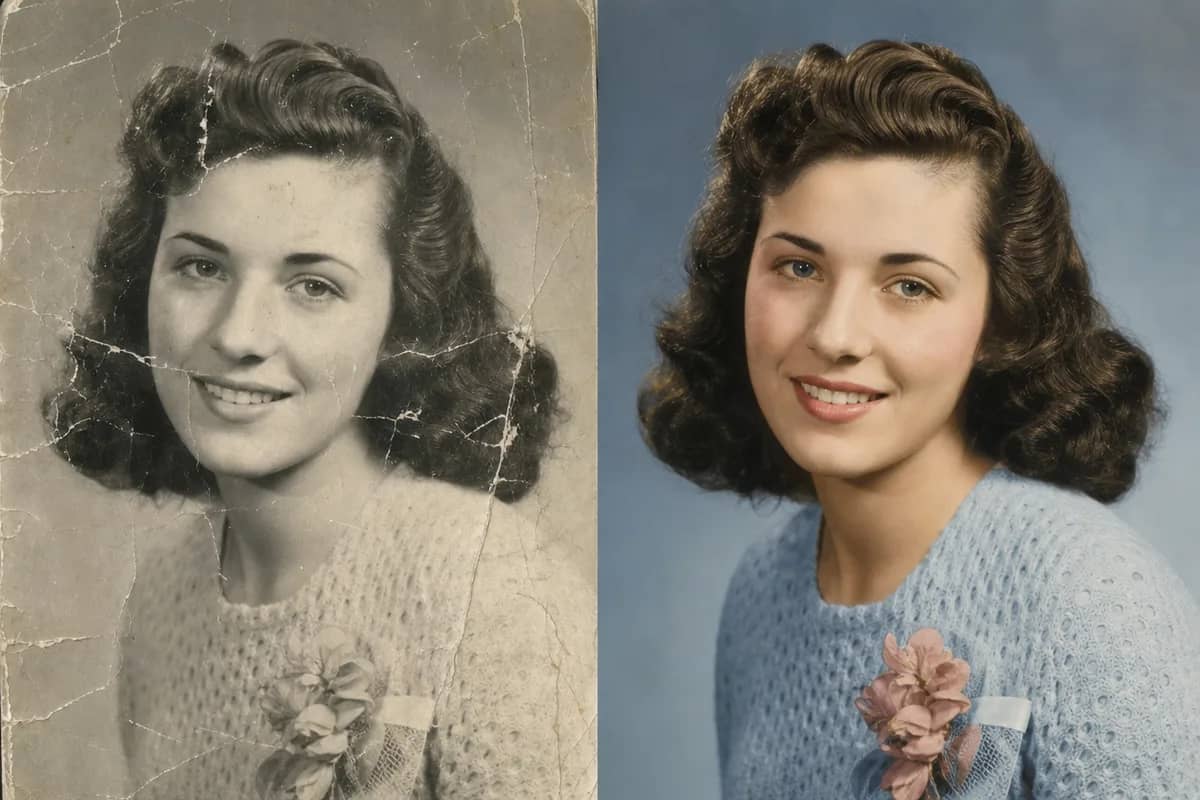
Yes — that is exactly what this tool does. Upload two to five separate photos of each family member, taken at different times or places, and the AI family portrait generator combines them into one realistic family portrait with matched lighting, scale and pose. Everyone keeps their own face.
Yes. Upload the existing family photo as one input and a clear photo of the missing person as another; the AI adds them to the group naturally, matching the light and camera angle. It works for relatives who live far away and for grandparents who could not be at the reunion.
Related Tools You Might Like
Explore more AI creative tools