AI Coloring Page Generator
Turn any photo into a printable coloring page with clean black outlines
Tap to uploadDrop image or click
JPG · PNG · WebP
Preview Examples
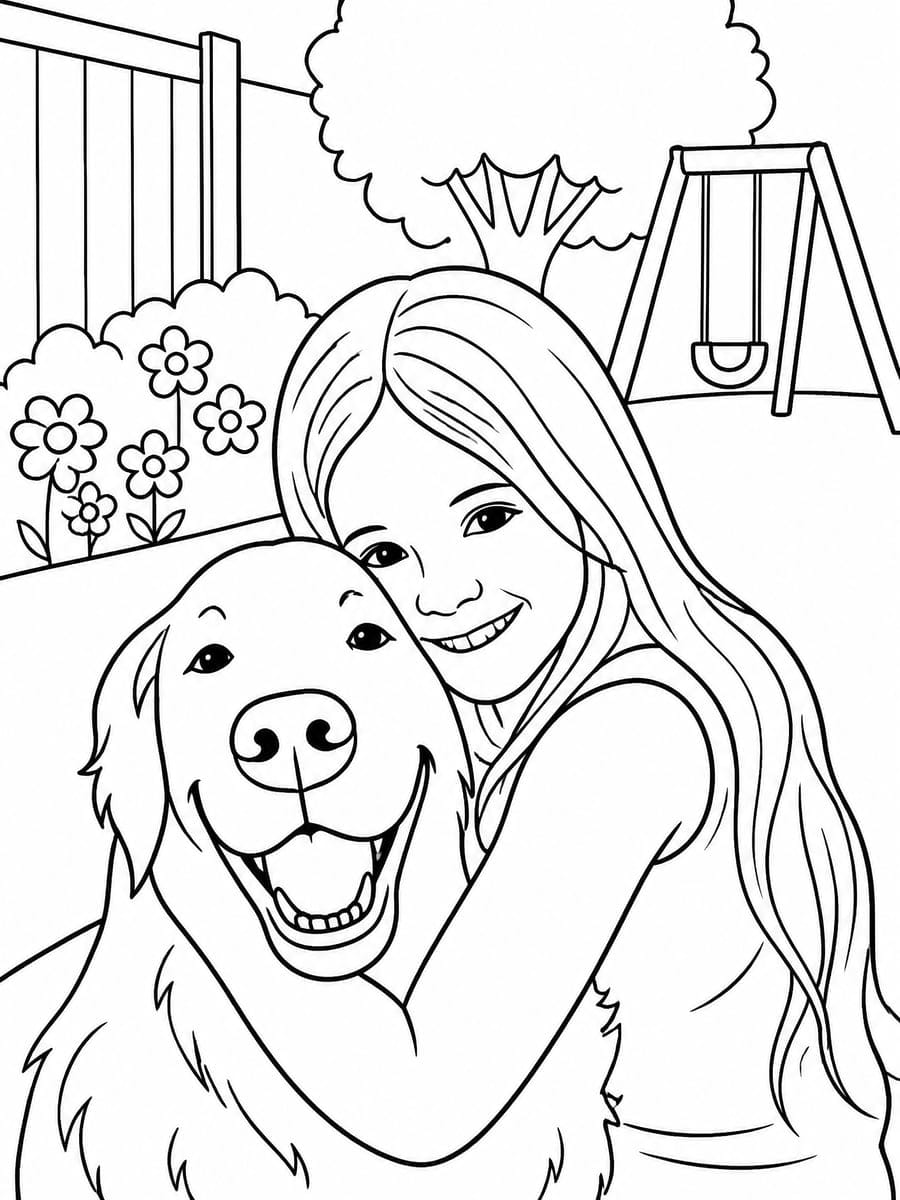
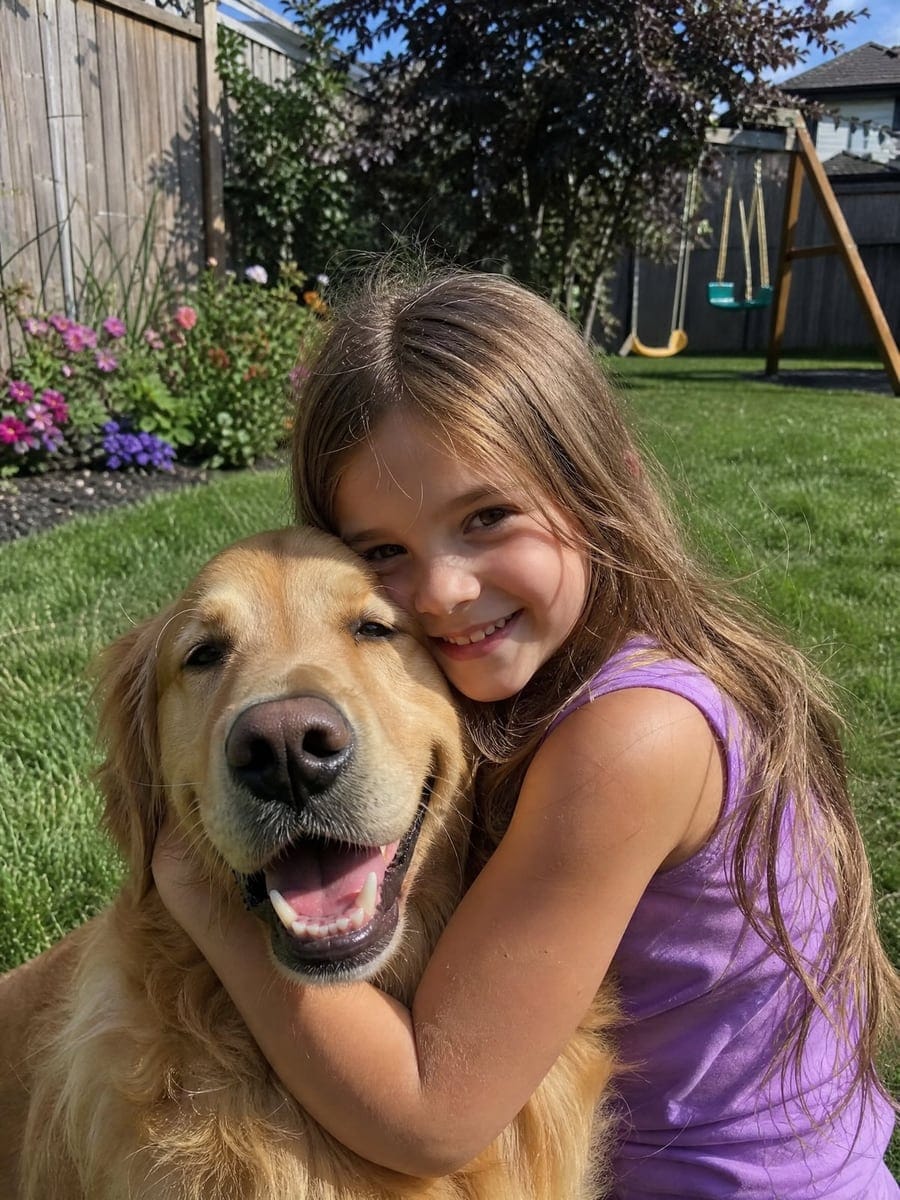
Drag the slider to compare
What is AI Coloring Page Generator?
AI Coloring Page Generator is an AI-powered tool that transforms your photos into professional results instantly.
Why Choose AI Coloring Page Generator?
Professional quality, privacy protected, instant results
Lines Made for Crayons
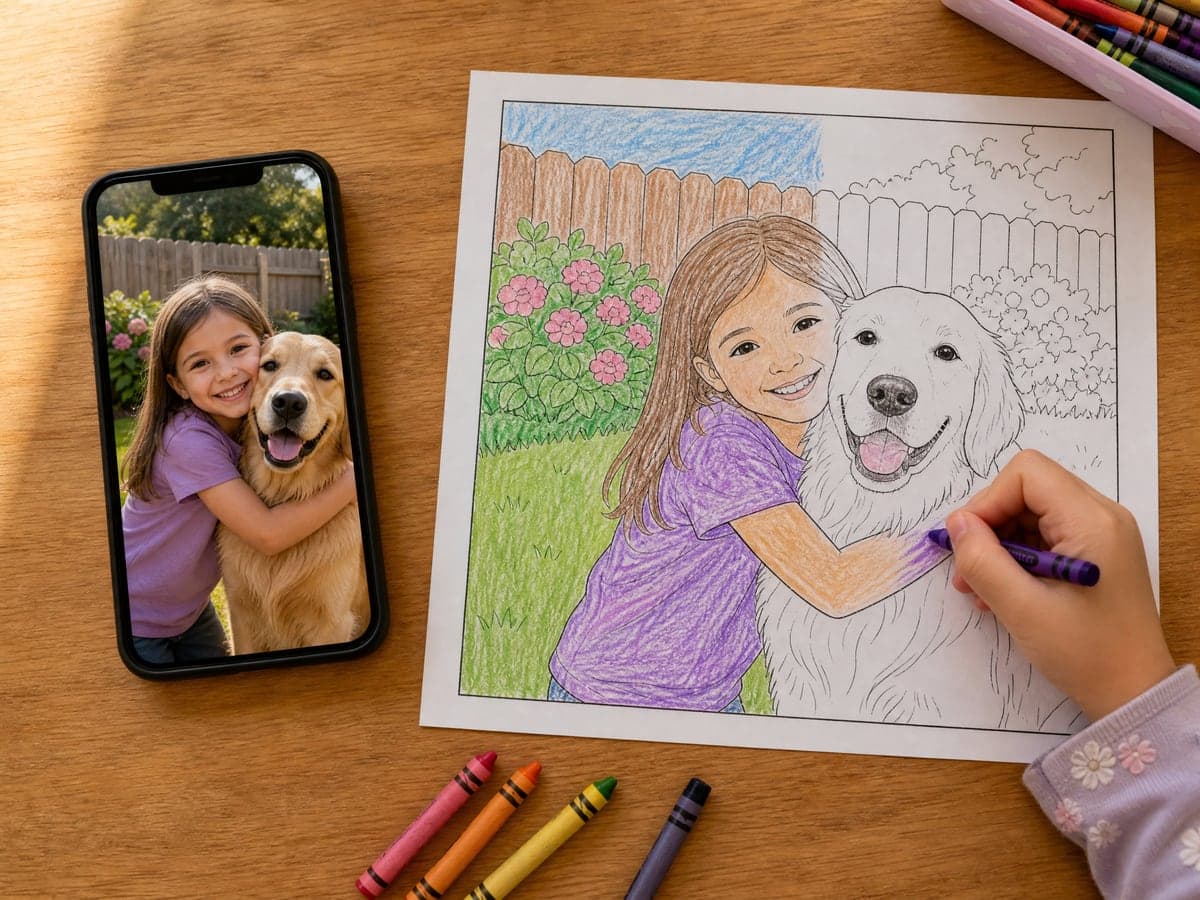
Pure black outlines on white with closed shapes and no gray shading — the things that make a photo filter useless for actual coloring.
Still Your Kid, Still Your Dog
The page keeps the pose, the composition and the details that make people recognisable — hairstyle, glasses, clothes, a pet's markings — drawn as outlines.
Sized for Paper
Portrait pages come out at 1776×2368 pixels, about 210 dpi on A4 or US Letter, so lines stay crisp when printed instead of turning fuzzy.
What Can You Use AI Coloring Page Generator For?
Perfect for various professional scenarios, instant and secure
A Rainy-Day Activity Starring Your Kids
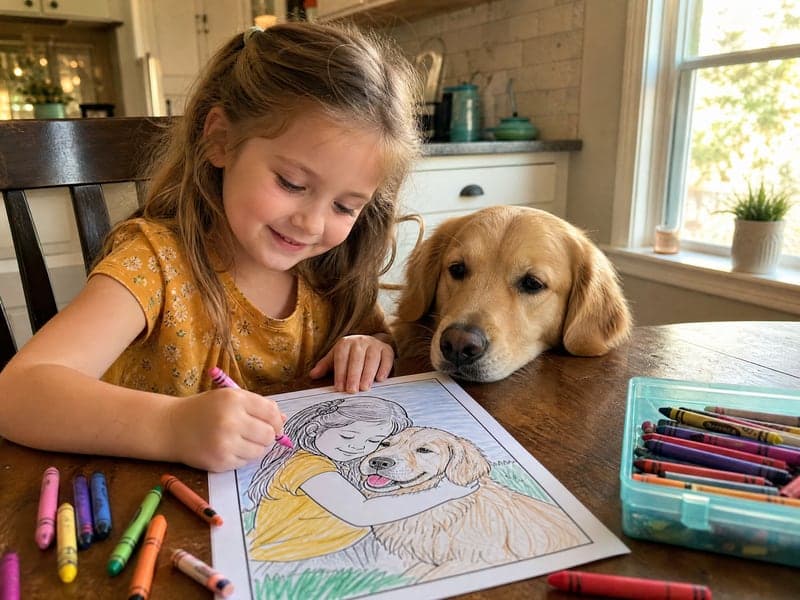
Children color far longer when the page is about them. Turn last weekend's photo of them with the dog, at the beach or on a birthday into a page and print a stack for the afternoon.
Class Sets for Teachers
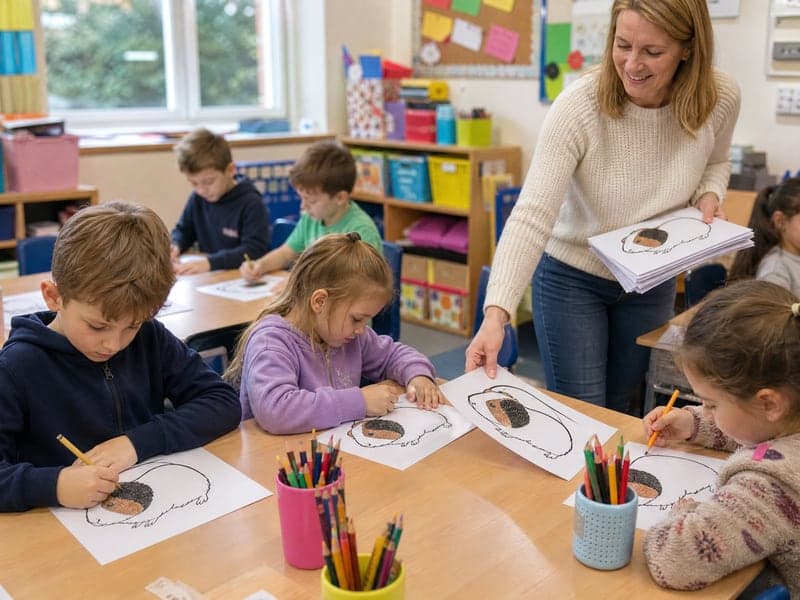
Turn a class trip photo, the school pet or a topic you are teaching into a page in one go. The simple style keeps outlines thick enough for younger hands; the detailed style works for older students.
Party Favors and Personal Gifts
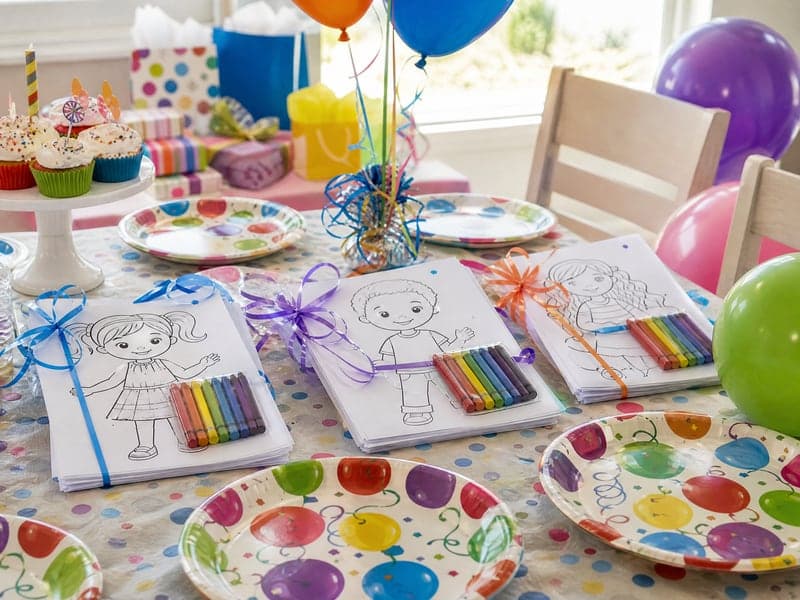
Make a page for every guest at a birthday party, bind a small coloring book of family photos for grandparents, or turn a pet portrait into a page for a fellow pet owner.
How to Use AI Coloring Page Generator in 3 Simple Steps
Upload your photo, select a style, and download your professional result instantly

📤Step 1:Upload a Photo — or Describe a Picture
A clear photo with one to three main subjects works best. No photo? Type a line such as "a unicorn in a castle garden" and the page is drawn from scratch.
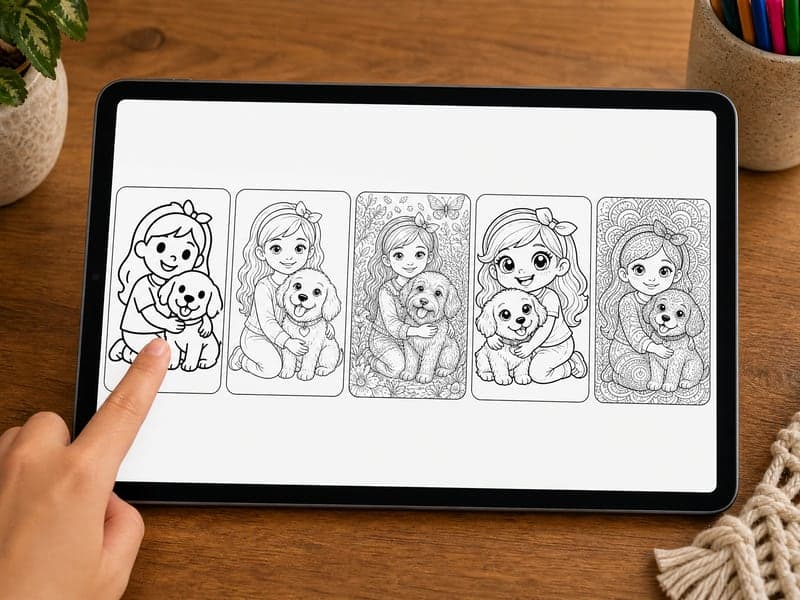
🖍️Step 2:Pick a Line Style
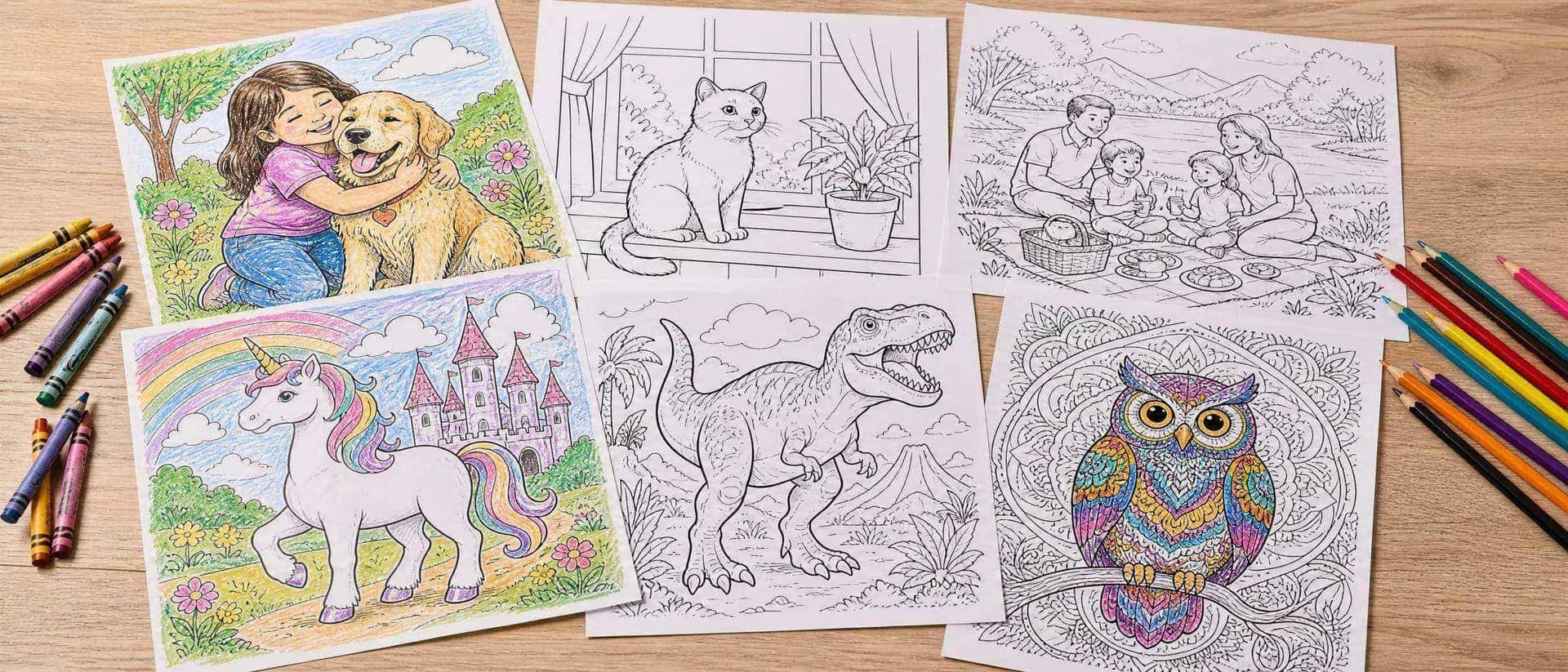
Simple for ages 3–6, Classic for most kids, Detailed for adults, plus Cartoon and Mandala patterns. Choose the background and page orientation under advanced options.
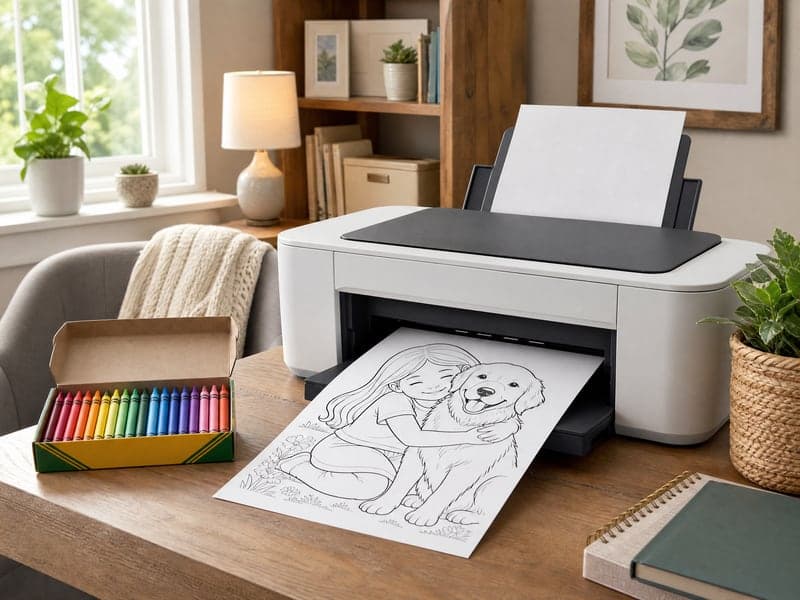
🖨️Step 3:Download and Print
Each page takes about 30 seconds. Download it and print on A4 or US Letter with "fit to page" turned on — or regenerate if you want a different take.
Turn Today's Photo into Tonight's Coloring Page
Upload a photo of your kids, pets or family, pick a line style and print it in under a minute.
Frequently Asked Questions About AI Coloring Page Generator
Upload the photo, pick a line style and press Create Coloring Page. The AI redraws the photo as black outlines on white paper — same people, animals and pose — removes all color and shading, and simplifies the background so every area can be colored in.
Yes. Leave the upload empty and describe the picture in the text box — for example "a dinosaur family having a picnic". The page is drawn from your description in the line style you picked.
Portrait pages are 1776×2368 pixels (3:4), about 210 dpi on A4 or US Letter. Landscape and square pages are also available. Print with "fit to page" or "scale to fit" turned on; a thin white margin on two sides is normal because 3:4 is close to, but not exactly, the shape of A4 or Letter paper.
Simple has very thick lines and big shapes for ages 3–6. Classic suits most kids from about 6 to 10. Detailed and Mandala have many small areas and fine lines, which older kids and adults enjoy but younger children usually find frustrating.
A sharp photo where the main subjects are reasonably large in the frame — one to three people or pets. Close-ups and half-body shots keep faces recognisable; in big group photos and far-away shots, small faces get simplified and look less like the real person.
The AI redraws the photo rather than tracing it, so small details can change — a hand may be redrawn, text on clothing or signs is not kept, and very busy backgrounds can come out cluttered. Choosing "None" or "Simplified" for the background usually fixes clutter; regenerate if a face doesn't look right.
Each page costs 20 credits, whether you start from a photo or a description. Downloads are watermark-free with a subscription.
Related Tools You Might Like
Explore more AI creative tools