GIF Face Swap
Swap the face in an animated GIF and get a GIF back
Tap to uploadDrop image or click
JPG · PNG · WebP
Tap to uploadDrop image or click
GIF
Preview Examples
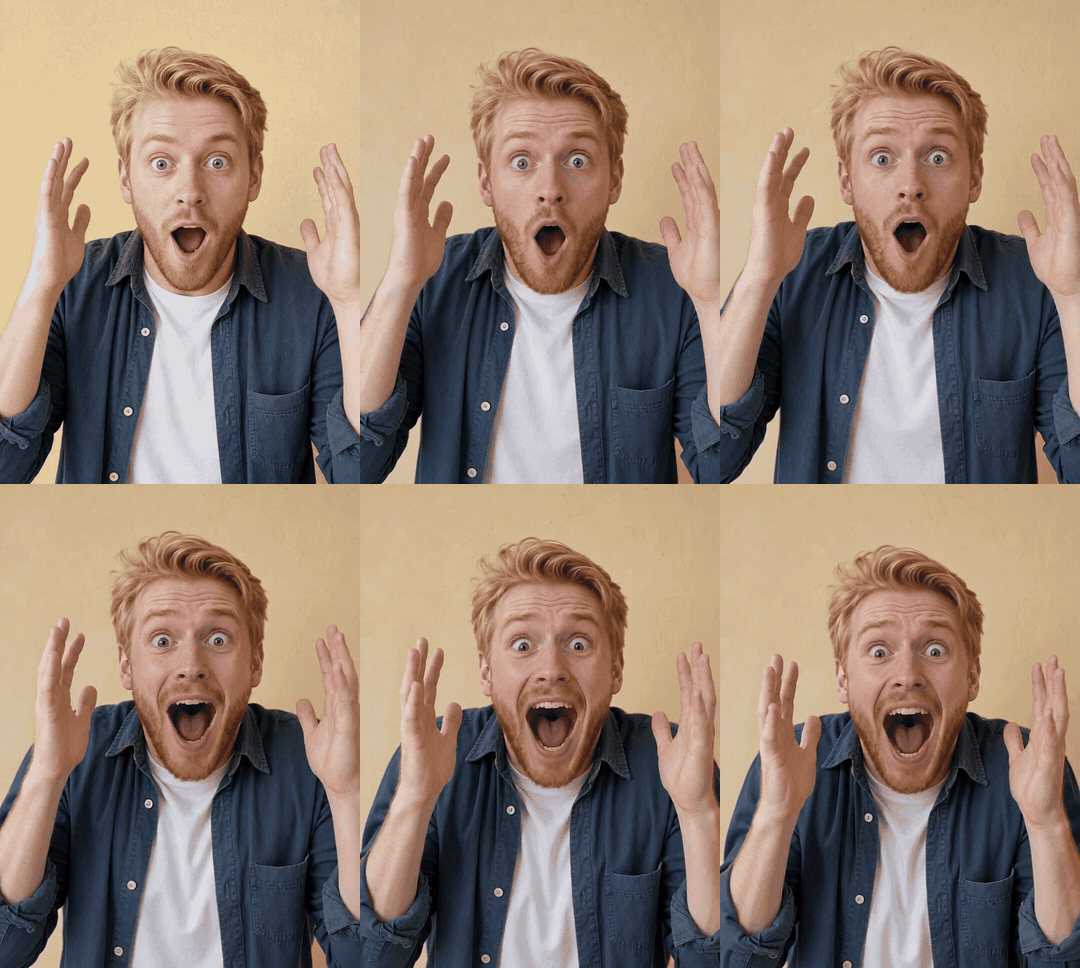 Before
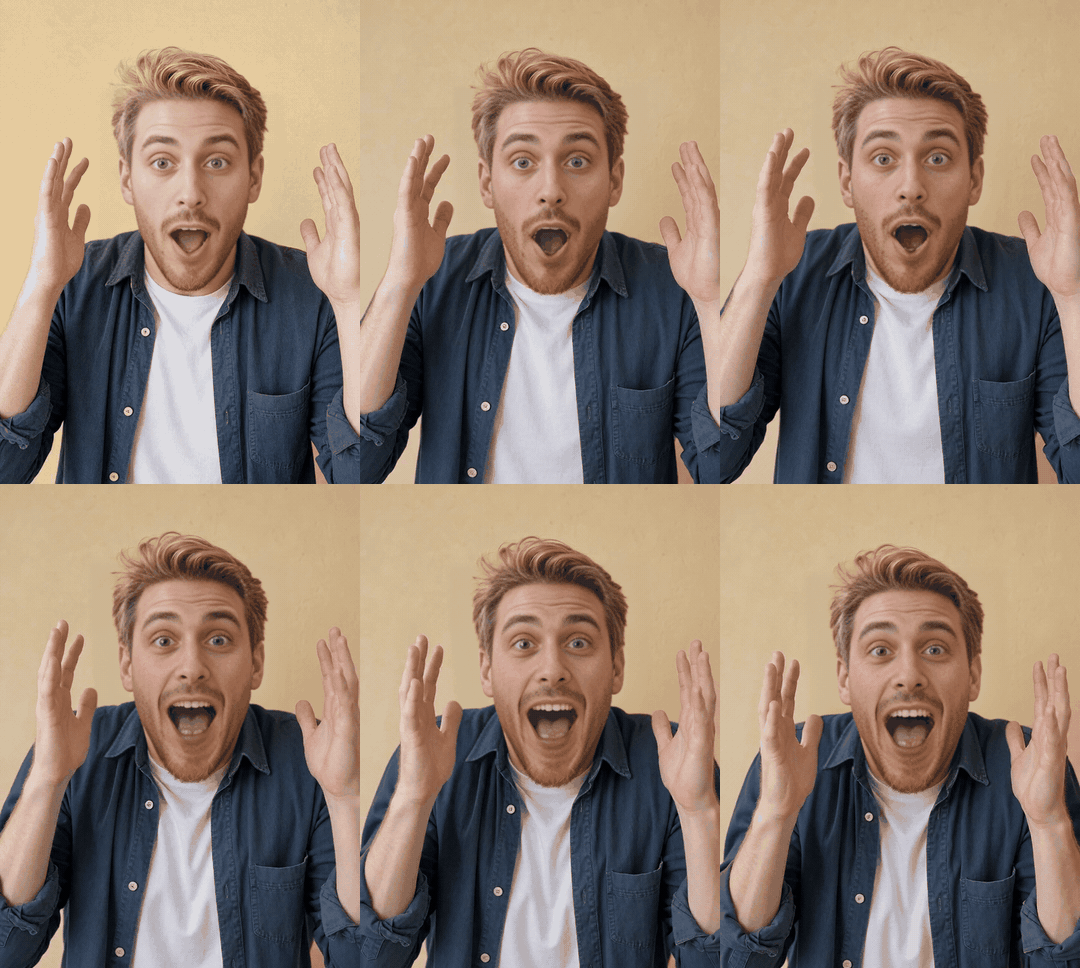 After
After this face
Real output from this tool — the small portrait is the face that went in.
ai-gif-face-swapWhat is GIF Face Swap?
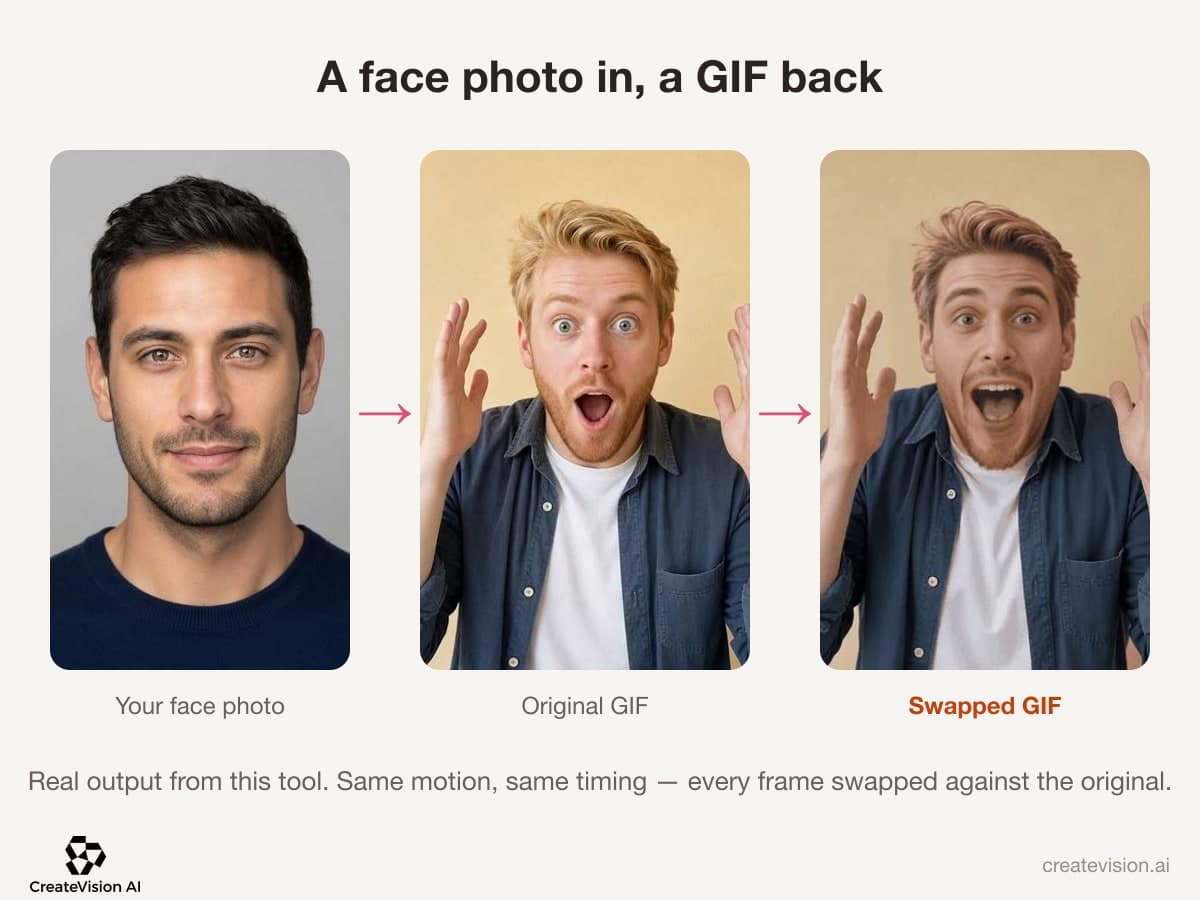
GIF Face Swap puts a face from a photo into an animated GIF and gives you a GIF back — same size, same motion, same timing. Only the face pixels change; hair, hands, background and the GIF's own grain come through untouched. Up to 100 frames, checked before you're charged, 40 credits flat. Every sample on this page is real output from this tool.
Why Do GIF Face Swaps Usually Disappoint?
We built this around the three things people complain about in typical GIF face swap tools — and made each fix something you can verify on the samples above.
"I uploaded a GIF and got an MP4 back. Useless in a chat."
You get a real .gif file back, at the same pixel size you uploaded.
"The motion got re-generated — the timing and the blinks were all different."
Every frame is swapped against the original. Timing, blinks and lip movement stay exactly as they were.
"It failed halfway through a long GIF and still took my credits."
Frame count is checked before anything is charged. Too long means a straight answer, not a failed job.
Six GIFs, Real Results
Every GIF below was swapped by this tool — the small portrait on each card is the face that went in. Hover to play. What you see is a real .gif file at the size it was uploaded.
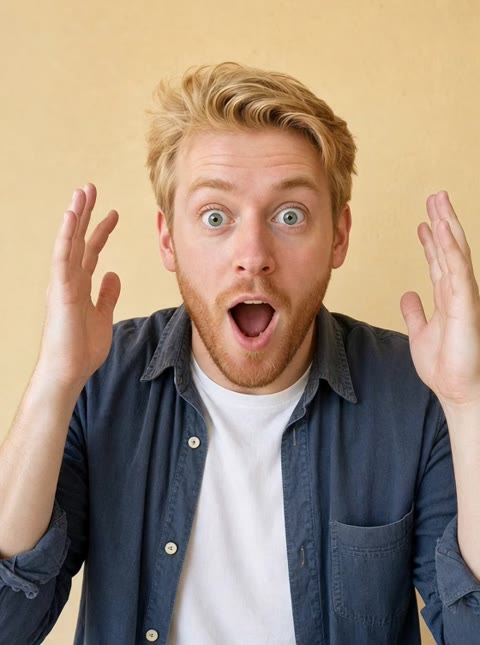 this face
Surprised
Eyes wide, mouth open — the reaction GIF everyone already has, with a new face on it.

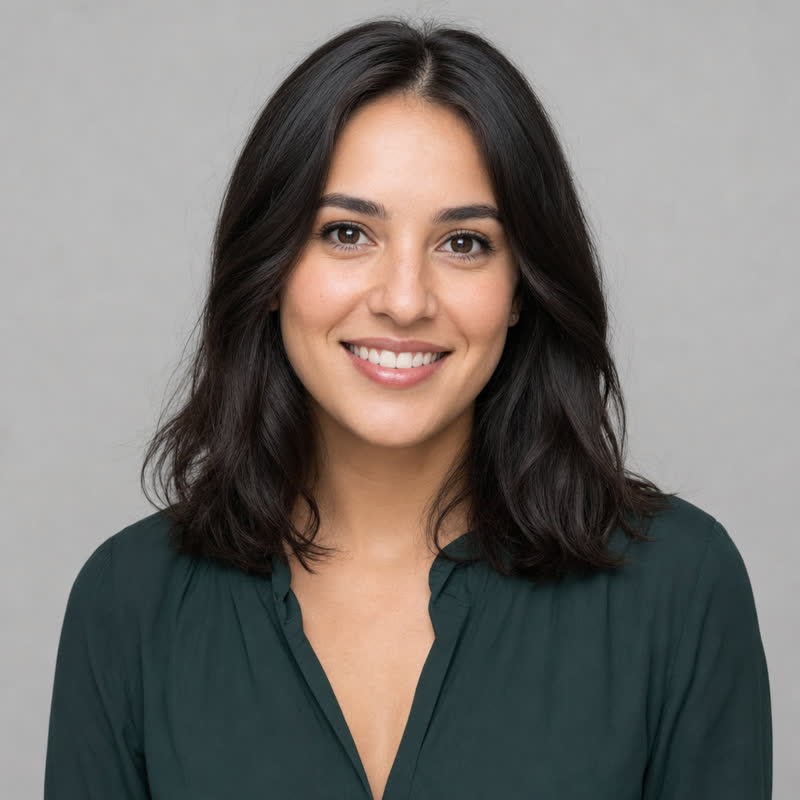 this face
Laughing
Head tips back, shoulders shake. Big expressions are where a swap either holds or falls apart.
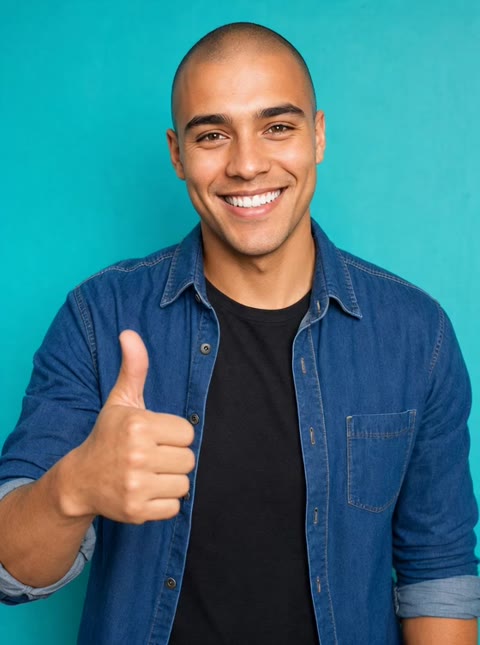 this face
Thumbs up
The approving nod. The most reusable GIF in any group chat.
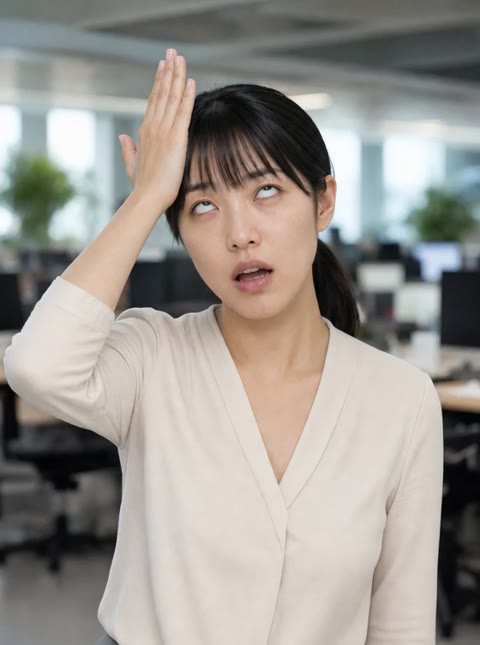 this face
Facepalm
A hand comes up over the face and goes away again — the occlusion case, on purpose.
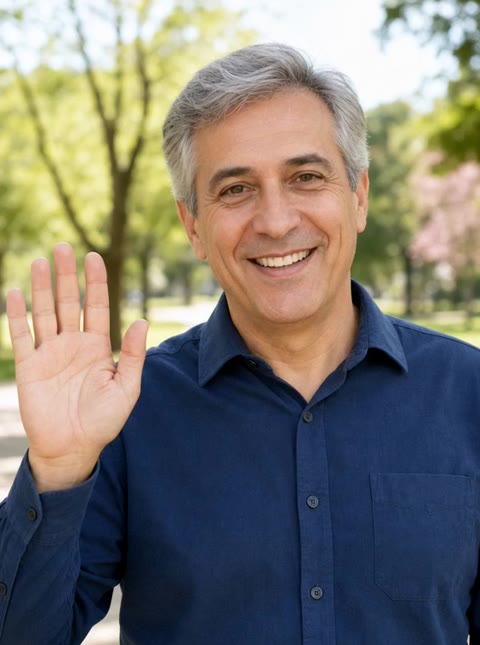 this face
Wave hello
A simple wave at the camera, the go-to greeting GIF.
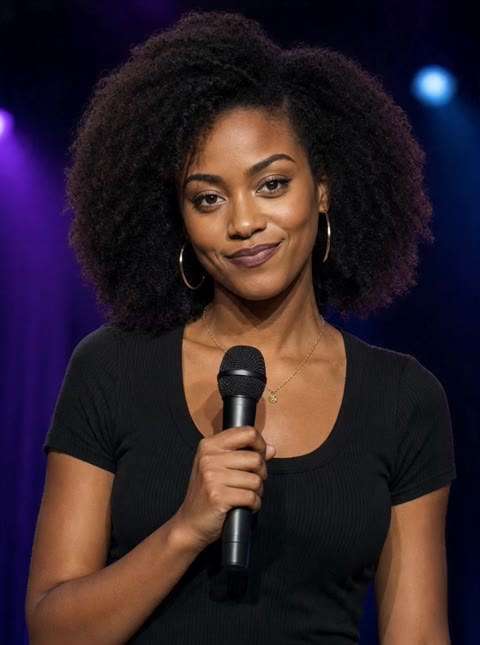 this face
Mic drop
One last word and the mic is gone. Exit GIF, sorted.
Why Our GIF Face Swap Keeps the Motion
Professional quality, privacy protected, instant results
You Get a GIF Back
You get a real .gif file at the size you uploaded, not an MP4. It pastes into any chat as an animation.
The Motion Survives
Every frame is swapped against the original, so head turns, blinks and lip movement stay exactly as they were.
Checked Before You Pay
Frame count and file size are checked up front. If your GIF is too long, you are told so and nothing is deducted.
See What You Can Do With GIF Face Swap
Perfect for various professional scenarios, instant and secure
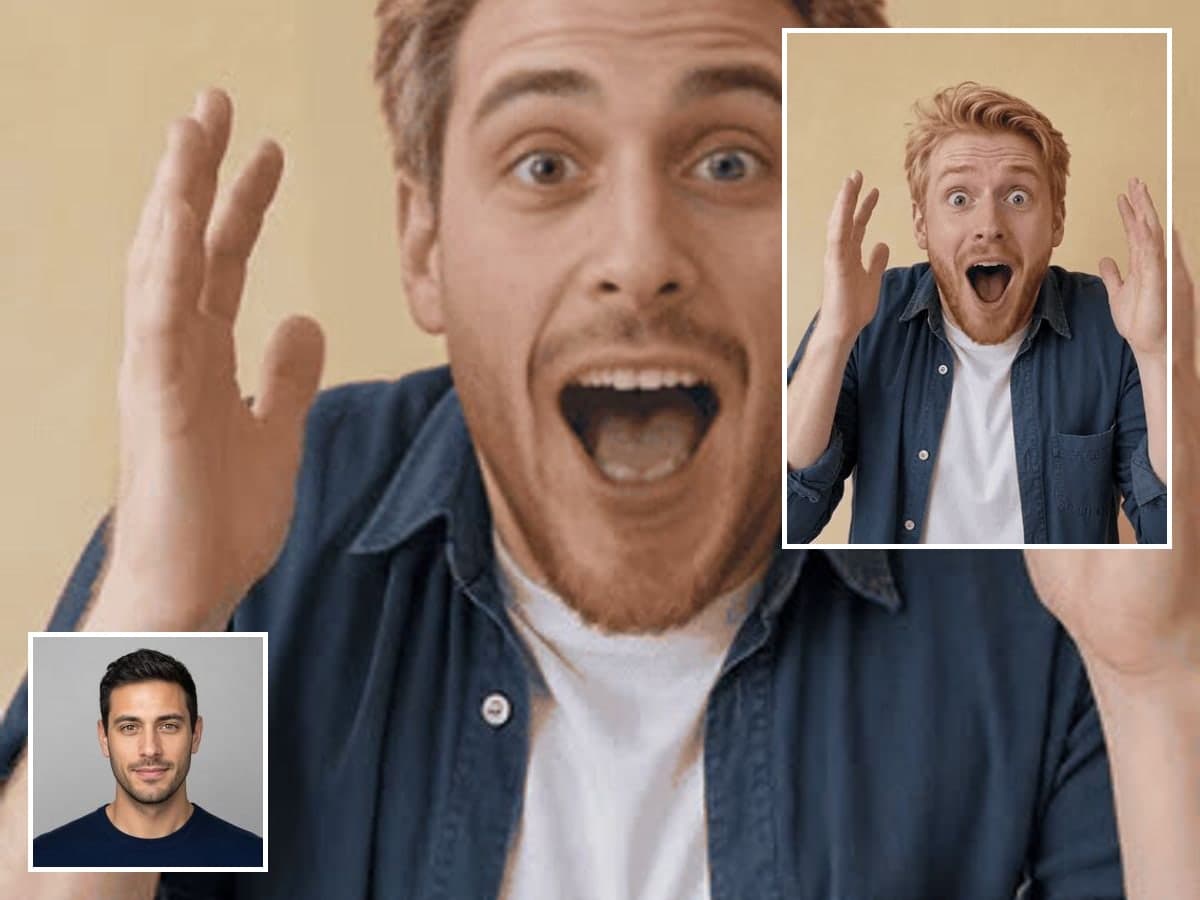
Put Yourself in the Reaction GIF
Take the reaction GIF everyone already knows and give it your face. Clips where the expression does the talking work best. Swap faces in photos
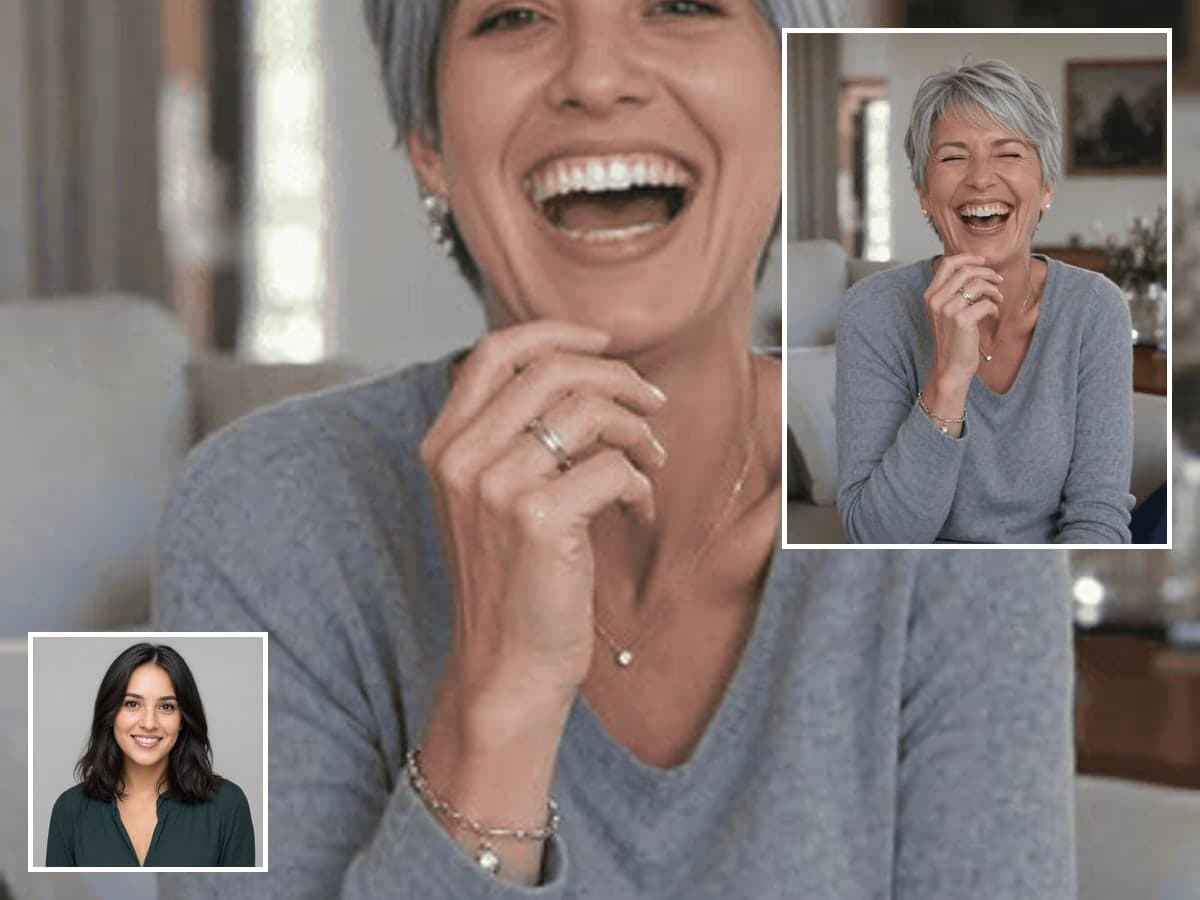
Start a Running Joke in Your Group Chat
Swap a friend into the GIF your chat already overuses. Your result has no watermark, so it pastes anywhere cleanly. Try AI Gender Swap
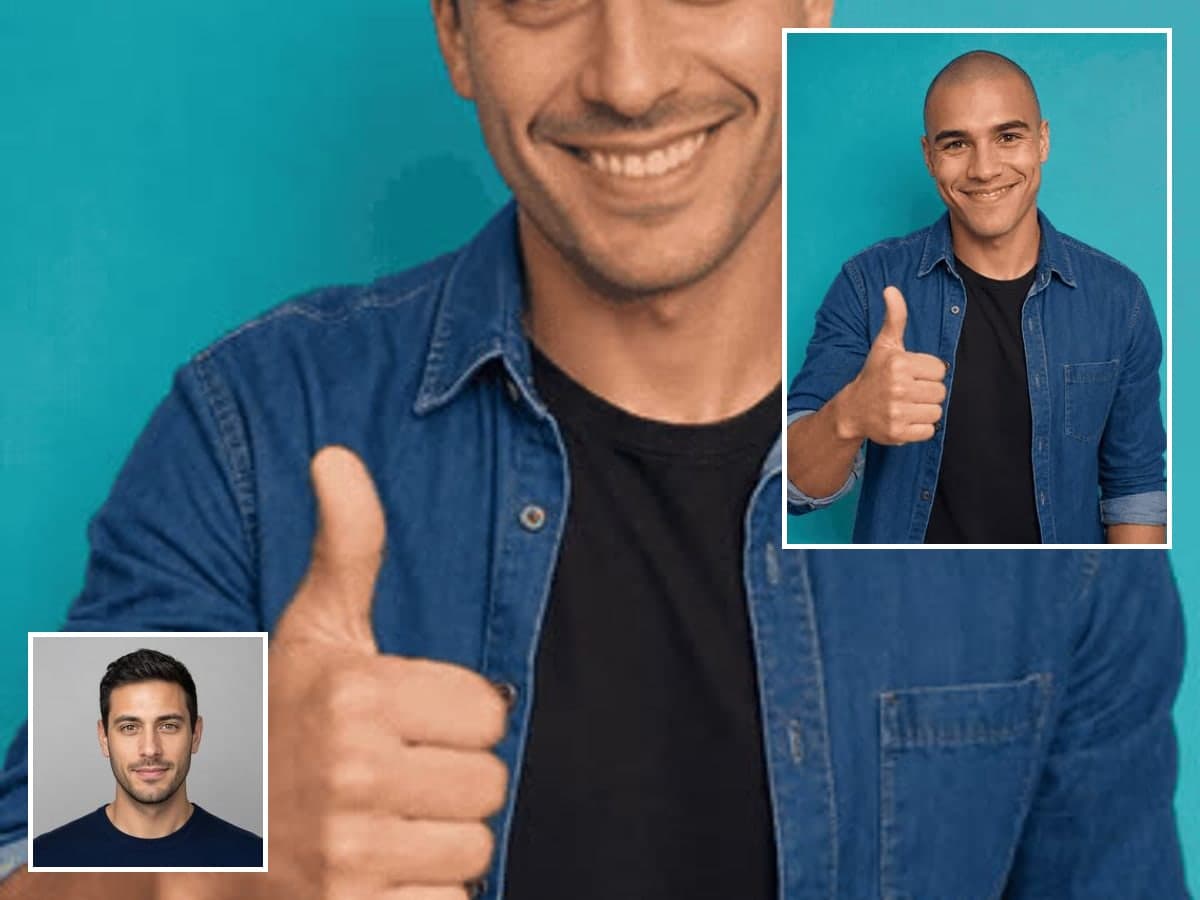
Make Birthdays and Send-Offs Memorable
A card is fine, but a GIF of the birthday person in a famous clip is better. It is quick enough to make one for everyone. Make a cartoon portrait
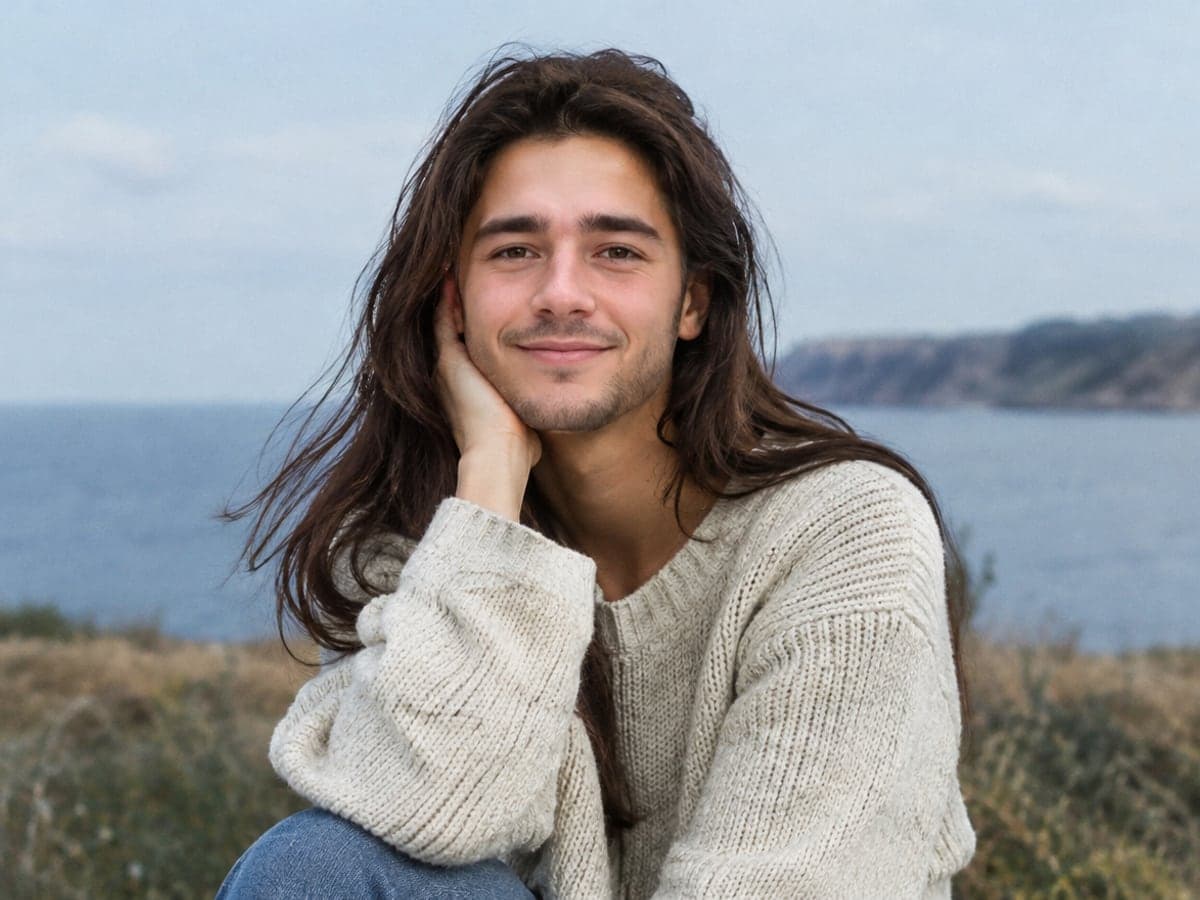
Change Only the Face, Nothing Else
Your swap replaces face pixels instead of repainting the picture. Hair, clothes, hands, background and the GIF's own grain come through untouched. Swap faces in videos
Who Uses GIF Face Swap
Four ways people use it every week
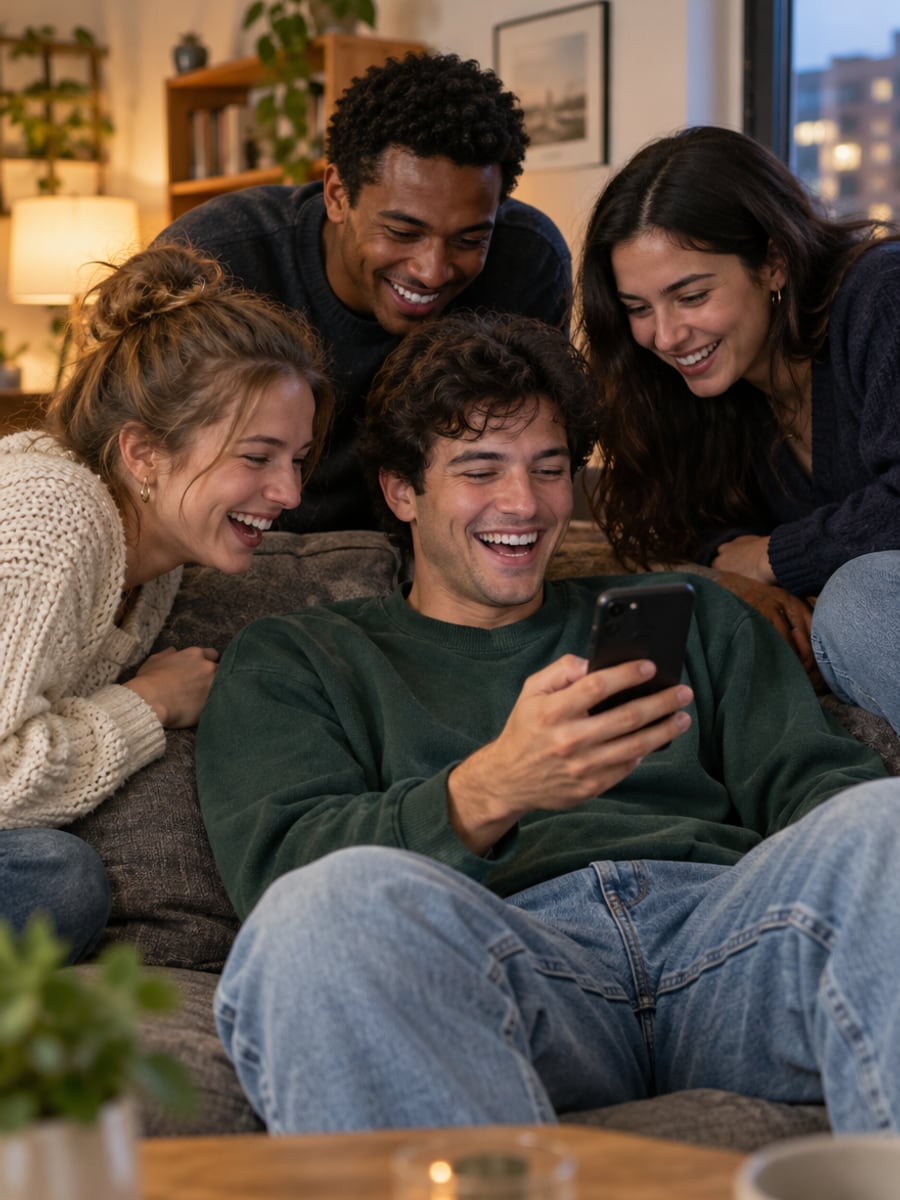
Turn your friends into the reaction GIFs you send
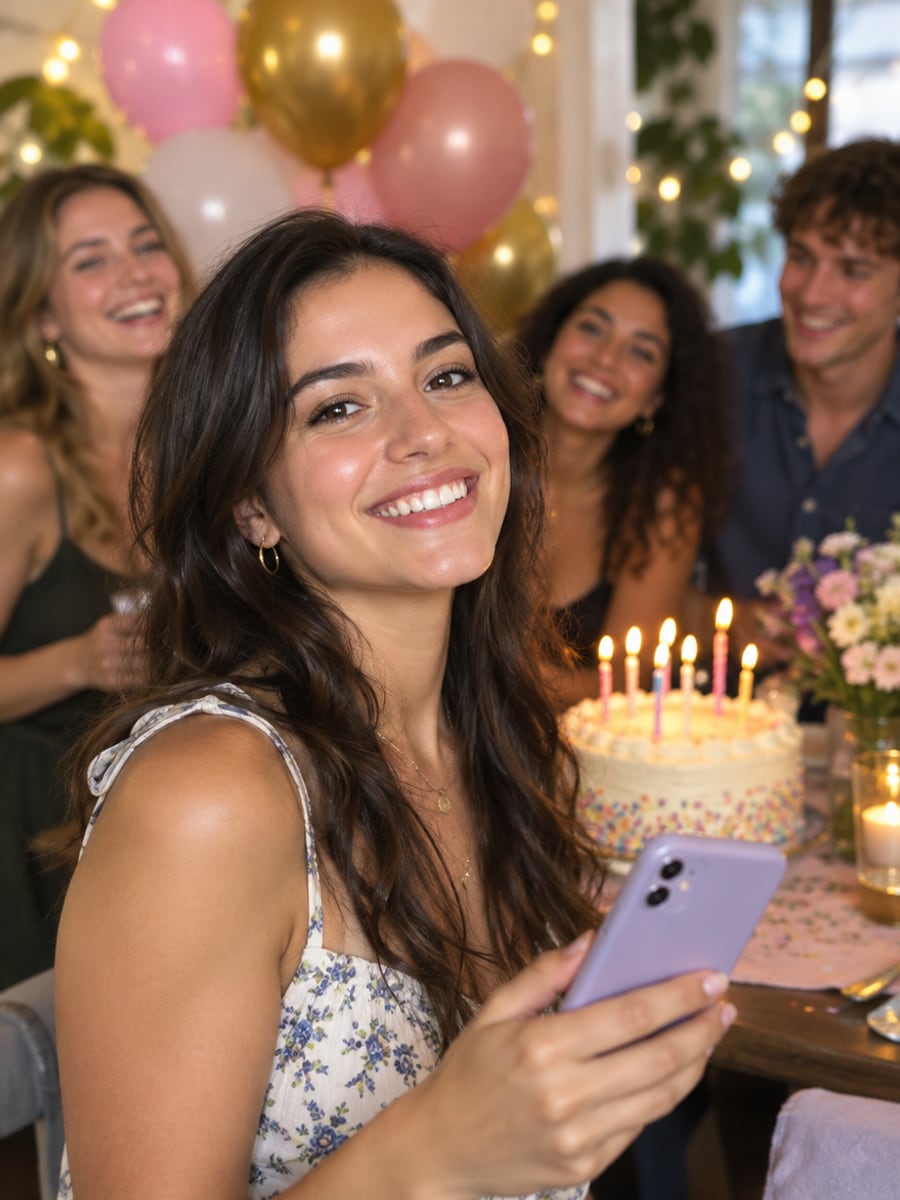
Give every birthday guest a GIF to remember
Put your face into the memes everyone recognizes
Make shareable GIFs that keep the original motion
How to Swap Faces in GIFs with CreateVision
Upload your photo, select a style, and download your professional result instantly

Upload a Face
Add one clear, front-facing photo with even light and the whole face visible, no sunglasses or hat. This is the face that goes into the GIF.

Upload the GIF
Add any animated GIF up to 100 frames. The frame count is checked before you are charged, so an oversized GIF gets a clear answer instead of a failed generation.

Download the GIF
You get a GIF back at the same size you uploaded, not an MP4 or a still. Drop it straight into a chat.
The All-in-One AI Creation Platform
One account for images, videos, an AI agent that works for you, expert AI mentors and 80+ ready-made tools.

AI Image & Video Generator
Every leading model in one workspace: Seedream, Nano Banana, GPT Image, Seedance, Veo and more.
Open
Ava, your AI creative agent
Describe what you need and Ava plans, generates and iterates for you.
Open
80+ AI tools
One-click tools for photos, videos, cards, portraits and viral trends.
Open
Template library
Thousands of ready prompts and styles to start from.
Open
Studios
Portrait, marketing, poster and cinema studios for finished work, not single shots.
Open
AI model library
Compare and pick the right image or video model for every job.
Open
AI mentors
Learn from expert mentors in photography, design and video, then create with their guidance.
Open190K+ creators
Using CreateVision to create and share
FAQs About Our AI GIF Face Swap
GIF Face Swap replaces the face in an animated GIF with a face from your photo. The motion, blinks and lip movement of the original stay in place. You get a real GIF file back, ready to paste into any chat.
The best one returns an actual GIF and keeps the original motion. CreateVision swaps every frame against the original, matches each frame's angle and lighting so the face does not float like a mask, and leaves hair, clothes and background untouched. It also checks your GIF before charging and adds no watermark.
You upload one face photo and one animated GIF. Each frame is swapped individually and matched to the original's angle and light, so the face turns and squints with the GIF. Nothing is re-timed or re-generated, and the result comes back as a GIF at your upload size.
Up to 100 frames, which is roughly 8 seconds at 12fps or 4 seconds at 25fps. The limit is checked before any credits are taken. Every detected face is swapped by default, so crop the GIF to one person first if you want only one face changed.
Each swap costs 40 credits, flat, whatever the frame count. You can start with 200 free credits from Google sign-up. If your GIF fails the frame or size check, nothing is deducted.
Only with their permission. Sexual, harassing or deceptive content breaks our terms and is blocked, and you should not use public figures to make them appear to do things they did not. Your uploads and results are private to your account, source files are cleared on a short cycle, and nothing is used to train anything.
It looks like a face swap, not a new video. The face is replaced and the lighting is matched, but on a close crop you may see a soft edge where the new face meets the original. Clips where the head stays roughly front-on give the cleanest result, while extreme angles and heavy motion blur are the hard cases.
Pick a GIF and Face Swap Yourself In
Upload a face and a GIF, and get a GIF back with the motion intact and no watermark.
Related Tools You Might Like
Explore more AI creative tools