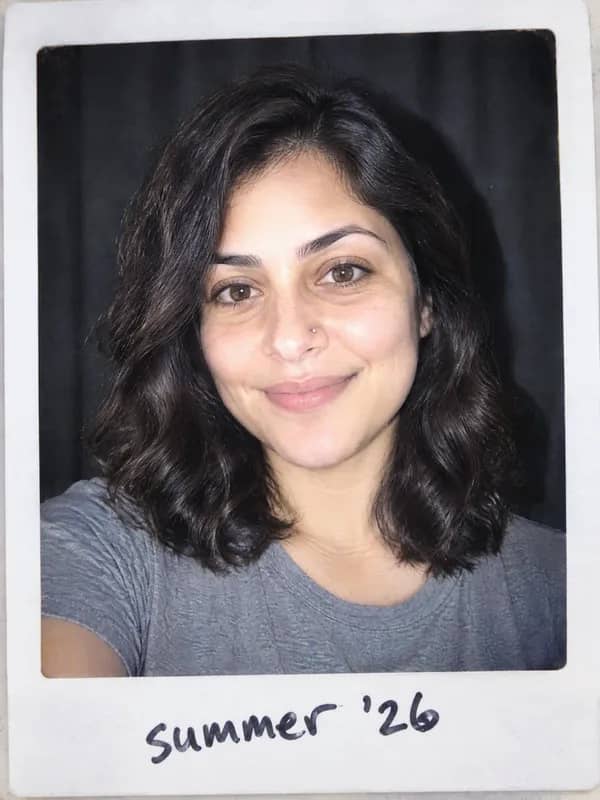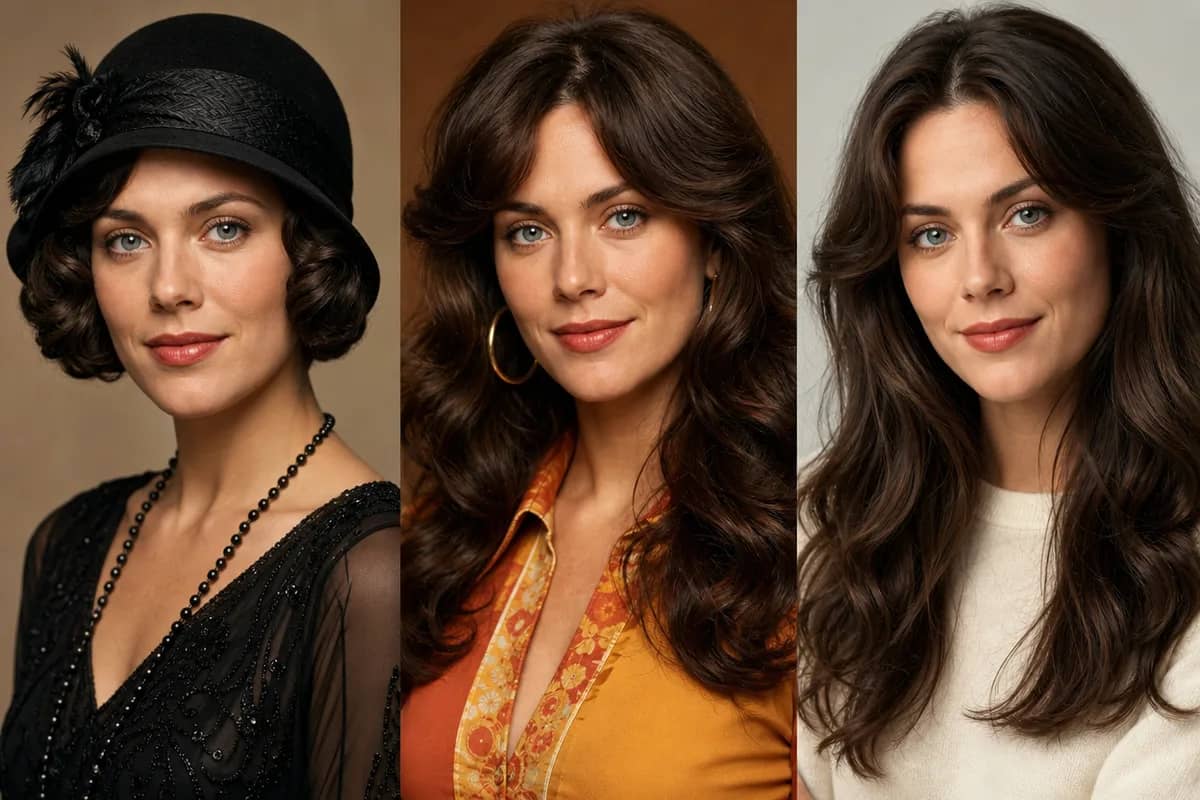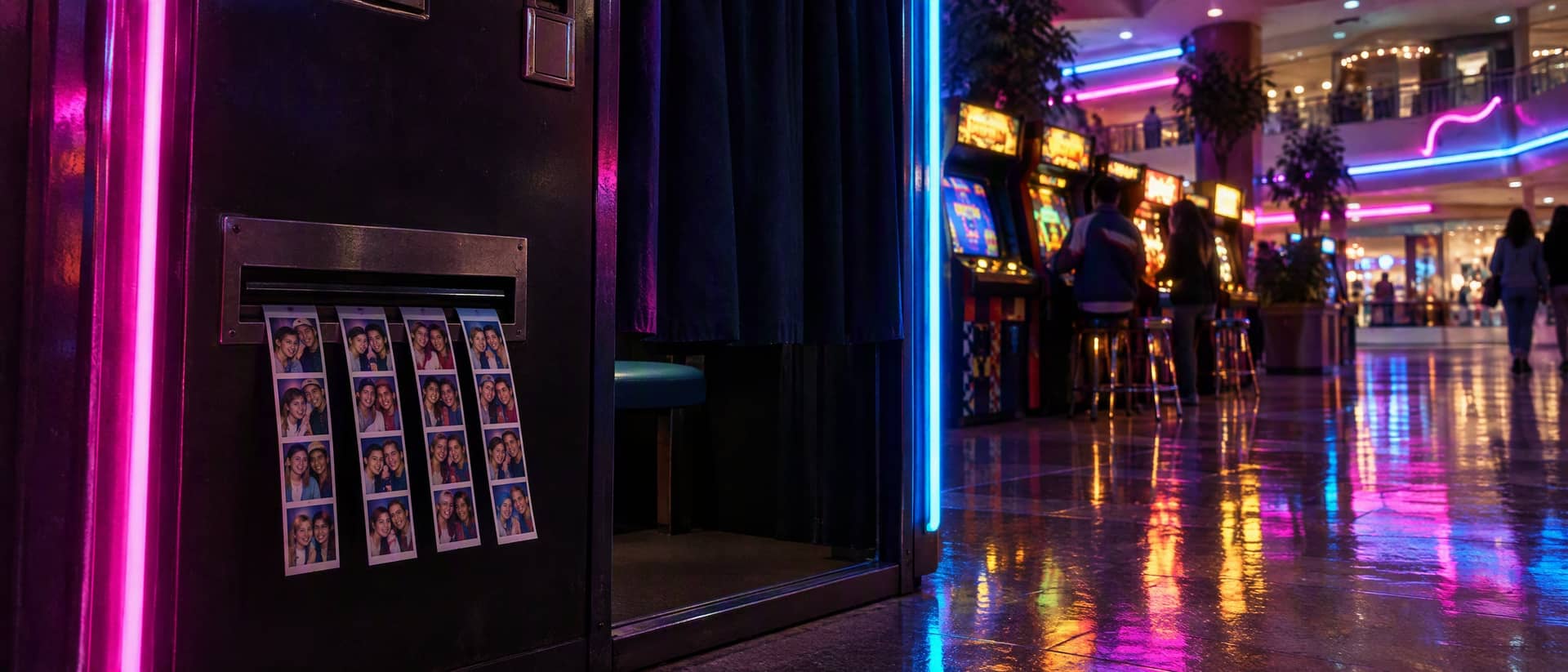
AI Photo Booth
Turn 1–3 photos into a four-frame retro photo strip
Tap to uploadDrop image or click
JPG · PNG · WebP
Preview Examples
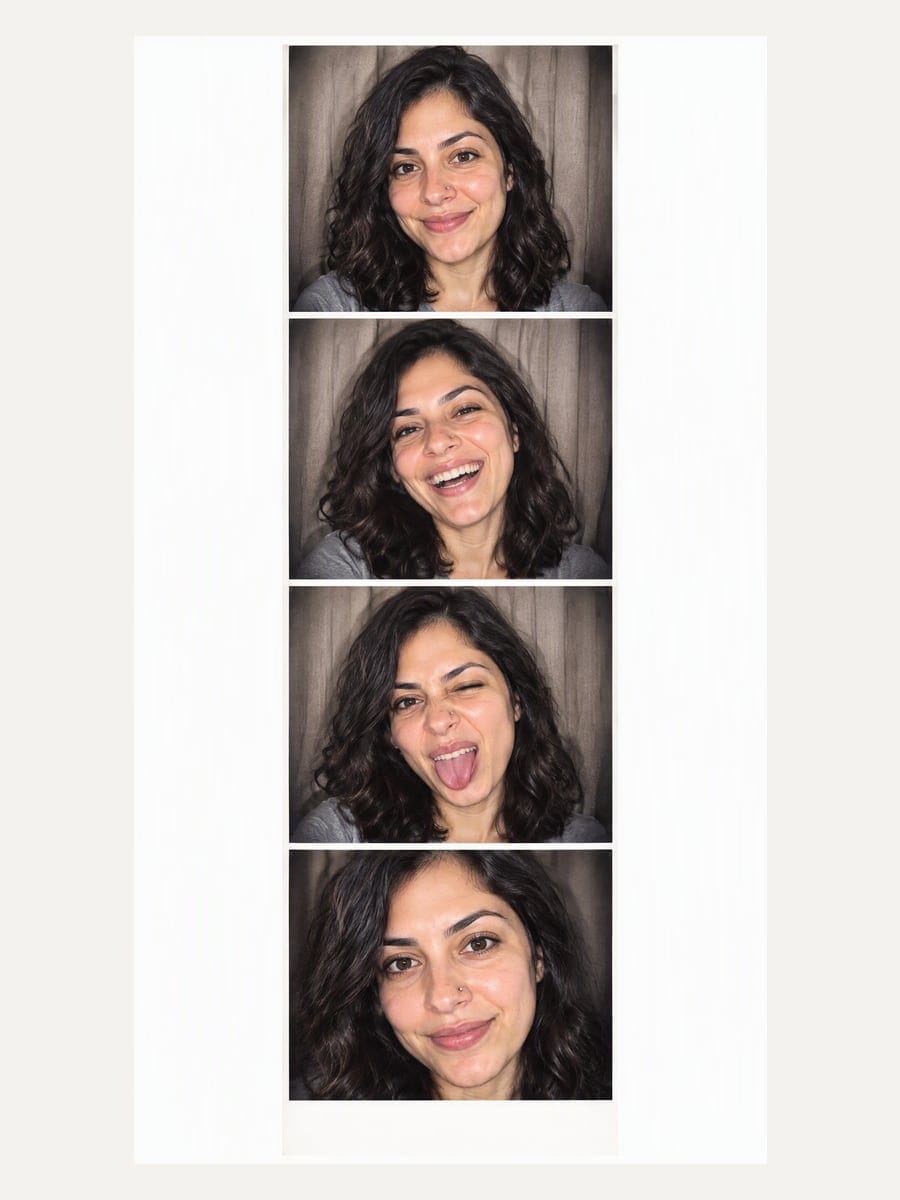
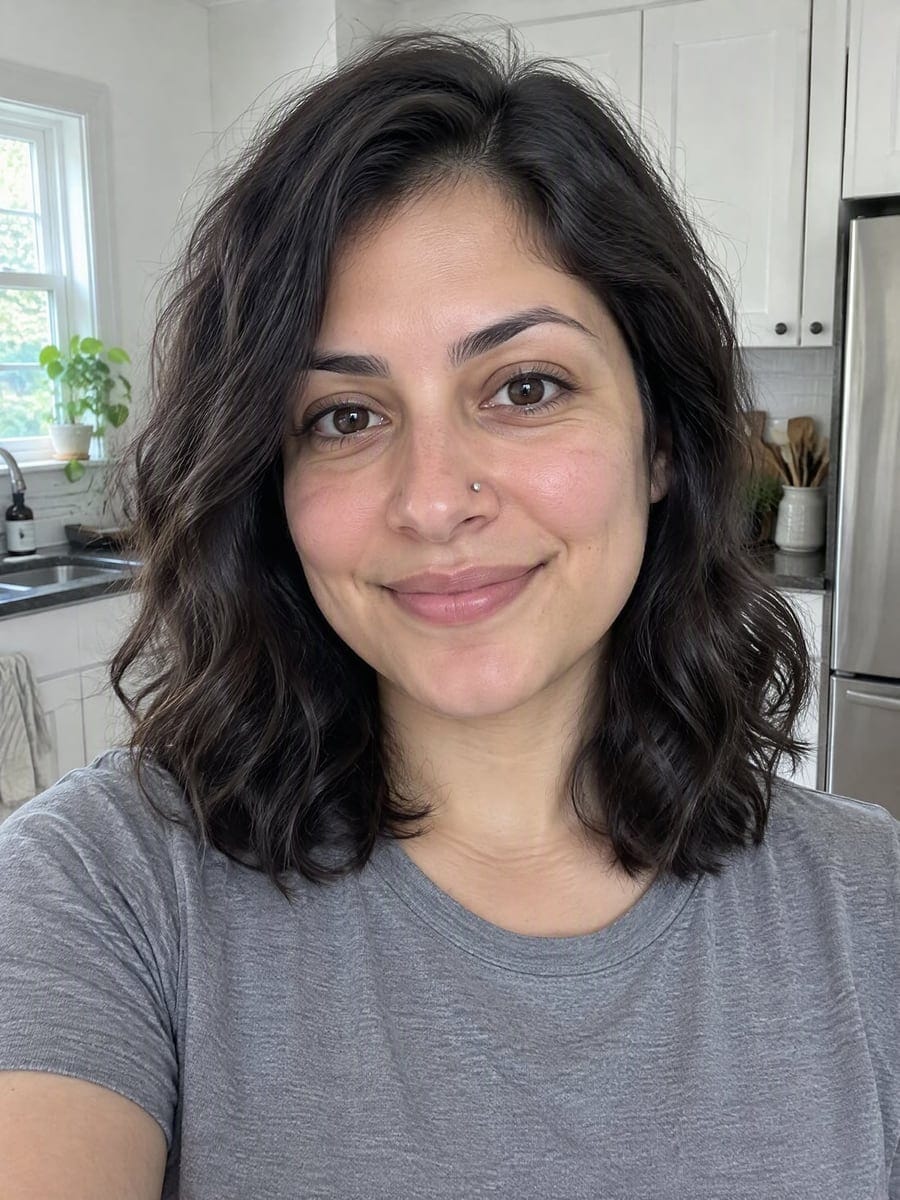
Drag the slider to compare
What is an AI photo booth?
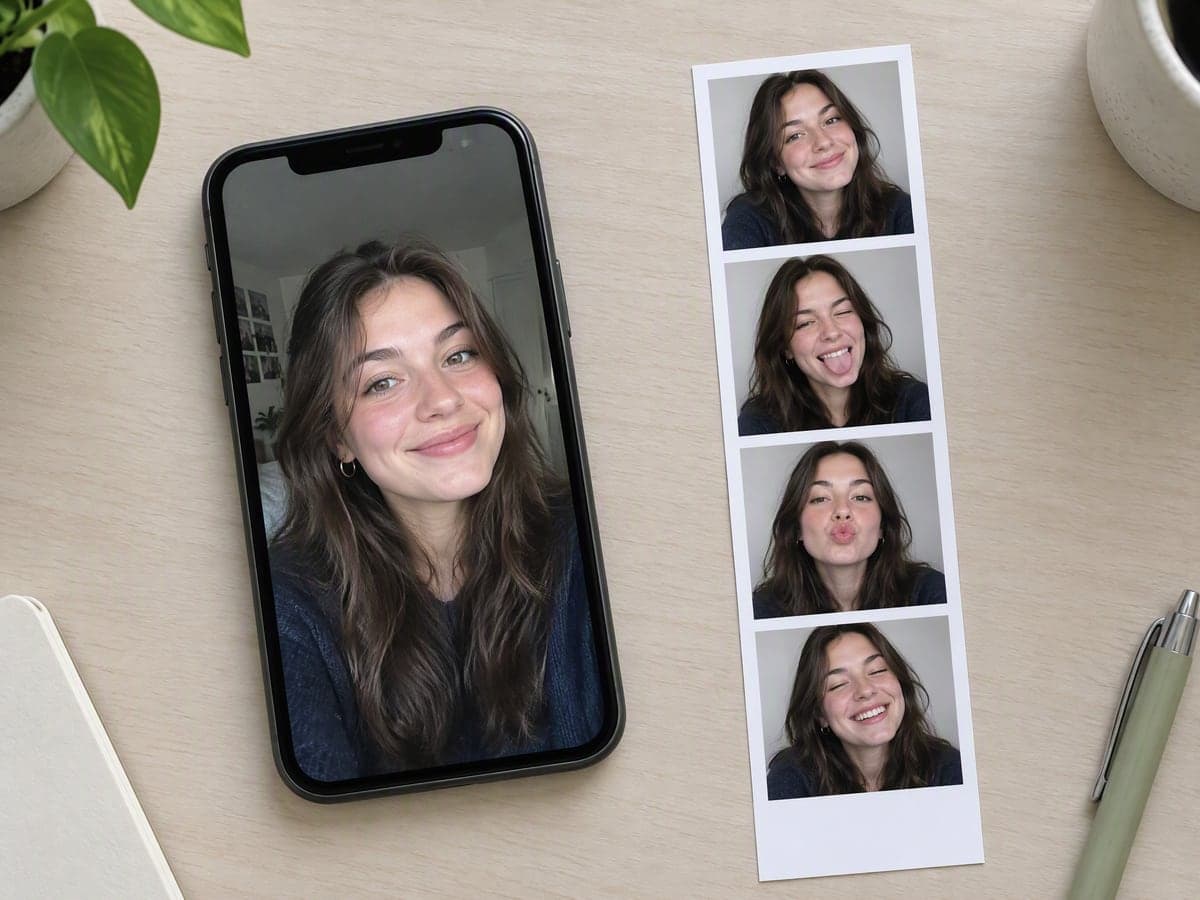
It is a photo booth that runs online instead of standing in a mall: you upload a photo instead of feeding coins into a machine, and you get back the same thing a booth prints — a tall strip of four frames, each with a different expression. This one adds a booth theme on top, so the same photo can come out as a 90s mall strip, a purikura strip or a vintage black and white one.
Why Step Into Our AI Photo Booth
Professional quality, privacy protected, instant results
Get Four Frames in One Go
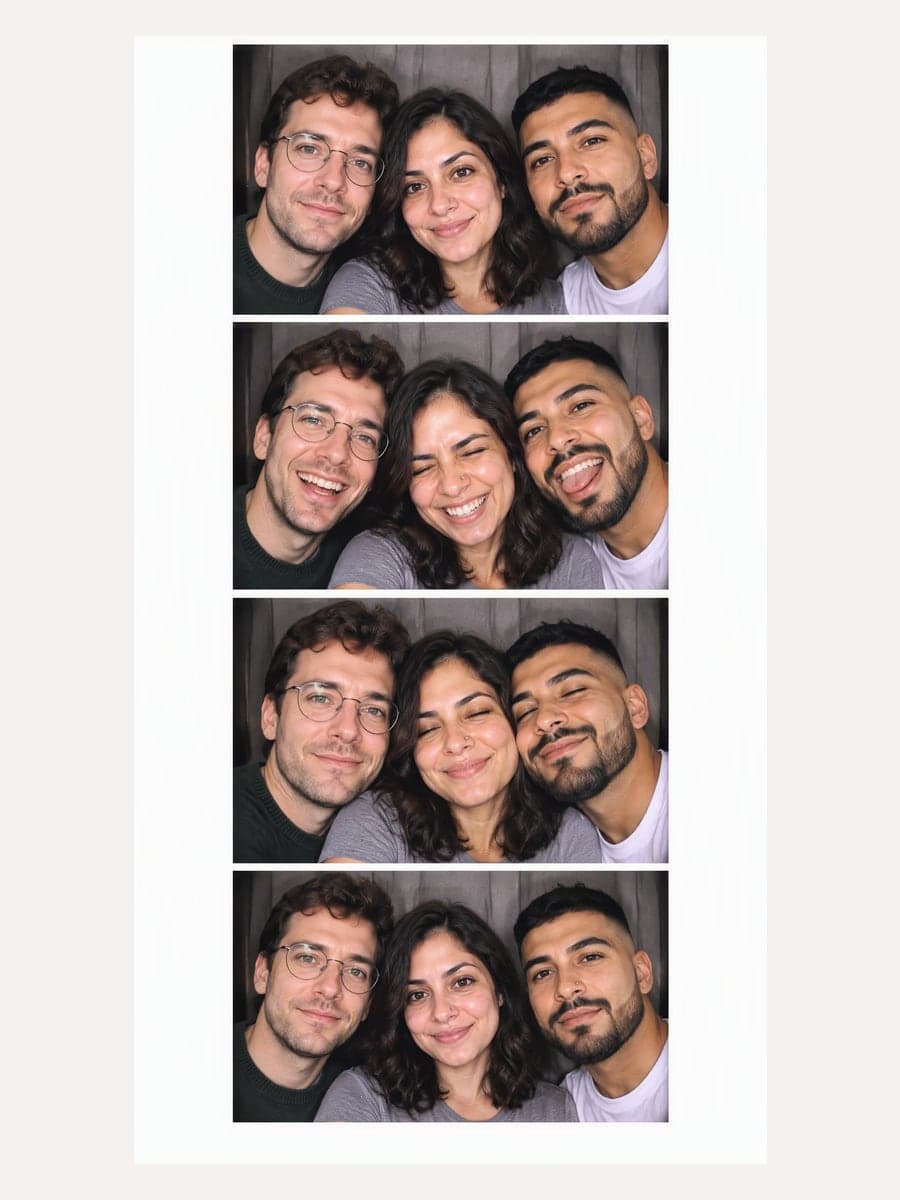
One upload gives you a full strip of four different expressions, with the white gutters and wide bottom margin of a real booth print.
Keep the Same Faces in Every Frame
Faces, hair and skin follow your photos, and a group keeps the same left-to-right order across all four frames.
Skip the Machine and the App
It runs in the browser on a phone or a laptop. Nothing to install and no mall to find.
See What You Can Do With an AI Photo Booth
Perfect for various professional scenarios, instant and secure
Get the Strip You Used to Get at the Mall
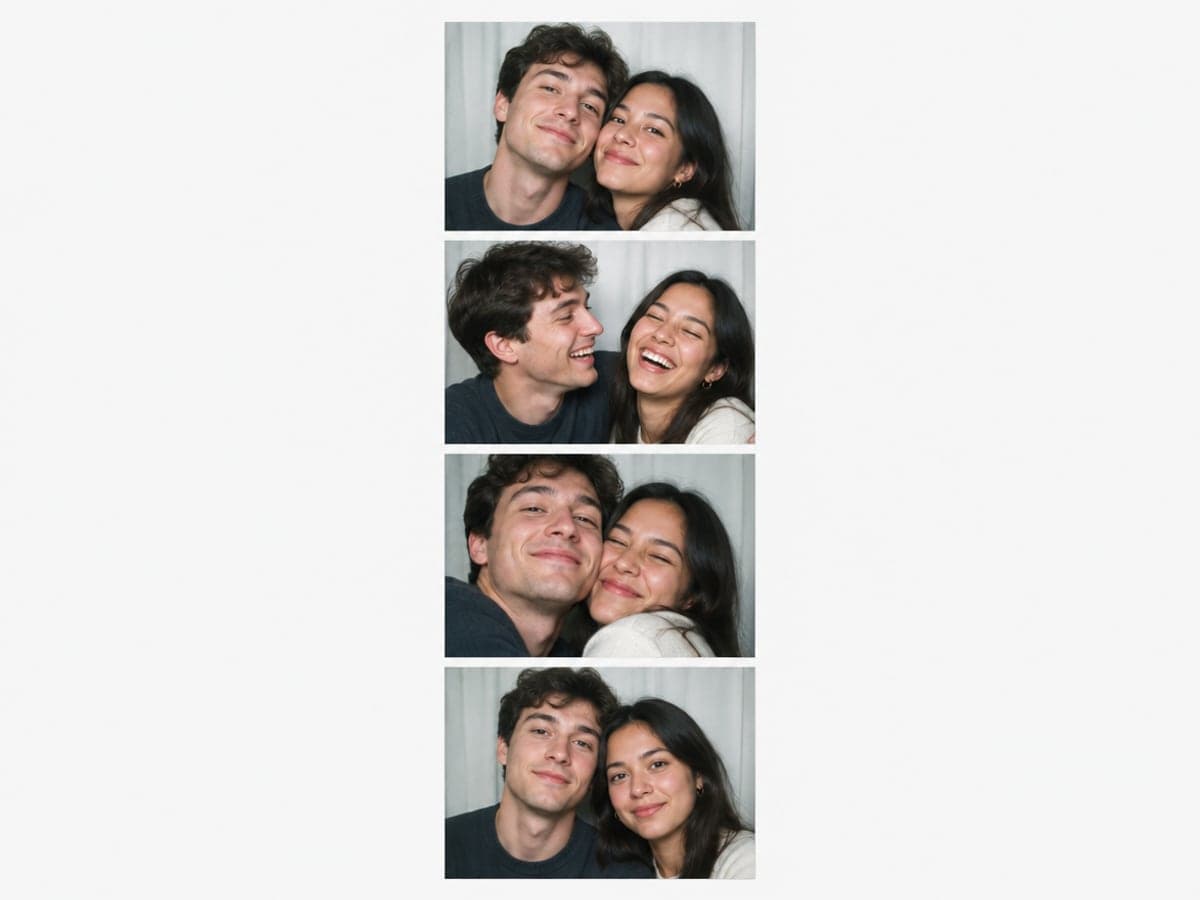
Upload a photo of each of you and get four frames: leaning in, laughing, squeezing close and one calm shot. It is the coin-booth strip, made from photos you already have. Make a couple photo
Make Purikura Without the Arcade Machine
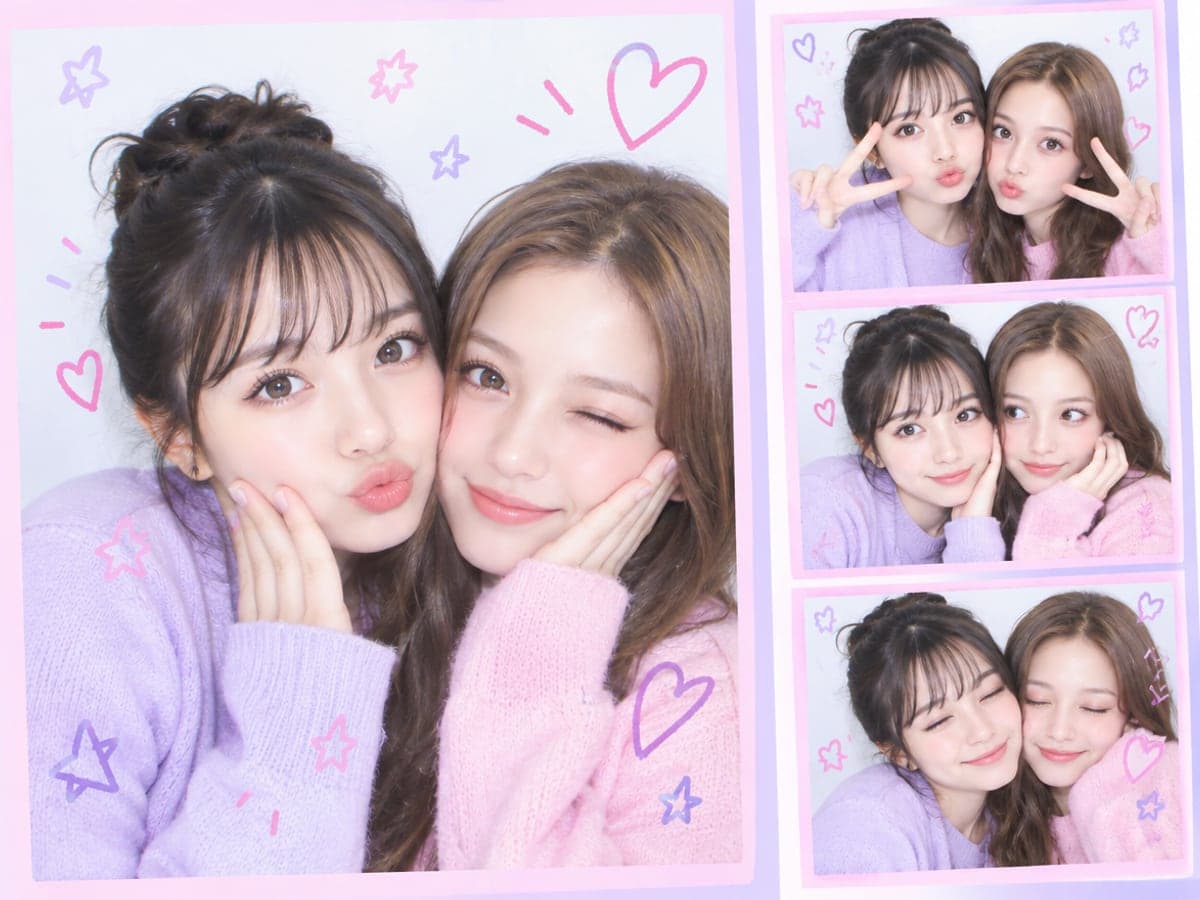
Pick the Purikura booth for bright high-key skin, pastel pink and lilac frames and little doodle hearts and stars. You get the Japanese photo booth look right in your browser. Make a Polaroid instead
Squeeze Three Friends Onto One Strip
Upload one photo per person, up to three. Everyone appears together in all four frames and keeps the same seat, like a real booth bench. Mix a group photo
Print It, Pin It or Post It
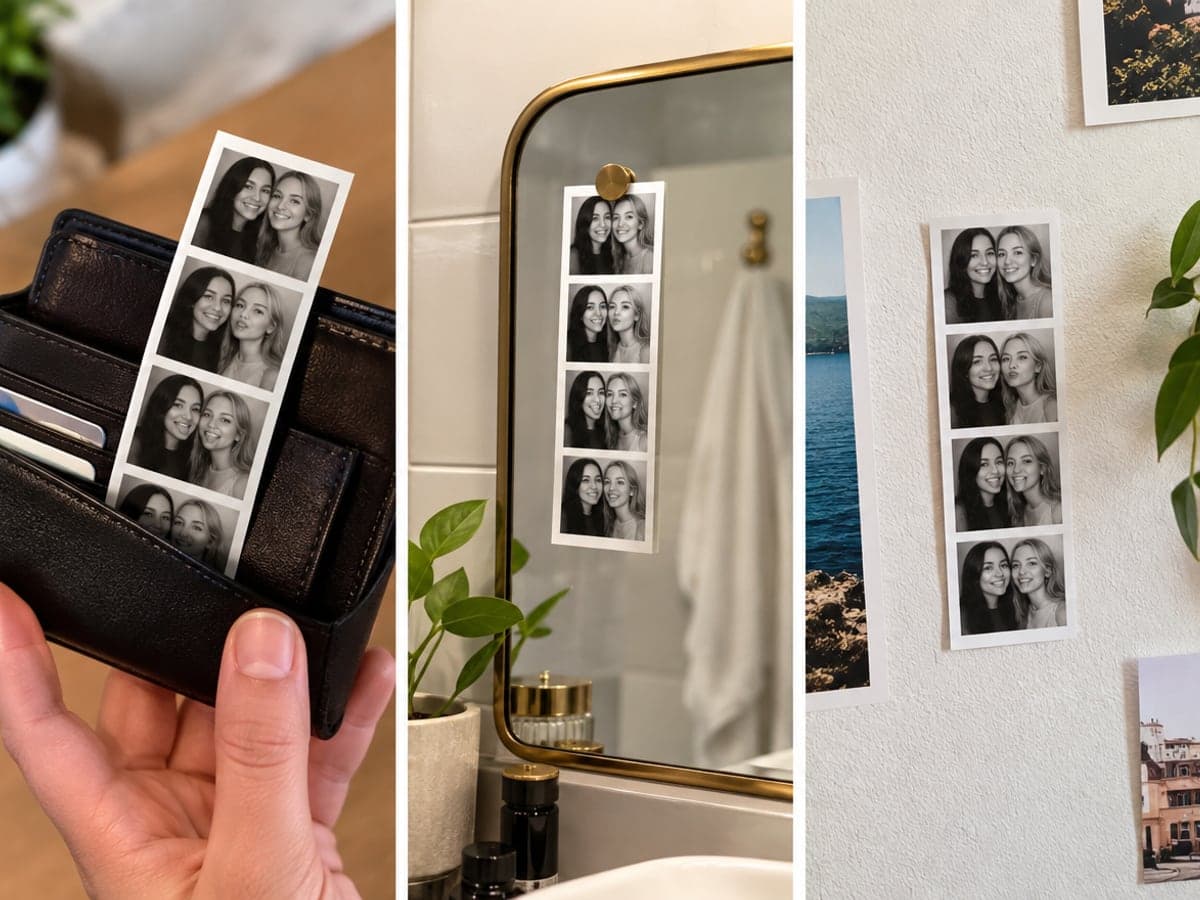
Download your strip and print it like a classic booth strip. Tuck it in a wallet, pin it to a mirror or post the whole strip as it is. Try a vintage era photo
Who Uses AI Photo Booth
Four ways people use it every week
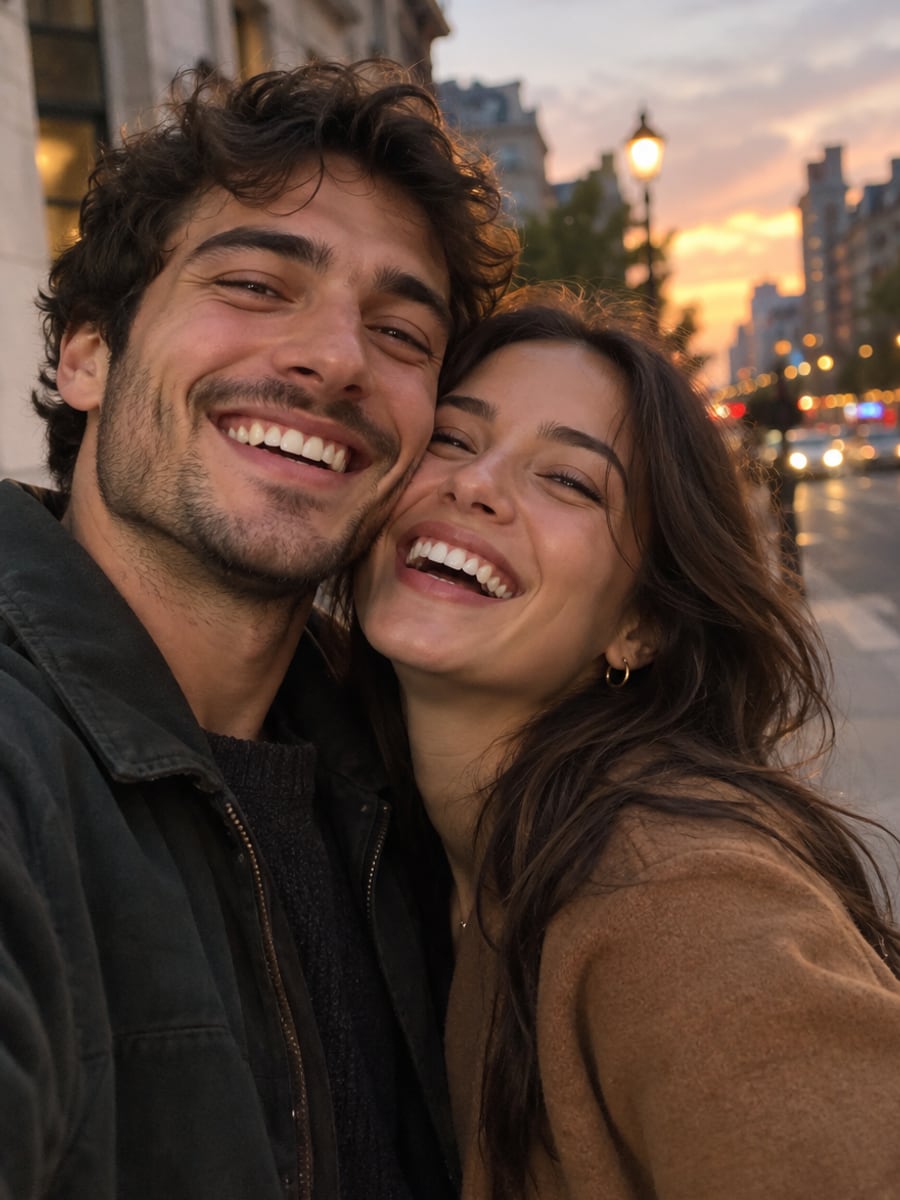
Relive the booth strip from your first dates
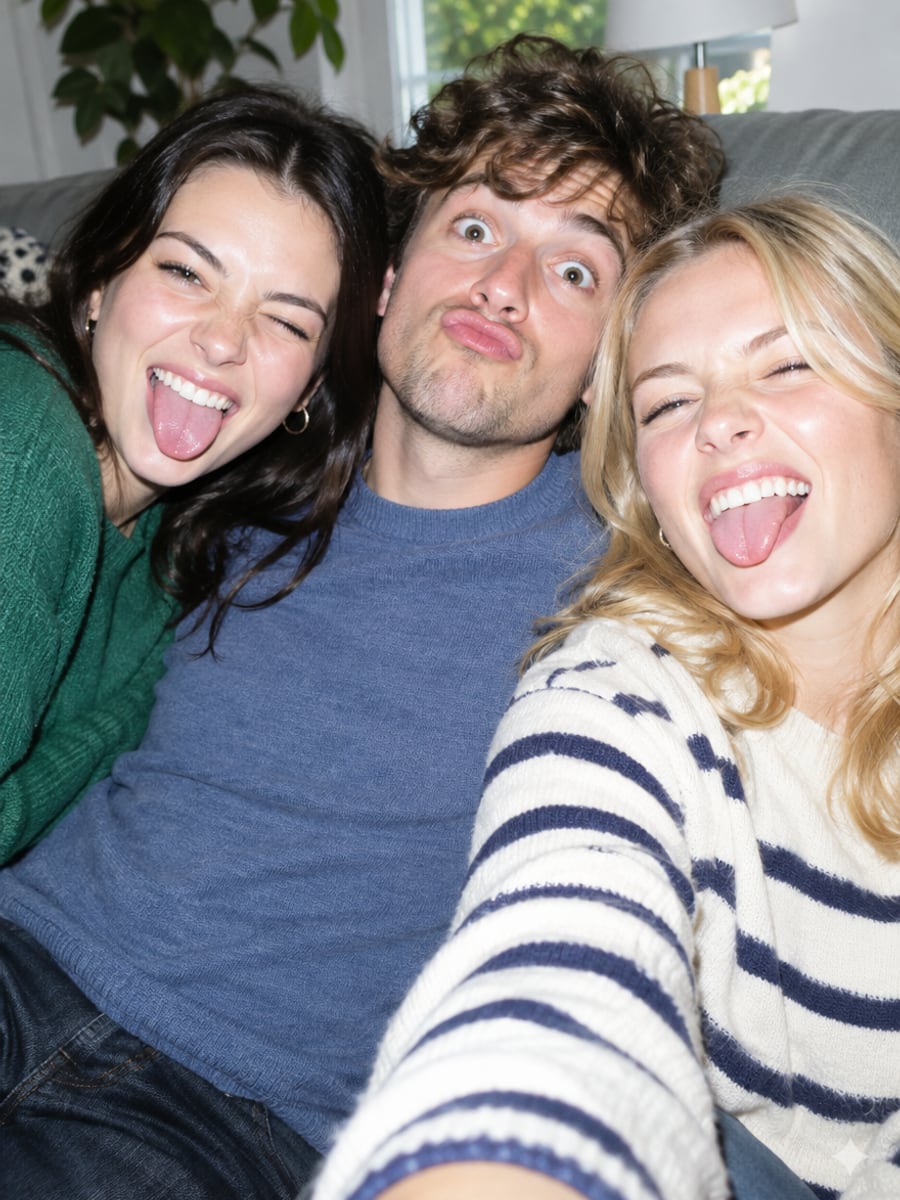
Fit three friends onto one strip without a booth
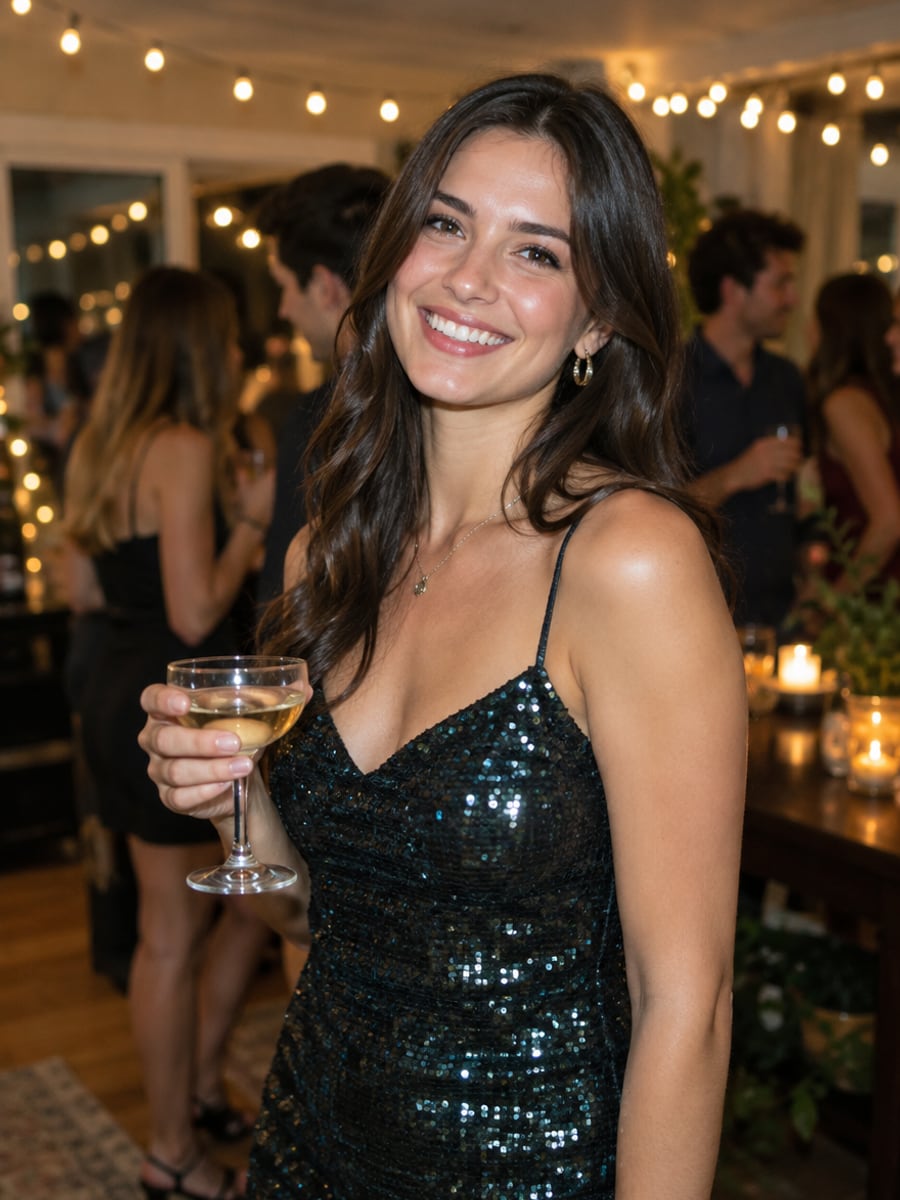
Give every guest a booth strip after the party
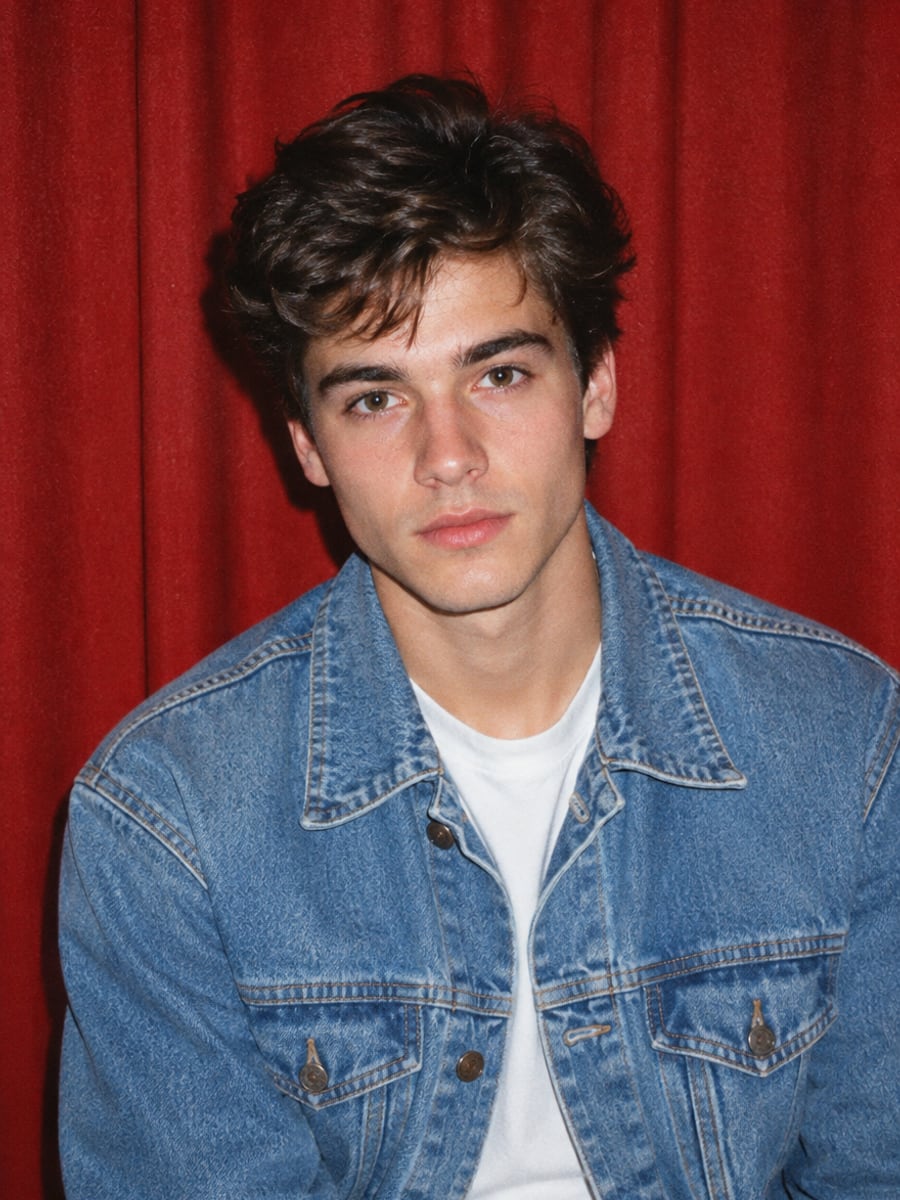
Get the 90s mall booth look from any photo
How to Make a Photo Booth Strip With CreateVision
Upload your photo, select a style, and download your professional result instantly
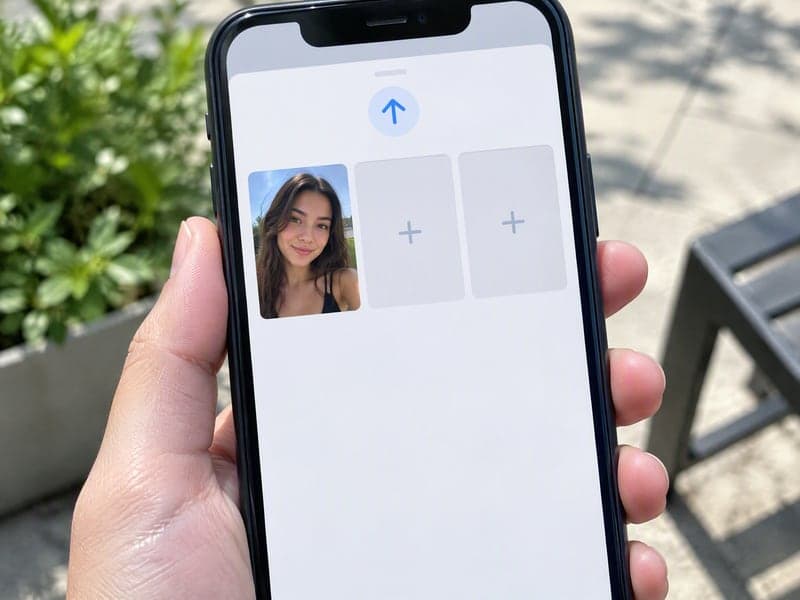
Upload 1 to 3 Photos
One clear photo of you is enough. Add a second and third person and everyone appears in all four frames, in the same order.
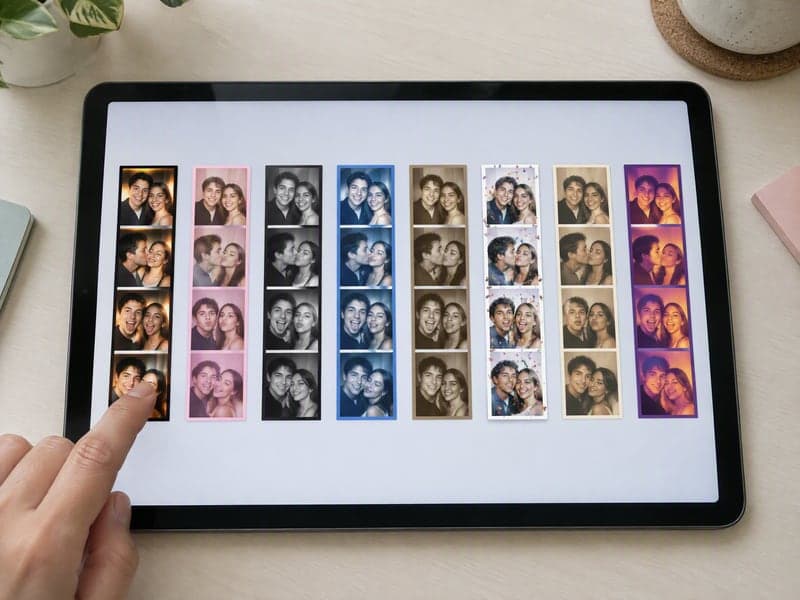
Pick a Booth
Choose 90s mall booth, purikura, vintage black and white, Y2K flash, old Hollywood, party night, wedding guest or Halloween.
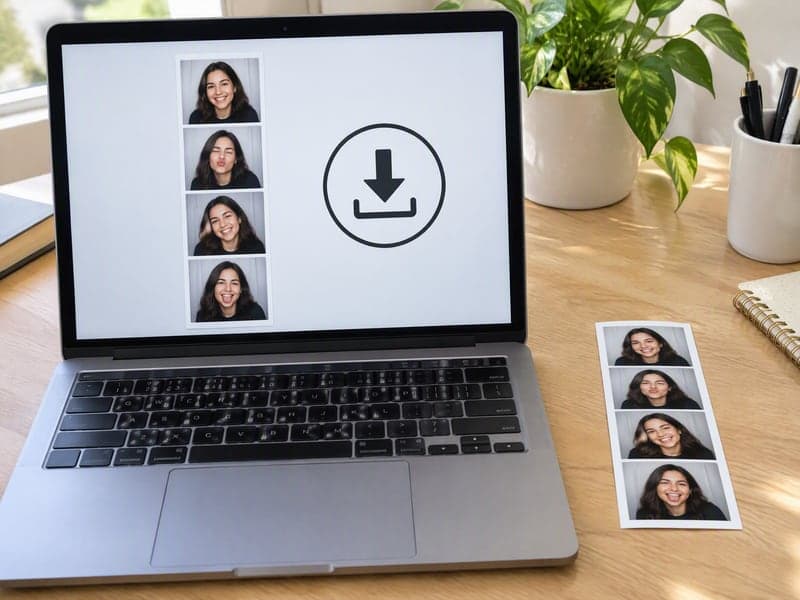
Get Your Strip
All four frames come out of a single run. Download the strip to post, or print it like a classic booth strip.
The All-in-One AI Creation Platform
One account for images, videos, an AI agent that works for you, expert AI mentors and 80+ ready-made tools.

AI Image & Video Generator
Every leading model in one workspace: Seedream, Nano Banana, GPT Image, Seedance, Veo and more.
Open
Ava, your AI creative agent
Describe what you need and Ava plans, generates and iterates for you.
Open
80+ AI tools
One-click tools for photos, videos, cards, portraits and viral trends.
Open
Template library
Thousands of ready prompts and styles to start from.
Open
Studios
Portrait, marketing, poster and cinema studios for finished work, not single shots.
Open
AI model library
Compare and pick the right image or video model for every job.
Open
AI mentors
Learn from expert mentors in photography, design and video, then create with their guidance.
Open190K+ creators
Using CreateVision to create and share
FAQs About Our AI Photo Booth
It is a photo booth that runs online instead of standing in a mall. You upload a photo instead of feeding coins into a machine, and you get back what a booth prints: a tall strip of four frames, each with a different expression. You can also pick a booth theme, so the same photo can come out as a 90s mall strip, a purikura strip or a vintage black and white one.
The best one gives you a real four-frame strip and keeps every face the same in each frame. CreateVision makes all four frames in one run, keeps up to three people in the same left-to-right order, and offers eight booth themes. It works in the browser, so there is nothing to install.
Upload one photo per person, up to three, and pick a booth theme. Choose a style engine: Identity aims for the closest facial likeness (the default), and Natural looks most like a real photo. The AI then renders a four-frame strip with a different expression or pose in each frame.
Up to three. Upload one clear, well-lit photo per person. Everyone you upload appears together in all four frames and keeps the same left-to-right position, the way people stay put on a real booth bench.
Each strip costs 50 credits with the default Identity engine and 60 credits with Natural. The price shows on the button before you run it. You can start with 200 free credits from Google sign-up. Free accounts download with a small CreateVision mark, and subscribers and credit-pack buyers can turn it off.
Yes, the strips you generate are yours to use, including for a business account or a printed product. Only upload photos of people who have agreed, and note the booth themes are generic styles, not copies of any brand or machine. Uploaded reference photos are deleted automatically within 24 hours, and results stay in your private gallery until you delete them.
Purikura is the Japanese photo booth style: very bright, high-key lighting, soft pastel color, sparkling eyes, a glossy pink and lilac border and little hand-drawn hearts and stars. Pick the Purikura booth here and you get that look as a four-frame strip online. There is no machine and no trip to an arcade.
Get Your Strip From the AI Photo Booth
Upload a photo, pick a booth and get four frames in one run, from 90s mall to purikura.
Related Tools You Might Like
Explore more AI creative tools