AI Website Mockup Generator
Describe a website and get a full-page design mockup — navigation, hero, content sections and footer — in one image. Add your own photo and a style reference if you like.
Images (optional)
Main photo: your product, venue or team, placed into the design. Style reference: a site or image whose look you like.
Resolution
Takes about 2 minutes. You get one full-page image, not code.
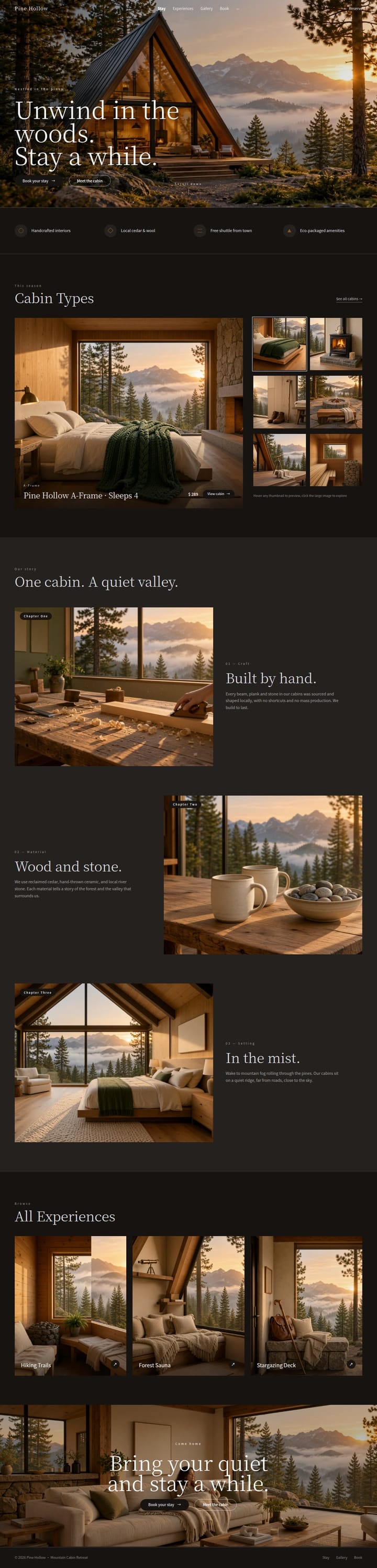
Made with this tool from a short brief. Scroll to see the whole page.
Website Mockups Made From a Short Brief
Each design below came from a few lines of text — two of them also used a photo of the place. Scroll inside a page to see it top to bottom.
Why Mock Up Websites Here
Professional quality, privacy protected, instant results
The Whole Page in One Go
Navigation, hero, content sections and footer come back as one complete homepage design you can scroll top to bottom.
Your Photo, Your Look
Add a photo of your product, venue or team and it is placed into the design. Add a style reference and the colors and type follow it.
Real Headings and Button Labels
Name your menu items and buttons in the brief and they appear in the design, in English, Chinese, Japanese, Korean, Spanish or Portuguese.
What People Use It For
Perfect for various professional scenarios, instant and secure
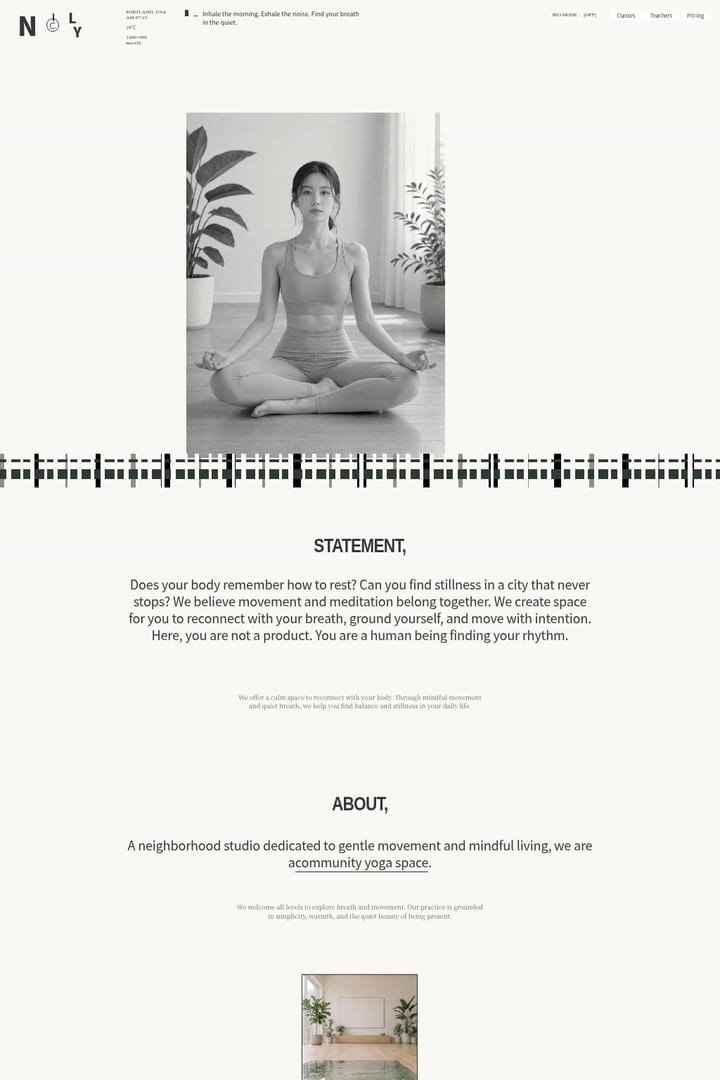
Show a Client the Direction Before You Build
Turn a discovery call into a homepage mockup the same day. Generate two or three directions, agree on one, then build it in your usual site builder or code. Need a logo for the mockup? Try AI Logo Generator
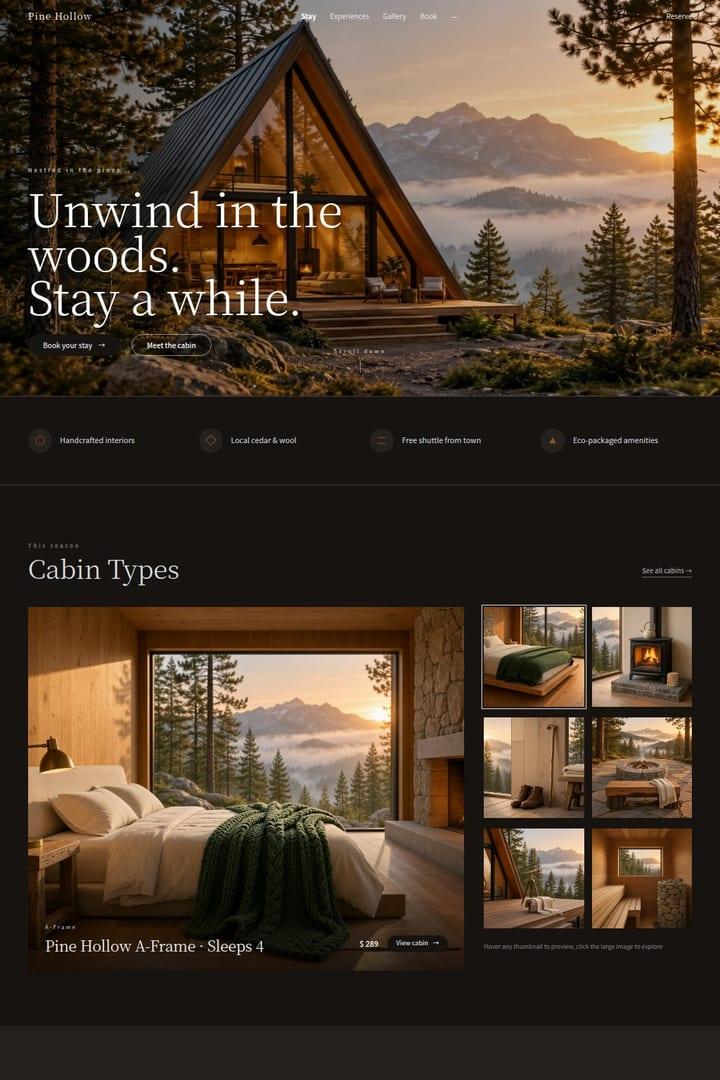
See Your Small Business Website Before You Pay for One
Café, studio, guesthouse or salon: upload a photo of the place, list what visitors need — hours, menu, booking — and see how the homepage could look. Turn your product photos into a detail page
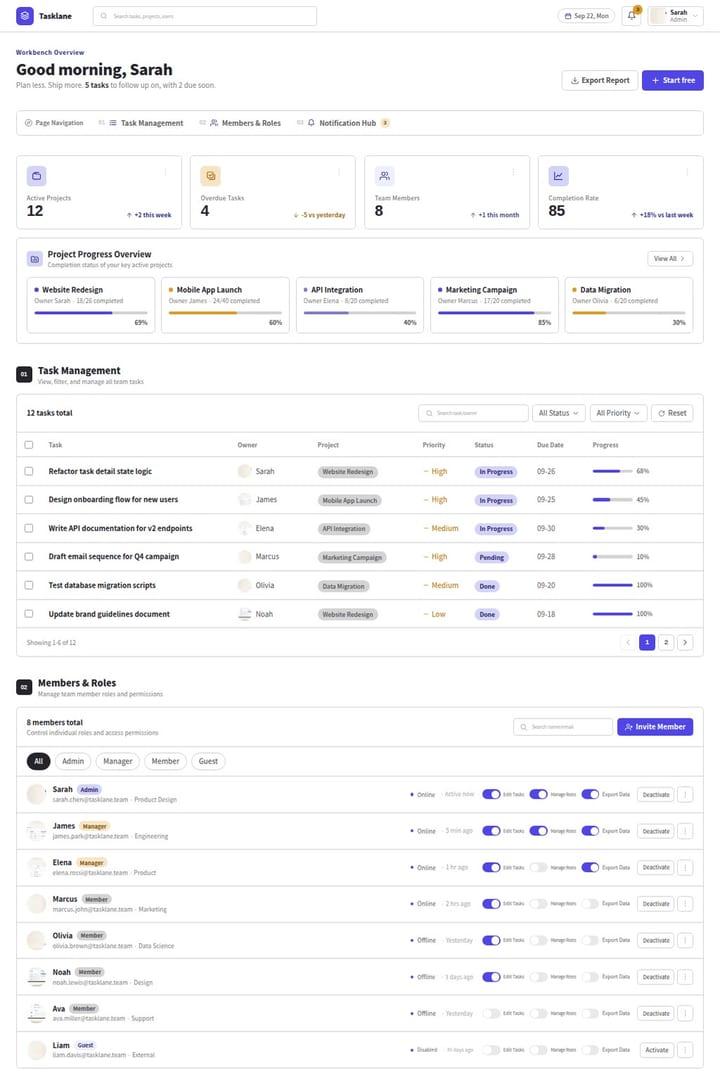
Sketch a Landing Page for a New Product
Describe the offer, the three main benefits and the pricing, and get a landing page layout to test the message with your team before anyone writes code. Make a product mockup for the hero image
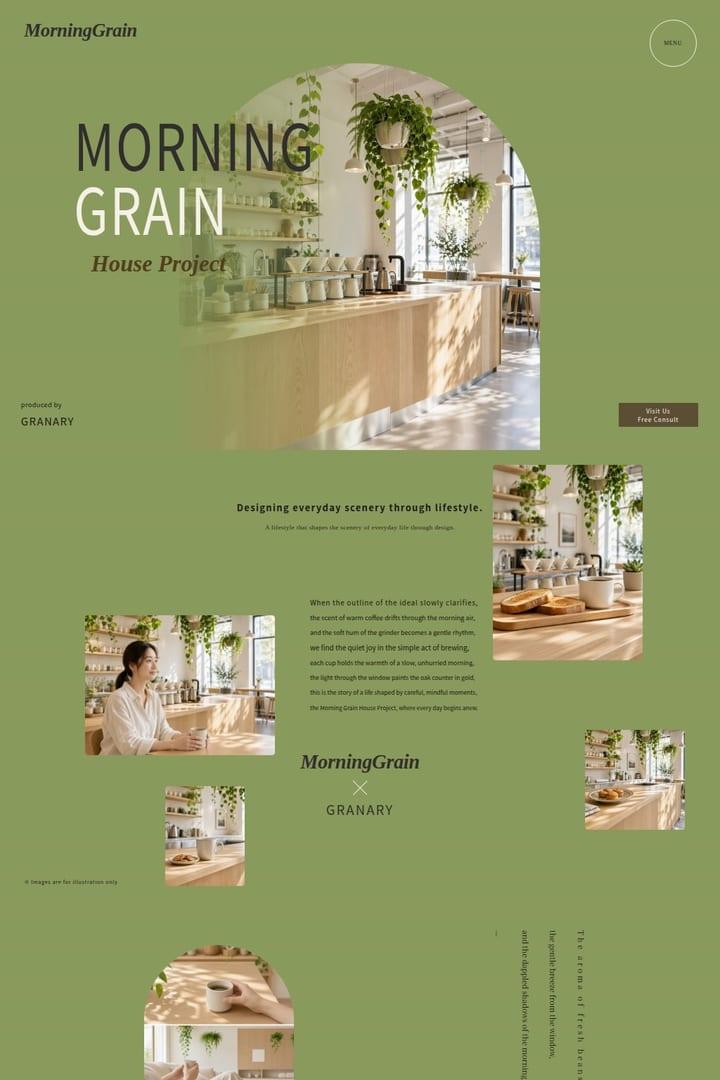
Explore a Redesign in a New Style
Upload a screenshot or moodboard you like as the style reference and describe your own content. Compare a few looks for your site in minutes. Upscale the mockup for a presentation
Who Uses AI Website Mockup Generator
Four ways people use it every week
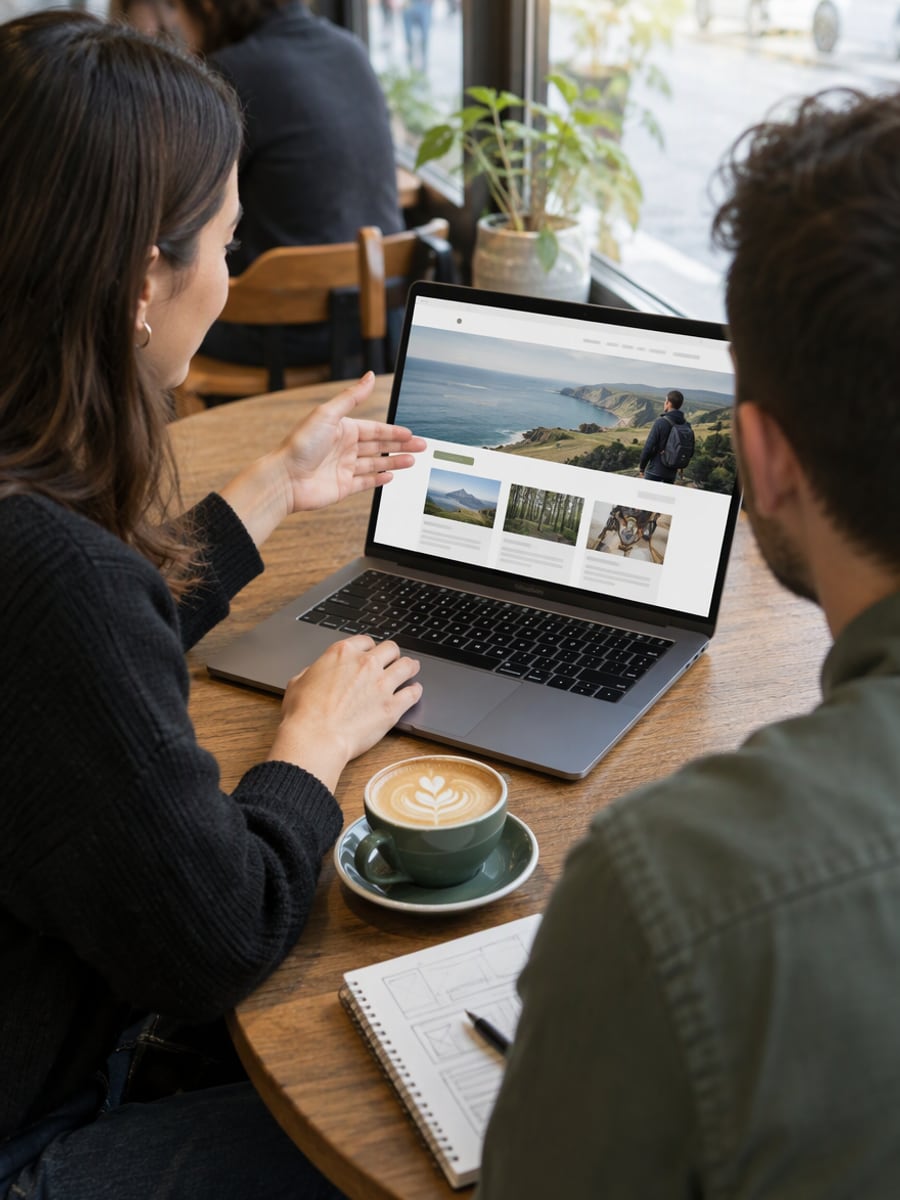
Bring a homepage concept to the first meeting
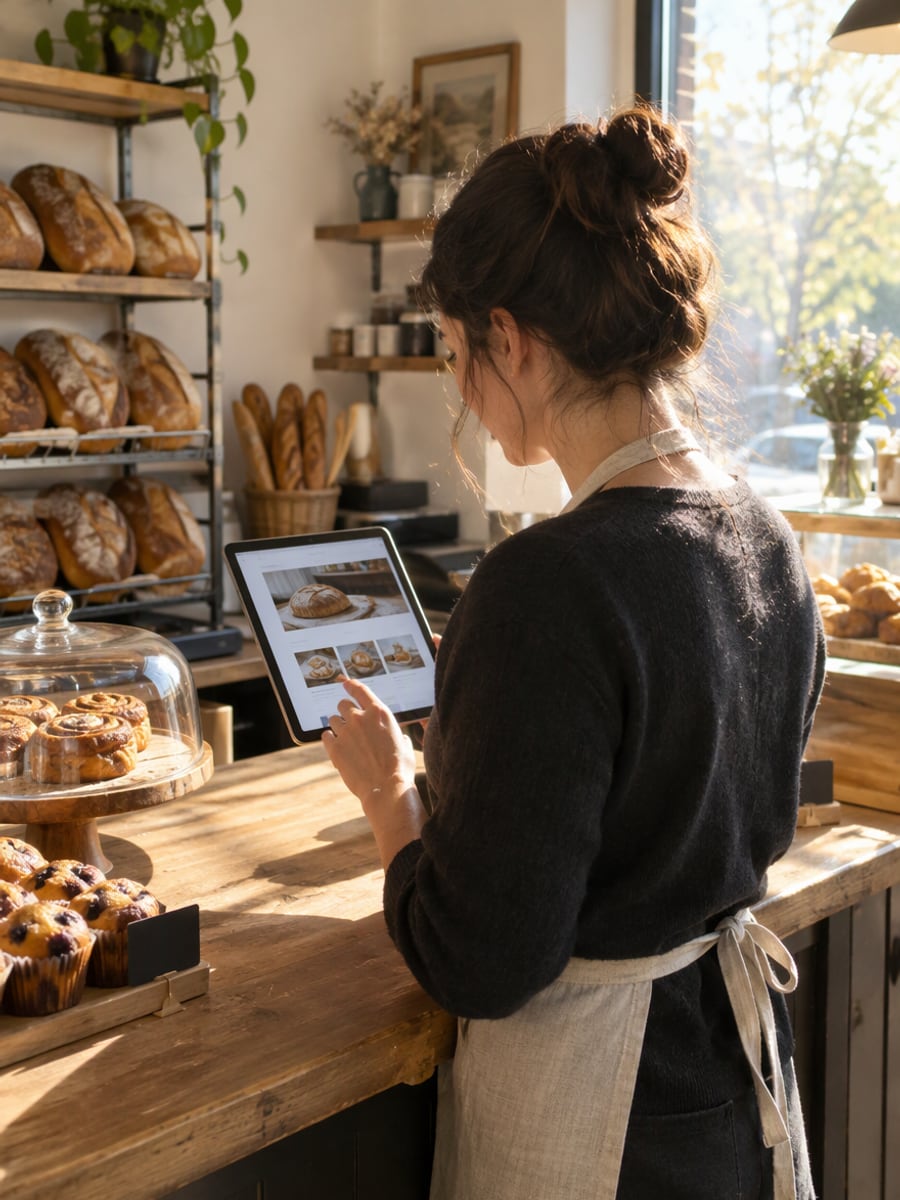
See your website before you hire anyone
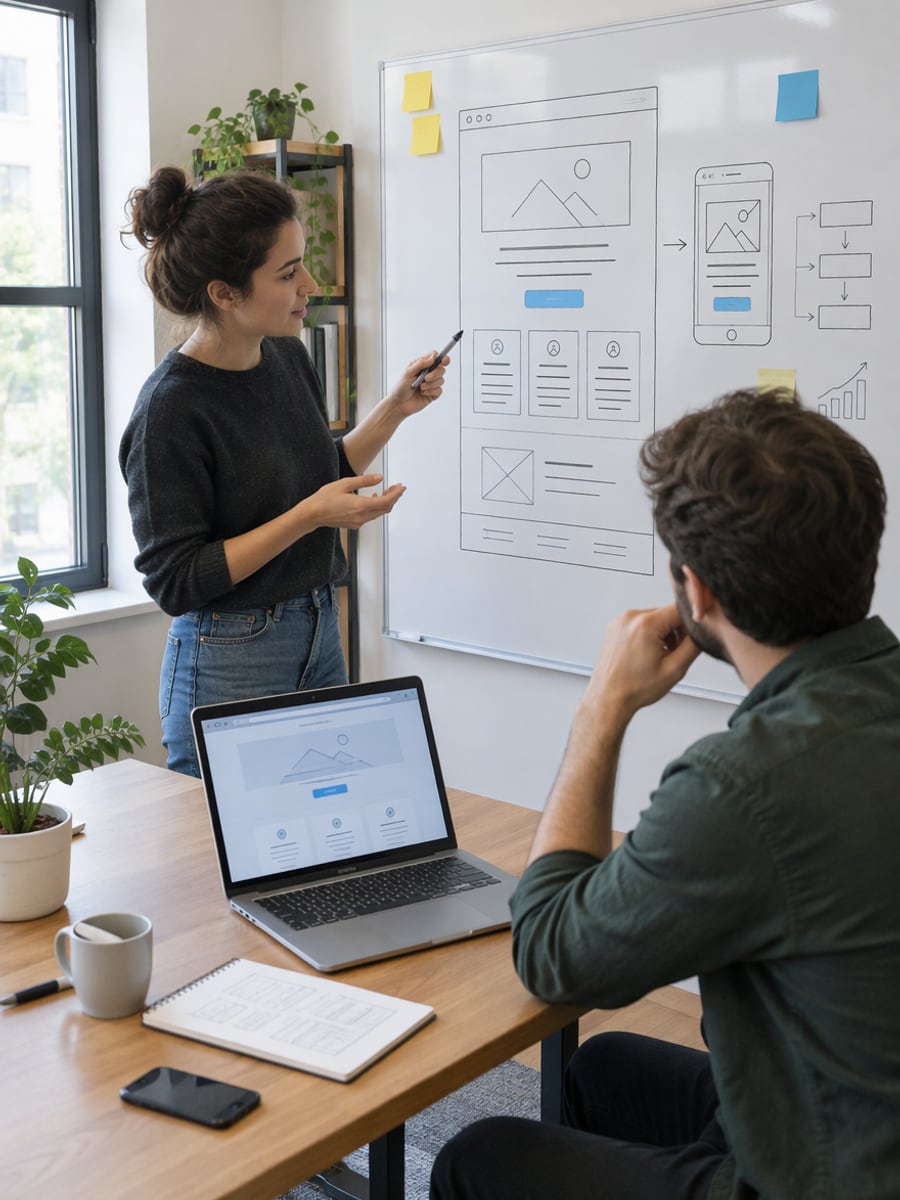
Test your landing page message in minutes
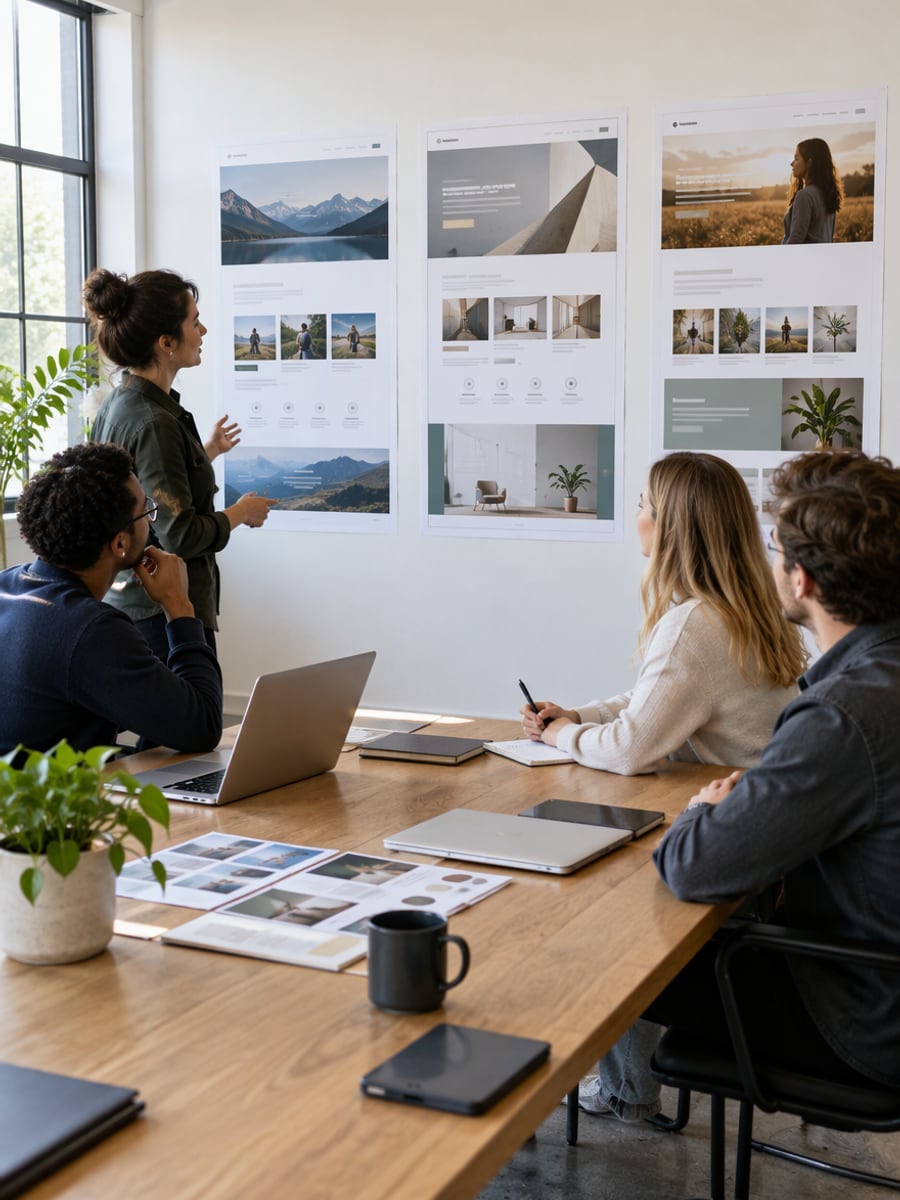
Show three directions instead of one
How to Generate a Website Mockup
Upload your photo, select a style, and download your professional result instantly
Describe the Website
Name the business, the menu items, the main button and the sections you need. Put exact wording in quotes.
Add a Photo or Style (Optional)
Add a main photo to place in the design and a style reference for colors and type. Pick the text language and resolution.
Generate the Mockup
In about two minutes you get one full-page design. Scroll through it, then download it or adjust the brief and generate again.
The All-in-One AI Creation Platform
One account for images, videos, an AI agent that works for you, expert AI mentors and 80+ ready-made tools.
AI Image & Video Generator
Every leading model in one workspace: Seedream, Nano Banana, GPT Image, Seedance, Veo and more.
Open
Ava, your AI creative agent
Describe what you need and Ava plans, generates and iterates for you.
Open
80+ AI tools
One-click tools for photos, videos, cards, portraits and viral trends.
Open
Template library
Thousands of ready prompts and styles to start from.
Open
Studios
Portrait, marketing, poster and cinema studios for finished work, not single shots.
Open
AI model library
Compare and pick the right image or video model for every job.
Open
AI mentors
Learn from expert mentors in photography, design and video, then create with their guidance.
Open190K+ creators
Using CreateVision to create and share
Website Mockup Generator FAQ
It turns a written description of a website into a full-page design image. It plans the navigation, hero, content sections and footer, writes headings and button labels, and can use your own photo and a style reference.
No. You get one design image, not HTML or a Figma file. Use it to agree on a direction, show a client, or as a reference when you build the site in your site builder or code.
Say what the business is, list the menu items and the main button text in quotes, name the sections you want, and describe the look in a few words. Always choose the text language; otherwise the wording may come out in another language.
The main photo — your product, venue or team — is placed into the design as it is. The style reference sets the colors, type and mood. Both are optional and each takes one image.
Mostly, but loosely: it may add, merge or reorder sections and fill in extra text. Check the wording before you share the mockup.
Each website mockup costs 620 credits at 1K or 670 at 2K. The price shows on the button before you generate, and failed generations are refunded automatically.
Yes. Mockups made with a paid plan or purchased credits can be used commercially, including in client presentations. Only upload photos you have the right to use.
Mock Up Your Website Now
Describe the site, add a photo if you like and see a full homepage design in about two minutes.
Related Tools You Might Like
Explore more AI creative tools