

AI Image Translator
Translate text in images to any language while preserving original layout
Tap to uploadDrop image or click
JPG · PNG · WebP
Preview Examples


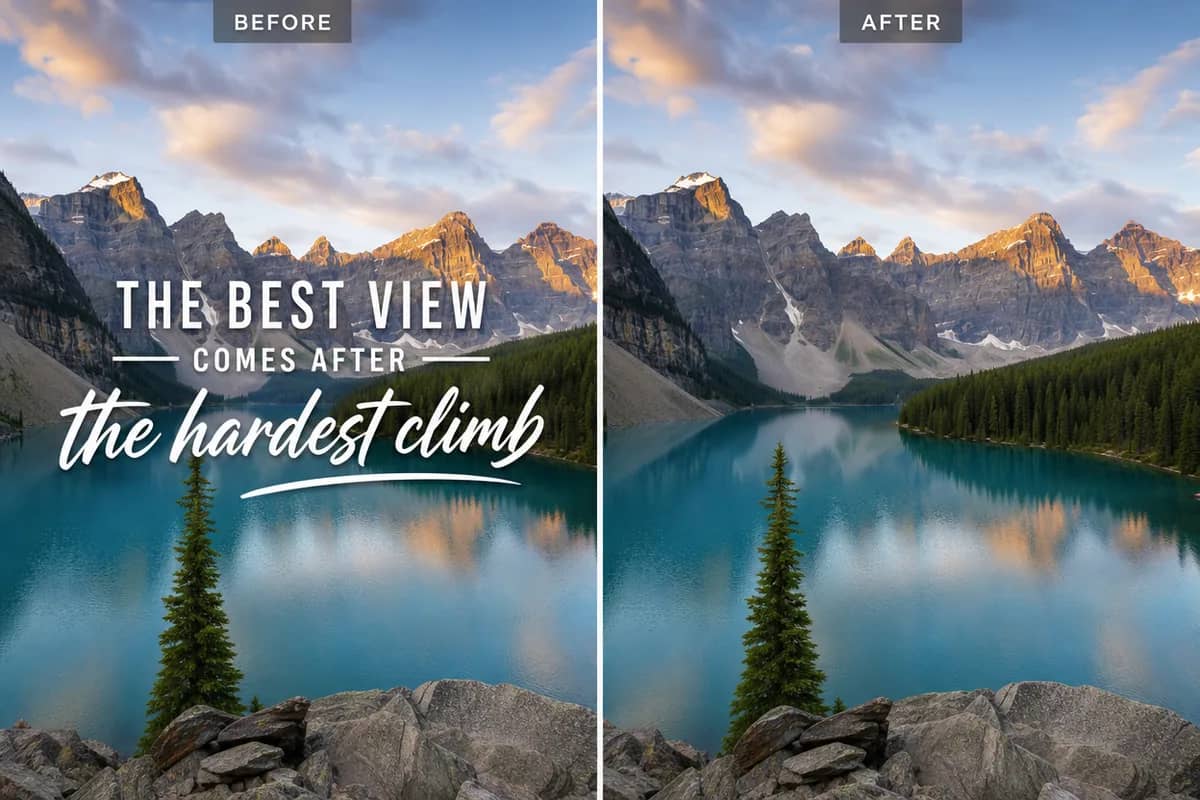
Drag the slider to compare
How does AI Image Translator work?
AI Image Translator uses advanced AI to detect text in images, translate it to your chosen language, and regenerate the image with translated text while preserving the original layout, fonts, and design.

Why Use Our AI Image Translator for Visual Text
Professional quality, privacy protected, instant results
Keep the Original Layout
The translated text goes back where the original text sat, with the colors, spacing and design of your image left in place.
Translate Into Your Language
Pick the language you need. The AI detects the source language on its own, so you never have to guess what the sign says.
One Upload, One Finished Image
You get a ready-to-use image instead of a block of loose text. There is no software to install and nothing to retype.
See What You Can Do With an AI Image Translator
Perfect for various professional scenarios, instant and secure
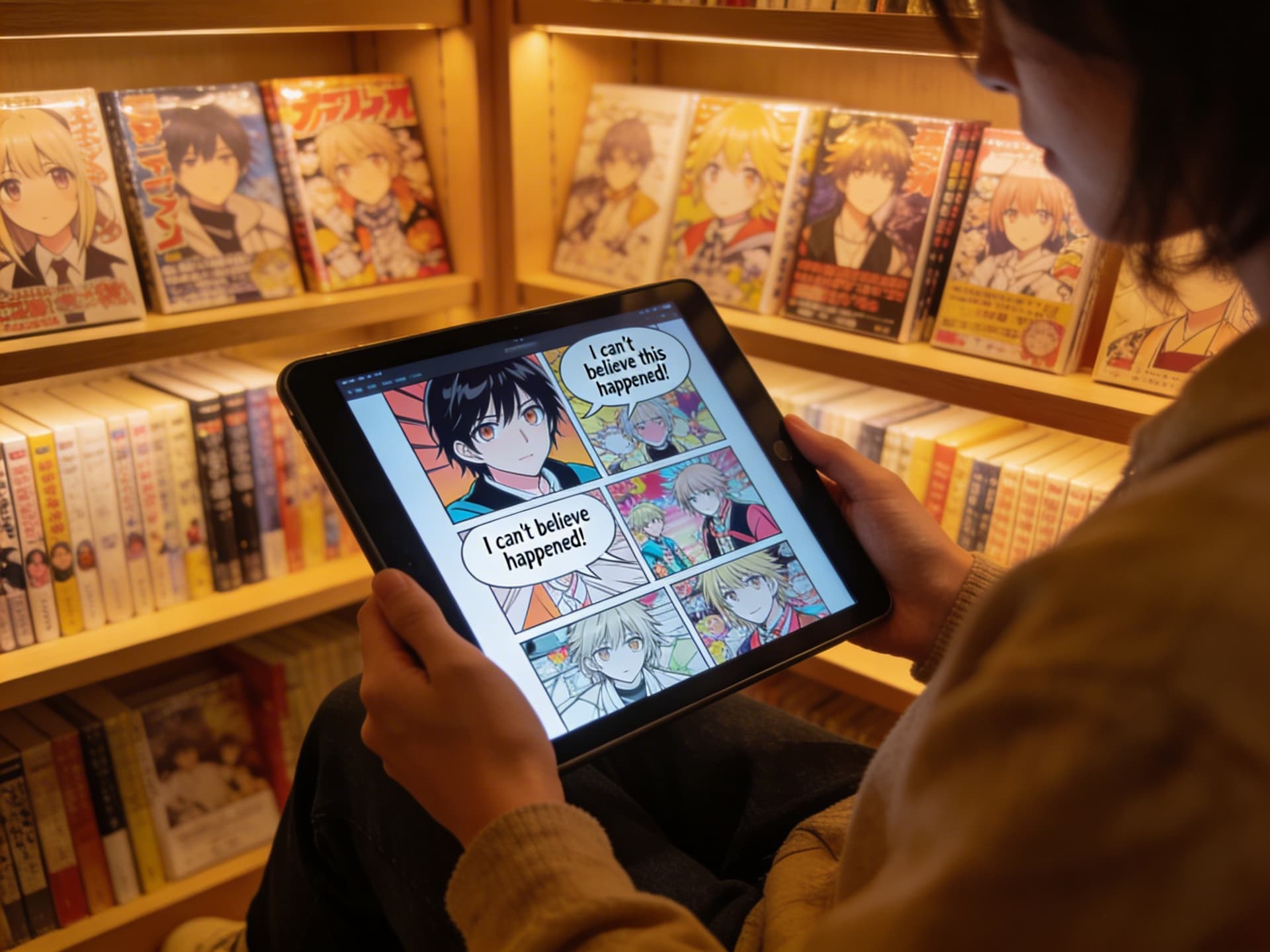
Read Comics and Manga in Your Language
Upload a page and the speech bubbles come back translated. The artwork and panel layout of your page stay as they were. Sharpen small scans first
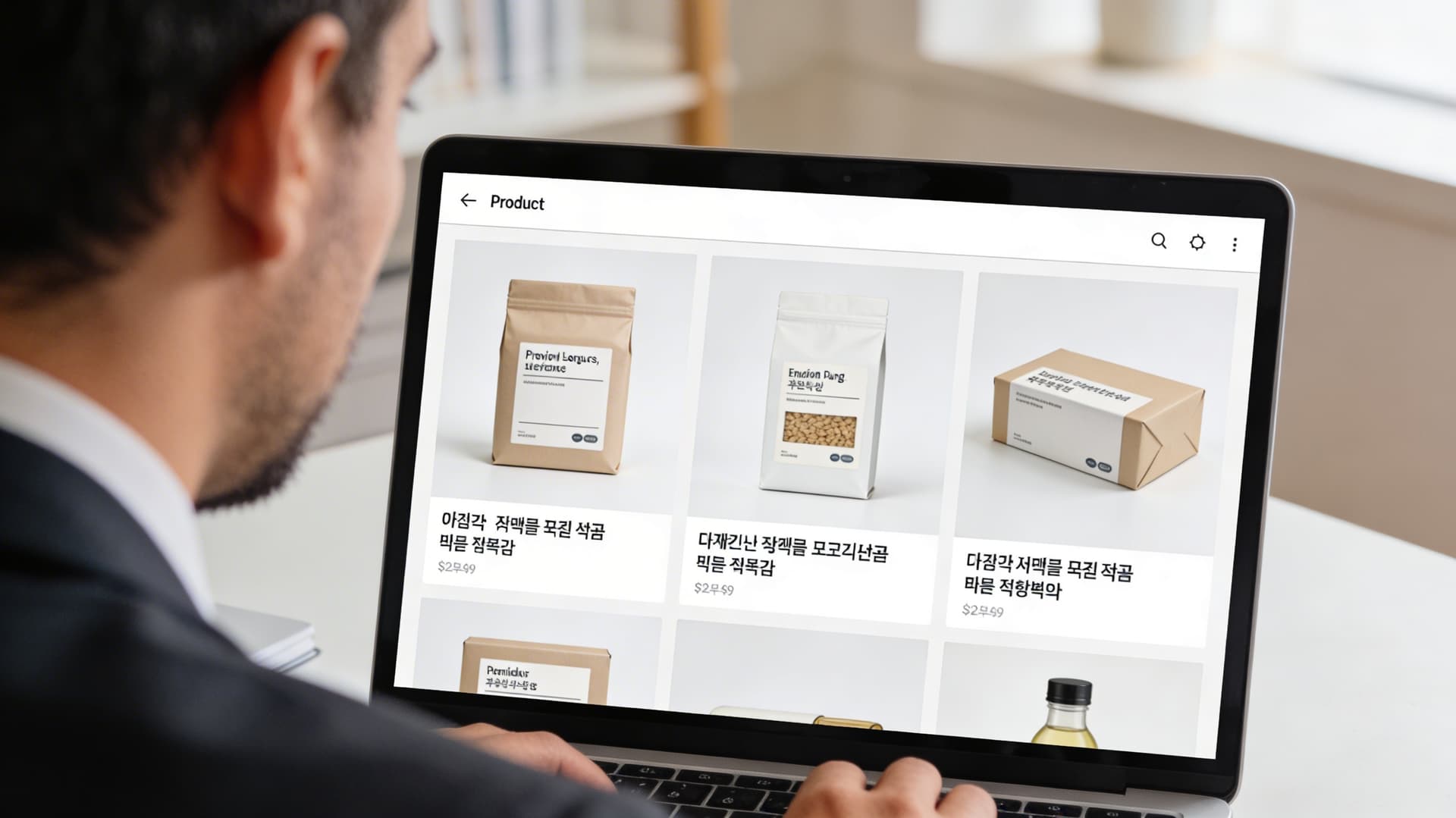
Localize Product Labels Without Redesigning
Translate packaging shots, labels and promo graphics for a new market. Your product image keeps its look, so listings stay consistent. Clean up product photos
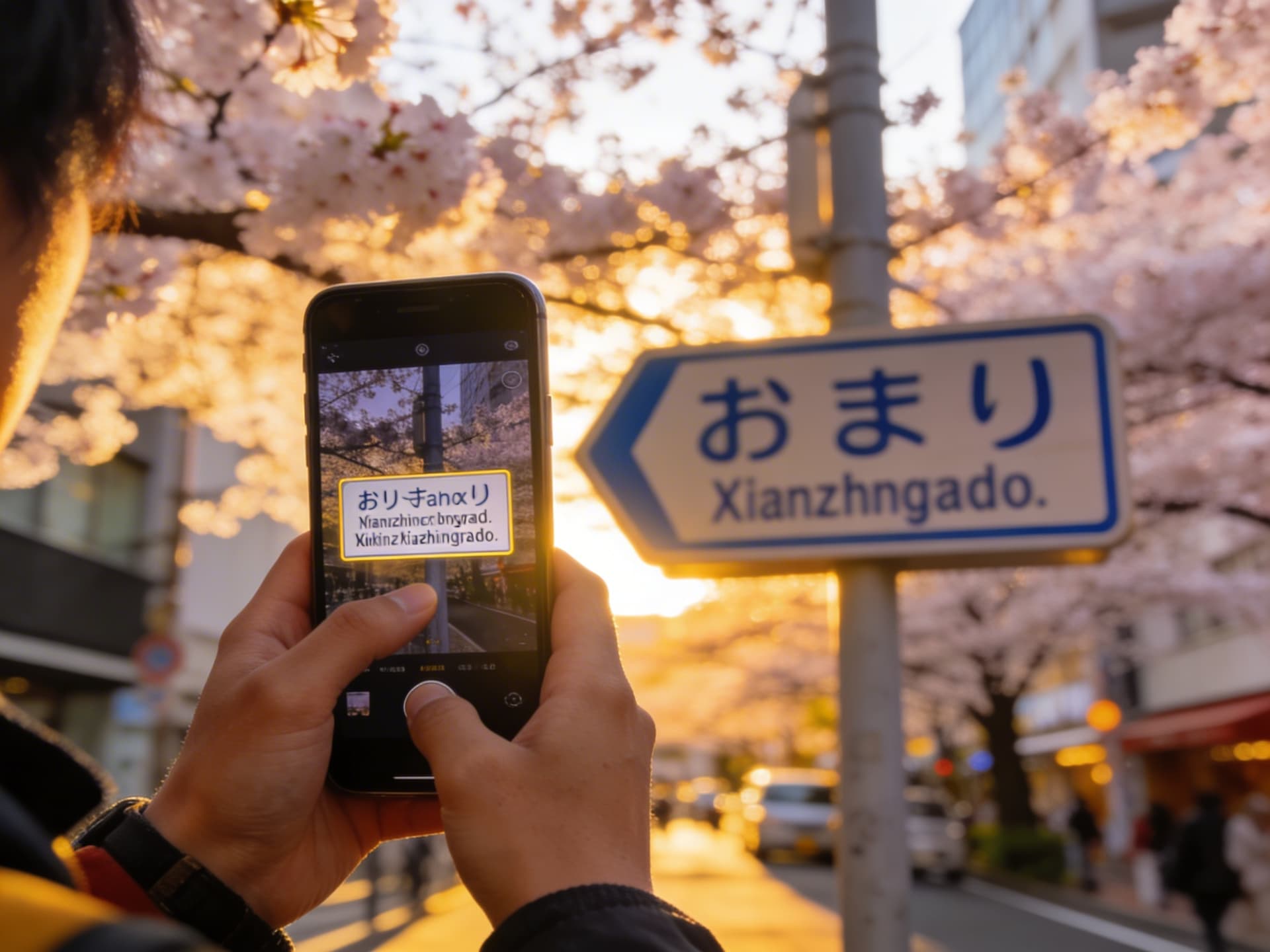
Understand Signs and Menus Abroad
Snap a menu, a street sign or a museum panel on your trip. Upload the photo and read it in your own language. Upscale a blurry photo
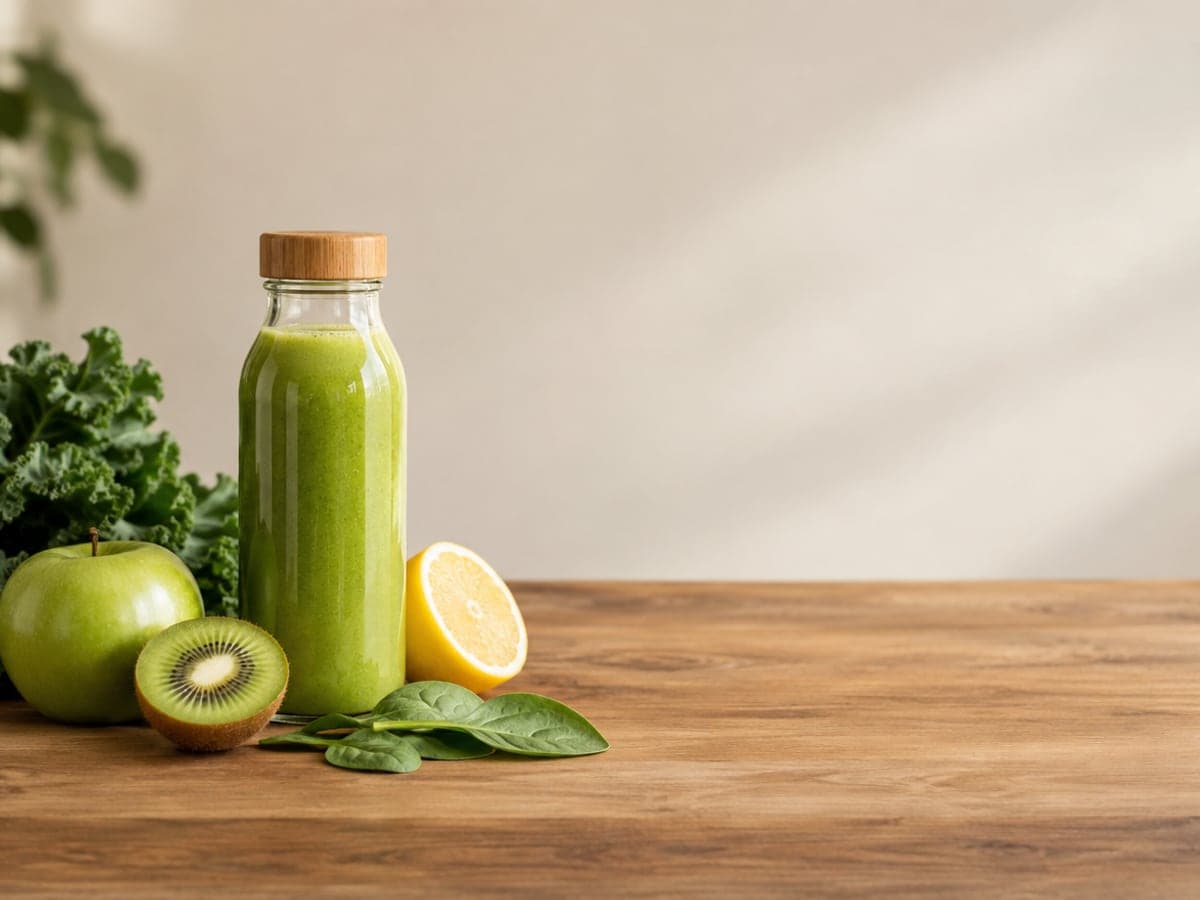
Turn Translated Graphics Into Clean Versions
Need the design with no words at all? Remove the text from your own image instead and add fresh copy in your editor. Remove text instead
Who Uses AI Image Translator
Four ways people use it every week

Ship product images to new markets without a redesign
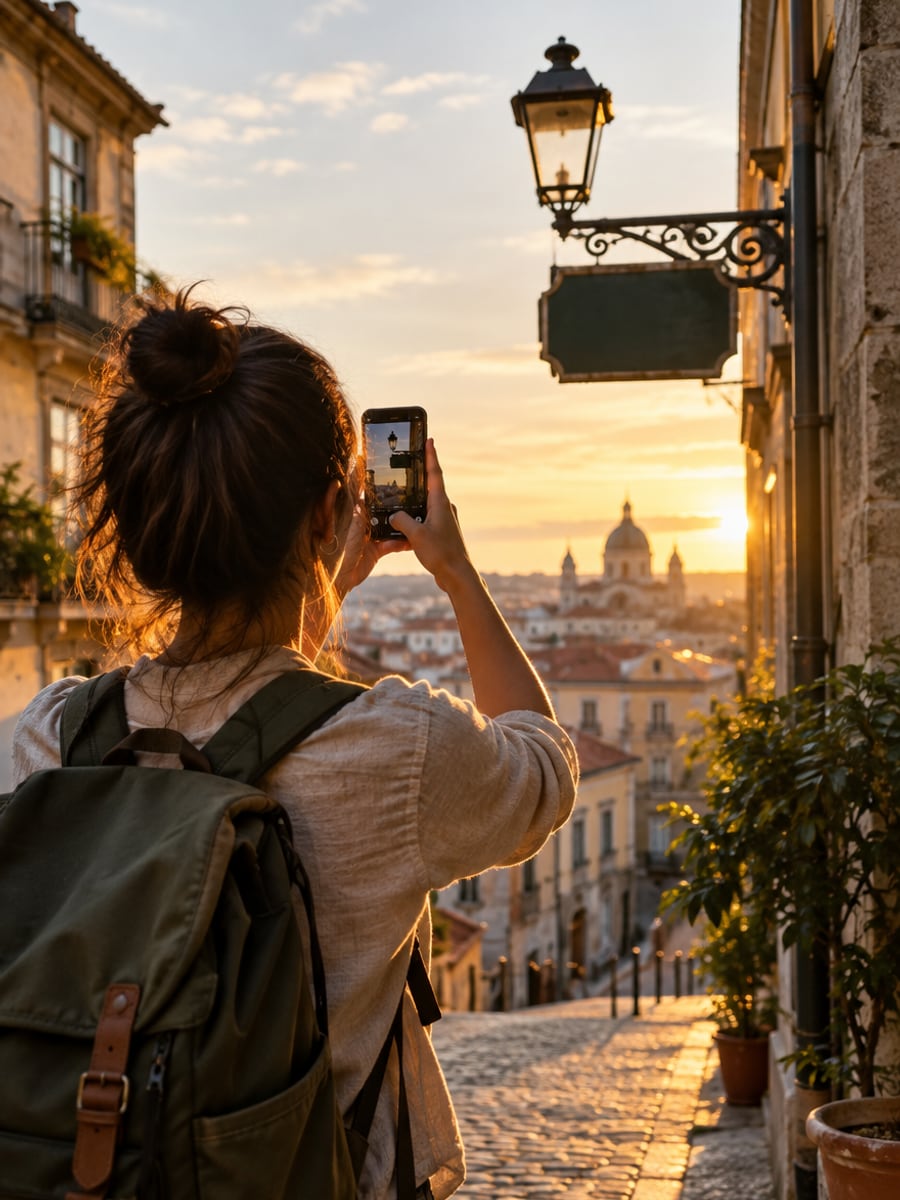
Read menus, signs and tickets on the go
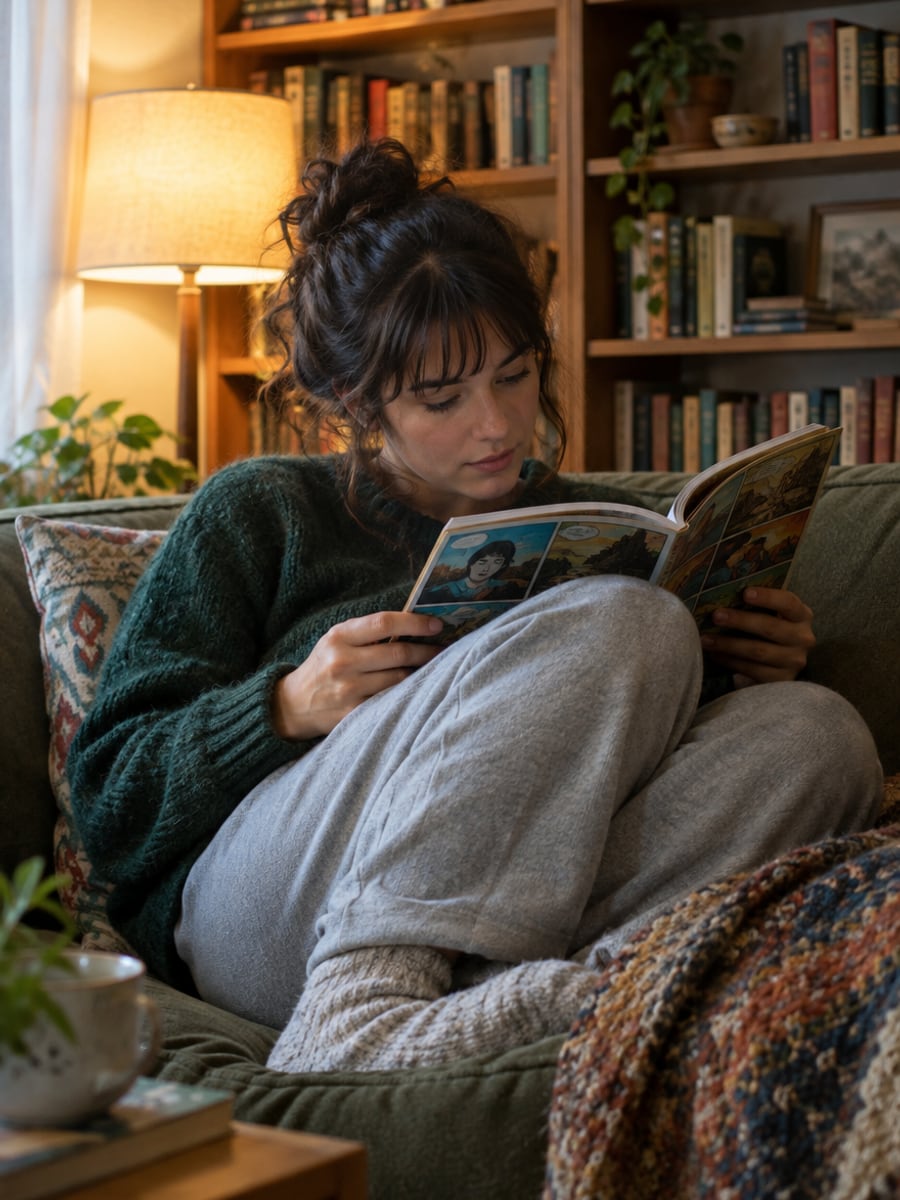
Enjoy foreign comics with the art left intact
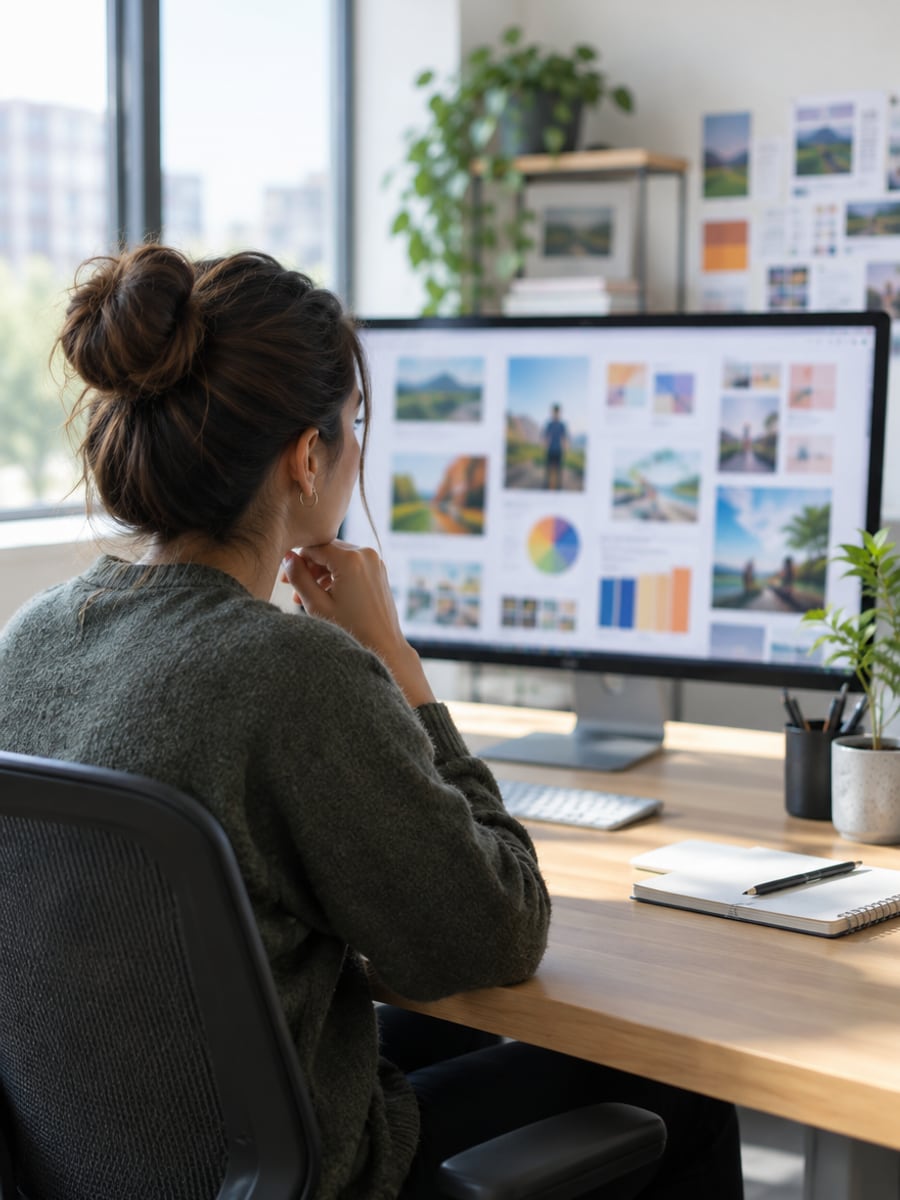
Reuse one campaign graphic across every language
How to Translate a Picture with CreateVision
Upload your photo, select a style, and download your professional result instantly

Upload Your Image
Click to upload or drag and drop a JPG, PNG or WebP image into the AI Image Translator.

Select Target Language
Choose the language you want to translate into. The AI detects the source language automatically.

Preview and Download
Compare the translated image with the original, then download the result.
The All-in-One AI Creation Platform
One account for images, videos, an AI agent that works for you, expert AI mentors and 80+ ready-made tools.

AI Image & Video Generator
Every leading model in one workspace: Seedream, Nano Banana, GPT Image, Seedance, Veo and more.
Open
Ava, your AI creative agent
Describe what you need and Ava plans, generates and iterates for you.
Open
80+ AI tools
One-click tools for photos, videos, cards, portraits and viral trends.
Open
Template library
Thousands of ready prompts and styles to start from.
Open
Studios
Portrait, marketing, poster and cinema studios for finished work, not single shots.
Open
AI model library
Compare and pick the right image or video model for every job.
Open
AI mentors
Learn from expert mentors in photography, design and video, then create with their guidance.
Open190K+ creators
Using CreateVision to create and share
What Users Say
Real feedback from users worldwide
“I reference engineering journals from Germany. OCR tools ruined the formatting, but AI Image Translator preserved everything perfectly.”

“Running an import business, suppliers send specs in Chinese. I just upload the images and get English translations instantly.”

“I translate Japanese RPG screenshots to English. The text overlays perfectly on the game interface.”

FAQs About Our AI Image Translator
An AI image translator reads the text inside a picture, translates it, and puts the translation back into the image. Instead of copying words into a text translator, you get the same image with the text in your chosen language. It works on photos, screenshots, comics, labels and graphics.
The best one gives you a finished image, not just a list of words. CreateVision's AI Image Translator detects the source language for you, writes the translation back into the picture, and keeps the layout, colors and design of the original. It costs a flat 50 credits per image, so you know the price before you start.
You upload an image and pick a target language. The AI detects the text in the image, translates it, and regenerates the image with the translated text while keeping the original layout and design. You can then preview the result and download it.
We support JPG, JPEG, PNG and WebP. For best results, use a clear image where the text is easy to read. Small, blurry or heavily stylized lettering is harder for the AI to read and rebuild.
Each translated image costs 50 credits. If you sign up with Google you start with 200 free credits once, which covers four translations. After that you can buy a credit pack or subscribe.
Yes, you can use translated images of content you own or have the right to use for business, e-commerce or publishing. Free accounts download with a small CreateVision mark, which subscribers and credit-pack buyers can turn off. Uploaded reference photos are deleted automatically within 24 hours, and your results stay in your private gallery until you delete them.
The AI rebuilds text inside an image, so lettering may not match the original font exactly, and long sentences in small spaces can be tight. Translation quality is high for everyday text, but for legal, medical or other critical content you should have a fluent speaker review the output.
Translate Any Picture With Our AI Image Translator
Upload an image with text, pick a language, and download the same design in the words you need.
Related Tools You Might Like
Explore more AI creative tools


Related Tools You Might Like
Explore more AI creative tools