
Tap to uploadDrop image or click
JPG · PNG · WebP
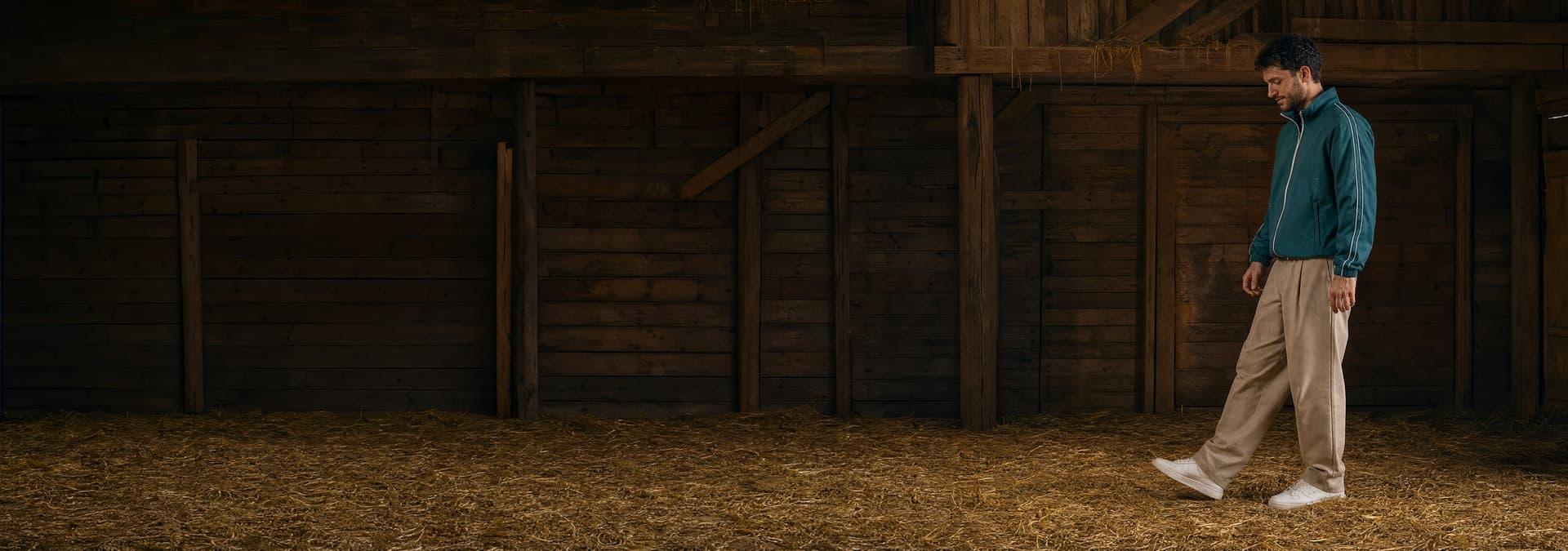
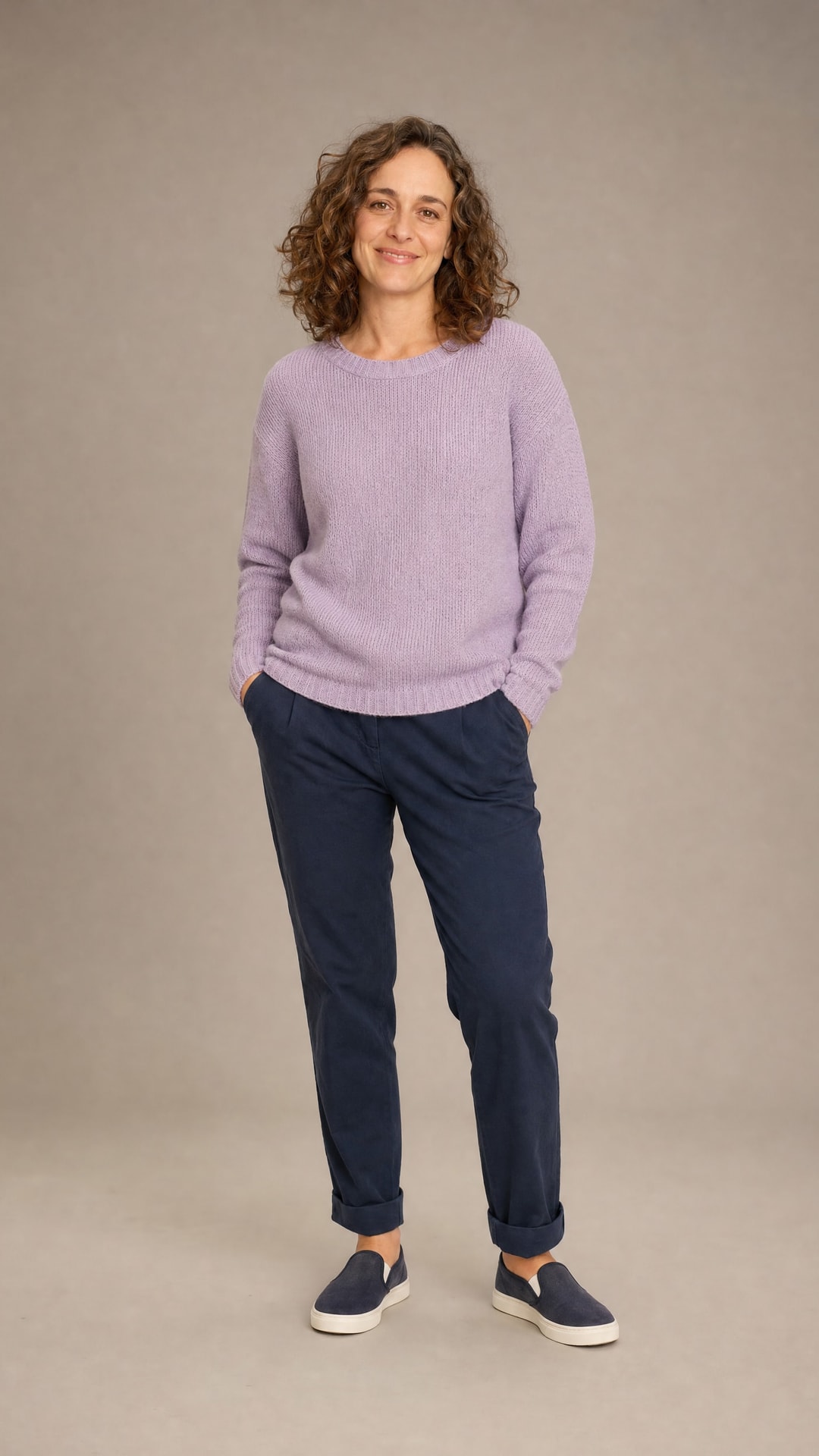
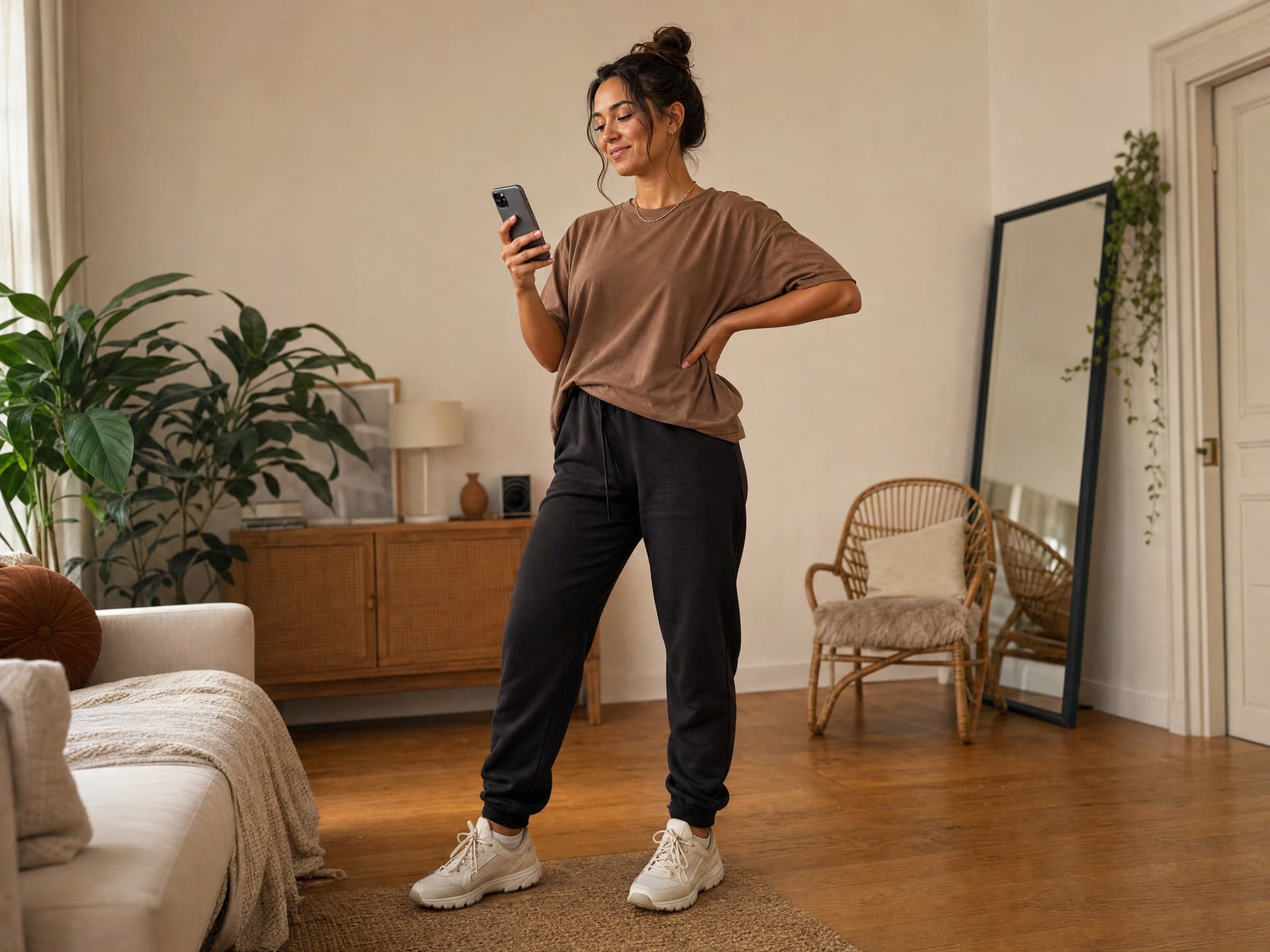
One adult, head to toe, with both shoes visible and space around the body. A close-up cannot reliably show footwork. Use a photo you have permission to animate.
Preview
Actual example: 5 seconds at 720p. Your selected duration is 5s. Open the full-frame demo below to inspect movement and sound.
What is a Tiptoe AI video?
Turn a full-body reference into a short, original toe-first shuffle in a barn, courtyard or studio. The photo guides the person; the scene prompt guides the movement. These are generated variations inspired by the trend, with original percussion rather than an existing song. Faces, footwork and framing can vary.
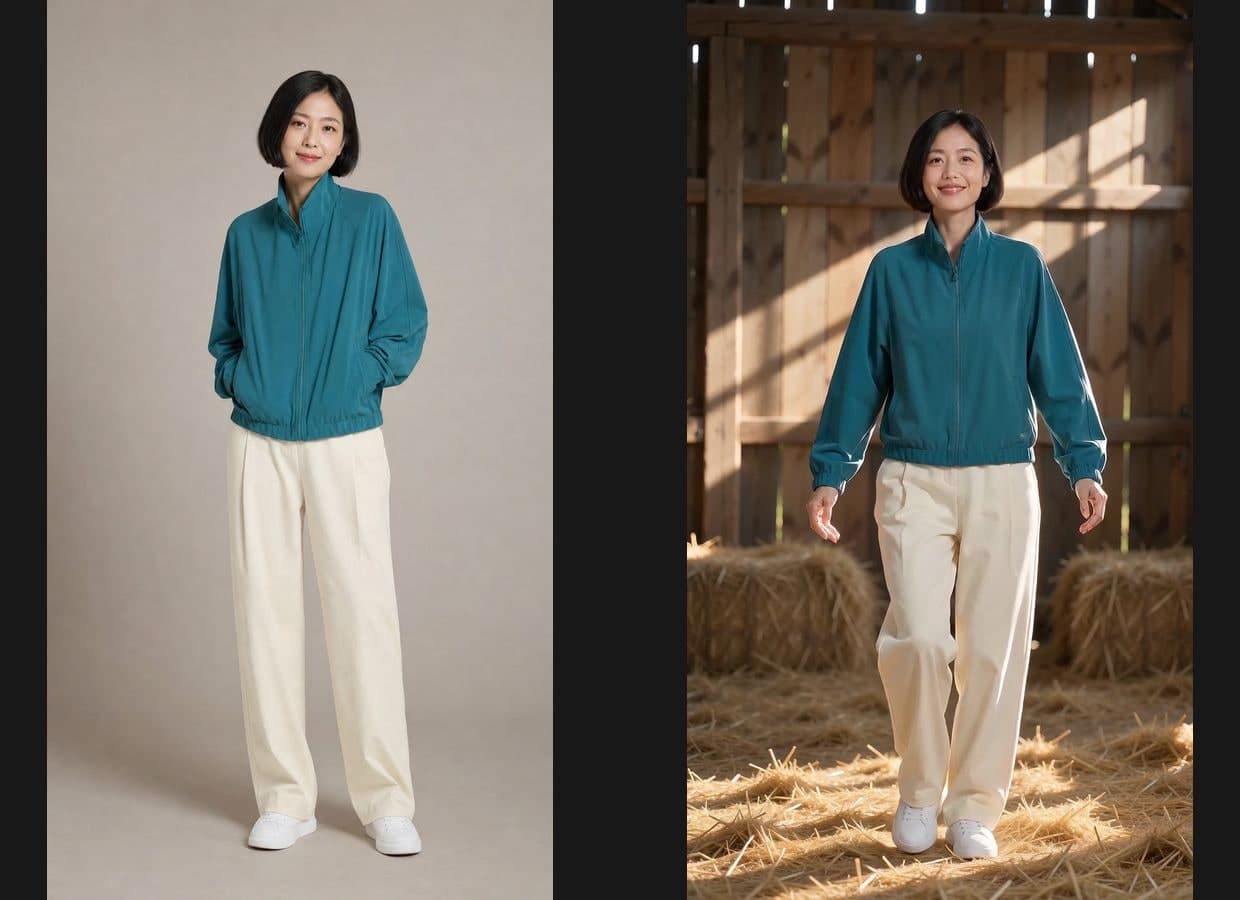
This full-body photo → this video
A real input and its 5-second 720p output. View the complete frame and use playback controls to inspect the footwork.
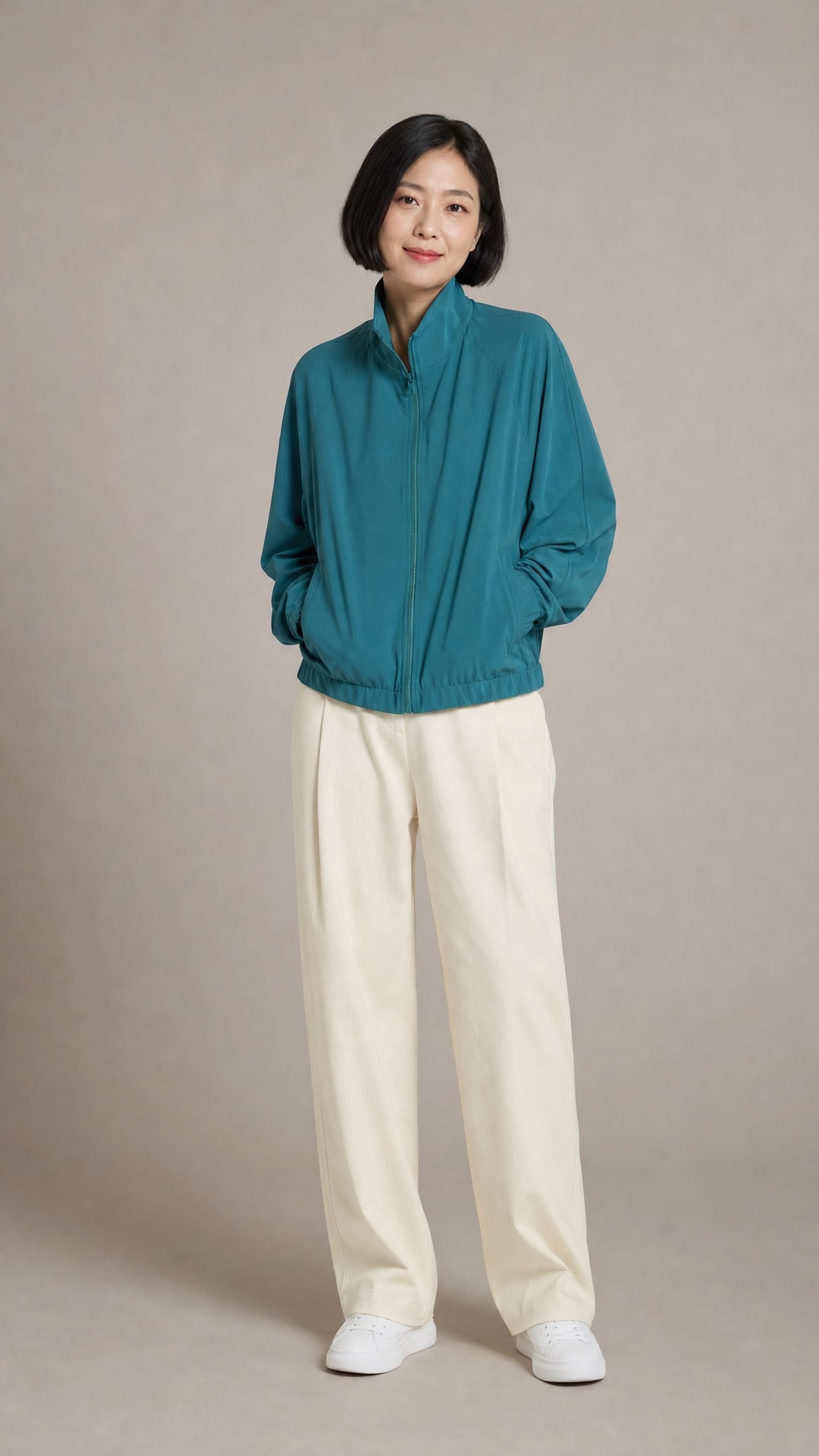
Three settings, actual generated results
These 5-second, 720p clips use the same Seedance 2.0 Mini engine, reference photos and scene prompts available in the tool. Tap a sample to inspect the full frame.
Actual reference photoWarm barn
A warm straw-floor setting with a locked wide camera and small toe-first steps.
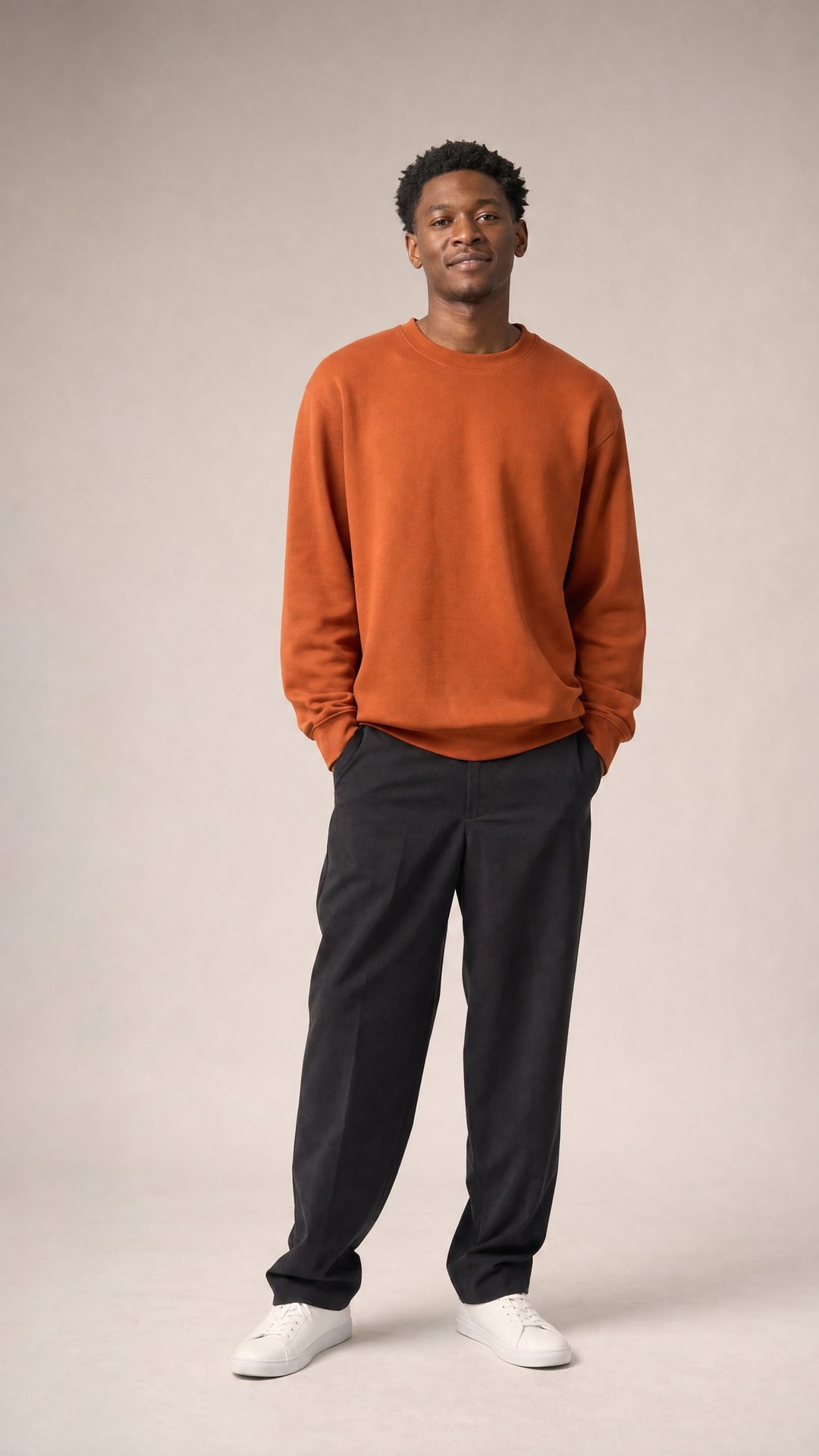 Actual reference photo
Sunny courtyard
Bright stone walls and soft daylight make the shoes and subtle side steps easy to see.
 Actual reference photo
Dance studio
A clean floor and calm background put the focus on heel lifts and a short shuffle.
Make your photo work harder
Made for everyday people, not editors.
See the whole dancer
Full-body references and wide-shot prompts give the model room to show the feet. Check the actual examples before choosing.
Choose a setting
Barn, courtyard and studio are selectable prompts with their own real examples, not cosmetic filters.
Choose quality and cost
720p is selected for a clearer preview-to-result match. 480p remains available at a lower credit cost; confirm the live quote before generating.
Ways to use your clip
Real moments, ready to share — pick the one that fits.
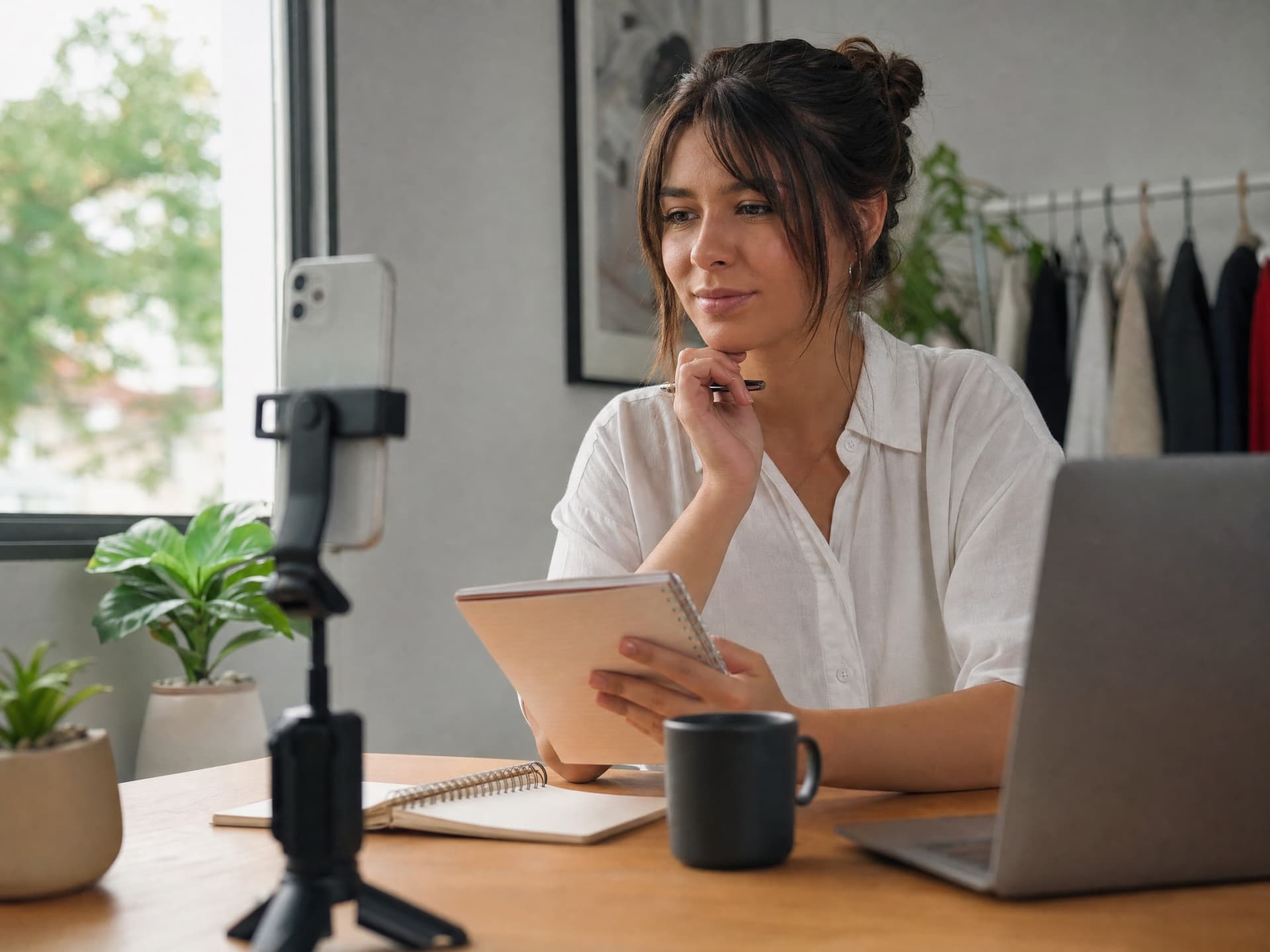
A short dance post
Start with a clear full-body image, choose vertical format and make a brief movement study for your feed. Add music you are allowed to use in your editor.
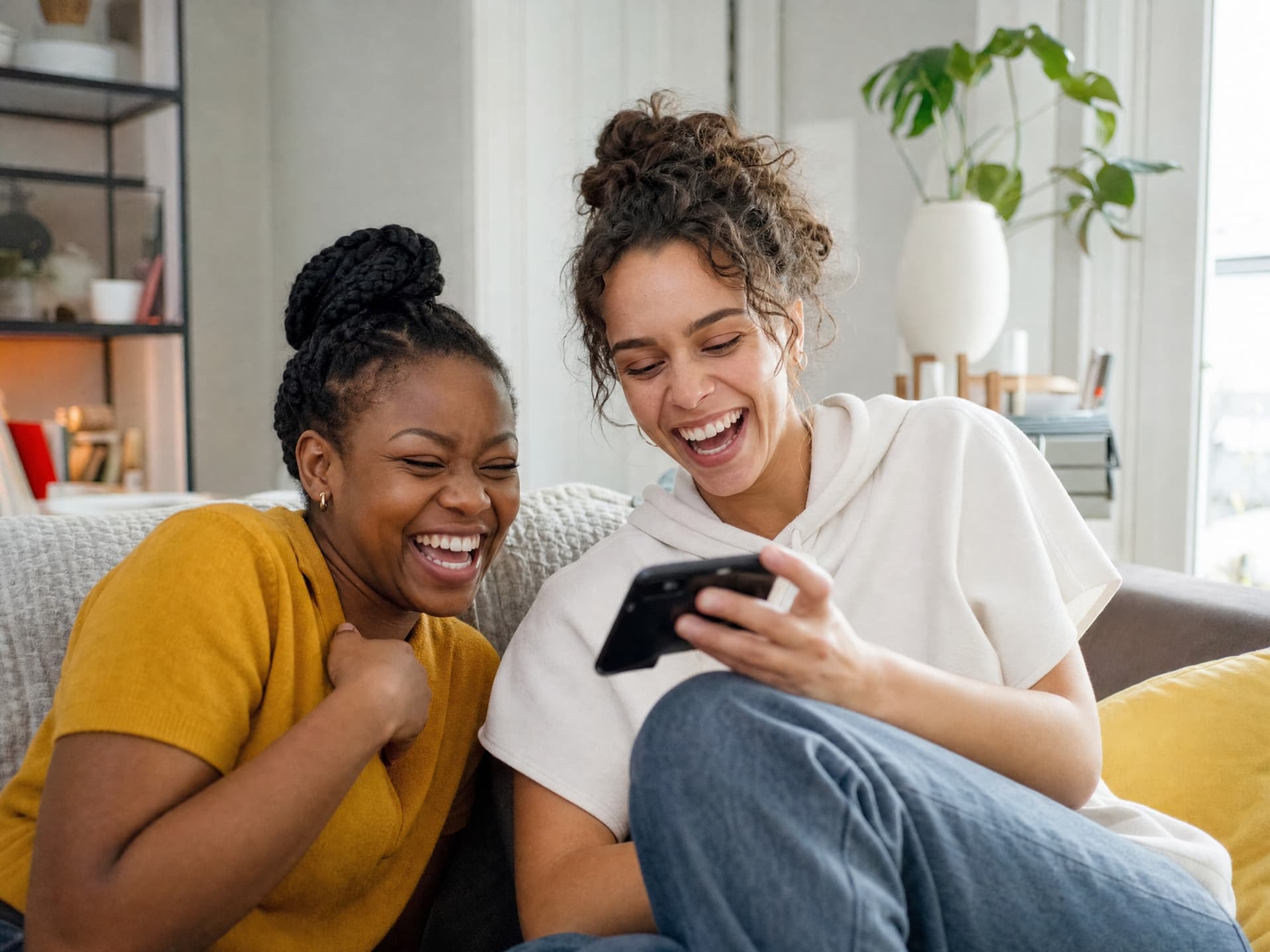
A lighthearted message
Use your own photo to create a playful greeting for friends. The result is AI-generated, so review the face and movement before sharing.
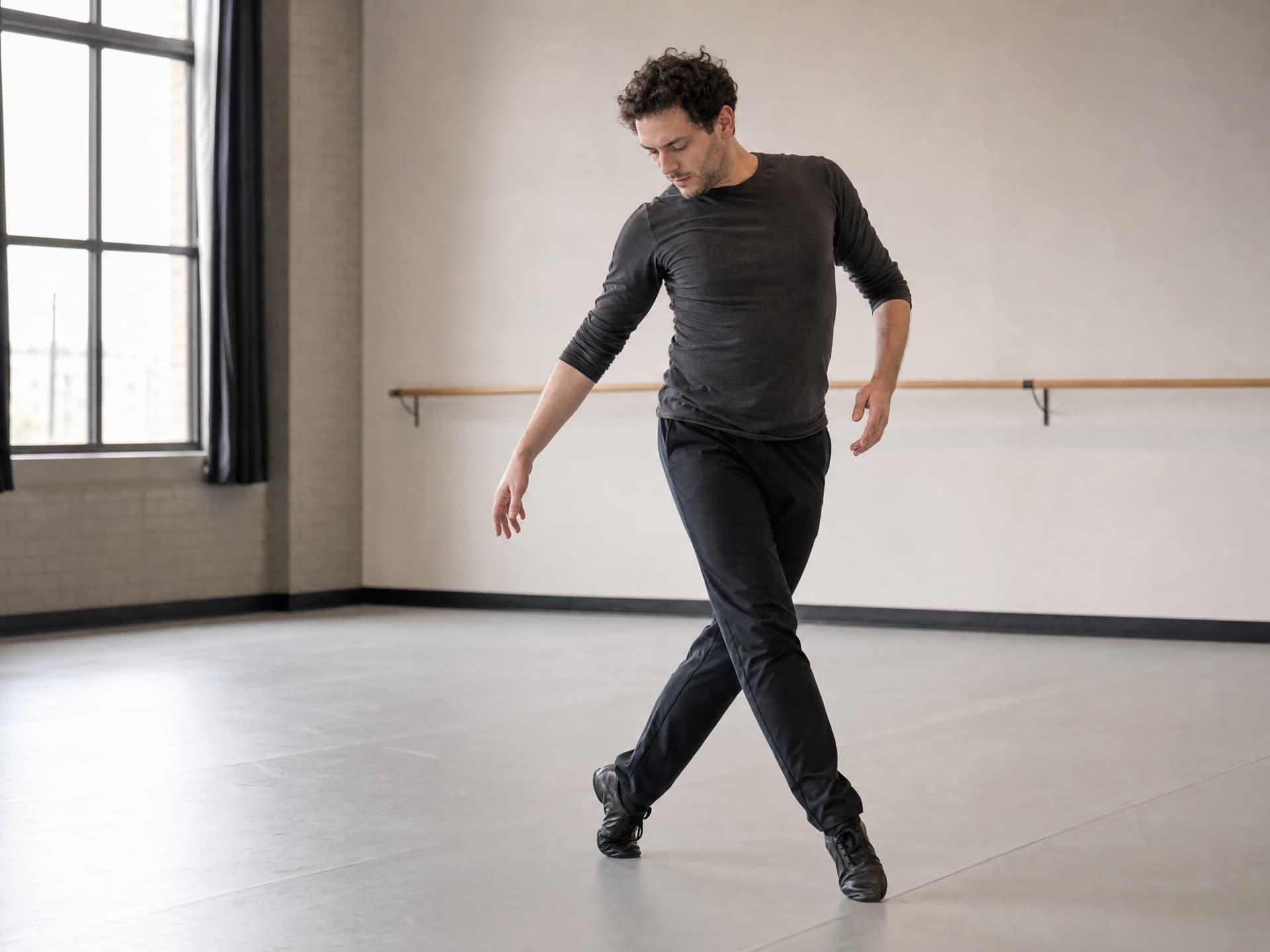
Explore a visual idea
Compare the same kind of toe-first movement across three backgrounds. A compact five-second test is a useful first step before requesting a longer clip.
Who is this for?
Short-video creators · Friends and hobbyists · Visual experimenters
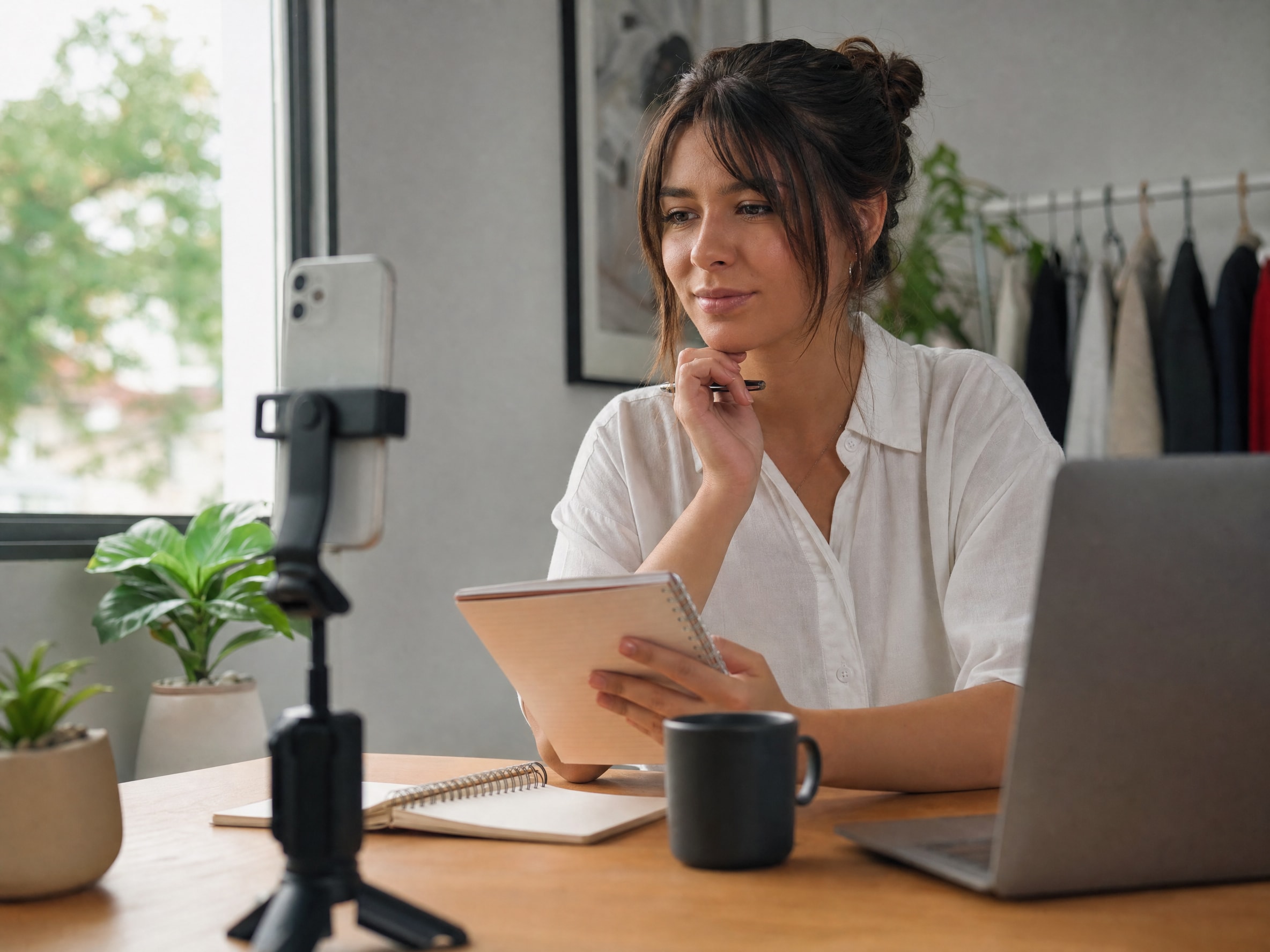
Give a photo a small dance moment

Make an original playful greeting
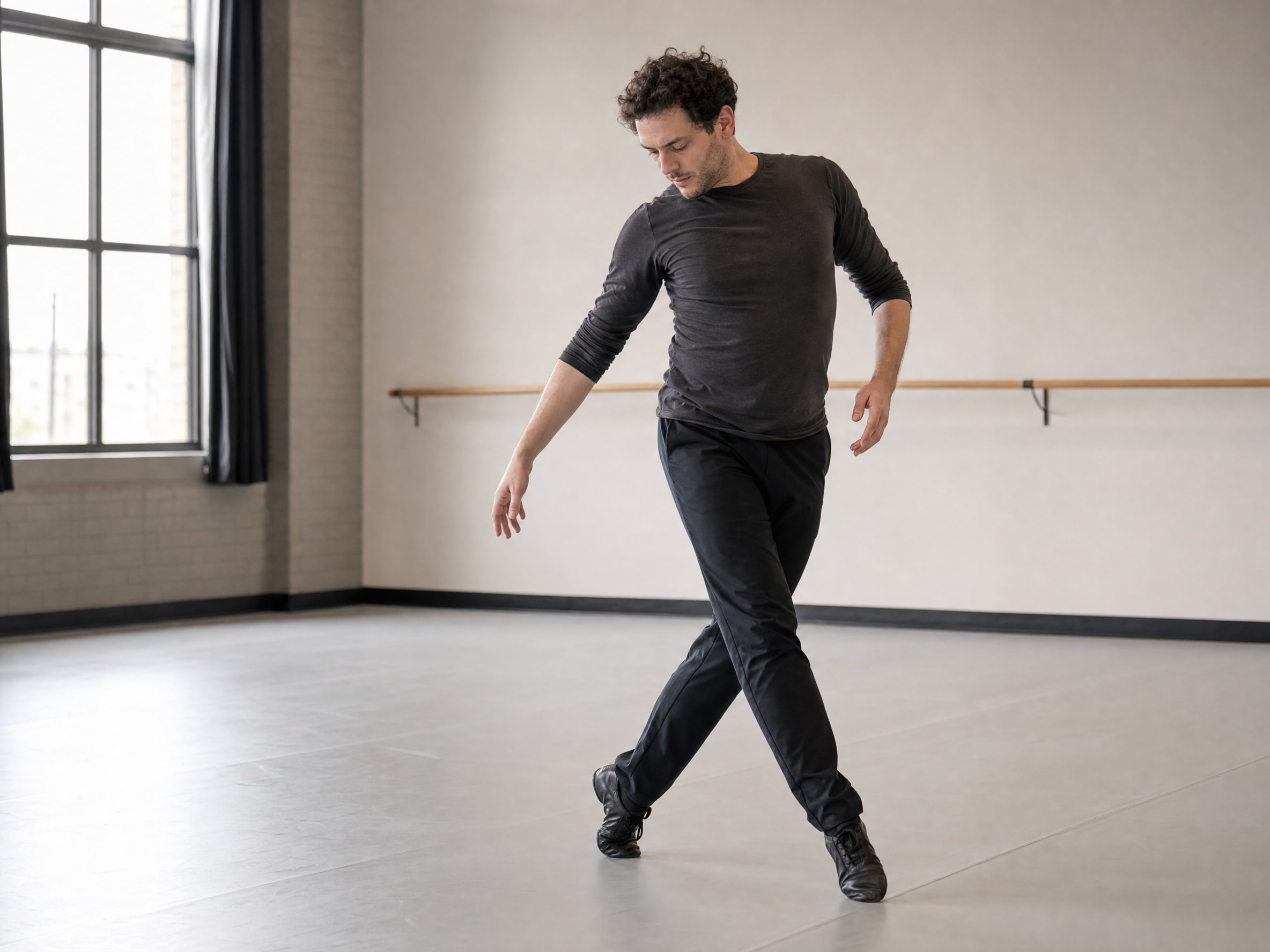
Compare scenes before a longer render
Create your video in three steps
Choose a useful reference, review the settings, then inspect the result.
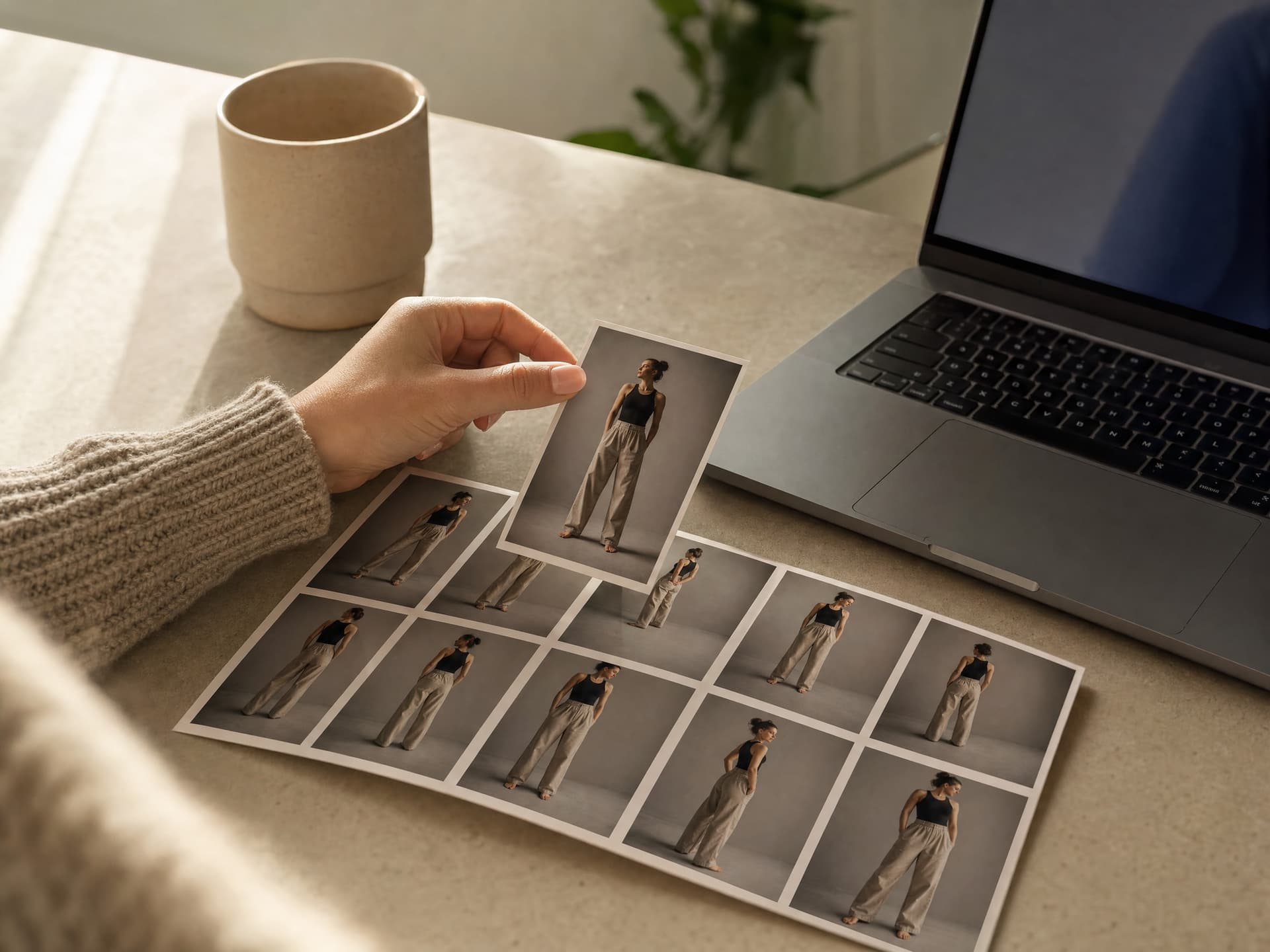
Start with the right photo
Upload one clear adult full-body photo or choose a demo person. Keep both shoes in frame and avoid busy foregrounds.
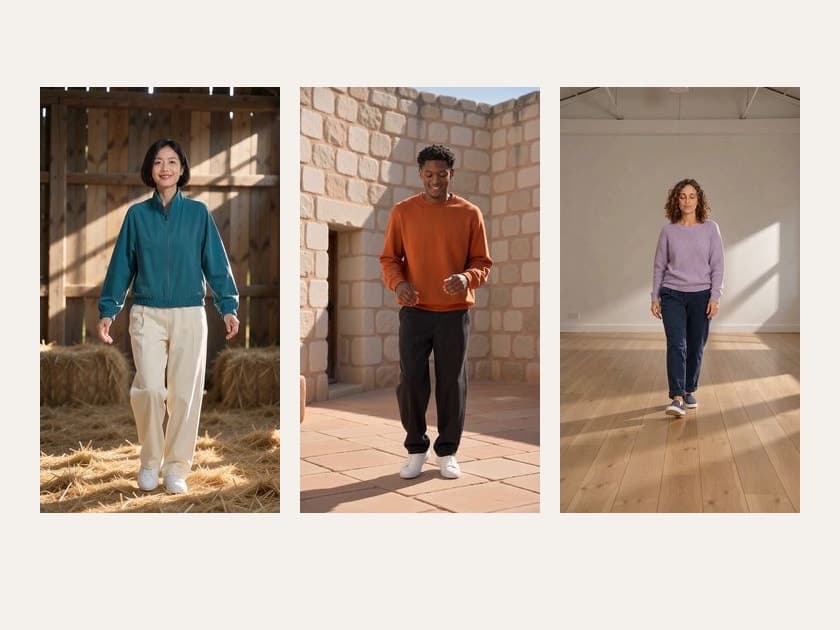
Choose scene, quality and cost
Watch the real examples, pick barn, courtyard or studio, then set duration and format. 720p is the default; 480p costs fewer credits.
Generate, inspect and download
Start after checking the credit quote. Play the full clip, inspect face and feet, then download. Generated movement and similarity can vary.
The All-in-One AI Creation Platform
One account for images, videos, an AI agent that works for you, expert AI mentors and 80+ ready-made tools.
AI Image & Video Generator
Every leading model in one workspace: Seedream, Nano Banana, GPT Image, Seedance, Veo and more.
Open
Ava, your AI creative agent
Describe what you need and Ava plans, generates and iterates for you.
Open
80+ AI tools
One-click tools for photos, videos, cards, portraits and viral trends.
Open
Template library
Thousands of ready prompts and styles to start from.
Open
Studios
Portrait, marketing, poster and cinema studios for finished work, not single shots.
Open
AI model library
Compare and pick the right image or video model for every job.
Open
AI mentors
Learn from expert mentors in photography, design and video, then create with their guidance.
OpenQuestions before you generate
No. It creates an original toe-first shuffle inspired by the trend. It does not preserve a source performance frame by frame or promise identical choreography.
Use one adult with a clear face and the entire body including both shoes visible. Leave space around the figure. Close-up portraits can hide the footwork or cause the model to invent the body.
No. Default prompts request original light percussion and footsteps. Add music you have permission to use when you publish.
Each scene has an actual 5-second 720p result made with its shown reference image and the same Seedance 2.0 Mini scene prompt. They are examples, not a guarantee that every input produces the same identity or movement.
With Seedance 2.0 Mini, 5 seconds costs 75 credits at 480p or 150 at 720p. Longer videos and other engines have different costs. The live quote and account permissions shown before generation apply.
Yes. Choose the available duration, aspect ratio, resolution and engine in the generator. The examples are 720p Seedance 2.0 Mini outputs; changing the engine or settings can change the result.
Use the task status and billing record to check a failure. Failed tasks follow the site’s credit settlement and refund rules. Review the result before sharing; a completed result can still vary in appearance.
Use a reference photo and any added music that you are allowed to use. Review the face, hands and feet, and describe it as AI-generated when appropriate. This tool is not an official film, footwear-brand or music product.
Put your own photo into motion
Start with a clear full-body reference, inspect a real example and choose the setting that fits your idea.
Related Tools You Might Like
Explore more AI creative tools