
AI video model

Grok Imagine 1.5 AI Video Generator

Turn photos into living scenes with xAI's Grok Imagine 1.5: upload up to 7 reference images for identity-locked motion and get 1-15 second clips with sound at the lowest per-second price on the platform.

Image to videoIdentity lockWith sound

Explore More Models

Compare Grok Imagine 1.5 with other video models — same workspace, one click to switch.

Get Inspired

A glimpse of what people are creating with AI video models on CreateVision AI.

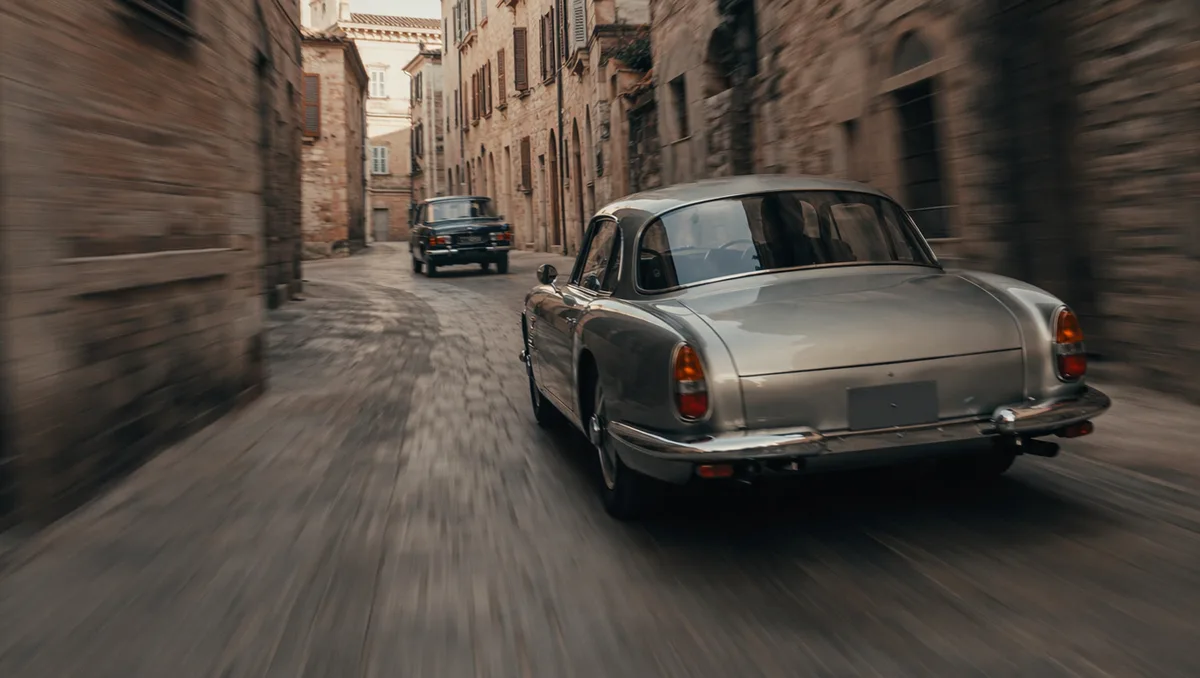
AI video still of a vintage car chase through narrow European streets
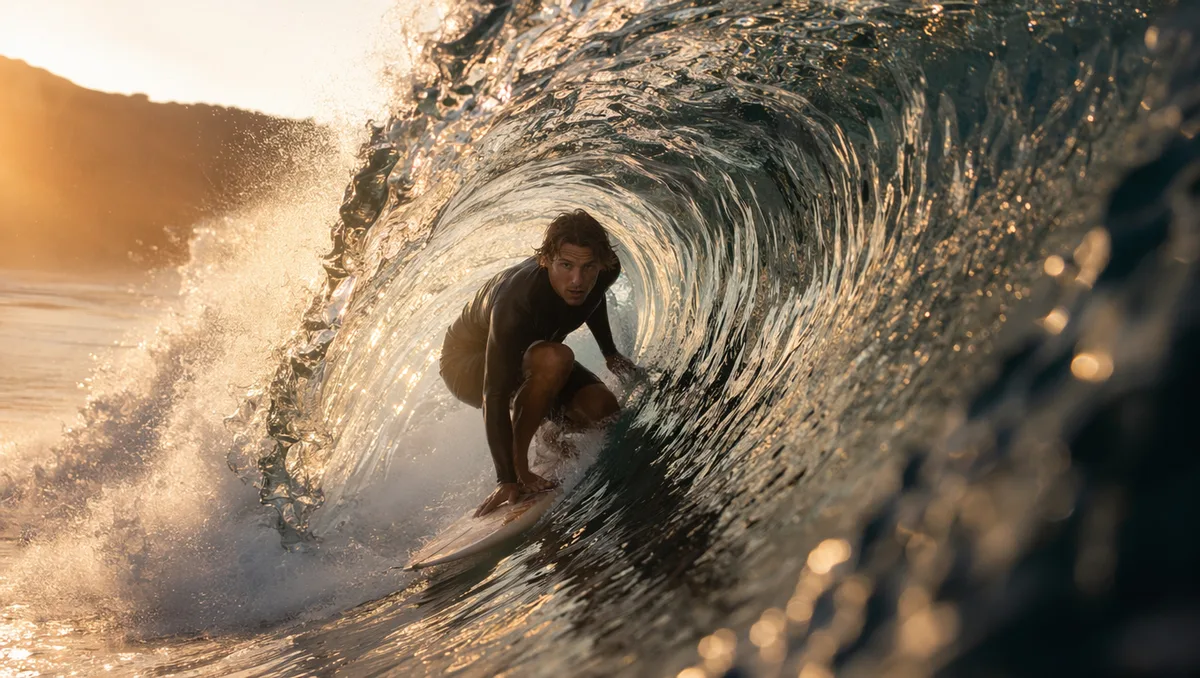
AI video still of a surfer inside a glassy barrel wave at sunrise
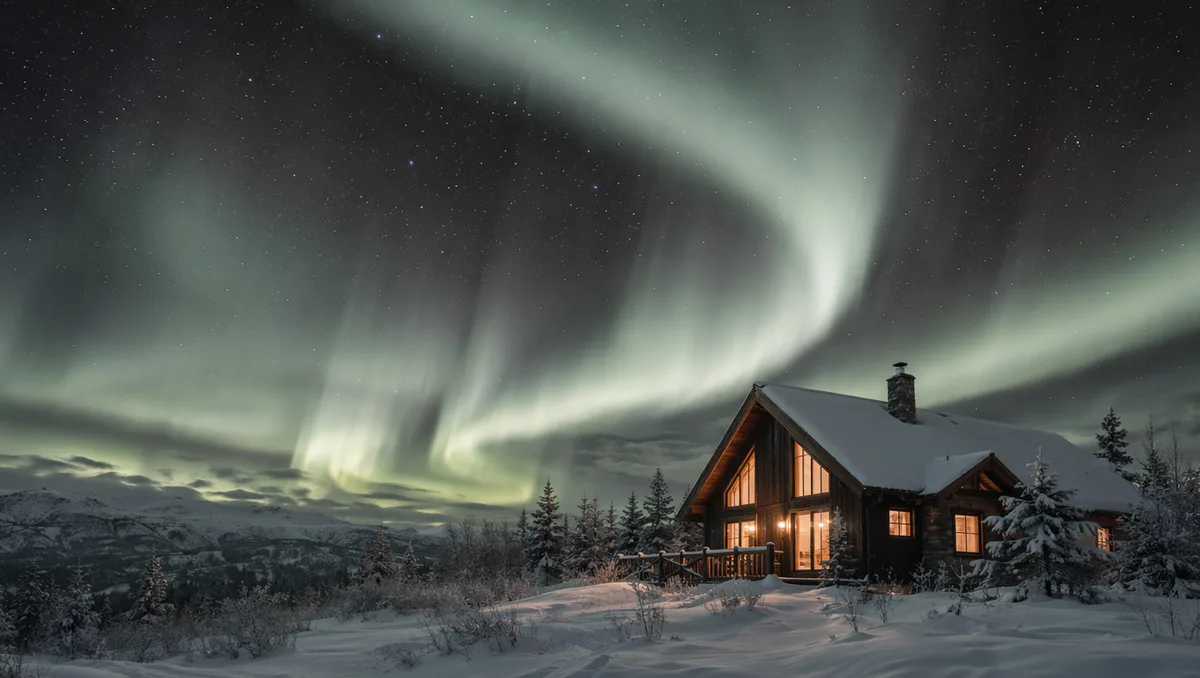
AI video still of northern lights swirling over a snowy cabin
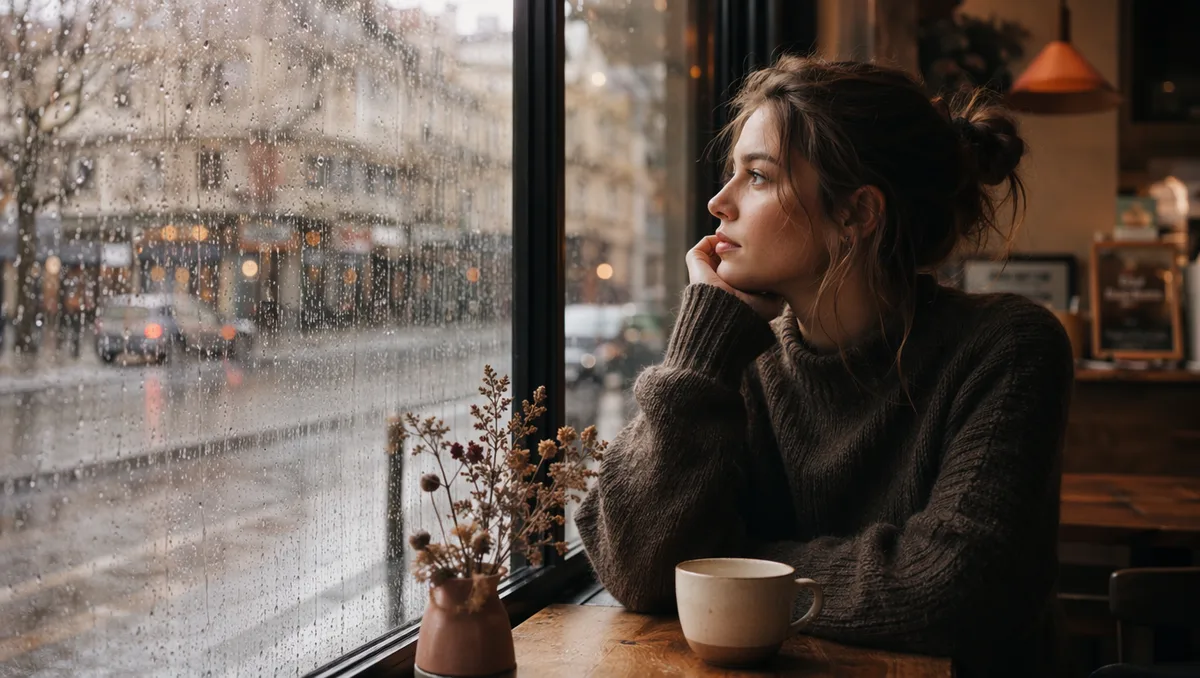
AI video still of rain running down a cafe window with warm bokeh
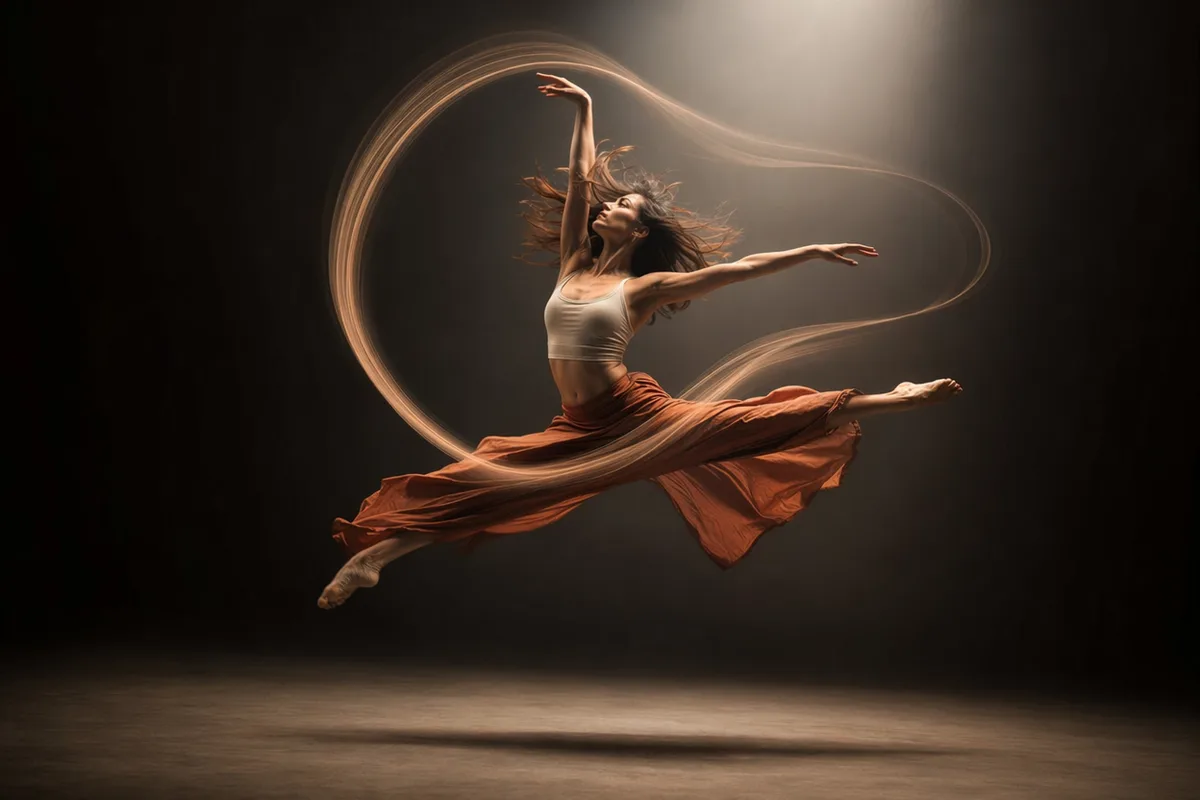
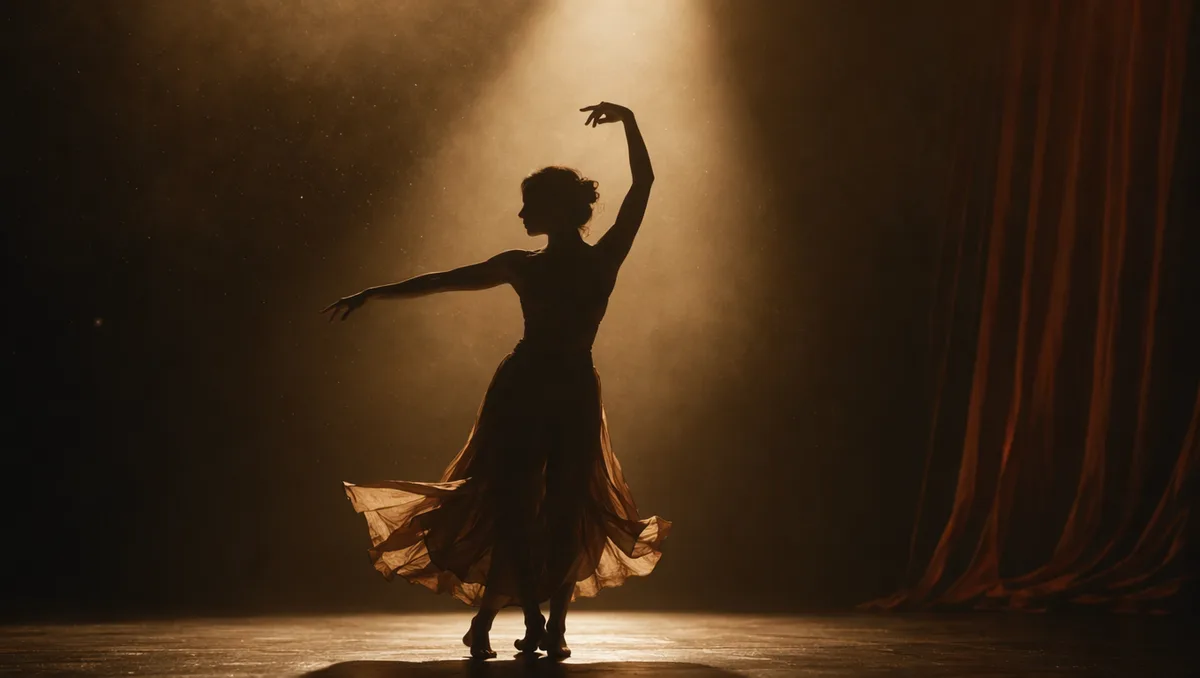
AI video still of a dancer silhouette on a smoky stage under amber light
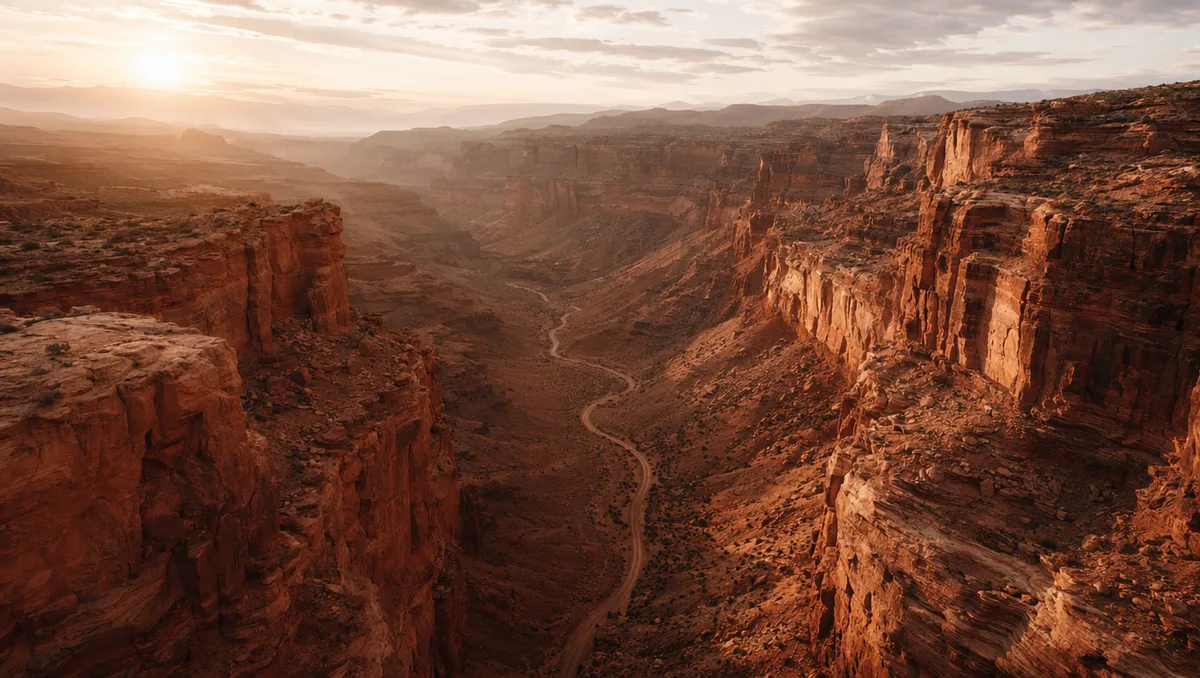
AI video still from a drone flight through a red rock canyon
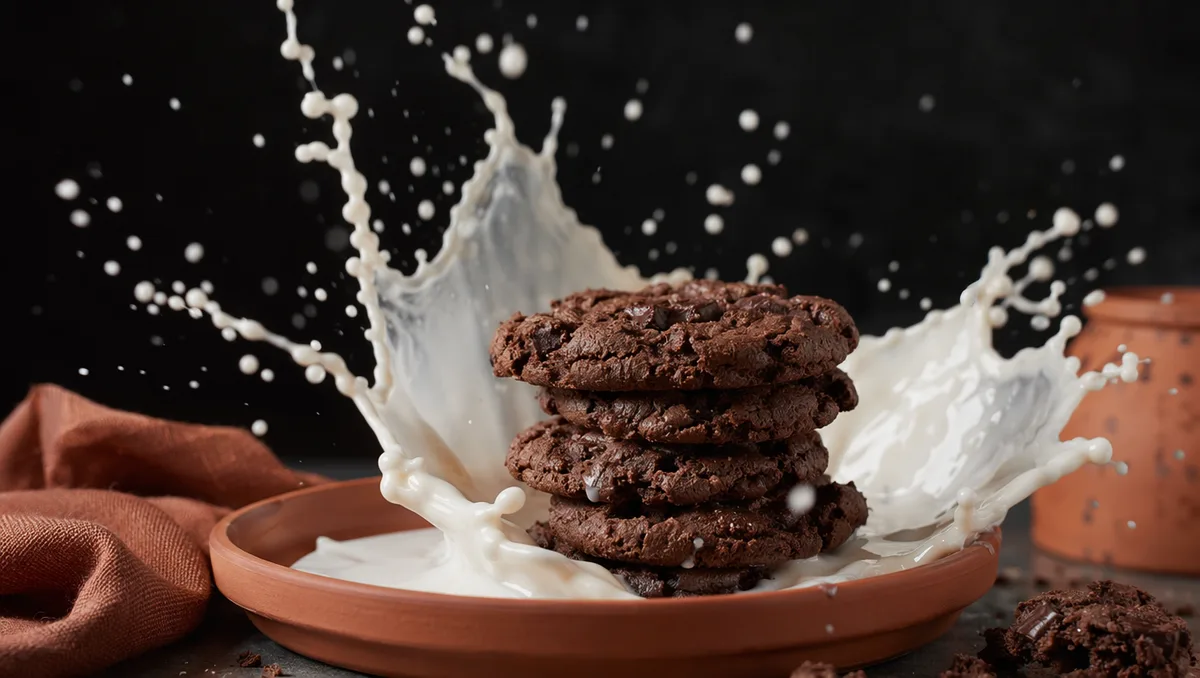
AI video still of milk splashing around chocolate cookies
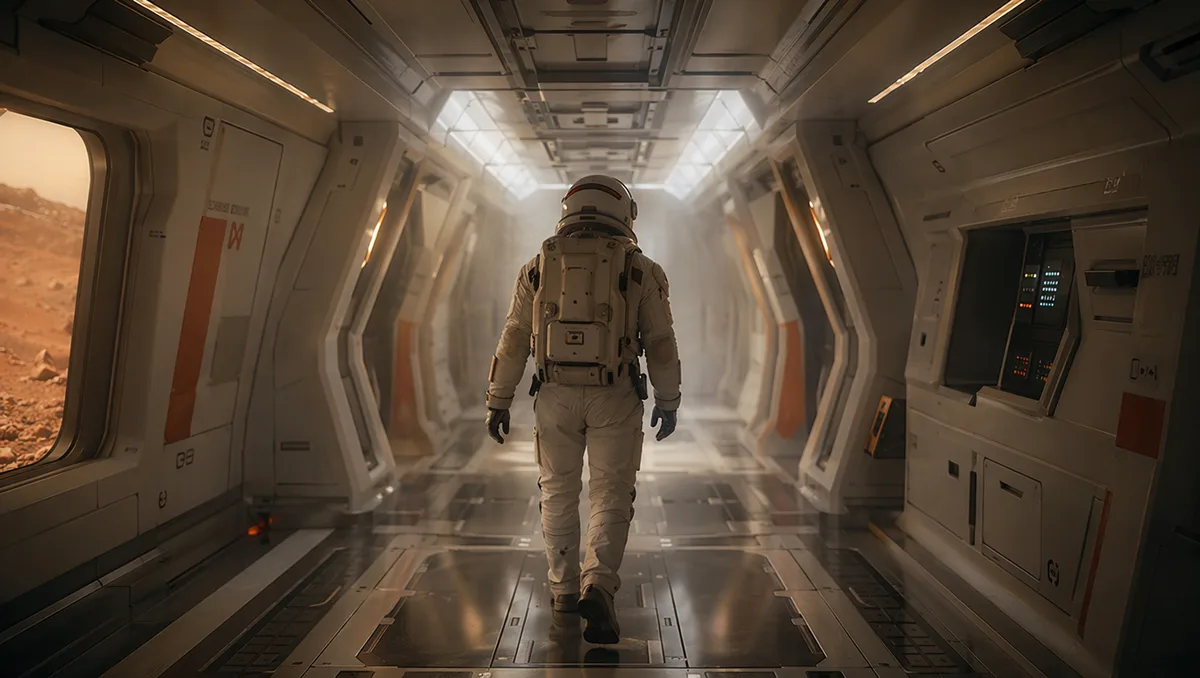
AI video still of an astronaut walking down a glowing spaceship corridor

Grok Imagine 1.5 — turn any photo into a living scene

xAI's image-to-video model animates your photos into 1-15 second clips with sound, keeps the same person recognizable across every shot with up to 7 reference images, and costs less per second than any other video model on the platform.

Reference photo animated into a moving scene

Identity lock across every shot

Upload one photo — or up to seven — and Grok Imagine treats them as an identity anchor: the same face, body, and silhouette carry through every cut. It is the engine behind the viral "same actress, nine movie genres" montages, and it works just as well for keeping your product or character consistent.
Northern lights swirling over a snowy cabin

The lowest-cost video on the platform

Per-second pricing starts lower than any other model we host — low enough to iterate freely, test meme formats, and batch social clips without watching your balance. The exact credit cost shows before every generation, and failed runs refund automatically.

Dancer silhouette on a smoky stage under amber light

Sound included, ready to post

Clips arrive with generated audio — ambience, effects, and spoken lines written into your prompt — so a single generation gives you something you can publish directly to vertical or widescreen feeds.

Drone flight through a red rock canyon

Built for fast, flexible formats

Pick any length from 1 to 15 seconds at 480p or 720p, in auto, 1:1, 16:9, 9:16, 3:2, or 2:3 — auto simply follows your photo's framing. Short renders come back in about a minute, which makes rapid-fire creative testing practical.

Keep exploring CreateVision AI

One account, the full image and video generation workflow.

Choose Your Plan

Start free with daily credits. Upgrade for premium models, faster generation, and 4K output.

Free

$0

Perfect for getting started

  • 80 credits per day, 400 per month
  • Z Image Turbo drafts at 0 credits
  • Standard generation speed
  • Generation history included
Get Started

Premium

Most popular
$29/month

Billed annually · $240/year

  • 1,600 credits/day, 8,000 credits/month
  • All premium models — GPT Image 2, Nano Banana, Seedream, Seedance, Veo, Kling
  • 5x generation speed, priority queue
  • AI prompt enhancement
Upgrade to Premium

Ultimate

$49/month

Billed annually · $300/year

  • 4,000 credits/day, 18,000 credits/month
  • HD generation up to 4K resolution
  • Private generation — results stay out of the gallery
  • Fastest queue and early access to new models
Upgrade to Ultimate

Frequently Asked Questions

1

What is Grok Imagine 1.5?

Grok Imagine 1.5 is xAI's image-to-video model. You upload 1-7 photos and describe the motion; it returns a 1-15 second clip with sound that keeps the people or subjects in your photos recognizable throughout.

2

Can it generate video from text alone?

No — Grok Imagine 1.5 always starts from at least one image. If you want pure text-to-video, use Seedance 2.0 Fast or Wan 2.7; you can also generate a still image first and then animate it here.

3

How is it priced?

Per second of output at your chosen resolution (480p or 720p) — the lowest per-second rate of any video model on the platform. The exact cost shows before generation, and failed runs are automatically refunded.

4

How does the multi-image identity lock work?

Upload up to 7 reference images and mention them in your prompt (e.g. "Reference Image 1 as identity lock"). The model keeps that subject's face and silhouette consistent across every shot in the clip.

5

Does it generate audio?

Yes — clips include generated sound. You can write spoken lines and sound cues directly into the prompt.

6

What if the generation fails?

Credits are refunded automatically for failed video generations.

Animate your first photo with Grok Imagine 1.5

Animate your first photo with Grok Imagine 1.5

Start Generating Videos