
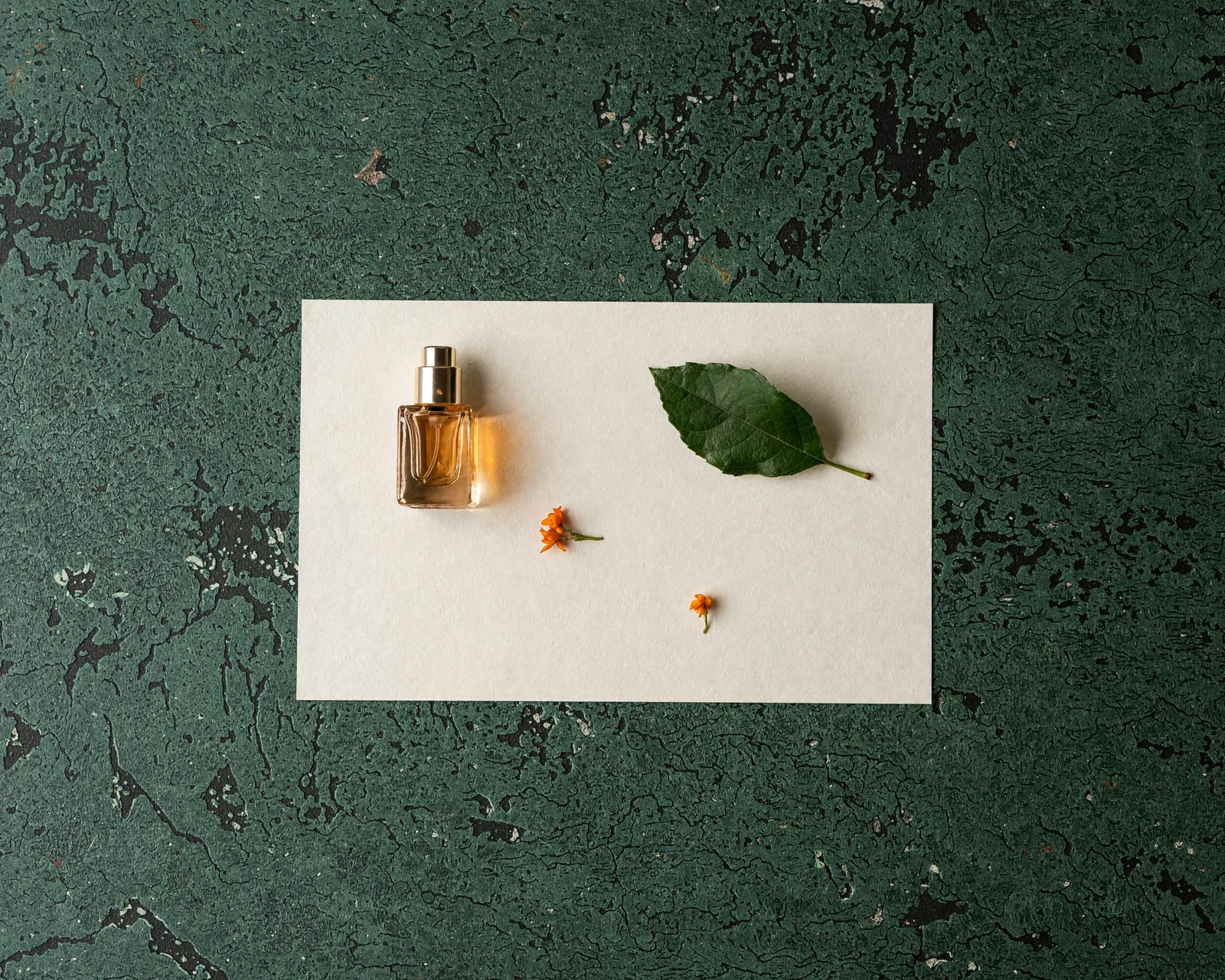
CREATEVISION AI · ORIGINAL FIELD TEST
MiniMax H3 Image review: more room for large-image creation in your budget
Start with 2K visuals, create a banner at your chosen dimensions, or develop a concept through one focused edit. H3 Image is especially worth considering for text-to-image and single-reference creative work. Here is what your credits cover, how the large canvases look, and when this model fits your task.
Tested 11 November 2026 · CreateVision AI editorial team
What does the same credit budget give you?
For the settings below, 1,000 credits cover up to 33 H3 Image outputs at 2K, compared with 16 Nano Banana 2.1 outputs. That gives you more room to explore composition and color before choosing your preferred version.
- H3 Image · 2K from text
- 30 credits
- H3 Image · 2K with 1 reference
- 45 credits
- H3 Image · native 4K from text
- 75 credits
| Model | From text | Edit with 1 reference |
|---|---|---|
| MiniMax H3 Image | 30 | 45 |
| Nano Banana 2.1 | 60 | 60 |
| GPT Image 2.6low quality | 35 | 75 |
| GPT Image 2.6medium quality | 60 | 100 |
Same quote scenario: one 2048×2048 image, a short prompt, no reference for text generation or one reference for editing. H3 prompt expansion is on; Nano Banana web search is off. Model quality settings differ; these are credit quotes, not a quality ranking.
Counts are calculated from the current quote and describe the budget for outputs, not the number of final images you will select. The generator shows the quote for your own settings.
01
Give your layout the canvas it needs
The 3001×1001 banner places the fragrance bottle on the right and leaves space around AFTER RAIN. The 5000×4000 still life provides a 20-megapixel canvas to inspect and crop for a cover or editorial layout. Both are native model outputs at the requested dimensions. Open the original files to explore their detail.
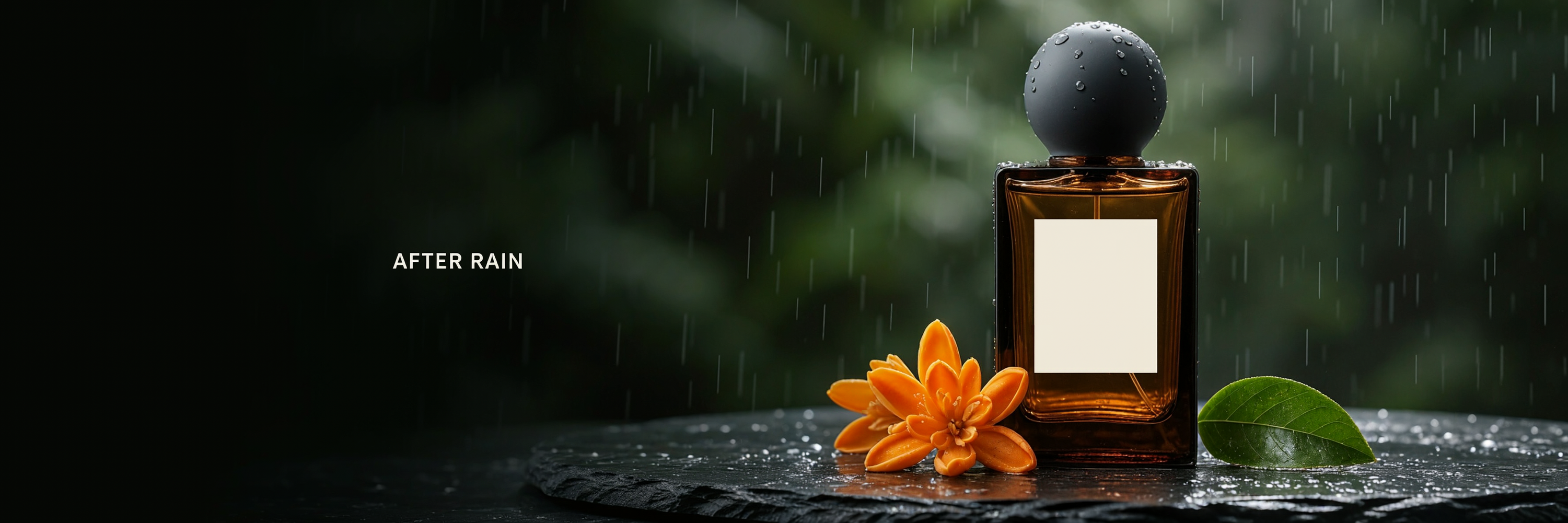
Current quote per image: 20 credits
Exact prompt and settings
3001x1001 · PNG · n=1 · 0 Reference inputs · Prompt expansion off
Current quote: 20 credits
Create a beautifully art-directed luxury fragrance website banner at the exact supplied pixel dimensions. One unbranded amber glass perfume bottle with a plain ivory label and charcoal round cap sits on wet dark slate at the far right third. Orange blossoms and a single fresh green leaf beside it. Gentle morning sunlight and realistic rain droplets; atmospheric dark pine-green background with soft depth. The left half is clean dark negative space with the small exact ivory headline "AFTER RAIN". Visually coherent wide composition, real elegant commercial product photography, fine glass reflections, no people, no additional text or logos, no watermark.
Loads a draft only. No generation starts automatically.
Current quote per image: 80 credits
Exact prompt and settings
5000x4000 · PNG · n=1 · 0 Reference inputs · Prompt expansion off
Current quote: 80 credits
An elegant overhead editorial photograph of a small amber perfume bottle, one ivory paper rectangle, a single orange blossom and one green leaf arranged with disciplined spacious composition on real dark pine-green textured stone. Tactile natural materials, beautiful window light and soft shadows. No text, no logos, no people. Render exactly the requested 5000 by 4000 pixels.
Loads a draft only. No generation starts automatically.
02
Keep the concept, explore a new color
Compare the original orange ribbon with one cobalt-blue edit. The bottle, title and stand remain recognizable, while the new ribbon changes the palette of the concept. The second example explores a rainy-green environment using two references. These are ways to develop a campaign mood or a seasonal visual direction.
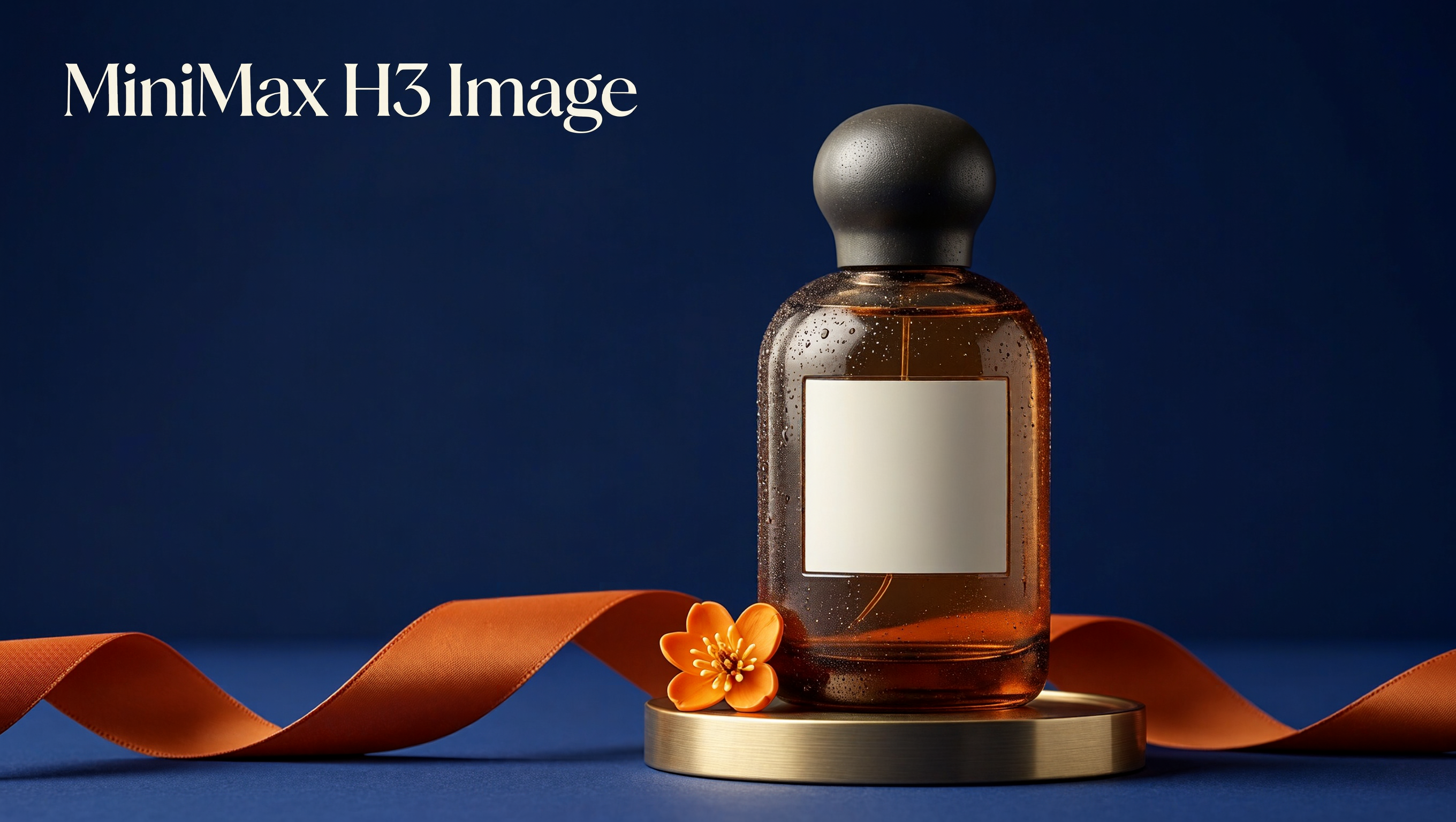
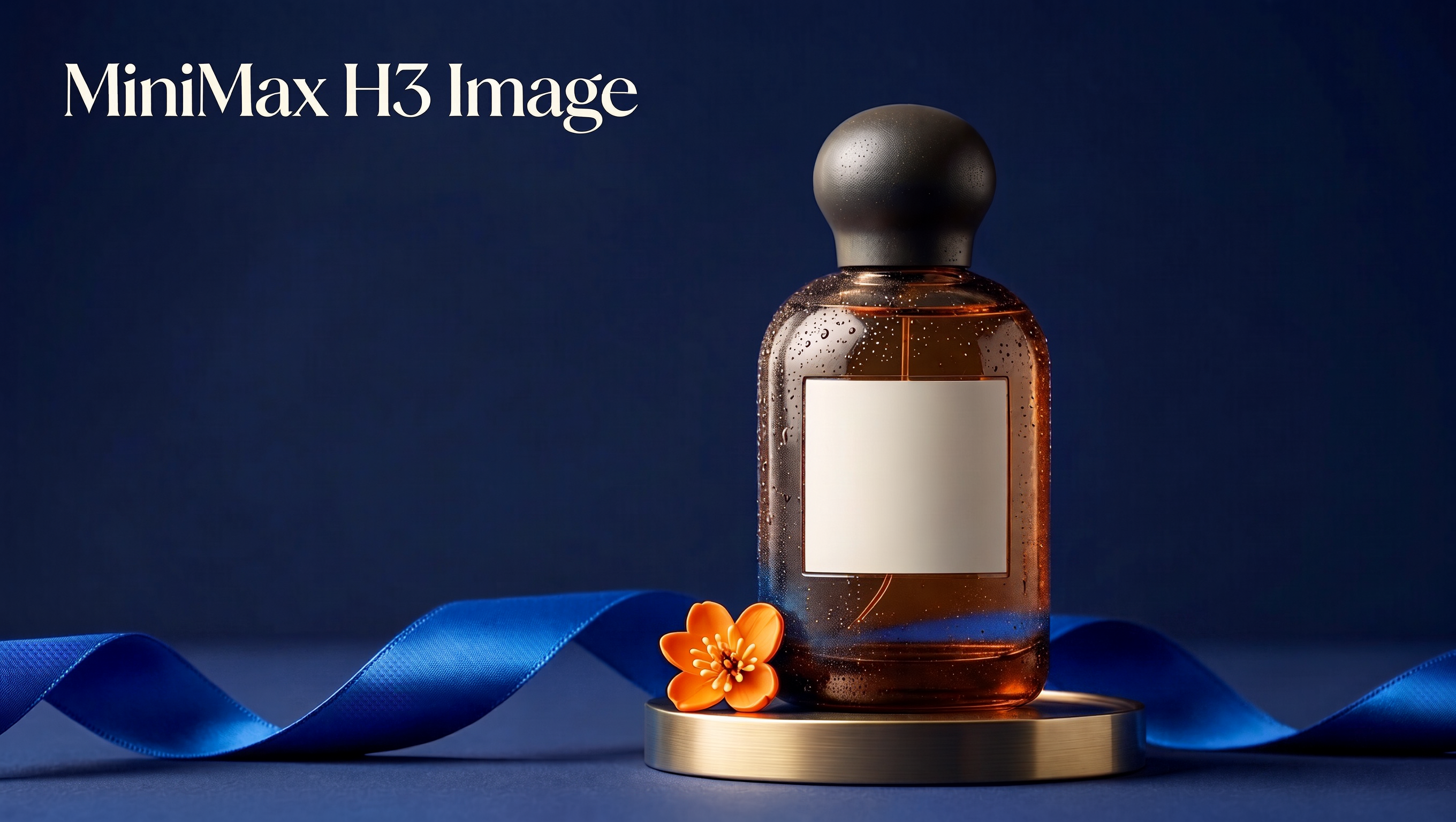
Current quote per image: 45 creditsOriginal batch total: 90 credits · n=2
Exact prompt and settings
16:9 · 2K · PNG · n=2 · 1 Reference inputs · Prompt expansion on
Current quote: 90 credits
Make only one local material-color edit to this reference image: change the entire burnt-orange fabric ribbon in the lower foreground to rich cobalt blue. Preserve the exact amber-glass perfume bottle shape, round sculptural charcoal cap, empty ivory label, brass round stand, blossom, original lighting, shadows, navy backdrop and camera framing. Preserve the existing title "MiniMax H3 Image" with the exact original wording, size and position. Do not move or resize objects. Do not add any words or objects. The only intended change is the ribbon color.
Loads a draft only. No generation starts automatically.
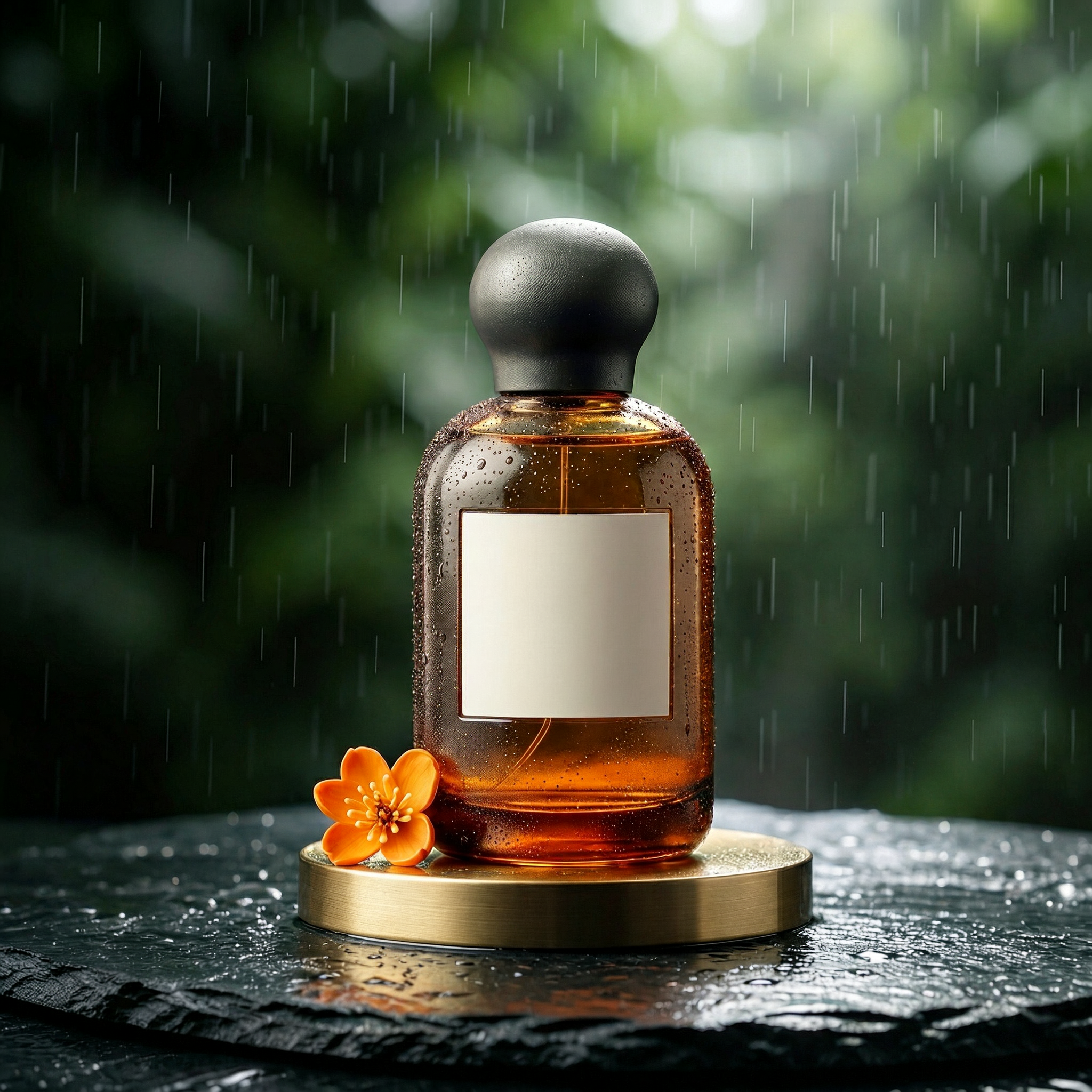
Current quote per image: 60 creditsOriginal batch total: 120 credits · n=2
Exact prompt and settings
1:1 · 2K · PNG · n=2 · 2 Reference inputs · Prompt expansion on
Current quote: 120 credits
Image 1 defines the exact product: preserve its amber glass perfume bottle silhouette, round sculptural charcoal cap, clean empty ivory label and brass circular stand. Image 2 supplies ONLY the dark pine-green rainy background palette, natural wet-slate texture and fresh morning light; do not use the rectangular bottle in image 2. Create a square luxury campaign photograph combining the exact bottle and stand from image 1 with the wet, green, softly daylit setting from image 2. Remove the title lettering and the orange ribbon entirely. Keep one small orange blossom near the bottle. Preserve natural amber glass and condensation. No typography, no logos, no people, no watermark.
Loads a draft only. No generation starts automatically.
03
Turn a short announcement into a visual you can share
The selected English and Chinese posters combine the shop name, opening message, date and price with a coffee image. The ivory background, green lettering and orange accent keep the theme coherent. Use the example to explore an opening announcement, an invitation or a social post with your own text.
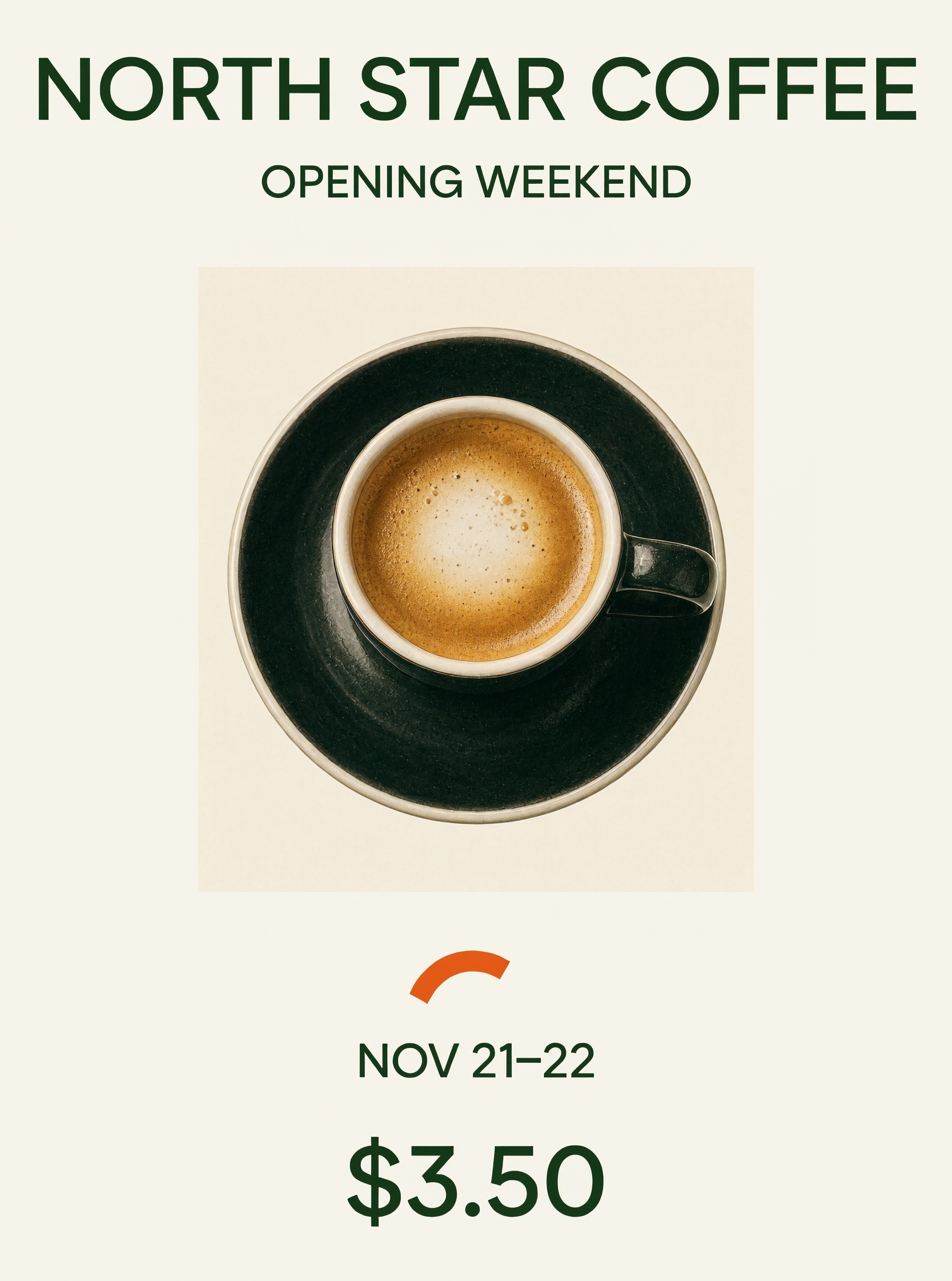
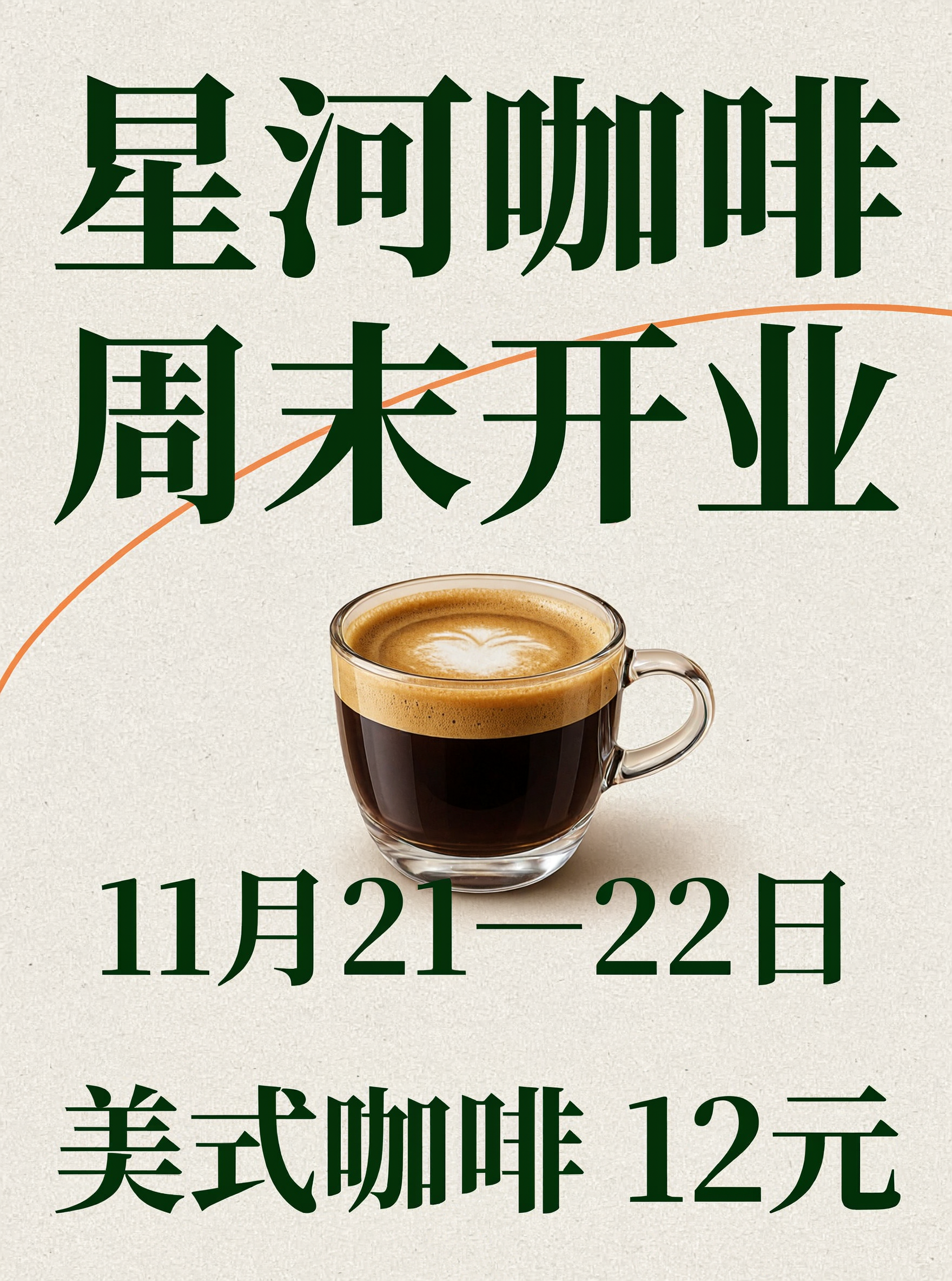
Current quote per image: 20 creditsOriginal batch total: 40 credits · n=2
Exact prompt and settings
3:4 · 2K · PNG · n=2 · 0 Reference inputs · Prompt expansion off
Current quote: 40 credits
Design a premium independent coffee shop opening poster. Warm ivory paper, deep forest green ink, one tasteful photorealistic espresso cup viewed slightly from above, a single orange curved graphic accent. Strong restrained typographic hierarchy and generous margins, editorial design, no fake logos. Print exactly these four English strings, each once, with exact spelling and punctuation: "NORTH STAR COFFEE" (largest headline), "OPENING WEEKEND" (second line), "NOV 21–22" (date), "$3.50" (clear large price). No other words or numbers. The cup must not cover any text.
Loads a draft only. No generation starts automatically.
Current quote per image: 20 creditsOriginal batch total: 40 credits · n=2
Exact prompt and settings
3:4 · 2K · PNG · n=2 · 0 Reference inputs · Prompt expansion off
Current quote: 40 credits
设计一张高品质独立咖啡店中文开业海报。暖米白纸张质感,深松绿色文字,一杯真实质感的意式浓缩咖啡,单条橙色弧线点缀。专业编辑式字体层级,清晰留白,不要虚构logo。画面只出现以下四组文字,每组恰好一次,逐字准确:最大标题「星河咖啡」,次标题「周末开业」,日期「11月21—22日」,醒目价格「美式咖啡 12元」。不出现引号,不增加任何其他文字或数字。咖啡杯不得遮挡文字。
Loads a draft only. No generation starts automatically.
Choose the model around the work you want to make
Our recommendation is to start with H3 for budget-conscious 2K visual exploration, single-reference concept edits and custom large canvases. The options below show how the leading models describe their capabilities.
- MiniMax H3 Image ↗
- Start here for covers, atmosphere visuals and concept directions where you want a large canvas and room in the budget for several versions. Use one reference for a clear palette or setting change.
- Nano Banana 2.1 ↗
- Consider its Google Web and Image Search grounding for subjects that need external visual references, and its multi-image fusion for combining several inputs. It supports up to 14 reference images.
- GPT Image 2.6 ↗
- Consider Sunburst for detailed visual work and Flare for fast iteration. Its complexity control and markup-guided editing provide additional ways to describe a focused change or a more involved composition.
- Seedream 5.5 ↗
- Its official examples focus on successive edits and native RGBA assets. Explore this direction for transparent elements that you want to arrange and combine in a design.
- Midjourney V8.2 ↗
- Its aesthetics and Personalization tools are a direction to explore when developing a distinct visual style or matching an established taste.
These task recommendations combine this page’s H3 examples with linked official capability descriptions. They are not results of a new same-prompt comparison across models.
Plan your large-image workflow
The manufacturer’s published comparison shows the most noticeable time advantage at large output sizes. Use it as a reference for choosing a workflow, alongside the current credit quote.
| Resolution | H3 Image Standard | Nano Banana 2.1 · Thinking medium |
|---|---|---|
| 2K | 10.5 | 28 |
| 4K · 4096×4096 | 16 | 50 |
Source: MiniMax, 11 November 2026. These are manufacturer-published median timings at the named settings, not CreateVision AI measurements. Queue and configuration affect the time you see. View the published comparison ↗
Explore the original ten-image batch
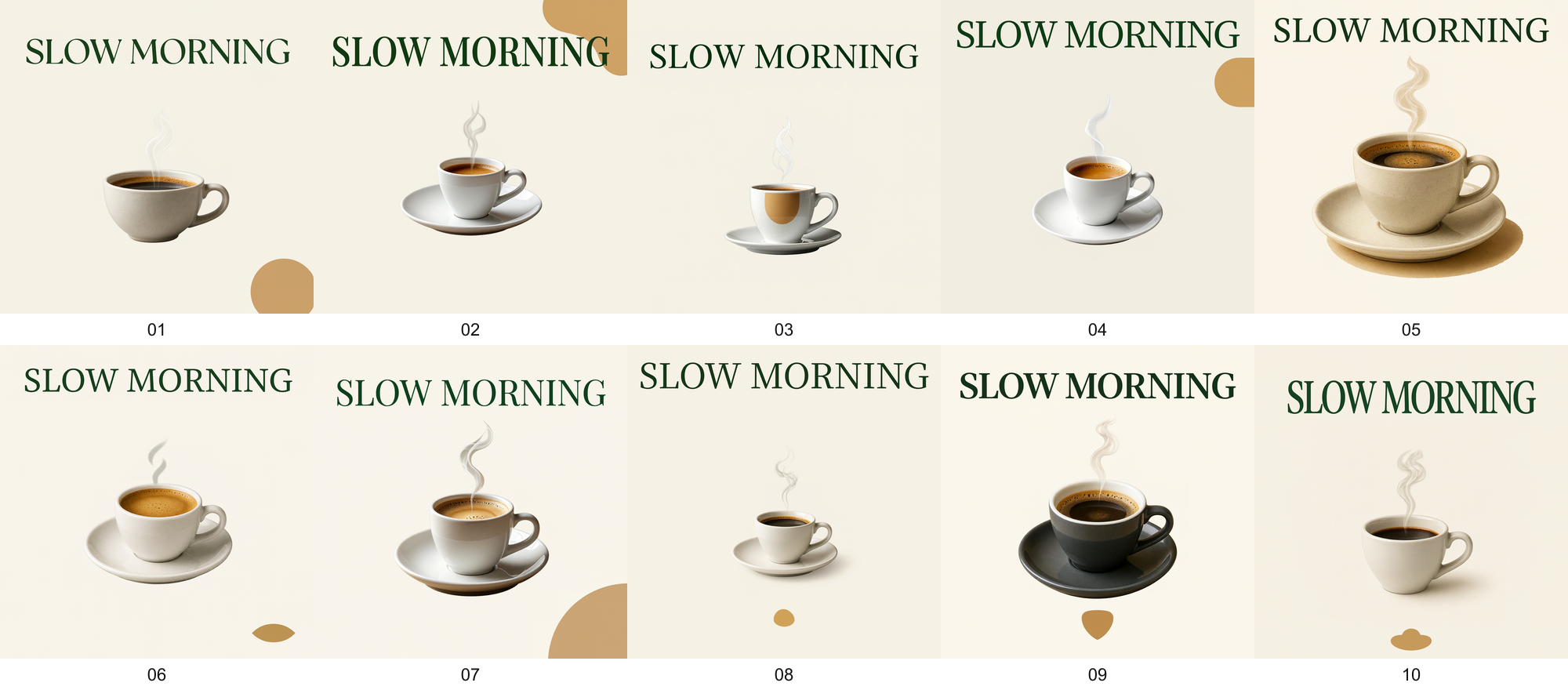
Inspect all ten original outputs
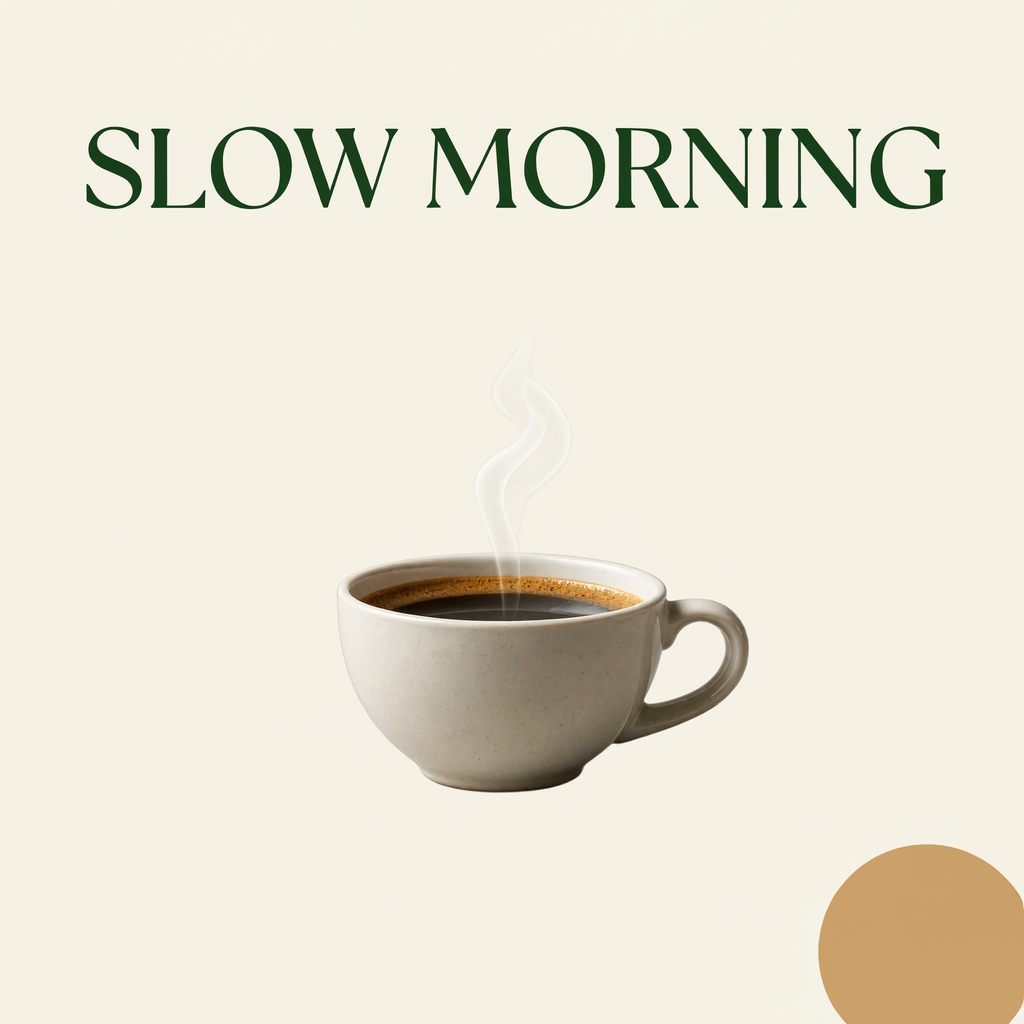
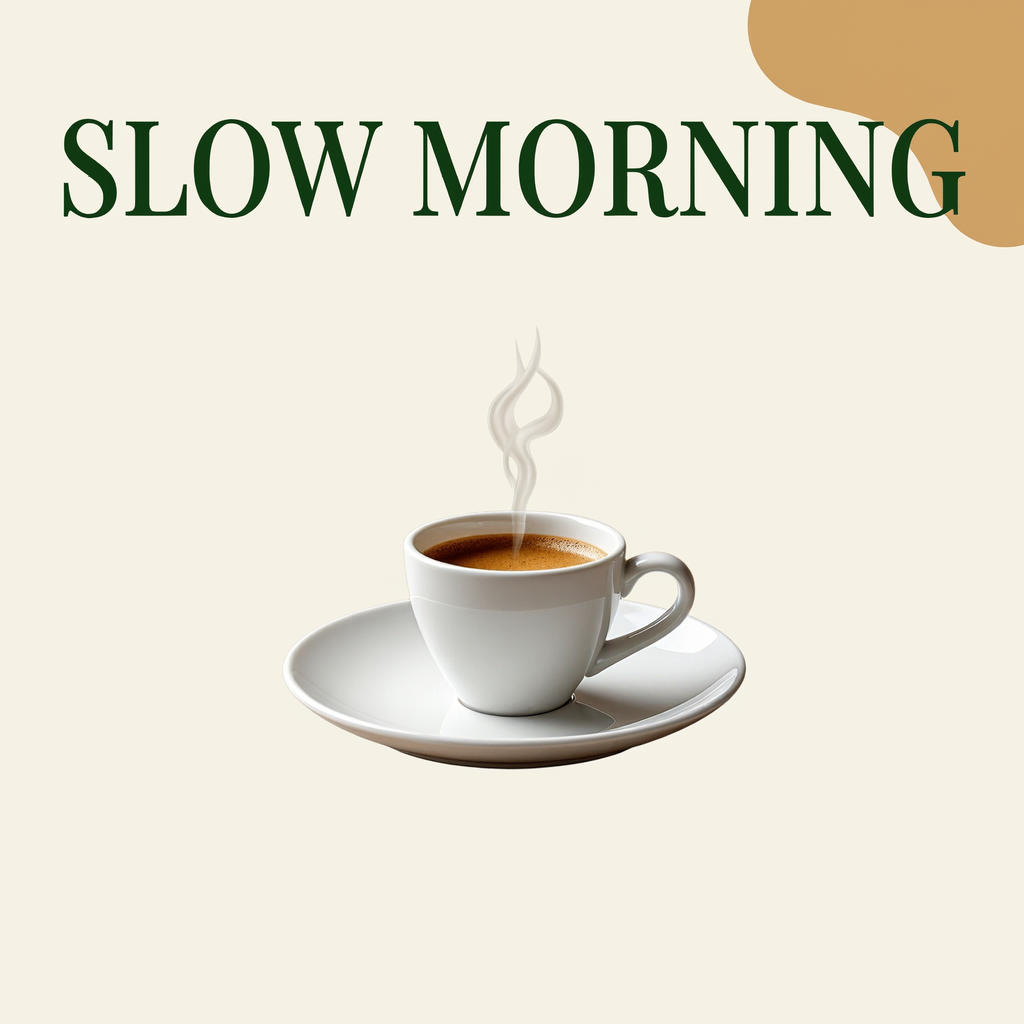
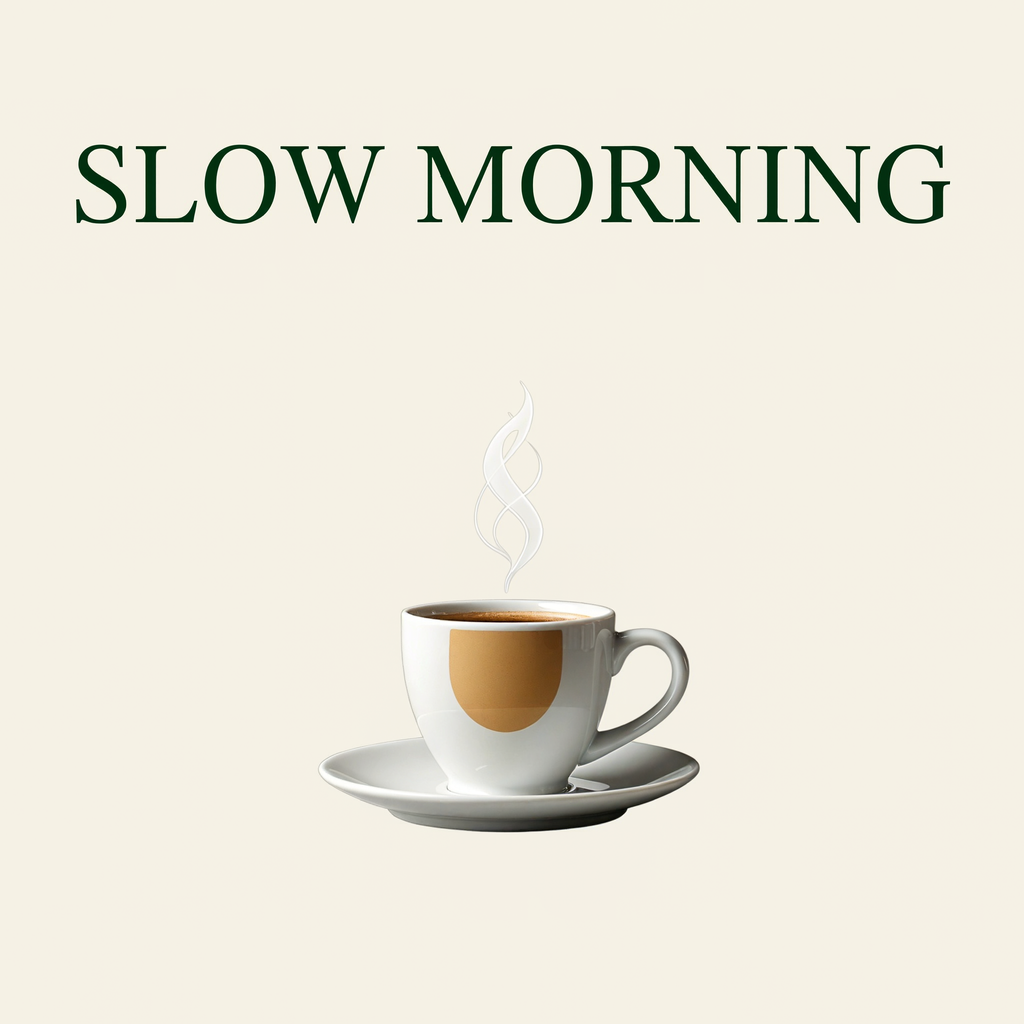
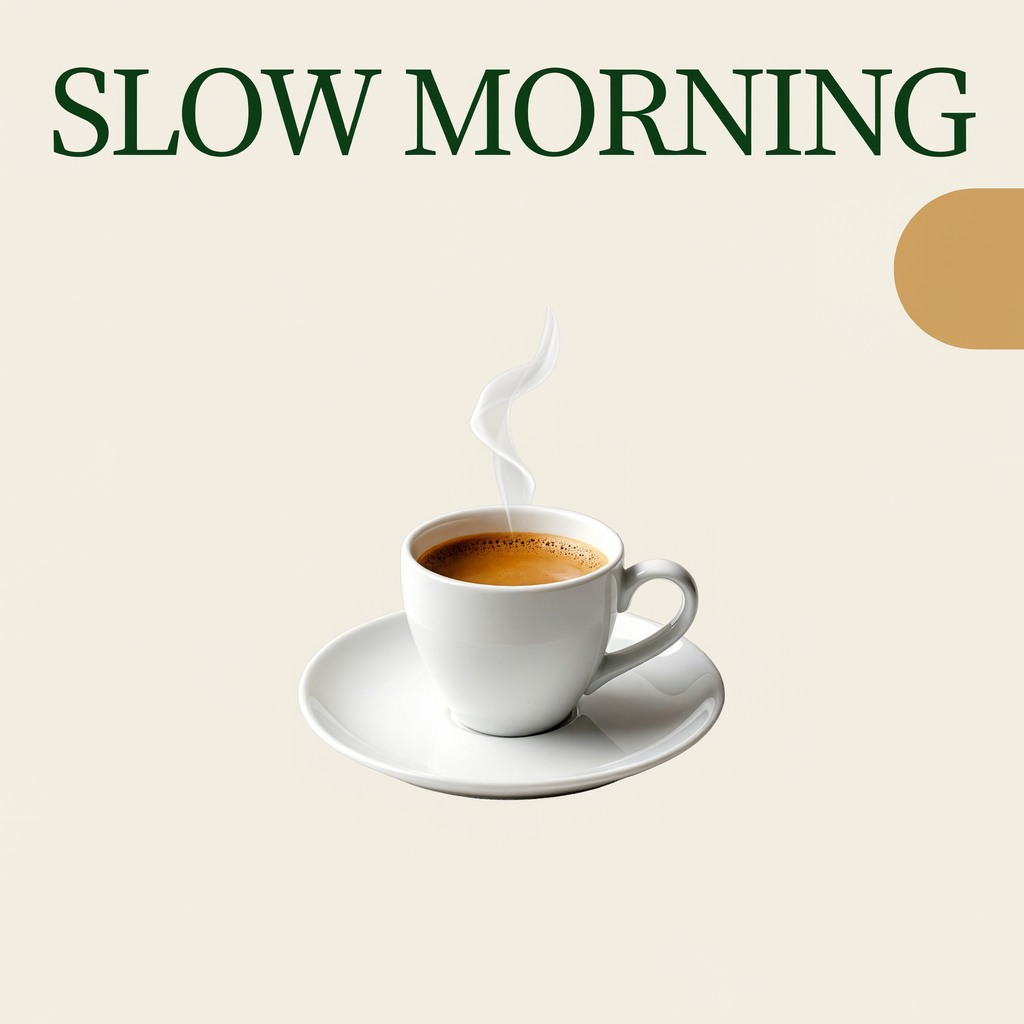
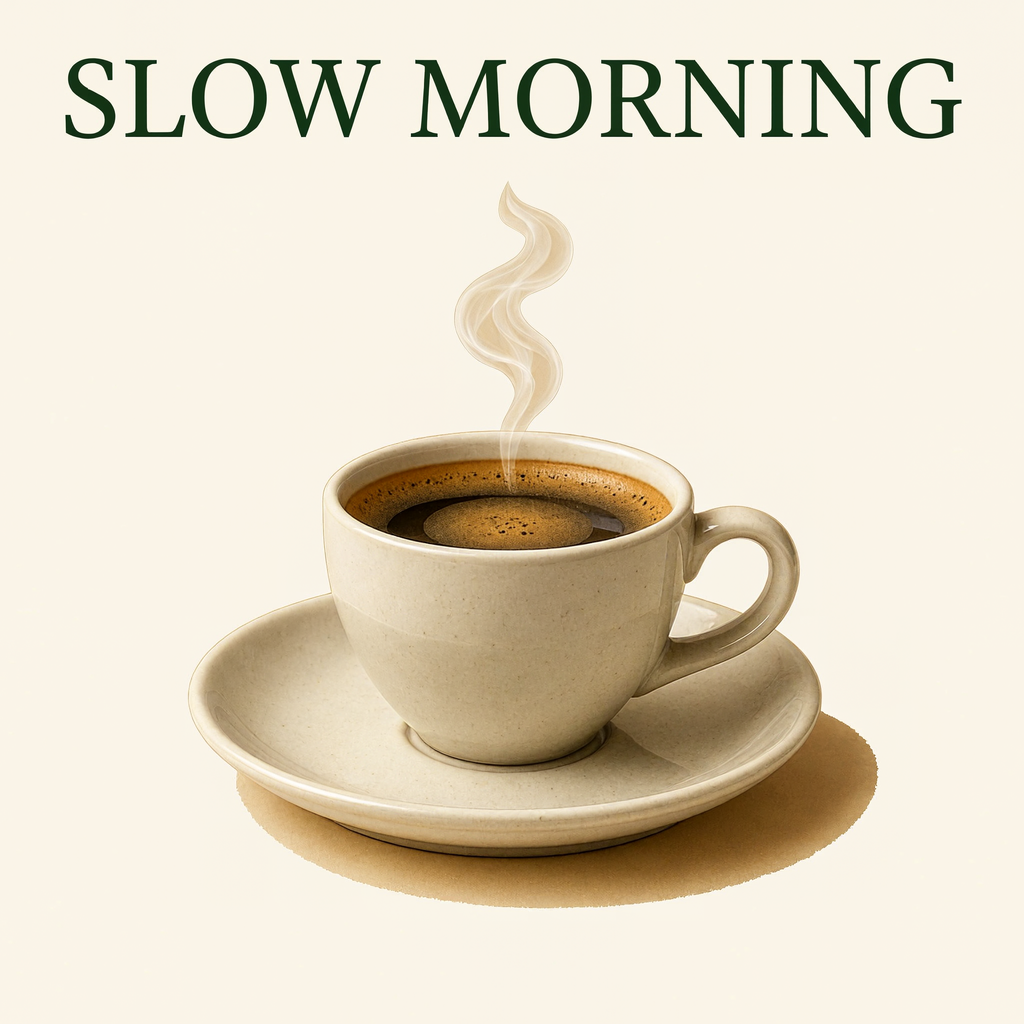
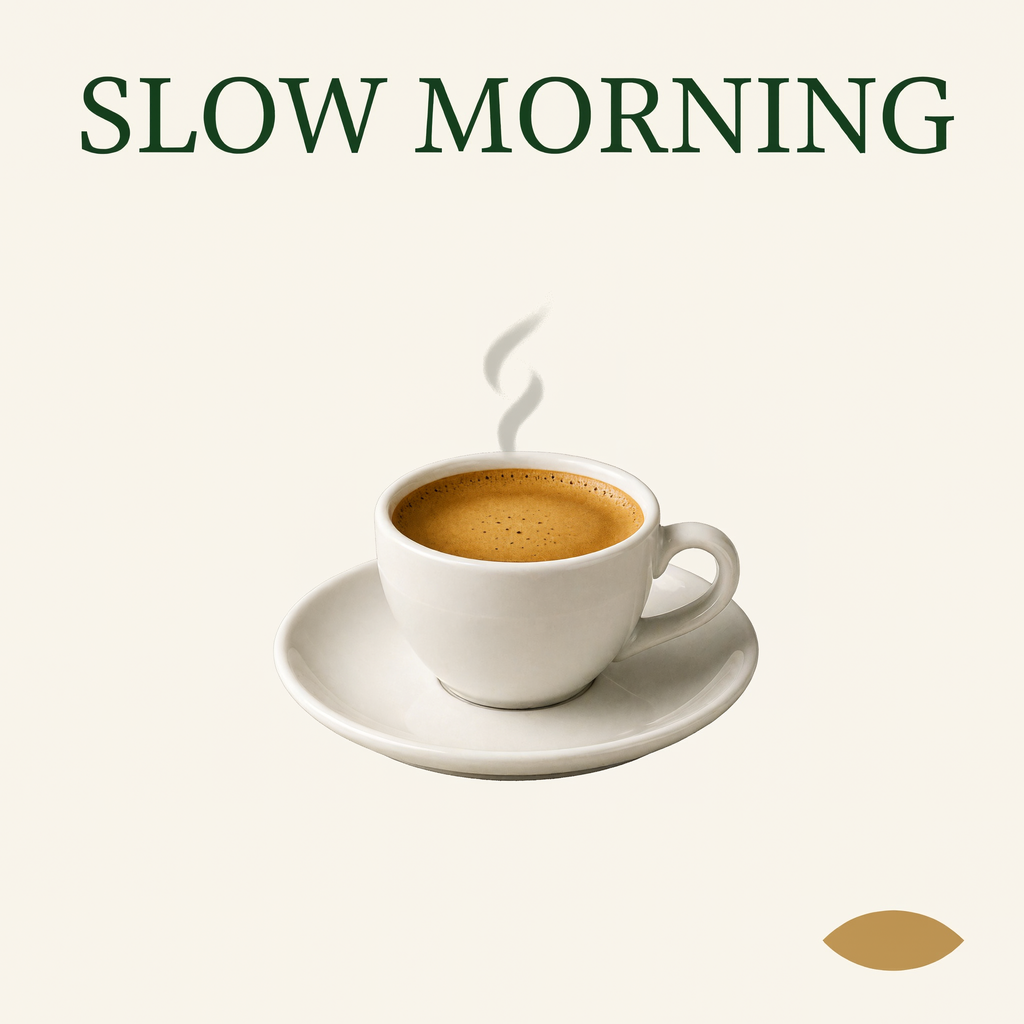
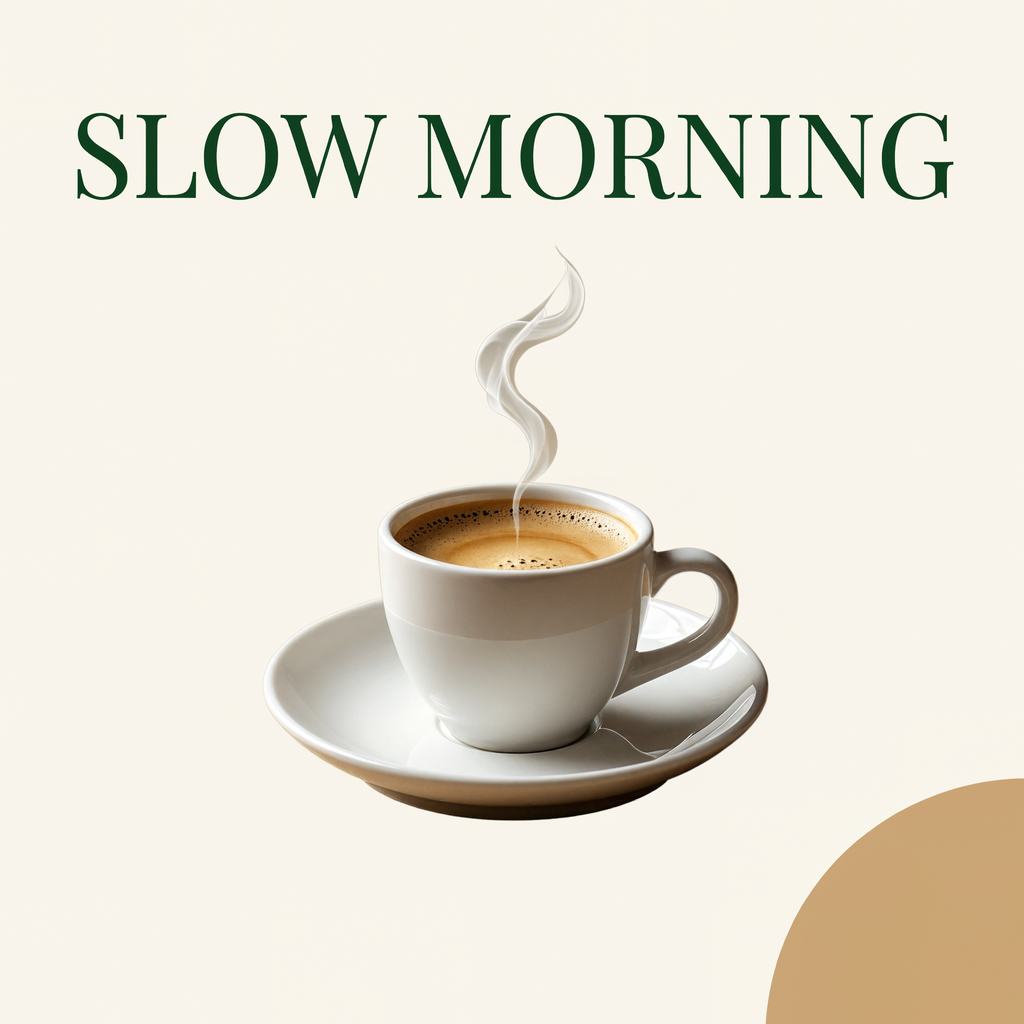
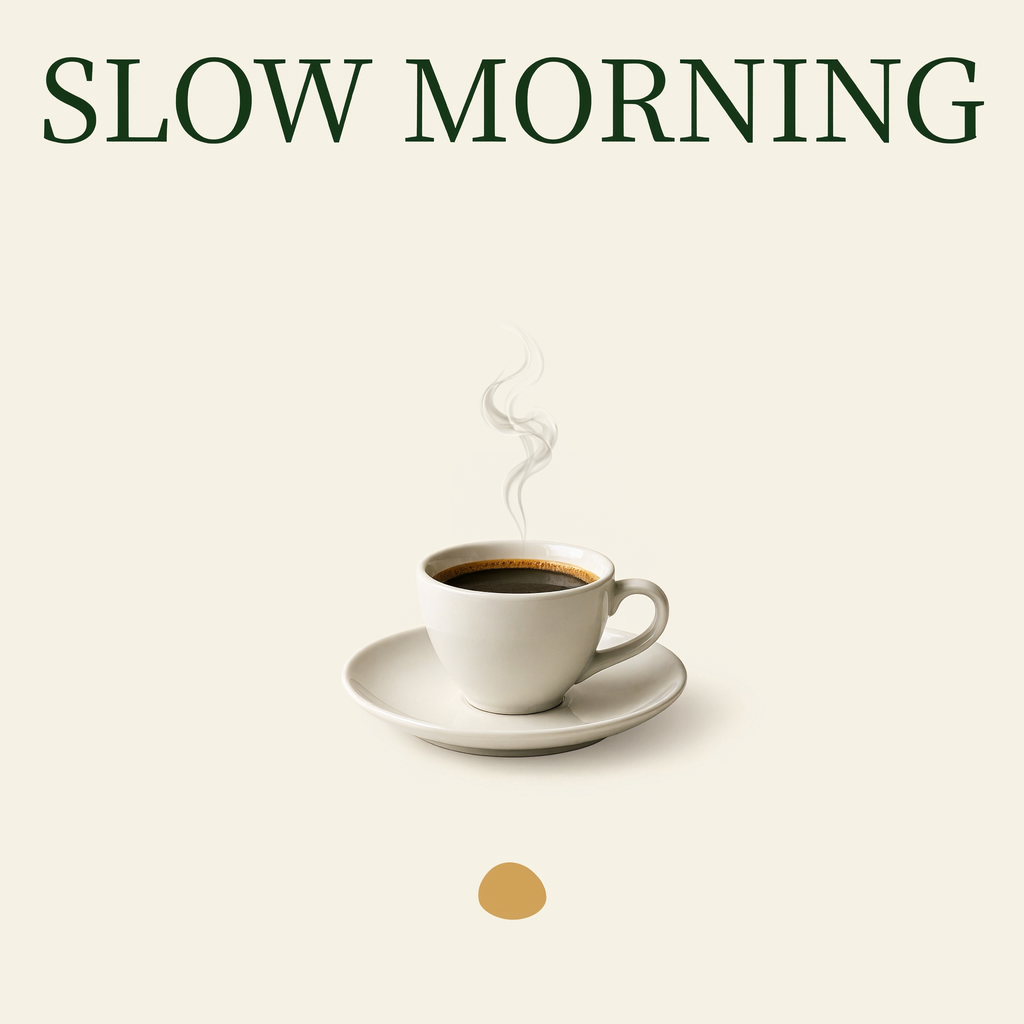
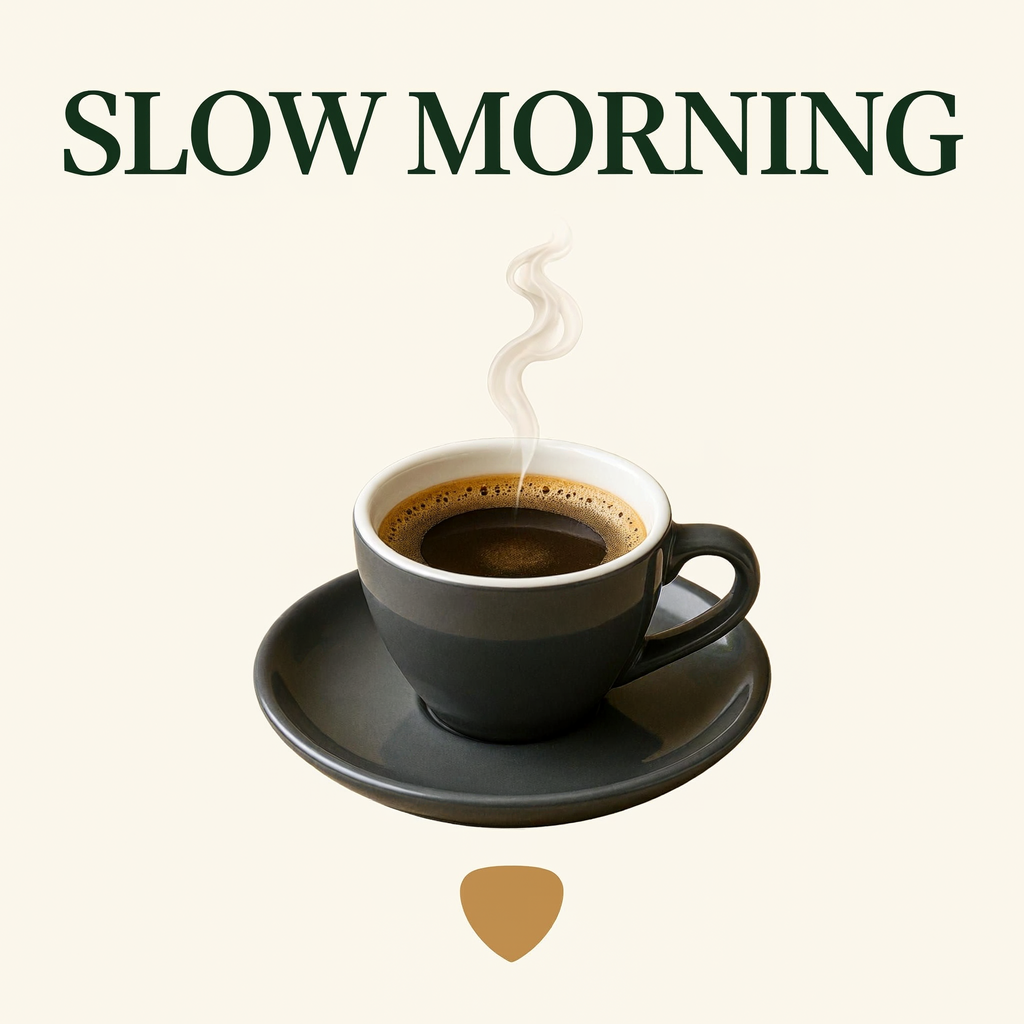
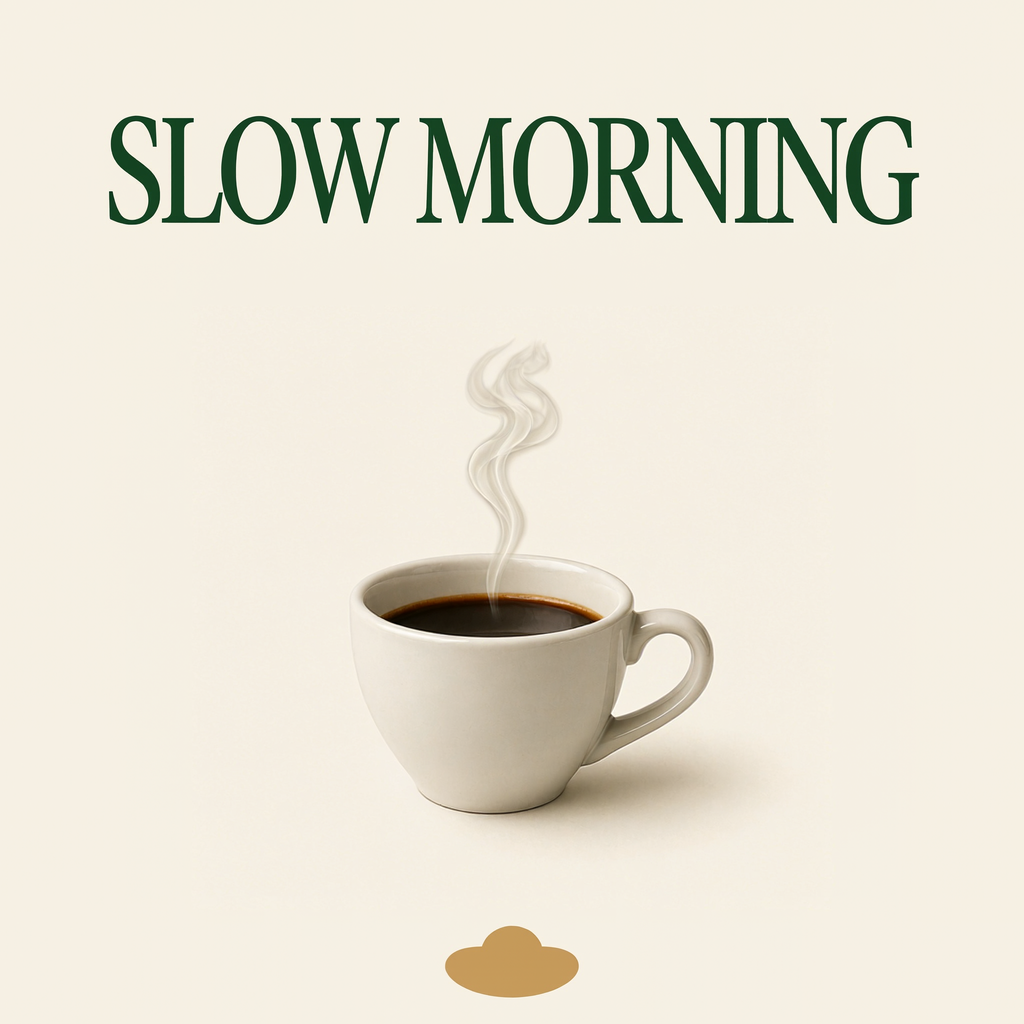
Current quote per image: 20 creditsOriginal batch total: 200 credits · n=10
Exact prompt and settings
1:1 · 1K · PNG · n=10 · 0 Reference inputs · Prompt expansion off
Current quote: 200 credits
Create one clean square coffee campaign concept: cream background, one tasteful espresso cup with a small steam curl, dark forest-green serif headline reading exactly "SLOW MORNING" across the top, one soft ochre accent shape. Professional restrained graphic design with generous whitespace. One cup only, no other words, no logos, no watermark.
Loads a draft only. No generation starts automatically.
About these examples and source files
This page presents selected creative applications from an original test record of 14 requests and 28 images. Images are unretouched; previews are resized. The downloadable record retains every output, its original prompt and settings, including the additional technical tests.
The examples use fictional campaign concepts. Open the original files to explore the details, then use your own text, references and target dimensions to develop your version.
- Recorded requests
- 14
- Original outputs
- 28
Give your next visual a larger starting canvas
Choose a banner, poster or focused edit above. Load its prompt and settings, add your own brief, then review the current quote in the generator.
MiniMax H3 Image ↗