AI Halloween Photo & Costume Generator
Turn your photo into a zombie, vampire, witch, ghost or trick-or-treat family look that is still you. Up to 4K.
Tap to uploadDrop image or click
JPG · PNG · WebP
Preview Examples
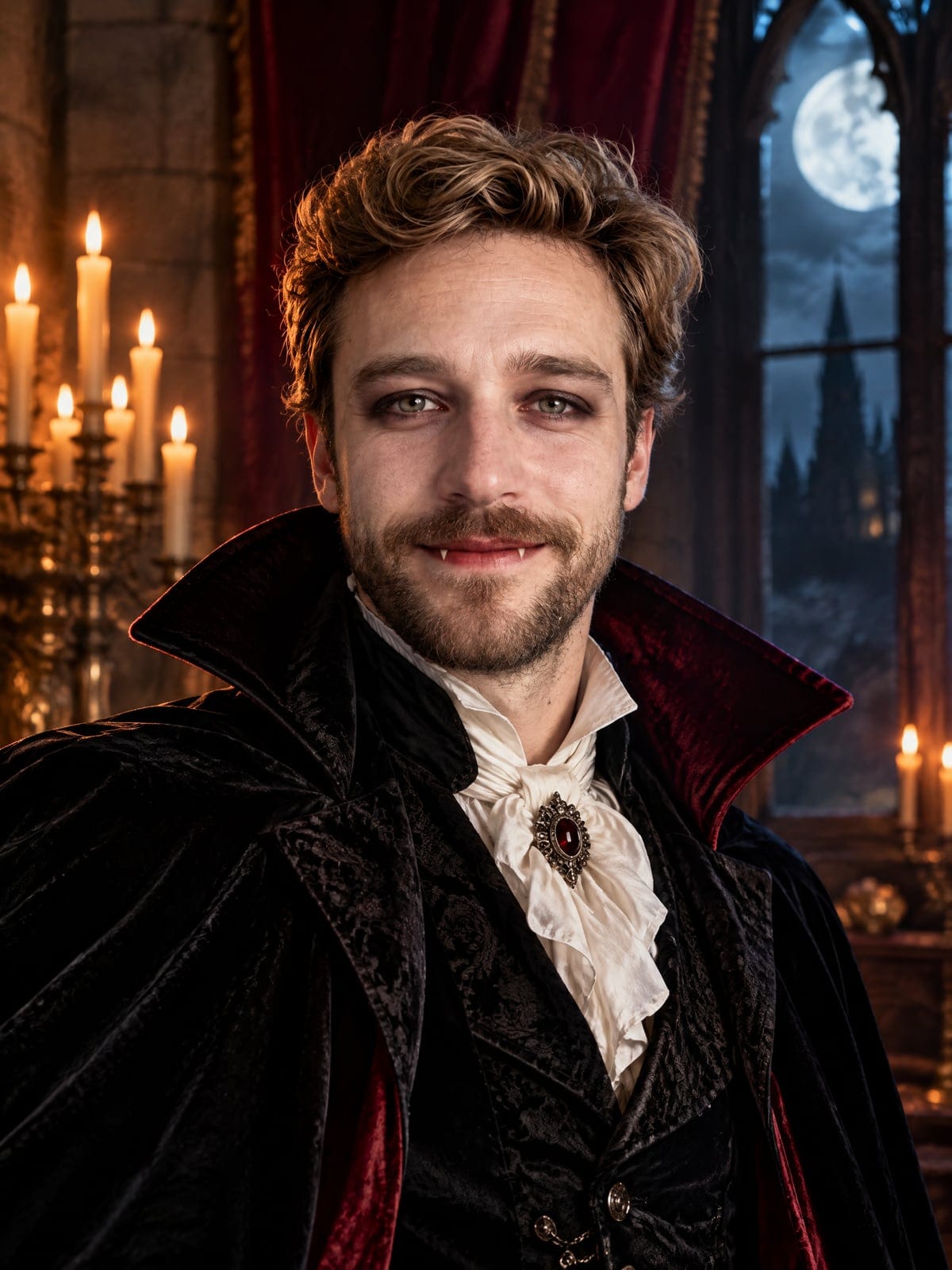

Drag the slider to compare
What is the AI Halloween Photo & Costume Generator?
A tool that turns one photo — a single person, a pet or a whole group shot — into a Halloween look: zombie, vampire, witch, skeleton face paint, ghost, werewolf, lab monster, pumpkin royalty, haunted portrait, trick-or-treat family, pet costume, or a "surprise me" costume the model picks. Faces stay recognisable.
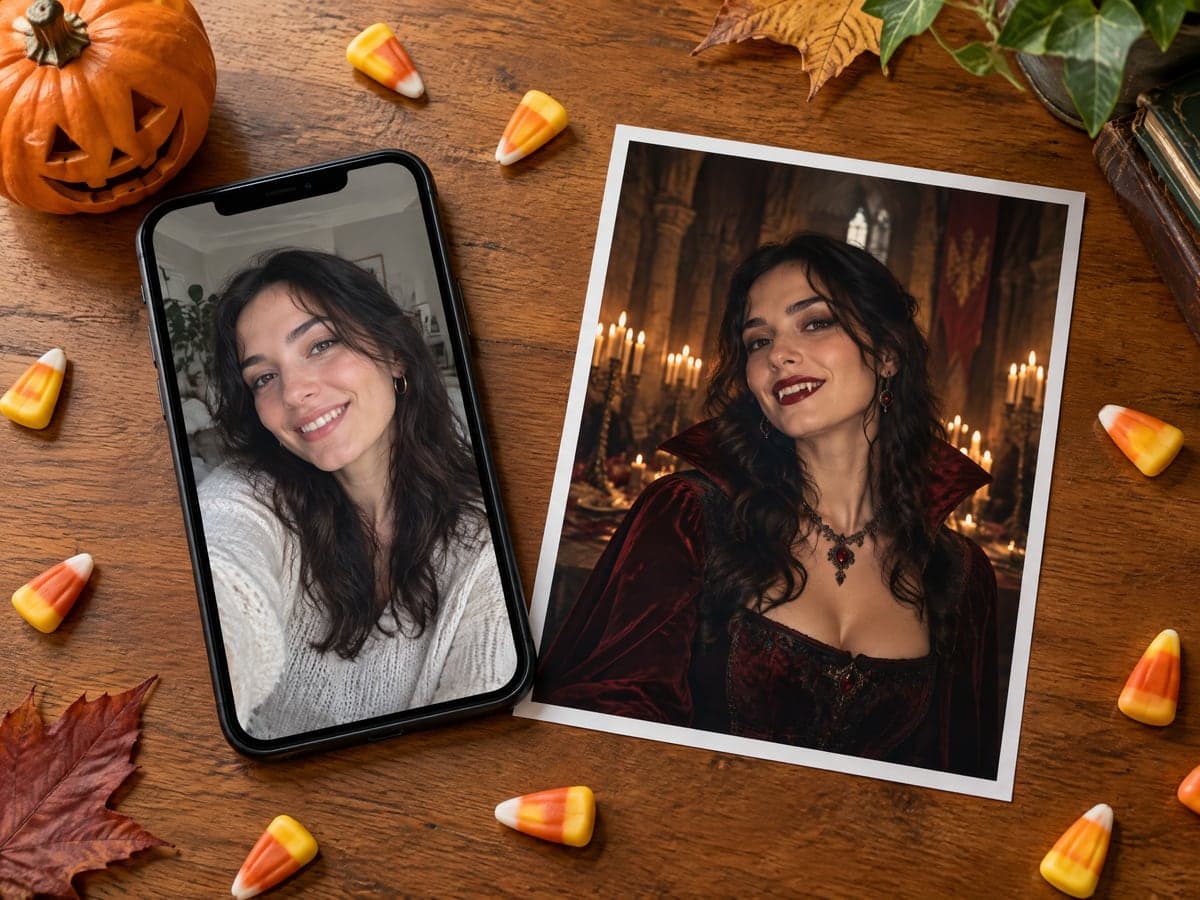
Why Our AI Halloween Photo Still Looks Like You
Professional quality, privacy protected, instant results
Still Looks Like You
Your face structure, eyes, skin tone, hair and build come from your photo. Only the costume, makeup and scene change.
Fit Everyone in One Shot
Start from a group photo or add people and pets in extra slots. Nobody gets invented and nobody gets left out.
Turn It Into a Halloween Video
Every result has a one-click path to the Halloween video maker, where your photo becomes a zombie awakening or vampire reveal.
See What You Can Make With an AI Halloween Photo
Perfect for various professional scenarios, instant and secure
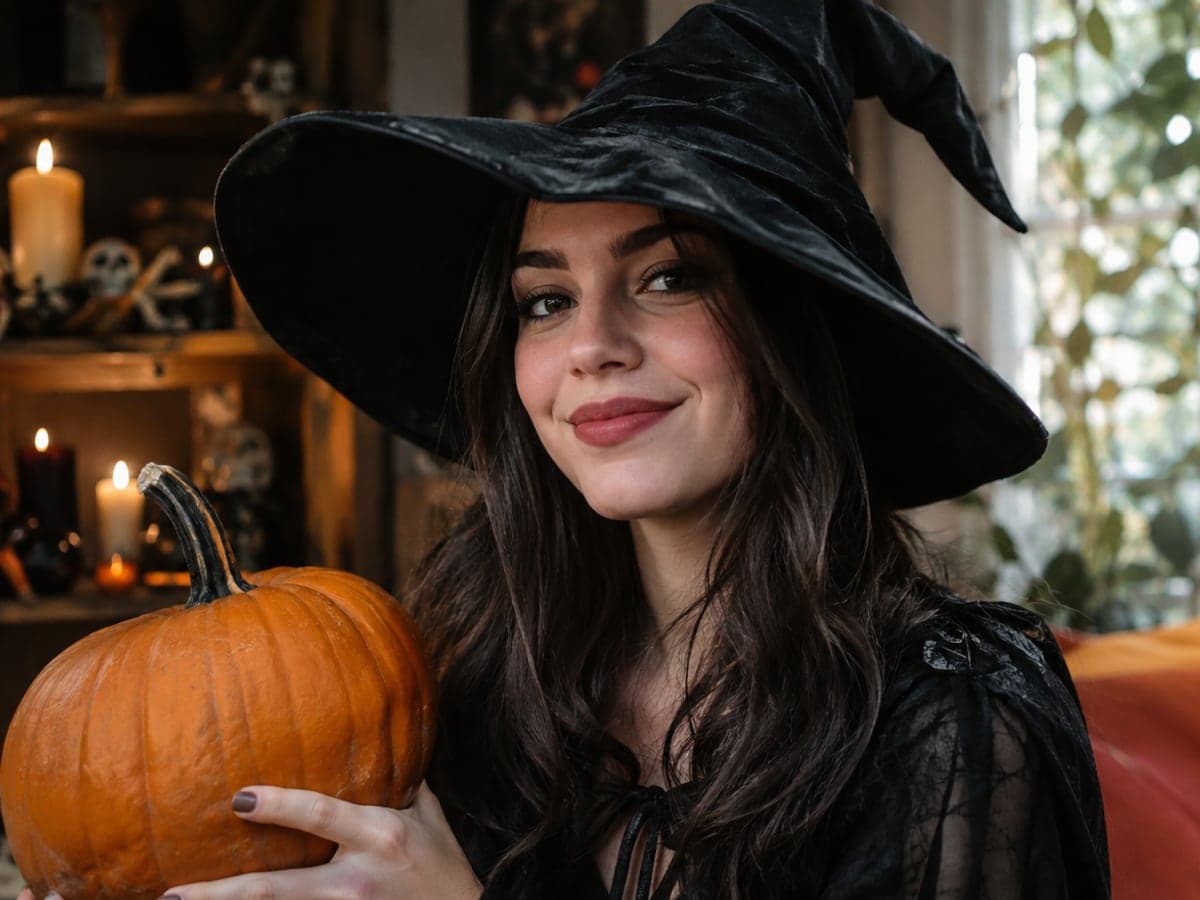
Get a Profile Picture for the Month
Choose the square format and get a vampire, witch or skeleton avatar that is clearly you. Your friends will recognize you in the group chat. Try a face swap
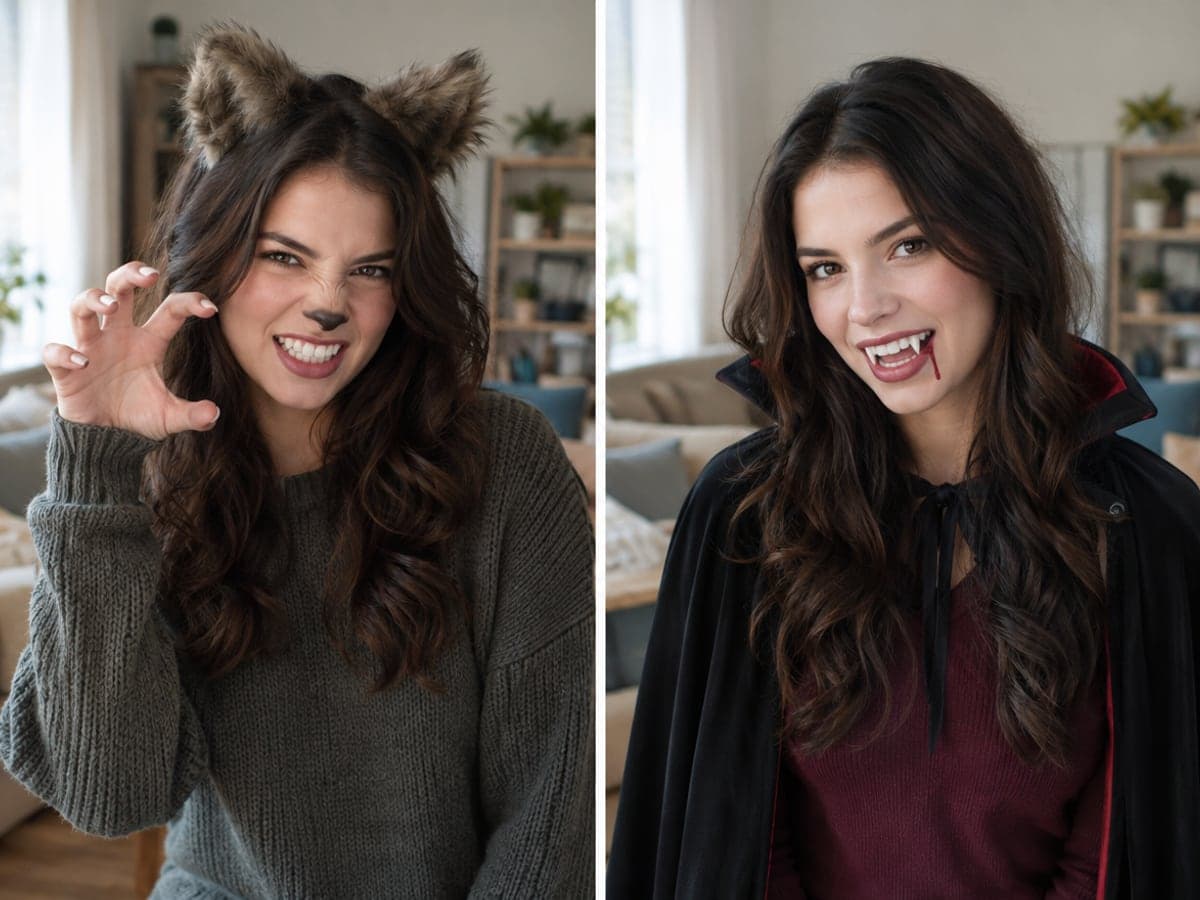
Try a Costume Before You Buy It
Torn between werewolf and vampire? Generate both from the same photo and see which suits your face before you spend money on the real costume. Animate your favorite look
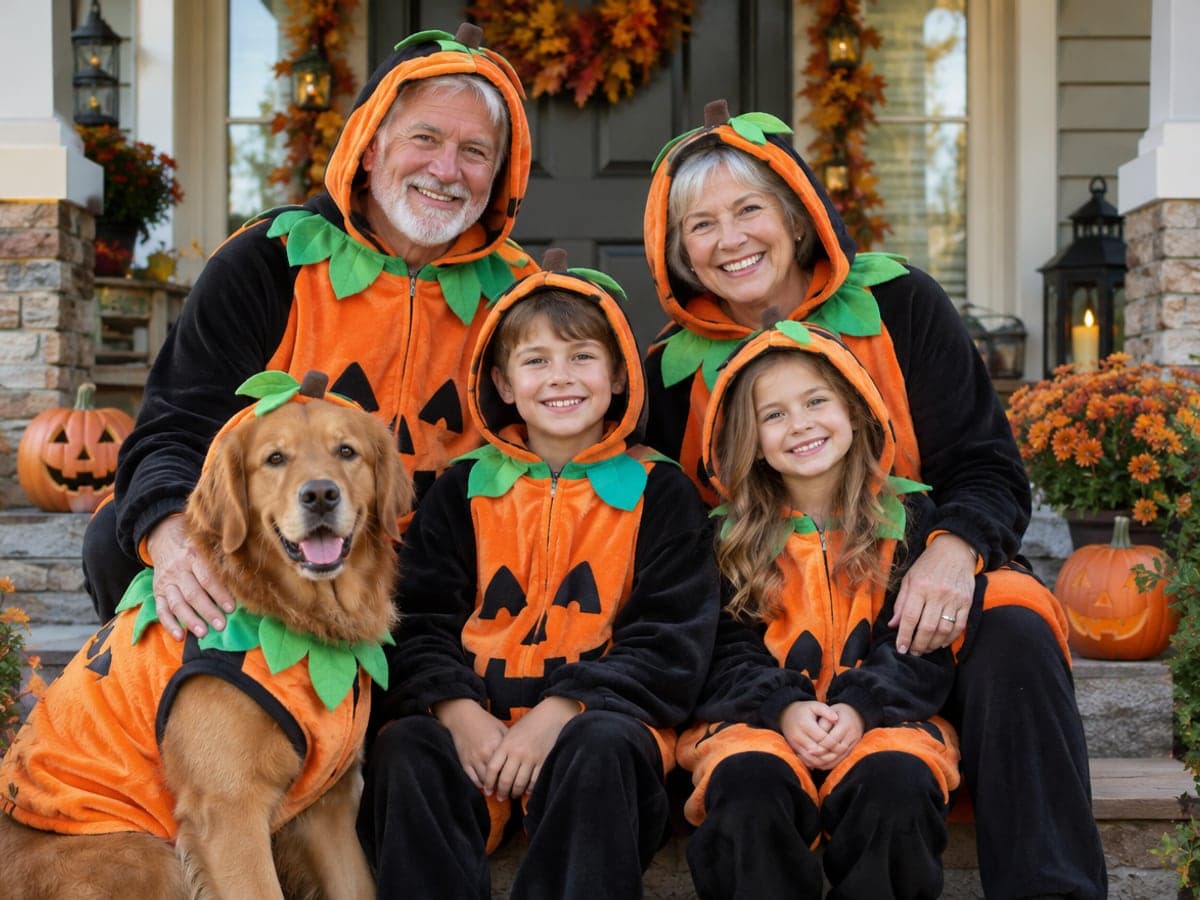
Make the Family Halloween Photo
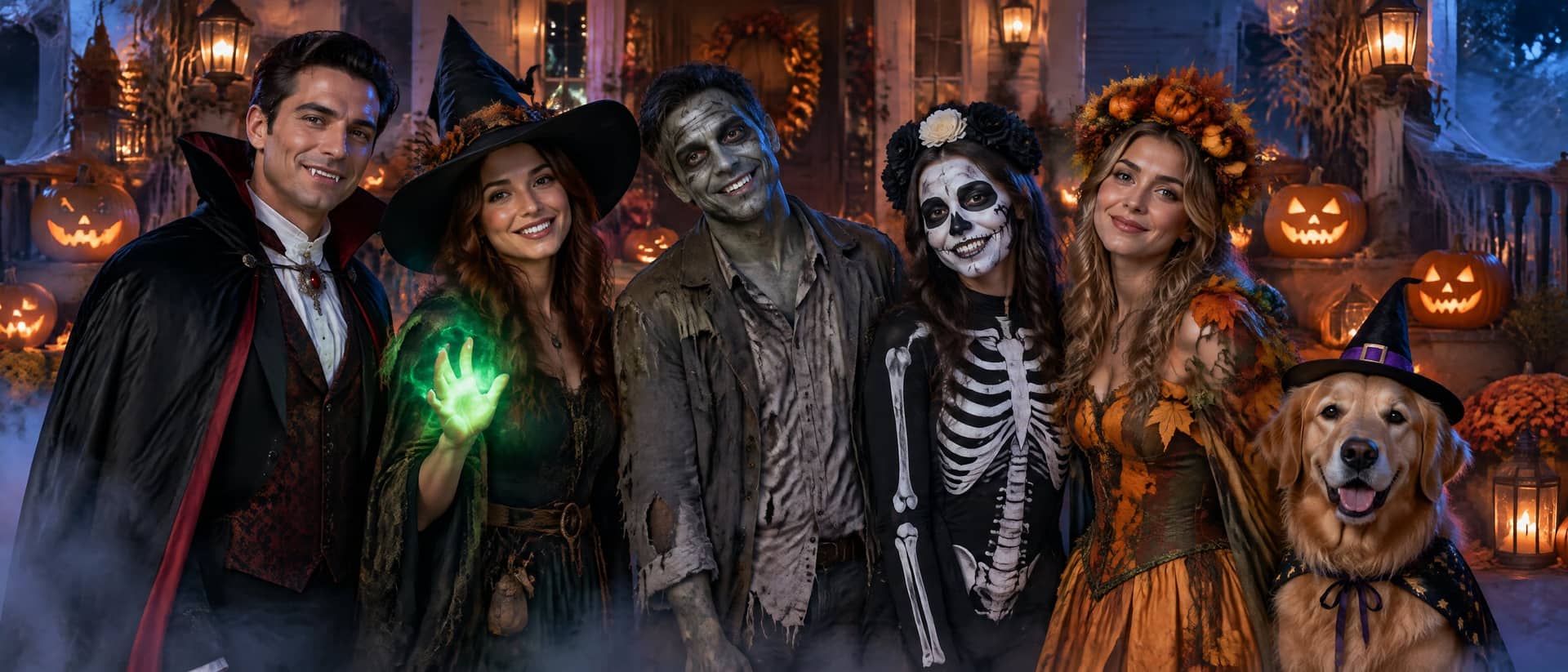
Upload one group shot with the kids, grandparents and the dog. Everyone appears in matching trick-or-treat costumes on a decorated porch, cozy rather than scary. Plan your holiday card
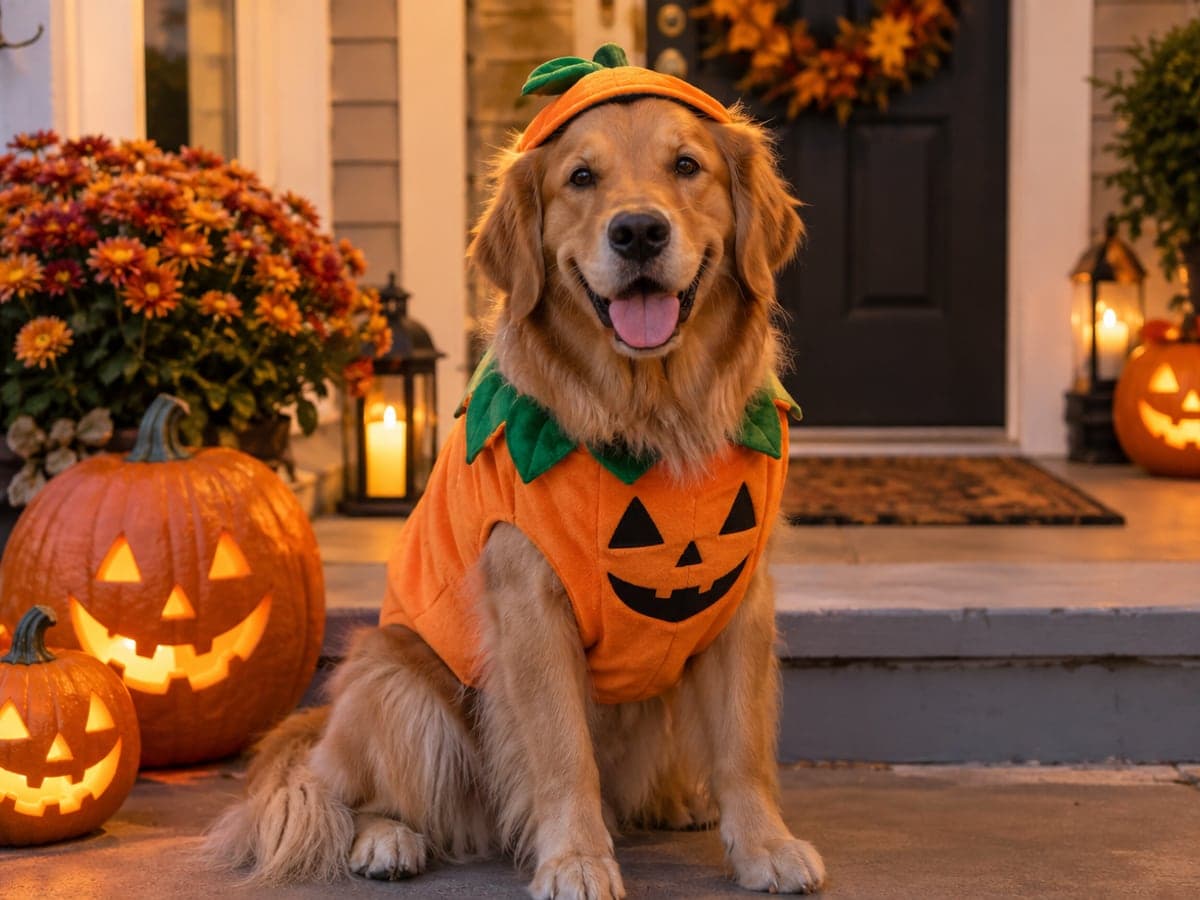
Dress Your Pet for Halloween
Upload a photo of your dog or cat and pick the pet costume look. Your pet keeps its own face and coat, with no costume to wrestle on. Make a pet portrait
Who Uses AI Halloween Photo & Costume Generator
Four ways people use it every week
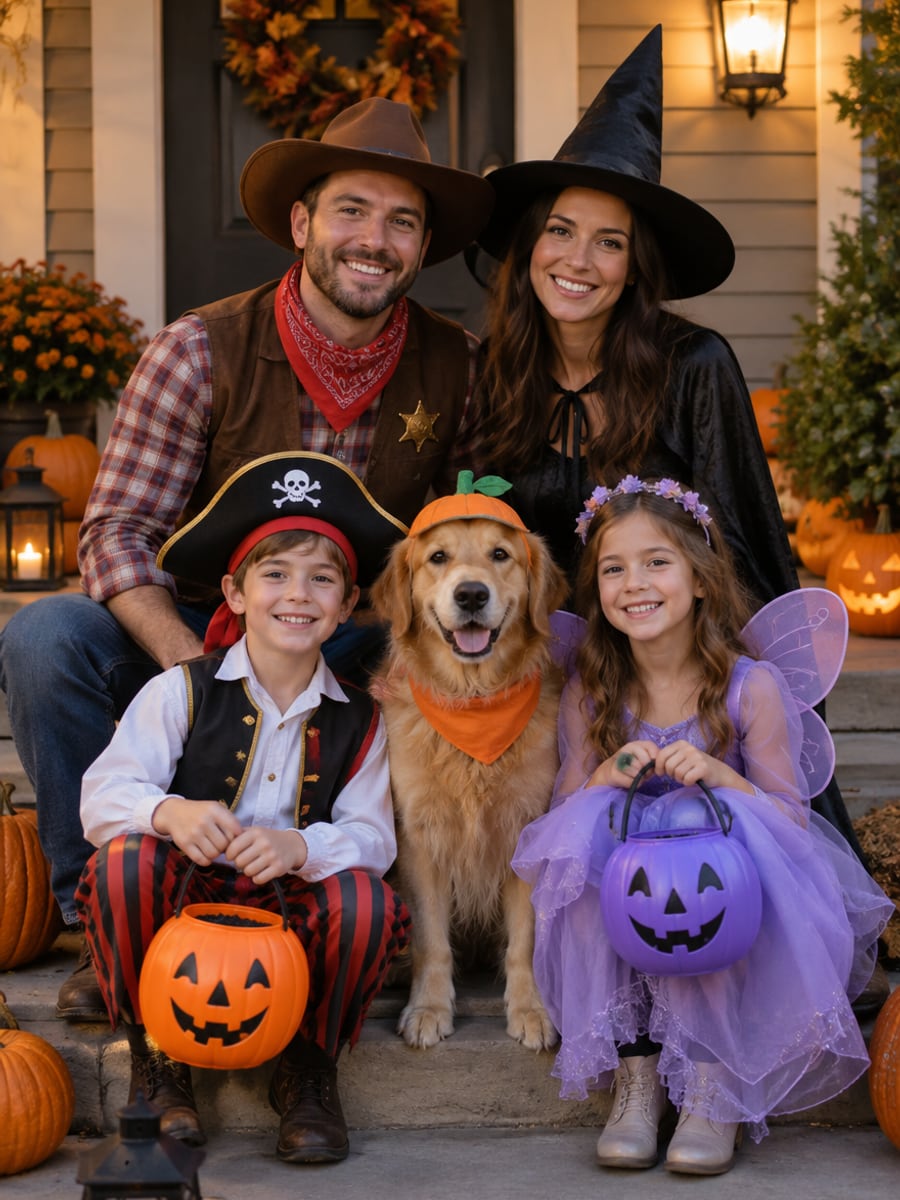
Get everyone in costume without a single fitting
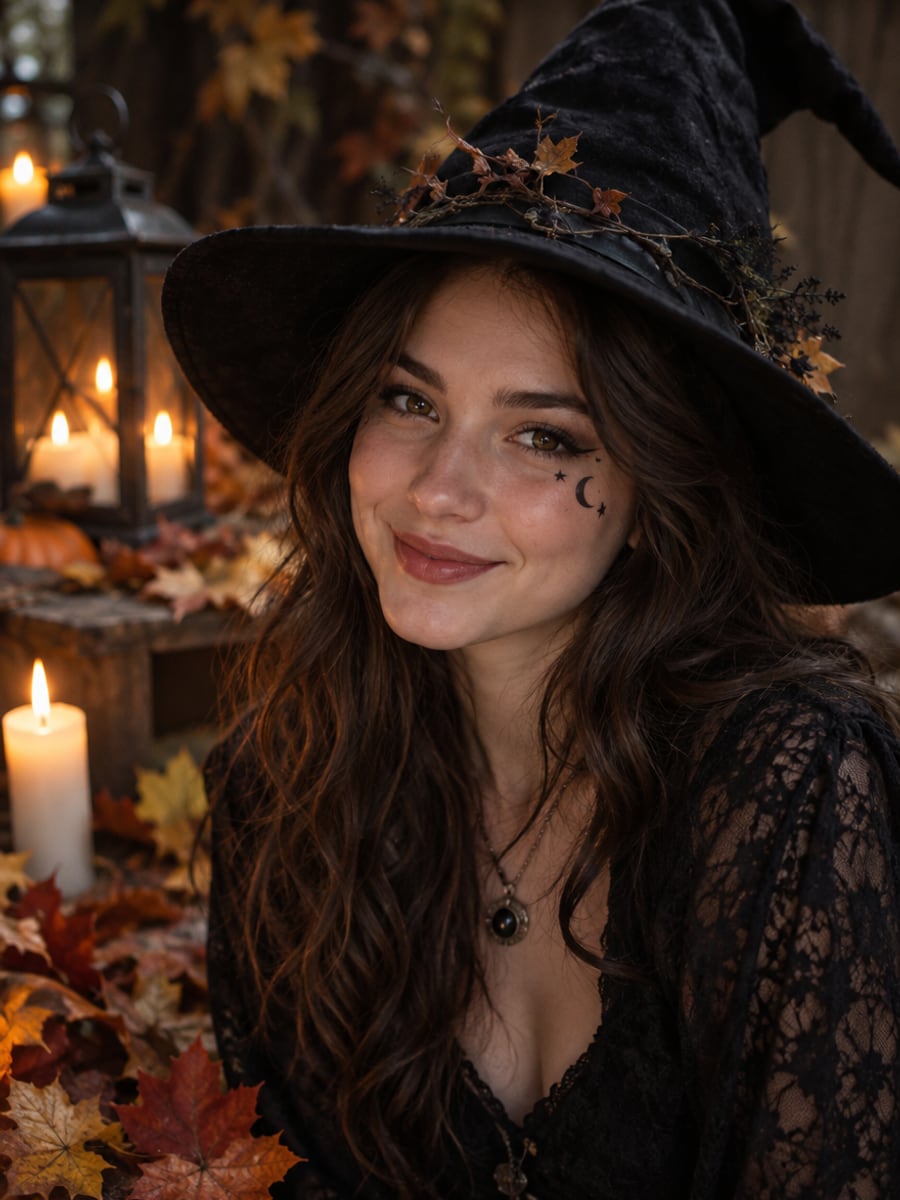
Post a new Halloween look every day in October
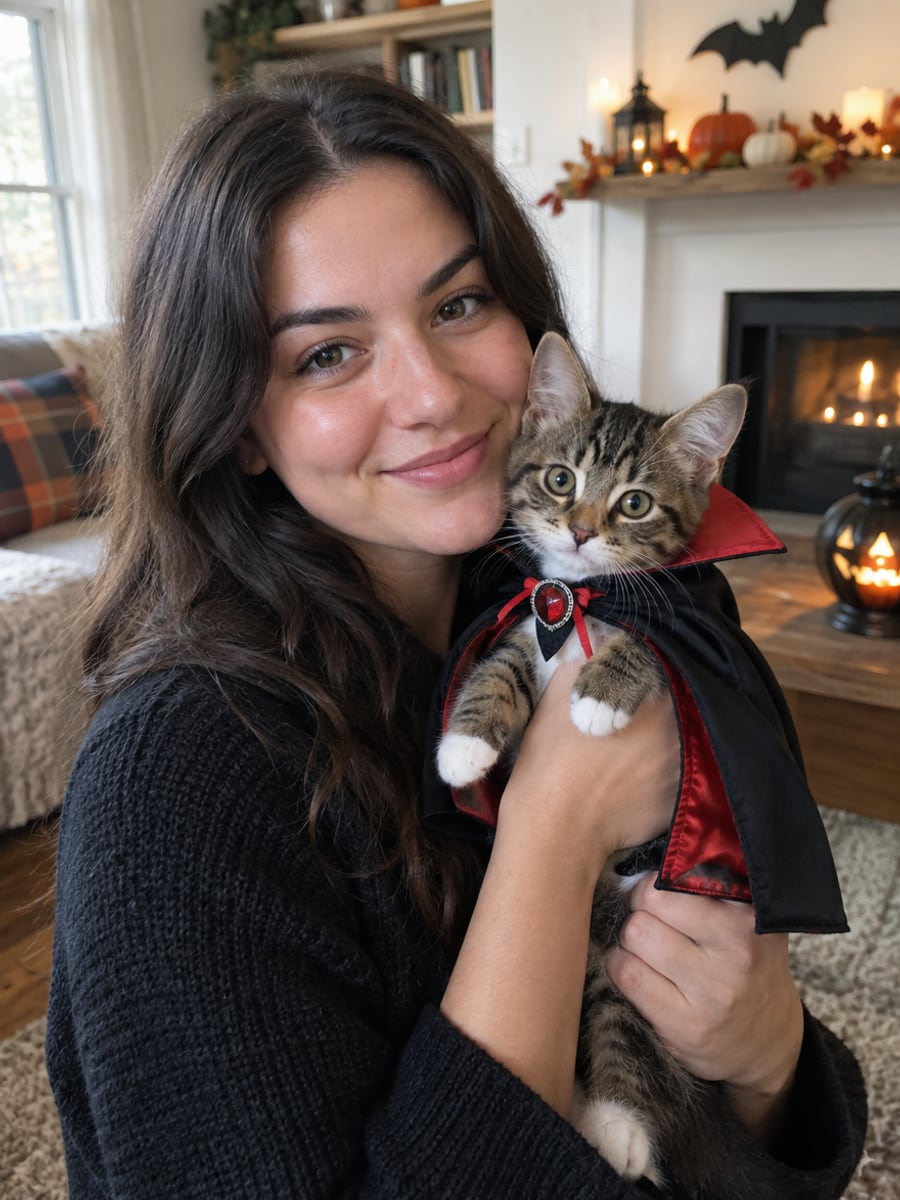
Put your pet in a costume it will tolerate
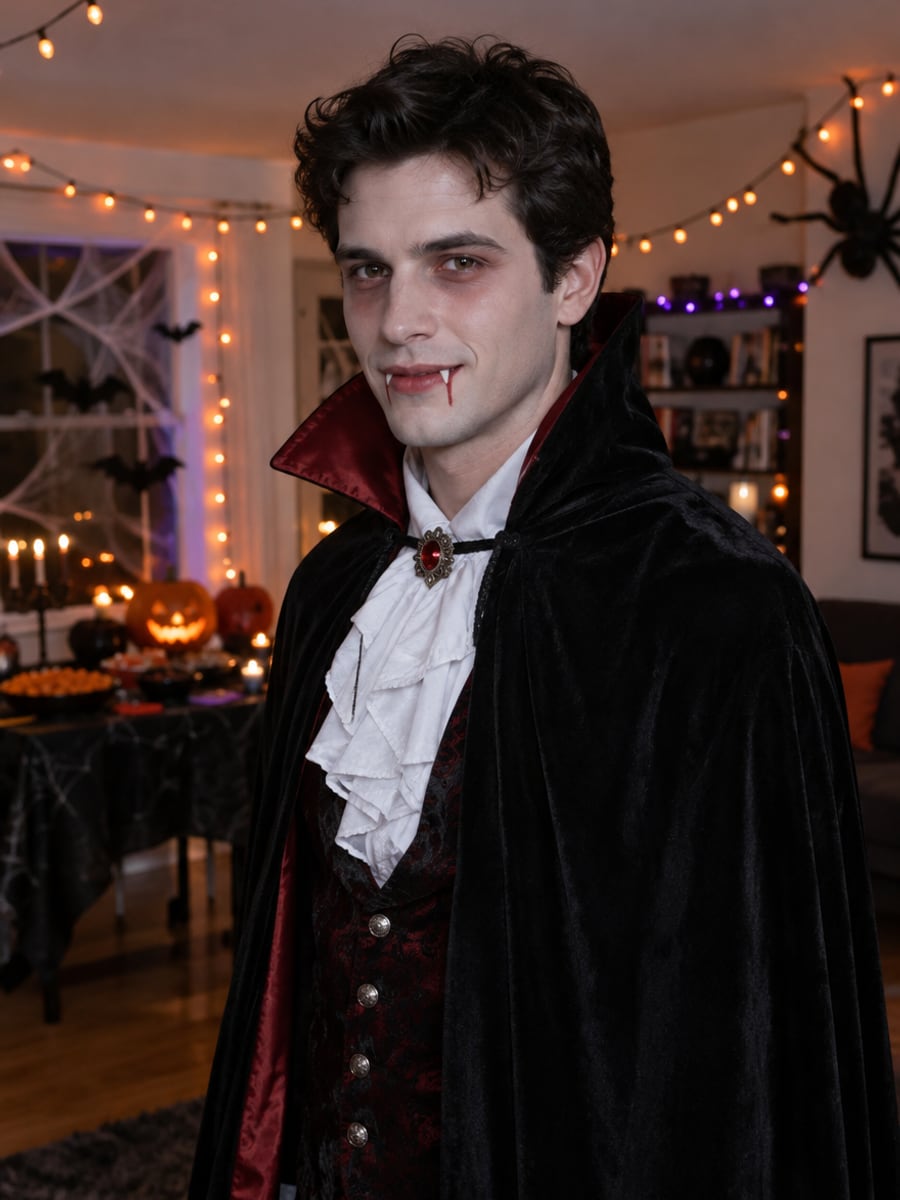
Test costume ideas before the party invite goes out
How to Create a Halloween Photo with CreateVision
Upload your photo, select a style, and download your professional result instantly
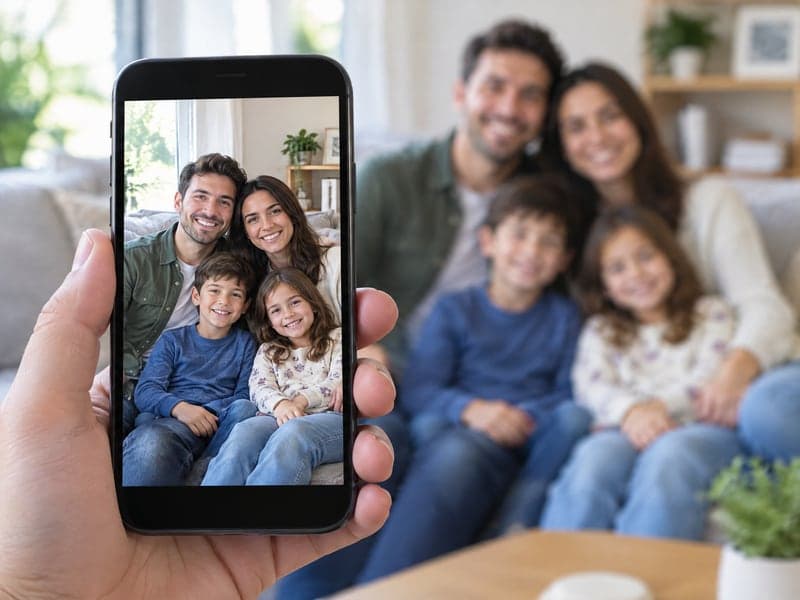
Upload a Photo
Use one person, a pet or a whole group photo. Add more people in the optional slots if they were not in the shot.
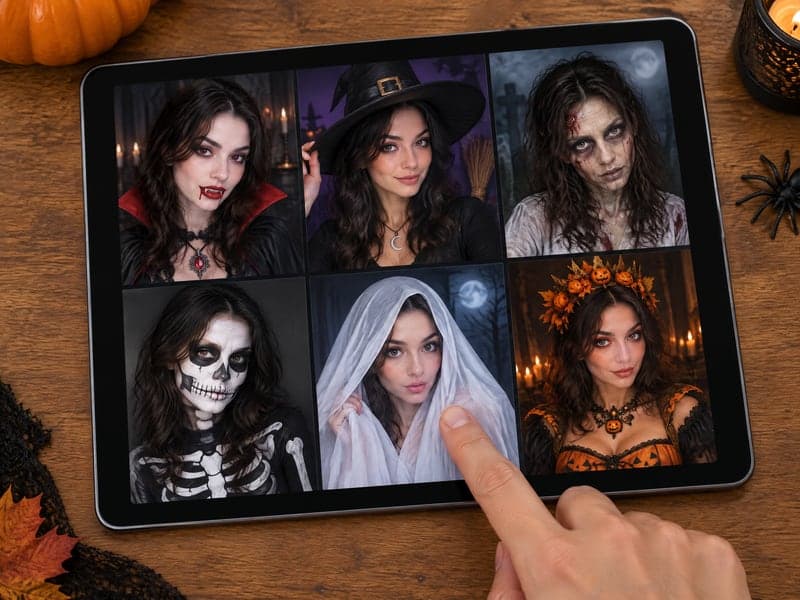
Pick a Look
Choose zombie, vampire, witch, skeleton, ghost, werewolf, pumpkin royalty, trick-or-treat family, pet costume or "surprise me". Then adjust intensity, setting and format.
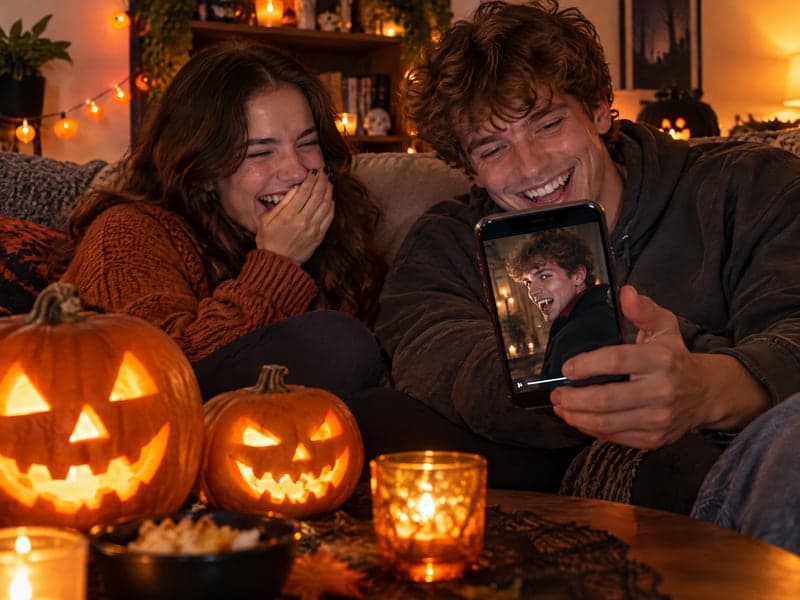
Download or Animate
Download your Halloween photo, or send it straight to the Halloween video maker for a short clip.
The All-in-One AI Creation Platform
One account for images, videos, an AI agent that works for you, expert AI mentors and 80+ ready-made tools.

AI Image & Video Generator
Every leading model in one workspace: Seedream, Nano Banana, GPT Image, Seedance, Veo and more.
Open
Ava, your AI creative agent
Describe what you need and Ava plans, generates and iterates for you.
Open
80+ AI tools
One-click tools for photos, videos, cards, portraits and viral trends.
Open
Template library
Thousands of ready prompts and styles to start from.
Open
Studios
Portrait, marketing, poster and cinema studios for finished work, not single shots.
Open
AI model library
Compare and pick the right image or video model for every job.
Open
AI mentors
Learn from expert mentors in photography, design and video, then create with their guidance.
Open190K+ creators
Using CreateVision to create and share
AI Halloween Photo and Costume Generator FAQs
An AI Halloween photo is your own picture turned into a Halloween look by AI. Our generator turns one photo of a person, a pet or a whole group into a zombie, vampire, witch, skeleton face paint, ghost, werewolf, lab monster, pumpkin royalty, haunted portrait, trick-or-treat family or pet costume look. You can also pick "surprise me" and let the AI choose. Faces stay recognizable.
The best one keeps you looking like you. CreateVision locks your face structure, eye shape, skin tone, hair, build and age from your photo, so only the costume, makeup and scene change. It handles group photos and pets, offers twelve looks, and every result can go straight into a Halloween video.
You upload a photo, pick a look and adjust intensity, setting and format. The AI keeps your identity from the photo and paints on the costume, makeup and scene. A clear, front-facing, well-lit photo gives the closest match.
Yes. Upload a group photo as the first image and everyone in it appears in the result, or add people and pets in the extra slots. The Trick-or-Treat Family and Pumpkin Royalty looks are designed to be cozy rather than scary, and the Subtle intensity keeps makeup light.
You choose one of two style engines. Identity is the default at 50 credits and Natural costs 70 credits per photo. If you sign up with Google you start with 200 free credits once, which is enough to try a few looks. A failed generation is refunded.
Yes, you can post and print your results. Free accounts download with a small CreateVision mark, and subscribers and credit-pack buyers can turn it off. Only upload photos of people who have agreed to be in them.
Choose the Subtle intensity for light costume and makeup, or pick a friendly look such as Trick-or-Treat Family, Pumpkin Royalty or Pet Costume. None of the looks include gore, blood or weapons.
Make an AI Halloween Photo That Is Still You
Pick from twelve looks for yourself, your family or your pet, and keep your face in every costume.
Related Tools You Might Like
Explore more AI creative tools