Tap to uploadDrop image or click
JPG · PNG · WebP
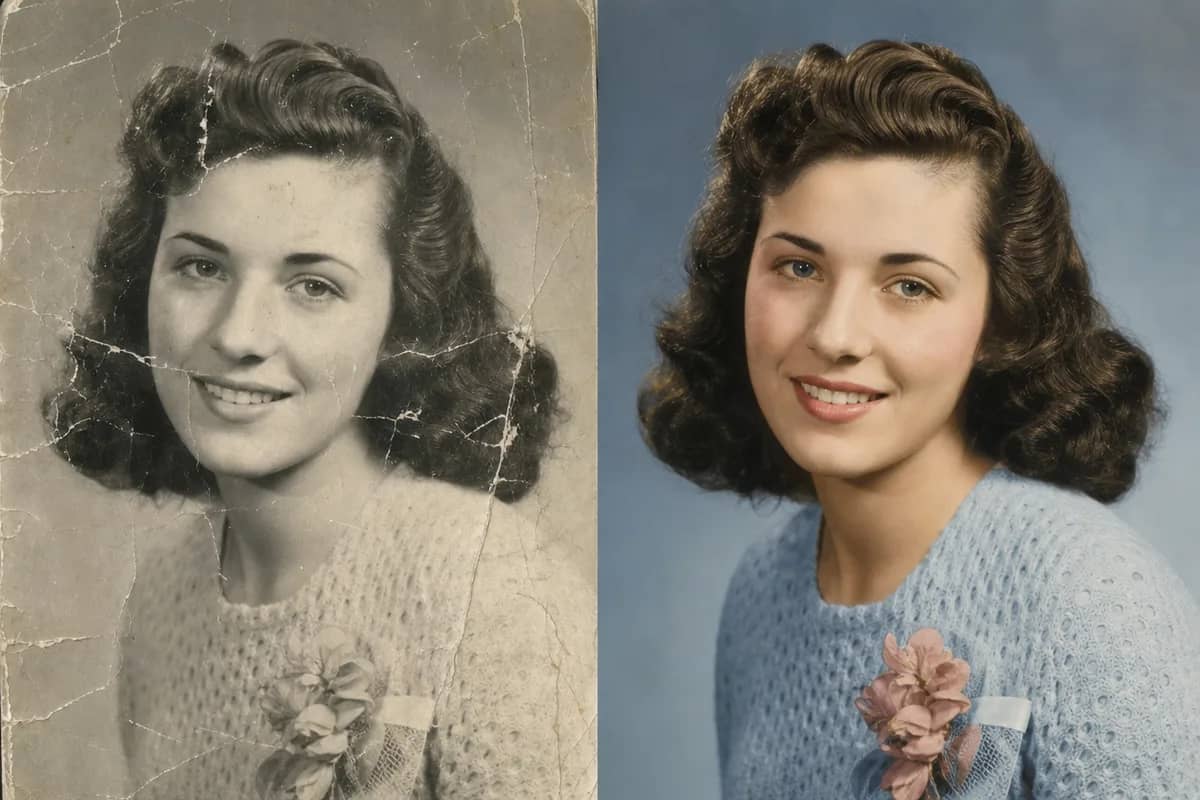
One photo is all it takes. Scanned prints, phone snaps of a print, black-and-white or faded color all work — sharper is better. Restore it first with AI Old Photo Restoration if it is torn or badly faded.
Preview
Why Do Old-Photo Animations Usually Go Wrong?
We built this around the three things people complain about most after trying other tools.
"It made my grandmother look like a stranger — smoother, younger, someone else."
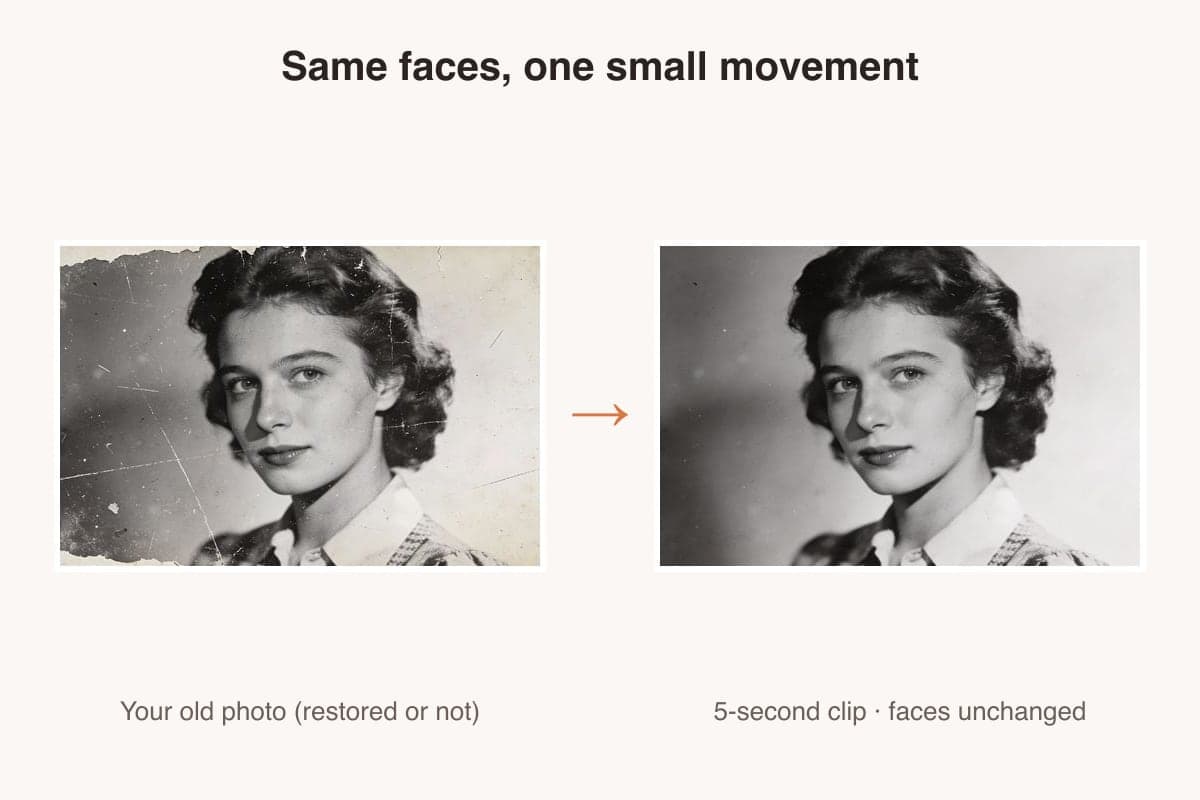
The photo is the identity anchor: faces keep their exact features, and the presets only add a blink, a smile or a breeze — check the samples above.
"Failed generations burned my credits with nothing to show, and support never answered."
If a generation fails or is refused, your credits are refunded automatically — every time, no ticket needed.
"It looked free until I uploaded my photo — then came the paywall and the watermark."
Pricing is on the page: 45 credits for a 5-second Grok clip, 75 with Seedance Mini, 550 with Seedance 2.5 — and a failed run is refunded automatically.
Animating old photos: Deep Nostalgia vs this tool
MyHeritage Deep Nostalgia is what most people mean when they say “animate old photos”. Here is what each one actually does, so you can tell which fits the photo you have.
| What you are comparing | MyHeritage Deep Nostalgia | Animate Old Photos (this tool) |
|---|---|---|
| What moves | The face. MyHeritage describes it as animating the faces in a family photo. | The frame. A blink and a soft smile, or a summer breeze through the whole shot — depending on the preset you pick. |
| How much you choose | Driver animations licensed from D-ID are applied to the face. | Eight presets: family portrait, studio portrait, couple portrait, summer day, glamour, vintage car, gentleman, sepia study. |
| Watermark on the result | Not stated on the public product page, so we are not going to claim it either way. | None, on every plan. |
| What you get back | A short looping animation of the face. | A 5-second MP4 you can download and post as is. |
| Before you see a result | A free MyHeritage account is required; photos uploaded without finishing signup are deleted. | A CreateVision account, from 45 credits per clip, and failed runs are refunded. |
Everything in the Deep Nostalgia column comes from MyHeritage’s own public product page (checked 2026-09-12), which states that it animates faces in family photos, requires a free account, and is licensed from D-ID. Anything we could not verify there, we left out.
What does animating an old photo mean?
AI Old Photo Revival turns one old photograph into a five-second video with Grok Imagine 1.5. The photo itself is the identity reference, so every face stays exactly as it was; the eight presets only add the small movements a real moment would have — a blink, a smile, a breeze through the hair, a slow turn toward the camera. Black-and-white, sepia and color prints all work, restored or not.
8 Revival Presets, Real Results
Every clip below was generated by this tool from a restored old photo — same prompts you'll use, first take, no cherry-picking.
Family Portrait
The whole group comes alive at once — a smile from grandpa, a glance between the parents, a fidget from the kid. The preset for shoebox group shots.
Studio Portrait
A black-and-white studio print that blinks, catches the light and almost smiles. Monochrome stays monochrome.
Couple Portrait
Two people in a formal portrait share one small glance and settle back — the wedding-photo preset.
Summer Day
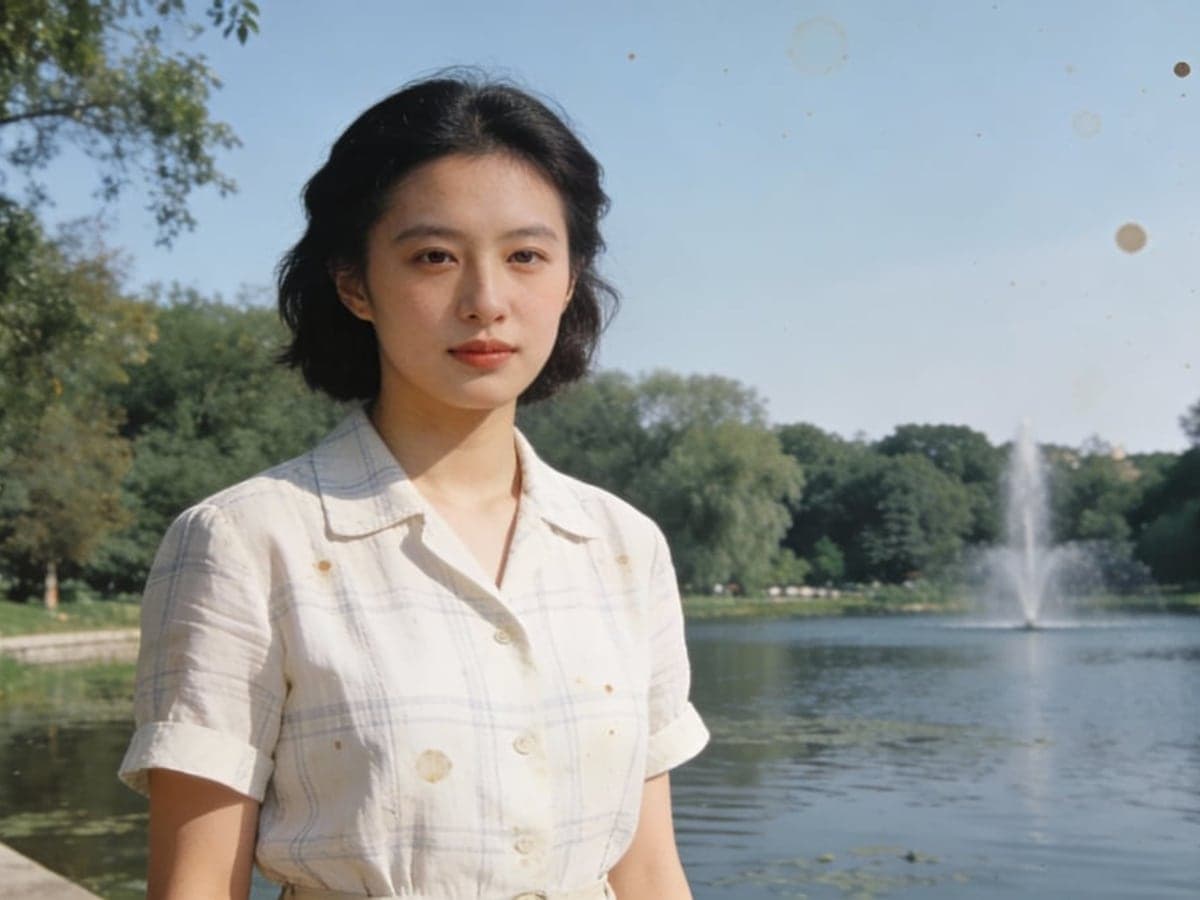
Outdoor snapshots get a breeze in the hair and a background that moves. The preset for holiday and park photos.
Glamour Portrait
Hand-tinted studio glamour from the 40s and 50s, with a widening smile under soft light.
Vintage Car
Not every old photo has a face. Cars, houses and streets get leaves, light and a slow orbit instead.
Gentleman Portrait
A sepia close-up that breathes and lets a knowing smile through. Minimal, dignified motion.
Sepia Portrait
A warm close-up print with bokeh behind — a slow blink and a drifting strand of hair, border untouched.
What animating an old photo actually moves
Made for everyday people, not editors.
Faces Stay Themselves
The photo is the identity anchor: every face keeps its exact geometry, hairstyle and skin tone through the motion. No smoothing, no new people, no drifting features.
Actually Free to Try
New accounts get 200 free credits — enough to try a 5-second Grok clip. No credit card, no trial trap.
No Watermark, Any Plan
Every clip downloads clean — free accounts included. Share it in the family group without a logo on grandma's face.
Any Photo Shape
Portrait prints, landscape group shots, square Polaroids — the clip follows the photo's own aspect ratio, and 9:16 is one tap away for Reels.
Gentle by Design
Eight presets that only add what a real moment would add — a blink, a smile, a breeze. Nothing acts, nothing performs.
Restore First, Then Revive
Torn or faded? Run AI Old Photo Restoration first, then send the result straight here. Both tools share the same account and credits.
Whose old photos people bring back
Real moments, ready to share — pick the one that fits.
Family Archive
Turn the shoebox of prints into short clips the whole family will actually open — one per photo, five seconds each.

A Gift for Grandparents
Their wedding portrait smiling back at them is the kind of gift nobody else will think of. Print a QR code next to the frame.

Family History Projects
Ancestry albums, reunion slideshows, school or town anniversaries — animated portraits hold attention where scans get skipped.

Reels & TikTok
The old-photo-comes-alive format runs every week. Vertical export and no watermark mean it is ready to post as it downloads.
Bring an old photo to life in 3 steps
Three small steps to a video you'll actually want to send.

📷Step 1:Upload your photos
Add 1–2 clear, front-facing photos. Higher resolution gives better results.

🎬Step 2:Pick a scene
Choose a one-click scene preset, or write your own short prompt.

✨Step 3:Generate & download
Click Generate and grab a 6-second MP4 in about two minutes.
Animate Old Photos
Upload one old photo — black-and-white, faded or already restored — and pick how it should come alive: a soft smile, a slow blink, a summer breeze. Five seconds, the faces stay exactly as they are, no watermark.
Questions about animating old photos
Yes — that is the whole point. The photo is used as the identity reference, so face geometry, hairstyle and skin tone are preserved through the motion. The presets add only small movements: a blink, a smile, a turn of the head.
By default 5 seconds, following the photo's own aspect ratio. You can pick 5, 10 or 15 seconds in video settings.
Pick a quality tier. A 5-second clip at 480p costs 45 credits with Grok, 75 with Seedance Mini or 550 with Seedance 2.5; 720p costs about twice as much. New accounts get 200 free credits. Failed or rejected generations are refunded automatically.
Yes. Black-and-white, sepia and faded color prints all work, and the clip keeps the original tone — a monochrome photo stays monochrome. If you want color, run AI Old Photo Restoration first.
You can start free: new accounts get 200 credits, enough for a 5-second Grok clip (45 credits; free accounts include one Grok video). After that, credit packs start at $9 and never expire.
No — revival clips download with no watermark on every plan, including free.
Your photos are yours to revive. We keep the presets gentle — a smile, a blink, a breath — and never put words in anyone's mouth. Generations are private by default and are not used to train anything.
Yes. Group photos work well with the Family Portrait preset: everyone gets a small natural movement and nobody is added or removed. Very small faces in a large crowd may move less.
A clear scan or a straight-on phone photo of the print, with faces at least a thumbnail in size, works best. Heavy tears, missing eyes or extreme blur should go through restoration first. Nudity and photos of minors in suggestive contexts are refused by the model before anything renders — and refused runs cost nothing.
Your credits are refunded automatically the moment a task fails or is refused — nothing to claim, nothing to email. Try a clearer scan or a different preset.
Deep Nostalgia animates the face with pre-set driver animations that MyHeritage licenses from D-ID. Here you choose what the photo does instead — a blink, a soft smile, a summer breeze, eight presets in all — and nothing is stamped on the clip at any tier. Both keep the face as it is; the difference is how much say you get over what moves.
Related Tools You Might Like
Explore more AI creative tools