
01
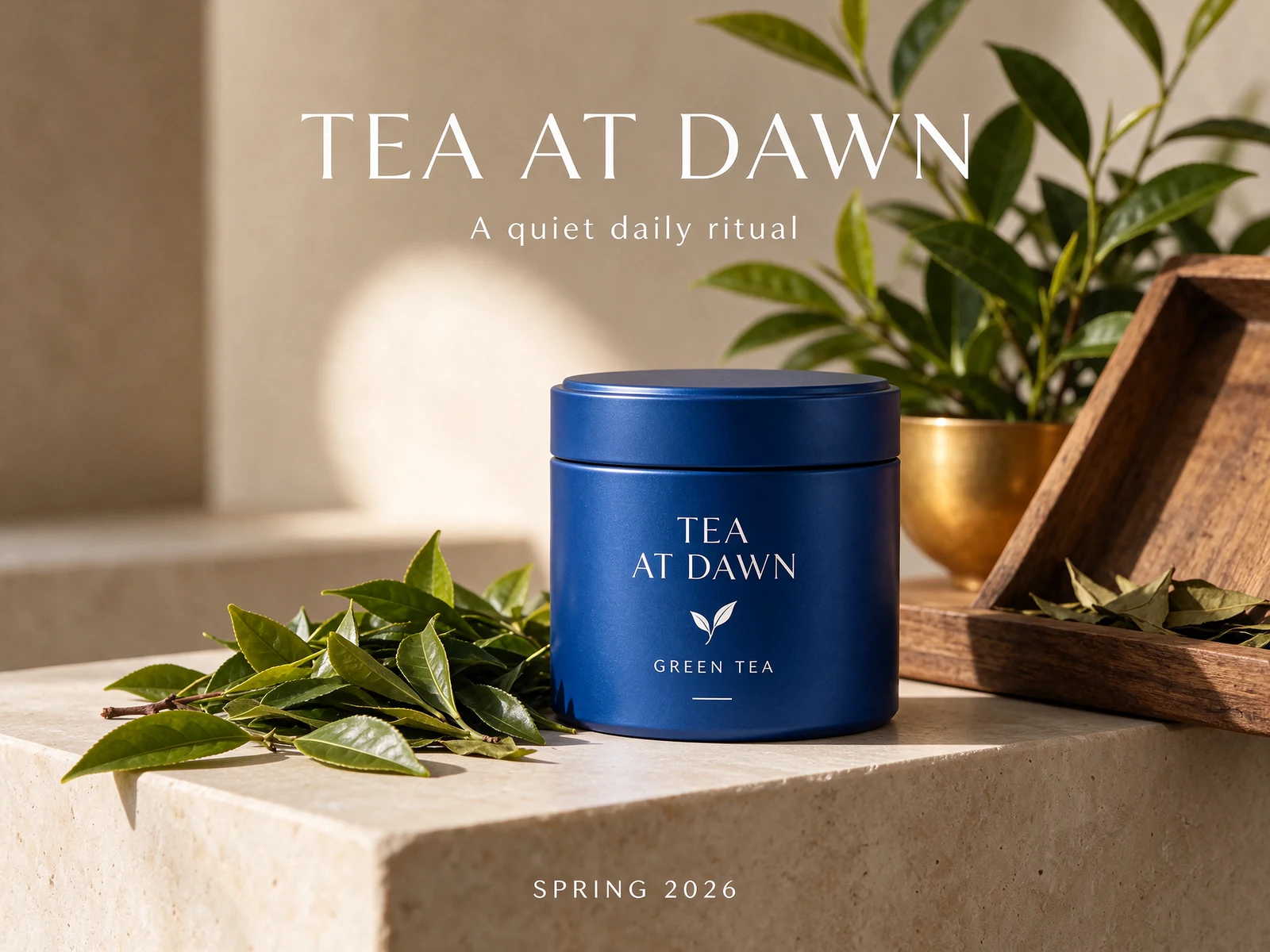
From a finished poster to reusable pieces.
Choose the base or a separate element. Open the original PNGs and inspect the text metadata rather than treating a flattened poster as an editable source document.
1555 × 1517 · PNG · z=1
This example returned one base and four transparent layers. Positions and stacking order are included in the records. Layer canvases can differ from the source; overlap and hidden detail still need review.
For these outputs: a 210-credit reservation limit and a calculated total of 135 credits including the base.
Loads a draft. Generate when you are ready.
02
Know what changes the quote.
1K and 1.5K share the same output rate. Reference images add to the quote individually. The same model tariff applies to every membership.
| Output tier | No references | 1 reference | 5 references | 10 references |
|---|---|---|---|---|
| 1K / 1.5K | 25 credits | 35 credits | 75 credits | 125 credits |
| 2K | 40 credits | 50 credits | 90 credits | 140 credits |
Exact canvases above 2,610,000 pixels use the 2K rate. One image is generated per request; 4K is not offered by this model.
Layers: reserve a limit, pay for actual outputs.
The default limit of 8 outputs reserves 330 credits: 10 for the input plus 40 for each allowed output. Completed outputs cost 25 or 40 each according to their actual pixel area, plus the input. Unused reserved credits return to your balance.
Give each round a clear job.
- 01
Create a starting point
Describe the subject, composition, light and finish. Provide exact text in quotes and choose the canvas your design needs.
- 02
Make a focused edit
Use the current image as a reference. Name one target change and the features that should remain consistent.
- 03
Prepare the deliverable
Check labels at full size, inspect alpha on different backdrops, or split the result into image layers for further work.
Real outputs, with room to inspect them.
CreateVision AI generated three new showcase images, two transparent assets and a five-step editing chain for this page. The earlier launch records add a poster, a transparent reference edit and a layer decomposition. Every original, prompt, setting and input relationship is retained.
These are illustrative workflow checks, not repeated quality trials, a model ranking or a latency guarantee. The edit source was itself generated by Seedream 5.5, which can favor reconstruction of its own imagery. Timings include network and polling overhead. Published credits are CreateVision AI quotes, not a claimed customer-wallet transaction.
- Recorded requests
- 13
- Delivered images
- 17
Recorded 12 November 2026
Make the next version yours.
Image layers are not editable PSD text. Font matches are suggestions, and decorative or handwritten text may not be recognized.
Open the layer workspace ↗