Talking Pet AI – Make Your Dog or Cat Talk
Upload one photo, type the line, pick a voice — and your actual pet says it out loud in a 6-second clip: same fur, same collar, same sofa, mouth moving with every word. No app to install — works in the browser. From 30 credits, no watermark.
Tap to uploadDrop image or click
JPG · PNG · WebP
One pet, face towards the camera, mouth visible. Dogs and cats work best; rabbits, birds and hamsters usually work too.
Your pet speaks the language of this page. Switch the site language for another one.
Message preview
Hi, I'm my pet. Yes, I can talk now. No, I will not be answering any questions about the couch cushions.
About 10s of speech · 6s video
This message may be cut off. Shorten it or choose a longer video.
Preview
What is Talking Pet AI?
Talking Pet AI turns one photo of your dog or cat into a 6, 10 or 15-second video where your pet says the line you type. The mouth moves in sync, and the fur and room stay the same as in your photo.
Why Talking Pet AI Makes Your Pet Speak
Made for everyday people, not editors.
Says Your Exact Words
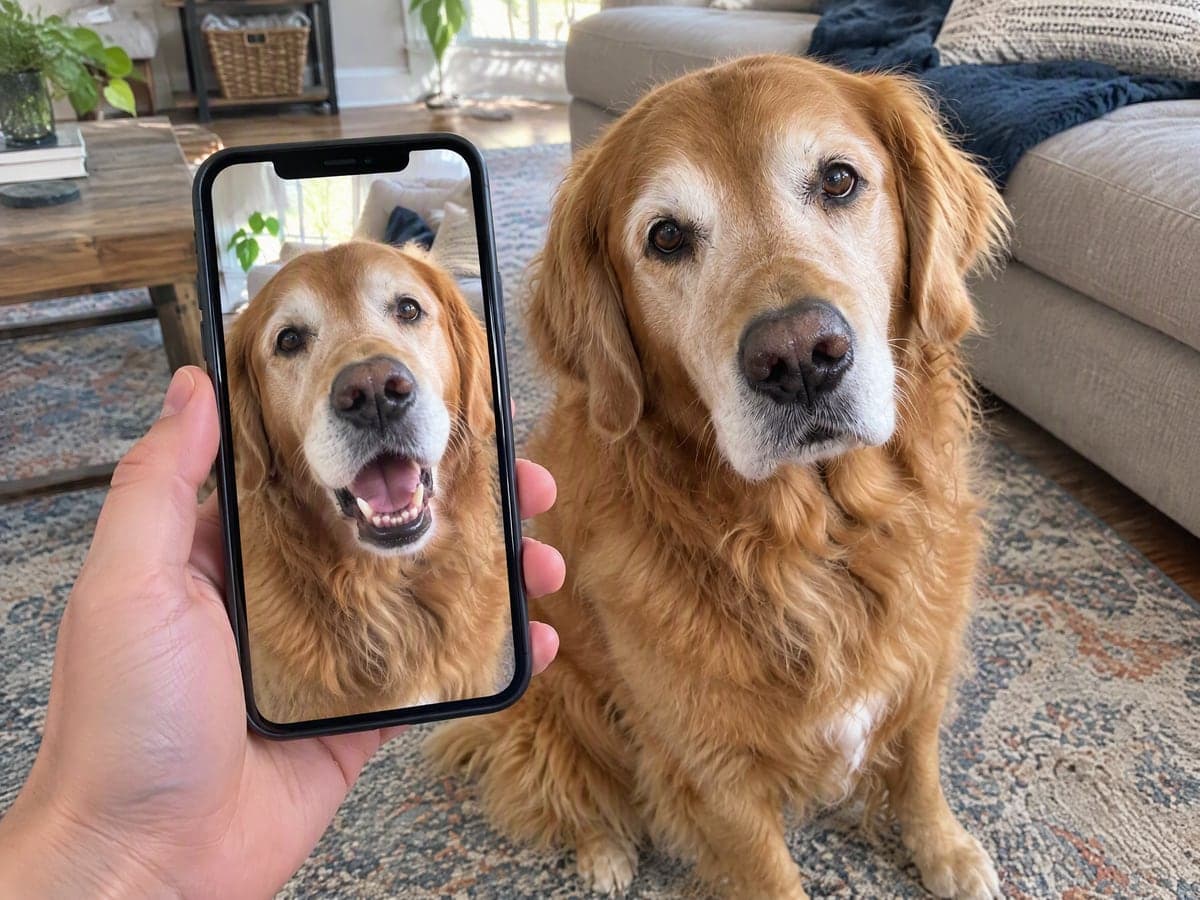
Your pet speaks the line you type in one take, name included, and the mouth moves with every word.
Still Your Pet
Breed, fur, markings, collar and the room stay as they are in your photo. It is your dog or cat talking, not a generic one.
No Talking Pet App Needed
Everything runs in the browser on your phone or laptop. Upload, type and download without installing anything.
See What You Can Do With Talking Pet AI
Real moments, ready to share — pick the one that fits.
Win the Family Group Chat
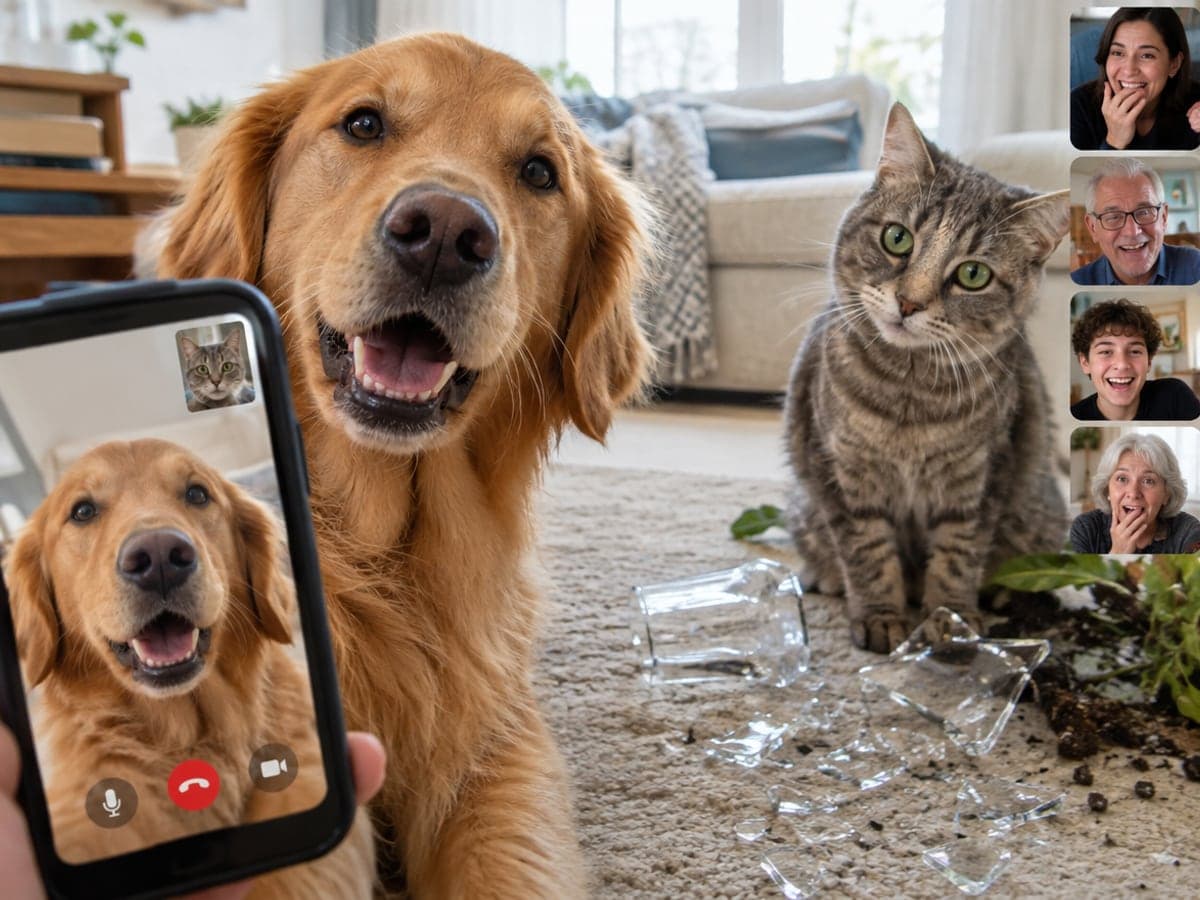
Let your dog announce that dinner is late, or have your cat confess to the broken glass. It is the clip everyone replays all evening. More pet videos
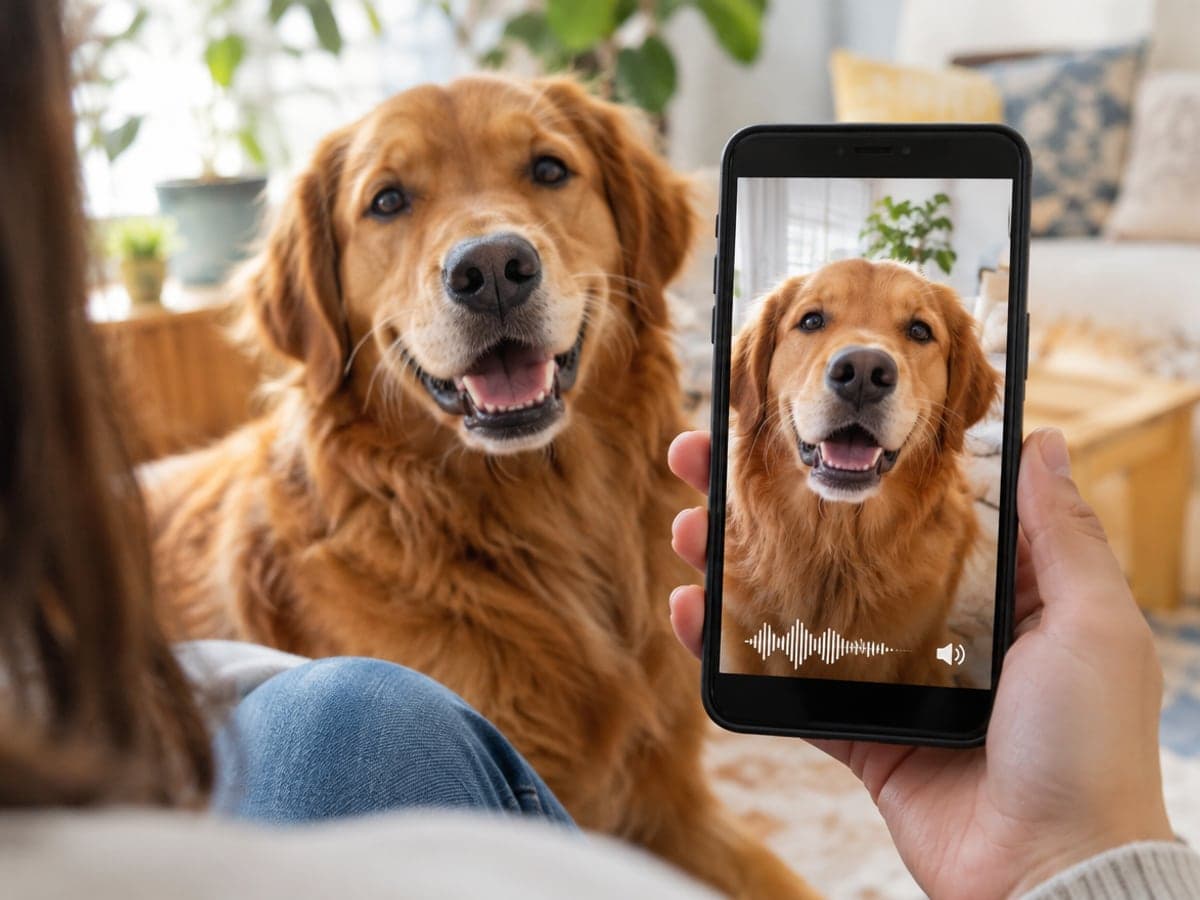
Post Talking Pet Clips to Reels
Pet accounts grow on talking pet clips. You get vertical 9:16 video with sound included, ready to post on Reels, Shorts or TikTok as it is. Try a Halloween video
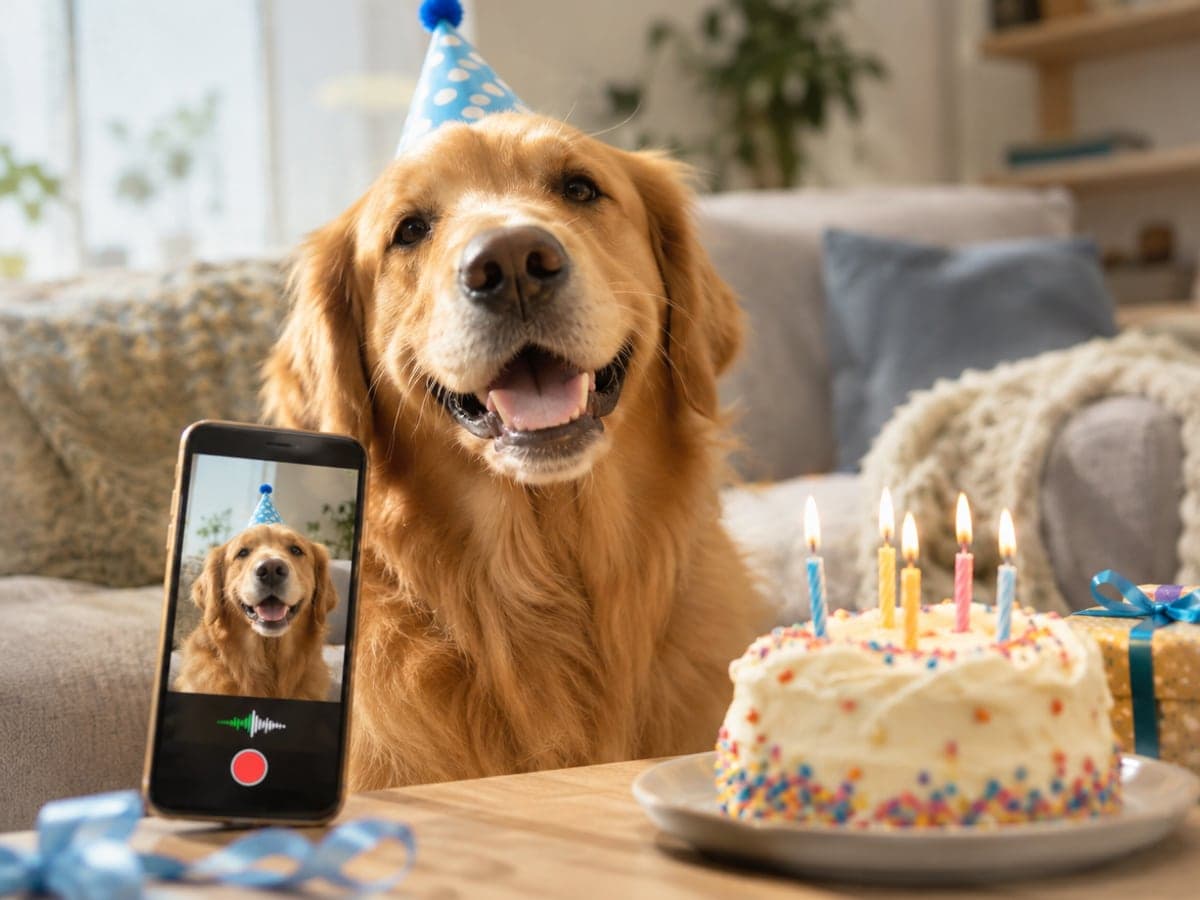
Let Your Pet Deliver the Greeting
Have your dog say happy birthday, or let your cat deliver the Christmas message. Write the line, download the clip and send it. Make a Santa video
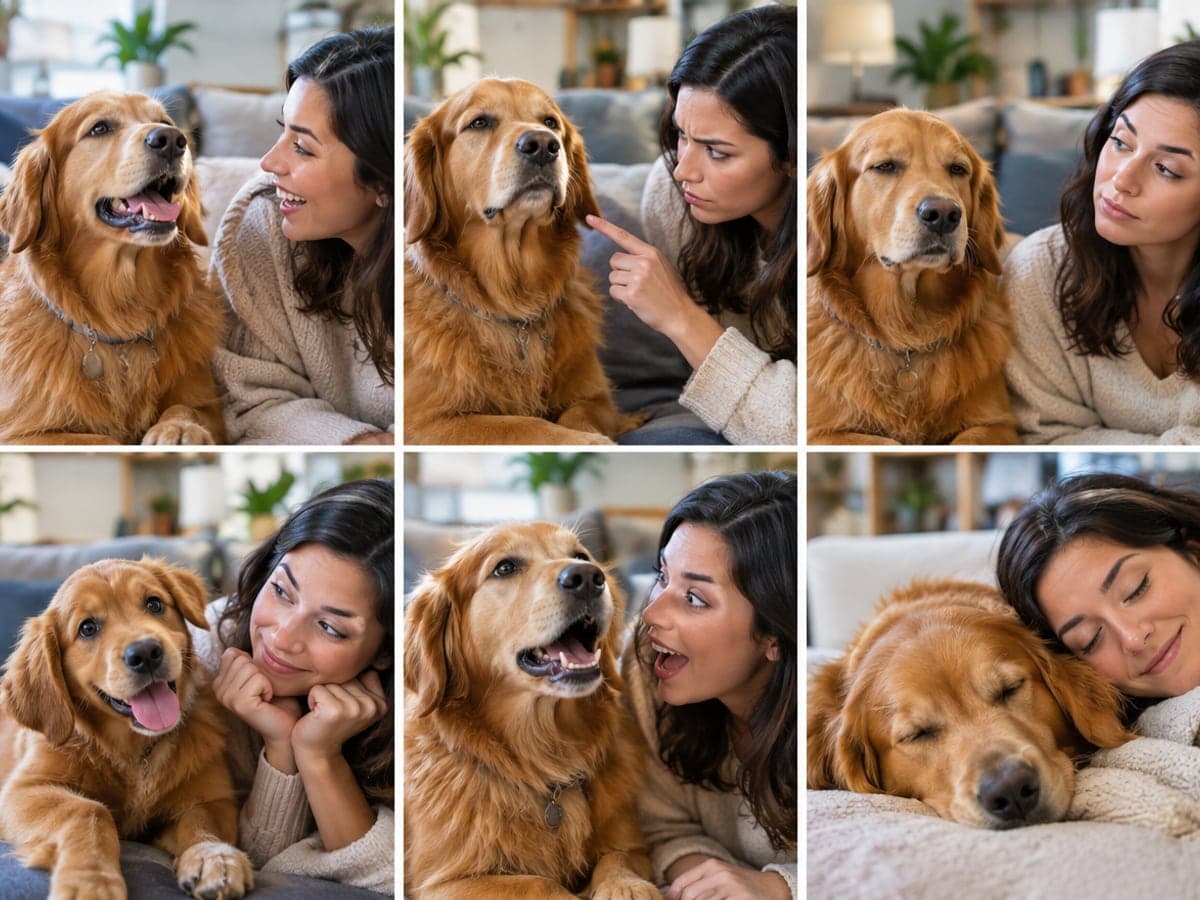
Pick the Voice That Fits Your Pet
Choose a cheerful, bossy, deadpan, baby, movie trailer or sleepy voice. Start from six ready-made lines that use your pet's name, or write your own. Create a pet portrait
Who Uses Talking Pet AI
Four ways people use it every week
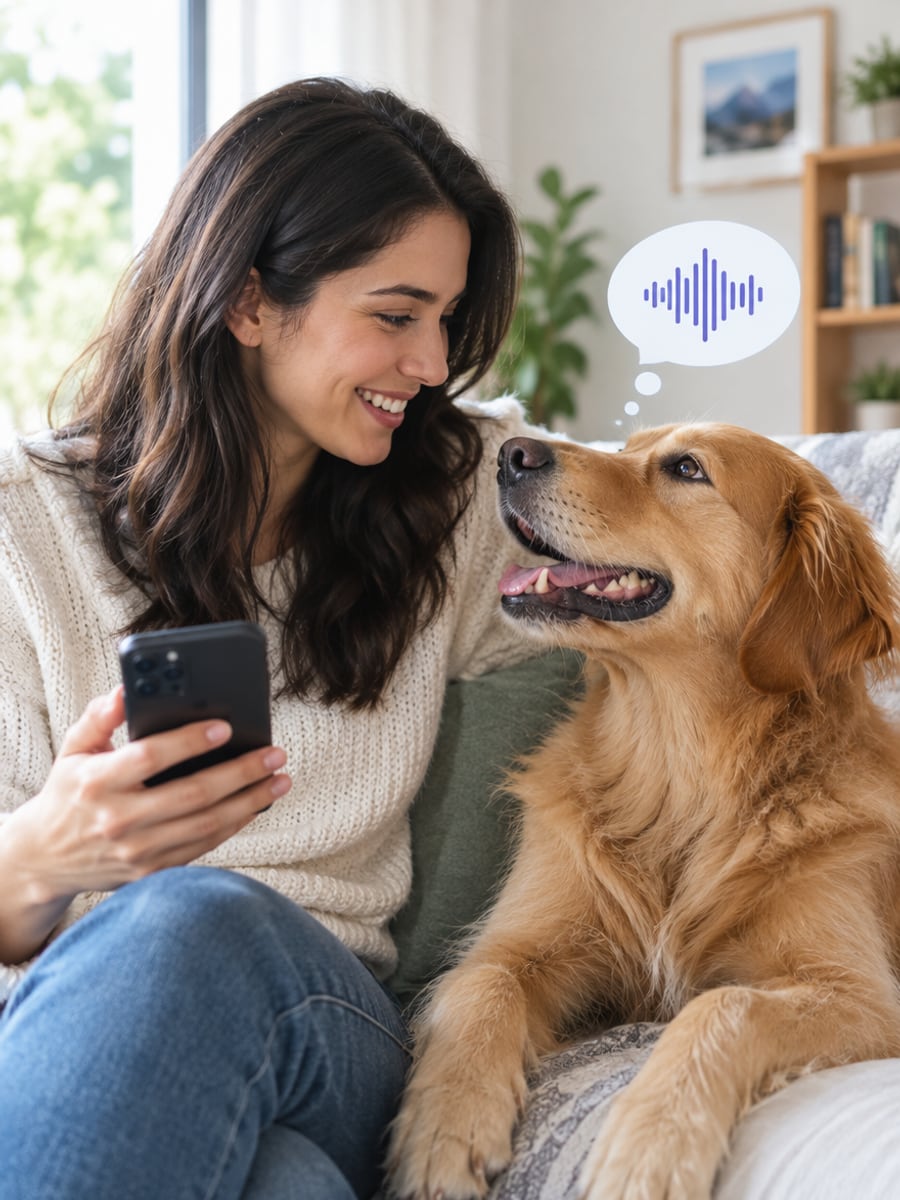
Finally hear what your dog has been thinking
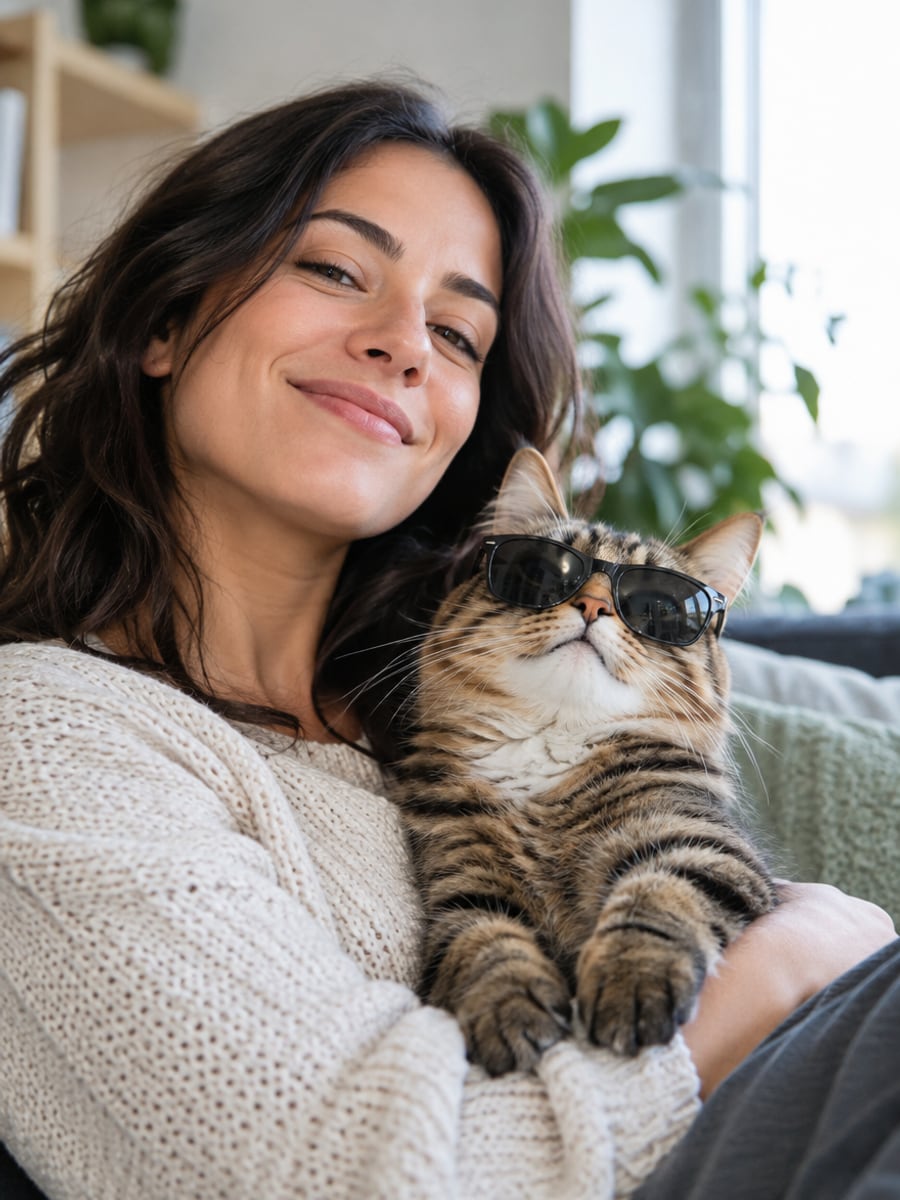
Give your cat the attitude it deserves
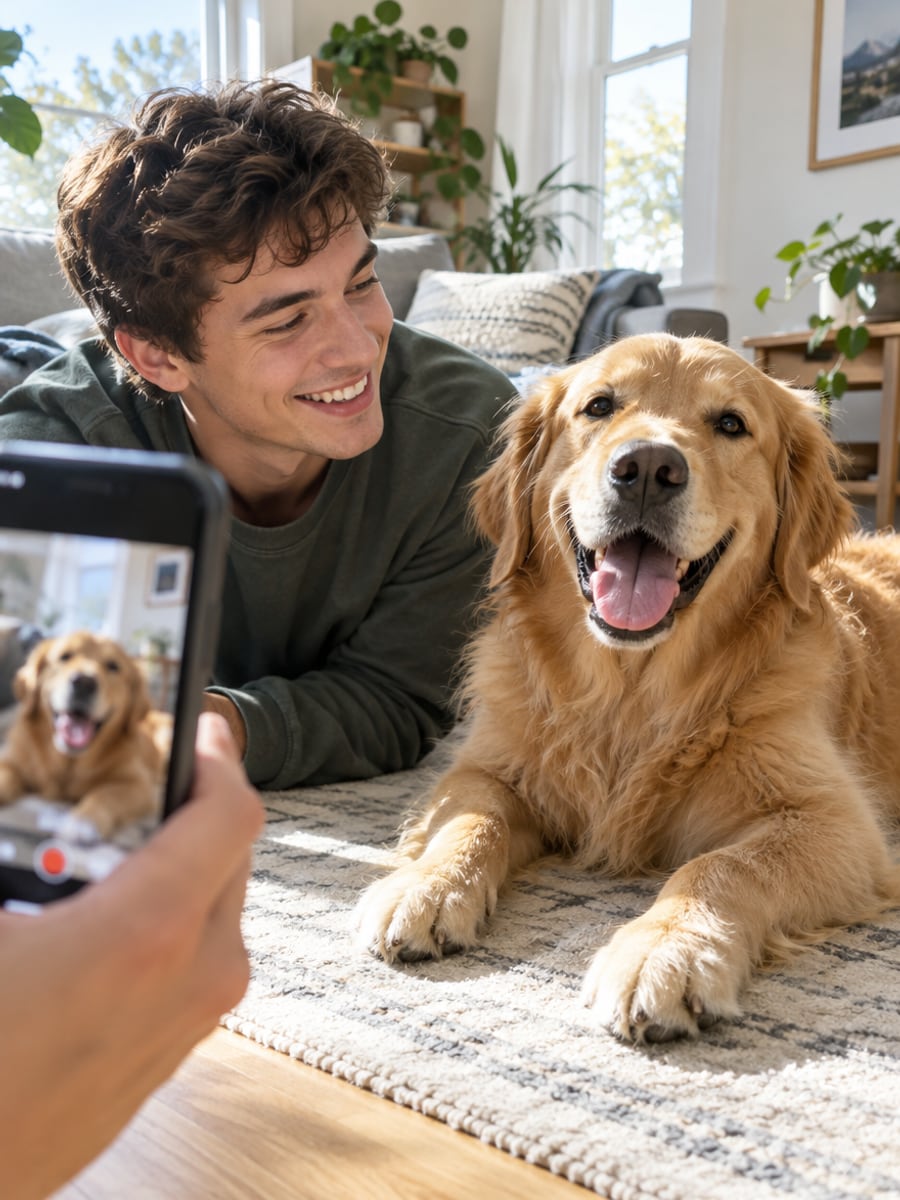
Post a fresh talking pet clip every day
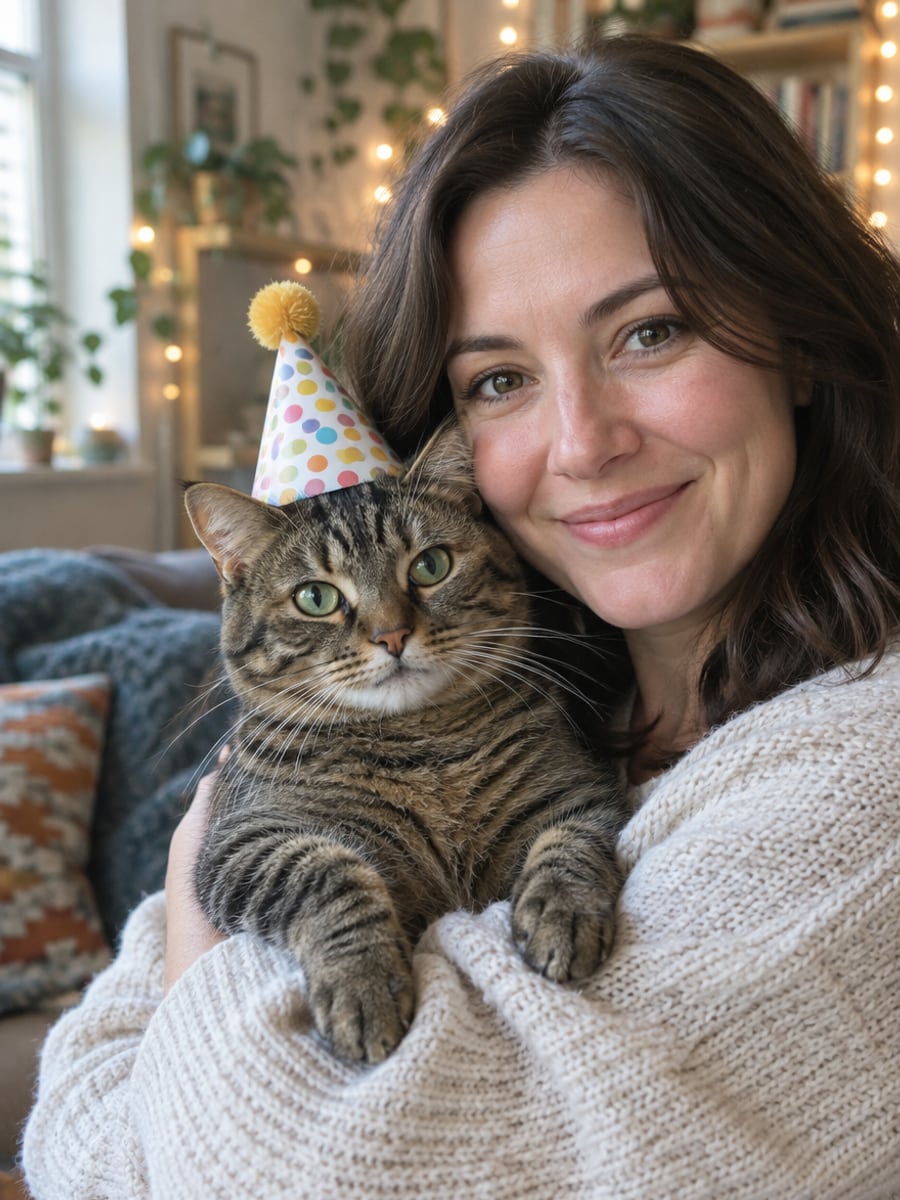
Send greetings in your pet's own voice
How to Make Your Pet Talk with CreateVision
Three small steps to a video you'll actually want to send.
Upload one pet photo
A clear photo of your dog or cat looking roughly at the camera. Phone snapshots are fine.
Type a line, pick a voice
Enter your pet's name and pick one of six ready-made lines or write your own. Then choose a cheerful, bossy, deadpan, baby, movie trailer or sleepy voice.
Generate and download
Pick 6, 10 or 15 seconds, click Generate and download your talking pet MP4.
The All-in-One AI Creation Platform
One account for images, videos, an AI agent that works for you, expert AI mentors and 80+ ready-made tools.

AI Image & Video Generator
Every leading model in one workspace: Seedream, Nano Banana, GPT Image, Seedance, Veo and more.
Open
Ava, your AI creative agent
Describe what you need and Ava plans, generates and iterates for you.
Open
80+ AI tools
One-click tools for photos, videos, cards, portraits and viral trends.
Open
Template library
Thousands of ready prompts and styles to start from.
Open
Studios
Portrait, marketing, poster and cinema studios for finished work, not single shots.
Open
AI model library
Compare and pick the right image or video model for every job.
Open
AI mentors
Learn from expert mentors in photography, design and video, then create with their guidance.
Open190K+ creators
Using CreateVision to create and share
FAQs About Our Talking Pet AI
Talking Pet AI turns one photo of your dog or cat into a short video where your pet says the line you type. The mouth moves in sync with the words, and the fur, collar and room stay as they are in your photo.
The best one makes your actual pet speak your exact words. CreateVision keeps the breed, markings and background from your photo, speaks the whole line in one take with the mouth in sync, and offers six voices and six ready-made lines. It runs in the browser, and failed generations are refunded automatically.
Upload one photo of your dog, type its name and what it should say, or pick one of the six lines. Choose a voice and click Generate. You get a video of your actual dog saying the line with its mouth in sync. The same steps make your cat talk.
Up to about 25 words fits the default 6-second clip. Pick 10 or 15 seconds for a longer line. The line is spoken in the language of the page you are on, so write your own line in the language you want to hear.
The default 6-second clip at 480p on the Quick tier costs 54 credits, at 9 credits per second. 720p costs 17 credits per second, and longer clips are priced per second. Higher quality tiers cost more and show their exact price on each button. You can start with 200 free credits from Google sign-up.
Your photo and the finished video are private to your account, are not used to train anything, and can be deleted from your history at any time. You can post the clip, but only use photos of someone else's pet with their permission. Videos download as clean MP4s with no watermark on any plan.
Dogs and cats give the most convincing pet lip sync. Rabbits, guinea pigs, hamsters and parrots usually work when the face is clearly visible. Fish and reptiles are hit and miss, and a clear, front-facing photo always gives the best odds.
Make Your Pet Talk With Talking Pet AI
Upload one photo, type the line and hear your actual dog or cat say it, from 54 credits.
Related Tools You Might Like
Explore more AI creative tools