AI video model

Kling 3.0 Motion Control AI Video Generator

Create motion-controlled video using image and video references with Kling 3.0 Motion Control.

Motion controlReference videoKling 3.0
0 / 2,000
Reference Image
Reference Video
83 cr/s

Explore More Models

Compare Kling 3.0 Motion Control with other video models — same workspace, one click to switch.

Get Inspired

A glimpse of what people are creating with AI video models on CreateVision AI.

AI video still of a vintage car chase through narrow European streets
AI video still of a surfer inside a glassy barrel wave at sunrise
AI video still of northern lights swirling over a snowy cabin
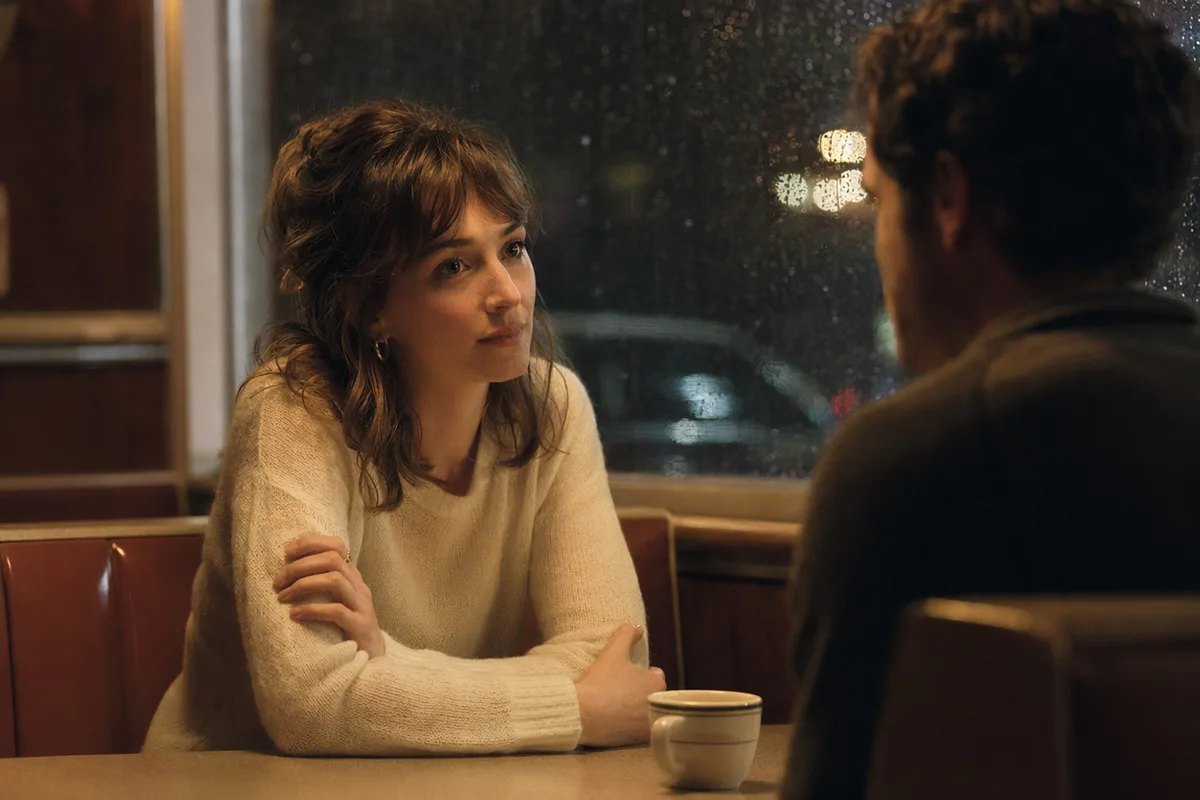
AI video still of rain running down a cafe window with warm bokeh
AI video still of a dancer silhouette on a smoky stage under amber light
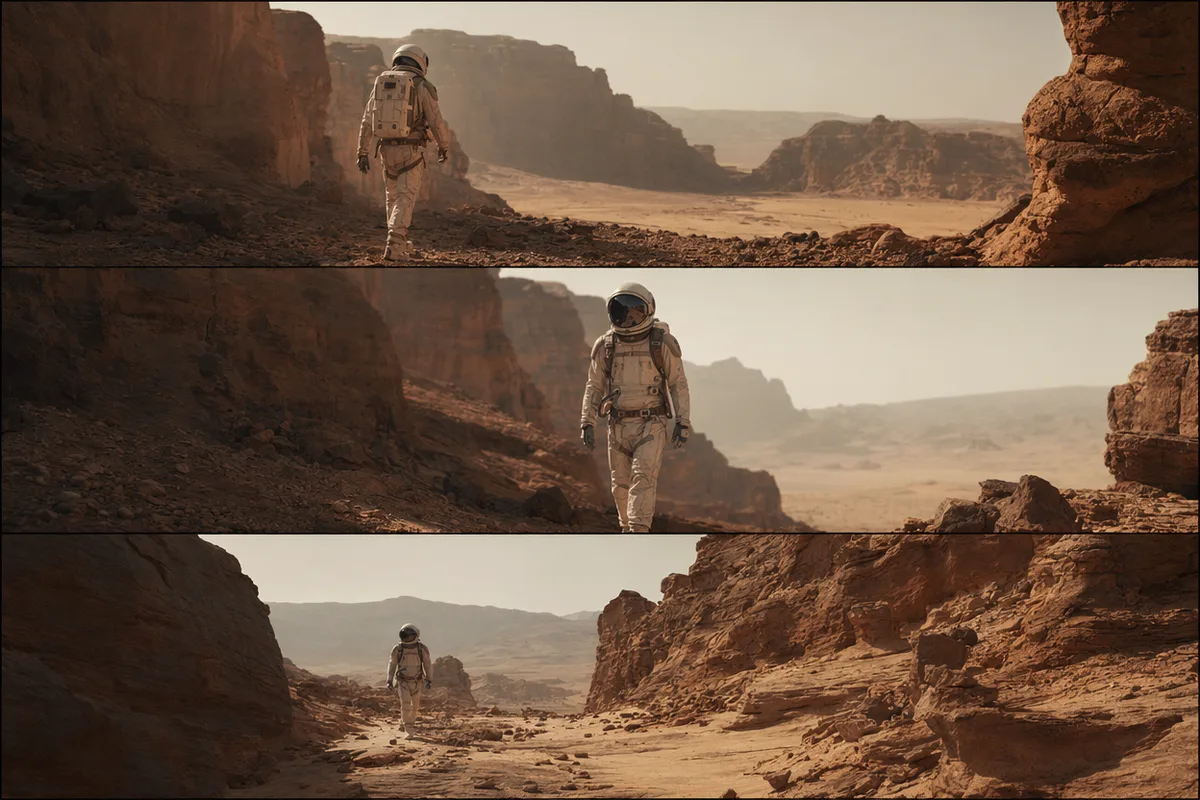
AI video still from a drone flight through a red rock canyon
AI video still of milk splashing around chocolate cookies
AI video still of an astronaut walking down a glowing spaceship corridor

Kling 3.0 Motion Control — borrow any motion, keep your character

Kuaishou's motion-transfer model maps movement from a reference video onto your character image — preserving face, expression, and identity with physics communities call mathematically dependable.

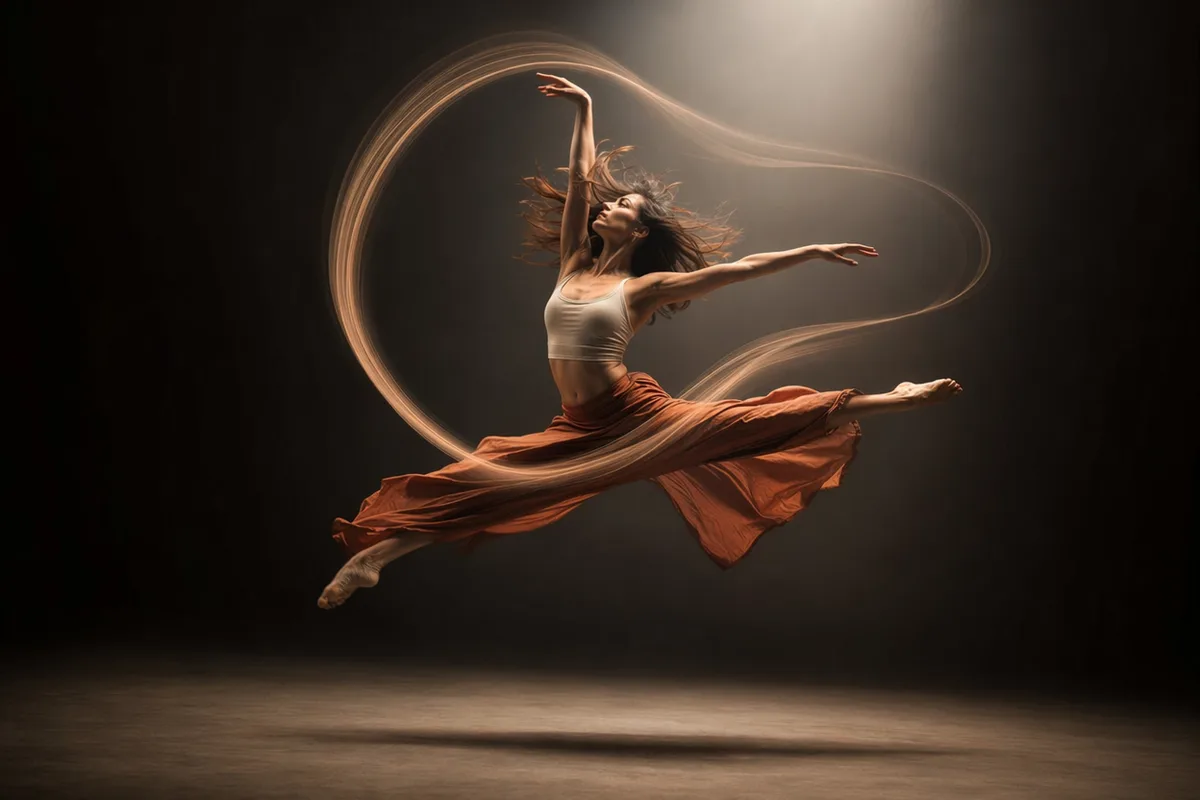
Dancer mid-leap with elegant light trails

Reference motion, your character

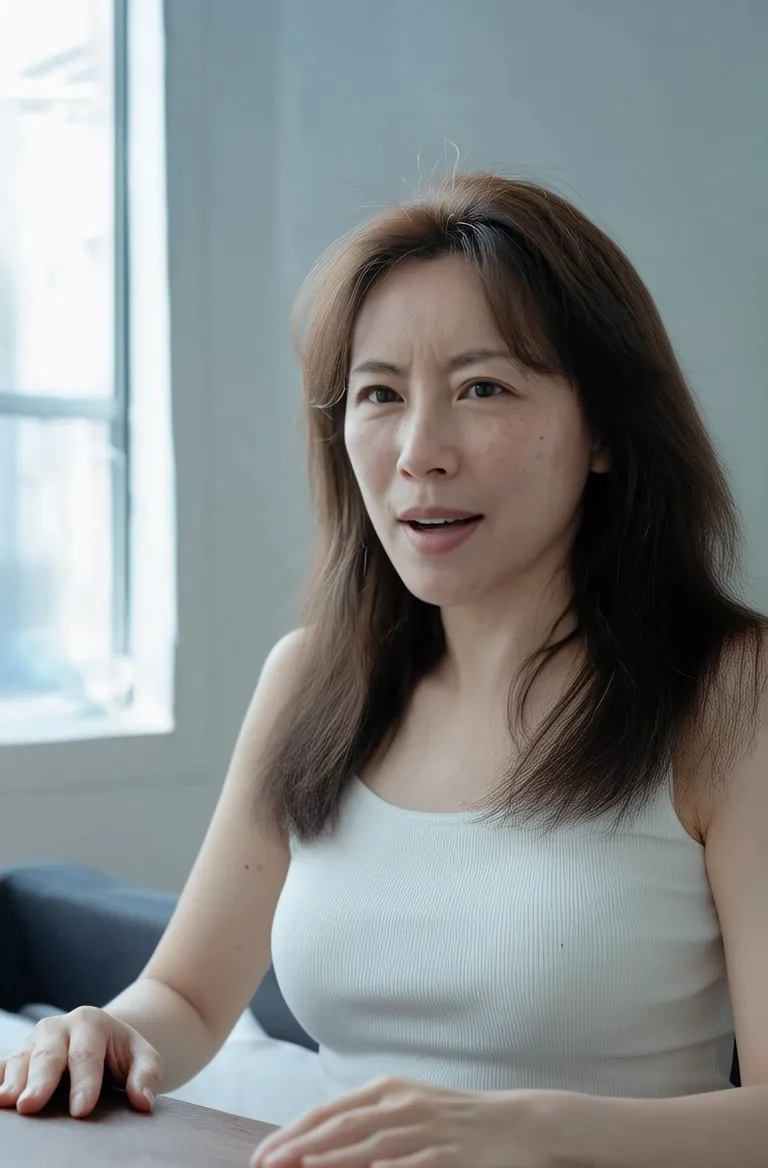
Upload a character image and a motion reference video; Kling transfers the movement — dance, gesture, action — onto your character while preserving facial identity and expression. The dance-transfer and character-swap workflows that fill social feeds run on exactly this.

Stage dancer silhouette under a spotlight

Hands and gestures that survive

Full-body tracking with accurate hand and finger articulation — reviewers specifically note individual knuckle definition where earlier versions collapsed hands into mush. Choreography and sign-level gesture work become viable.

Portrait with hair and scarf flowing in cinematic motion

Physics under pressure

Fighting, hugging, object interaction — high-difficulty contact physics render with a consistency users describe as mathematically predictable. Complex action that breaks other models is this model's home turf.

High-energy cinematic action still

Professional output quality

Generate at 720p or 1080p with per-second pricing shown upfront. Identity-stable, physics-true motion at broadcast-friendly resolution makes it a practical tool for creator content at scale.

Keep exploring CreateVision AI

One account, the full image and video generation workflow.

Choose Your Plan

Start free with daily credits. Upgrade for premium models, faster generation, and 4K output.

Free

$0

Perfect for getting started

  • 80 credits per day, 400 per month
  • Z Image Turbo drafts at 0 credits
  • Standard generation speed
  • Generation history included
Get Started

Premium

Most popular
$29/month

Billed annually · $240/year

  • 1,600 credits/day, 8,000 credits/month
  • All premium models — GPT Image 2, Nano Banana, Seedream, Seedance, Veo, Kling
  • 5x generation speed, priority queue
  • AI prompt enhancement
Upgrade to Premium

Ultimate

$49/month

Billed annually · $300/year

  • 4,000 credits/day, 18,000 credits/month
  • HD generation up to 4K resolution
  • Private generation — results stay out of the gallery
  • Fastest queue and early access to new models
Upgrade to Ultimate

Frequently Asked Questions

1

What does Motion Control actually do?

It transfers movement from a reference video onto your character image — keeping the character's face, expression, and identity while they perform the reference motion.

2

What inputs do I need?

At minimum a character image and a motion reference video. You can choose whether the character's orientation follows the image or the video.

3

How is it priced?

Per second of output at 720p or 1080p rates, displayed before generation. Failed generations refund automatically.

4

What is it best for?

Dance and performance transfers, character swaps, AI-influencer content, and action sequences with complex contact physics.

5

Does it keep the original audio?

Yes — there is an option to keep the reference video's sound in the output.

6

What are its limits?

It is tuned for realistic motion; highly stylized 2D animation transfers are less consistent. For cinematic scene generation without motion reference, use Seedance or Veo.

Transfer your first motion with Kling 3.0

Transfer your first motion with Kling 3.0

Start Generating Videos