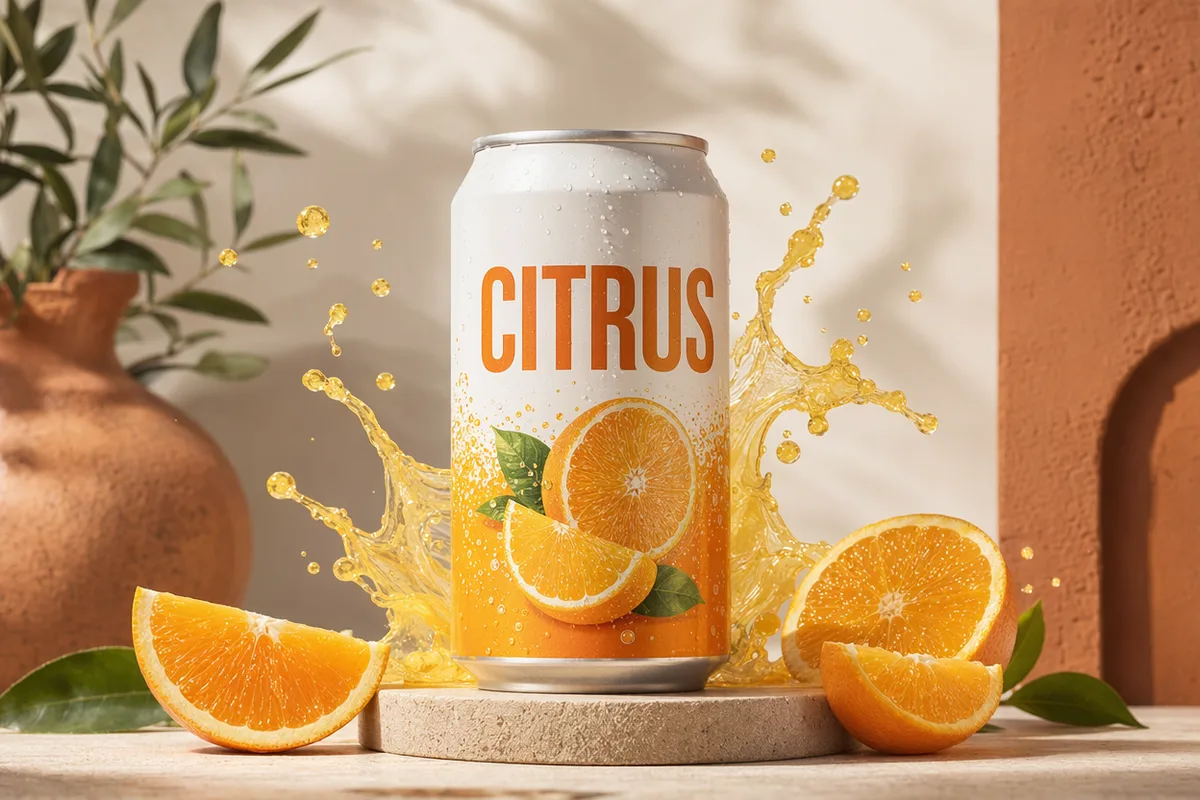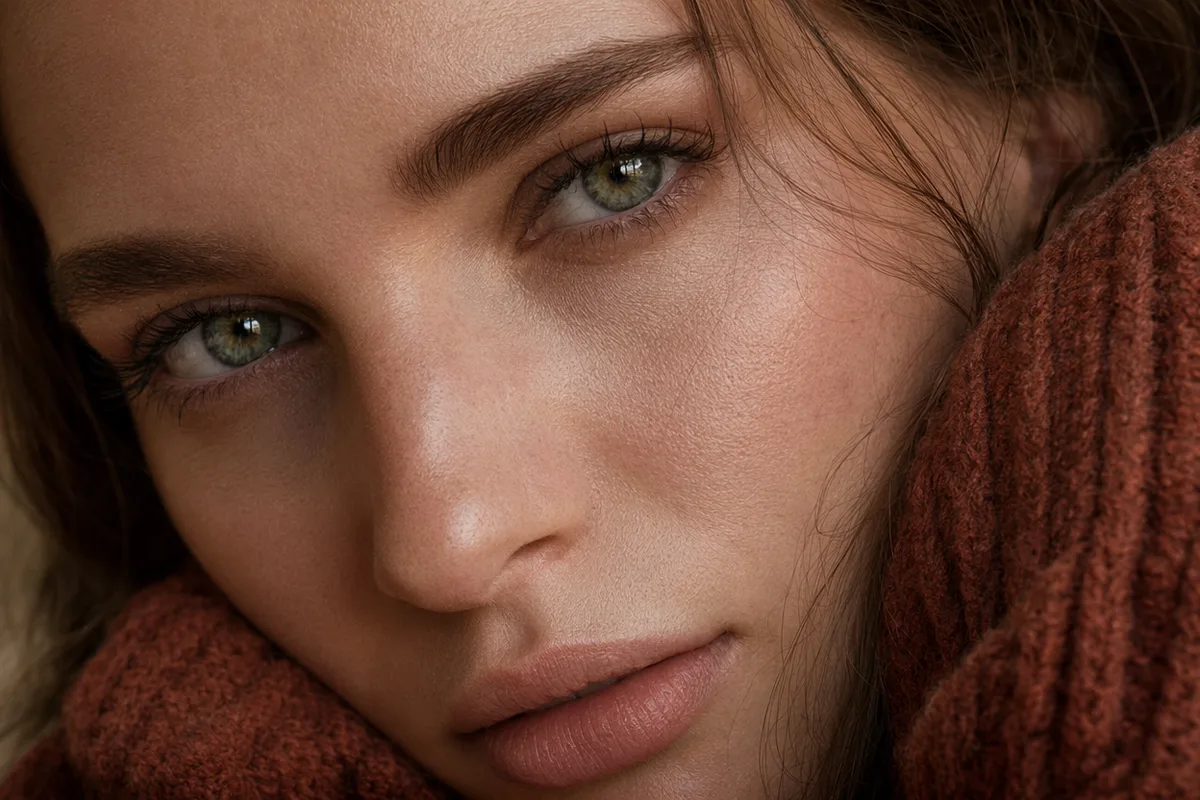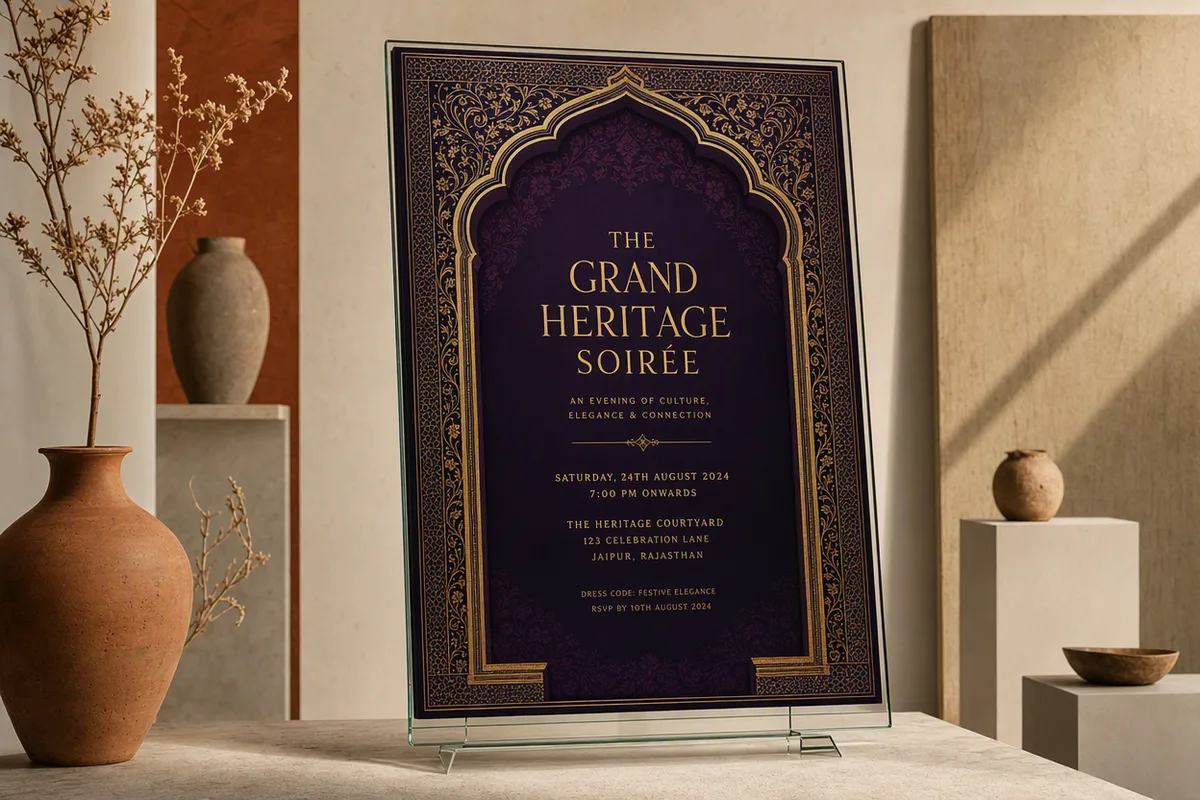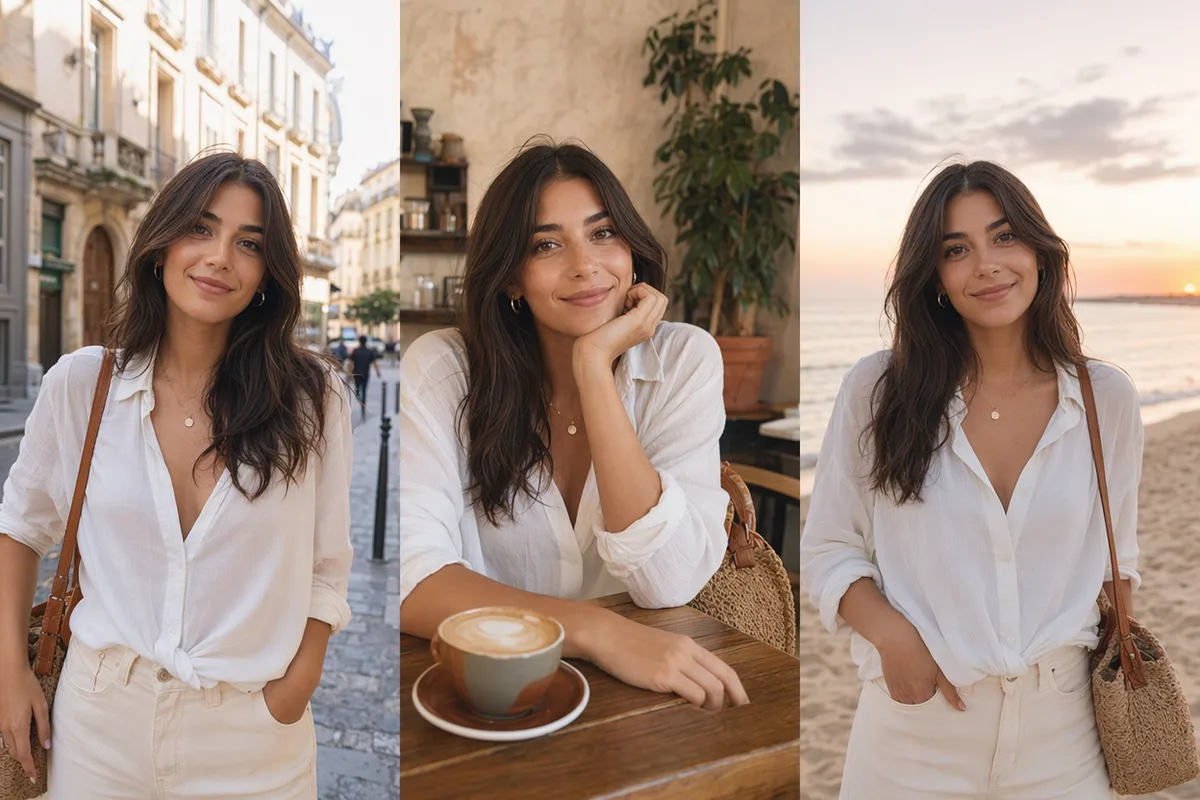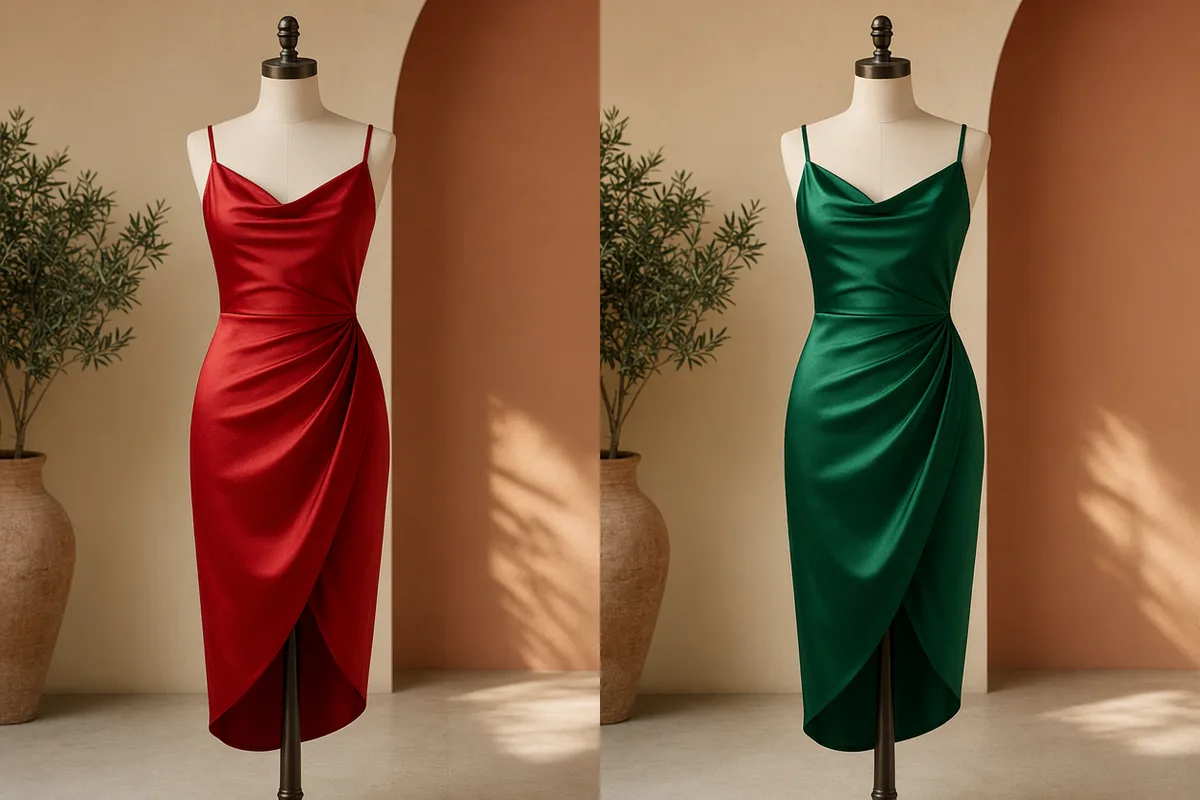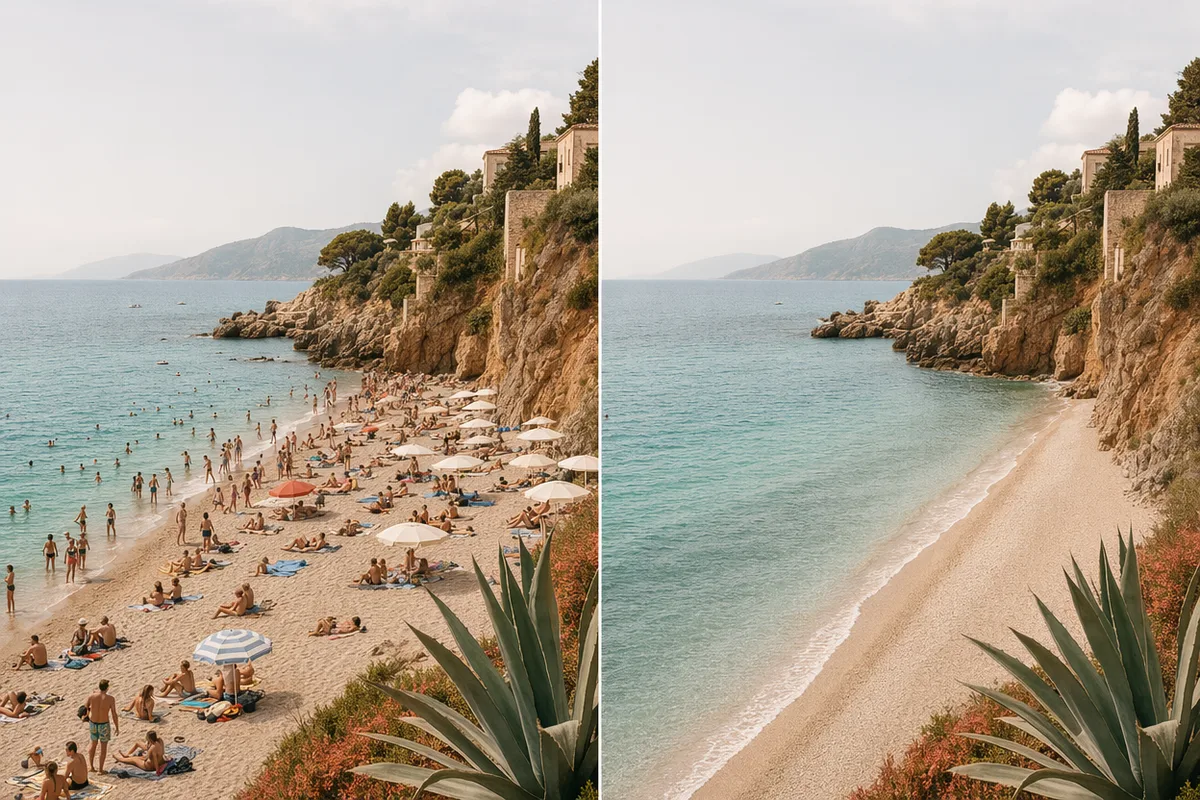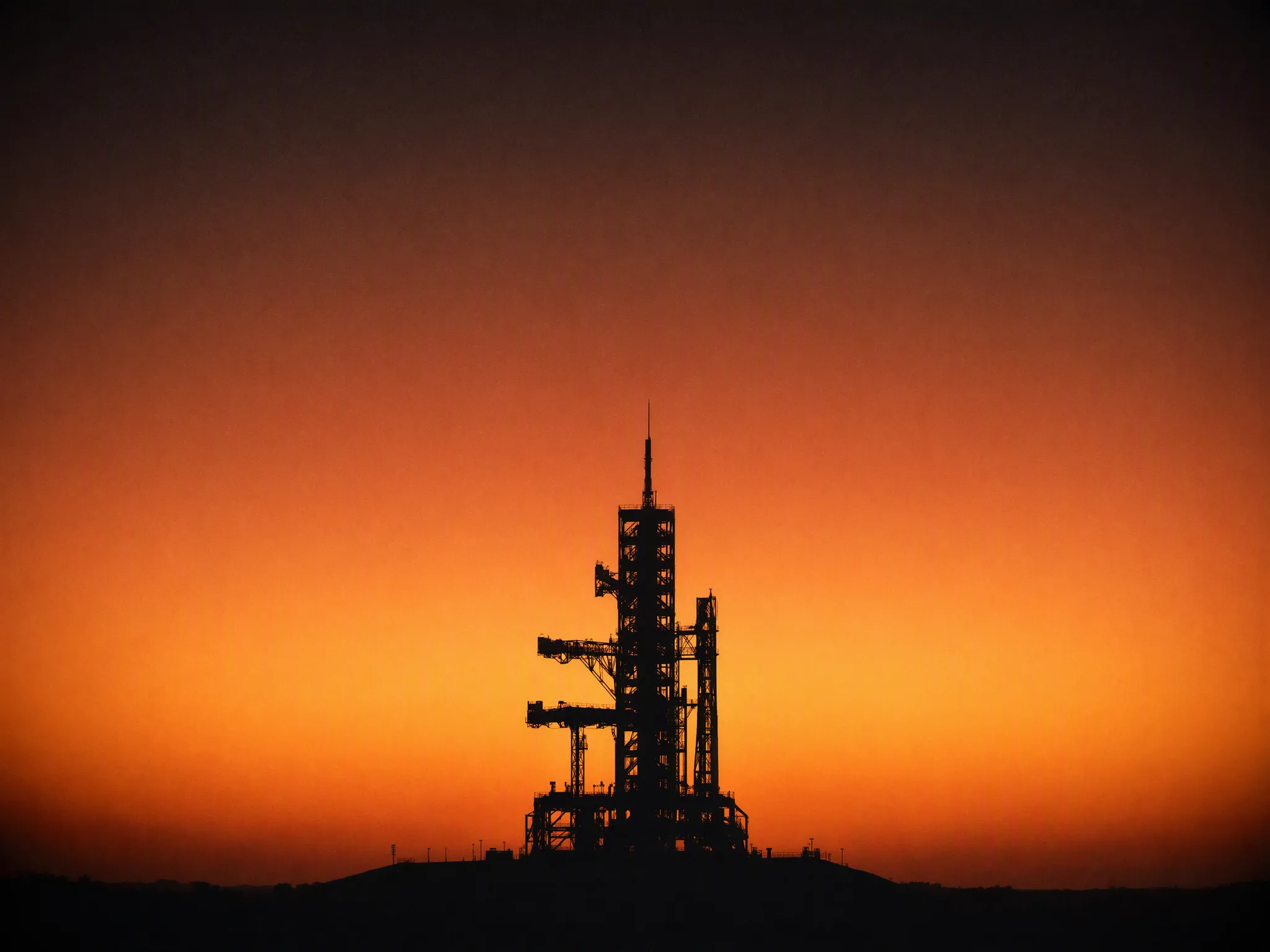
Grok Imagine Image 2.0 AI Image Generator

Grok Imagine Image 2.0 does two jobs with one model — send text and it generates, attach references and it edits. No mode switch, no X subscription.

0 / 2,000
~40 cr

What is Grok Imagine Image 2.0?

Grok Imagine Image 2.0 is xAI's image model, released on 7 August 2026 as the Quality Mode inside Grok Imagine. Independent tests put its strengths in photorealism, identity retention and information hierarchy — type set in a real layout rather than floated over a picture. It runs here per image in the browser, with no X subscription and no eight-hour quota window.

The gaps are specific. There is no 4K tier, so print-scale work belongs elsewhere. Independent testing found it trails GPT Image 2 on editing reliability — an edit is likelier to need a second run — and on non-Latin text, which is far less dependable than its English typography would lead you to expect. Style transfer that genuinely reinterprets a photo into another medium is not its strength either.

Released August 2026 as the Quality Mode inside Grok, it sits second on both the text-to-image and image-editing arenas, behind only GPT Image 2. Here it runs per image, in the browser, with no X subscription and no quota that resets every eight hours.

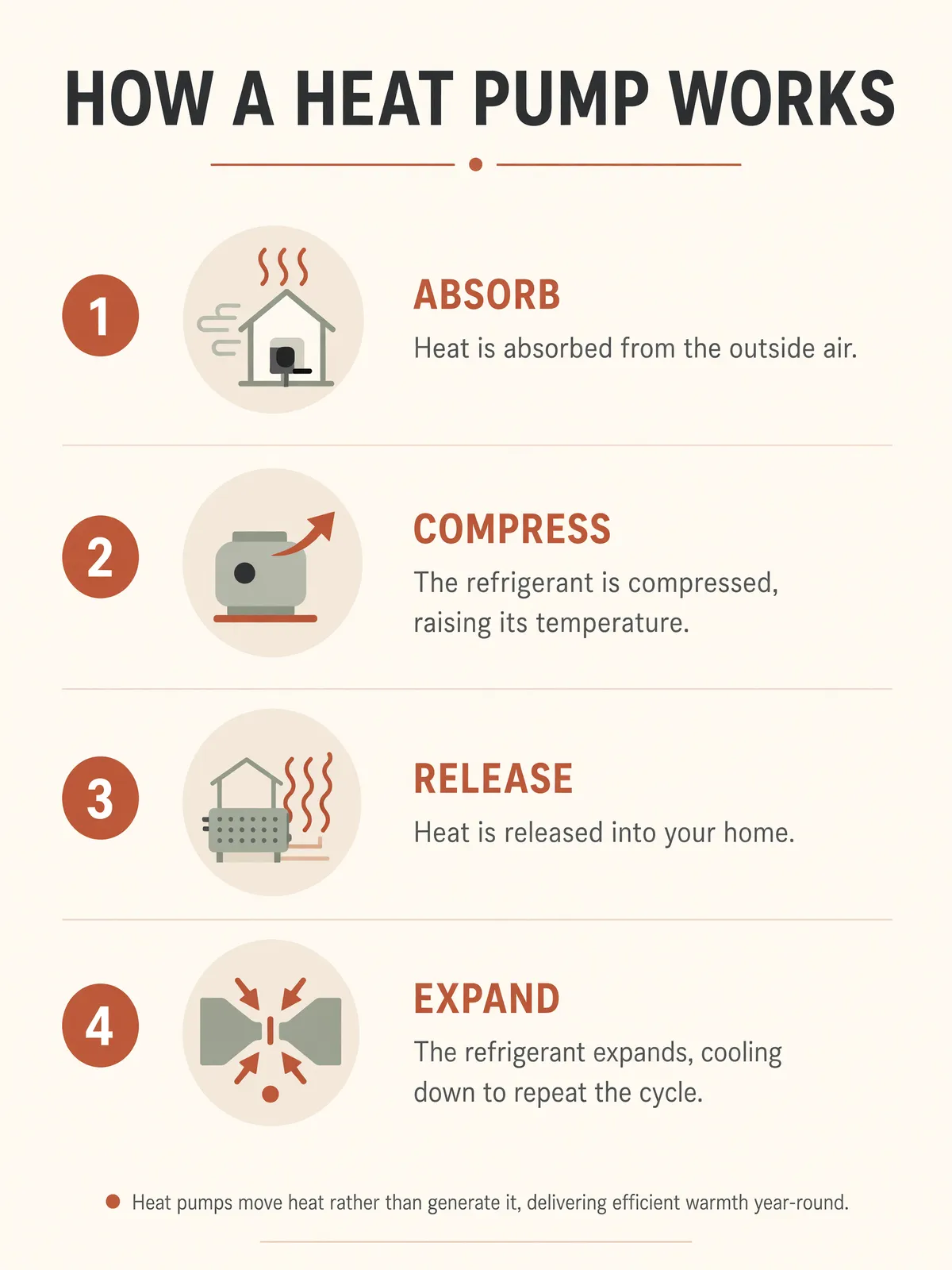
Grok Imagine Image 2.0 infographic poster with four numbered stages, labels, body copy and a footnote, all legible

It plans a layout the way a designer would

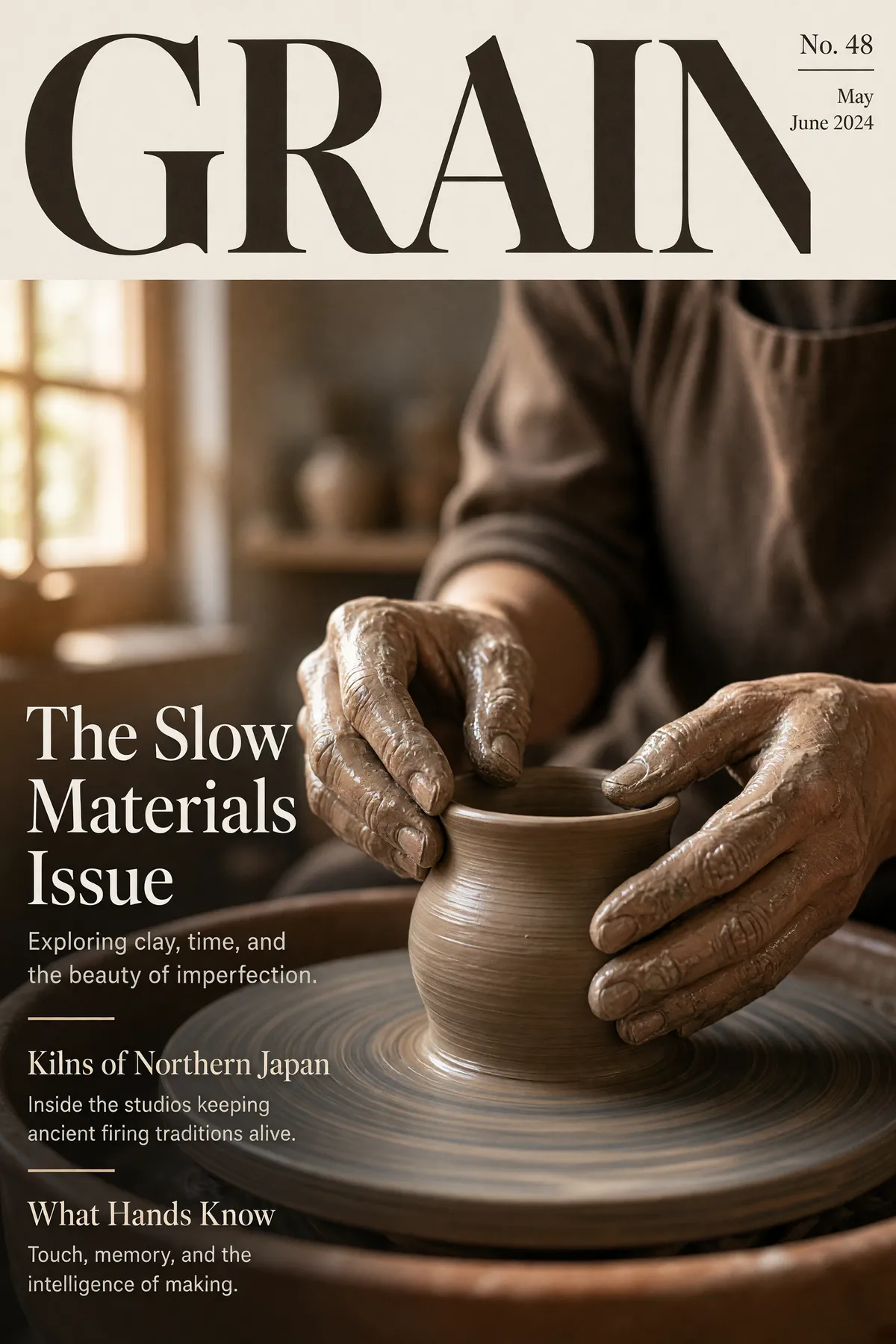
The clearest thing xAI changed in 2.0 is typography. Rather than scattering text across a picture, the model organises a hierarchy first — headline, subhead, captions, labels — then renders it, which is why dense pieces like infographics, posters and packaging comps hold together instead of falling apart at the small sizes. Independent comparisons put it slightly behind GPT Image 2 on expressive editorial flair but ahead on clean information hierarchy: if the brief is "make this readable and organised", this is the stronger pick.
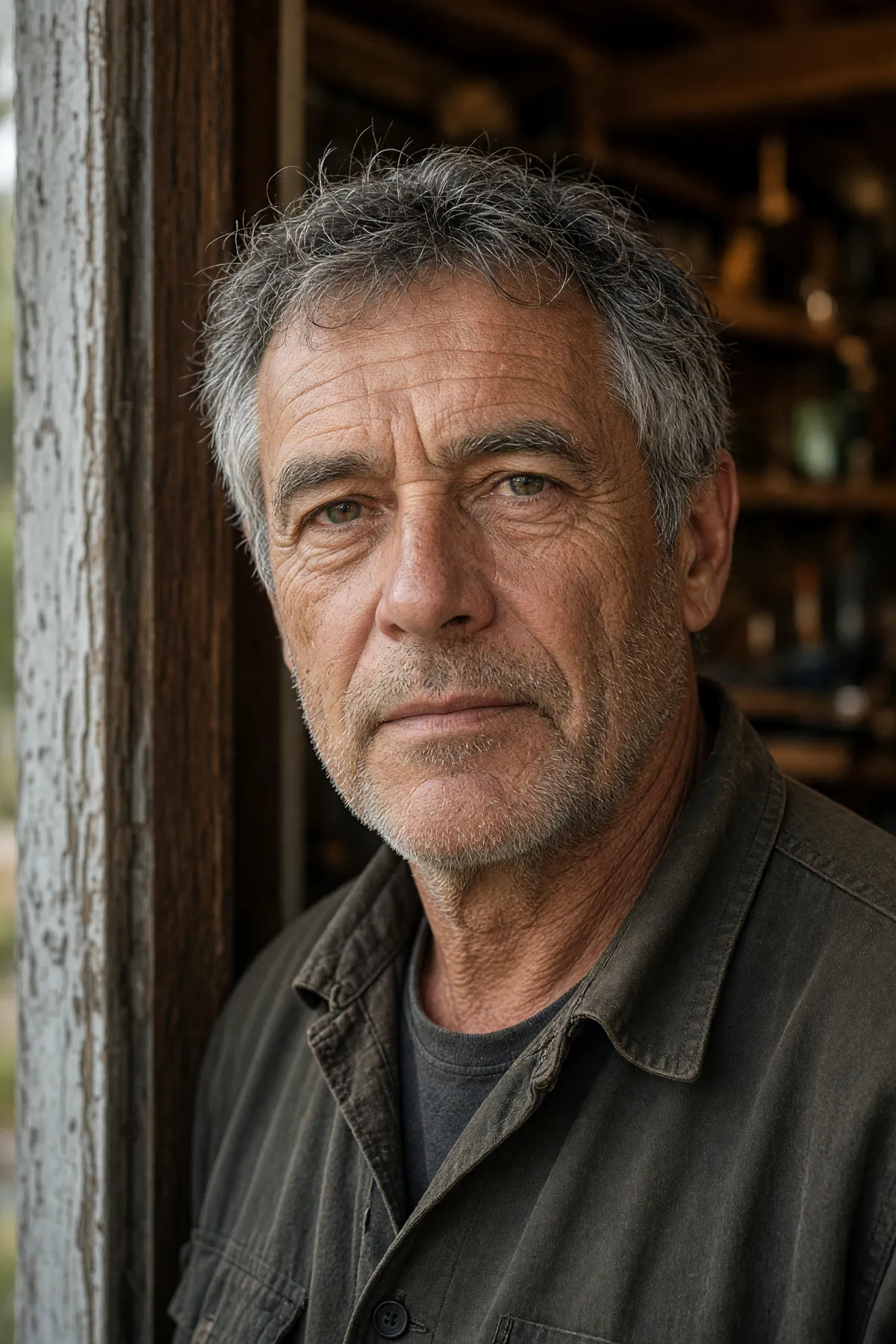
Grok Imagine Image 2.0 available-light portrait with unretouched skin texture and natural sun lines

Photorealism and faces are where it leads

Across independent side-by-side tests the consistent finding is that Grok leads on photorealism and on holding a person's identity through a generation — the areas where AI images usually give themselves away. It is second on the Arena text-to-image leaderboard (Elo 1320) and second on the editing leaderboard (1439), behind GPT Image 2 on both, which is a fair summary of the gap: close, not equal.

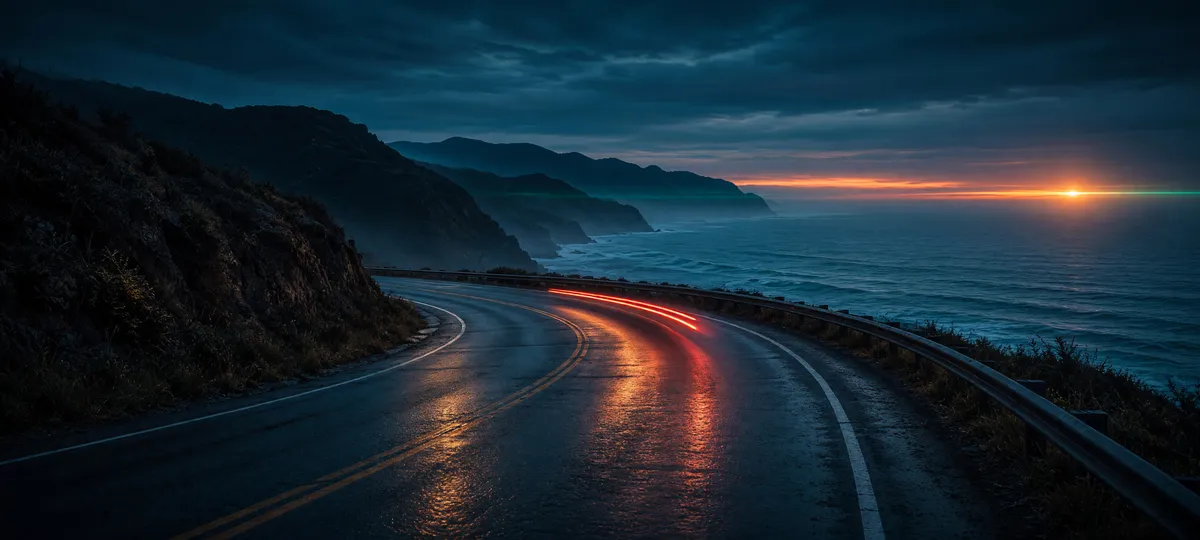
Grok Imagine Image 2.0 ultra-wide 20:9 cinematic coastal frame

Shapes the other models here will not render

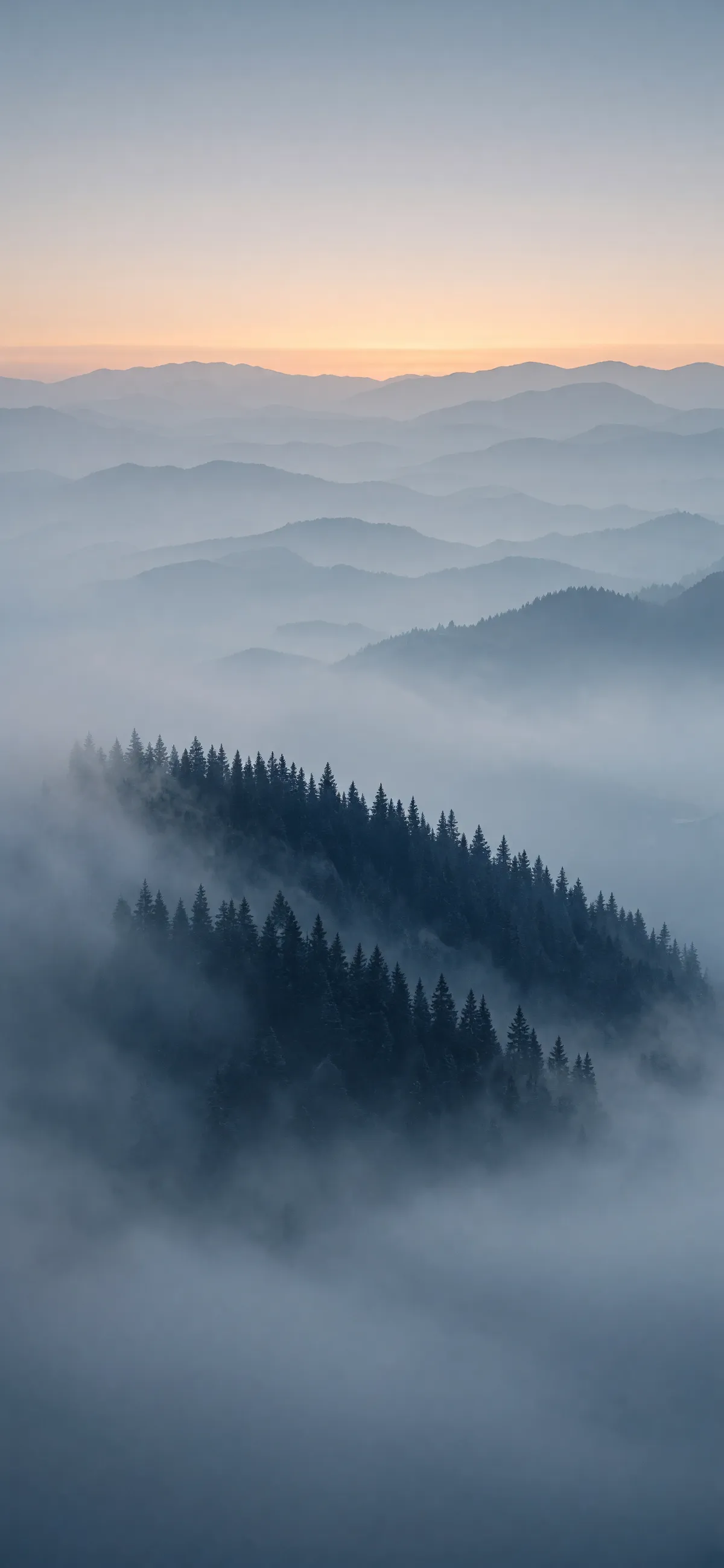
Most image models stop at 21:9 in one direction and 9:16 in the other. This one offers thirteen ratios and keeps going past both ends: 2:1, 19.5:9 and 20:9 for cinema-shaped frames, and their vertical twins for full-bleed phone screens. The frame below is 20:9; the pine-ridge wallpaper further down is 9:19.5. Neither is a crop — the composition is built for the shape, which is the difference between a banner that works and a landscape photo with the sky cut off. Auto is also there if you would rather let the model choose.

Real Grok Imagine Image 2.0 outputs from this workspace

All seven images were generated here on 15 August 2026, each on the first take, with the exact prompt and settings shown — no retouching and no cherry-picking from a larger batch. Generation times are measured, not quoted: 74–118s at 2K medium, 27s at 1K low.

Grok Imagine Image 2.0 infographic poster with four numbered stages, labels, body copy and a footnote, all legible
Prompt2K · 3:4 · medium · 97s

A clean modern infographic poster titled 'HOW A HEAT PUMP WORKS' with four numbered stages — ABSORB, COMPRESS, RELEASE, EXPAND — each stage with a simple flat-design icon, a bold stage label and one short caption line of body copy underneath, plus a small footnote line at the bottom, warm neutral palette with terracotta accents, strict grid layout, legible sans-serif typography at every size.

Grok Imagine Image 2.0 magazine cover with masthead, three cover lines each with a deck line, and issue details
Prompt2K · 2:3 · medium · 99s

Magazine cover for a design magazine called 'GRAIN': masthead 'GRAIN' in a heavy serif across the top, a ceramicist's hands shaping clay on a wheel in warm window light, cover lines reading 'The Slow Materials Issue', 'Kilns of Northern Japan' and 'What Hands Know', each with a smaller supporting deck line in light type, issue number and date in the corner, genuinely typeset editorial hierarchy.

Grok Imagine Image 2.0 available-light portrait with unretouched skin texture and natural sun lines
Prompt2K · 2:3 · medium · 104s

Available-light portrait of a man in his fifties in a workshop doorway, weathered skin with visible pores and sun lines, grey stubble, soft overcast key light from the left with a warm bounce from the wood interior, honest unretouched photographic texture, shallow depth of field, 85mm lens.

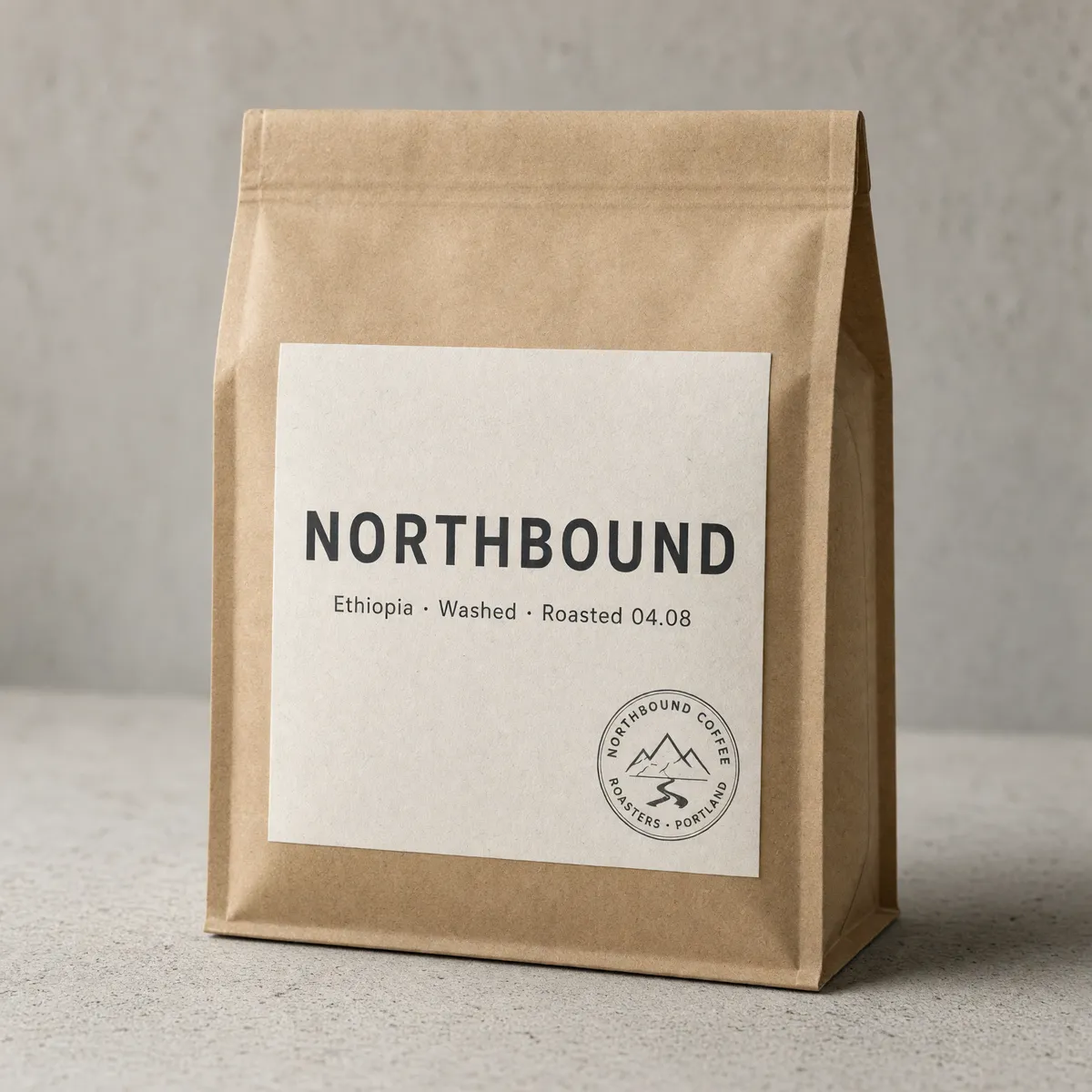
Grok Imagine Image 2.0 packaging shot with a correctly spelled label and legible curved text in a circular stamp
Prompt2K · 1:1 · medium · 74s

Studio packaging photograph of a matte kraft coffee bag standing on pale concrete, front label reading 'NORTHBOUND' in confident sans-serif with a smaller line beneath: 'Ethiopia · Washed · Roasted 04.08', a small circular roaster's stamp in the corner, soft directional light, shallow depth of field, all text crisp and correctly spelled.

Grok Imagine Image 2.0 ultra-wide 20:9 cinematic coastal frame
Prompt2K · 20:9 · medium · 118s

Ultra-wide cinematic frame of a coastal highway at blue hour, a single car's tail lights streaking along the curve, wet asphalt reflecting the last band of orange on the horizon, distant headland silhouettes, anamorphic flare, moody teal-and-amber grade.

Grok Imagine Image 2.0 full-screen 9:19.5 phone wallpaper of a misty pine ridge at dawn
Prompt2K · 9:19.5 · medium · 108s

Vertical full-screen phone wallpaper: a misty pine ridge at dawn seen from above the cloud layer, layered blue-grey depth planes receding into distance, a thin band of warm sunrise light along the top ridge, minimal and calm, no text.

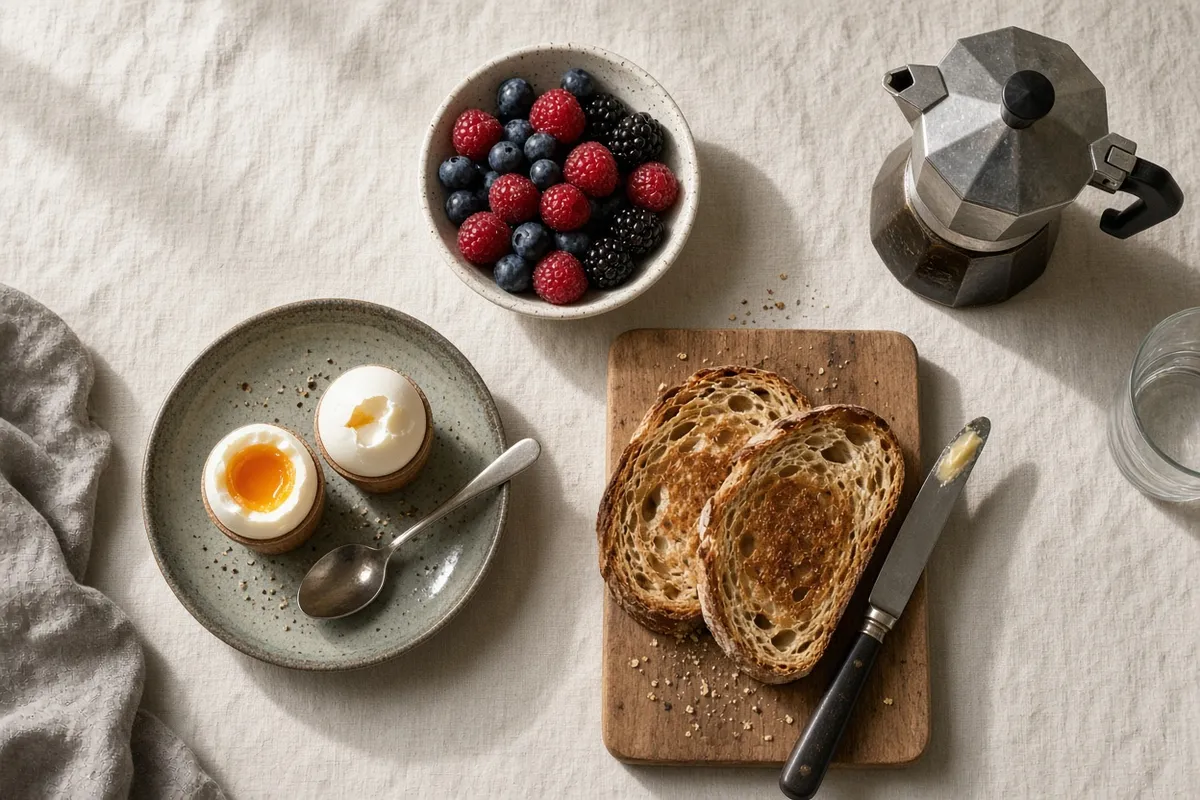
Grok Imagine Image 2.0 overhead breakfast flat-lay generated on the cheapest 40-credit tier
Prompt1K · 3:2 · low · 27s — the cheapest 40-credit tier, shown as-is

Overhead flat-lay of a weekend breakfast on a linen tablecloth: soft-boiled eggs, sourdough toast, a small bowl of berries and a stovetop espresso pot, warm morning window light, natural food photography.

Who Grok Imagine Image 2.0 is for

Each of these maps to something demonstrated further up this page, not to a wish list.

  • Anyone building infographics, decks or explainers

    A title, numbered stages, one caption line per stage and a footnote, all set in a real hierarchy instead of floated over a picture. This is the job the 2.0 typography work was aimed at, and the first image on this page is exactly that brief.

  • Packaging and label designers

    Front label, supporting line, roaster's stamp — short strings that have to be spelled right and sit where you asked. Keep the copy short; that is where this model stays accurate.

  • Portrait and lifestyle art directors

    Pores, sun lines, grey stubble and available light rather than a retouched sheen. Photorealism and identity retention are the two things independent tests consistently put in its column.

  • Anyone who needs the same model to generate and to edit

    Draft an image from a prompt, then attach it back as a reference and describe the change — same model, same page, no switching tools or re-uploading into an editor.

  • Not for: 4K print, heavy edit passes, or non-Latin typography

    There is no 4K tier here, edits are more likely to need a second run than on GPT Image 2, and non-Latin scripts are the weakest part of its text rendering. For those three jobs switch models — everything lives in the same workspace, so switching costs a click.

Grok Imagine Image 2.0 vs GPT Image 2 vs Seedream 5 Pro

What each one costs and gives you in this workspace — read from our own registry, not from vendor pages.

Grok Imagine Image 2.0GPT Image 2Seedream 5 Pro
Credits per output image40 at 1K low · 60 at 1K medium · 60 at 2K low · 80 at 2K medium5 to 560, depending on resolution × quality50 at 1K · 100 at 2K
Resolution tiers1K, 2K1K, 2K, 4K1K, 2K
Quality tiersLow, medium — set separately from resolutionLow, medium, high — set separately from resolutionNone — price follows resolution only
Reference images per requestUp to 3Up to 16Up to 5
How reference images are billed5 credits each, once per request10 credits each, multiplied by the batch sizeNo surcharge
Images per runUp to 10Up to 10One — the Pro tier does not batch
Aspect ratios7 presets, from 1:1 to 16:915 presets, out to 3:1 and 1:310 presets plus auto, out to 21:9
Our measured generation time27s at 1K low · 74–118s at 2K medium (7 runs)32s low · 68s medium · 166s high at 2K (single runs)~87s at 1K · ~107s at 2K (15 runs)

Credits, tiers, reference-image limits and ratio counts are read from this workspace's own model registry on 20 August 2026 — they describe what you get here, not what the vendors publish. Ratio counts exclude "auto", which is a setting rather than a ratio. Times are our own measurements from the runs published on each model's page, with the sample size stated; we have not put the three through one shared benchmark prompt, so read them as orders of magnitude rather than a head-to-head.

More Image Models Like Grok Imagine Image 2.0

Compare Grok Imagine Image 2.0 with other image models — same workspace, one click to switch.

Grok Imagine Image 2.0 specs on CreateVision AI

Modelgrok-imagine-image-2.0, by xAI — released August 7, 2026 as Grok Imagine's Quality Mode
ModesText-to-image and image-to-image in one model — attaching reference images is what switches it
Resolution tiers1K and 2K. There is no 4K tier.
Quality tiersLow and medium, chosen independently of resolution — so all four combinations are available
Aspect ratios7 presets — 1:1, 4:3, 3:4, 16:9, 9:16, 3:2, 2:3 — plus auto
Images per runUp to 10
Reference imagesUp to 3 per request
How references are billed5 credits per attached image, charged once for the whole request rather than once per output image — so a batch spreads that cost
Credits per output image40 at 1K low · 60 at 1K medium · 60 at 2K low · 80 at 2K medium
In-app editing toolsNot available — the magic wand, segmentation and background removal are features of xAI's own app, not of the model. Editing here is prompt-driven.
Measured speed27s at 1K low; 74–118s at 2K medium — our 7 generations on August 15, 2026

How to Use Grok Imagine Image 2.0

Three steps from a blank prompt box to a finished image.

  1. 1

    Select Grok Imagine Image 2.0

    Open the model picker and choose Grok Imagine Image 2.0. The panel shows its credit cost, resolution options, and aspect ratios before you spend anything.

  2. 2

    Describe what you want

    Write the subject, setting, lighting, and finish. Attach reference images if the model accepts them.

  3. 3

    Generate, then keep going

    Download the result, or continue — edit it, restyle it, upscale it, or animate it into video. Every generation keeps its prompt and parameters.

Beyond Grok Imagine Image 2.0

One account, the full image and video generation workflow.

Grok Imagine Image 2.0 Pricing and Free Daily Credits

Run Grok Imagine Image 2.0 on the free tier's daily credits, or upgrade for premium models, faster generation, and 4K output.

Free

$0

Perfect for getting started

  • 200 welcome credits, up to 80/day
  • Z Image Turbo drafts at 0 credits
  • Standard generation speed
  • Generation history included
Get Started

Premium

Most popular
$29/month

Billed annually · $240/year

  • 8,000 credits/month, no daily limits
  • All premium models — GPT Image 2, Nano Banana, Seedream, Seedance, Veo, Kling
  • 5x generation speed, priority queue
  • AI prompt enhancement
Upgrade to Premium

Ultimate

$49/month

Billed annually · $380/year

  • 18,000 credits/month, no daily limits
  • HD generation up to 4K resolution
  • Priority support
  • Fastest queue and early access to new models
Upgrade to Ultimate

Grok Imagine Image 2.0 — Frequently Asked Questions

1

What is Grok Imagine Image 2.0?

xAI's image model, released on 7 August 2026 as the Quality Mode inside Grok Imagine. One model covers both text-to-image generation and image editing — which of the two you get depends only on whether you attach reference images.

2

How good is it, really?

Second place on both the text-to-image and image-editing arenas, behind GPT Image 2 on each (Elo 1320 vs 1380 for generation, 1439 vs 1463 for editing). Independent side-by-side tests put its strengths in photorealism, identity retention and clean information hierarchy, and its weaknesses in editing reliability, multilingual text and style transfer.

3

Do I need an X subscription or SuperGrok to use it?

Not here. On xAI's own platform, image generation and editing sit behind a paid subscription and users have reported quotas being cut sharply. On CreateVision AI you pay per image from 40 credits, with no subscription requirement, no API key and no eight-hour reset window.

4

How much does it cost?

From 40 credits per image. 1K costs 40 credits at the low quality tier and 60 at medium; 2K costs 60 and 80. Each reference image adds 5 credits, charged once per request rather than per output image, so batching a reference-based edit is cheaper per image than repeating it. The total for your settings is shown on the button before you generate.

5

Does it include the magic wand and background removal from the Grok app?

No — those are interactive tools in xAI's own app, not part of the model API. Editing here is prompt-driven: attach up to three references and describe the change in words. For click-to-select background removal, use the dedicated AI Background Remover tool instead.

6

How many reference images can I attach?

Up to three on this workspace. xAI's first-party app accepts more, but the API surface this model runs on is capped at three — we would rather state the real number than the marketing one.

7

Which resolutions and aspect ratios are supported?

Two resolution tiers, 1K and 2K — there is no 4K. Seven aspect ratios: 1:1, 4:3, 3:4, 3:2, 2:3, 16:9 and 9:16. There is no auto mode on this model, so pick the shape before you run.

8

What is the difference between the low and medium quality tiers?

Low is the fast tier, around ten seconds, for drafting and testing prompt wording. Medium takes longer — xAI quotes ten to seventy-five seconds — and renders more detail. The tiers are independent of resolution, so either can be combined with 1K or 2K.

Use Grok Imagine Image 2.0 without a subscription

Start Generating Images

Discover our one-click AI image tools

One-click tools for everything around generation — polish, restyle, and share.

Pricing & Access — The FactsGrok Imagine Image 2.0

Model
Grok Imagine Image 2.0
Developer
xAI
Access
Runs in the CreateVision AI workspace via API — sign in and generate. No API key, no cloud project, no software install.
Price per generation
From 60 credits ≈ $0.22 per image on the Premium plan ($29/month for 8,000 credits). The free plan includes 80 credits every day.
Privacy
Private by default — no other user can see your generations, on any plan. We don't sell or misuse member data. Privacy Policy

What's newGrok Imagine Image 2.0

  1. New

    Grok Imagine Image 2.0 (xAI) integrated — text-to-image and image editing share one model, 1K/2K at two speed tiers, up to 3 reference images and batch up to 10. No API key or X Premium subscription needed.