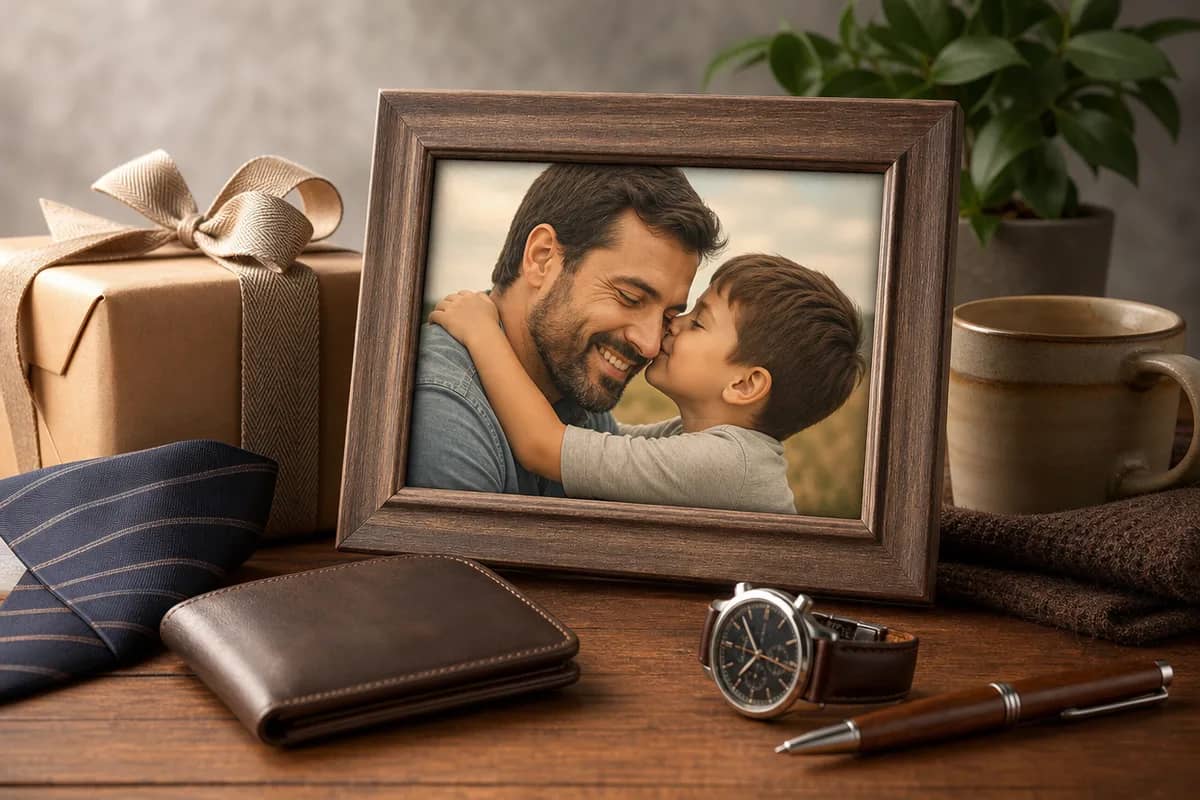
AI Mother’s Day Card Maker
Create a personalized Mother’s Day photo card with your own message and an optional reference photo. Download it to share or print.
Tap to uploadDrop image or click
JPG · PNG · WebP
Preview Examples


Select a scene to see different results
What does a Mothers Day card maker do?
CreateVision AI turns your message and optional family photo into a realistic Mother’s Day photo card for mom, grandma, or a mother figure.

Why Your Words Belong on a Mother's Day Card Maker
Create a personalized Mother’s Day photo card with your own message and an optional reference photo. Download it to share or print.
Your Words, Front and Center
Your greeting sits in its own clean panel with readable type, never printed over a face. The card shows the text you typed.
Her Photo, Kept Real
Upload a family photo and it appears as a real photograph in a paper frame, not a drawing. No photo? The card still works.
Send Today, Print Tomorrow
Pick a portrait format for her phone or a print-ready folded card front for the kitchen shelf.
See What You Can Say With the Mother's Day Card Maker
Create a personalized Mother’s Day photo card with your own message and an optional reference photo. Download it to share or print.

Reach Mom When You Live Far Away
Can't be there in person this year? Write what you want her to read, choose a portrait format, and send your card by message before breakfast. Create a family photo
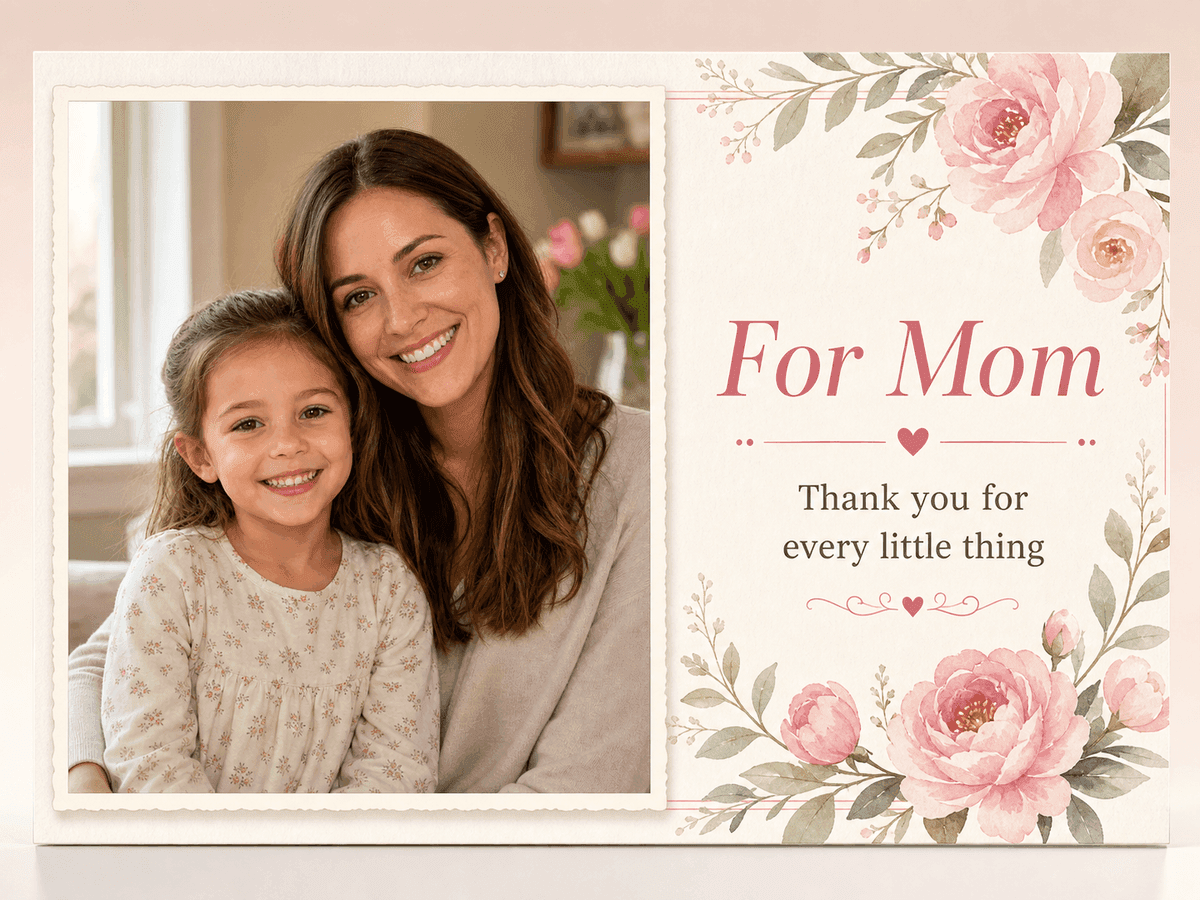
Turn Her Favorite Photo Into a Keepsake
Upload the photo she keeps on the fridge. Your card places it as a real photograph in a cream paper frame, with your message beside it. Restore an old photo
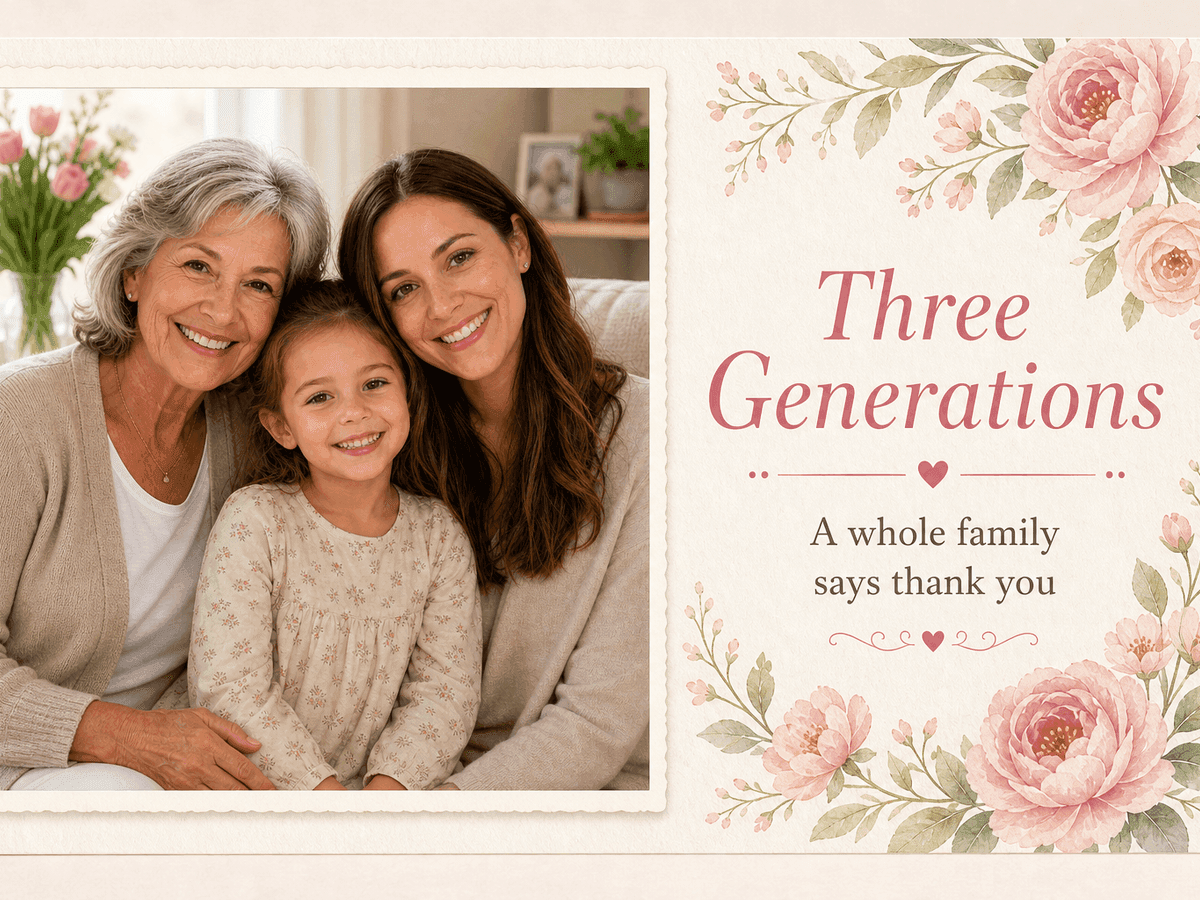
Honor Grandma, Mom and the Kids Together
Choose the Three Generations scene to put grandmother, mother and child on one card. Sign it from the whole family in a single message panel. Make a Father's Day card
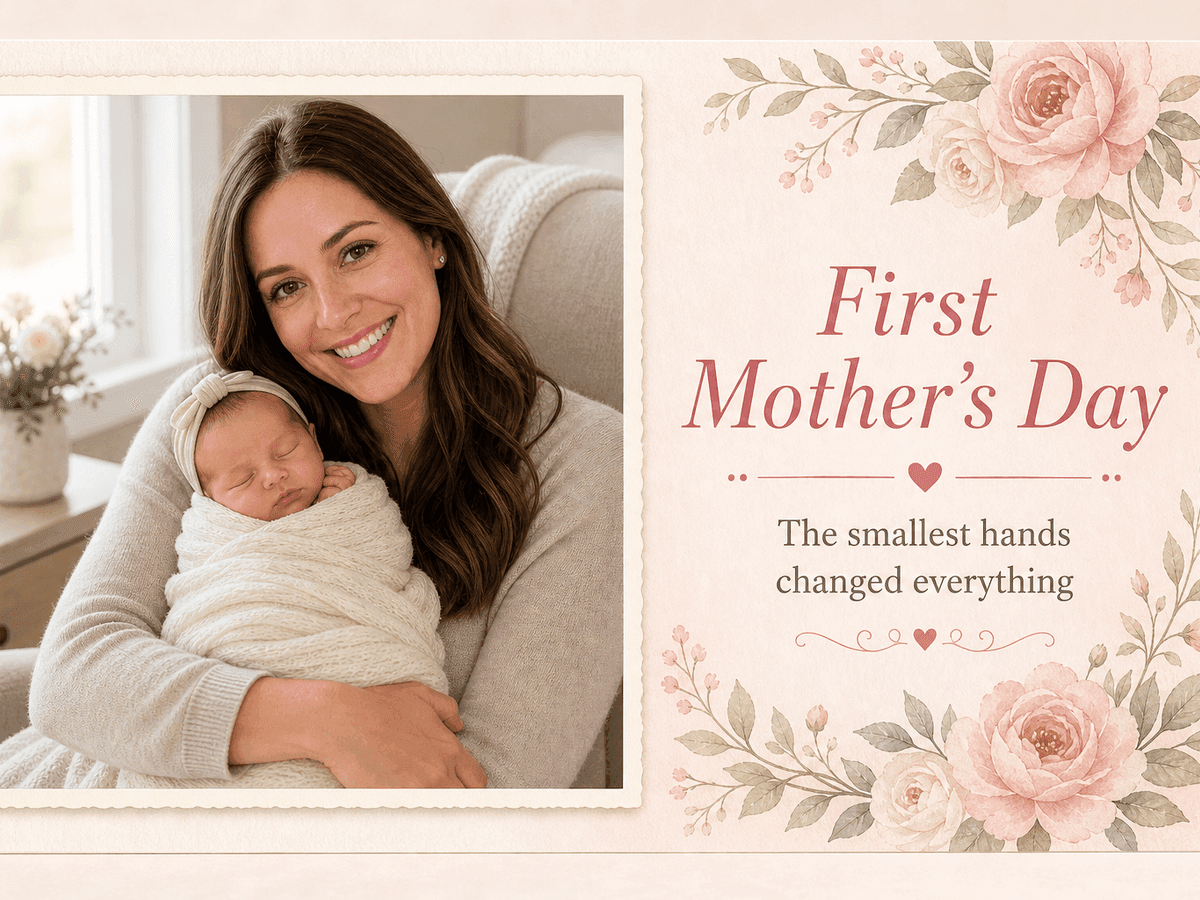
Celebrate a New Mom's First Mother's Day
The First Mother's Day style shows a new mom with her baby in soft morning light. Add the baby's name to your message to make it hers. Make a Valentine card
Who Uses AI Mother’s Day Card Maker
Four ways people use it every week

A card that says what you never say out loud

Mark her first Mother's Day from you and baby
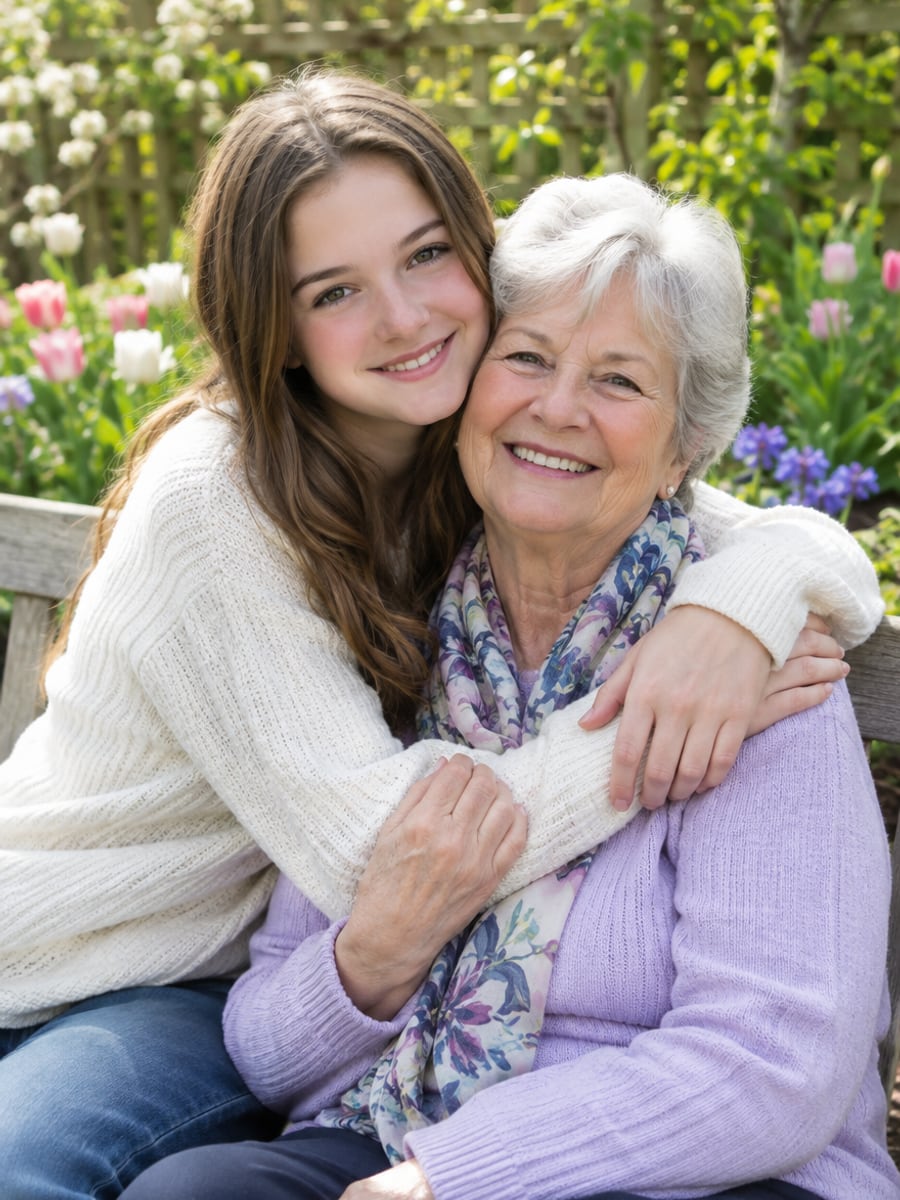
Show Grandma the photo she loves most

Thank the mother figure who showed up
How to Make a Mother's Day Card with CreateVision
Upload your photo, select a style, and download your professional result instantly
Write Your Message
Type the exact words you want mom or grandma to read. Leave it blank and the card says Happy Mother's Day.

Pick a Scene
Choose Mom + Child, Grandma + Child, First Mother's Day or Three Generations, and upload a reference photo if you have one.

Generate and Share
Generate your card, then download it to send by message or print at home.
The All-in-One AI Creation Platform
One account for images, videos, an AI agent that works for you, expert AI mentors and 80+ ready-made tools.
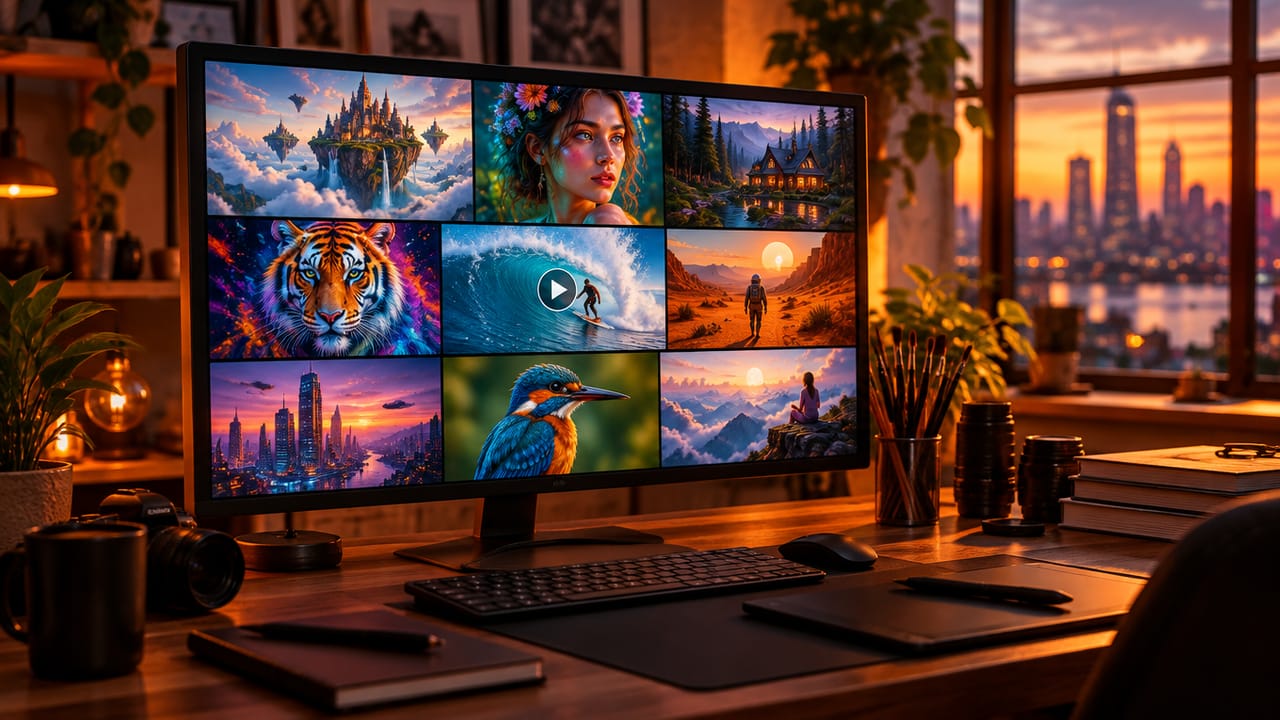
AI Image & Video Generator
Every leading model in one workspace: Seedream, Nano Banana, GPT Image, Seedance, Veo and more.
Open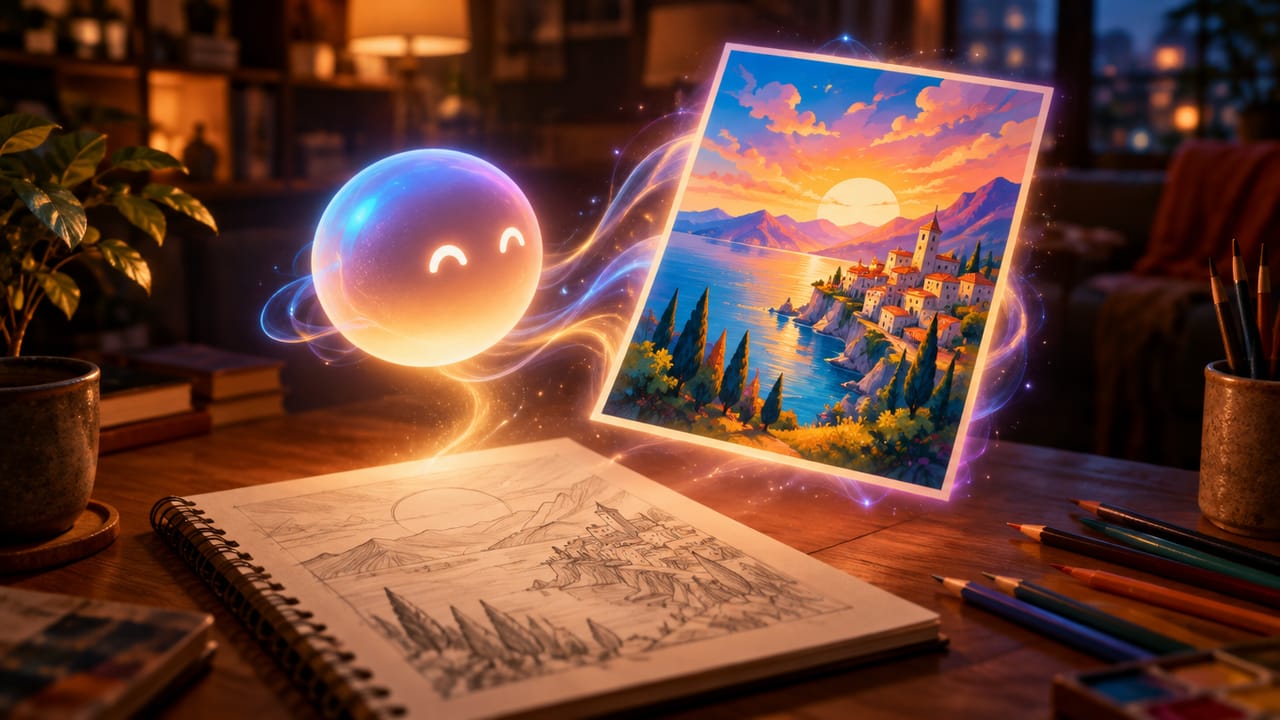
Ava, your AI creative agent
Describe what you need and Ava plans, generates and iterates for you.
Open
80+ AI tools
One-click tools for photos, videos, cards, portraits and viral trends.
Open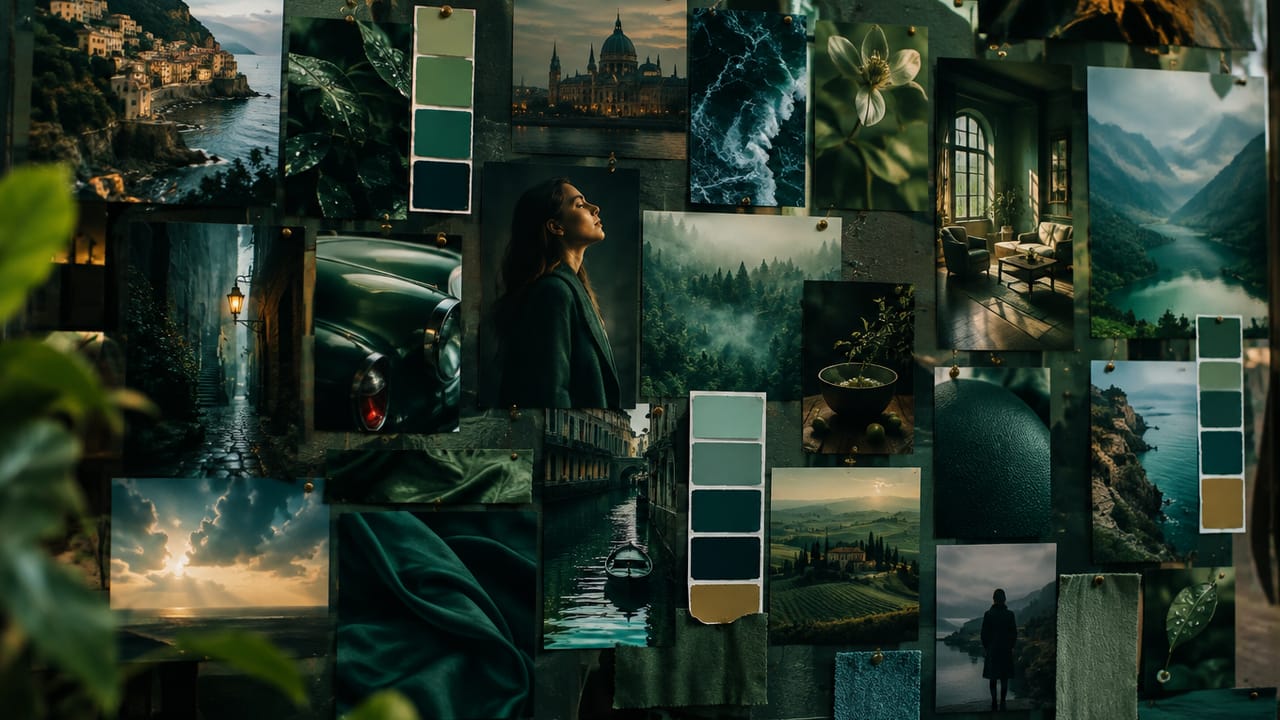
Template library
Thousands of ready prompts and styles to start from.
Open
Studios
Portrait, marketing, poster and cinema studios for finished work, not single shots.
Open
AI model library
Compare and pick the right image or video model for every job.
Open
AI mentors
Learn from expert mentors in photography, design and video, then create with their guidance.
Open190K+ creators
Using CreateVision to create and share
What Users Say
Real feedback from users worldwide
“The photo card looked personal, warm, and ready to print.”

“It kept the message readable and made the card feel handmade.”

“The family-photo style felt much better than a generic template.”

FAQs About Our AI Mother's Day Card Maker
It designs a personalized Mother's Day card from the message you write. CreateVision's card maker builds a photorealistic photo card with your greeting in a clean panel. You can add a reference photo or let the AI create a realistic family scene.
The best one keeps your words readable and your family recognizable. CreateVision places your greeting in its own panel so text never covers a face, and shows your uploaded photo as a real photograph instead of a cartoon. You also get scenes for moms, grandmas, new moms and three generations.
Write your message, pick a scene and optionally upload a photo. Under advanced options you can set the decoration (flowers, photo frame, handwritten note or simple border), palette, tone and format. The AI then designs a finished card you can download.
No. You can make a text-only card where your message is the focus, or a photo scene without uploading anything. If you upload, a clear, well-lit photo where faces are visible gives the most recognizable result.
Each card costs 50 credits. If you sign up with Google, you start with 200 free credits, enough for four cards. Email sign-up starts with 0 credits.
Yes, you can share and print your card for personal use. Free accounts download with a small CreateVision mark, which subscribers and credit-pack buyers can turn off. Uploaded reference photos are deleted automatically within 24 hours, and results stay in your private gallery until you delete them.
Yes. Choose the Grandma + Child scene or the Someone Special people scene for a stepmom, aunt or mentor. Write her name in your message so the card is clearly for her.
Make a Mother's Day Card in Your Words
Write your message, add a family photo if you like, and send or print your card for 50 credits.
Related Tools You Might Like
Explore more AI creative tools