
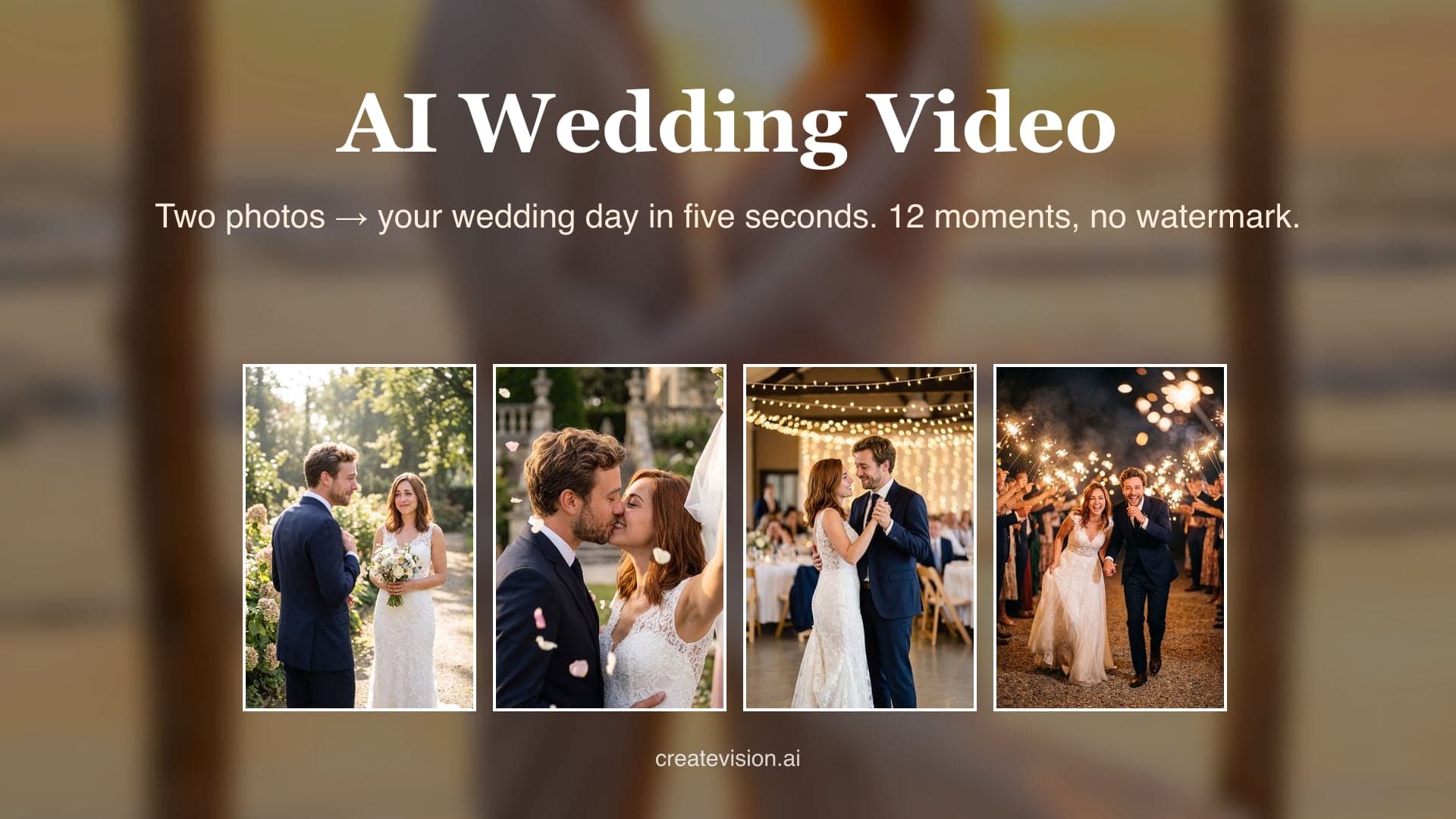
Two ways to start: one photo with both of you in it, or two separate photos. Any outfit works — the scene dresses you for the wedding. The second slot is optional; Bouquet Toss needs just the bride.
Preview
Why Do AI Wedding Videos Usually Go Wrong?
We built this generator around the three things people complain about most after trying other tools.
"It gave us a beautiful wedding — for two strangers. The dress was perfect, the faces weren't ours."
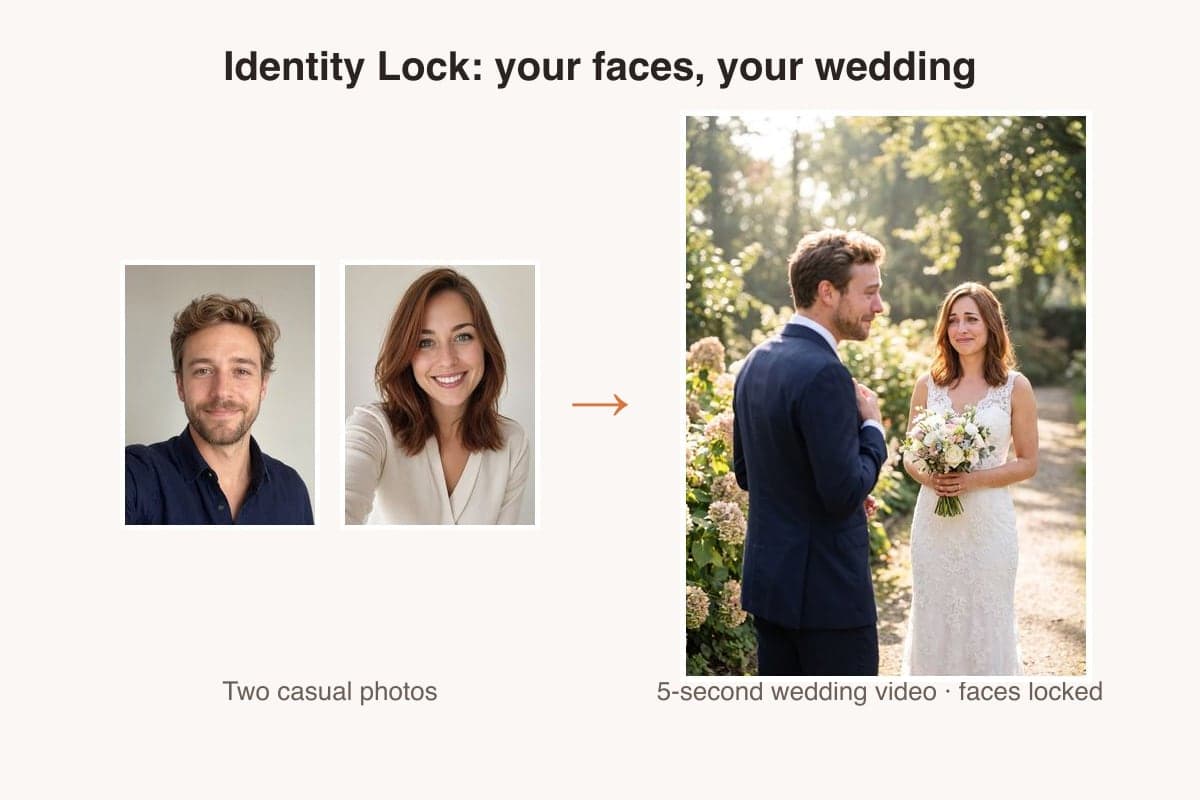
Identity lock keeps both faces sharp under the veil and through the dance — check the same couple holding up across all 12 scenes below.
"Failed generations burned my credits with nothing to show, and support never answered."
If a generation fails or is rejected, your credits are refunded automatically — every time, no support ticket needed.
"It looked free until I uploaded our photos — then came the paywall and the watermark on the invitation."
Pricing is on the page: 45 credits for a 5-second Grok clip, 75 with Seedance Mini, 550 with Seedance 2.5 — and a failed run is refunded automatically.
What is an AI wedding video generator?
AI Wedding Video Generator turns one or two photos into a five-second wedding video. Pick one of 12 moments from the day — first look, walking down the aisle, vows, ring exchange, the kiss, first dance, cake cutting, bouquet toss, garden stroll, beach vows, sparkler exit, fireworks — and the generator locks each face's geometry, hairstyle and skin tone before dressing you for the scene, so the couple in the clip is unmistakably you. Every sample on this page was generated with this exact tool from the same two casual portraits. Videos download watermark-free, vertical-ready for Reels, TikTok and Shorts.
12 Wedding Moments, Real Results
Every clip below was generated by this tool from the same two casual portraits — same prompts you'll use, first take, no cherry-picking. Hover any card to play.
First Look
He turns, sees her in the gown for the first time, and his face gives way — the moment every wedding film opens with.
Down the Aisle
Veil trailing, guests softly blurred, the groom's smile growing with every step down the aisle.
The Vows
Hands held under the floral arch, vows spoken, tears blinked back — the quiet center of the day.
Ring Exchange
A gold band slides onto her finger, the ring catches the light, and they look up at each other.
Wedding Kiss
The veil lifts, petals drift, and the wedding kiss lands — relive or preview the big-day moment from two photos.
First Dance
The first dance under fairy lights — a twirl, a close embrace. Relive it or preview it.
Cake Cutting
Four hands on one knife, a three-tier cake, and the laugh when she offers him the first bite.
Bouquet Toss
The bouquet sails over her shoulder as she laughs — the bride alone, the bridesmaids a soft blur behind.
Garden Stroll
Hand in hand down a rose-lined path in dappled light, bouquet swinging — the unposed walk between the ceremony and the party.
Beach Vows
Barefoot on wet sand under a driftwood arch, foreheads touching, veil lifted by the sea wind at sunset.
Sparkler Exit
Running laughing through a tunnel of sparklers at night — the exit every guest films on their phone.
Fireworks Finale
Fireworks over the lake, faces lit gold and red with each burst — the last frame of the night.
What an AI wedding video generator can and cannot do
Made for everyday people, not editors.
Identity Lock
Your photos pin each face's geometry, hairstyle and skin tone — you stay recognizably you in the gown and the suit, through every scene.
Actually Free to Try
Start for free — no credit card, no trial trap.
No Watermark, Any Plan
Every video downloads clean — free accounts included. Put it on the invitation, the slideshow, anywhere.
Vertical-Ready 9:16
Defaults to portrait for Reels, TikTok and Shorts; 1:1 and 16:9 for the reception screen are one tap away.
Any Photo Works
No wedding photo needed. A phone selfie or two casual portraits are enough — the scene provides the dress, the suit and the venue.
12 Wedding Moments
First look, aisle, vows, rings, kiss, first dance, cake, bouquet, garden, beach, sparklers, fireworks — the whole day, one moment per clip.
Where couples use AI wedding videos
Real moments, ready to share — pick the one that fits.
Save the Date
Engaged? A five-second first-look or beach-vows clip makes a save-the-date people actually open — no venue booked yet required.

Video Invitation
Drop the clip into your digital invite or wedding website. Guests see the two of you, not a stock couple.
Anniversary Rewind
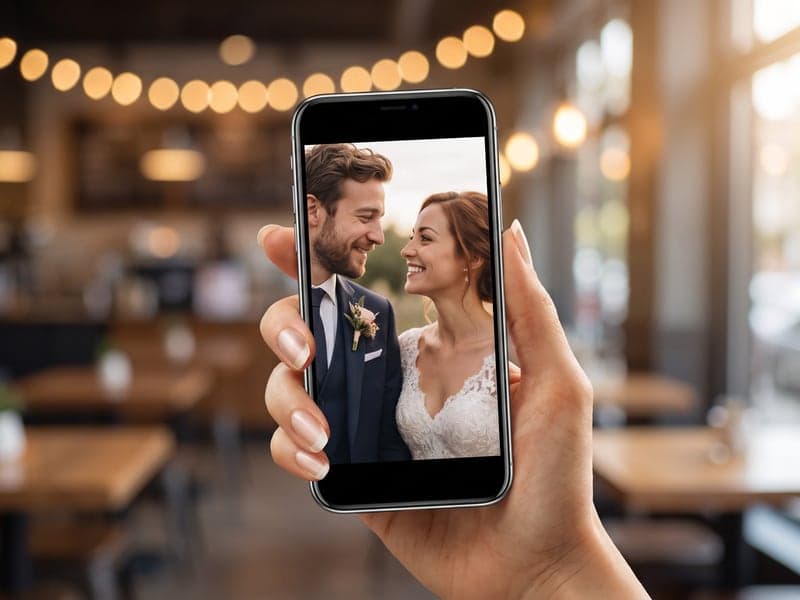
Already married? Upload a photo from the day and relive the first dance or the sparkler exit — or the moments the photographer missed.

Reels & TikTok
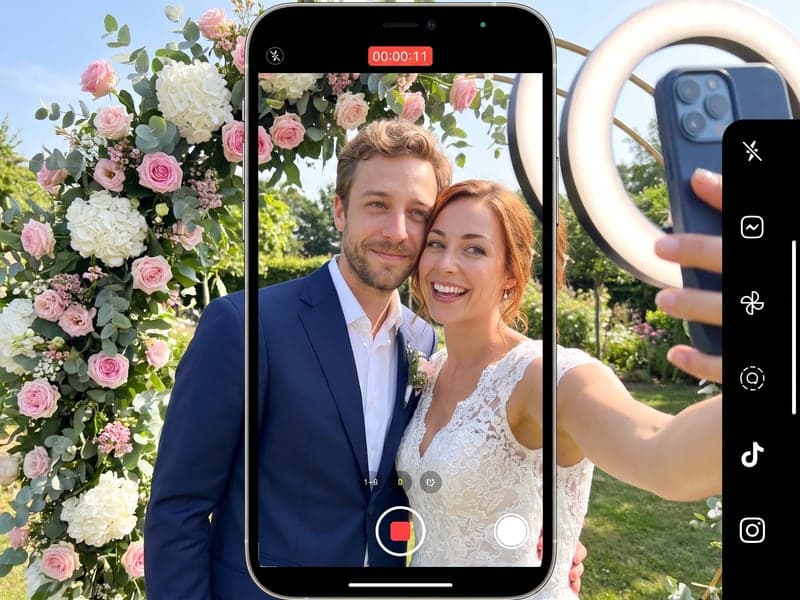
The 'our AI wedding' format is everywhere. Vertical export and no watermark mean it is ready to post the moment it downloads.
Turn your wedding photos into a clip in 3 steps
Three small steps to a video you'll actually want to send.

📷Step 1:Upload your photos
Add 1–2 clear, front-facing photos. Higher resolution gives better results.

🎬Step 2:Pick a scene
Choose a one-click scene preset, or write your own short prompt.

✨Step 3:Generate & download
Click Generate and grab a 6-second MP4 in about two minutes.
AI Wedding Video Generator
Upload one or two photos and pick a wedding moment — first look, vows, the kiss, first dance, sparkler exit — and get a 5-second wedding video with your faces locked and no watermark.
Questions about AI wedding videos
No. One clear photo of the two of you — or one photo of each — is enough. The scene puts you in the gown and the suit and builds the venue; your faces, hair and skin tone come from your photos.
Yes — that is what save-the-date and invitation videos are for. Pick First Look, Beach Vows or Garden Stroll and you have a preview of the day before it happens.
Pick a quality tier. A 5-second clip at 480p costs 45 credits with Grok, 75 with Seedance Mini or 550 with Seedance 2.5; 720p costs about twice as much. Failed or rejected generations are refunded automatically.
5 seconds by default, vertical 9:16. You can choose 5, 10 or 15 seconds and switch to 1:1 or 16:9 in the video settings.
You can start free — signing up costs nothing. A 5-second Grok clip costs 45 credits, and free accounts include one Grok video. After that, credit packs start at $9 and never expire.
No — videos download without a watermark on every plan, including free.
Yes. Your photos are used as identity references, so face geometry, hairstyle and skin tone are preserved through the whole clip. Check the 12 sample clips above — the same couple holds up across all of them.
Yes. If your photo already shows the gown or the suit, the scene keeps them. If not, it dresses you in classic wedding attire that matches the scene.
A clear, front-facing photo with each face at least thumbnail-sized works best; sunglasses, heavy filters and group shots with many people lower accuracy. Nudity and photos of minors in suggestive contexts are rejected before rendering — rejected runs cost nothing.
Your credits are refunded automatically the moment a task fails or is rejected — nothing to claim, no email. Try a clearer photo or another scene.
Related Tools You Might Like
Explore more AI creative tools

