AI Headshot Generator
Create professional headshots from any photo
Tap to uploadDrop image or click
JPG · PNG · WebP
Preview Examples


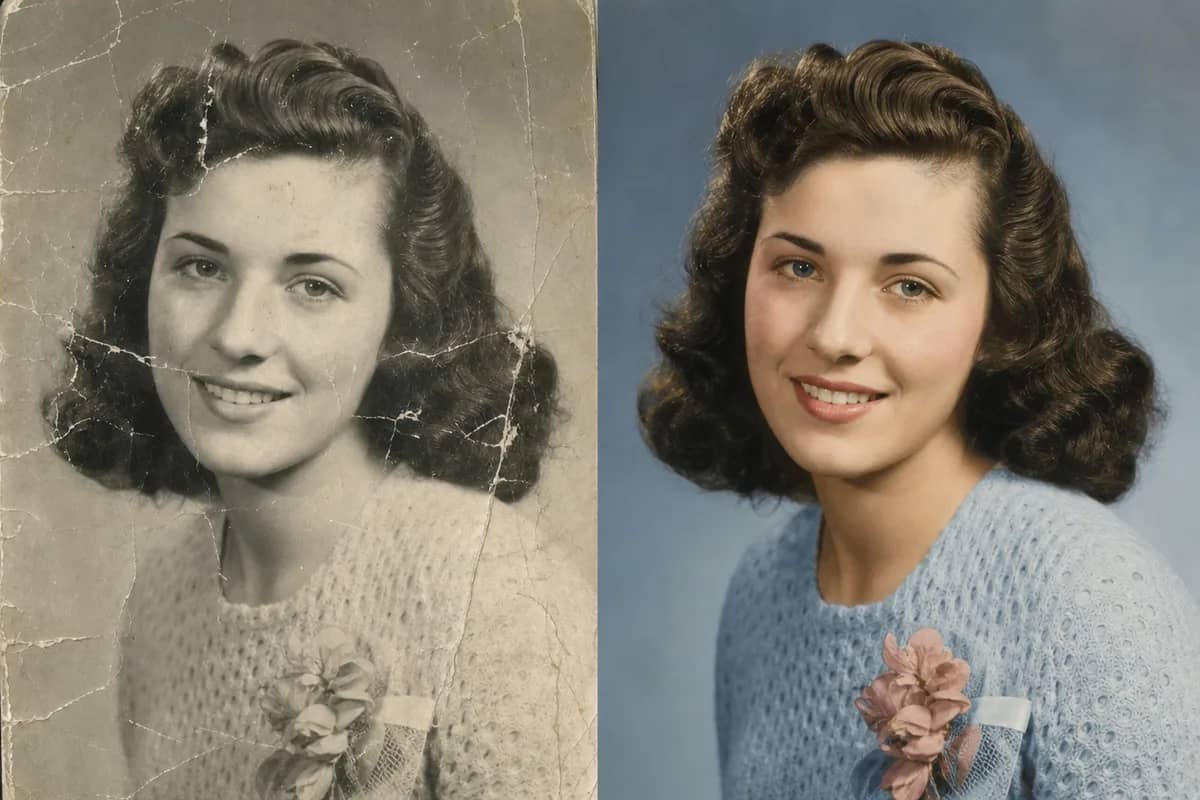
Drag the slider to compare
What is AI Headshot Generator?
AI Headshot Generator is an online tool that transforms your photos into realistic, professional-looking headshots. It adjusts lighting, background, and facial details automatically. Perfect for LinkedIn, resumes, or social media profiles, all without any editing skills.

Why Professionals Choose Our AI Headshot Generator
Professional quality, privacy protected, instant results
Get Studio-Style Lighting From a Selfie
The AI reads your facial features and light, then refines skin tone, shadows and background into a clean professional headshot.
Switch Between Nine Styles
Go from Business to Casual, Academic or Artistic in one click. Change the background and outfit to fit each profile.
Keep Your Photos Private
Uploaded photos are deleted within 24 hours and never used to train any model. Results stay in your history for 30 days.
See What You Can Do With the AI Headshot Generator
Perfect for various professional scenarios, instant and secure

Stand Out on LinkedIn and Resumes
Turn a clear photo of yourself into a polished headshot for LinkedIn, your resume or job sites. Make a strong first impression without a photographer. Remove a background

Refresh Your Social Media Profile Picture
Create a profile picture for Instagram, YouTube or your blog. Keep one consistent look across platforms, or try a few styles and pick your favorite. Try a cartoon portrait

Give Your Whole Team Matching Portraits
Use one style for every employee on your website, team page and business cards. Your team gets a consistent look without a group photo day. Explore studio portraits
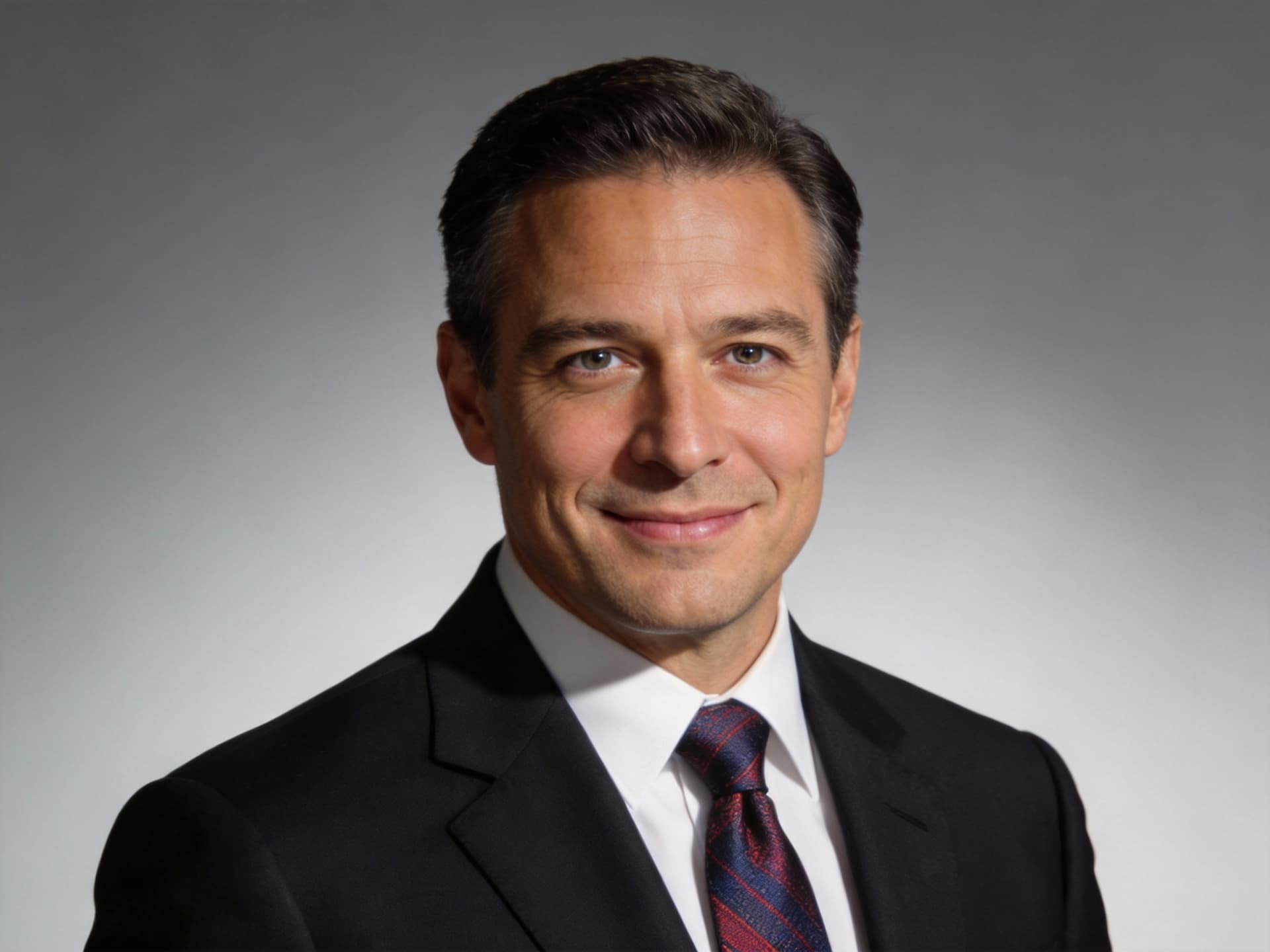
Match Your Headshot to Your Industry
Pick Business for a corporate profile, Modern for a tech team or Artistic for a creative portfolio. Each style is tuned for a different use. Change your outfit
Who Uses AI Headshot Generator
Four ways people use it every week

A polished photo for every application and profile
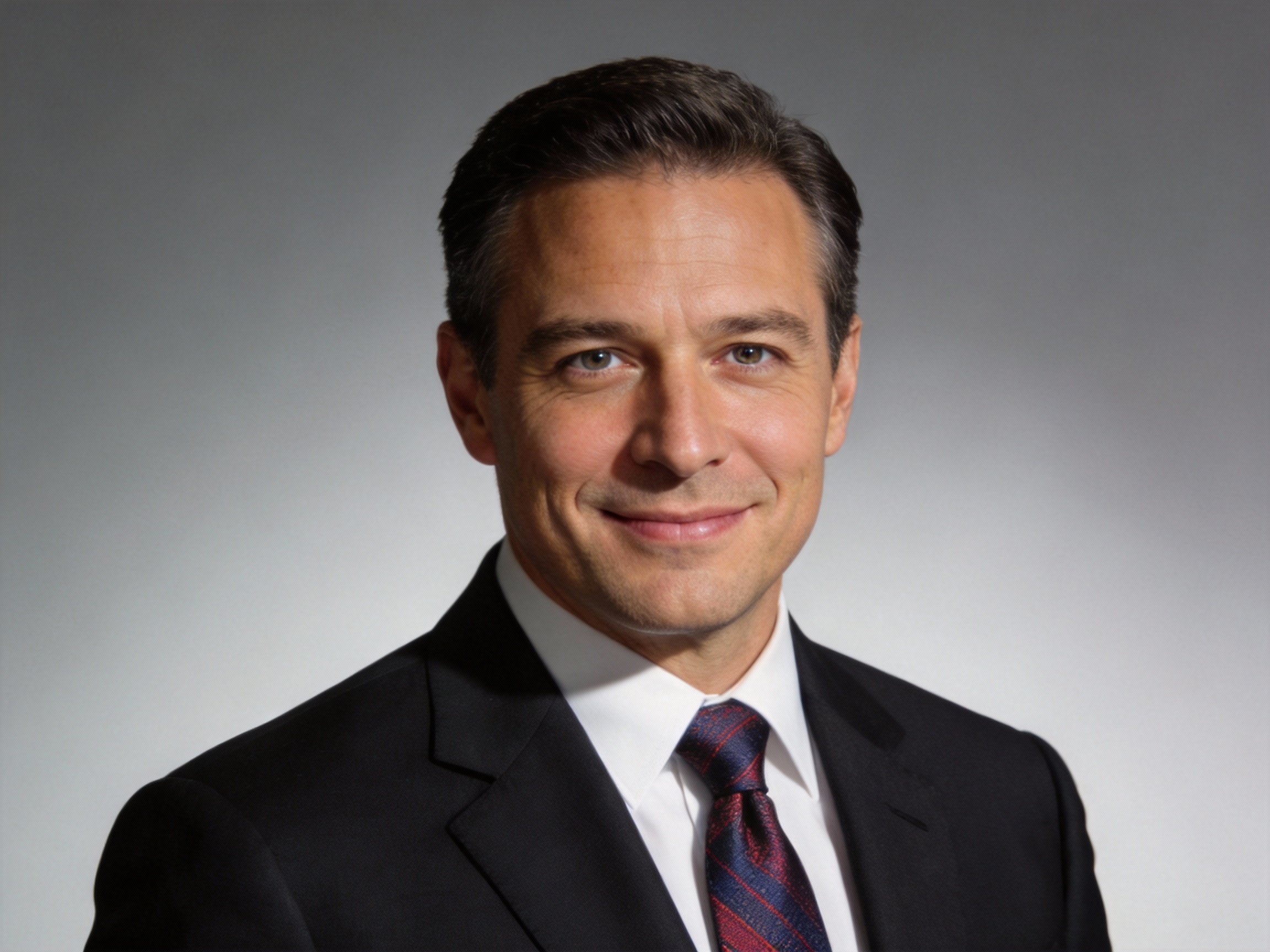
A confident portrait for bios and press pages
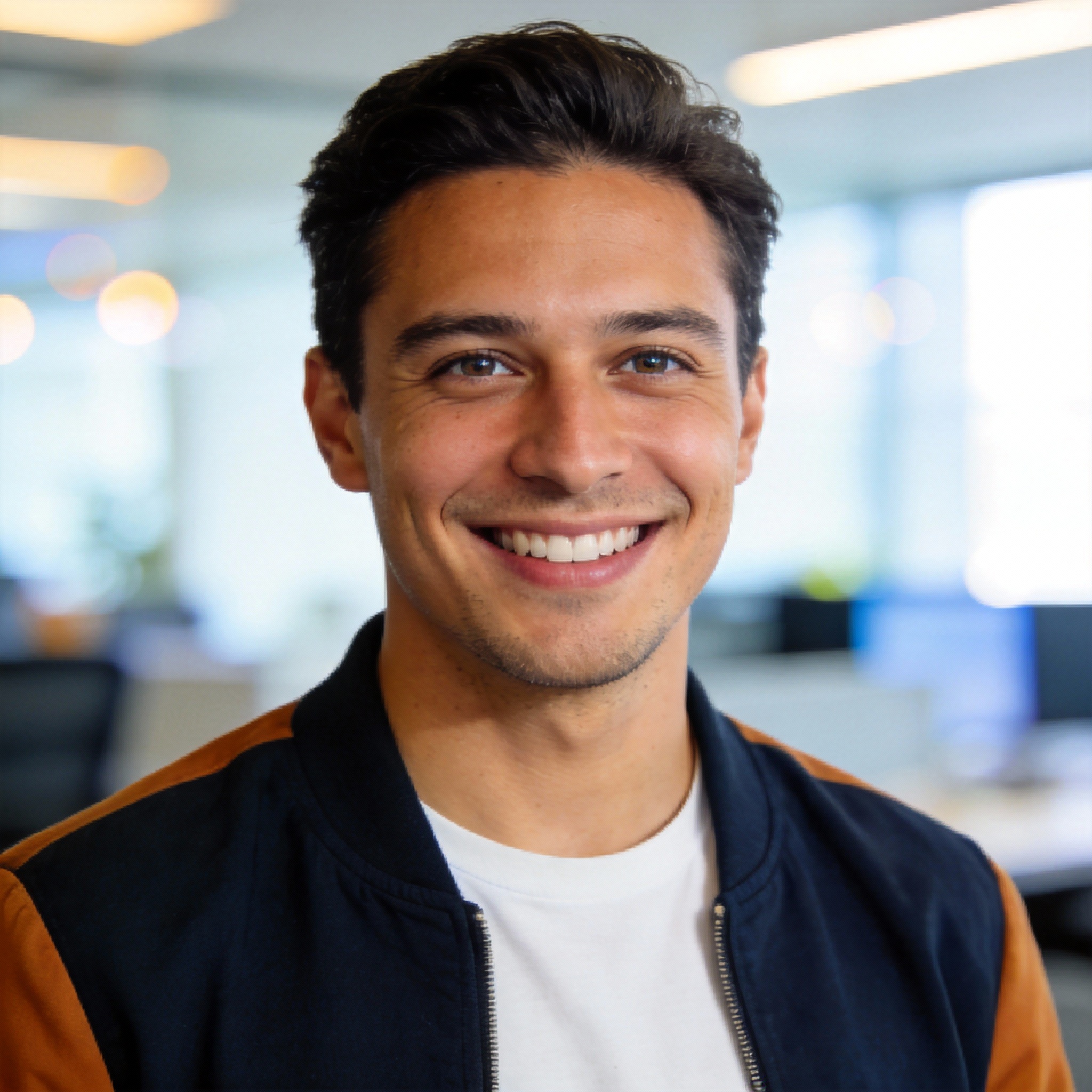
A modern headshot for your team and speaker pages
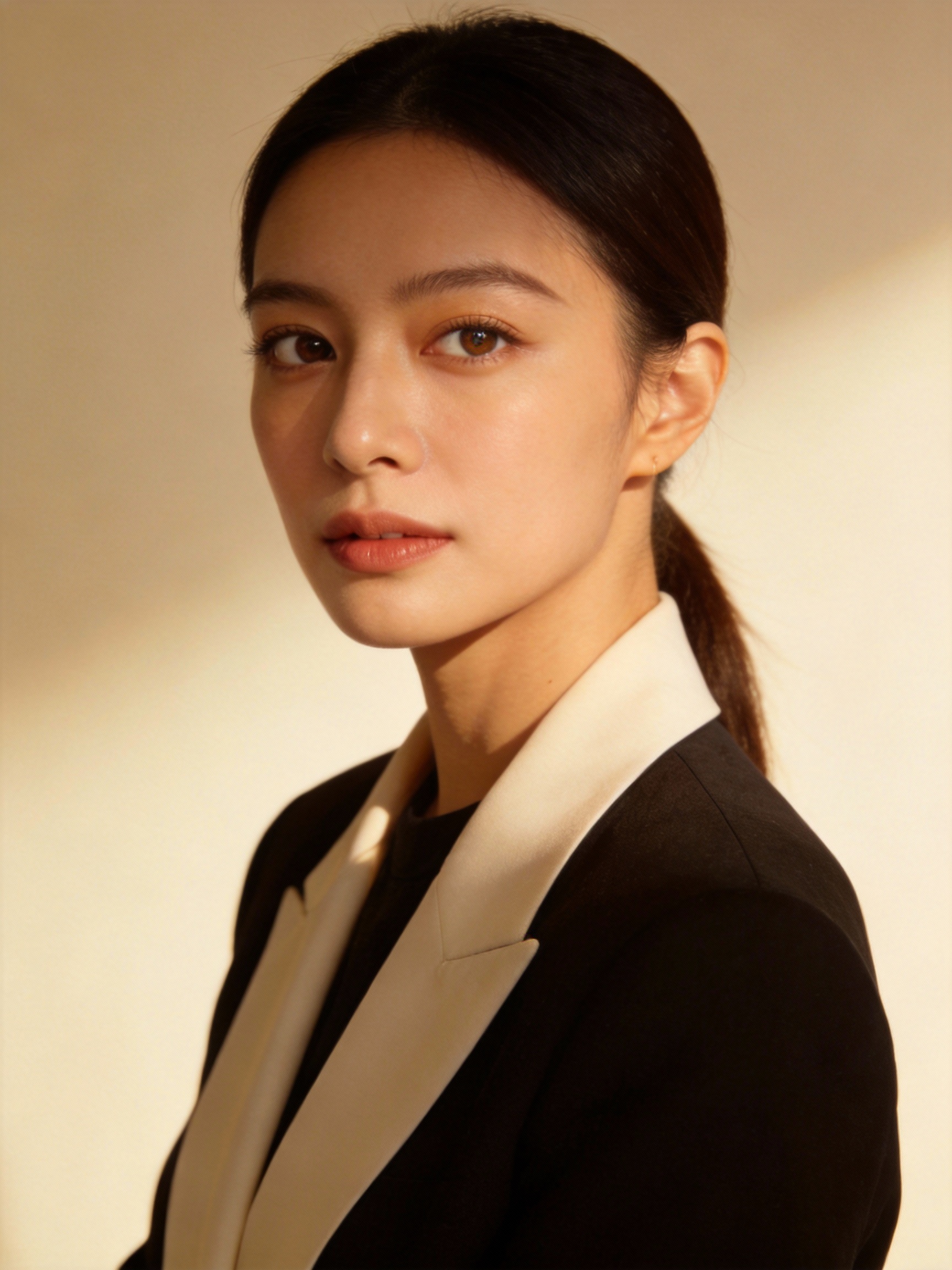
A headshot with personality for your portfolio
How to Create a Professional Headshot with CreateVision
Upload your photo, select a style, and download your professional result instantly

Upload Your Photo
Choose a clear, well-lit photo where your face is fully visible. Better light in your photo gives a better headshot.

Pick Your Style
Select one of the preset styles, such as Business, Casual or Artistic, or write a short description of the look you want.

Generate and Download
Your headshot is ready in seconds. Download it for LinkedIn, your resume, social media or any professional profile.
The All-in-One AI Creation Platform
One account for images, videos, an AI agent that works for you, expert AI mentors and 80+ ready-made tools.
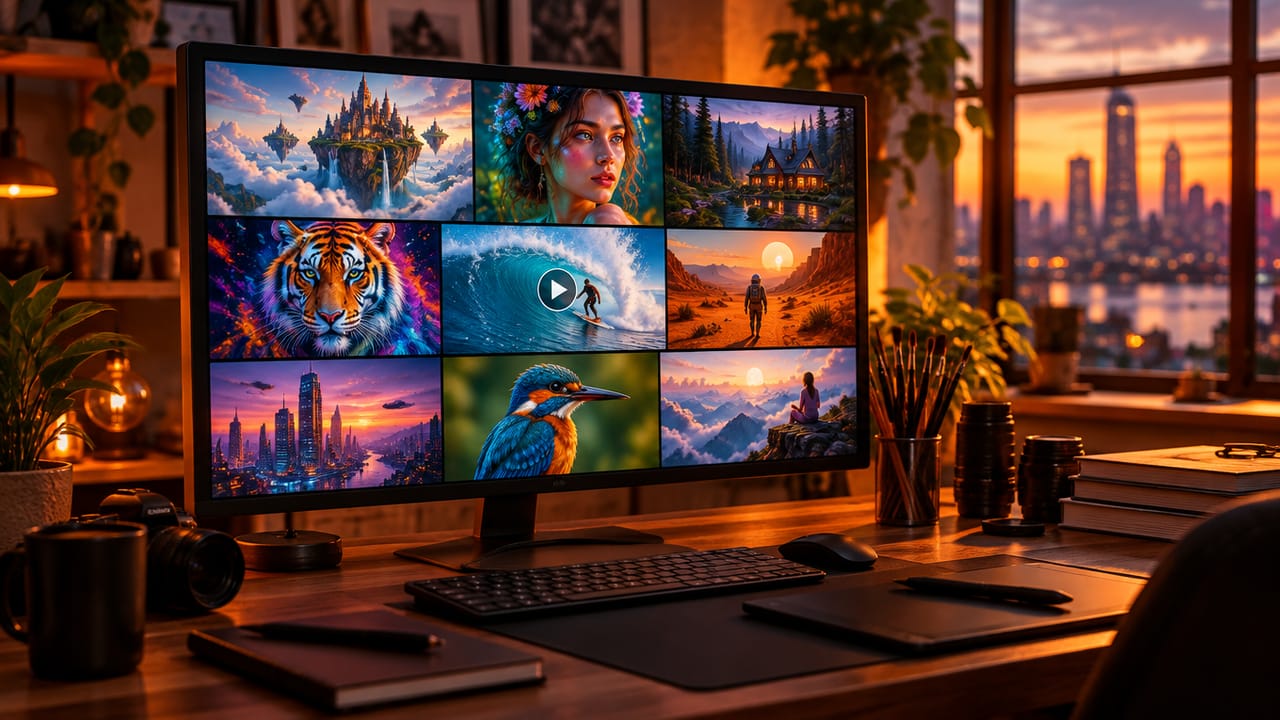
AI Image & Video Generator
Every leading model in one workspace: Seedream, Nano Banana, GPT Image, Seedance, Veo and more.
Open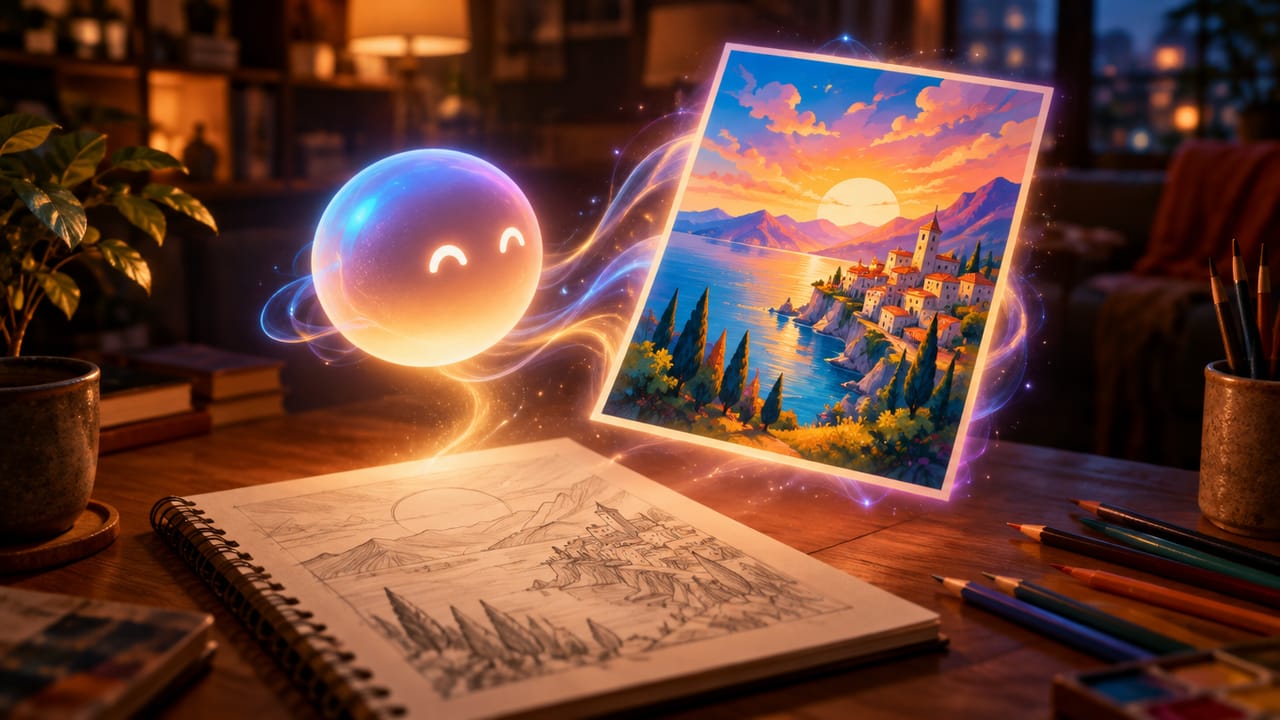
Ava, your AI creative agent
Describe what you need and Ava plans, generates and iterates for you.
Open
80+ AI tools
One-click tools for photos, videos, cards, portraits and viral trends.
Open
Template library
Thousands of ready prompts and styles to start from.
Open
Studios
Portrait, marketing, poster and cinema studios for finished work, not single shots.
Open
AI model library
Compare and pick the right image or video model for every job.
Open
AI mentors
Learn from expert mentors in photography, design and video, then create with their guidance.
Open190K+ creators
Using CreateVision to create and share
What Users Say
Real feedback from users worldwide
“I was skeptical at first, but the AI Headshot Generator completely exceeded my expectations. My LinkedIn profile photo looks like it was taken by a professional photographer!”

“As a software engineer, I never had time for a photo shoot. This tool gave me a professional headshot in minutes. Perfect for my GitHub and LinkedIn profiles.”

“I use different headshots for different platforms. This tool makes it so easy to create consistent, professional photos that match my personal brand.”

FAQs About Our AI Headshot Generator
An AI headshot generator turns an everyday photo into a professional-looking headshot. CreateVision's tool adjusts lighting, background and facial details automatically. You can use the result for LinkedIn, resumes or social media without any editing skills.
The best one works from a single photo and gives you styles for different jobs. CreateVision's AI Headshot Generator offers nine styles, from Business and Academic to ID Photo and Artistic, and can also take your own style description. Uploaded photos are deleted within 24 hours and never used to train any model.
Upload a clear photo of yourself and select a style such as Business, Casual or Creative. The AI analyzes your facial features and applies professional lighting and background treatment. Your headshot is generated in seconds.
There are nine styles: Business, Professional, Academic, Casual, Modern, Sophisticated, Energetic, ID Photo and Artistic. Each one is tuned for a different use, from corporate profiles to creative portfolios. You can also describe a custom style in your own words.
A headshot costs 40 to 60 credits depending on the style engine you pick (Precise 50, the default; Natural 60; Identity 40), and the exact cost is shown on the button before you generate. You can start with 200 free credits from Google sign-up. Paid plans add a larger monthly credit allowance for more headshots and styles.
Uploaded photos are deleted automatically within 24 hours. Generated results stay in your history for 30 days before they are removed. Your images are processed by the AI model provider that generates your result and are never sold, published or used to train any model.
Each headshot is generated fresh, so details can vary from one run to the next. The input photo matters most: a sharp, front-facing, evenly lit photo gives the closest likeness. If a result misses, try a clearer photo or a different style.
Create Your Professional Headshot With AI
Upload one photo, choose a style, and get a polished headshot for LinkedIn, your resume or your team page.
Related Tools You Might Like
Explore more AI creative tools