Tap to uploadDrop image or click
JPG · PNG · WebP
A clear, front-facing photo works best
Preview
 this face
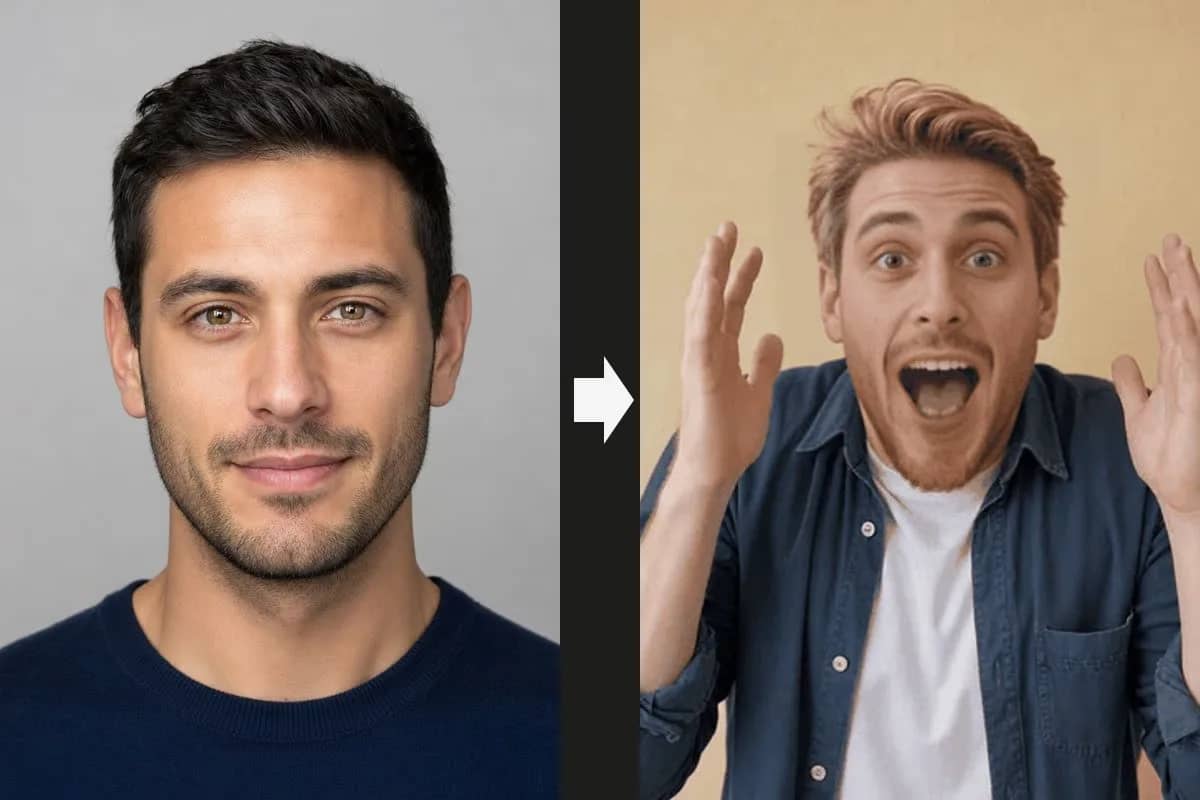
Upload a face photo and a clip. The result keeps this clip's sound, size and frame rate.
Why Do Video Face Swaps Usually Disappoint?
We built this around the three things people complain about in typical video face swap tools — and made each fix something you can verify on the samples above.
"The clip came back silent. In a meme the audio is the whole joke."
The original audio track is kept. Every sample on this page still has its sound.
"A logo in the corner on every free result — it looked like an ad for the tool."
No watermark at any tier. What you download is what you can post.
"They quietly downscaled my 1080p clip to 480p to save compute."
Output keeps the source resolution, frame rate and aspect ratio, up to 1080p.
How does video face swap work?
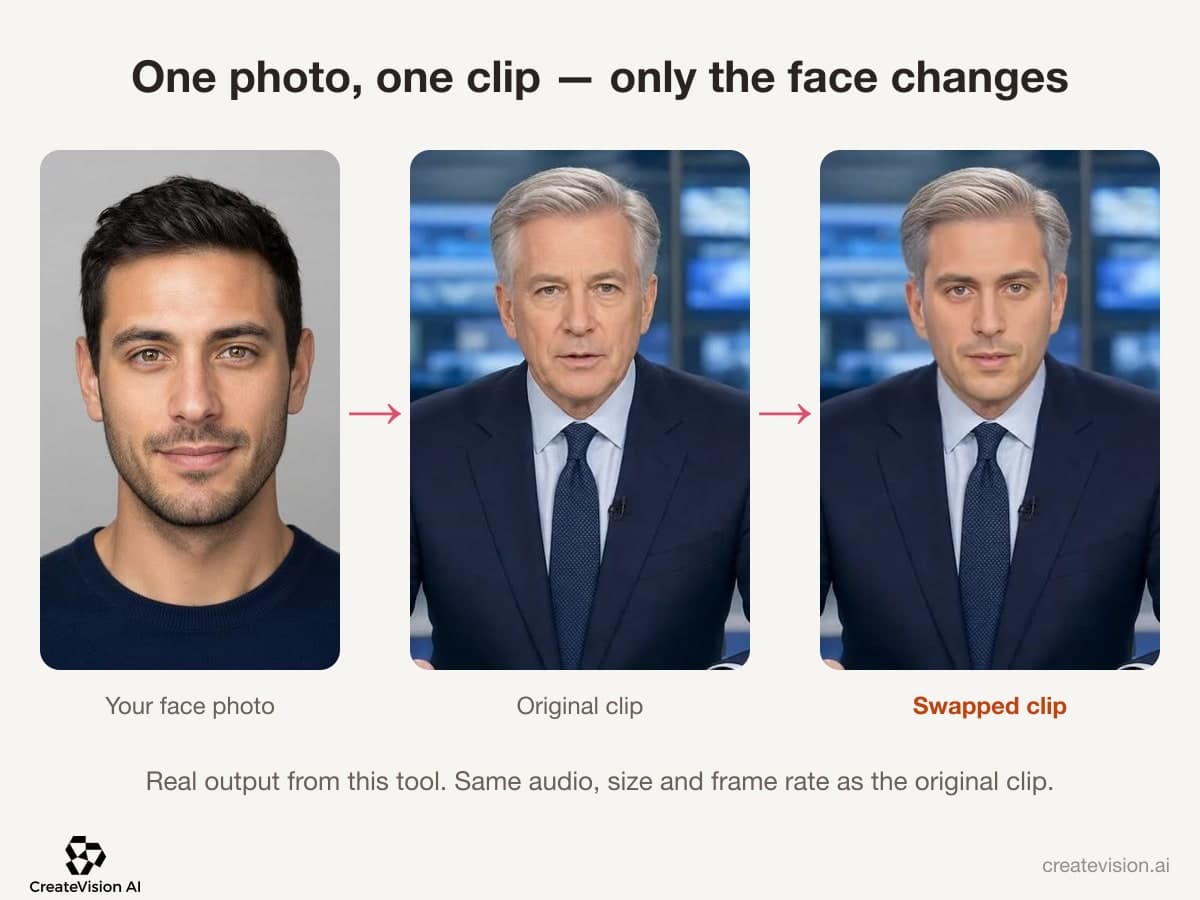
Video Face Swap replaces the face in a short MP4 with the face from your photo and leaves everything else alone. The original audio, resolution and frame rate come through unchanged, with no watermark. Every sample on this page was made with this tool.
Six Clips, Real Results
Every clip below was swapped by this tool — the small portrait on each card is the face that went in. Hover to play; the sound you hear is the original track, untouched.
 Originalthis face
News anchor
A calm news-desk read — the steadiest lighting and the cleanest result. Lip movement follows the anchor's every word.
 Original
 this face
Vlog
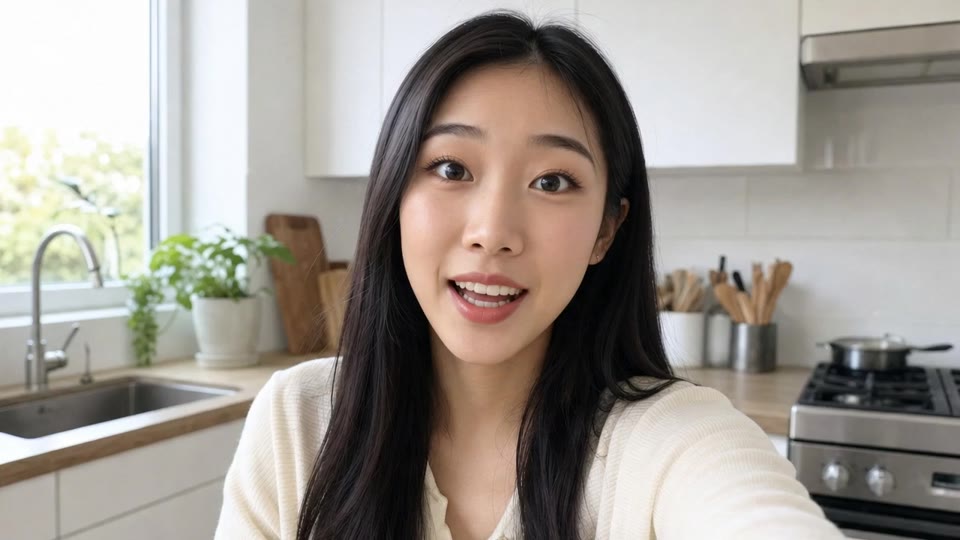
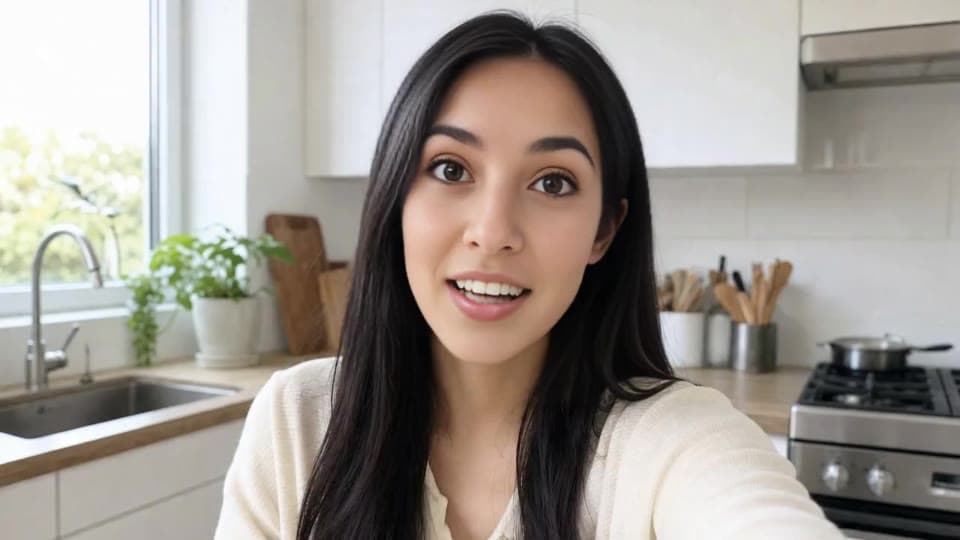
Handheld kitchen vlog, lively expression and hand gestures. Shows how the swap holds up when the head keeps moving.
 Originalthis face
Birthday toast
A toast at the dinner table with the original speech intact — the sample you'd actually send to the guest of honour.
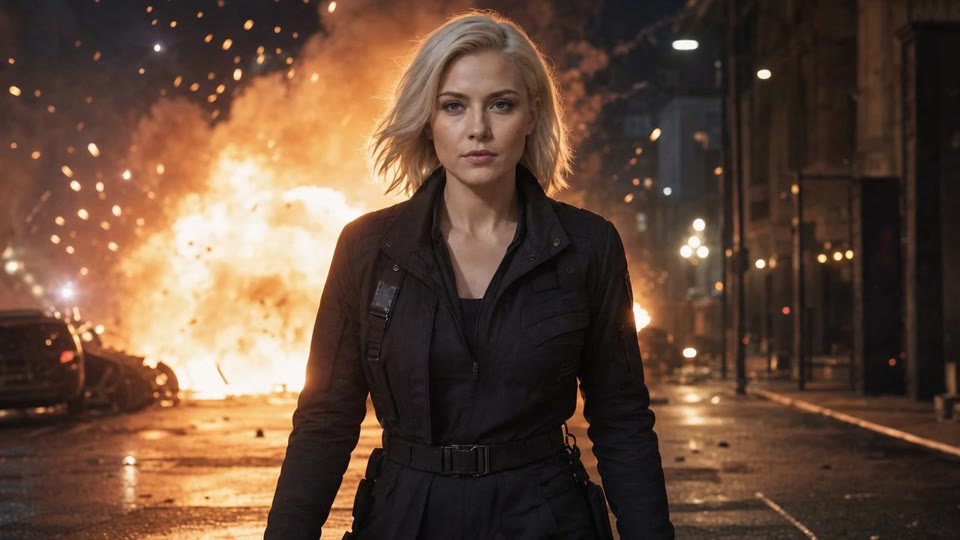 Originalthis face
Action scene
Walking away from an explosion without blinking. The meme shot, with your face on it.
 Originalthis face
Stadium cheer
Fists up in the stands — the fastest head movement in this set, so you can judge the hard case for yourself.
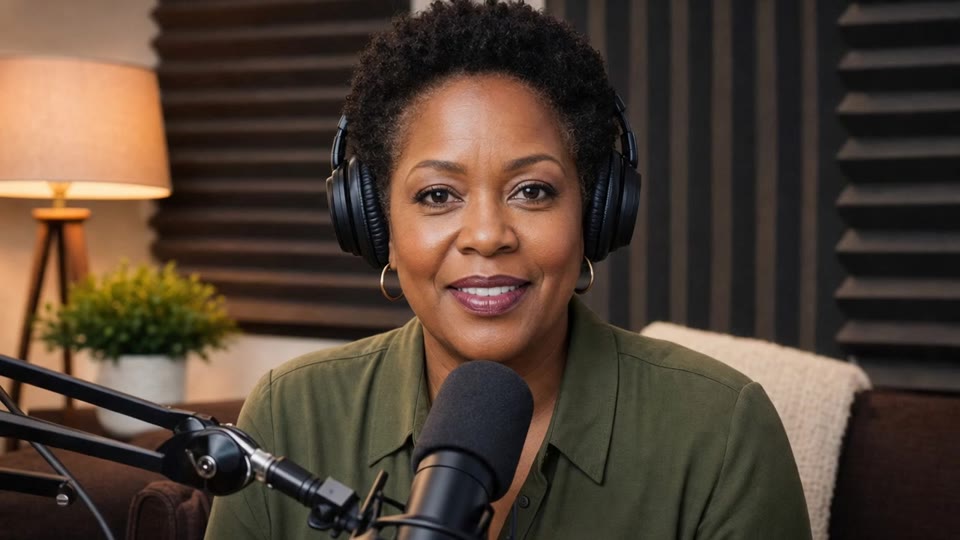 Originalthis face
Podcast
Headphones and a studio mic. Partial ear coverage and a close-up mouth show how edges are handled.
Why Our Video Face Swap Keeps Your Clip Intact
Made for everyday people, not editors.
Keep the Original Audio
Your clip comes back with its original sound track and h264 video intact. In a meme, the audio usually is the joke, so we kept it.
Download With No Watermark
No logo, no corner badge, no bar across the bottom. The file you download is ready to post, on every plan.
Get Your Resolution Back
Results return at the size you uploaded, up to 1080p. Frame rate and aspect ratio follow your source clip too.
See What You Can Do With Video Face Swap
Real moments, ready to share — pick the one that fits.
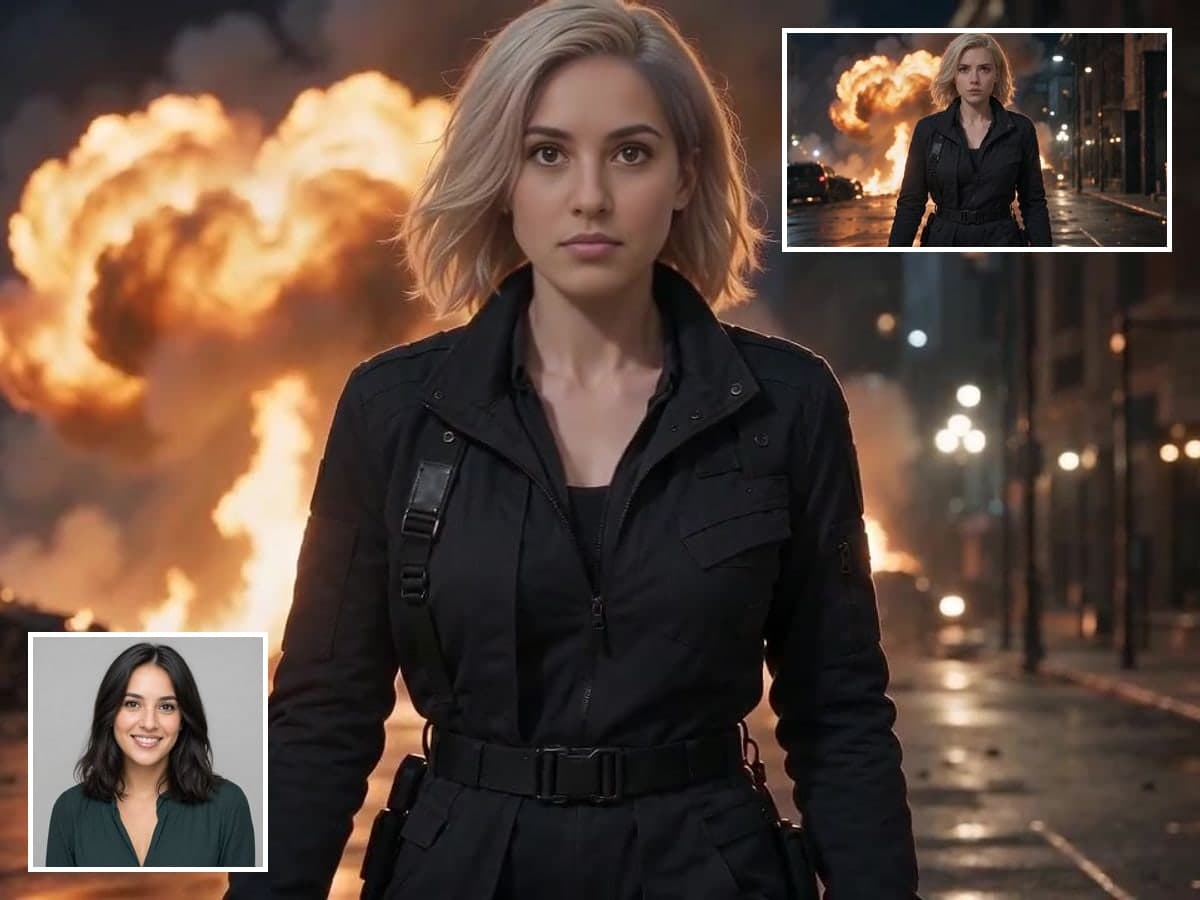
Put Yourself in the Famous Clip
Drop your face into the scene everyone already quotes. Your expression and the original line carry through, so the joke still lands. Make a reaction GIF

Surprise the Guest of Honor
Put the birthday person into a clip they will never live down. The sound stays intact, so it plays properly when your phone gets passed around. Add a party dance
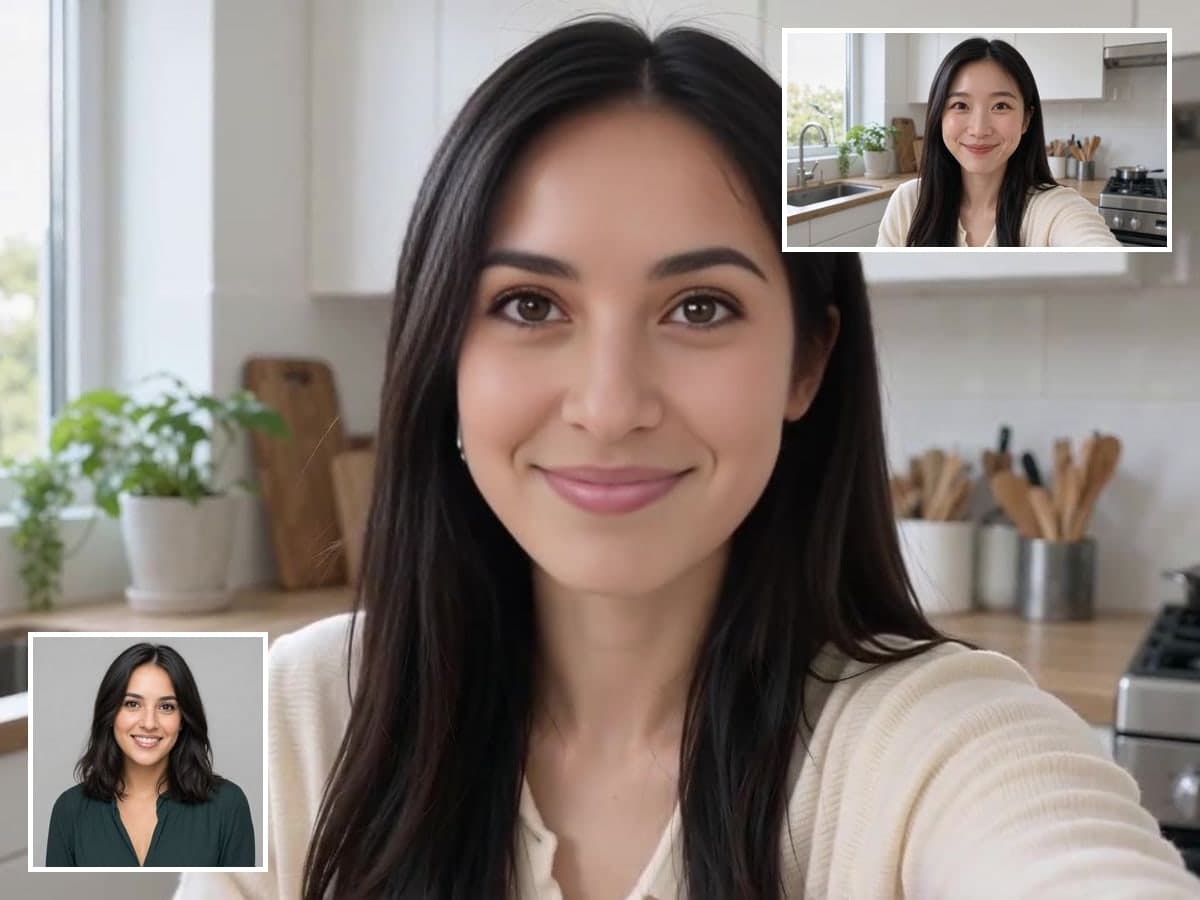
Preview a Recast Before You Reshoot
Show your client how a cut looks with a different face in it. Make the call before you book a reshoot. Test faces on photos
Keep Expressions and Lip Movement Natural
Your new face is swapped frame by frame against the original. Expressions, lip movement and head turns carry through without a wobbling mask. Make an AI kiss video
Who Uses Video Face Swap
Four ways people use it every week
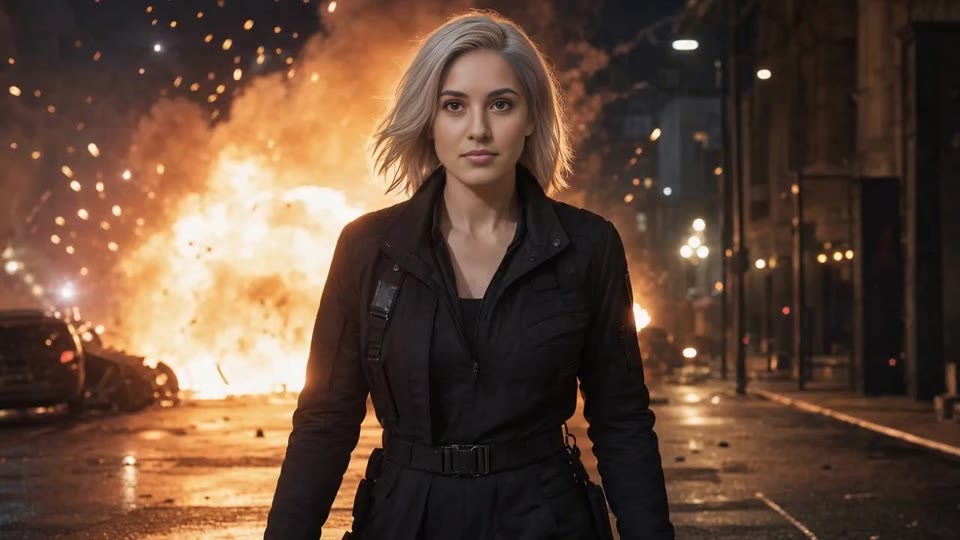
Turn the clip everyone quotes into your own
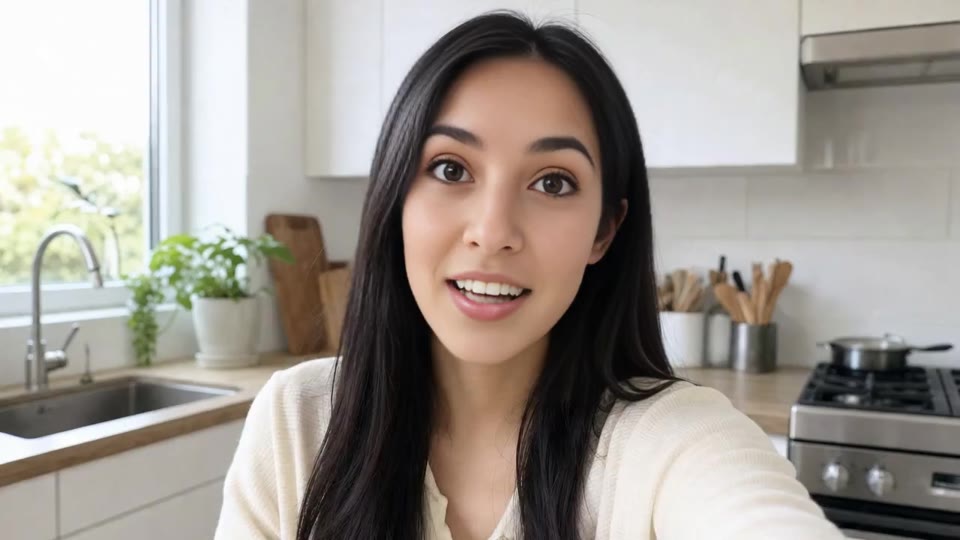
Test a new face on your talking-head clip

Give the birthday toast a face everyone knows

Put your face in the big moment of the game
How to Make a Video Face Swap with CreateVision
Three small steps to a video you'll actually want to send.
Upload a Face
One clear, front-facing photo. Even light, whole face visible, no sunglasses or hat. This is the face that gets used.
Upload the Clip
An MP4 between 2 and 30 seconds, up to 1080p. We read its real length and show you the price before charging anything.
Download It
You get an MP4 back at the same size and frame rate, with the original audio and no watermark.
The All-in-One AI Creation Platform
One account for images, videos, an AI agent that works for you, expert AI mentors and 80+ ready-made tools.

AI Image & Video Generator
Every leading model in one workspace: Seedream, Nano Banana, GPT Image, Seedance, Veo and more.
Open
Ava, your AI creative agent
Describe what you need and Ava plans, generates and iterates for you.
Open
80+ AI tools
One-click tools for photos, videos, cards, portraits and viral trends.
Open
Template library
Thousands of ready prompts and styles to start from.
Open
Studios
Portrait, marketing, poster and cinema studios for finished work, not single shots.
Open
AI model library
Compare and pick the right image or video model for every job.
Open
AI mentors
Learn from expert mentors in photography, design and video, then create with their guidance.
Open190K+ creators
Using CreateVision to create and share
FAQs About Our Video Face Swap Tool
Video face swap replaces the face in a short video clip with a face from a photo. On CreateVision, everything else stays as it was: the original audio, resolution and frame rate come through unchanged. You upload one clear face photo and an MP4 of 2 to 30 seconds.
The best one keeps your clip usable after the swap. CreateVision keeps the original audio track, returns your clip at the resolution you uploaded up to 1080p, and never adds a watermark. The face is swapped frame by frame, so expressions and lip movement follow the original. You also see the exact credit cost before anything is charged.
Upload one face photo and one MP4 clip. We read the real length of your clip and show the price before you start. The face is then replaced frame by frame against the original footage. Processing takes roughly six seconds per second of clip at 480p and about two and a half times that at 1080p, and you can leave the page while it runs.
Your clip can be between 2 and 30 seconds, as an MP4 up to 1080p. A 30-second clip at 1080p takes close to seven minutes to process. For the face, use one clear, front-facing photo in even light with the whole face visible and no sunglasses or hat.
Each swap costs 20 credits plus 14 credits per second of clip. So 2 seconds is 48 credits, 5 seconds is 90, and 30 seconds is 440. Your first swap, for a clip up to 5 seconds, uses no credits, one per network. After that, you can start with 200 free credits from Google sign-up.
Only use a face with that person's permission. Sexual, harassing or deceptive content breaks our terms and is blocked, and you should not make public figures appear to say or do things they didn't. Your uploads and results are private to your account by default, source files are cleared on a short cycle, and nothing is published.
A video face swap looks like a face swap, not like new footage. The face is convincingly replaced and the lighting matches, but at a close crop you may see a soft edge where the new face meets the original. Clips where the head stays roughly front-on give the cleanest result. Extreme angles, heavy motion blur and very fast cuts are the hard cases.
Make Your Video Face Swap With Sound
Upload one face and one clip, see the price first, and download an MP4 with the original audio.
Related Tools You Might Like
Explore more AI creative tools