AI Product Page Design
Upload 1–3 product photos and get a complete product detail page — hero, selling points, close-ups, specs and lifestyle scenes — as one tall image.
Product photos
1–3 clear photos of the same product. JPG, PNG or WebP.
Page length
Resolution
Add at least one product photo to start.

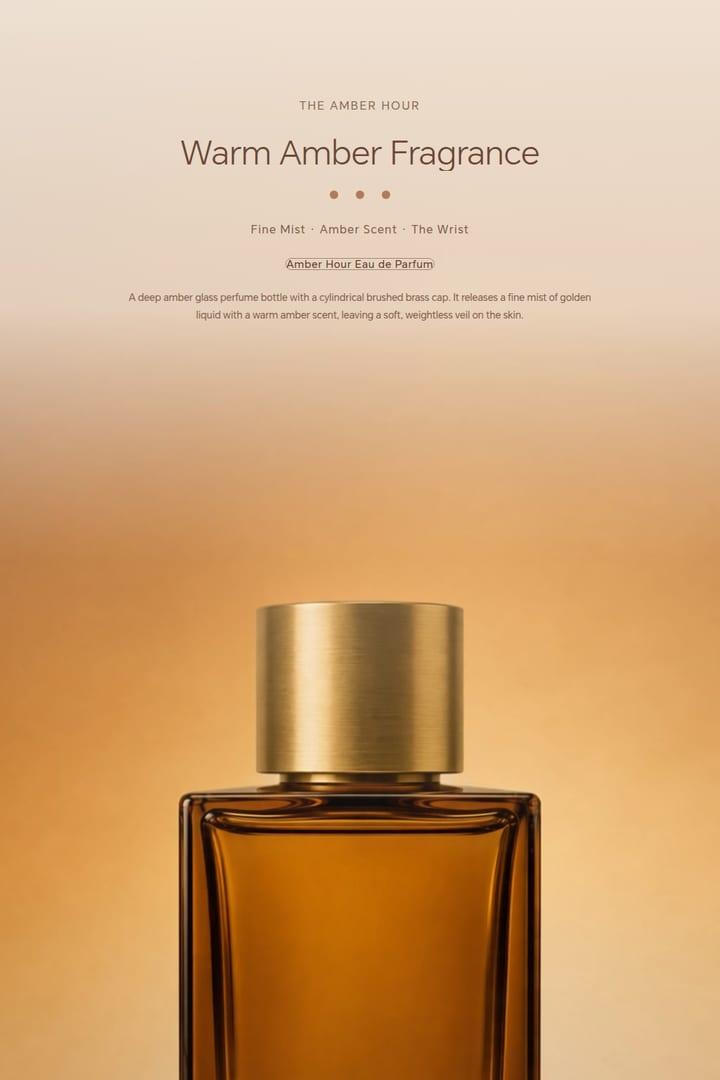
Made with this tool from a single product photo. Scroll to see the whole page.
Product Pages Made From One Photo
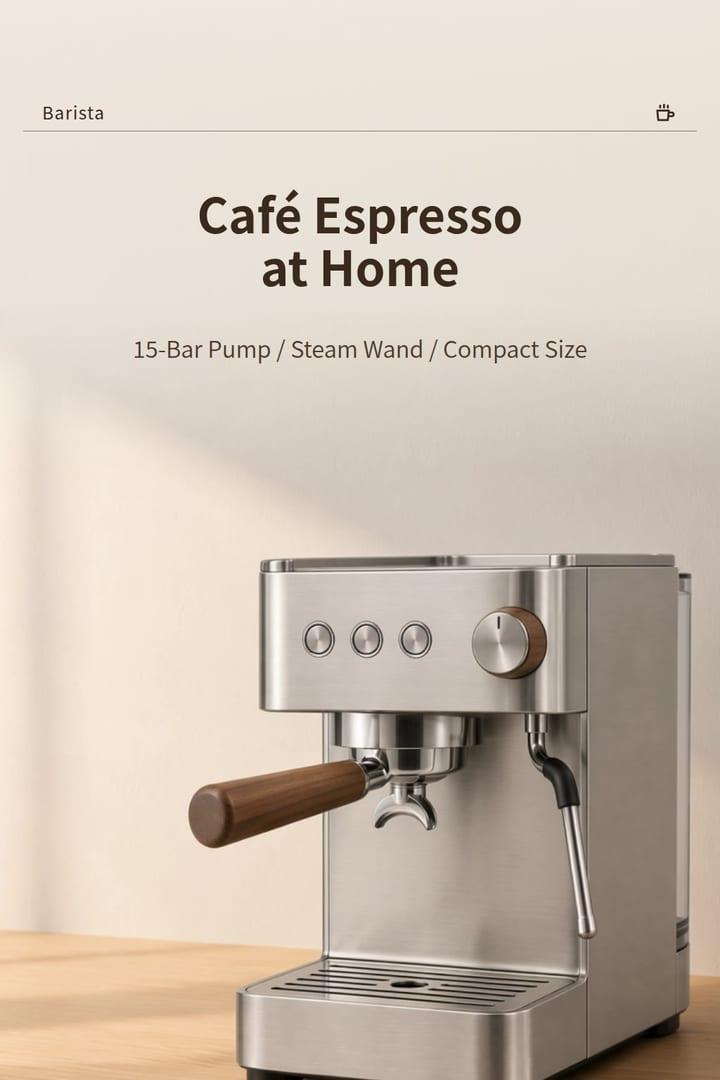
Each page below started from a single product photo and a few lines of text. Scroll inside a page to see every section.
Why Design Product Pages Here
Professional quality, privacy protected, instant results
A Whole Page, Not One Picture
Hero, selling points, close-ups, specs and lifestyle scenes come back together, laid out in order like a real detail page.
Built Around Your Product
Upload up to three photos of the item. Its shape, color and materials carry through every section of the page.
Headlines and Copy Included
Short headlines, feature labels and spec rows are written into the design, in English, Chinese, Japanese, Korean, Spanish or Portuguese.
What Sellers Make With It
Perfect for various professional scenarios, instant and secure
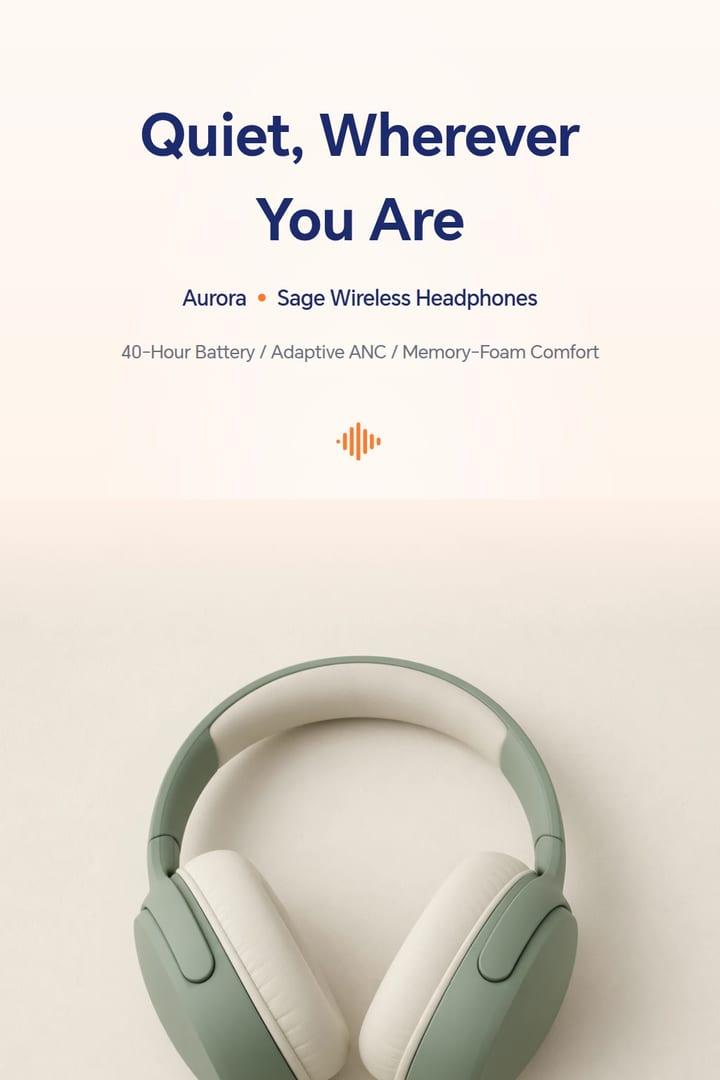
Turn One Product Photo Into a Listing Page
Upload a clean photo and list what matters — size, materials, the problem it solves. You get a page that walks a shopper from the hero shot to the specs, ready to slice into marketplace images or post as one long graphic. Need cleaner product shots first? Try AI Product Mockup
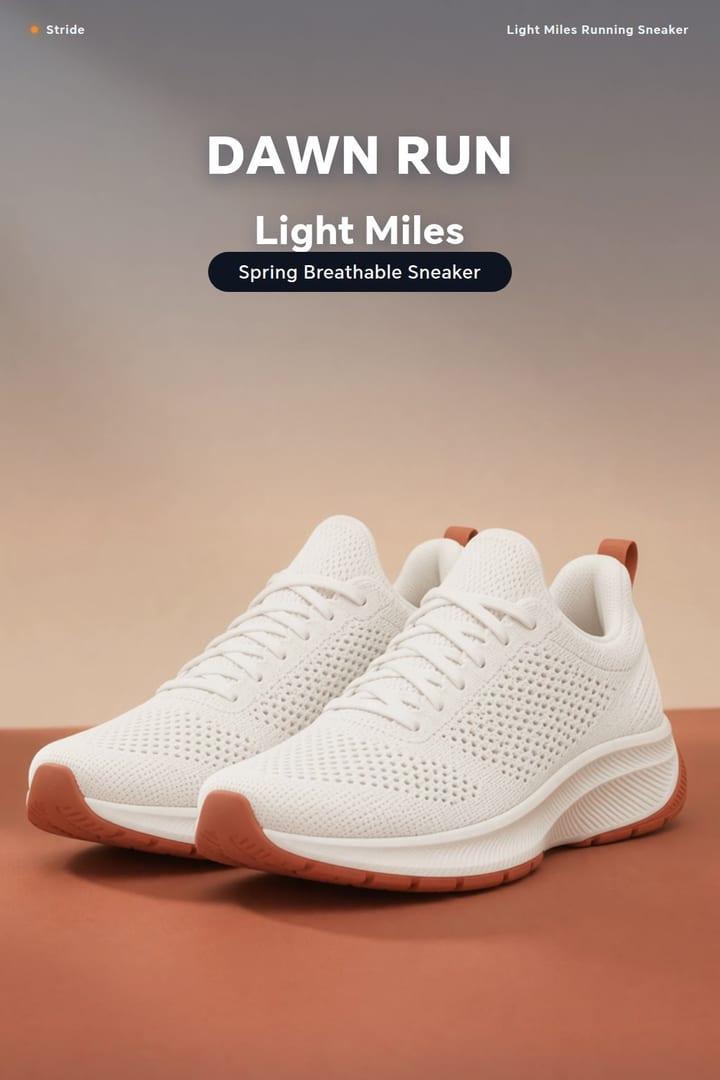
Mock Up a Launch Before the Photo Shoot
Planning a new product? Feed in a prototype photo and test how the story reads: which selling point leads, how the specs look, which mood fits. Change the brief and generate again in minutes. Remove the background from your product photo
Try Different Looks for the Same Product
Minimal and clean for skincare, bold and sporty for shoes, warm and premium for kitchen gear. Describe the style in a sentence and compare versions side by side before you brief a designer. Upscale a section for print
One Product, Pages in Several Languages
Pick the text language before you generate. Selling into Japan, Korea, Spain or Brazil? Make a version for each market from the same photos. Translate text inside an existing image
Who Uses AI Product Page Design
Four ways people use it every week
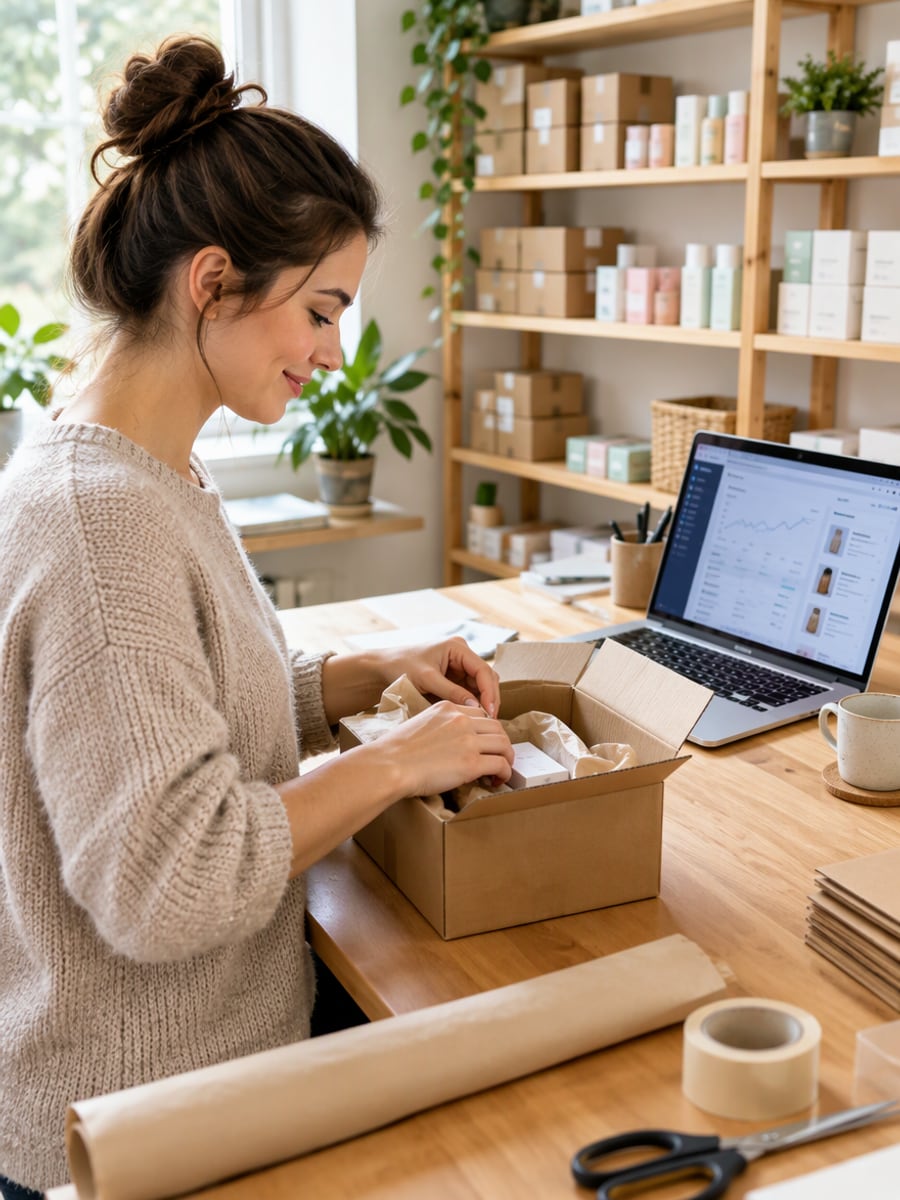
Give every listing a full detail page
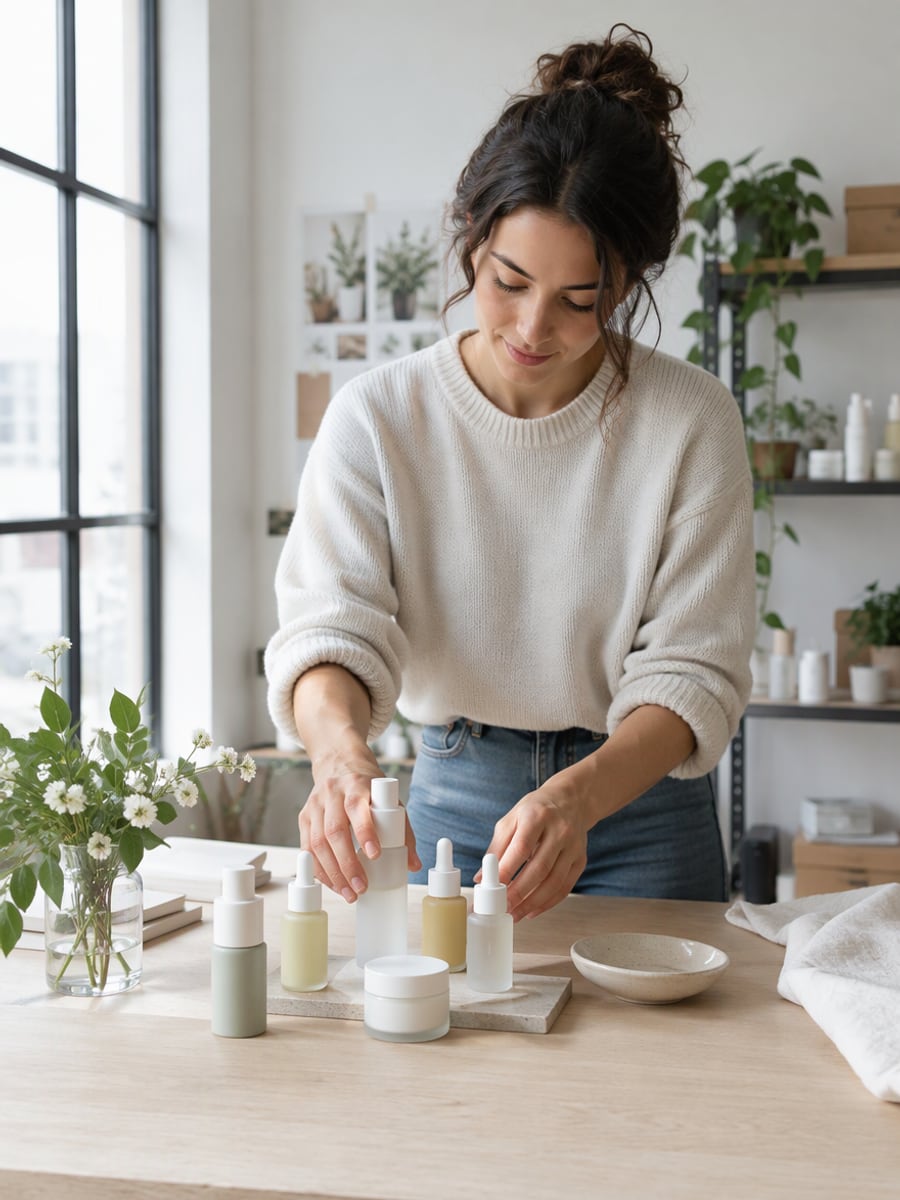
Launch products without a design agency
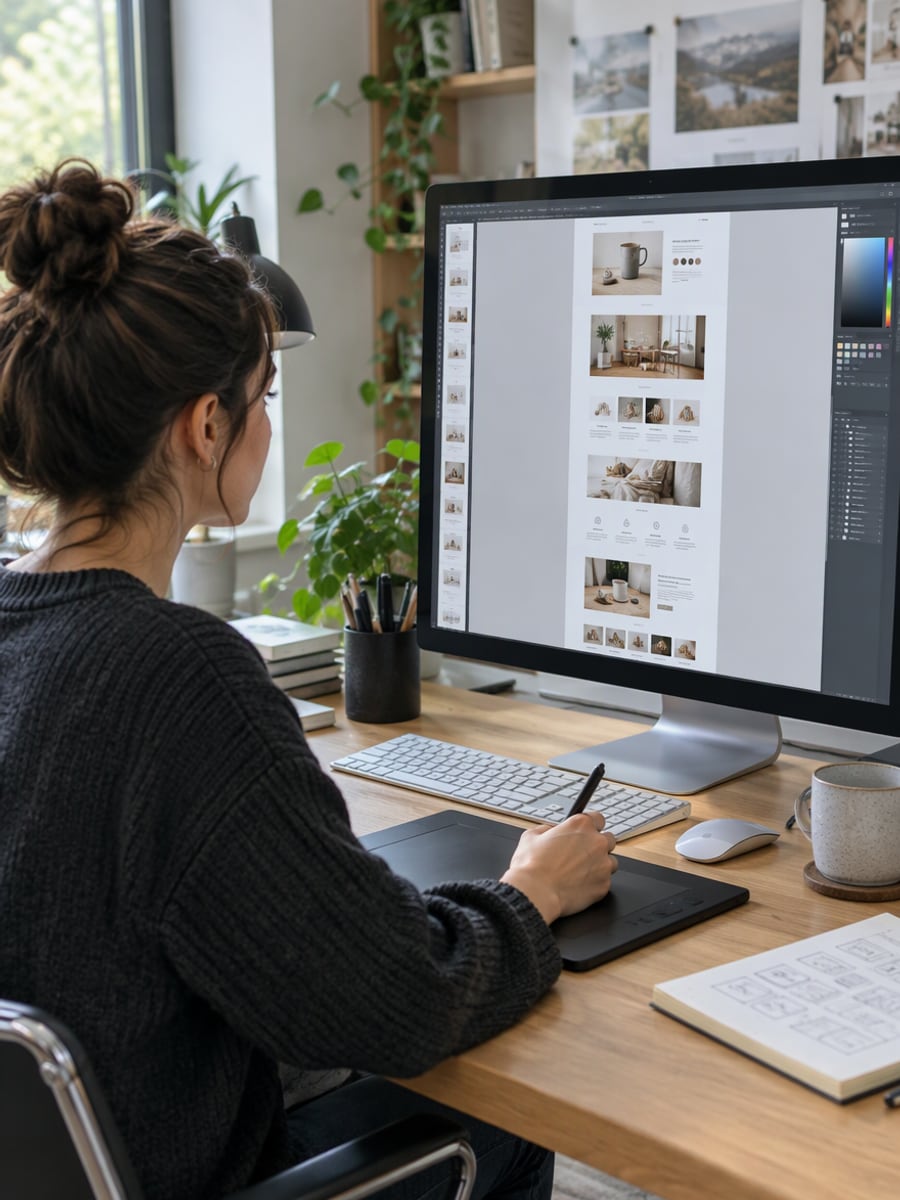
Get a first layout to show the client
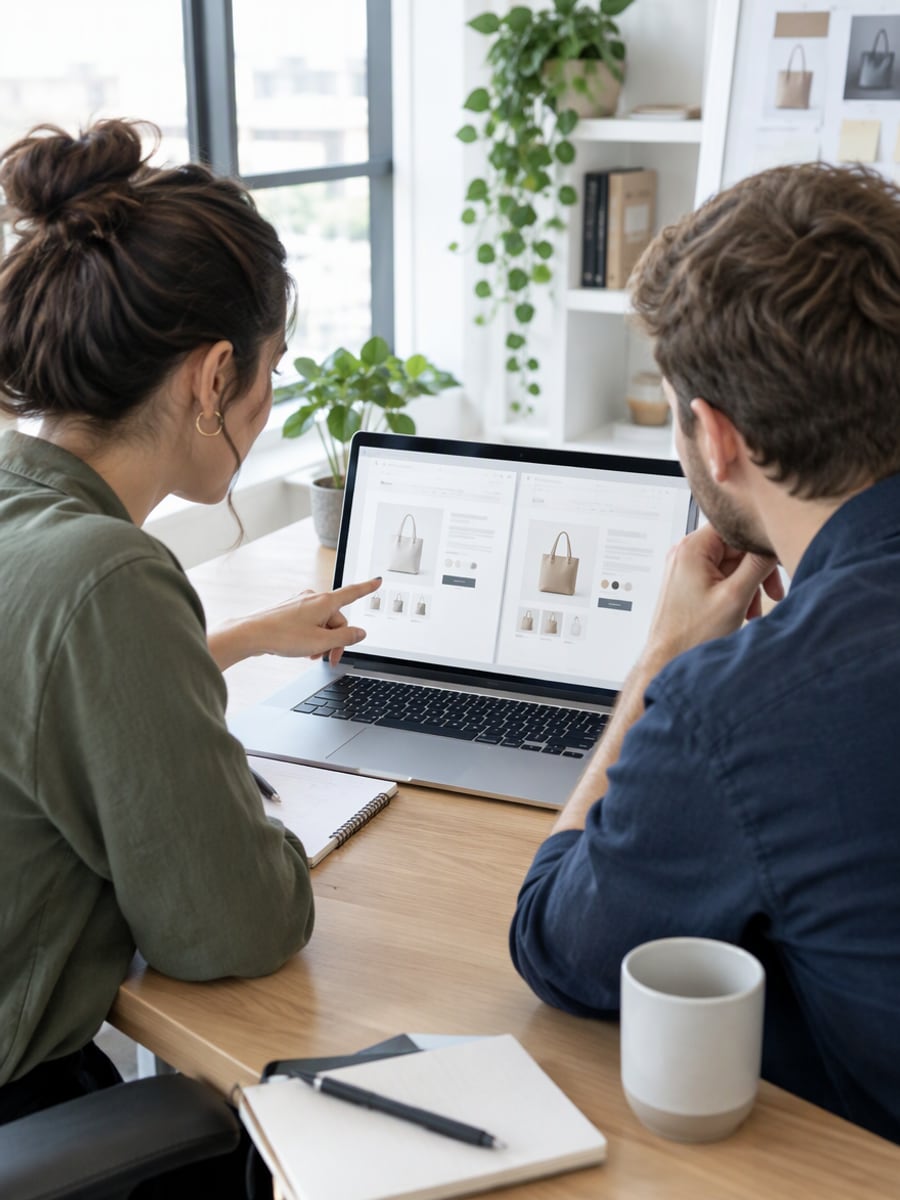
Test new angles for the same product
How to Design a Product Page With AI
Upload your photo, select a style, and download your professional result instantly
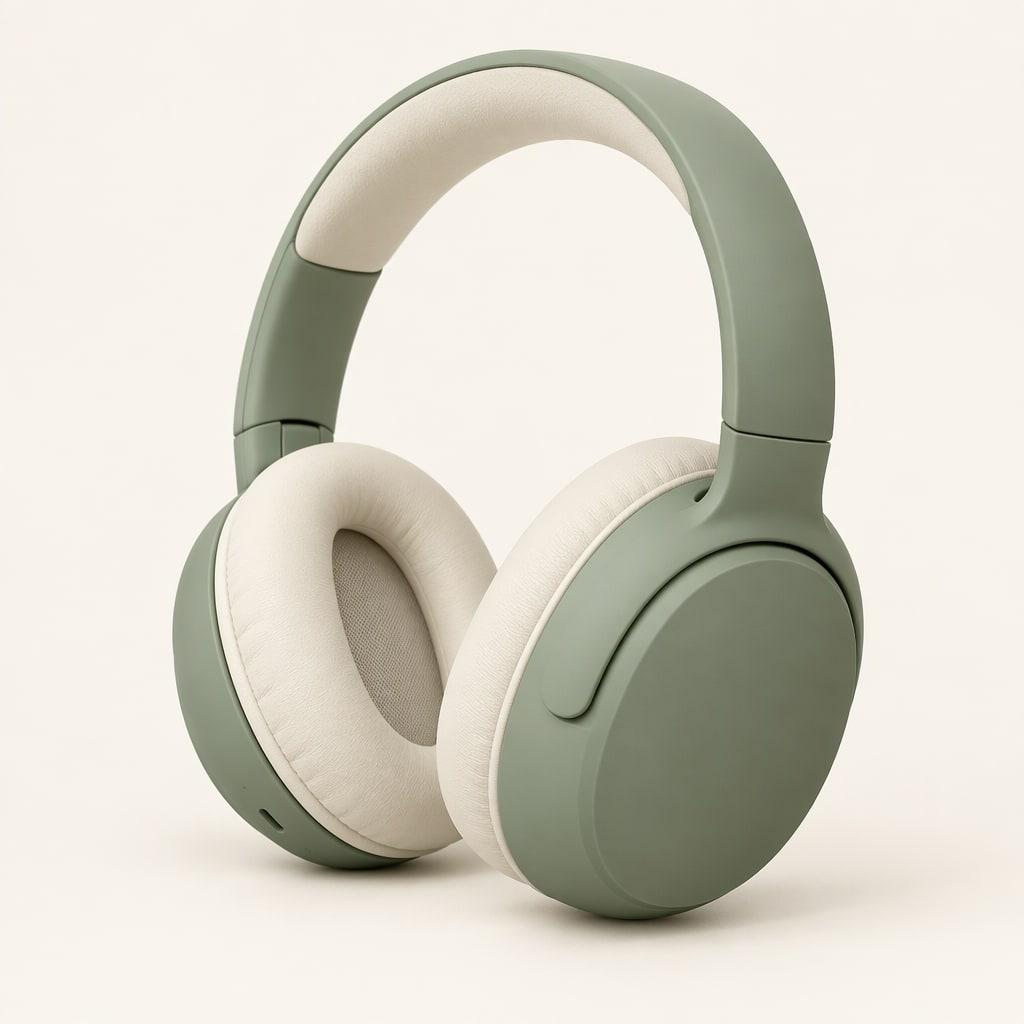
Upload Your Product Photos
Add 1–3 clear photos of the same product. A plain background works best; the item should fill most of the frame.
Describe What to Say
List the key selling points, sizes or ingredients, and the look you want. Pick a page length and the language for the text.
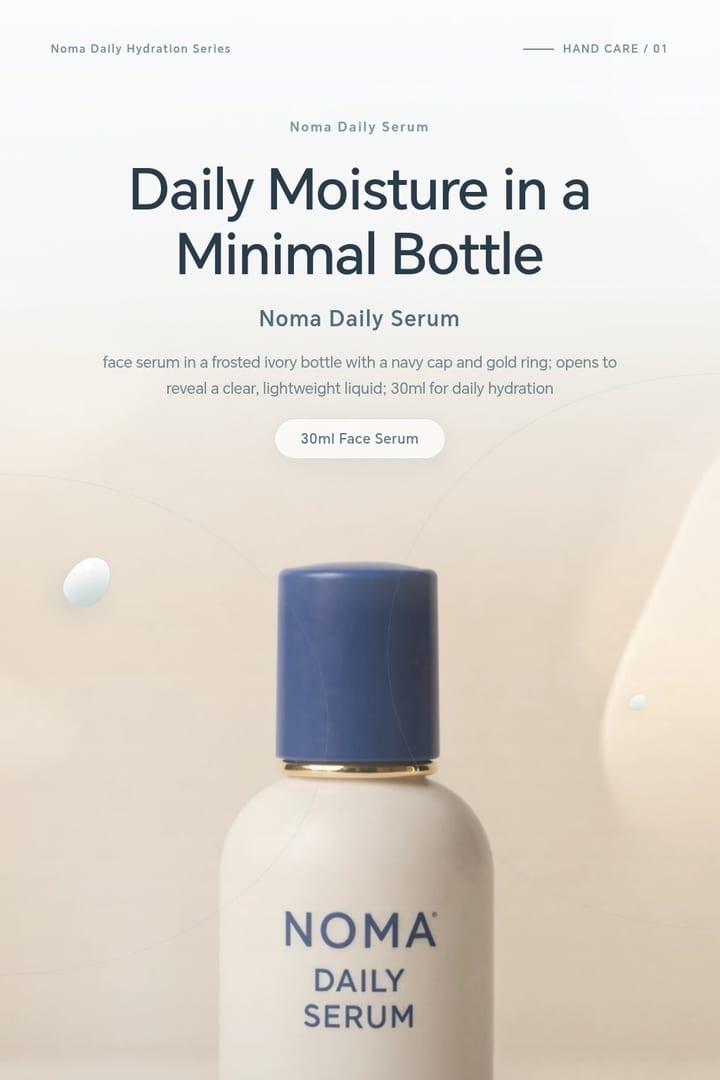
Generate and Check
In about two minutes you get one tall image. Scroll through it, check every fact, and download it or generate another version.
The All-in-One AI Creation Platform
One account for images, videos, an AI agent that works for you, expert AI mentors and 80+ ready-made tools.
AI Image & Video Generator
Every leading model in one workspace: Seedream, Nano Banana, GPT Image, Seedance, Veo and more.
Open
Ava, your AI creative agent
Describe what you need and Ava plans, generates and iterates for you.
Open
80+ AI tools
One-click tools for photos, videos, cards, portraits and viral trends.
Open
Template library
Thousands of ready prompts and styles to start from.
Open
Studios
Portrait, marketing, poster and cinema studios for finished work, not single shots.
Open
AI model library
Compare and pick the right image or video model for every job.
Open
AI mentors
Learn from expert mentors in photography, design and video, then create with their guidance.
Open190K+ creators
Using CreateVision to create and share
Product Page Design FAQ
It is a way to get a complete product detail page from your photos. You upload 1–3 product pictures and describe the product; the AI plans the sections, writes short headlines and labels, and lays everything out as one tall image: hero, selling points, close-ups, specs and lifestyle scenes.
Use 1–3 clear photos of the same product, at least 300 pixels on each side, in JPG, PNG or WebP. A plain background and the product filling most of the frame give the best results. Very long or very wide images (beyond 2:5 or 5:2) may fail.
Short makes about 2–5 sections, medium about 6–10 and long about 11–18. The image is 1024 pixels wide at 1K and 2048 at 2K; the height depends on the layout. Our test page at short length was 8,522 pixels tall.
It follows your brief, but it can add features or numbers you did not give it, especially on longer pages. Write the facts you want shown, put exact wording in quotes, and check every claim before you publish.
Not inside the image. The result is a single flat picture, not a layered file or HTML. To change wording, edit your brief and generate again, or retouch the image in your own design tool.
Short pages cost 280 credits at 1K and 330 at 2K, medium 540 and 630, long 880 and 970. The exact price shows on the button before you generate, and failed generations are refunded automatically.
Yes. Pages made with a paid plan or purchased credits can be used commercially, including on Amazon, Shopify or your own site. Make sure you own the product photos you upload and that every claim on the page is true.
Design Your Product Page Now
Upload a product photo, list what matters and get a full detail page in about two minutes.
Related Tools You Might Like
Explore more AI creative tools