AI Logo Remover
Remove logos and watermarks from images seamlessly
Tap to uploadDrop image or click
JPG · PNG · WebP
Preview Examples


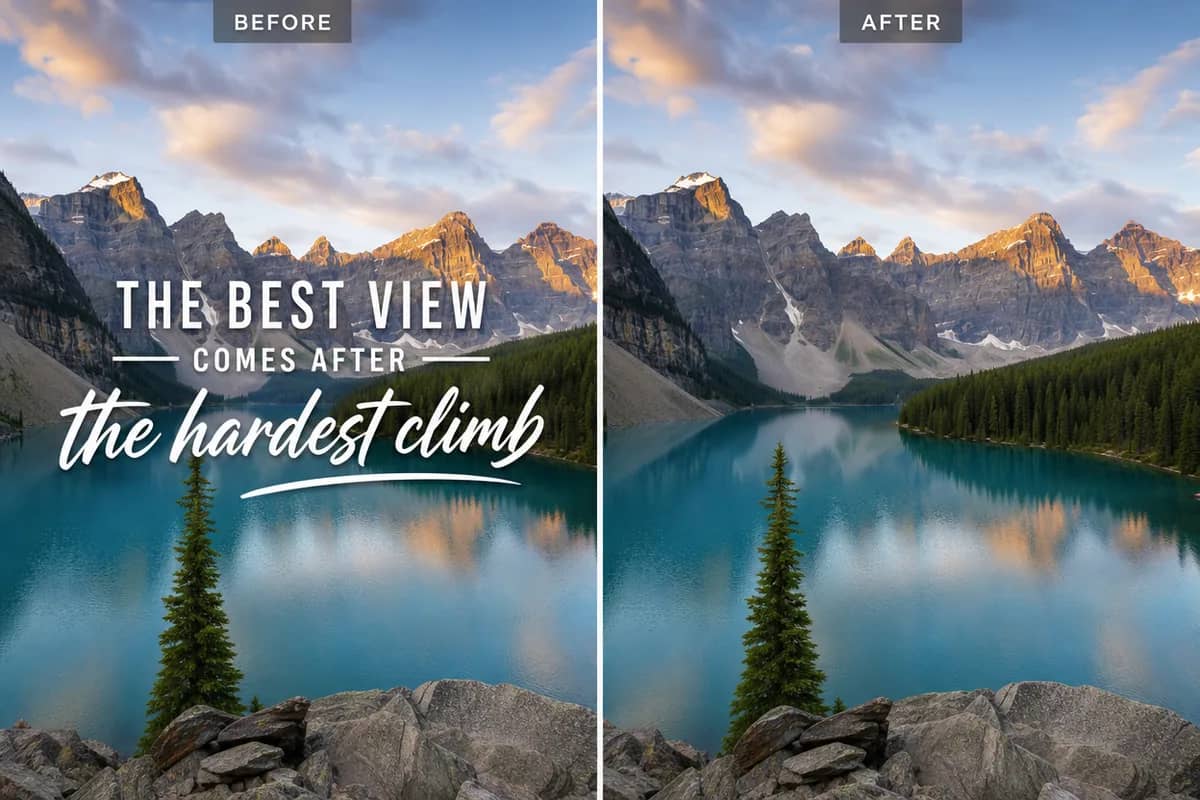
Drag the slider to compare
What is AI Logo Remover?
AI Logo Remover detects logos and brand marks in images you own and erases them. It fills the empty area with texture and color that match the surrounding image, so the result looks untouched.

Why Use Our AI Logo Remover
Professional quality, privacy protected, instant results
Fill Gaps Without a Trace
The AI fills the area where the logo was with texture and color that match the surrounding image.
Find Logos Automatically
The AI detects the logo for you, whether it sits in a corner, across a shirt or on a product label.
Pick the Right Removal Mode
Choose from 10 modes, including Smart Fill, Texture Match, Pattern Continue, Shadow Remove and Multi-Logo.
See What You Can Clean Up With AI Logo Remover
Perfect for various professional scenarios, instant and secure
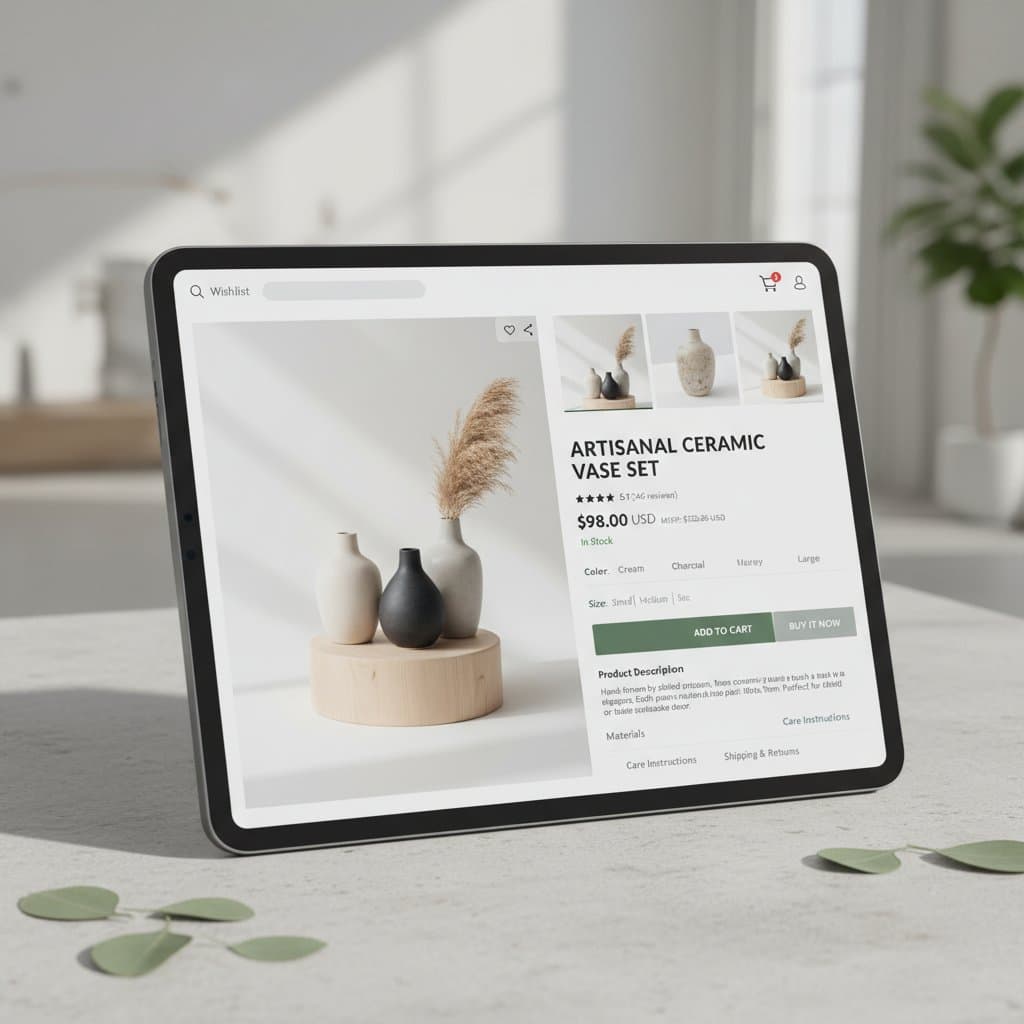
Clean Up Your Own Product Photos
Remove an old label or brand mark from product shots you own before you list them. Your store images look tidy and consistent across every listing. Remove the background
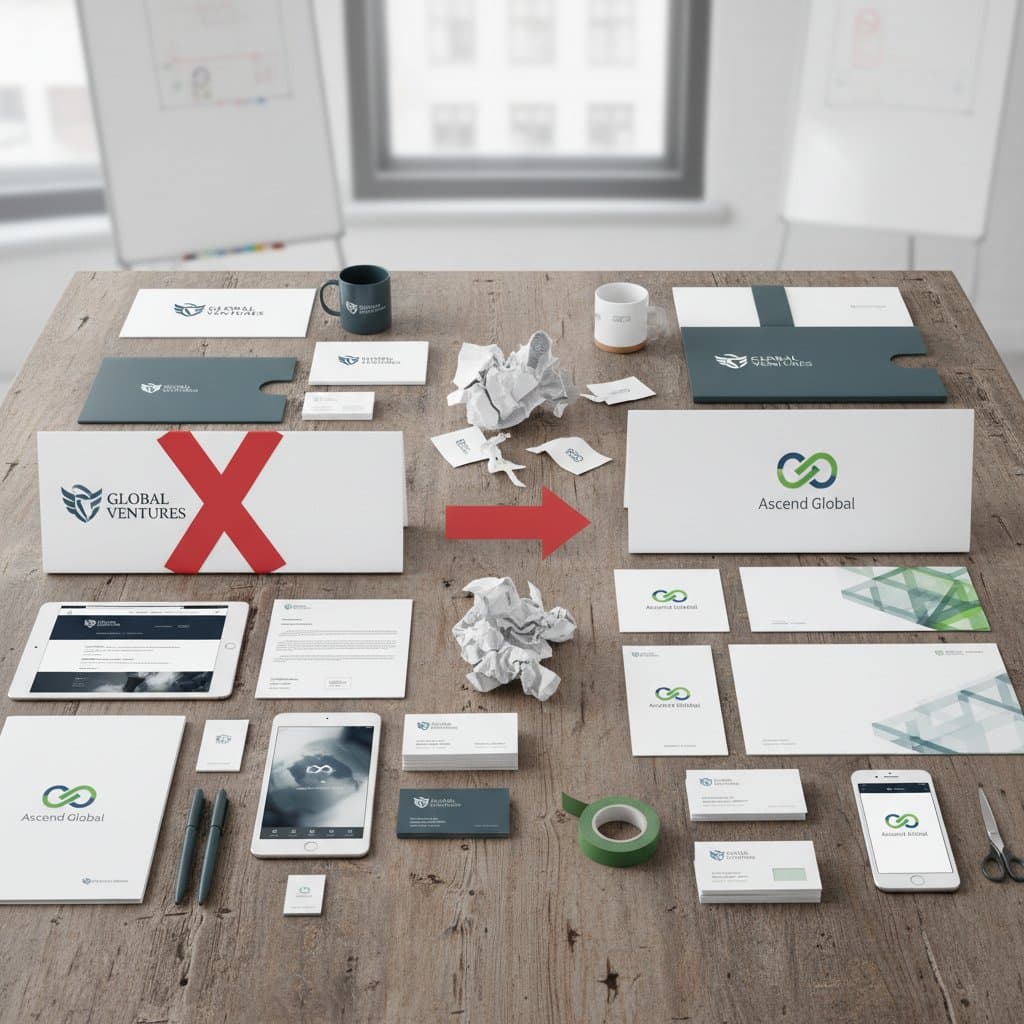
Clear Old Logos Before Rebranding
Take your outdated logo off existing marketing images so you can add the new one. You keep the photos you already paid for and update only the branding. Remove old text too

Remove Distracting Marks From Your Content
Clean up your own screenshots and photos for blogs, slides and social posts. Your audience focuses on the content instead of a stray brand mark. Erase other objects

Get Clean Apparel and Merch Mockups
Remove the print from a shirt or jersey in a photo you own to get a blank base for your own design. The fabric folds and texture stay in place. Build a product mockup
Who Uses AI Logo Remover
Four ways people use it every week

Give your product listings a clean, consistent look

Refresh old campaign images for a new brand

Keep your visuals focused on what matters

Start from a clean base for your own designs
How to Remove a Logo with CreateVision
Upload your photo, select a style, and download your professional result instantly

Upload Your Image
Upload an image you own or have the rights to edit that contains the logo you want to remove.

Choose a Removal Mode
The AI detects the logo for you. Pick a mode such as Smart Fill for large marks or Multi-Logo when there are several.

Download Clean Image
Preview your logo-free image with the background filled in, then download it or generate again with another mode.
The All-in-One AI Creation Platform
One account for images, videos, an AI agent that works for you, expert AI mentors and 80+ ready-made tools.

AI Image & Video Generator
Every leading model in one workspace: Seedream, Nano Banana, GPT Image, Seedance, Veo and more.
Open
Ava, your AI creative agent
Describe what you need and Ava plans, generates and iterates for you.
Open
80+ AI tools
One-click tools for photos, videos, cards, portraits and viral trends.
Open
Template library
Thousands of ready prompts and styles to start from.
Open
Studios
Portrait, marketing, poster and cinema studios for finished work, not single shots.
Open
AI model library
Compare and pick the right image or video model for every job.
Open
AI mentors
Learn from expert mentors in photography, design and video, then create with their guidance.
Open190K+ creators
Using CreateVision to create and share
What Users Say
Real feedback from users worldwide
“Essential for my resale business. Removes manufacturer logos from products so I can add my own branding.”

“Use it daily for creating clean content. No more awkward logo placements in my YouTube thumbnails.”

“Saved our marketing team hours during rebranding. Removed old logos from hundreds of images effortlessly.”

FAQs About Our AI Logo Remover
An AI logo remover erases a logo or brand mark from an image and rebuilds the area behind it. Instead of cloning pixels by hand, the AI fills the gap with texture and color that match the rest of the photo. It is meant for images you own or have the rights to edit.
The best logo remover finds the logo for you and leaves a fill you cannot spot. CreateVision detects logos automatically and offers 10 removal modes, including Texture Match, Pattern Continue, Shadow Remove and Multi-Logo, so you can match the mode to the image. You preview before you download, and each result costs a flat 50 credits.
You upload an image and the AI detects the logo. You can pick a removal mode, and the AI erases the mark and reconstructs the background, including textures, patterns and gradients. You then preview the result and download it.
Yes. The AI handles solid and semi-transparent logos, including watermark-style overlays, and rebuilds textures, patterns and gradients behind them. Larger logos may need the Smart Fill mode, and Multi-Logo removes several marks in one pass.
Each result costs 50 credits. If you sign up with Google, you start with 200 free credits, enough for four results. After that you can subscribe or buy a credit pack.
Only use the logo remover on images you own or have the rights to edit, such as your own product photos or your old marketing materials. Do not use it to strip someone else's branding, copyright notices or stock-photo marks to reuse their work. Also note that free accounts download results with a small CreateVision mark, which subscribers and credit-pack buyers can turn off.
The AI has to invent what was behind the logo. Large logos, logos over faces or fine text, and very detailed backgrounds are harder to rebuild. If the fill looks off, try another mode such as Texture Match or Smart Fill and generate again.
Remove Logos From Your Images With AI
Upload an image you own, pick a removal mode and get a clean result for 50 credits.
Related Tools You Might Like
Explore more AI creative tools