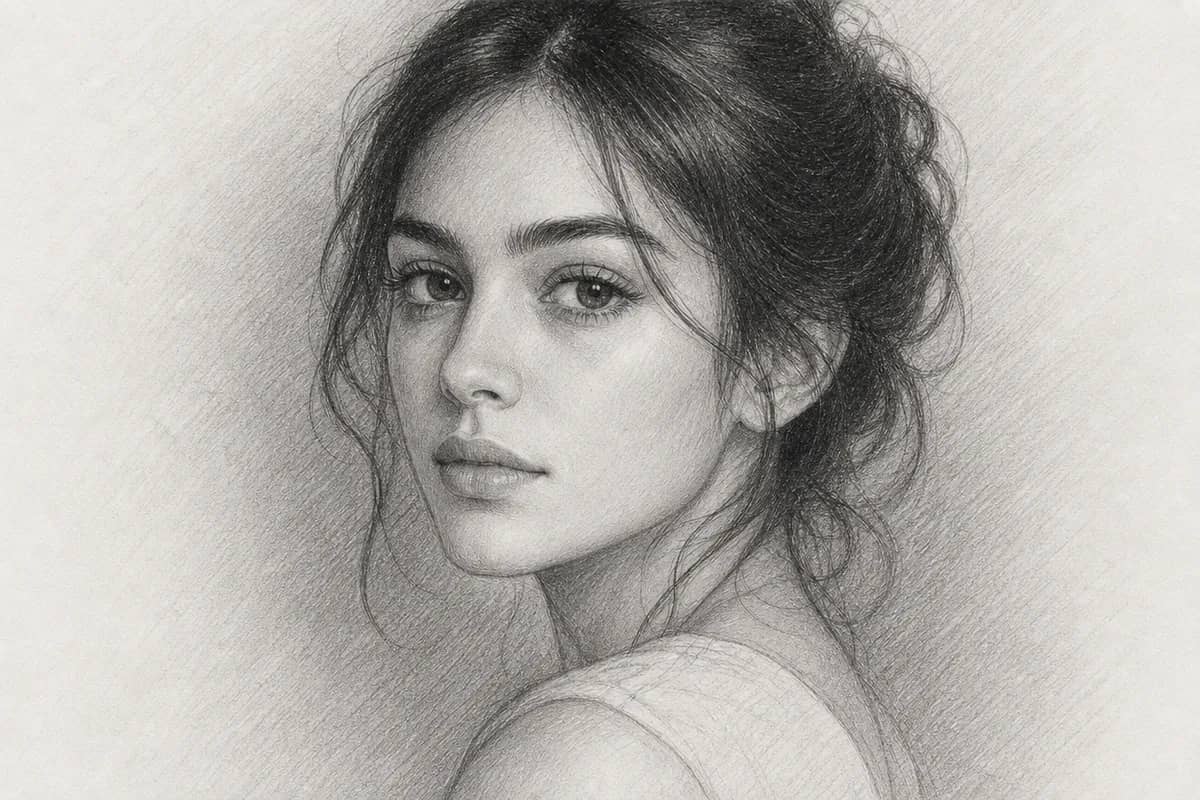
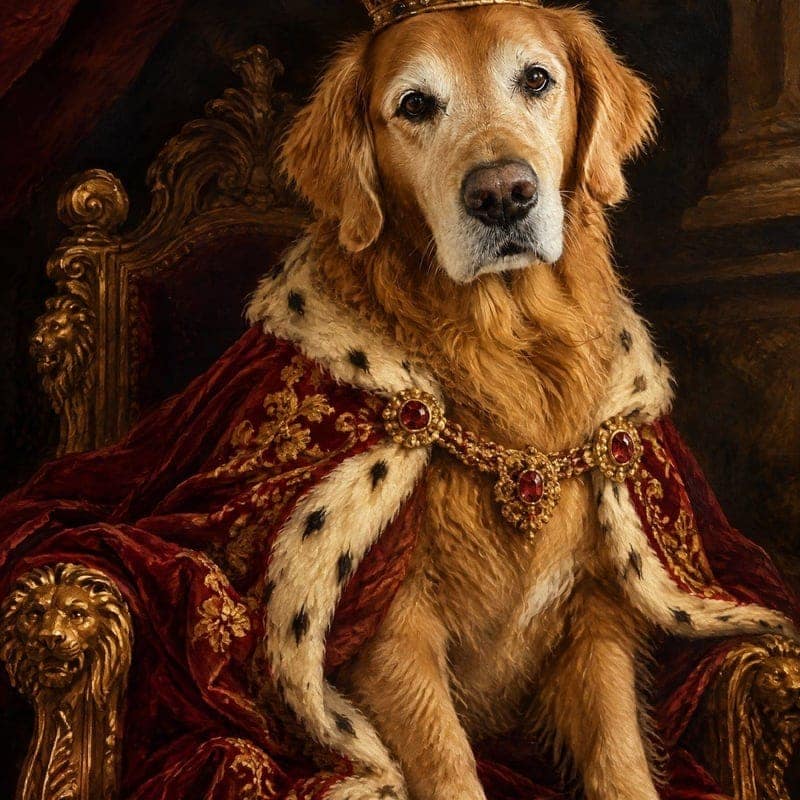
AI Photo to Painting
Turn any photo into a painting. Pick oil, watercolor, impressionist, pencil or ukiyo-e, then choose the master who paints it.
Tap to uploadDrop image or click
JPG · PNG · WebP
Preview Examples
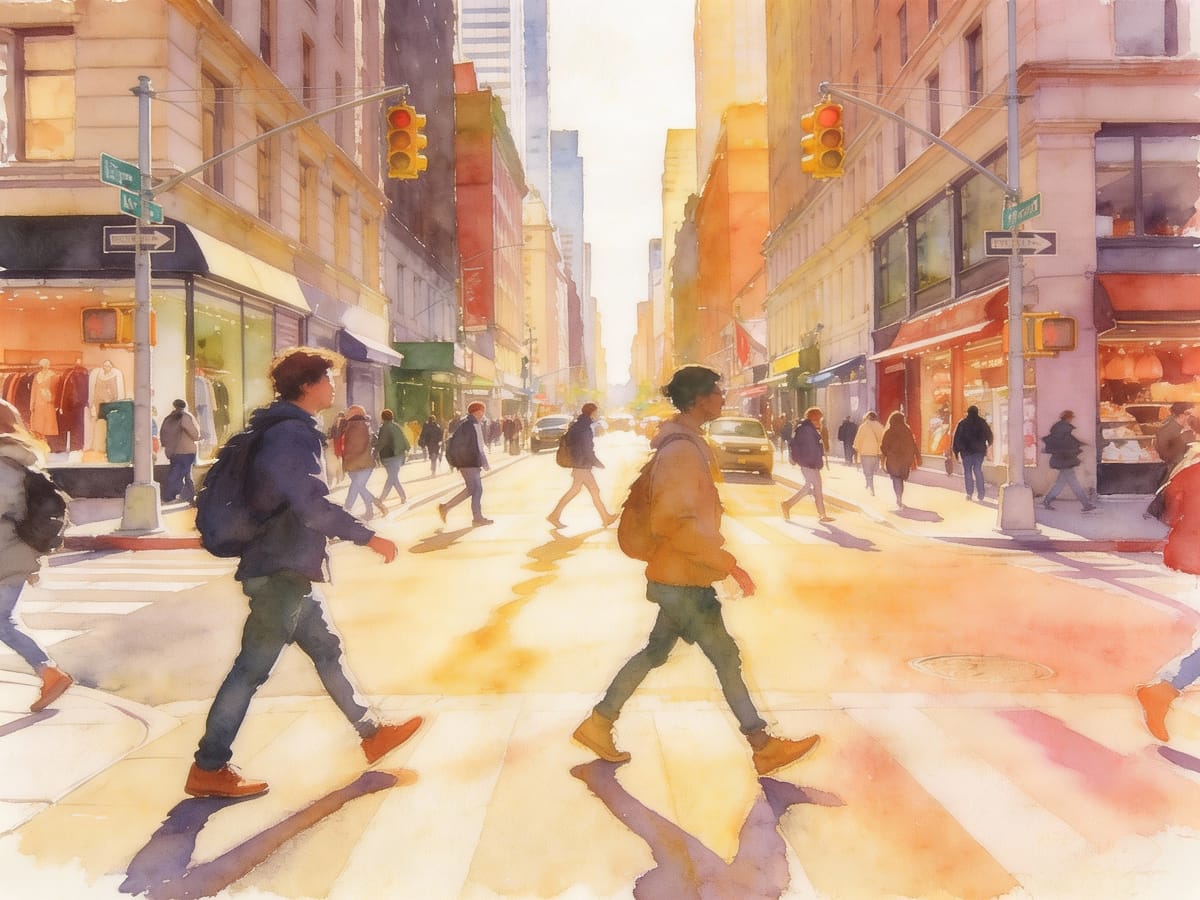
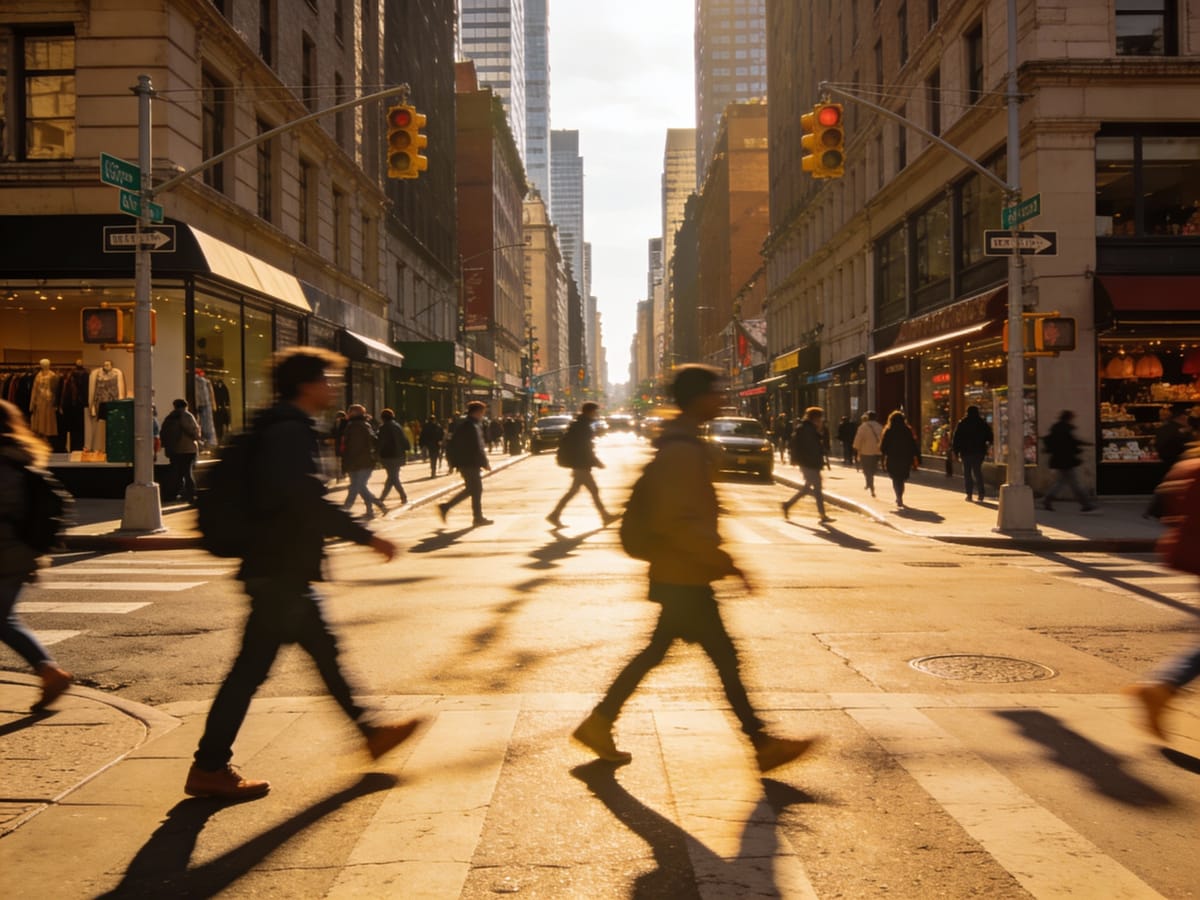
Drag the slider to compare
What is AI Photo to Painting?
AI Photo to Painting repaints your picture as a real-looking artwork: an oil painting, a watercolor, an impressionist canvas, a pencil drawing, a ukiyo-e print or a pop art piece. You can also pick a master such as Van Gogh, Monet or Rembrandt, and the AI follows the way that painter handled brush, light and color. People, pets and places in your photo stay recognizable.

Why Paint Your Photos With CreateVision
Professional quality, privacy protected, instant results
Six Real Painting Mediums
Oil, watercolor, impressionist, pencil, ukiyo-e and pop art. Each one handles paint, paper and edges the way the real medium does.
Choose Who Paints It
Van Gogh's swirling impasto, Monet's broken light, Rembrandt's single warm lamp. Nine masters, each with a distinct hand.
It Still Looks Like Them
Tell the tool whether the photo shows a person, a family, a pet or a place, and it keeps faces, markings and landmarks intact.
What People Paint From Their Photos
Perfect for various professional scenarios, instant and secure
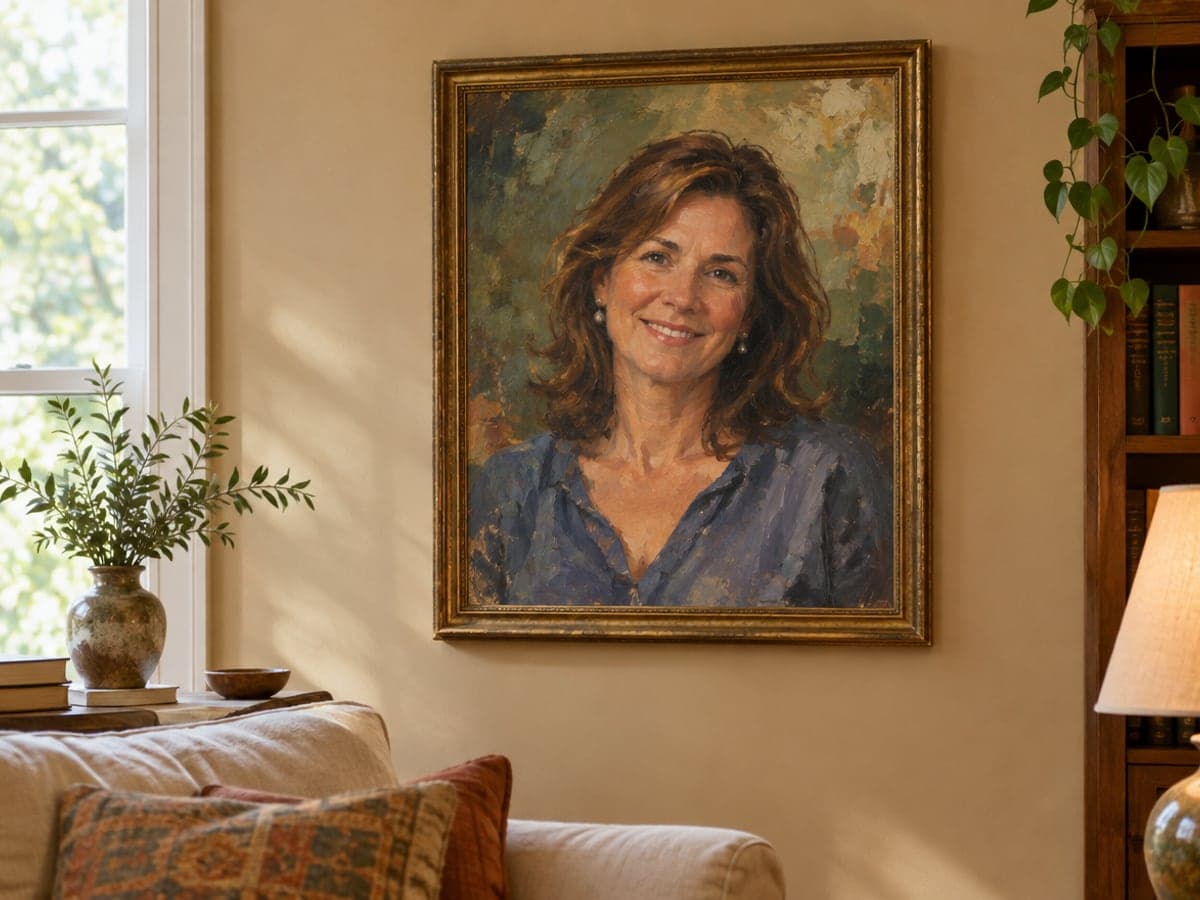
Turn a Photo into a Painted Portrait Gift
Upload a picture of your parents, your partner or a friend and get it back as an oil portrait. It starts from a photo you already love, so the gift is personal before it is even framed. Create a couple photo first
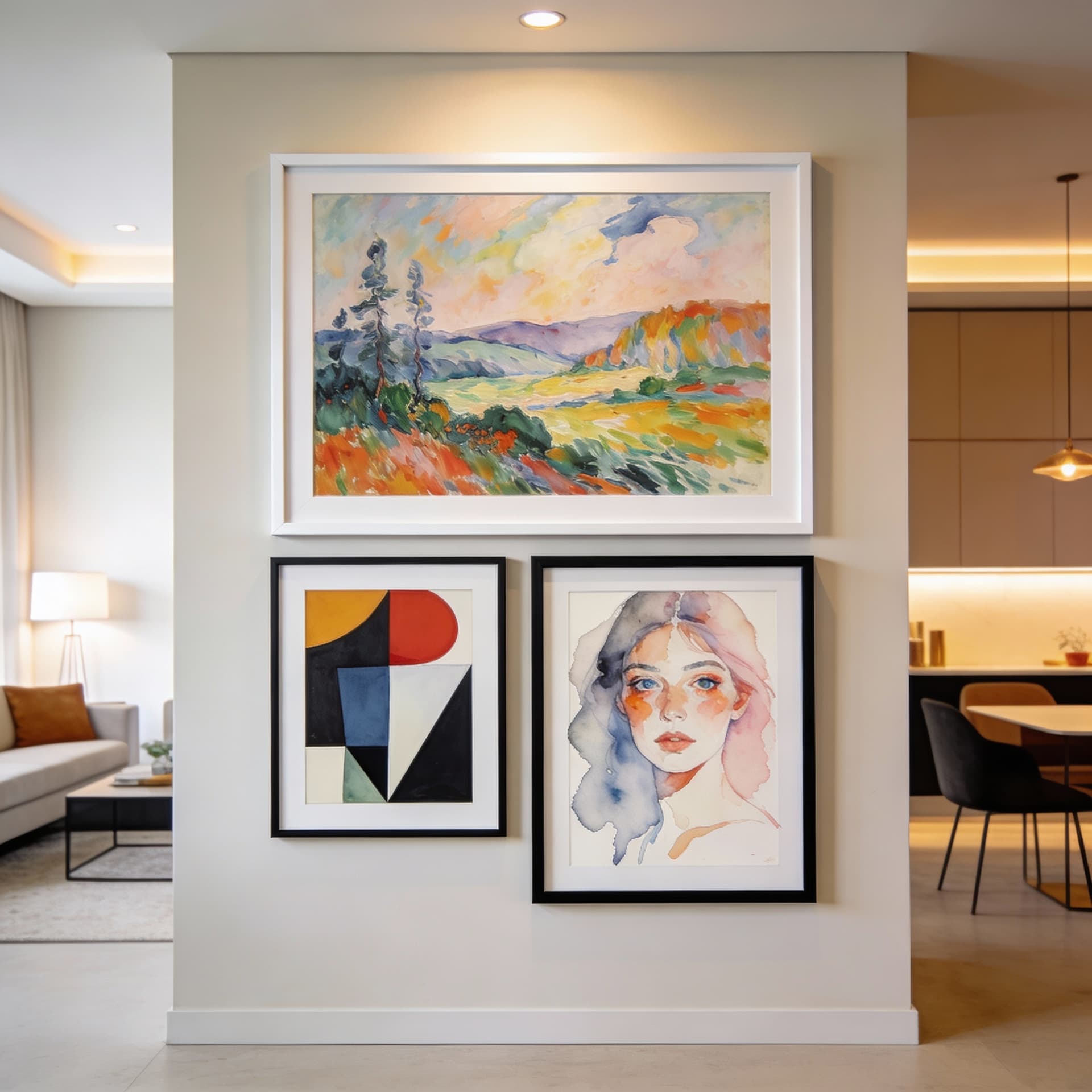
Make Wall Art From Your Own Pictures
A beach sunset as an impressionist canvas, a city street as a ukiyo-e print. Pick the medium that suits the room and print the result at the size you need. Upscale before printing
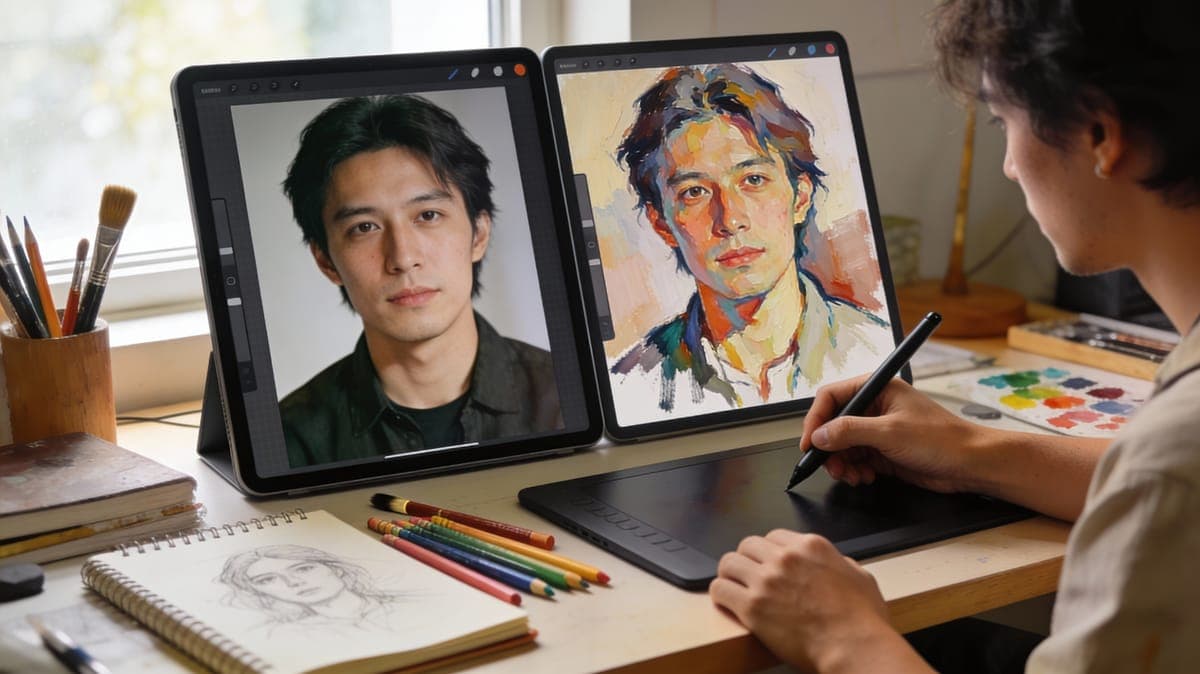
Paint Your Pet Like an Old Master
Choose the Pet option and the AI keeps your dog's or cat's exact coat pattern and eye color while it repaints the photo in oil or watercolor. Try AI Pet Portrait
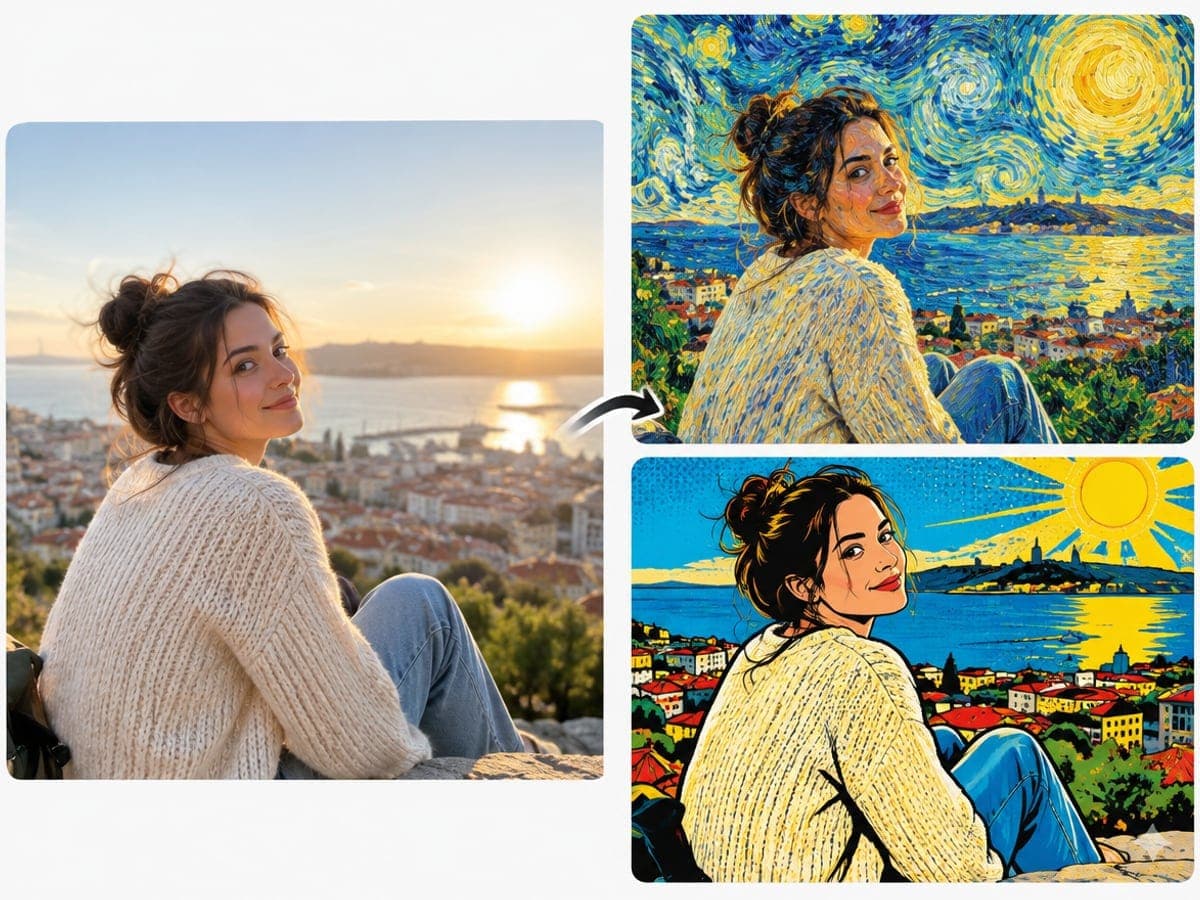
Give Everyday Photos a Hand-Painted Look
Run the same selfie through watercolor, pop art and Van Gogh, then post the one that fits your feed. No drawing skills needed. Turn a photo into a sketch
Who Uses AI Photo to Painting
Four ways people use it every week
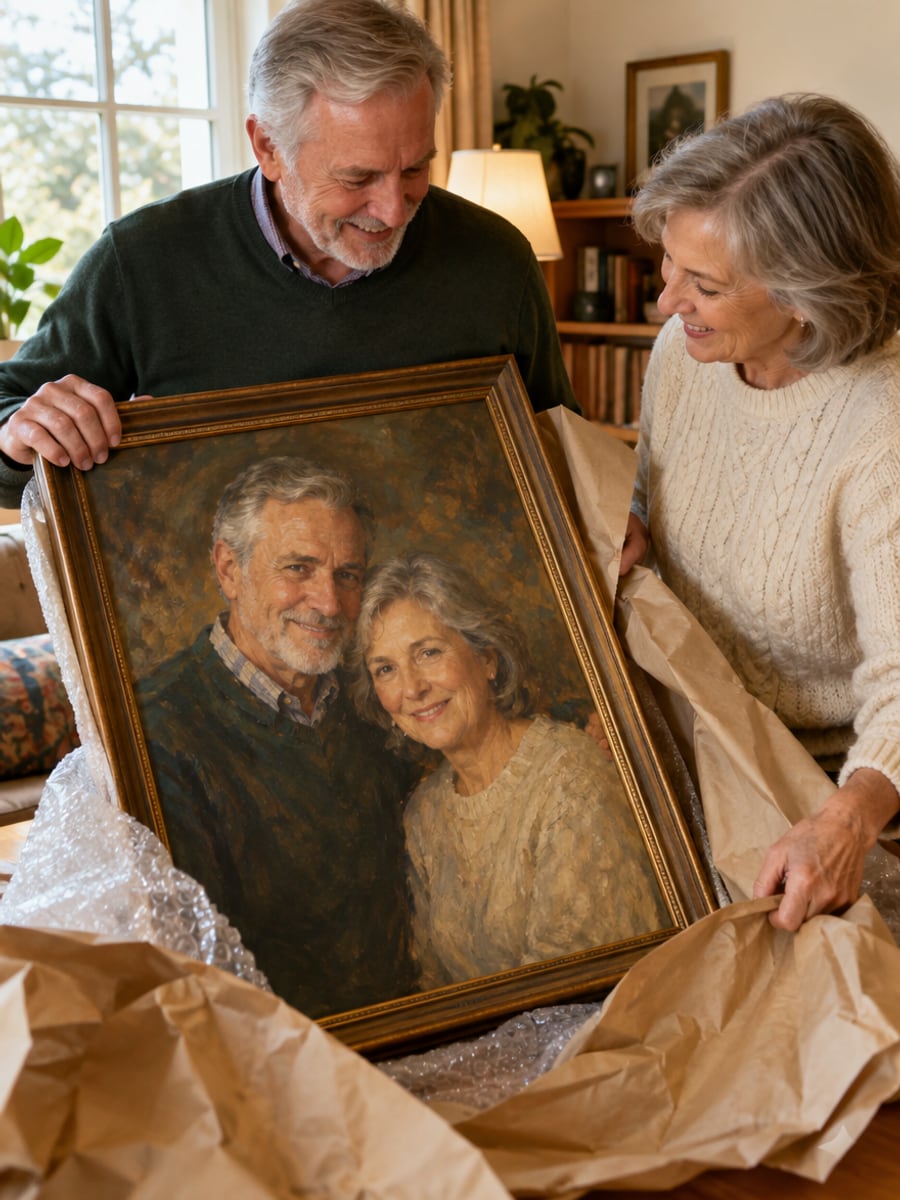
Turn a shared photo into a painting they keep
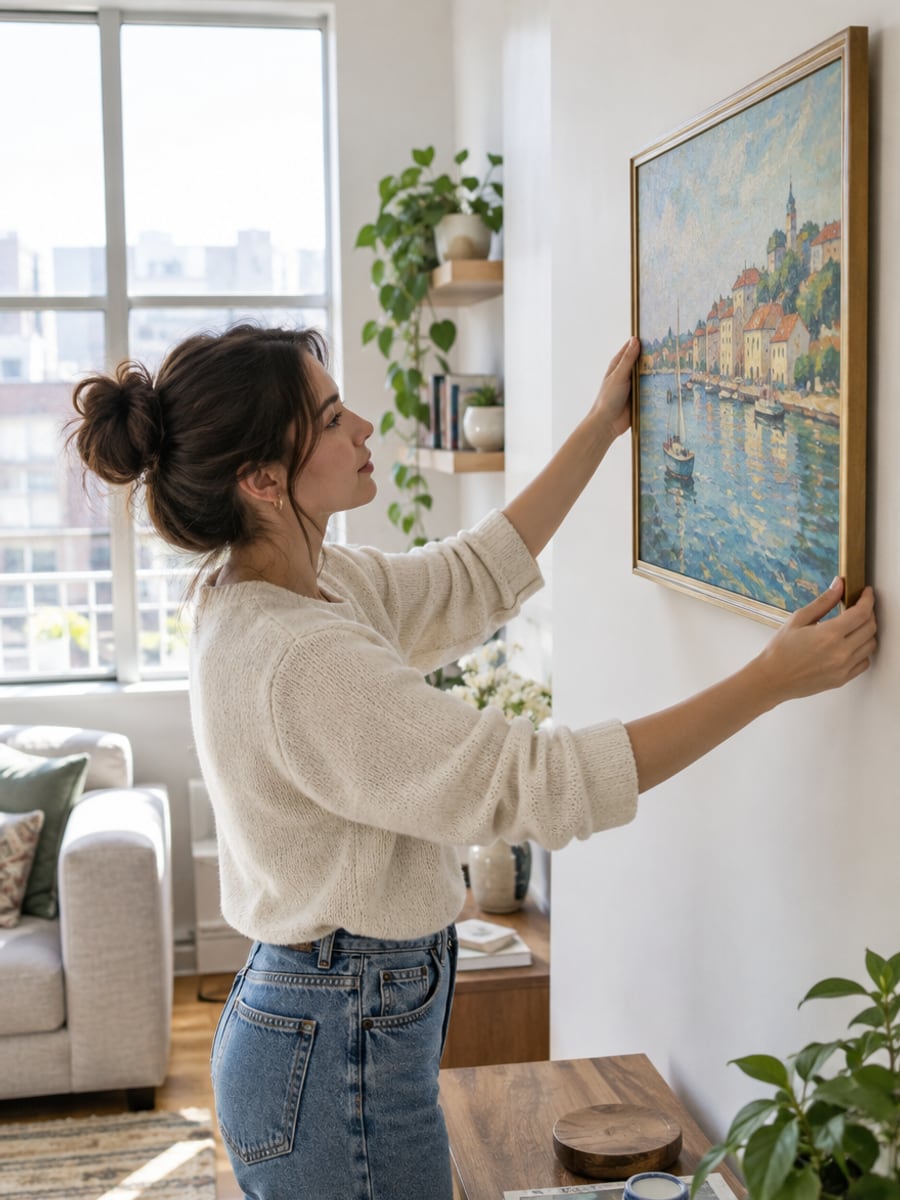
Fill your walls with art made from your own photos
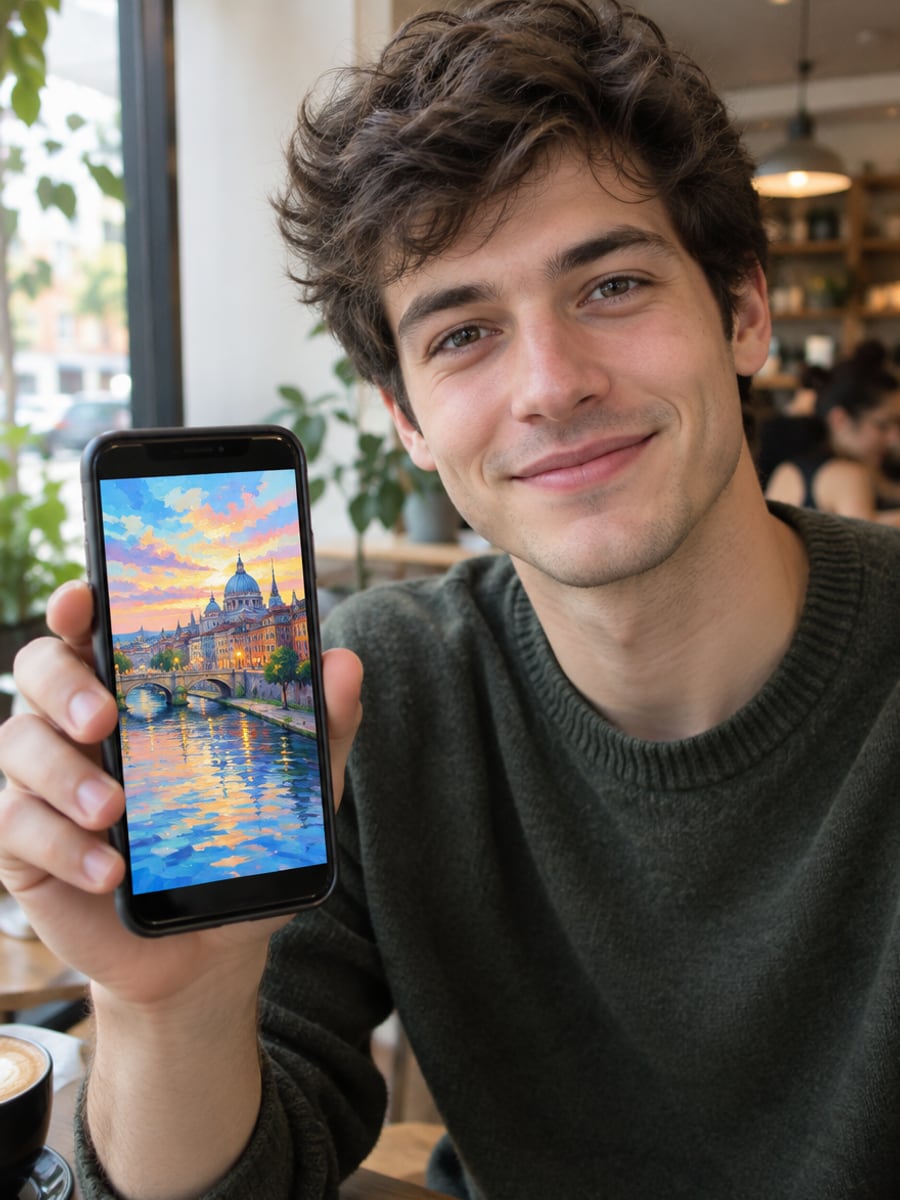
Give every post a painted look that stops the scroll
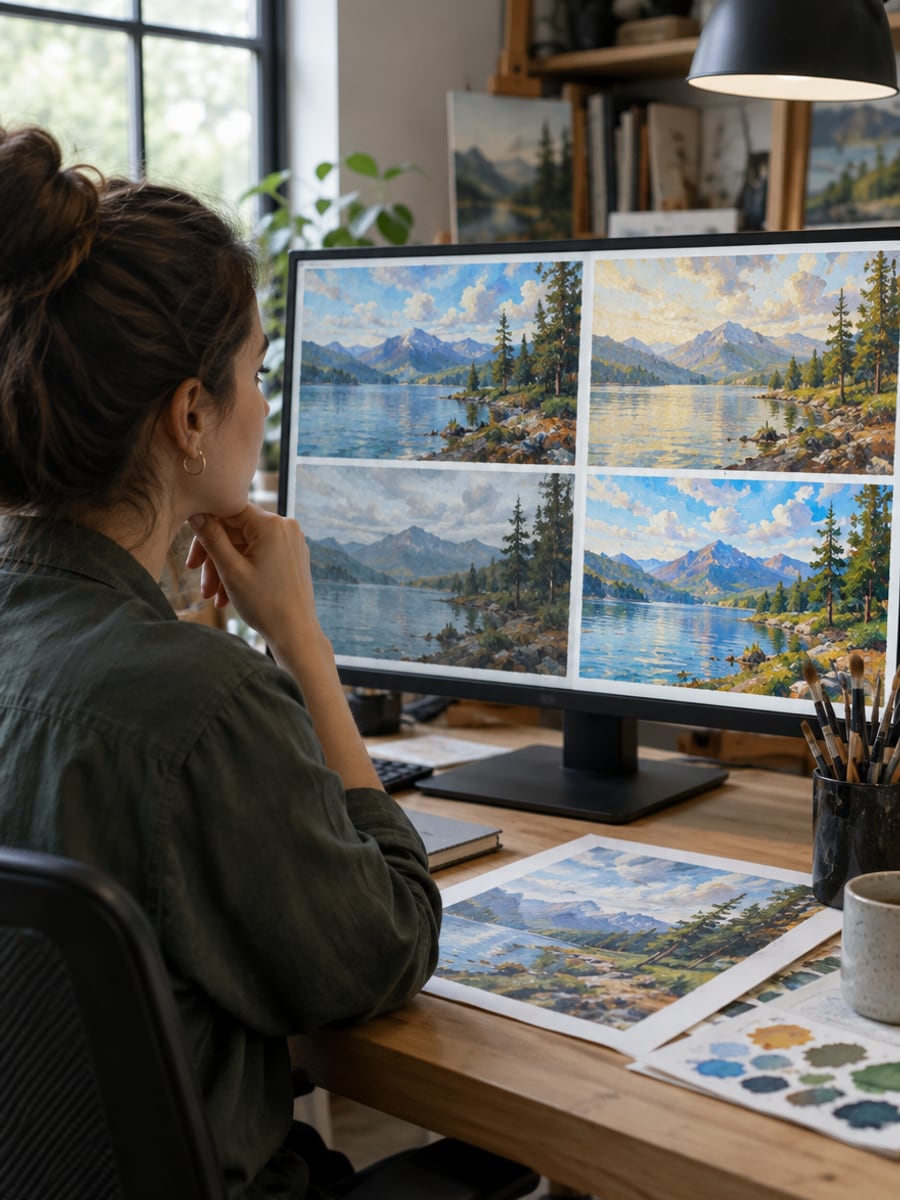
Test painting styles on one photo in minutes
How to Turn a Photo into a Painting
Upload your photo, select a style, and download your professional result instantly

Upload Your Photo
Use a clear, well-lit picture. Portraits, couples, pets and landscapes all work.

Pick a Medium and a Master
Choose oil, watercolor, impressionist, pencil, ukiyo-e or pop art. Open the advanced options to choose the painter, the subject type and how painterly the result should be.

Get Your Painting
The AI repaints your photo and keeps the composition. Download the result, or change the medium and paint it again.
The All-in-One AI Creation Platform
One account for images, videos, an AI agent that works for you, expert AI mentors and 80+ ready-made tools.
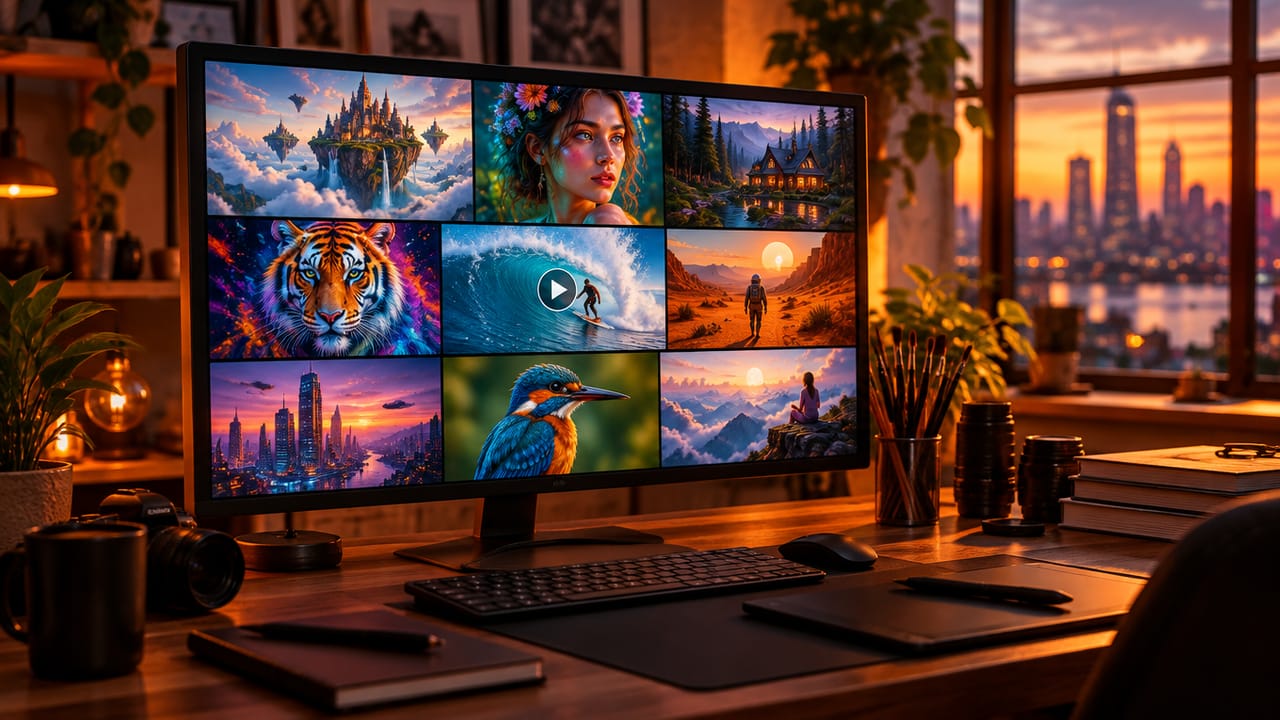
AI Image & Video Generator
Every leading model in one workspace: Seedream, Nano Banana, GPT Image, Seedance, Veo and more.
Open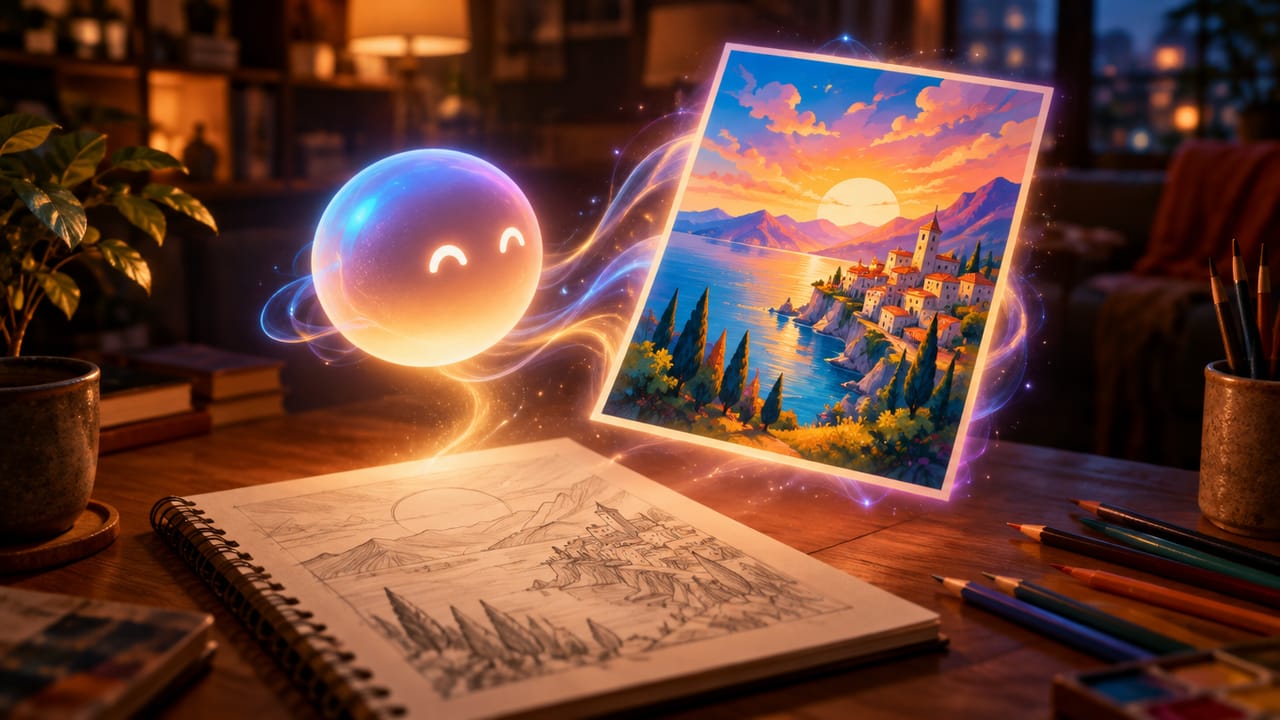
Ava, your AI creative agent
Describe what you need and Ava plans, generates and iterates for you.
Open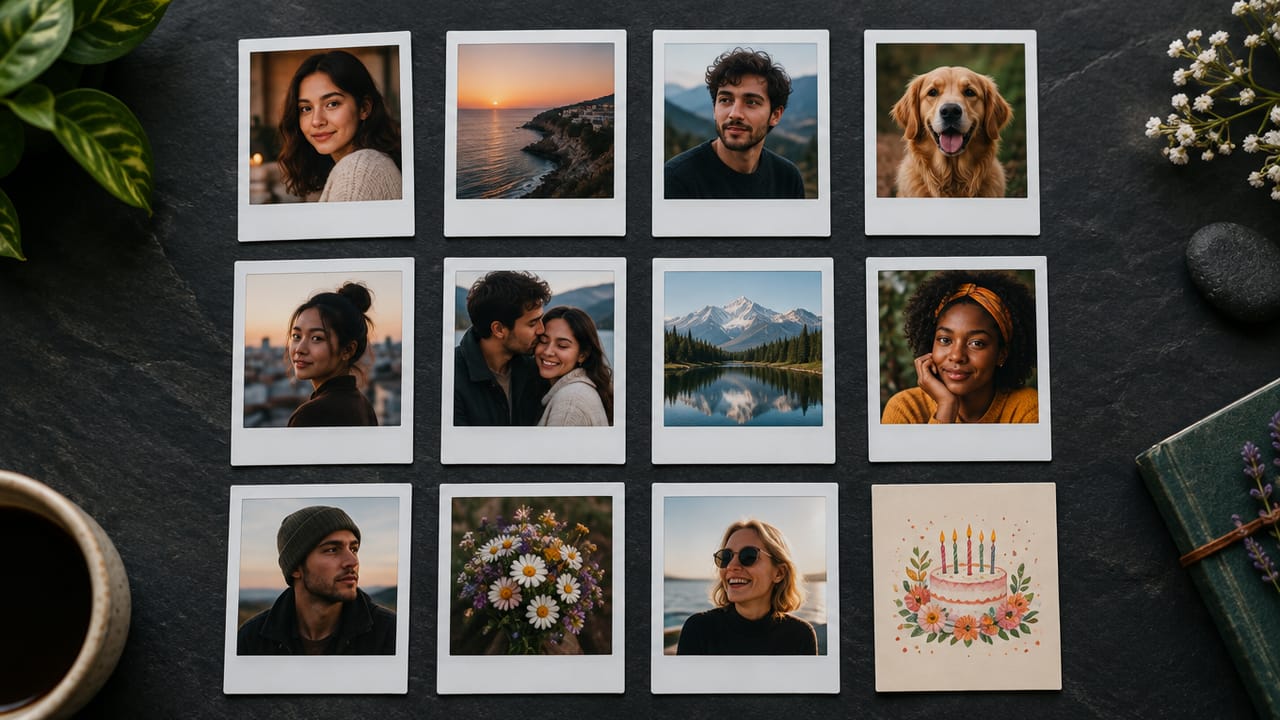
80+ AI tools
One-click tools for photos, videos, cards, portraits and viral trends.
Open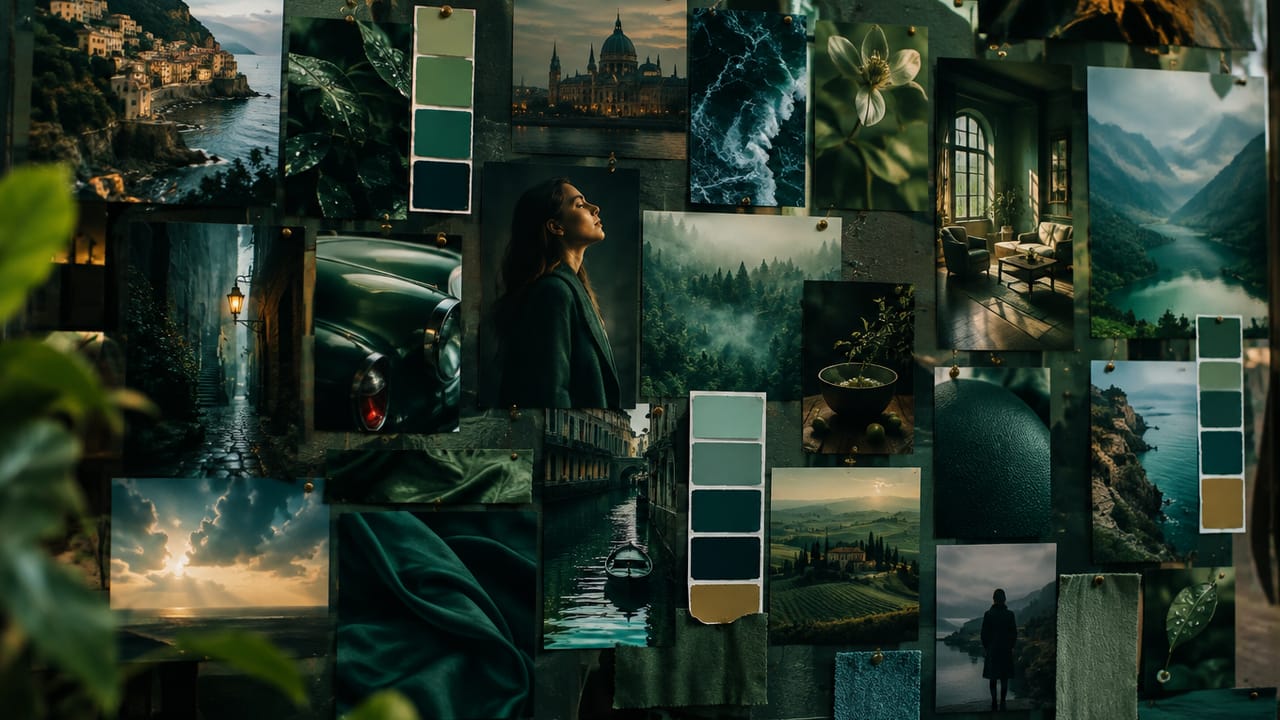
Template library
Thousands of ready prompts and styles to start from.
Open
Studios
Portrait, marketing, poster and cinema studios for finished work, not single shots.
Open
AI model library
Compare and pick the right image or video model for every job.
Open
AI mentors
Learn from expert mentors in photography, design and video, then create with their guidance.
Open190K+ creators
Using CreateVision to create and share
Photo to Painting FAQ
Upload a photo, choose a medium such as oil or watercolor, and press Paint My Photo. If you want a specific hand, open the advanced options and pick a master. The painting is ready in under a minute, and you can download it or try another style.
Start from a sharp, well-lit photo and pick a medium that suits the subject. Oil suits portraits, watercolor suits landscapes and flowers, and ukiyo-e suits strong shapes such as mountains and waves. Then set the subject type so faces or pet markings are kept.
There are six mediums: oil painting, watercolor, impressionist, pencil sketch, ukiyo-e and pop art. Each can be combined with one of nine masters: Van Gogh, Monet, Rembrandt, Da Vinci, Michelangelo, Picasso, Dalí, Frida Kahlo and Warhol.
Yes, in most cases. Choose Portrait, Family or Pet under 'What's in the photo' and set the strength to 'Close to photo' when likeness matters most. The Expressive setting and cubist or surreal masters change faces more.
Each painting costs 60 credits. If you sign up with Google, you start with 200 free credits, which covers three paintings. After that you can subscribe or buy a credit pack.
Yes. Download the result and send it to any print shop. For prints larger than about 12 inches, run the image through the AI Image Upscaler first so the brushwork stays sharp.
Check the usage terms for your plan and make sure you own or have the rights to the photo you uploaded. Free accounts download images with a small CreateVision mark, and subscribers and credit-pack buyers can turn it off.
Turn Your Photo into a Painting
Pick a medium, choose a master and get your picture back as a painting for 60 credits.
Related Tools You Might Like
Explore more AI creative tools