AI image model

Qwen Image 3 — AI Image Generation & Editing Online

Use Qwen Image 3, Alibaba's latest image model, in your browser: generate from text or edit with up to 3 reference images, across eight aspect ratios from square to 21:9 ultra-wide. 1K and 2K cost the same 20 credits per image, so 2K is the default here — the price is always shown before you generate.

2K at no extra costGenerate + editUp to 3 reference images20 credits per image
0 / 2,000
~20 cr

Explore More Models

Compare Qwen Image 3 with other image models — same workspace, one click to switch.

Get Inspired

A glimpse of what people are creating with AI image models on CreateVision AI.

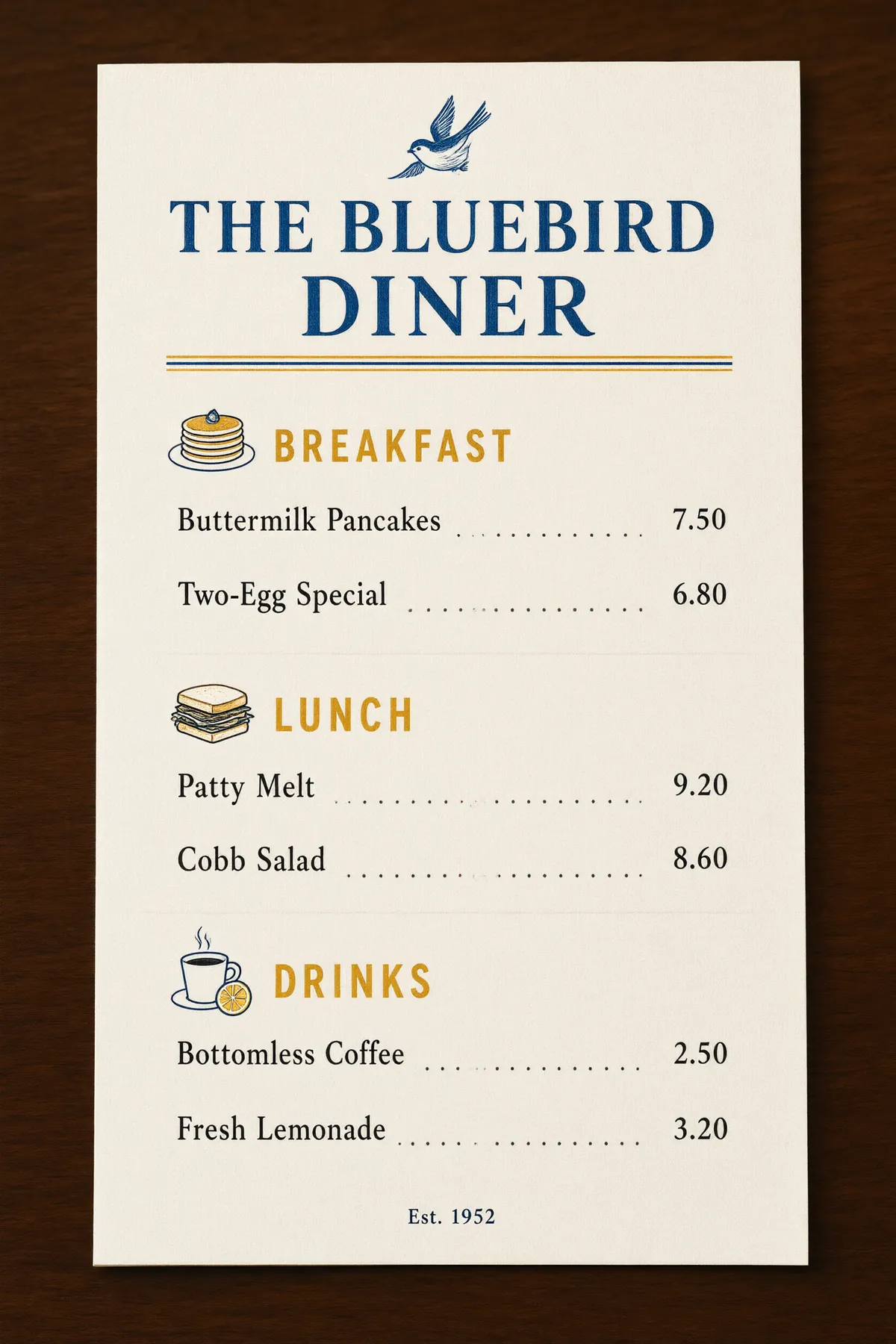
AI generated editorial portrait of a woman in soft window light
AI generated 3D baby dragon character on a mossy stone
AI generated architectural photo of a warm concrete spiral staircase
AI generated anime illustration of a girl with an umbrella on a rainy neon street
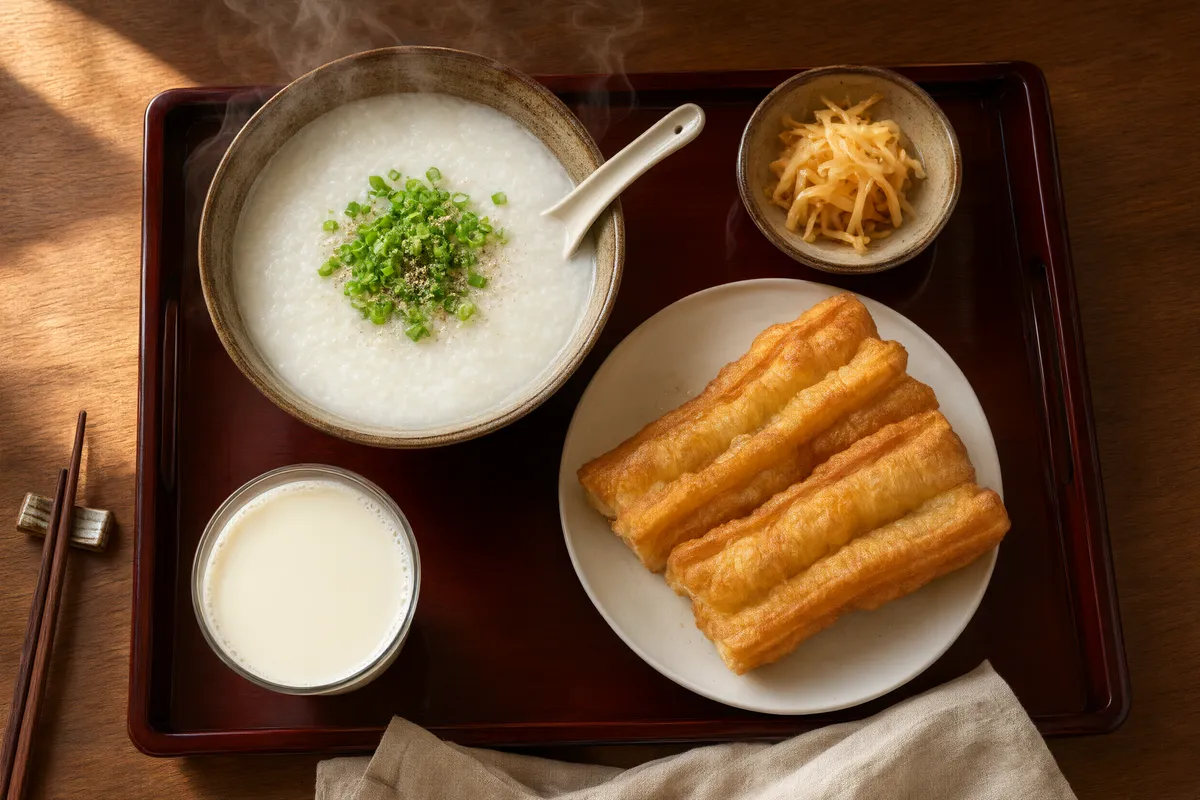
AI generated overhead food photography of a rustic breakfast spread
AI generated wildlife photo of a snow leopard in falling snow
AI generated high fashion editorial portrait against a terracotta wall
AI generated fantasy landscape of floating islands with waterfalls

Qwen Image 3 — Alibaba's latest image model, 2K at no extra cost

One model for generating and editing: text-to-image or up to 3 reference images, eight aspect ratios, and a pricing quirk worth knowing — 1K and 2K cost the same 20 credits, so you simply always get 2K here.

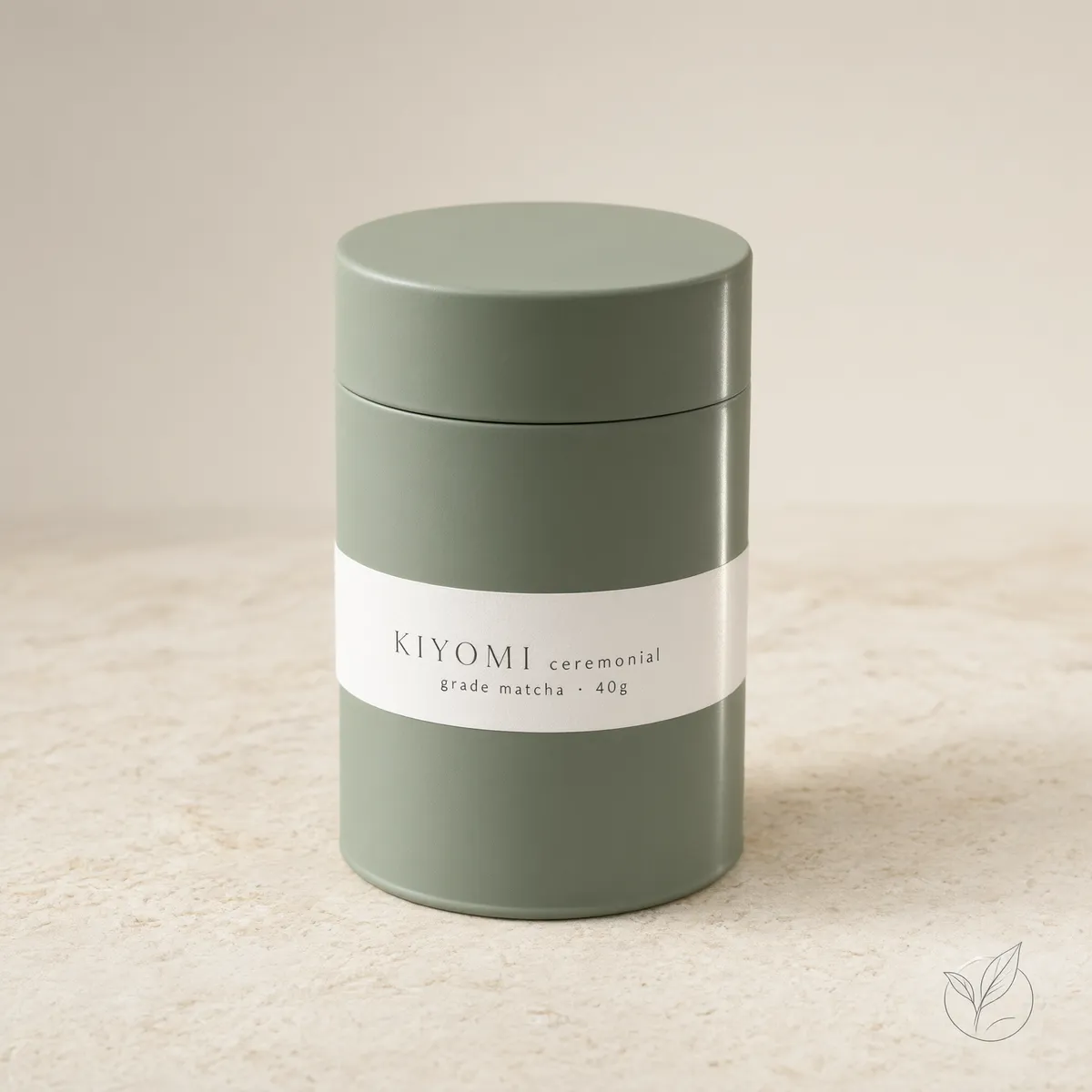
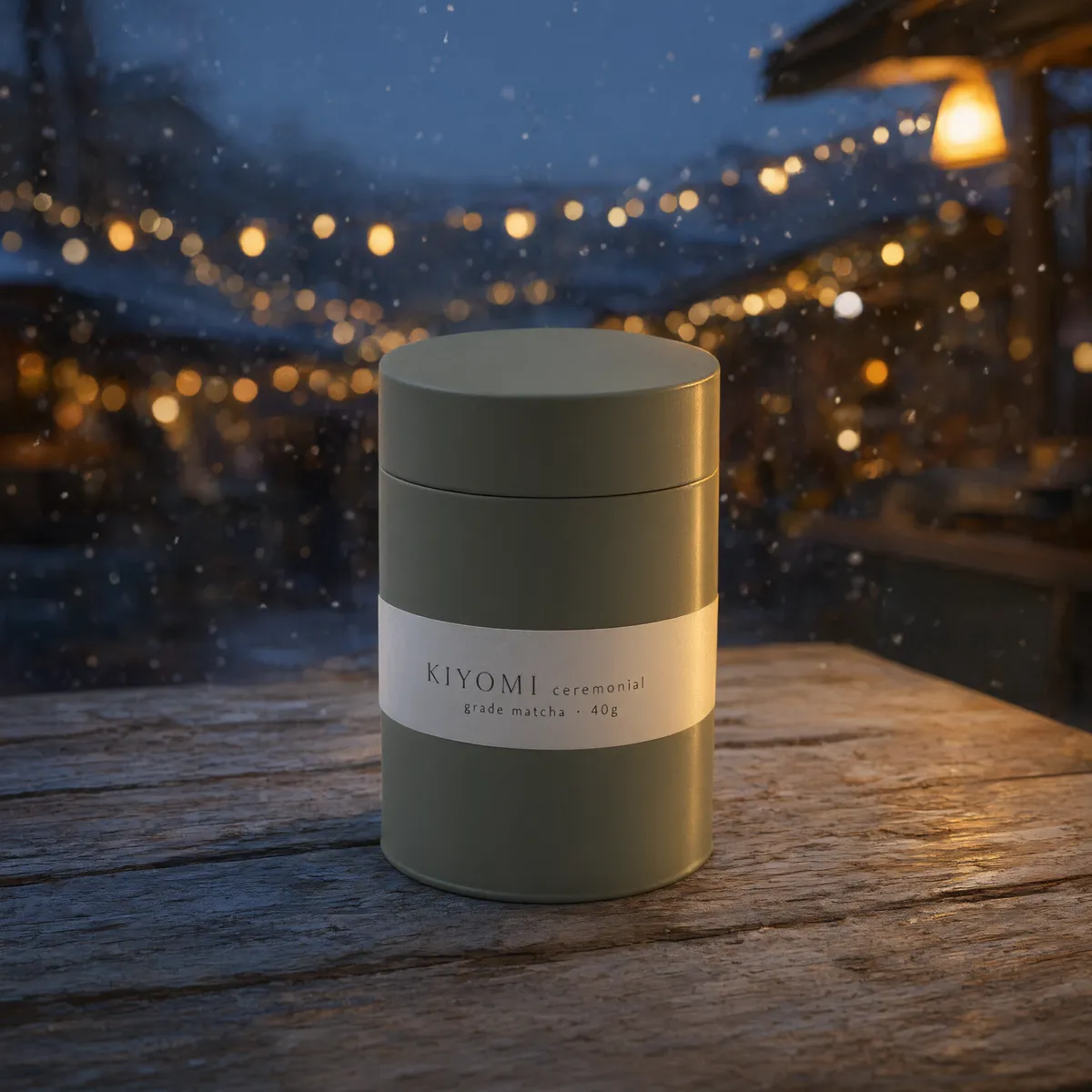
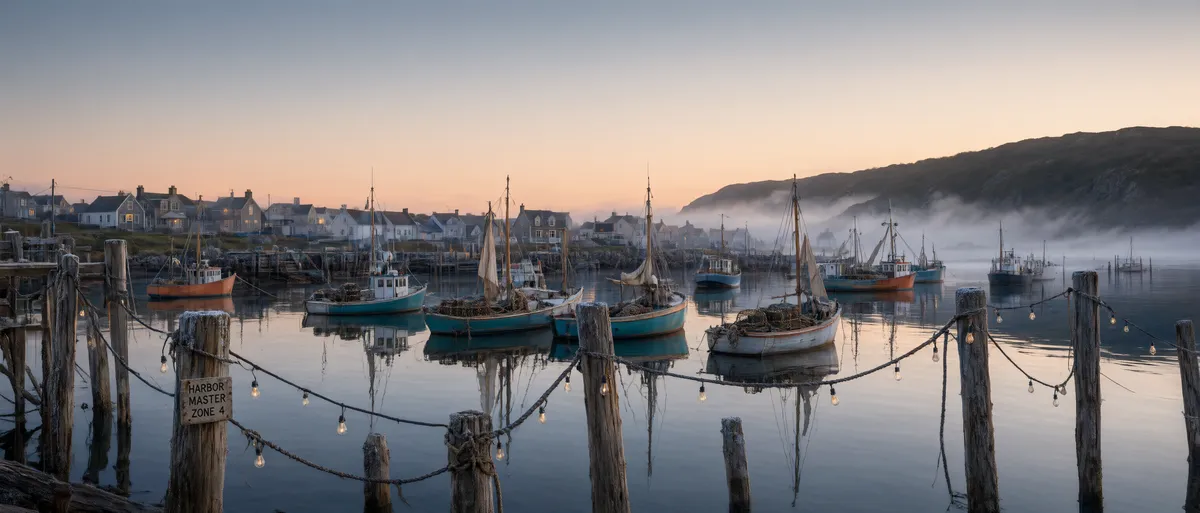
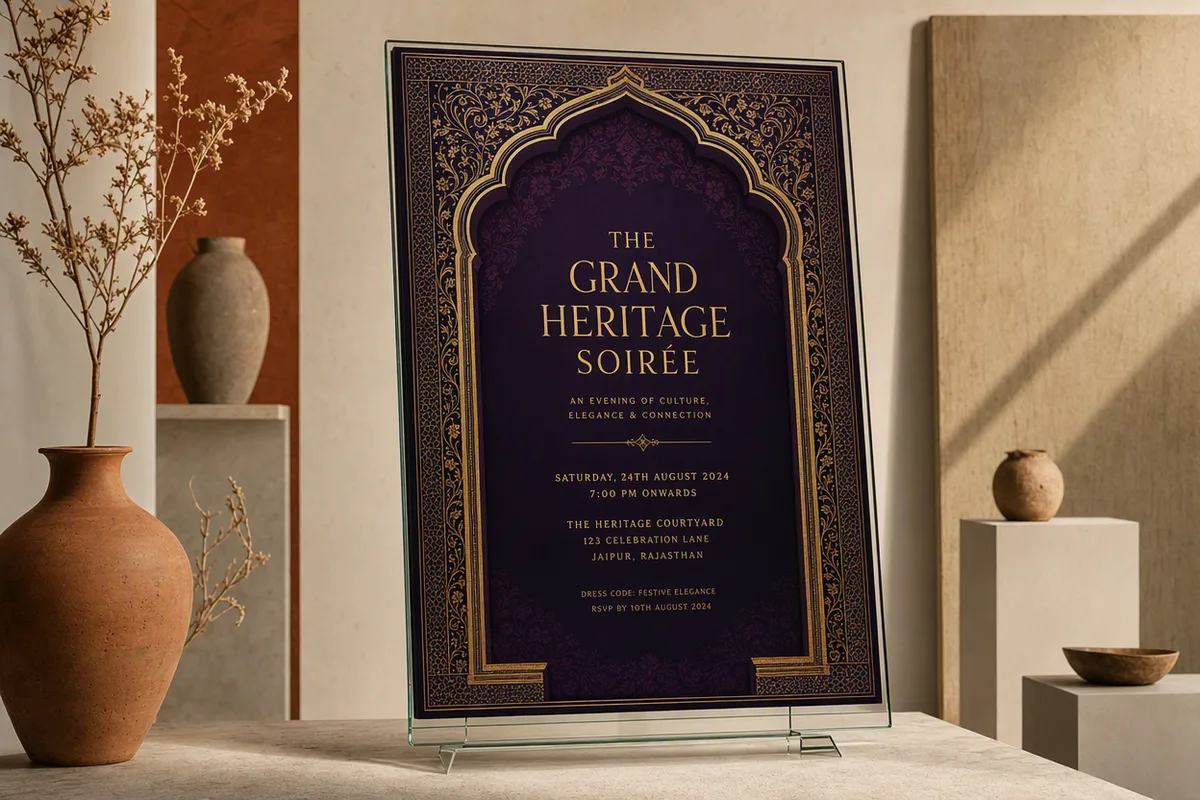
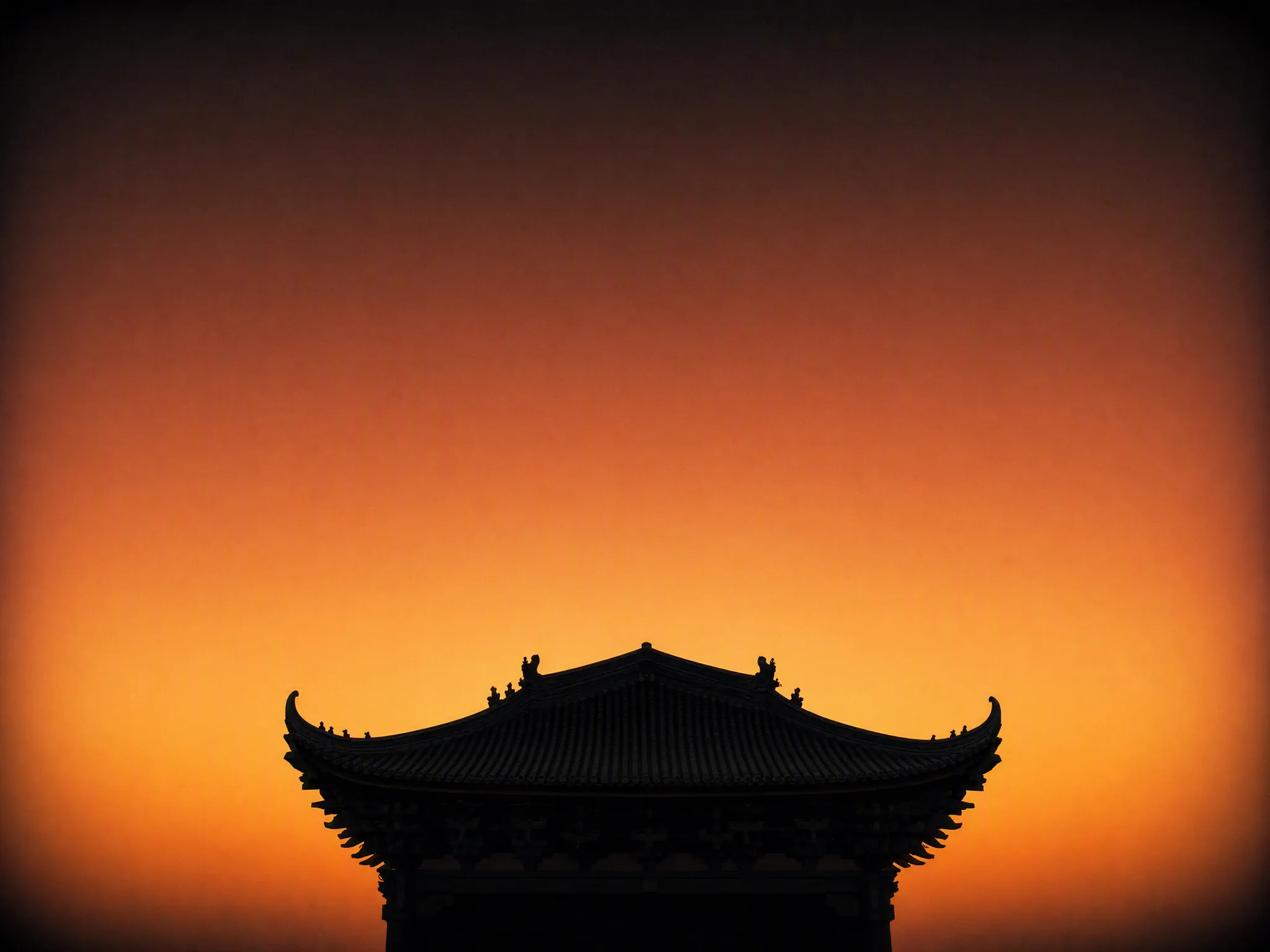
Qwen Image 3 sample generation shown at 2K detail

2K output at a 1K price

Most models charge a premium for higher resolution. Qwen Image 3 prices 1K and 2K identically — 20 credits per image — so CreateVision AI defaults it to 2K and you get the sharper output for free. The exact cost is shown on the generate button before every run.

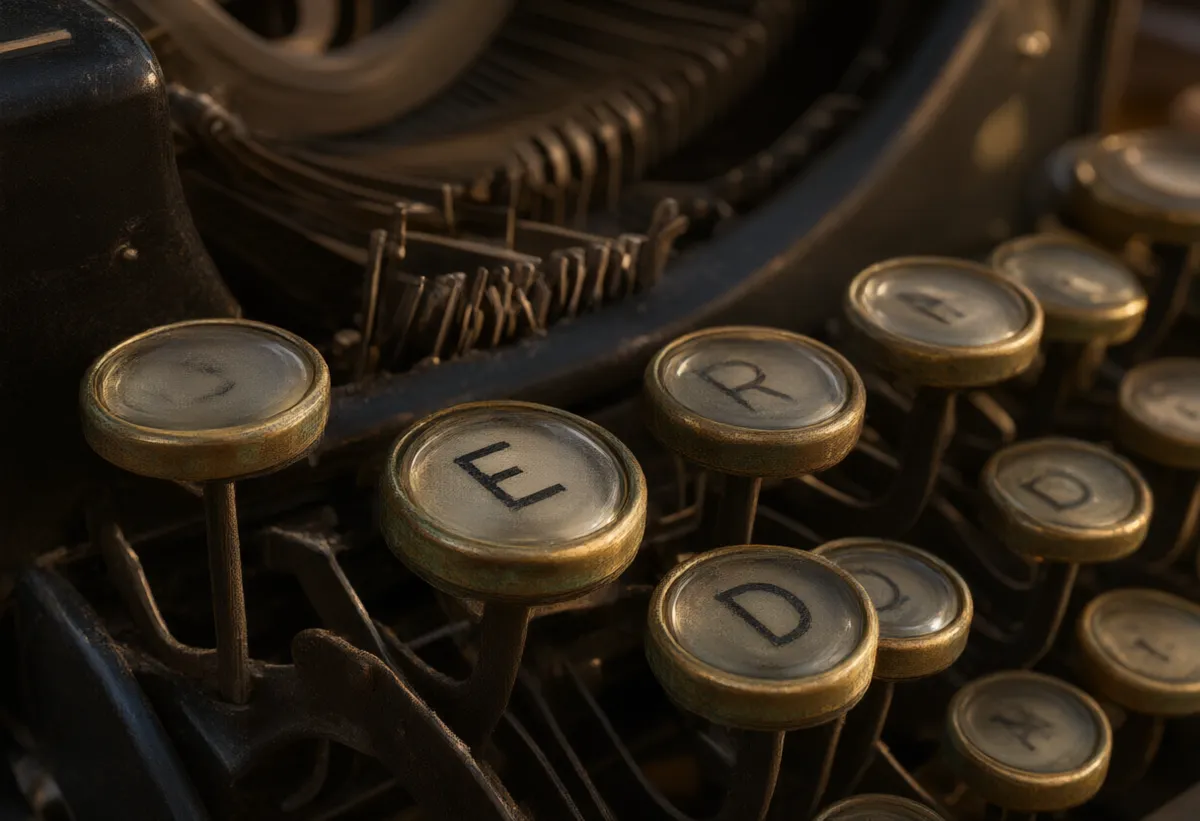
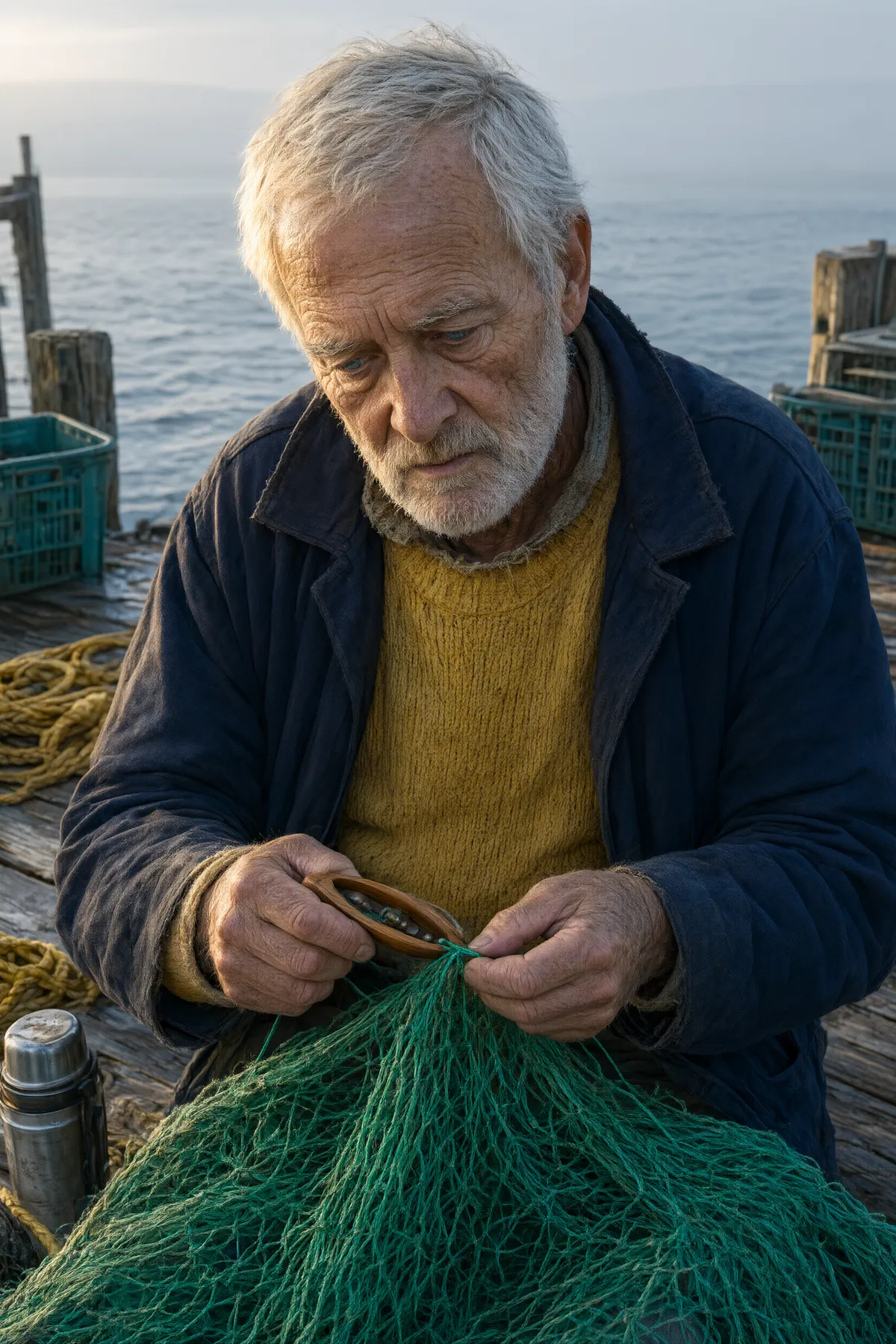
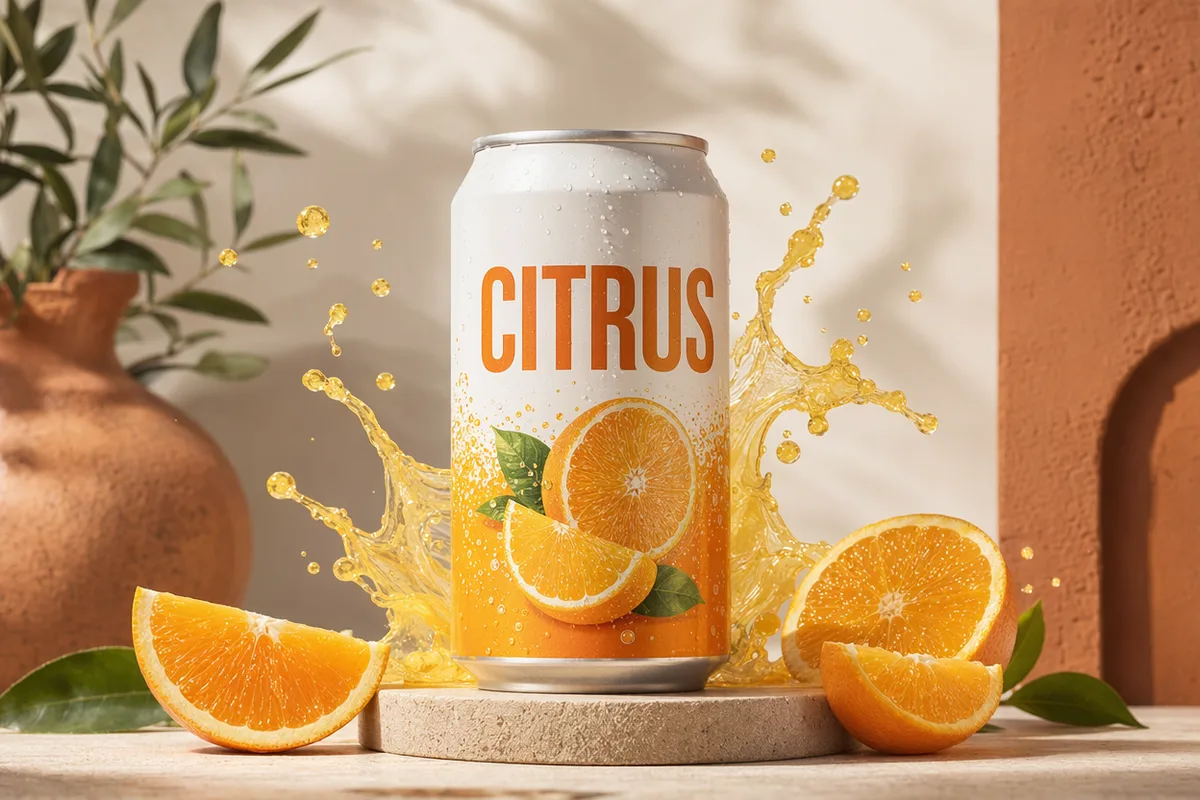
Photo edited by prompt while preserving the subject

Generate and edit in the same model

With no reference image it is a text-to-image generator; attach 1–3 references and it becomes an editor — restyle a photo, merge subjects from two images, or apply one image's look to another. You describe the change in plain language, in English or Chinese, and the built-in prompt rewriting expands short briefs automatically.

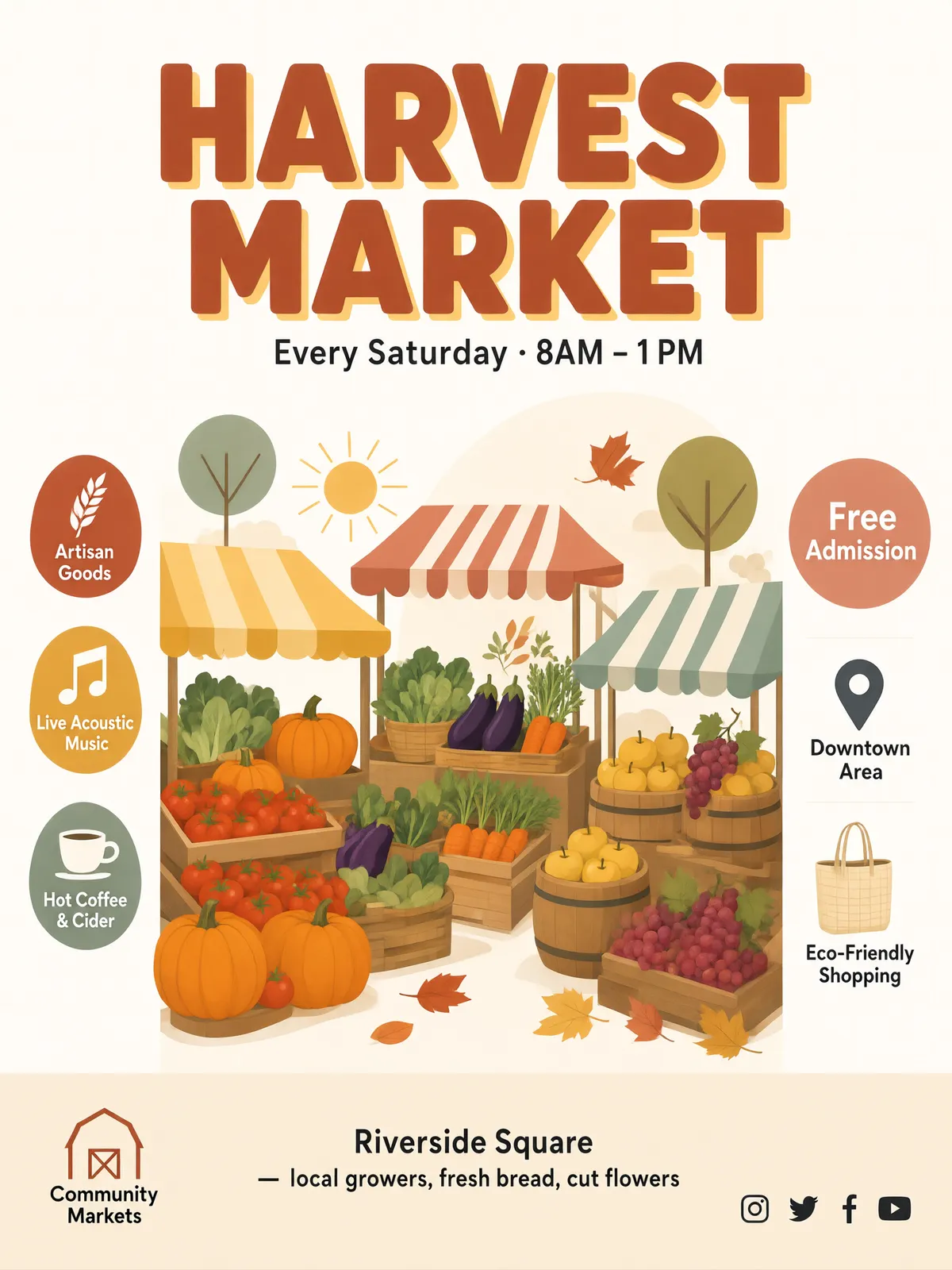
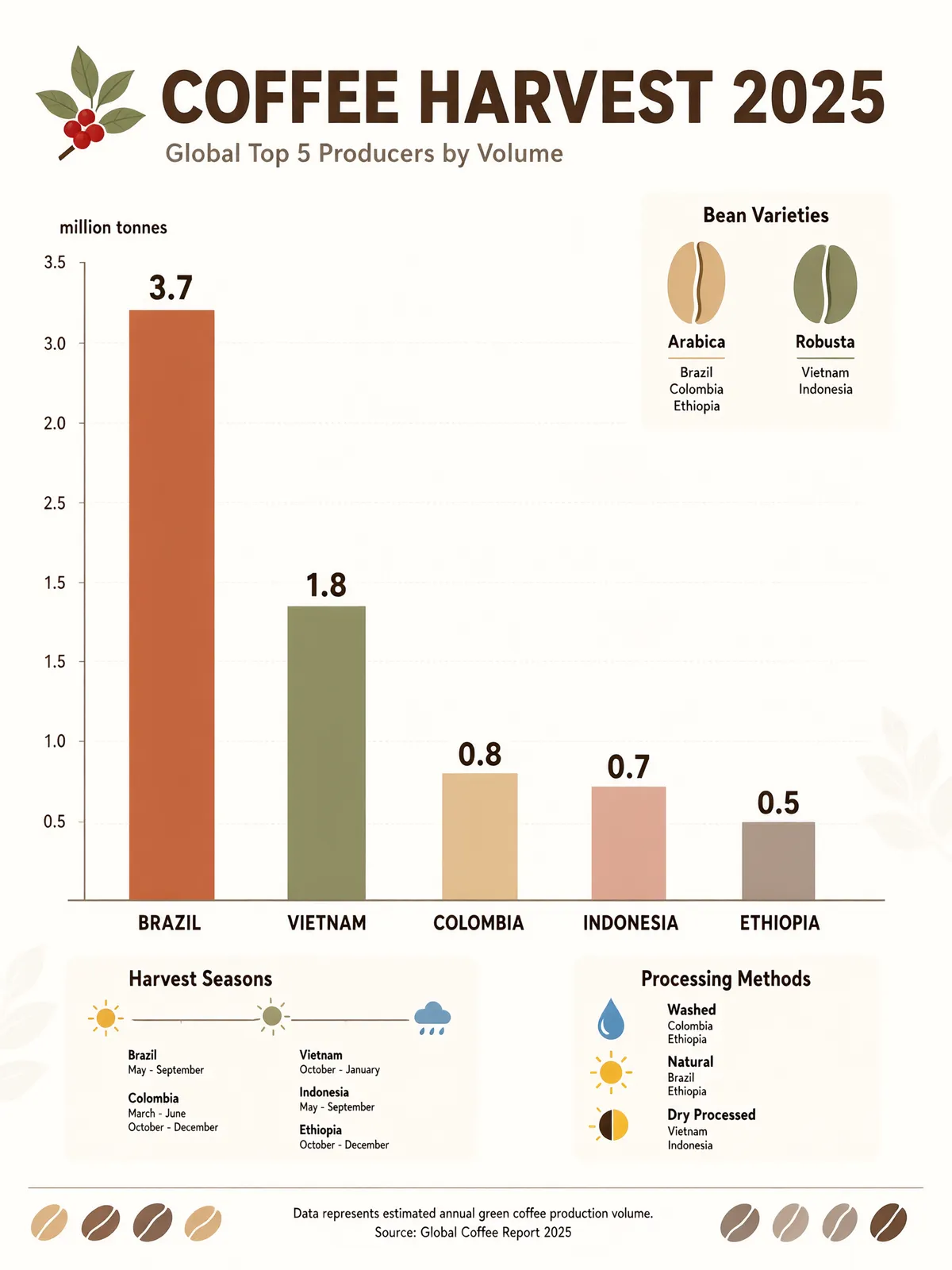
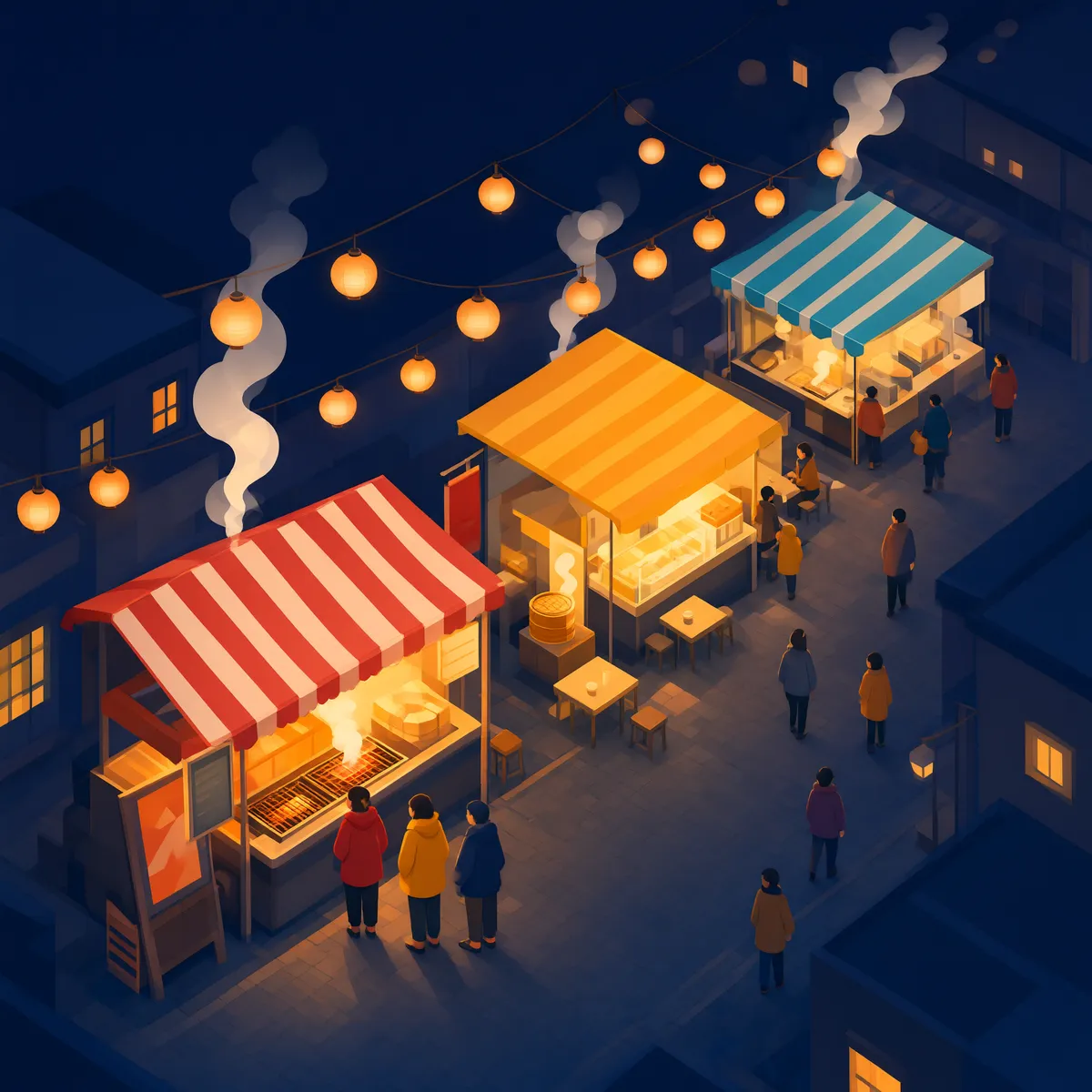
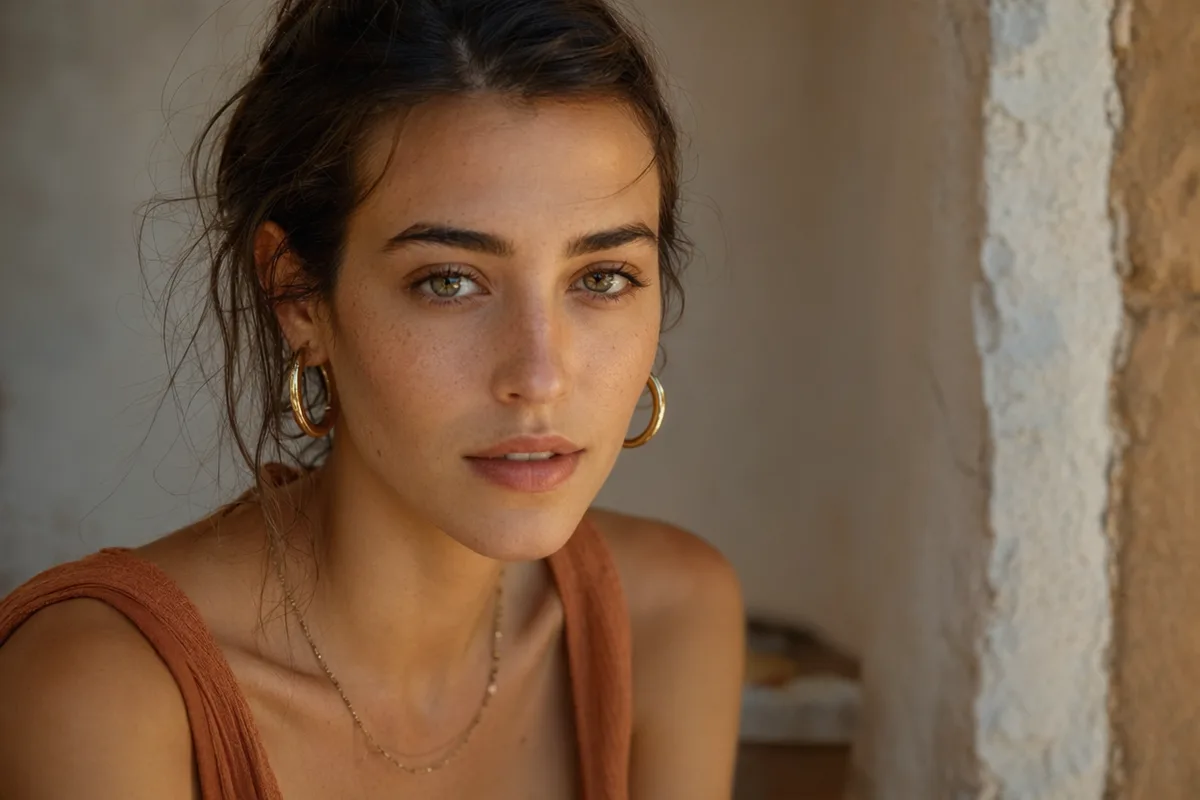
The same prompt rendered across different aspect ratios

Eight aspect ratios, square to ultra-wide

Native support for 1:1, 3:2, 2:3, 4:3, 3:4, 16:9, 9:16 and 21:9 — the same brief can come out as a social square, a portrait poster, or a 21:9 banner without cropping after the fact.

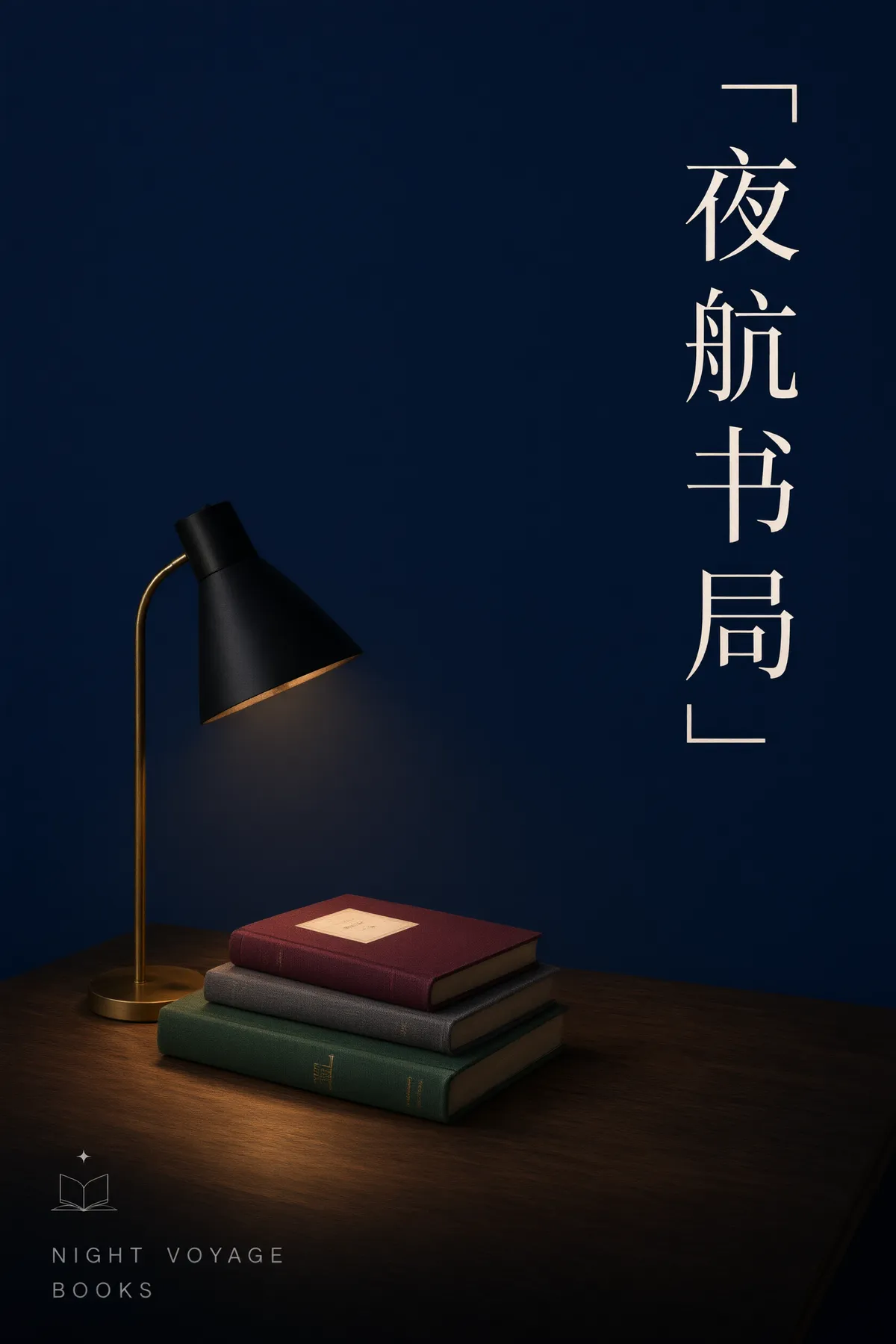
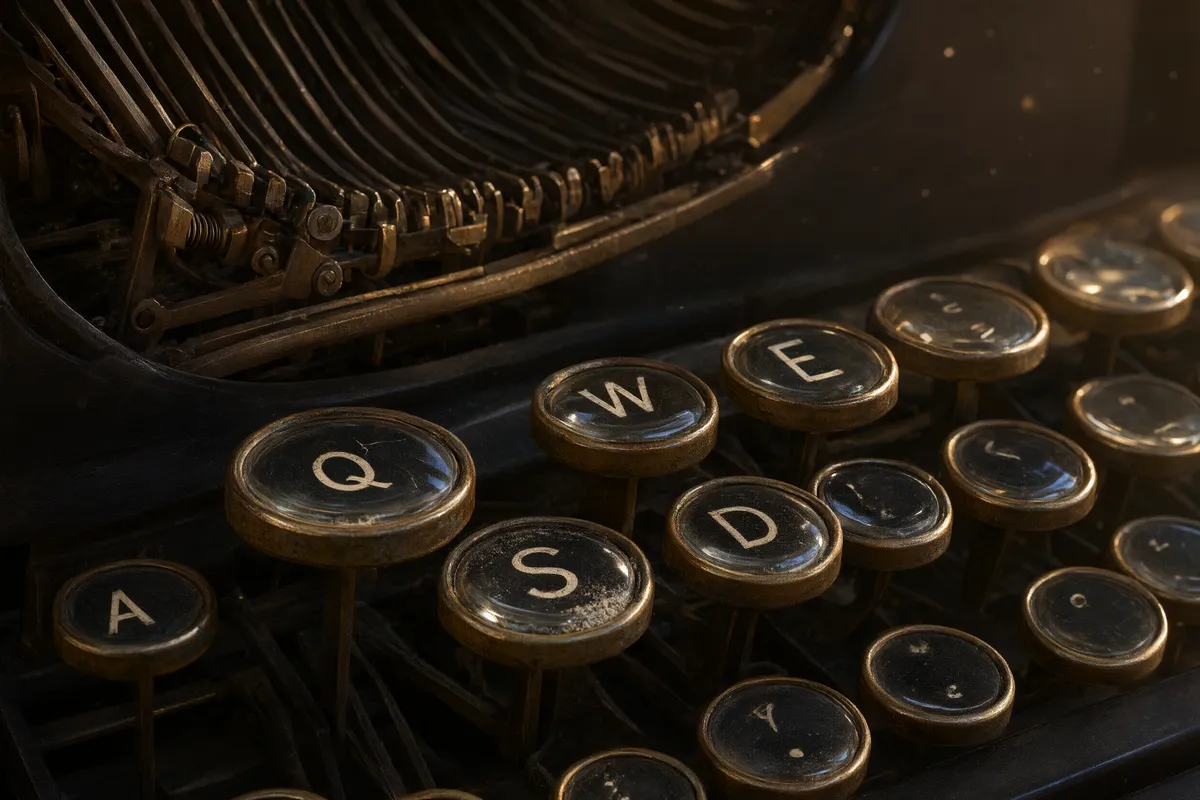
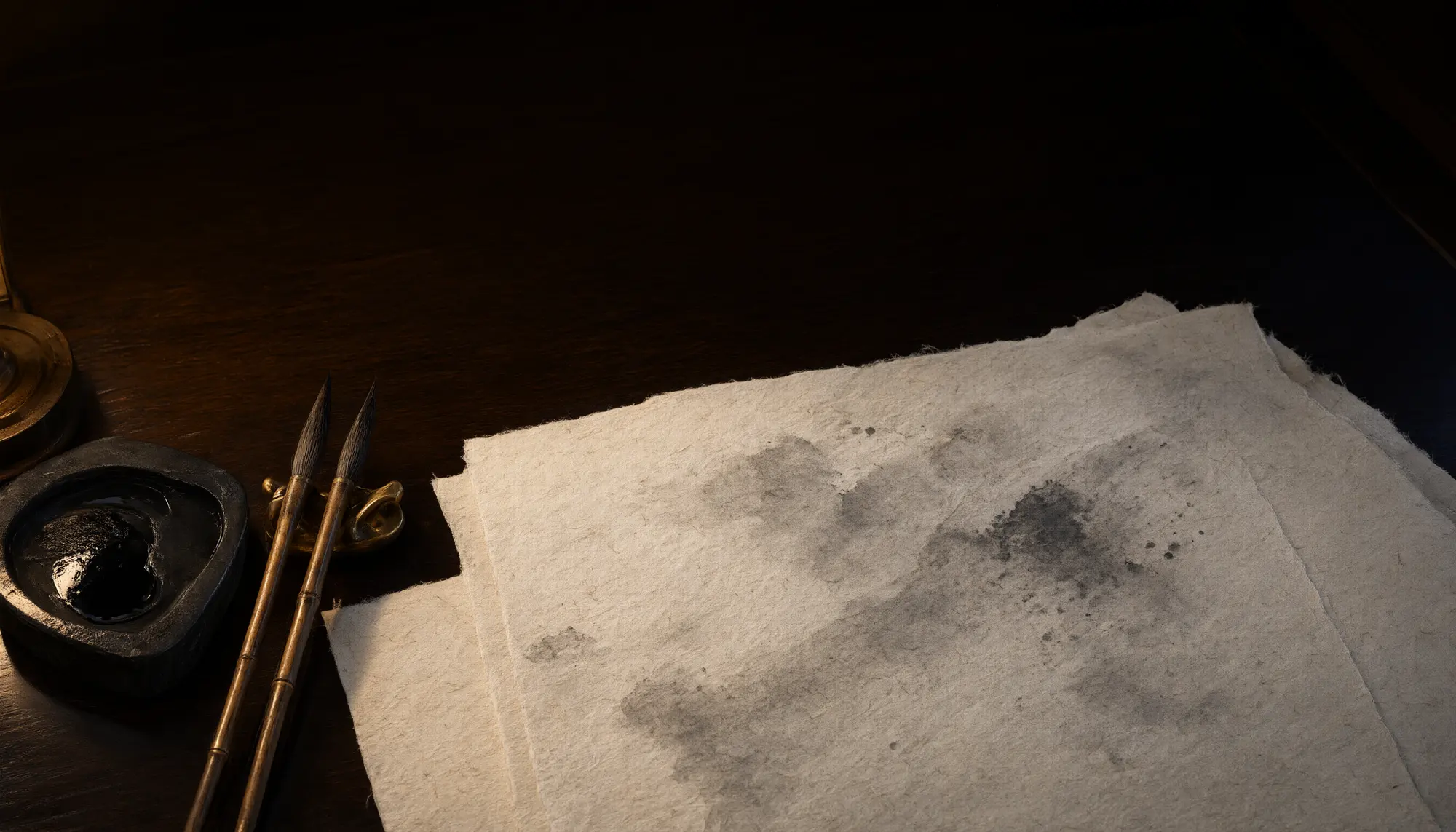
Prompt controls with negative prompt and seed options

A negative prompt that actually helps

Alongside the main prompt you can state what you do not want — extra fingers, watermark-style artifacts, busy backgrounds. Combined with seed control for reproducible variations, Qwen Image 3 is built for iterating toward a specific result rather than rerolling blindly.

Keep exploring CreateVision AI

One account, the full image and video generation workflow.

Choose Your Plan

Start free with daily credits. Upgrade for premium models, faster generation, and 4K output.

Free

$0

Perfect for getting started

  • 80 credits per day, 400 per month
  • Z Image Turbo drafts at 0 credits
  • Standard generation speed
  • Generation history included
Get Started

Premium

Most popular
$29/month

Billed annually · $240/year

  • 1,600 credits/day, 8,000 credits/month
  • All premium models — GPT Image 2, Nano Banana, Seedream, Seedance, Veo, Kling
  • 5x generation speed, priority queue
  • AI prompt enhancement
Upgrade to Premium

Ultimate

$49/month

Billed annually · $300/year

  • 4,000 credits/day, 18,000 credits/month
  • HD generation up to 4K resolution
  • Priority support
  • Fastest queue and early access to new models
Upgrade to Ultimate

Frequently Asked Questions

1

What is Qwen Image 3 best at?

Everyday generation and reference-based editing at a low, flat price. It is the newest Qwen image model, and because 1K and 2K cost the same 20 credits, it is one of the cheapest ways to get 2K output on the platform.

2

How much does Qwen Image 3 cost?

20 credits per image, at 1K or 2K — the resolution does not change the price. The exact cost is always shown before you generate. Free accounts get 80 credits per day.

3

Can it edit an existing photo?

Yes. Attach the photo as a reference (up to 3 images) and describe the change — style, background, outfit, lighting. Without references it works as a pure text-to-image generator.

4

Which aspect ratios are supported?

Eight ratios: 1:1, 3:2, 2:3, 4:3, 3:4, 16:9, 9:16 and 21:9. Pick the ratio before generating instead of cropping afterwards.

5

Qwen Image 3 vs Qwen Image 3 Pro — which should I pick?

Start with the standard model at 20 credits. Move to Pro (30 credits at 1K, 50 at 2K) when you need finer detail or cleaner text inside the image — product labels, posters, UI mockups.

6

Does it understand prompts in Chinese?

Yes — prompts work in both English and Chinese, and the built-in prompt rewriting expands short briefs in either language.

Generate 2K images at a 1K price with Qwen Image 3

Start Generating Images

Discover our one-click AI image tools

One-click tools for everything around generation — polish, restyle, and share.