
CreateVision Studio
AI Portrait Generator
One photo in — a professional shoot out. Pick real cameras, legendary lenses and master looks.
The Rigtap a slot to open its options
Image quality
Size
LinkedIn-grade corporate portrait that reads trustworthy at thumbnail size — picking a scene re-rigs the camera, lens and light to its recommendation.
Master Presets
Shoot like the masters — pick a style school, get their exact setup
Each preset re-rigs the entire studio — camera, lens, aperture, light, composition and finish — the way the master shot it.
Modern Signatures
Today's essentials — the looks people actually need this week
Dramatic Light
Light sculpts the soul — high contrast, deep shadows, theatrical presence
Minimalist Studio
Nothing but you — seamless backdrops, precise light, zero distraction
Natural Light
Sun-made portraits — golden hour, window light, warmth and intimacy
Cinematic Narrative
A story in one frame — staged sets, layered light, painterly color
Documentary Direct
The unflinching gaze — frontal, honest, unretouched
Raw & Candid
The mask falls away — real expressions, spontaneous energy
What is Portrait Studio
A photography studio staffed by AI — where you direct like a photographer instead of gambling on prompts
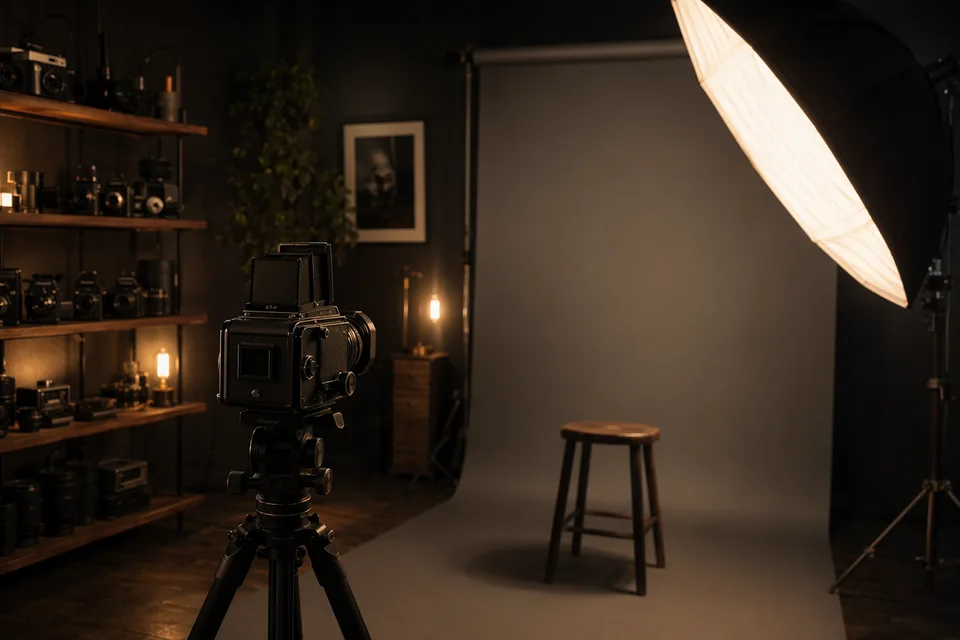
Portrait Studio turns AI portrait generation from a slot machine into a professional shoot. You bring one clear photo; the studio brings the gear — real camera bodies, legendary lenses, an aperture ring, classical lighting patterns and film-stock finishes — and every choice is a concrete photographic decision, not an adjective in a prompt.
Under the hood every selection compiles into professional photographic language for a state-of-the-art image model, wrapped around a constant identity lock that keeps you recognizably you. Prefer to start from taste instead of gear? The master presets re-create how the greats actually shot — verified rigs and lighting from Avedon’s white seamless to Hurrell’s Hollywood boom light.
And because photographers deserve photographer-grade output, every frame can leave the studio as a JPEG carrying its virtual rig in the EXIF — or as a 16-bit Linear DNG digital negative that opens in Lightroom like a real one.
24
camera bodies
34
legendary lenses
27
master presets
10
lighting patterns
11
film & retouch finishes
1
photo needed
Built against the complaints
We read thousands of AI-headshot complaints before building this
Across Reddit, Trustpilot and review threads, the same frustrations repeat about AI portrait tools. Here is each one — and what this studio does about it, mechanically, not as a promise.
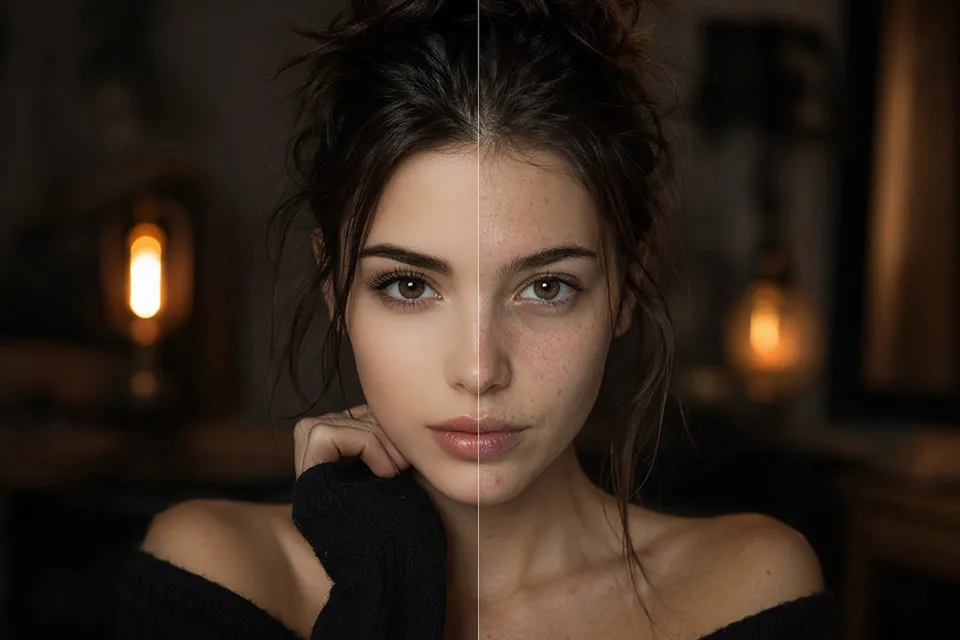
“The results ranged from ‘who is that?’ to ‘that guy could be my brother’. For what they charge I should have booked a photographer.”
✗ “It doesn’t look like me”
✓ Likeness is our hard rule, not a style choice. Every single shot carries a constant identity lock that forbids the model from slimming your face, changing your apparent age or ethnicity, enlarging your eyes or “beautifying” you. The style changes — the face stays yours.
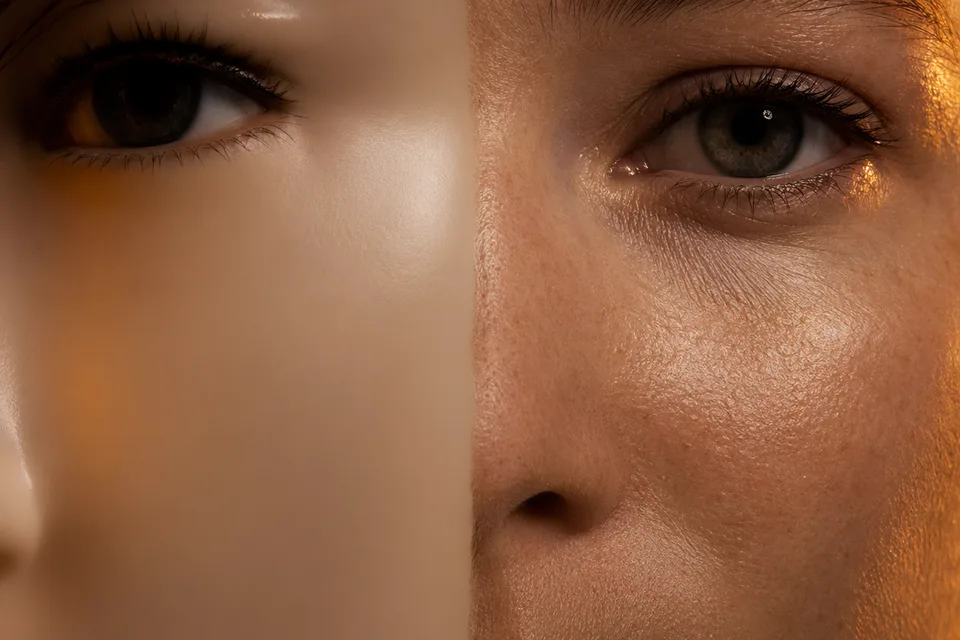
“Every AI headshot makes me look like a weirdly smooth wax figure.”
✗ Waxy, plastic skin
✓ Most tools bake retouching in; we make it a dial. The Documentary finish is explicitly unretouched — pores, fine lines and flyaway hairs preserved — and even the polished tiers instruct the model to keep believable skin texture. Eleven finishes, from raw to Hollywood glamour, and you choose.
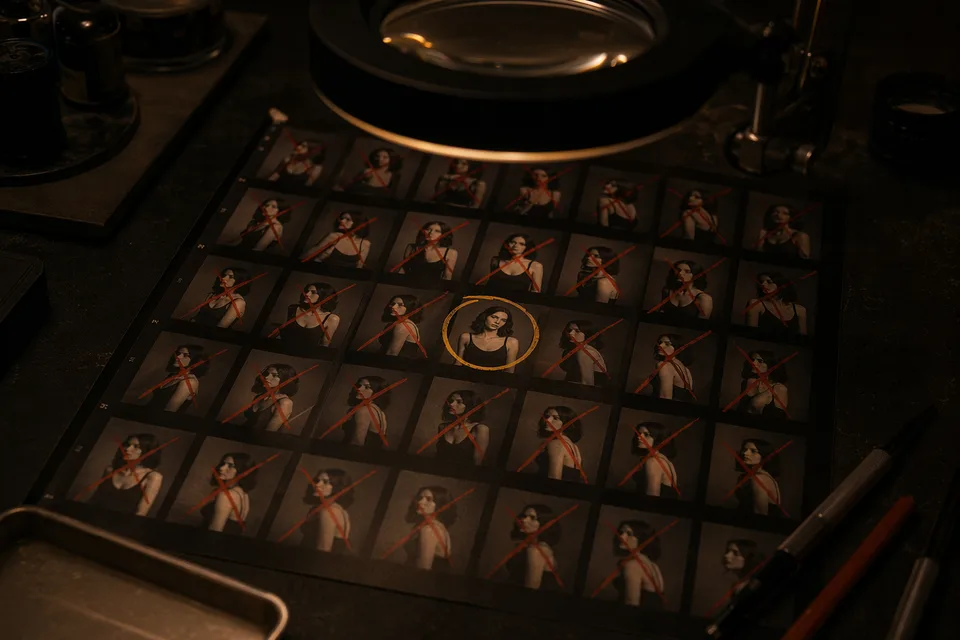
“Paid $39 for 120 images, three were usable — and no refund because I ‘downloaded’ them.”
✗ Pay first, pray later
✓ No batch gamble here. You shoot one frame at a time, the exact credit price sits right on the shutter button before you press it, and failed shots are refunded automatically. Start with a Quick Proof, check the likeness, then spend on the quality tier you actually want.
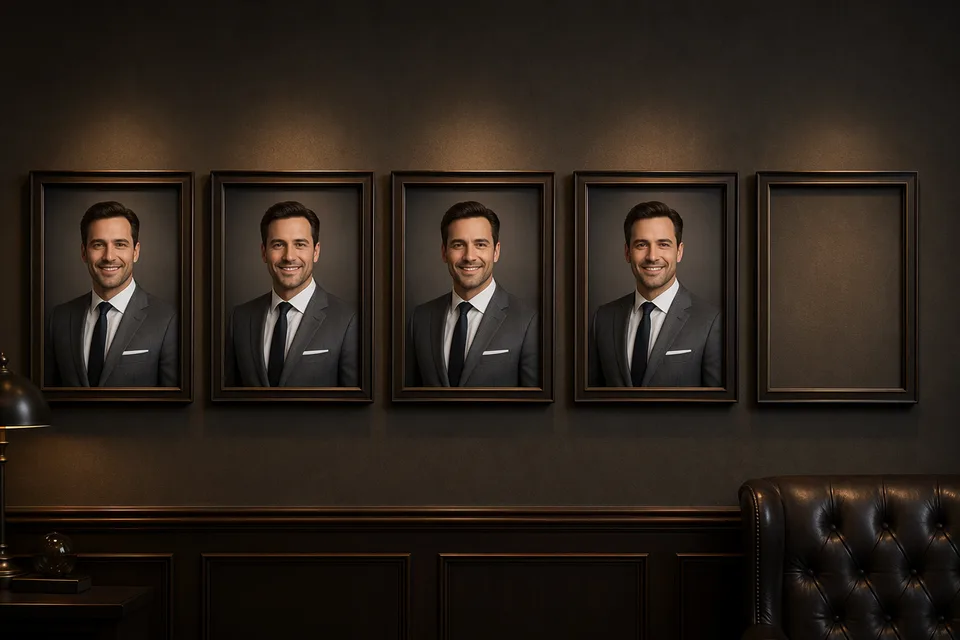
“Every result is the same magazine-cover corporate clone. No control over anything.”
✗ One generic look
✓ This is a studio, not a slot machine: 24 real camera bodies, 34 legendary lenses with hard mount-matching, a 9-stop aperture ring, 10 classic lighting patterns, wardrobe, expression and 11 film finishes — plus 27 master presets from 160 years of portrait photography when you’d rather start from a look.
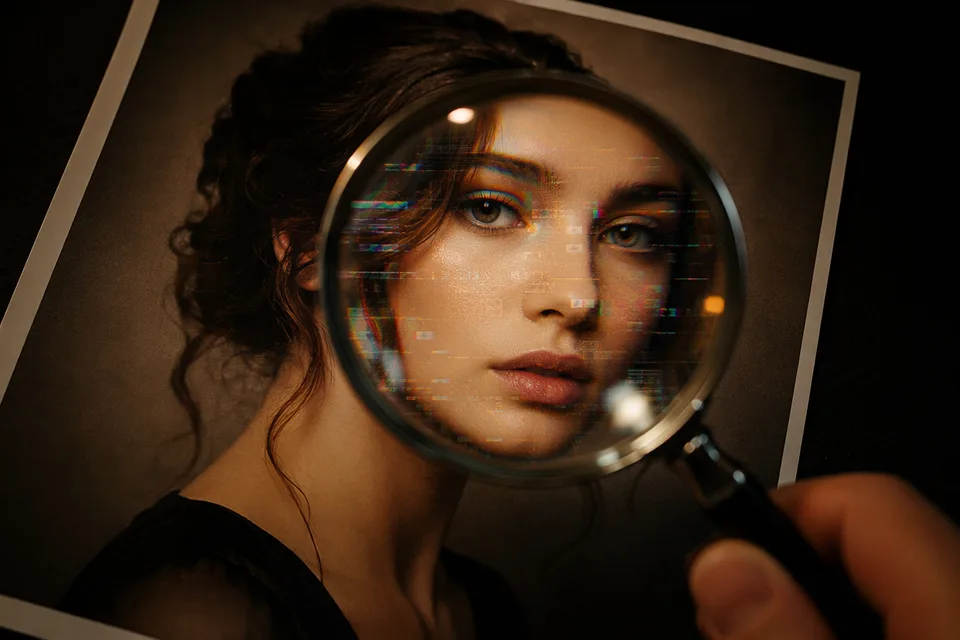
“Recruiters spotted my AI headshot instantly. It hurt more than it helped.”
✗ “Everyone can tell it’s AI”
✓ What gives AI photos away is the plastic perfection. Our craft rules push the opposite direction: true-to-life color, anatomically correct details, no over-beautification — the bar we tune for is “reads like a photograph taken by a great photographer”, not a filtered render.
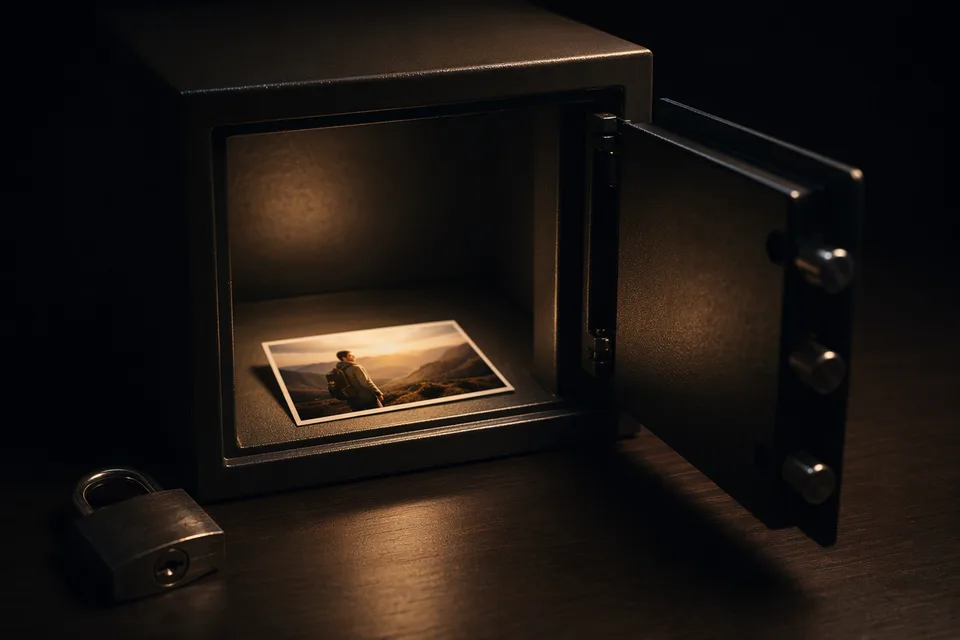
“Where do my selfies go? They might be training a model on my face right now.”
✗ Privacy anxiety
✓ Your photo is used for your shoot — nothing else. We never use your uploads to train AI models, and you can delete your generations from History at any time.
Why Portrait Studio
What you get here that batch generators don’t have
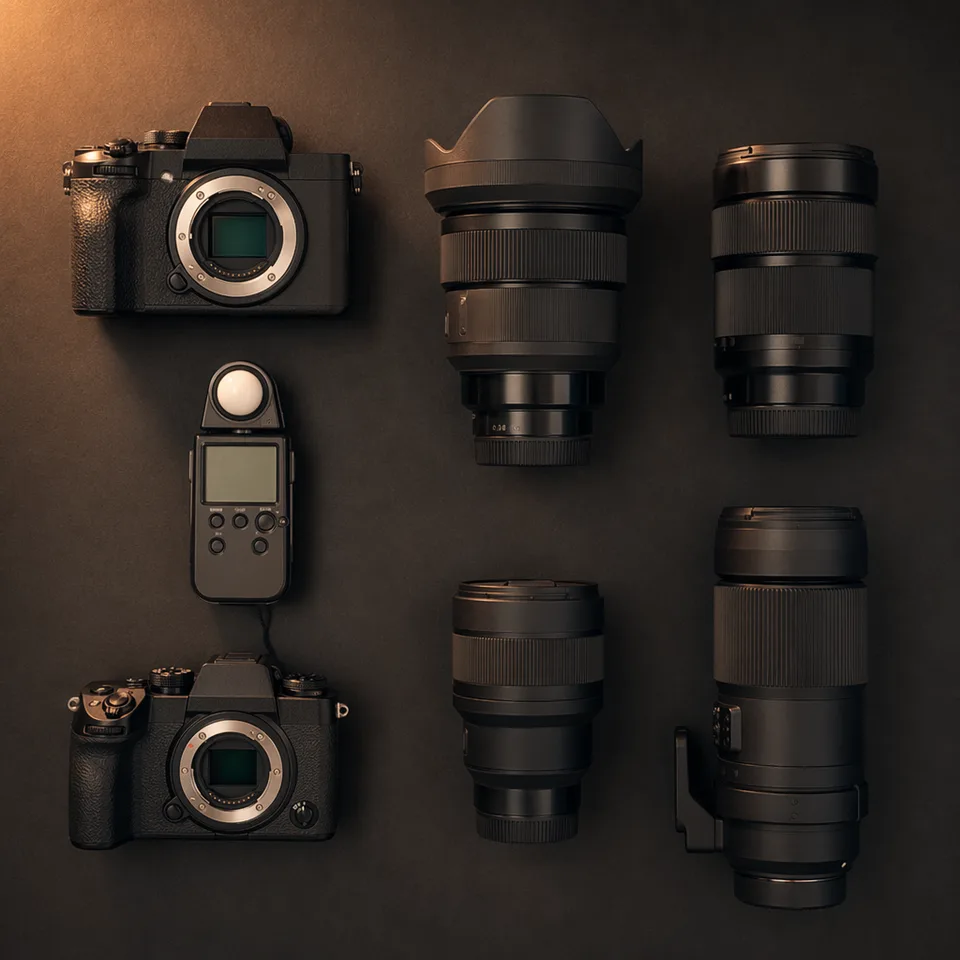
📷Real hardware, not vague sliders
Pick a Hasselblad X2D or a 1970s Pentax 67; mount glass that physically fits; open the Noctilux to f/0.95 or stop an 8×10 down to f/11. Each choice maps to a documented optical character in the final render.
🎓Master presets with real provenance
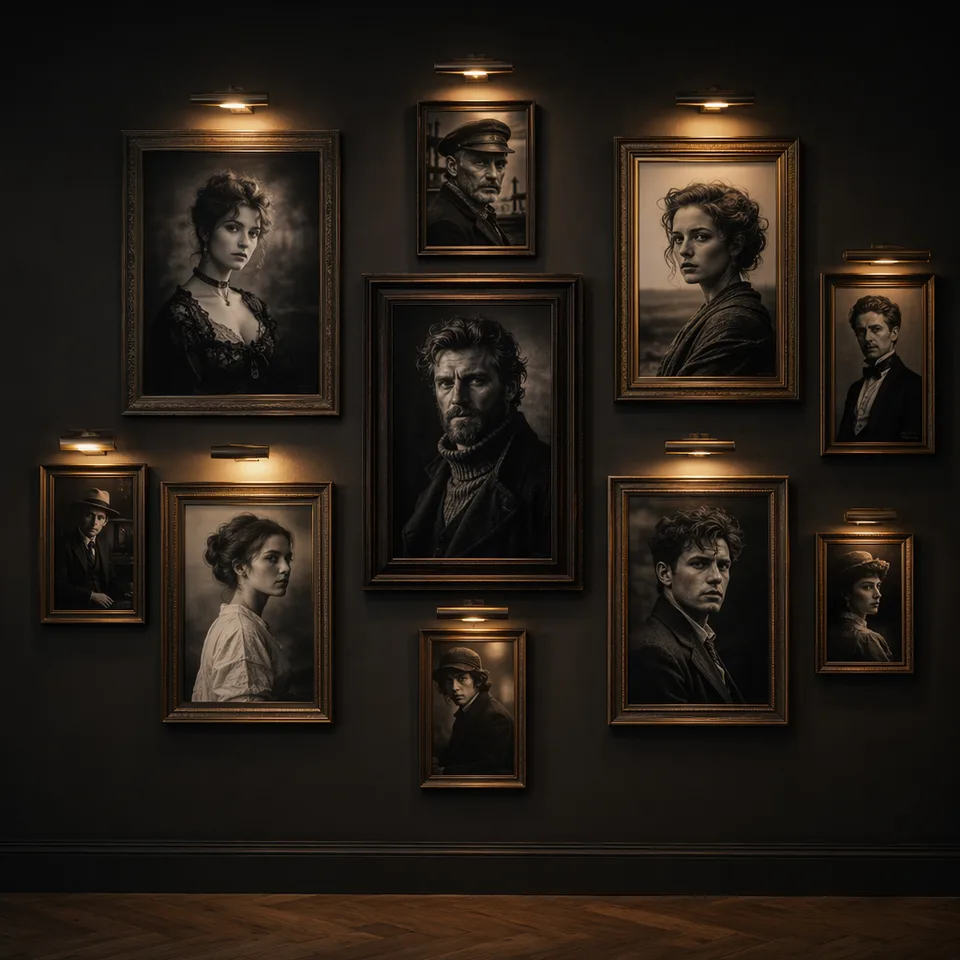
One tap re-rigs the entire studio the way Avedon, Karsh, Penn or Leibovitz actually shot — verified cameras, lenses, apertures and lighting from photography history, organized by style school.
🪪Identity-first engine
The likeness contract never changes, no matter how bold the style. One clear photo in — recognizably you out.
💳Transparent per-shot pricing
The price is printed on the shutter before every shot. No batch bundles, no subscription traps, and failed shots refund themselves automatically.
🎞️Film-stock finishes
Kodachrome warmth, Portra softness, Tri-X grain, CineStill halation — or fully unretouched Documentary. The finish is a choice, and every option shows its own sample.
🗂️Pro-grade output: rig EXIF & DNG
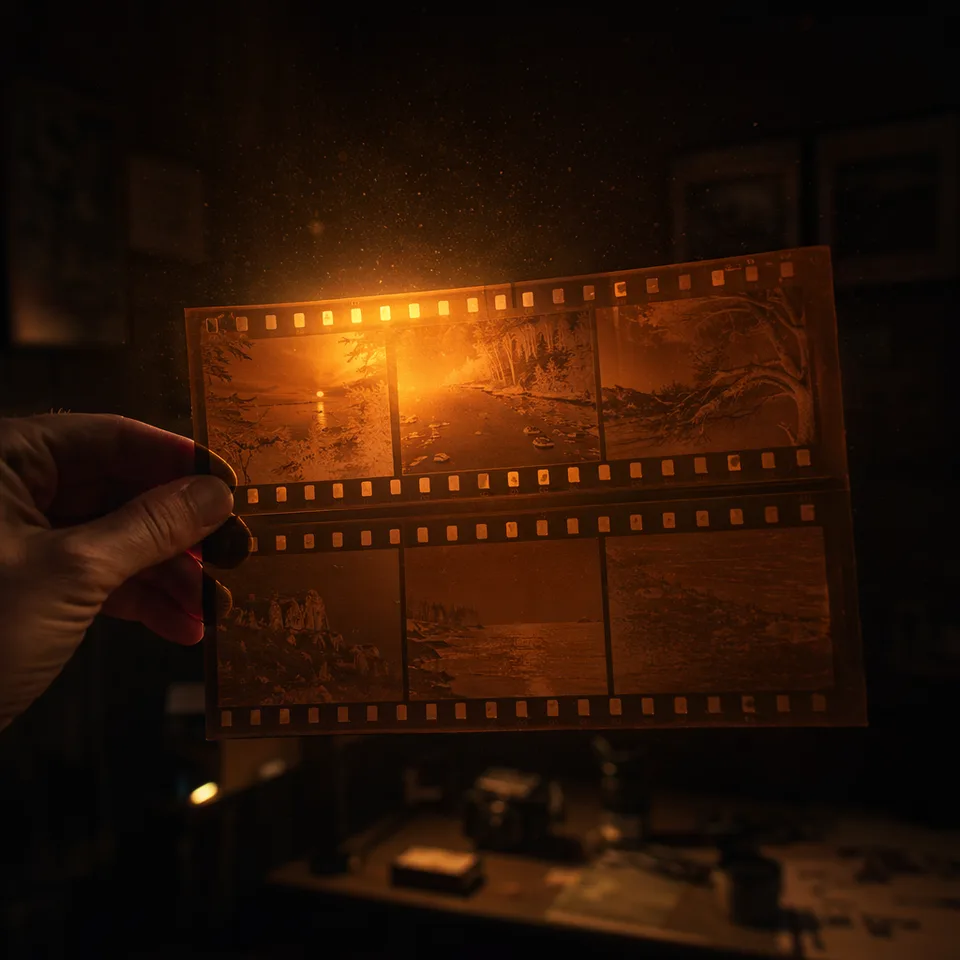
Download a JPEG with your virtual rig written into the EXIF, or a 16-bit Linear DNG digital negative — the same format family as Apple ProRAW — with free white balance and wide exposure latitude in Lightroom. We don’t know another AI portrait tool that ships one.
How it works
From one photo to a directed shoot, in four moves
01
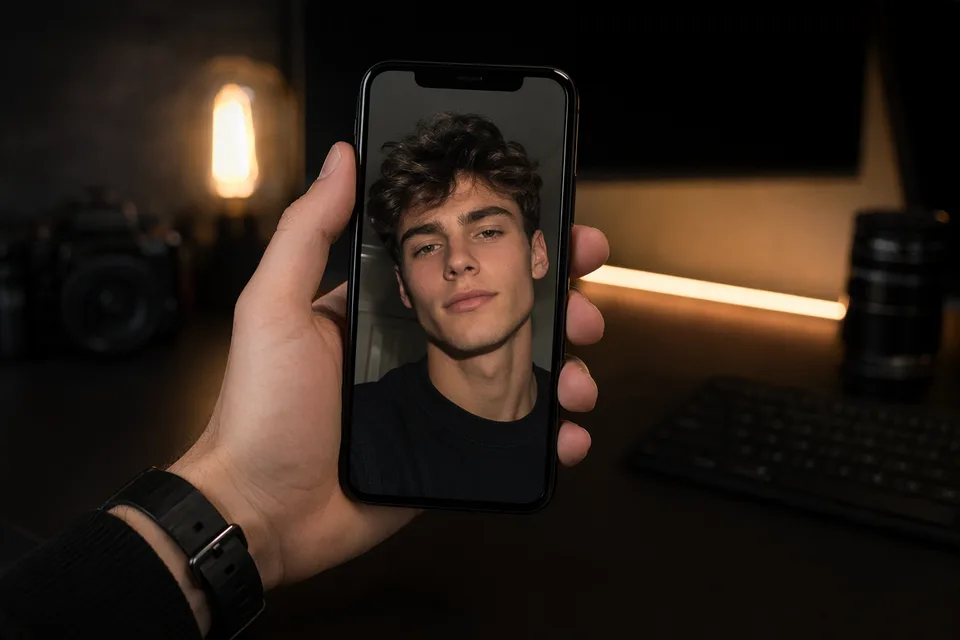
Upload one clear photo
A front-facing photo with decent light is enough. No 20-selfie training sets, no waiting for a model to bake.
02
Start from a scene or a master
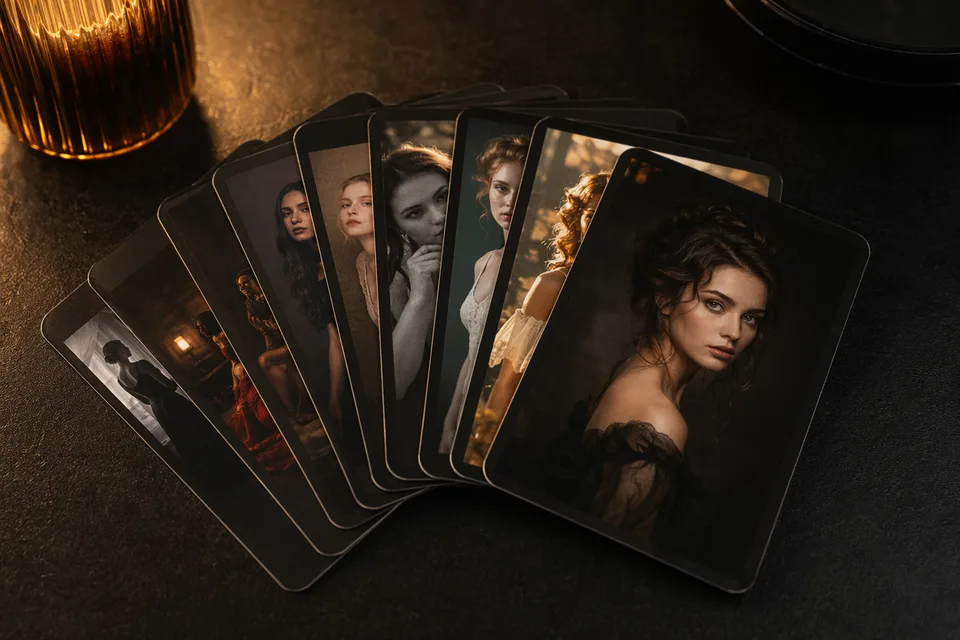
Pick a scene (Executive, Golden Hour, B&W Classic…) or a master preset — either one configures the full rig: camera, lens, aperture, light, format and finish.
03
Direct the shot
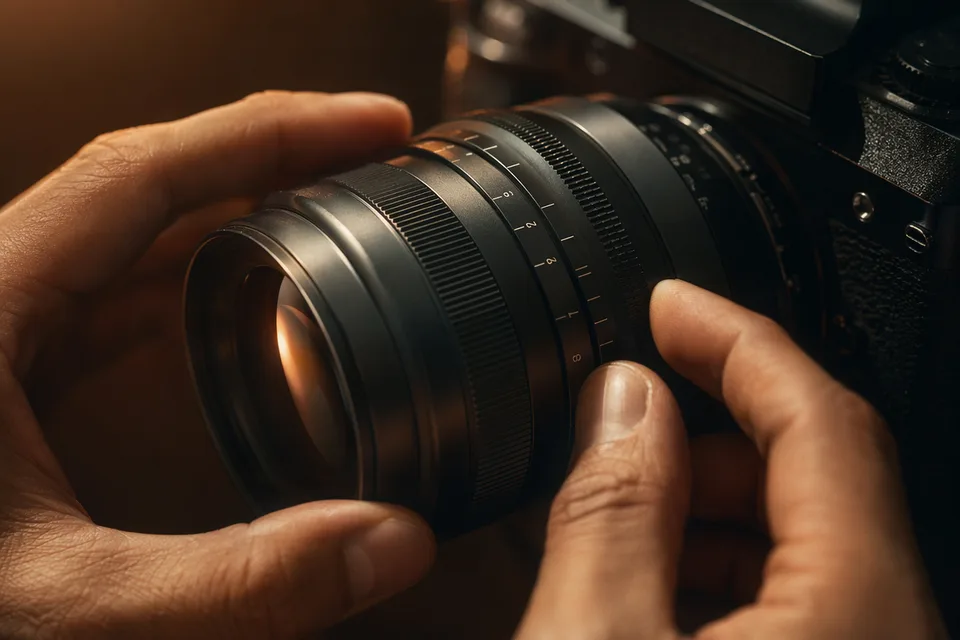
Tap any slot to change the body, the glass, the stop, the light pattern, your expression or wardrobe. Every option shows its own image, and the shoot sheet always tells you exactly what you’re about to shoot.
04
Shoot, then develop
Press the shutter — the price is on the button. Download the frame straight, as a JPEG with your rig in the EXIF, or as a 16-bit DNG digital negative for serious editing.
FAQ
The questions people actually ask before trusting an AI portrait tool
+Will the result actually look like me?
That is the product’s hard rule. Every prompt carries a constant identity lock that keeps your bone structure, eye shape, skin tone and hairline, and explicitly forbids slimming, age shifts, skin lightening or darkening and eye enlargement. If a shot still misses, it costs one shot — not a batch — and failed generations refund automatically.
+How many photos do I need to upload?
One clear, front-facing photo. The engine works from a single reference — there is no multi-selfie training step and no hour-long wait while a personal model bakes.
+Why do AI headshots usually look waxy — and how do you avoid it?
Most generators learn from heavily retouched stock photos, so “smooth” becomes their default skin. We treat retouching as an explicit dial: the Documentary finish preserves pores, fine lines and flyaways like an unretouched professional frame, and even polished tiers are instructed to keep believable texture and avoid the airbrushed look.
+Can I use these on LinkedIn? Will people be able to tell?
Yes — the shots are yours to use. What exposes AI photos is magazine-cover perfection on an ordinary person, so we tune the opposite way: realistic texture, honest lighting and your real face. Choose Documentary or Natural finishes for professional profiles; they age best in real-world scrutiny.
+What happens to my photo after the shoot?
It is used to generate your shot — nothing else. We do not use your uploads to train AI models, and you can delete your generations from History whenever you like.
+What if a shot fails or I don’t like it?
Failed shots refund their credits automatically. If a shot succeeds but the look isn’t right, tweak one slot — the light, the lens, the finish — and reshoot; per-shot pricing means iterating costs exactly what it says on the shutter, not another bundle.
+Do the cameras and lenses really change the result?
Yes — each body and lens carries a written optical signature (the Noctilux’s velvet bokeh, the RZ67’s creamy 6×7 falloff, the 8×10’s monumental texture) that steers the render, and mounts are matched like real hardware. It is a faithful simulation of optical character, not a physical exposure — which is also why we say so instead of pretending otherwise.
+What is the DNG “digital negative” download?
A 16-bit Linear DNG — the same format family as Apple ProRAW. It opens in Lightroom or any raw editor with freely adjustable white balance and wide exposure latitude. One honest limit: it is developed from the rendered frame, so blown highlights can’t be recovered the way sensor RAW allows.
+How much does a shot cost?
The live price sits on the shutter button and updates as you change quality and size — from a small Quick Proof to a Master Print. There is no separate subscription for the studio and no image bundles: you pay per shot, in credits, and failed shots come back.
+Can it change my outfit, background or expression?
Yes. Wardrobe, scene and expression are rig slots with visual options — or keep your original clothes. The notes field also takes free-form direction (“keep my glasses”, “background in deep green”) like talking to your photographer.
Keep creating
Related tools & studios
The studio is lit. Your photographer is waiting.
One clear photo, one Quick Proof — see the likeness for yourself before spending anything serious. Failed shots refund automatically.