

Preview
Upload a clip, pick the output size and a mode, and the enhanced MP4 appears here.
Why Do Online Video Upscalers Usually Disappoint?
Three complaints show up in every review of video enhancers. Here is what we do about each.
"They charged me for a full minute on a nine-second clip."
We read the real length from your file and bill per second, rounded up to the next second. The exact credit cost is on the button before you click.
"The result had a logo across the corner — useless for the actual video."
No watermark at any tier. What you download is the clip you can post.
"Every face came out smooth and plastic, like a doll."
Pick Face fidelity to keep features exactly as they are, or Soft when a clip already looks over-processed. Seven modes, same price.
How does AI video upscaling work?
Your clip goes to Tencent Cloud's video super-resolution model, a diffusion-transformer enhancer that rebuilds detail frame by frame from the content of the picture. It is not a simple resize: textures, edges and fine text are reconstructed, while the frame rate, duration and audio are left exactly as they were.

Four Clips, Real Results
Every clip below went through this tool. The first frame on each card is the original; hover to play the enhanced output.
 Original
AI clip → 1080p
A 480p AI-generated clip enhanced to 1080p in Face fidelity mode — skin texture and eyes are rebuilt without changing the face.
 Original
Street → 4K
A busy street with small faces far from the camera, taken to 4K in Distant faces mode.
 Original
Anime → 1080p
Flat colours and line art in Anime mode — edges stay clean instead of turning into noise.
 Original
Product → 4K
A product shot taken to 4K in Detail boost mode — fabric weave and label text come back sharp.
What this video upscaler gets right
Made for everyday people, not editors.
Real Detail, Not Stretched Pixels
A diffusion-based super-resolution model rebuilds texture, edges and fine lines from what is in the frame. Blurry 480p AI clips and old phone footage come back with skin pores, fabric weave and legible text instead of a bigger blur.
Faces Stay Your Faces
Face fidelity mode keeps the shape of eyes, nose and mouth exactly as they are and only cleans up noise and compression. Distant faces mode does the same for small faces far from the camera, the usual failure point of other upscalers.
Seven Modes, One Price
Realistic, Distant faces, Anime, Anime · distant, Face fidelity, Detail boost and Soft. Pick by how the result should look; every mode costs the same per second.
Priced Per Second, Shown First
We read the true length out of your file and charge per second of output at the size you chose, rounded up to the next second. The number on the button is the number you pay.
Nothing Stamped On It
No logo, no corner badge, at any tier. The file you download is the one you can publish.
Audio and Frame Rate Untouched
The original audio track comes through, the frame rate stays what it was and no frames are invented. Only the picture gets sharper.
Where people upscale video
Real moments, ready to share — pick the one that fits.
AI Clips to HD
Most text-to-video and image-to-video models export at 480p or 720p. Run the clip through Face fidelity or Realistic and post it at 1080p or 4K.
Phone Footage for Bigger Screens
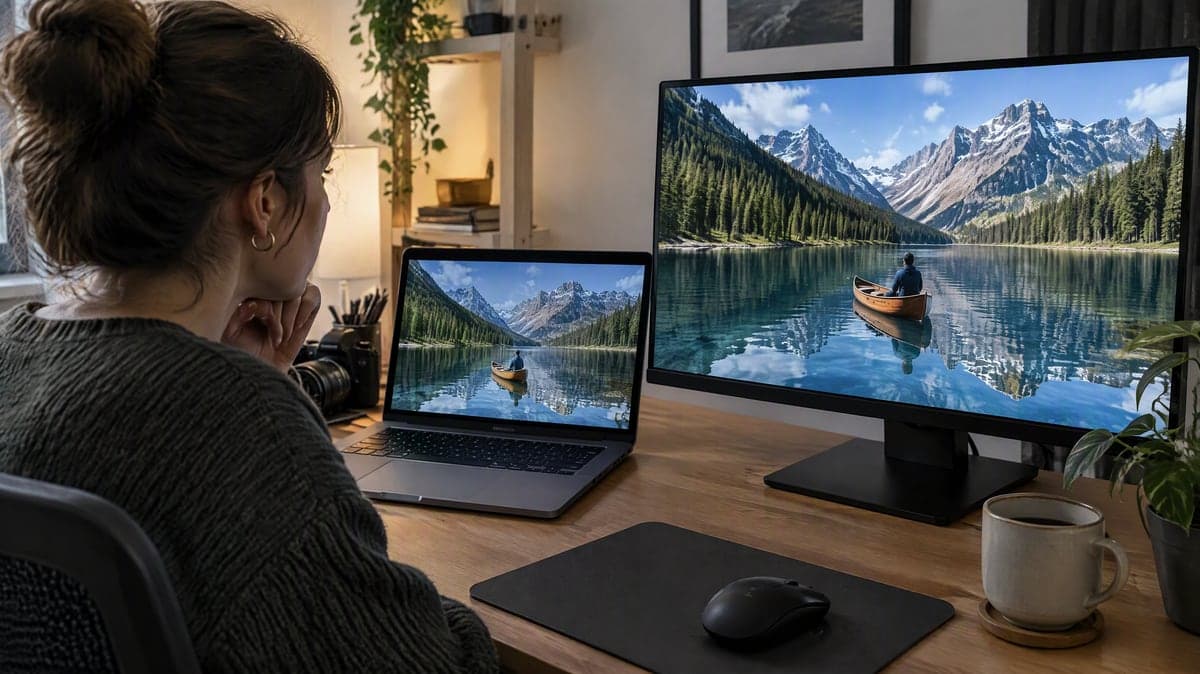
Zoomed, compressed or low-light clips from a phone look soft on a TV or in a presentation. Detail boost brings edges and text back.

Old and Archive Clips
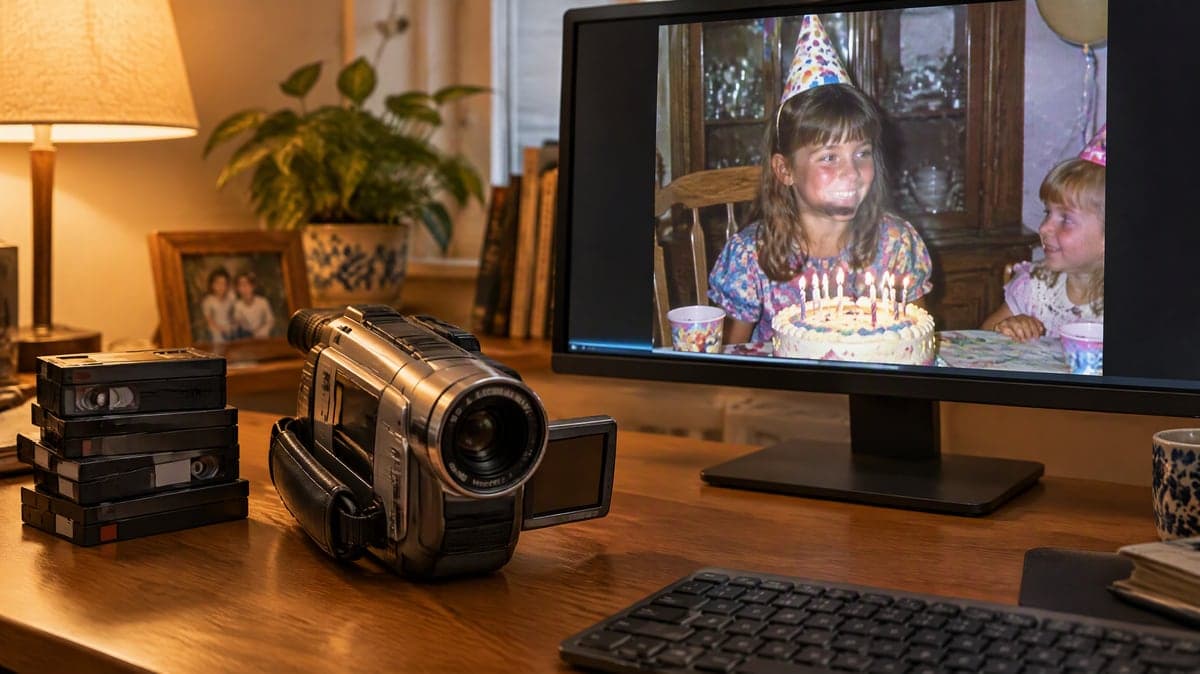
Camcorder transfers, early YouTube uploads and screen recordings. Soft mode cleans compression artifacts without the plastic look.
Upscale a video in 3 steps
Three small steps to a video you'll actually want to send.

⬆️Step 1:Upload the Clip
An MP4 or MOV up to 60 seconds and 120 MB, from 360p up to 4K. We read its real length and size the moment it lands.
🎚️Step 2:Pick Size and Mode
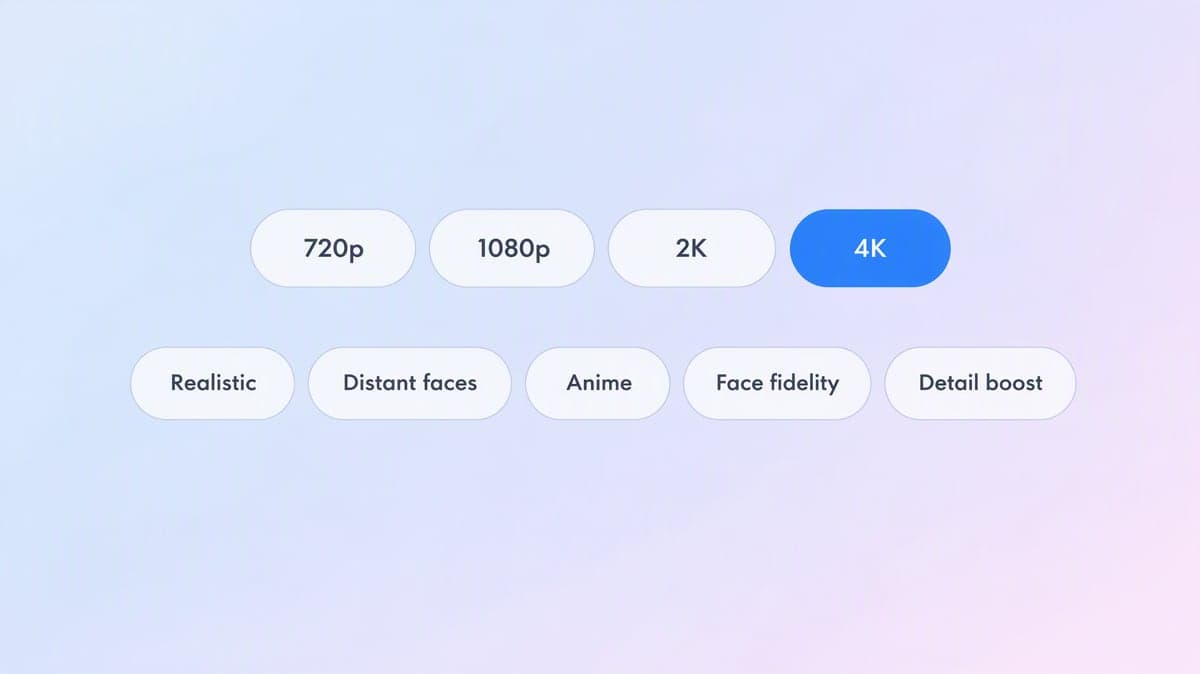
Choose 720p, 1080p, 2K or 4K — only sizes at or above your source are offered — and one of seven modes. The credit cost updates as you choose.
⬇️Step 3:Download the MP4
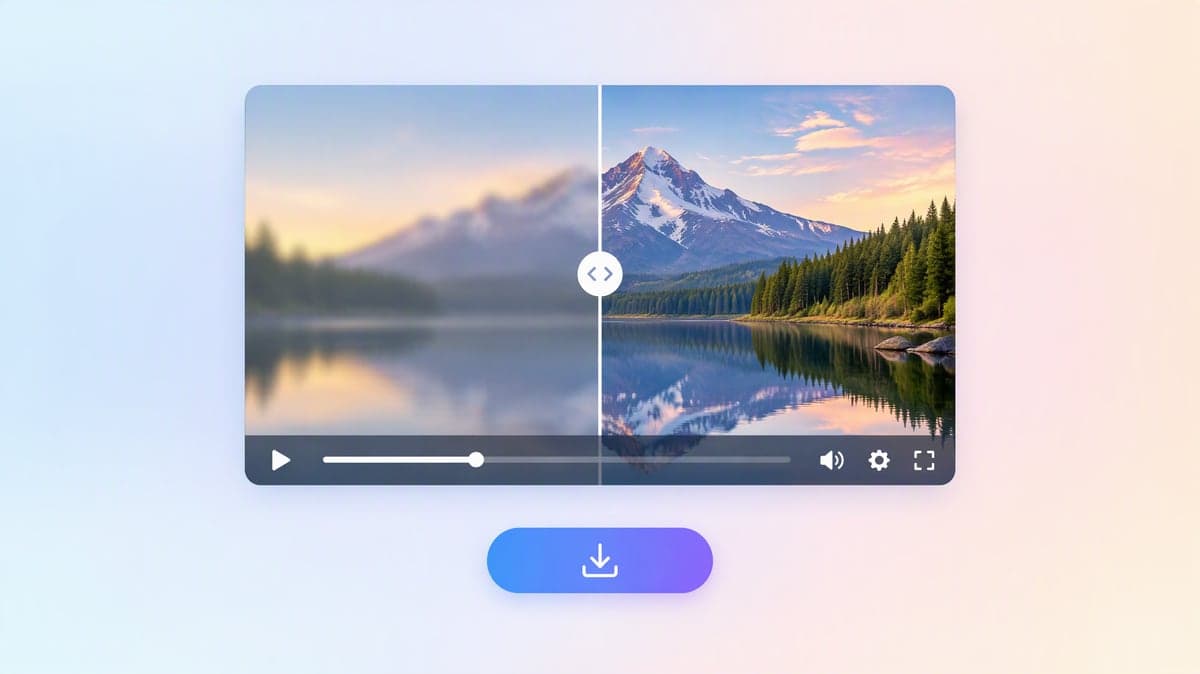
The enhanced clip plays next to the original so you can compare, then downloads as an MP4 with the audio and frame rate intact.
Make the Clip You Already Have Look Finished.
Upload once, choose 1080p, 2K or 4K and a mode, and download an MP4 with no watermark — the credit cost is on the button before you pay.
Questions about AI video upscaling
Your clip goes to Tencent Cloud's video super-resolution model, a diffusion-transformer enhancer that rebuilds detail frame by frame from the content of the picture. It is not a simple resize: textures, edges and fine text are reconstructed, while the frame rate, duration and audio are left exactly as they were.
3 credits per second at 720p, 7 at 1080p, 12 at 2K and 26 at 4K, counted on the output and rounded up to the next second. A 10-second clip is 70 credits at 1080p or 260 at 4K. Keeping 60 fps doubles the rate, and only when your source is actually above 30 fps. All seven modes cost the same.
MP4 or MOV, up to 60 seconds and 120 MB, with a source up to 4K. The output cannot be smaller than the source: a 1080p clip can go to 1080p, 2K or 4K, and a 4K clip can only be enhanced at 4K.
Realistic for most filmed or AI-generated footage. Distant faces when people are small in the frame. Anime and Anime · distant for animation and flat-colour art. Face fidelity when the faces must not change at all. Detail boost for product shots and text. Soft when a clip already looks over-sharpened.
No. The output keeps the source frame rate and no frames are interpolated. By default we cap delivery at 30 fps to keep the price at the base rate; switch on Keep 60 fps if your source is 50 or 60 fps and you want it kept, which doubles the per-second price.
Yes. A new account gets 200 welcome credits and can spend up to 80 a day, which covers a 26-second clip at 720p or an 11-second clip at 1080p. 4K output at 26 credits per second needs a paid plan in practice.
It rebuilds detail from what is in the frame. Clean 480p and 720p sources come back convincingly sharp; heavily compressed or very blurry sources get cleaner rather than miraculous. Nothing is re-imagined, so content, motion and faces stay the same — pick Face fidelity if even subtle smoothing would bother you.
Typically a few minutes, scaling with the length of the clip and the output size; 4K takes the longest. You can leave the page — the finished clip also appears in your history.
Uploads and results are private to your account by default. The source file is used only to produce your enhanced clip and is removed from the processing service afterwards; you can delete the result from your history at any time.
Related Tools You Might Like
Explore more AI creative tools
