

AI Photo to Anime
Transform photos into Japanese anime style
Tap to uploadDrop image or click
JPG · PNG · WebP
Preview Examples


Drag the slider to compare
What is AI Photo to Anime?
AI Photo to Anime turns any photo into a Japanese anime-style scene. It redraws people, pets and backgrounds with anime line work and color while keeping each face recognizable.

Why Turn Your Photo to Anime With CreateVision
Professional quality, privacy protected, instant results
Real Anime Scene Look
Your whole photo is redrawn with anime line work, shading and color, so the background and lighting change along with the people in it.
Pick From 10 Anime Styles
Go from cute chibi to dramatic seinen and fantasy RPG. Each style gives the same photo a different mood.
Still Recognizably You
Face shape, hair and expression carry over, so friends know it is you even after the anime makeover.
See What You Can Make With Photo to Anime
Perfect for various professional scenarios, instant and secure
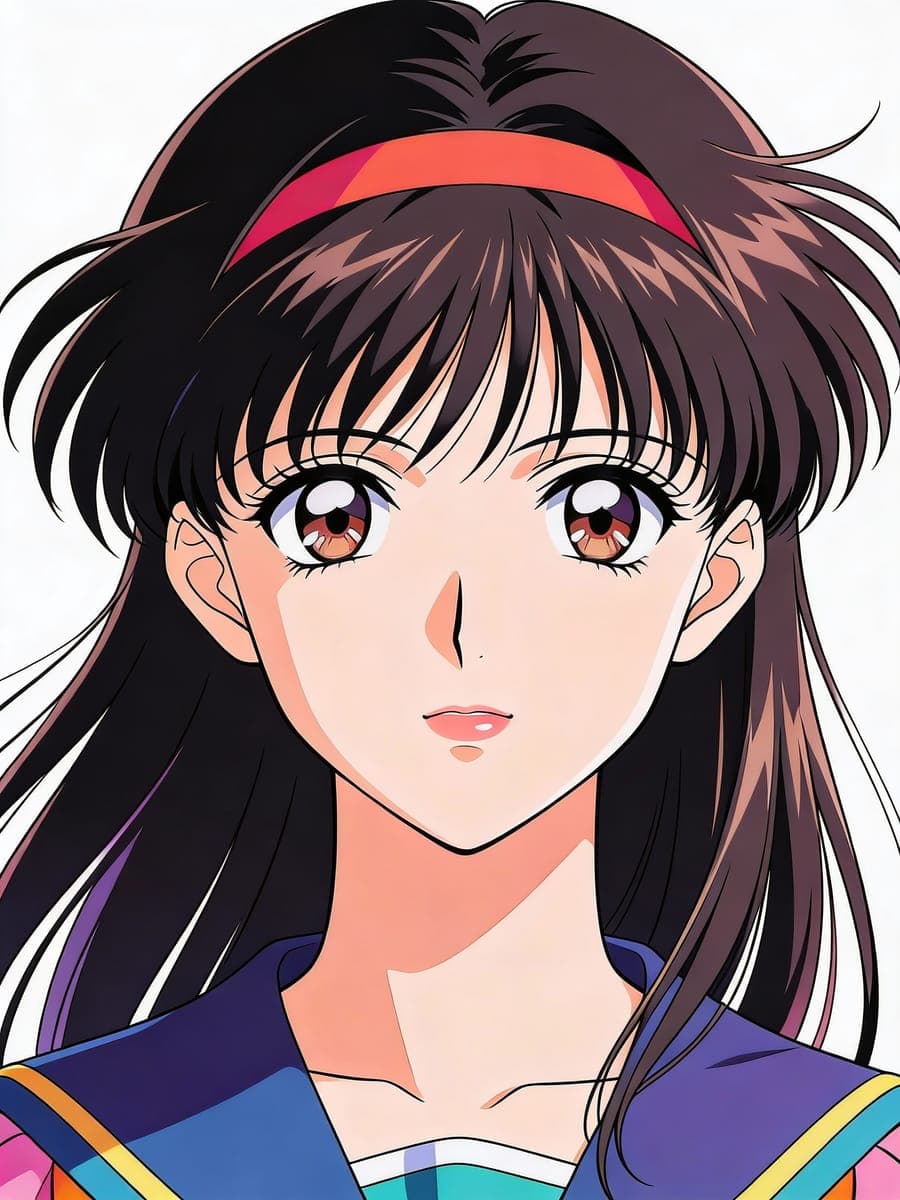
Turn Any Snapshot Into an Anime Frame
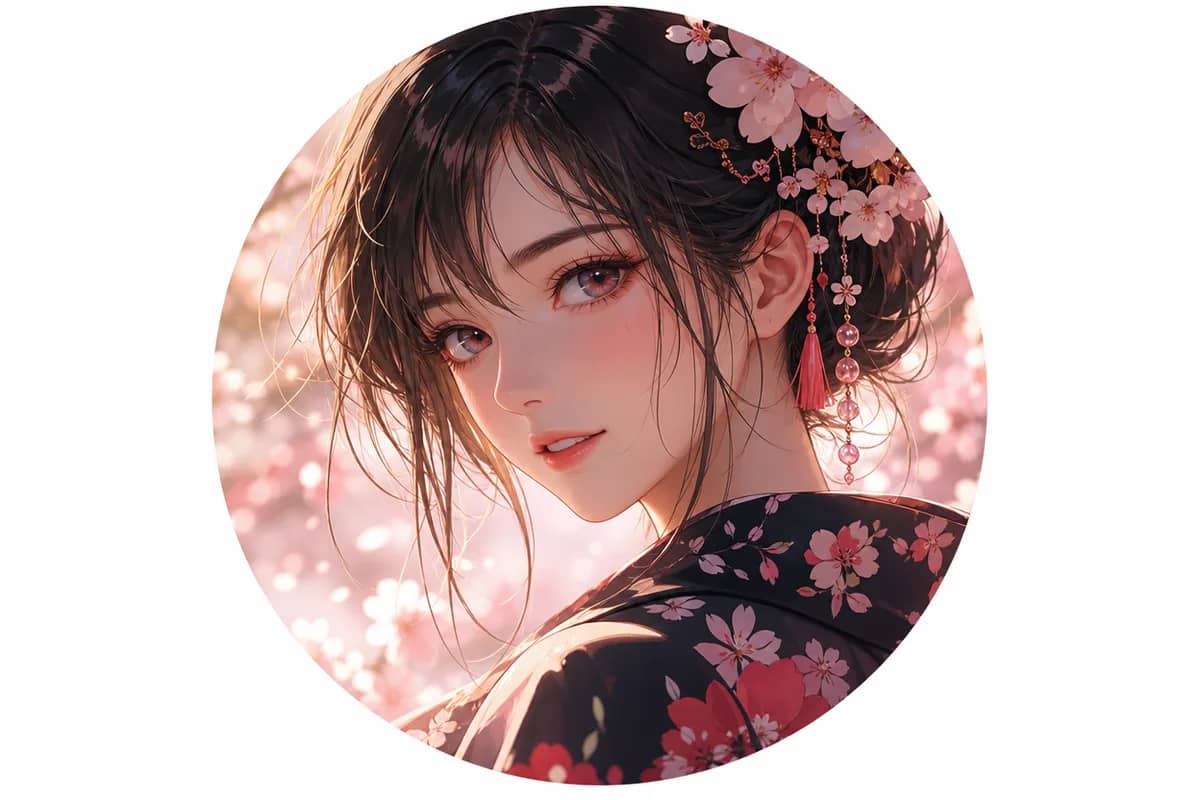
Upload a street photo, a trip selfie or a family moment. The whole scene is redrawn like a still from an anime series, background included. Try a softer painted look
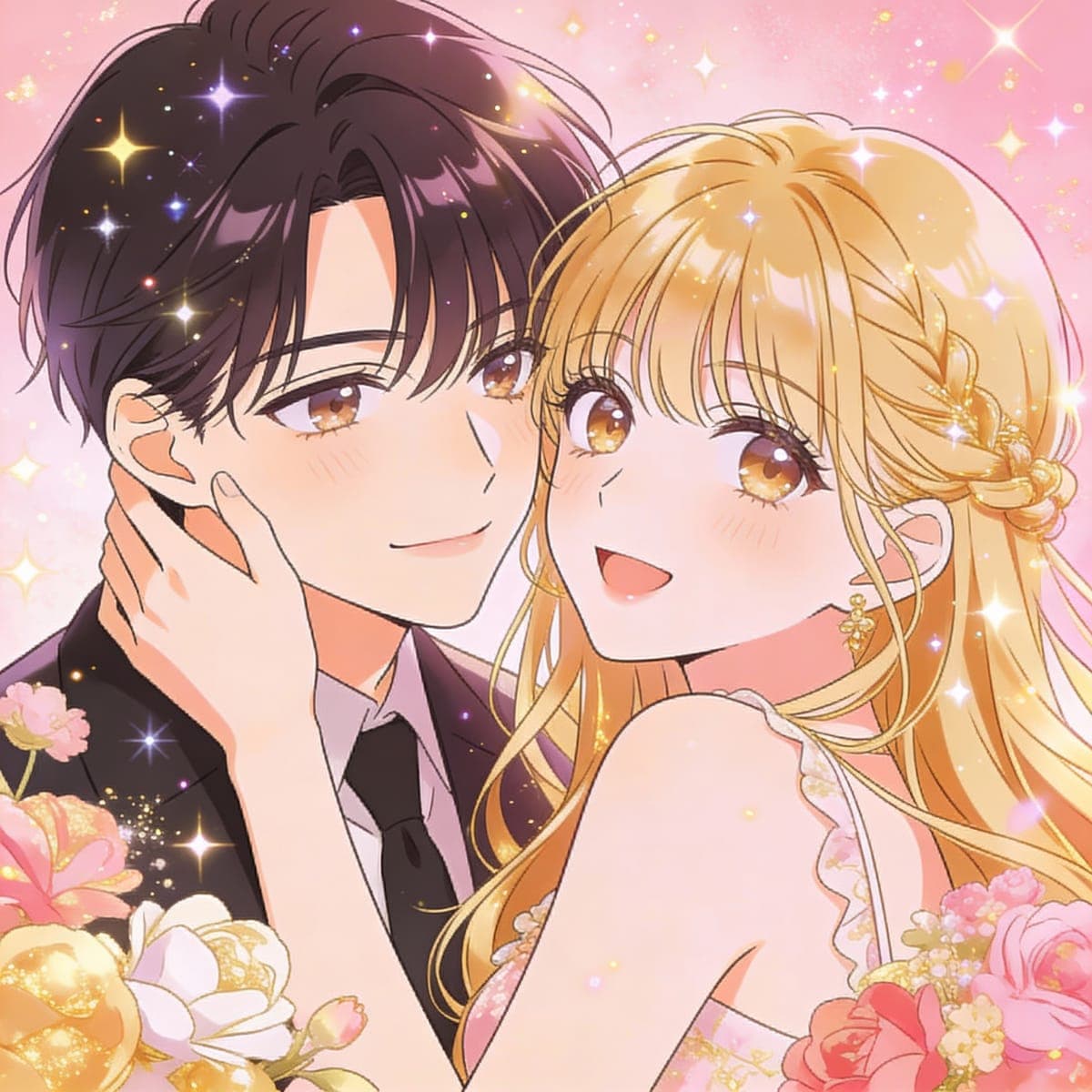
Make Anime Gifts From Family Photos
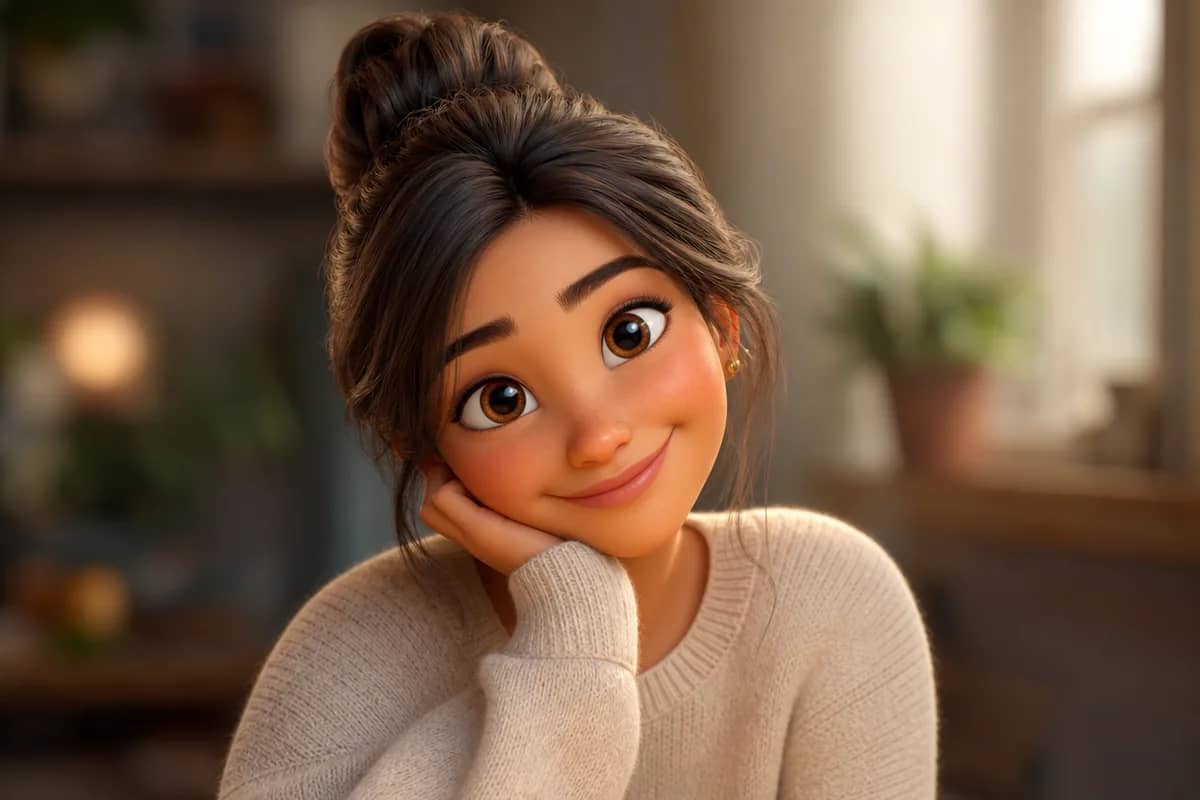
Turn a group or couple photo into anime art for a birthday card, print or phone wallpaper. It is a personal gift nobody else will have. Prefer a cartoon style?
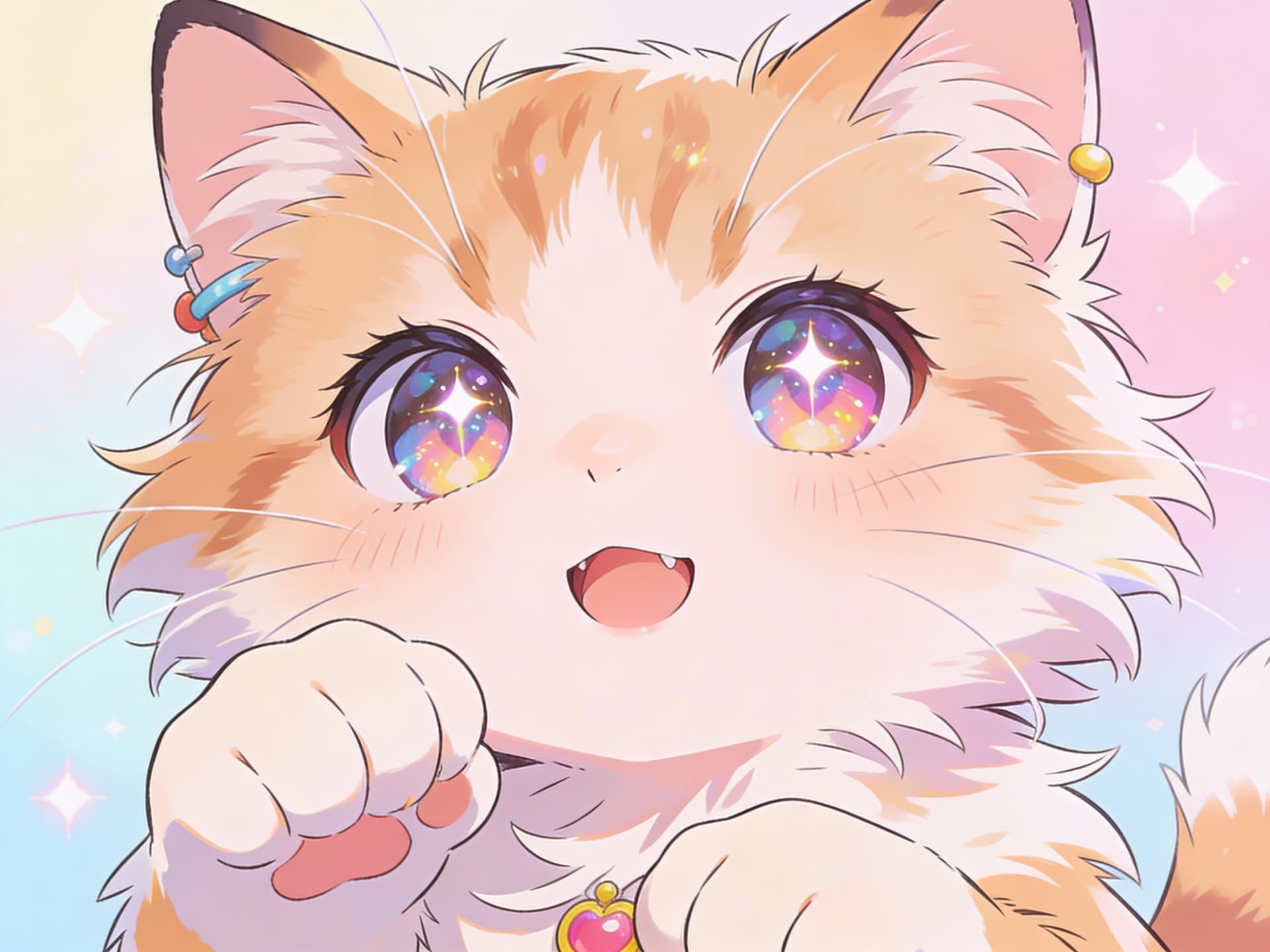
Give Your Pet an Anime Makeover
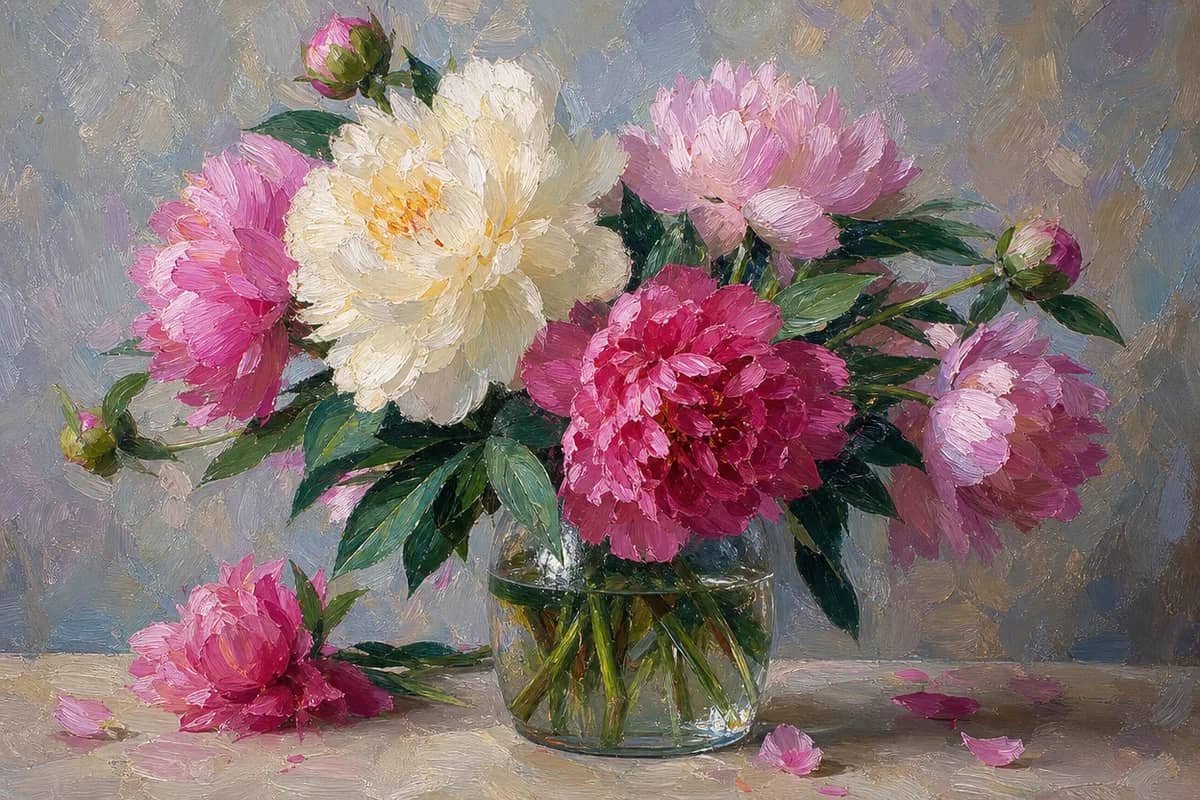
Cats, dogs and other pets convert well. Your pet becomes an anime companion with big eyes and clean outlines, ready to share. Explore more art styles
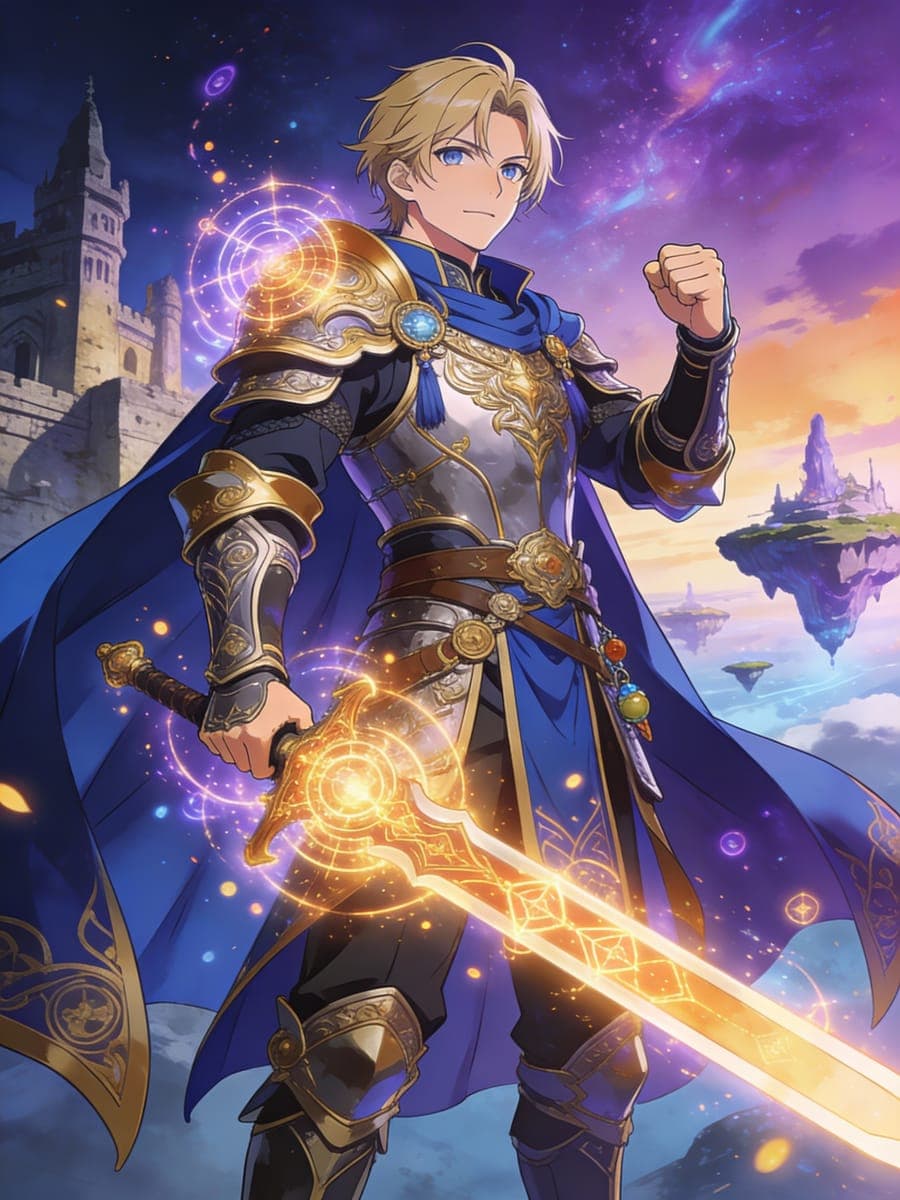
Drop Yourself Into a Fantasy World
Pick the fantasy RPG style and your photo becomes a hero shot from an adventure anime. Use it for stream art, forums or fan projects. Make an anime avatar
Who Uses AI Photo to Anime
Four ways people use it every week
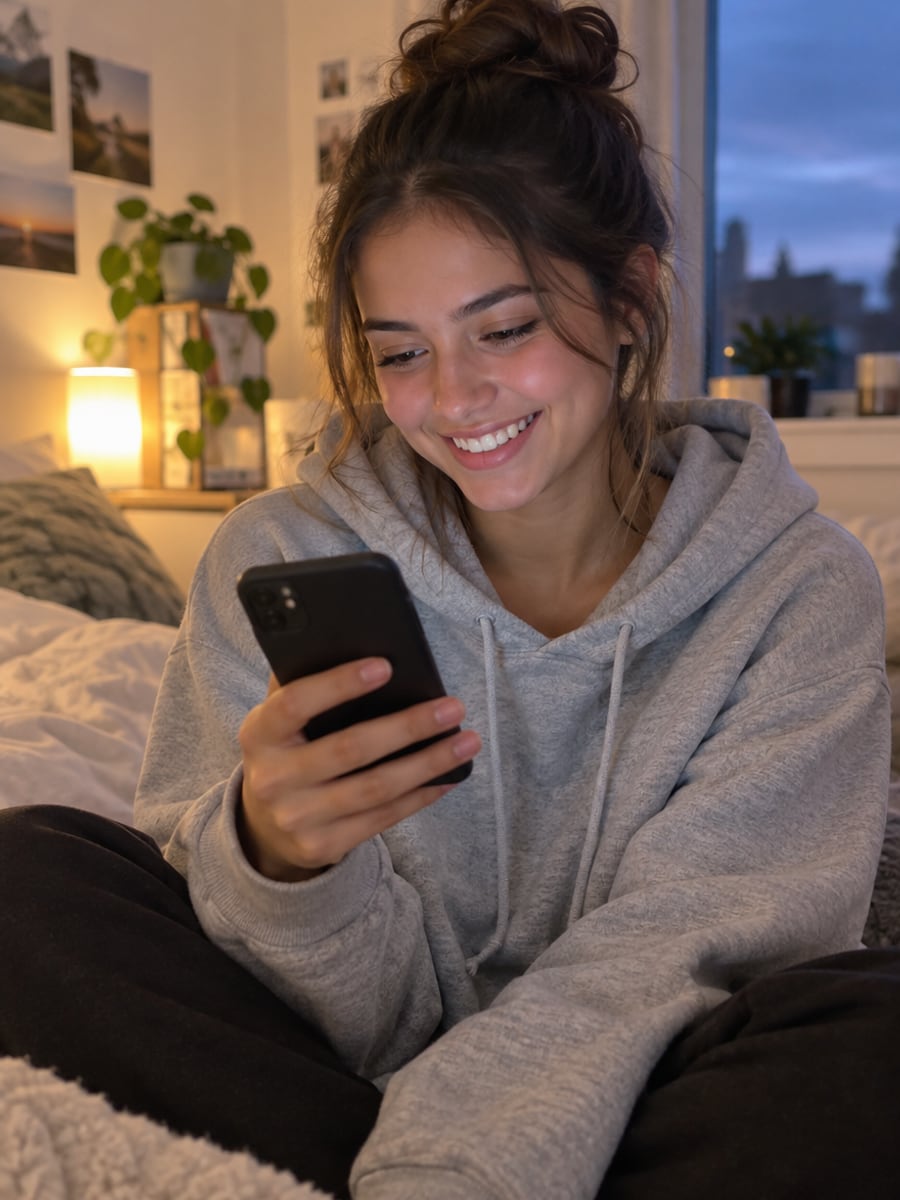
See yourself drawn like your favorite series
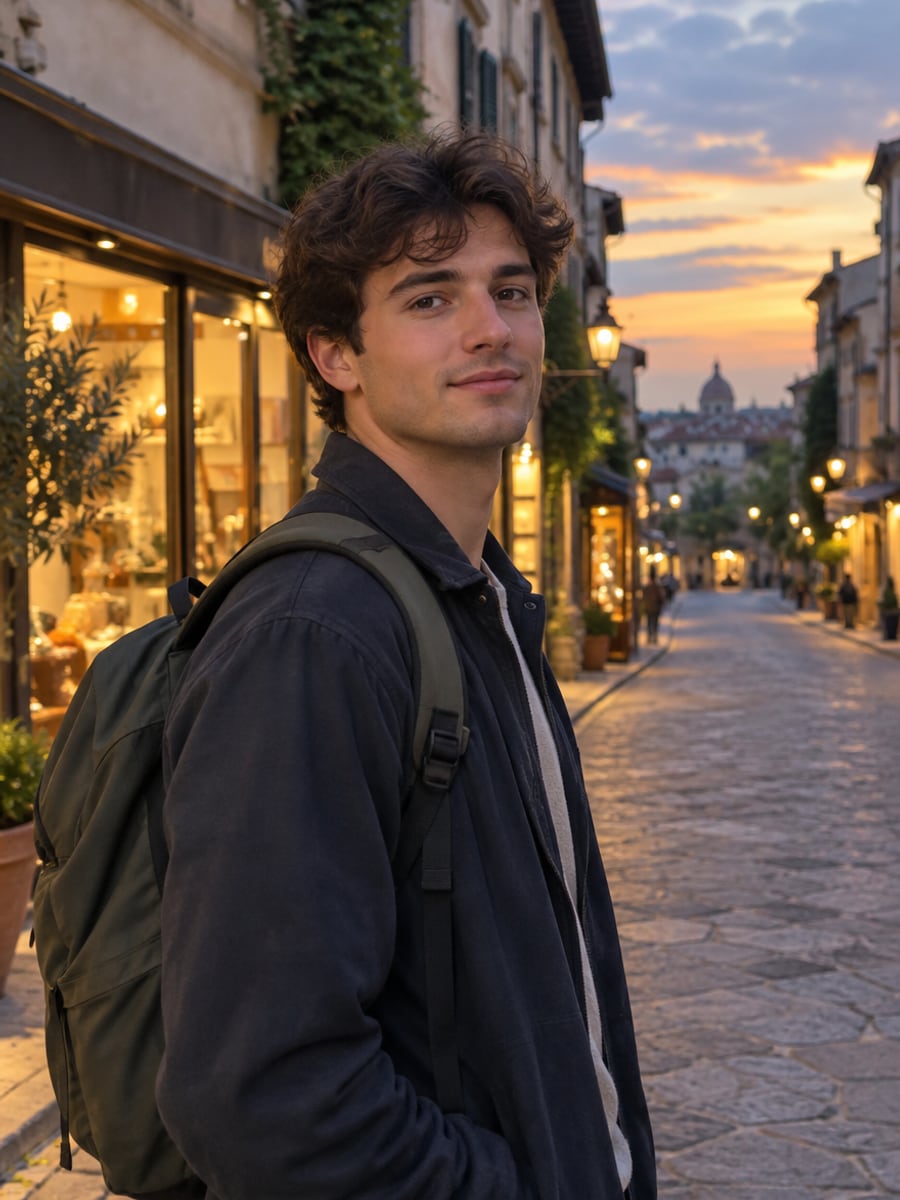
Turn trip photos into anime scenes worth framing
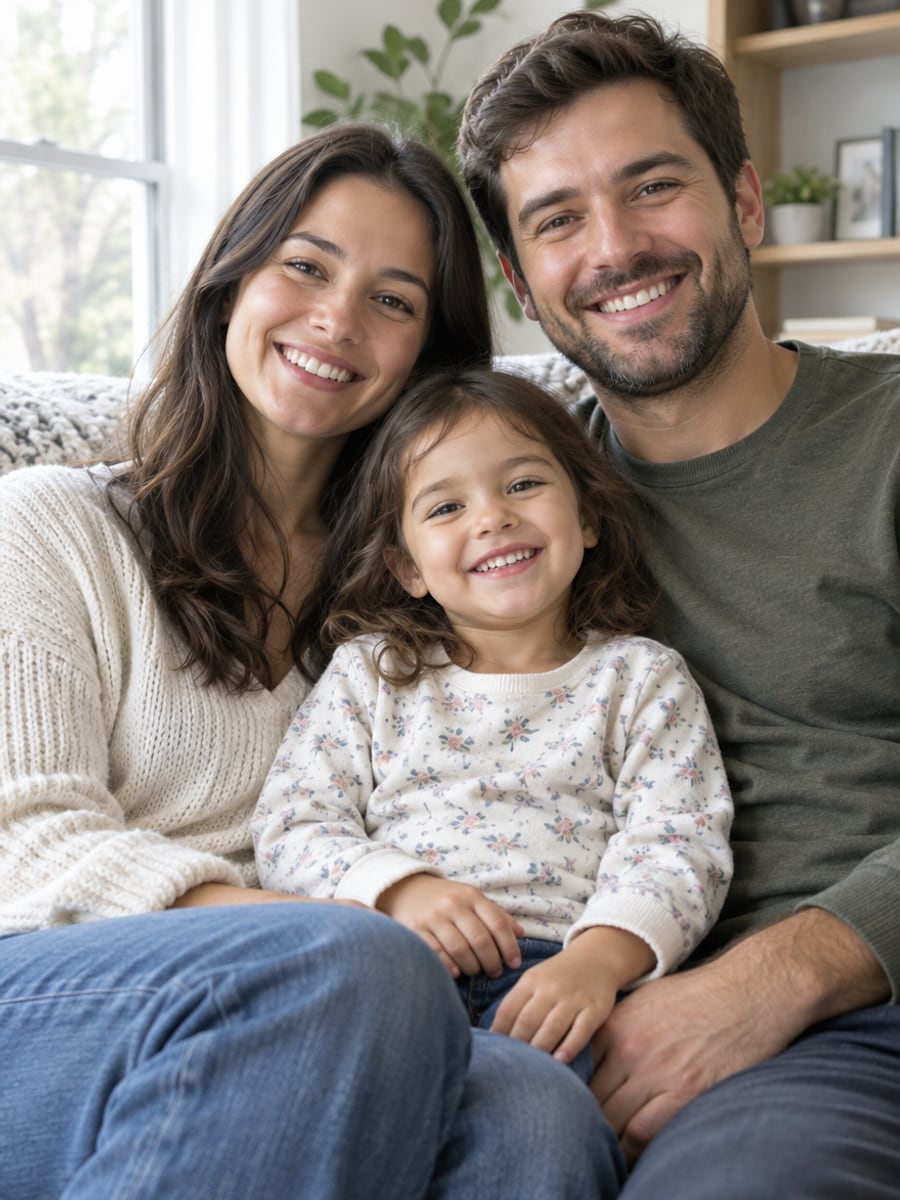
Make one-of-a-kind anime prints for the whole family
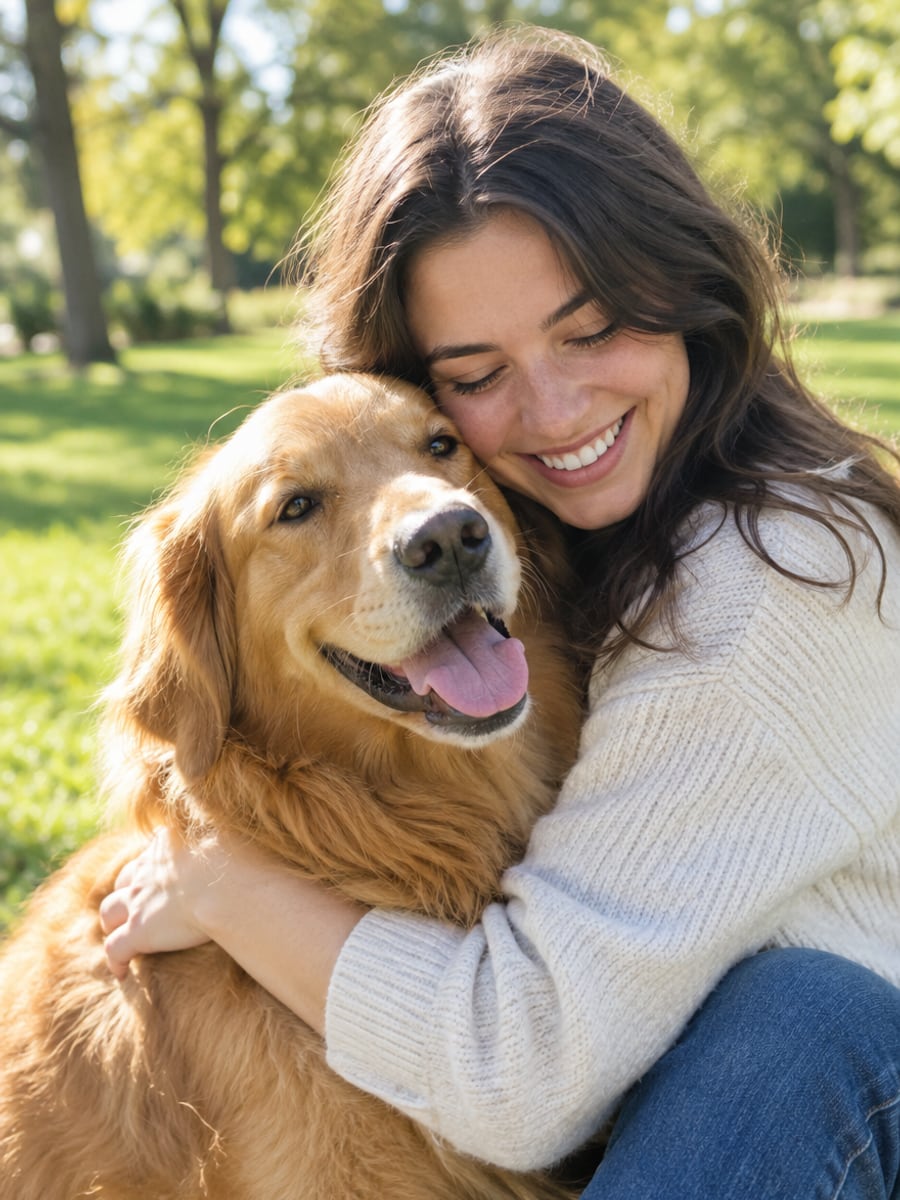
Give your cat or dog its own anime look
How to Turn a Photo to Anime with CreateVision
Upload your photo, select a style, and download your professional result instantly

Upload Your Photo
Upload a clear photo of yourself, a friend, a group or your pet.

Choose an Anime Style
Select one of 10 anime styles, from cute chibi to dramatic seinen.

Download Your Anime Art
Generate, compare the result with your original, and download the version you like.
The All-in-One AI Creation Platform
One account for images, videos, an AI agent that works for you, expert AI mentors and 80+ ready-made tools.

AI Image & Video Generator
Every leading model in one workspace: Seedream, Nano Banana, GPT Image, Seedance, Veo and more.
Open
Ava, your AI creative agent
Describe what you need and Ava plans, generates and iterates for you.
Open
80+ AI tools
One-click tools for photos, videos, cards, portraits and viral trends.
Open
Template library
Thousands of ready prompts and styles to start from.
Open
Studios
Portrait, marketing, poster and cinema studios for finished work, not single shots.
Open
AI model library
Compare and pick the right image or video model for every job.
Open
AI mentors
Learn from expert mentors in photography, design and video, then create with their guidance.
Open190K+ creators
Using CreateVision to create and share
What Users Say
Real feedback from users worldwide
“Finally an anime filter that actually looks like real anime! My Twitter profile pic gets so many compliments now.”

“Made anime versions of my whole family as gifts. Everyone was amazed at how accurate the likenesses were!”

“Perfect for my Twitch channel. My anime avatar matches my gaming aesthetic perfectly.”

Photo to Anime Converter FAQs
A photo to anime converter redraws a real photo in Japanese anime style. CreateVision's AI Photo to Anime changes faces, hair, clothing and the background together, so the result reads like a frame from an anime instead of a filtered photo.
The best one keeps you recognizable while giving the whole image a real anime look. CreateVision redraws line work, shading and color rather than laying a filter on top. You get 10 style categories, three engines to choose from, and it works on portraits, groups and pets.
Upload a photo, pick one of 10 anime styles and generate. The default Natural engine redraws your image in that style while keeping the main features of each face. If you want a different take, switch to the Precise or Identity engine and generate again.
A clear, well-lit photo with the face or subject easy to see converts best. Front-facing and three-quarter angles both work. Pets such as cats and dogs turn into anime companions too. Avoid very dark, blurry or low-resolution images, and use single-person photos when you want the most detail per face.
Each result costs 60 credits on the default Natural engine, 50 on Precise and 40 on Identity. You can start with 200 free credits by signing up with Google. Every style is available on every plan.
You can use your anime art as a profile picture, wallpaper, sticker or print. Free accounts download with a small CreateVision mark, while subscribers and credit-pack buyers can turn it off. Your uploads and results are private by default. Check the pricing page for commercial use terms on your plan.
Each generation is a fresh drawing, so small details can vary between runs. Busy group shots, tiny faces and harsh shadows are the hardest cases. If a result misses, try a clearer photo, another style or a different engine. The output is a still image, not an animation.
Turn Your Photo to Anime in One Click
Upload a photo, pick one of 10 anime styles, and see your world redrawn as an anime scene.
Related Tools You Might Like
Explore more AI creative tools

Related Tools You Might Like
Explore more AI creative tools