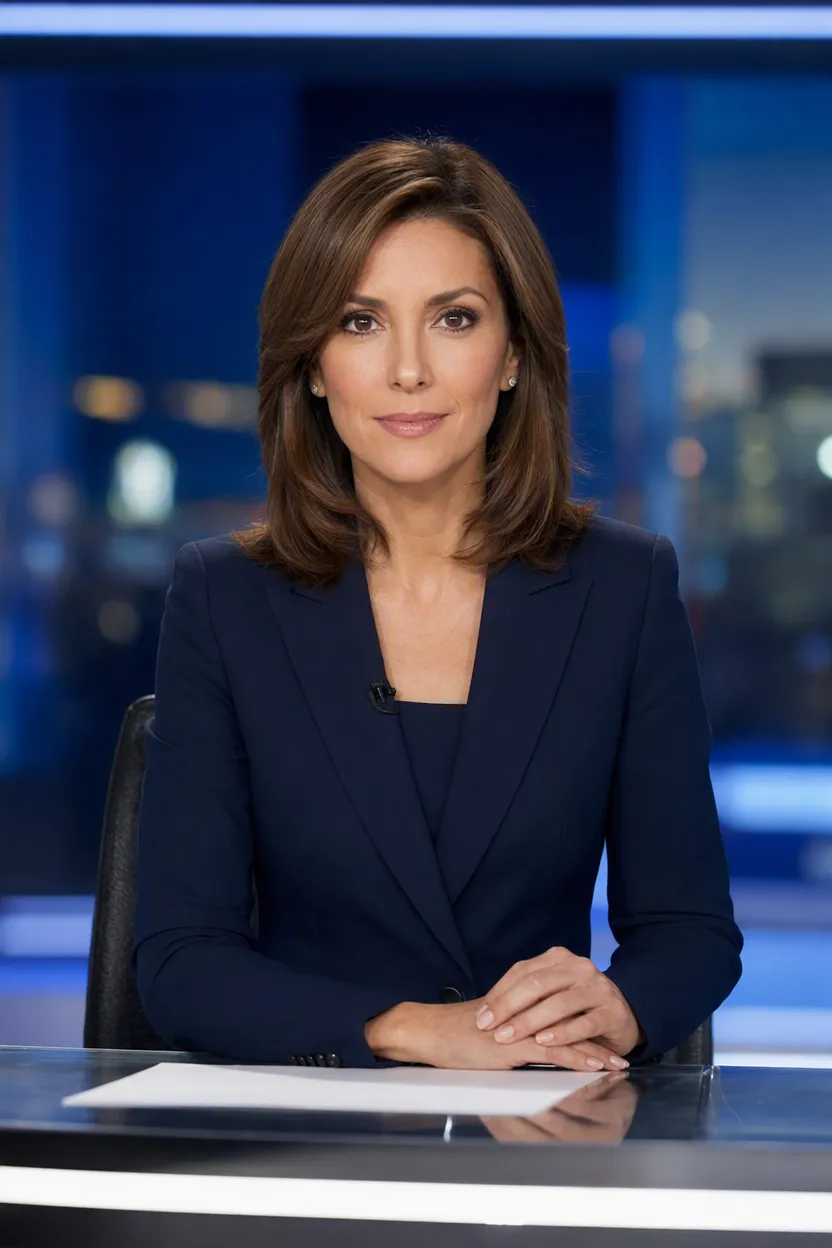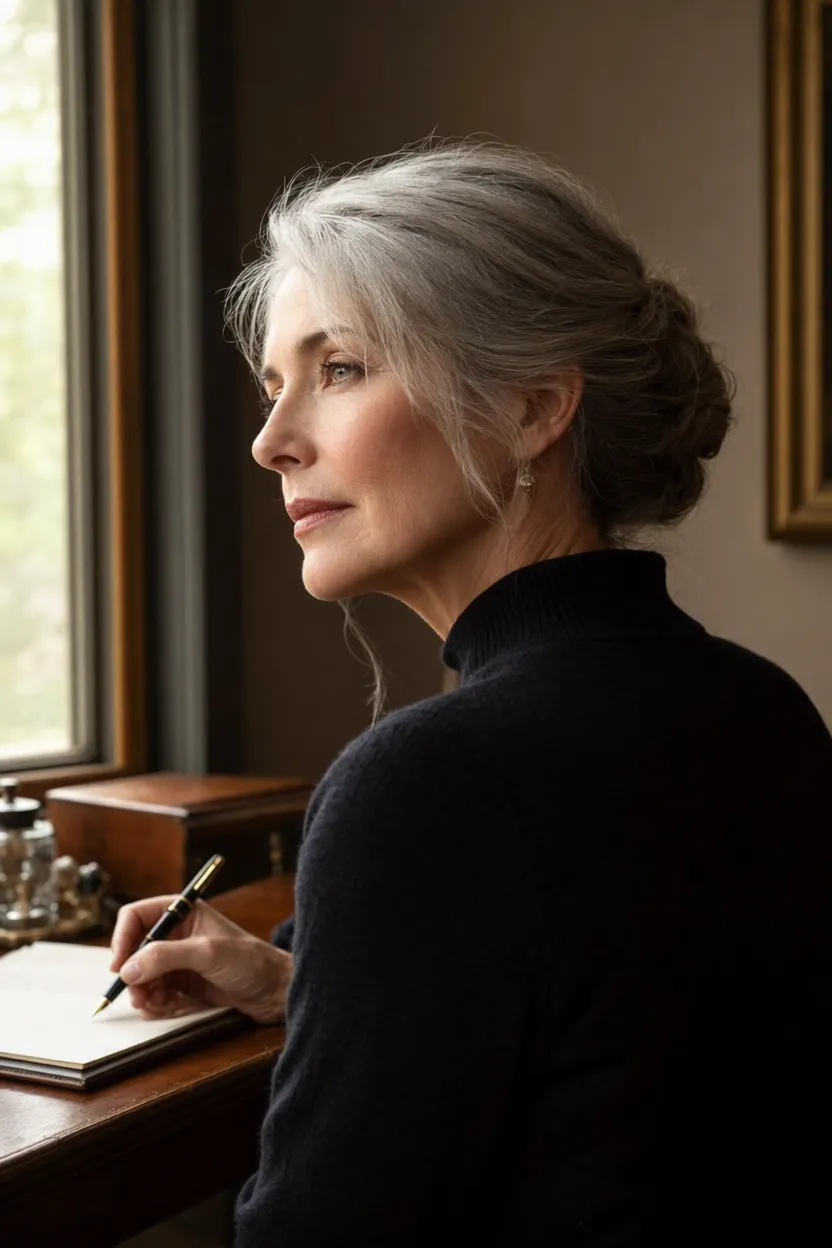
AI avatar model

OmniHuman 1.5 AI Avatar Generator

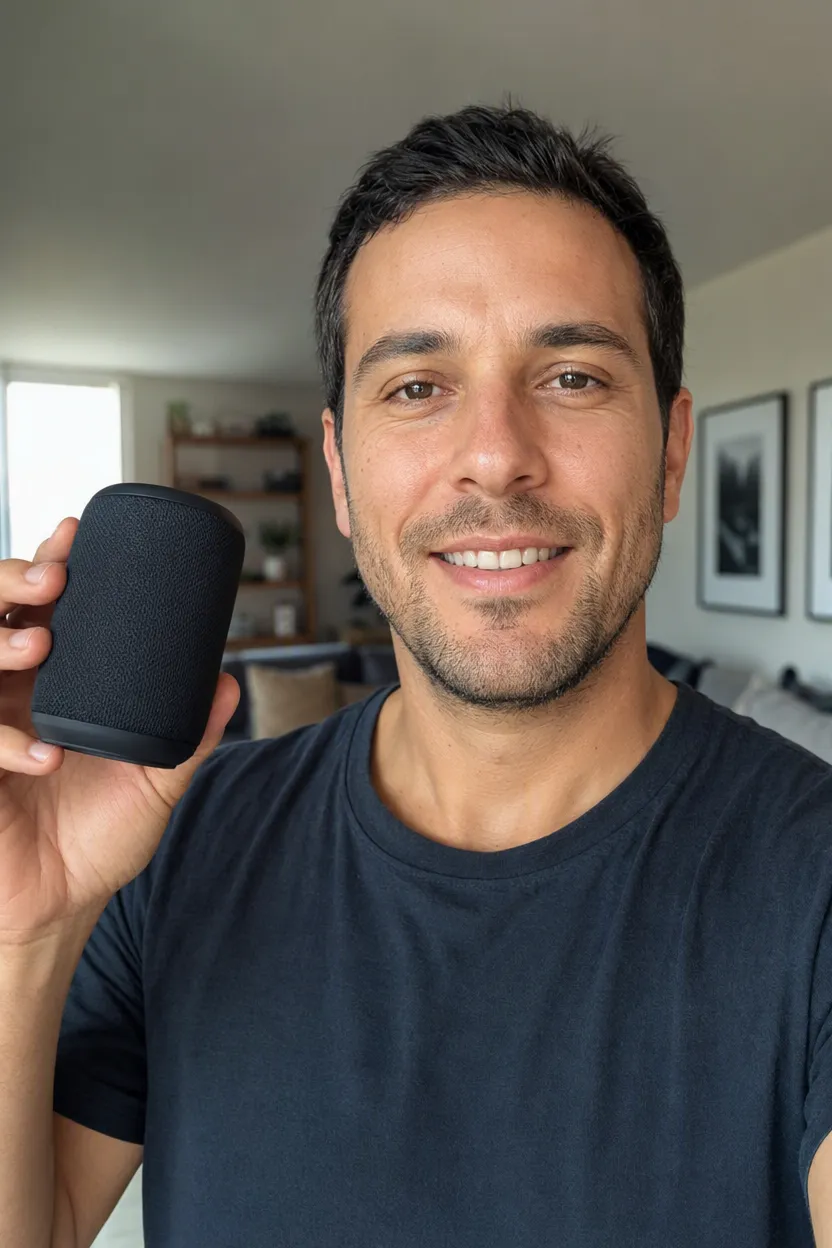
Bring a single portrait to life with OmniHuman 1.5 — upload a photo and an audio clip (or type text and pick a voice) to generate a realistic talking avatar with synced lips, expressions, and gestures.

Photo + voice → videoAudio-driven gesturesTTS voice library

Explore More Models

Compare OmniHuman 1.5 with other video models — same workspace, one click to switch.

Get Inspired

A glimpse of what people are creating with AI video models on CreateVision AI.

AI video still of a vintage car chase through narrow European streets
AI video still of a surfer inside a glassy barrel wave at sunrise
AI video still of northern lights swirling over a snowy cabin
AI video still of rain running down a cafe window with warm bokeh
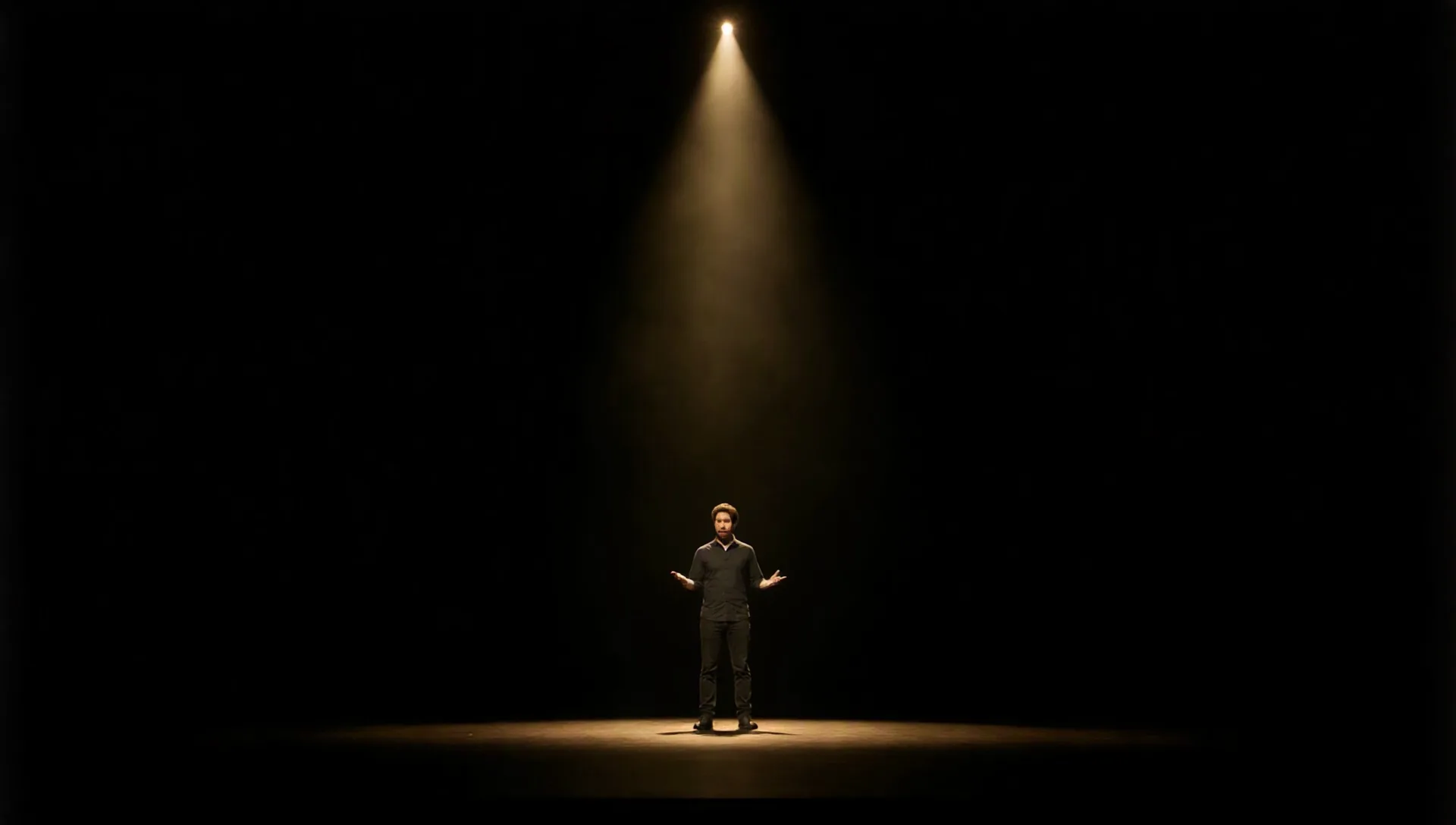
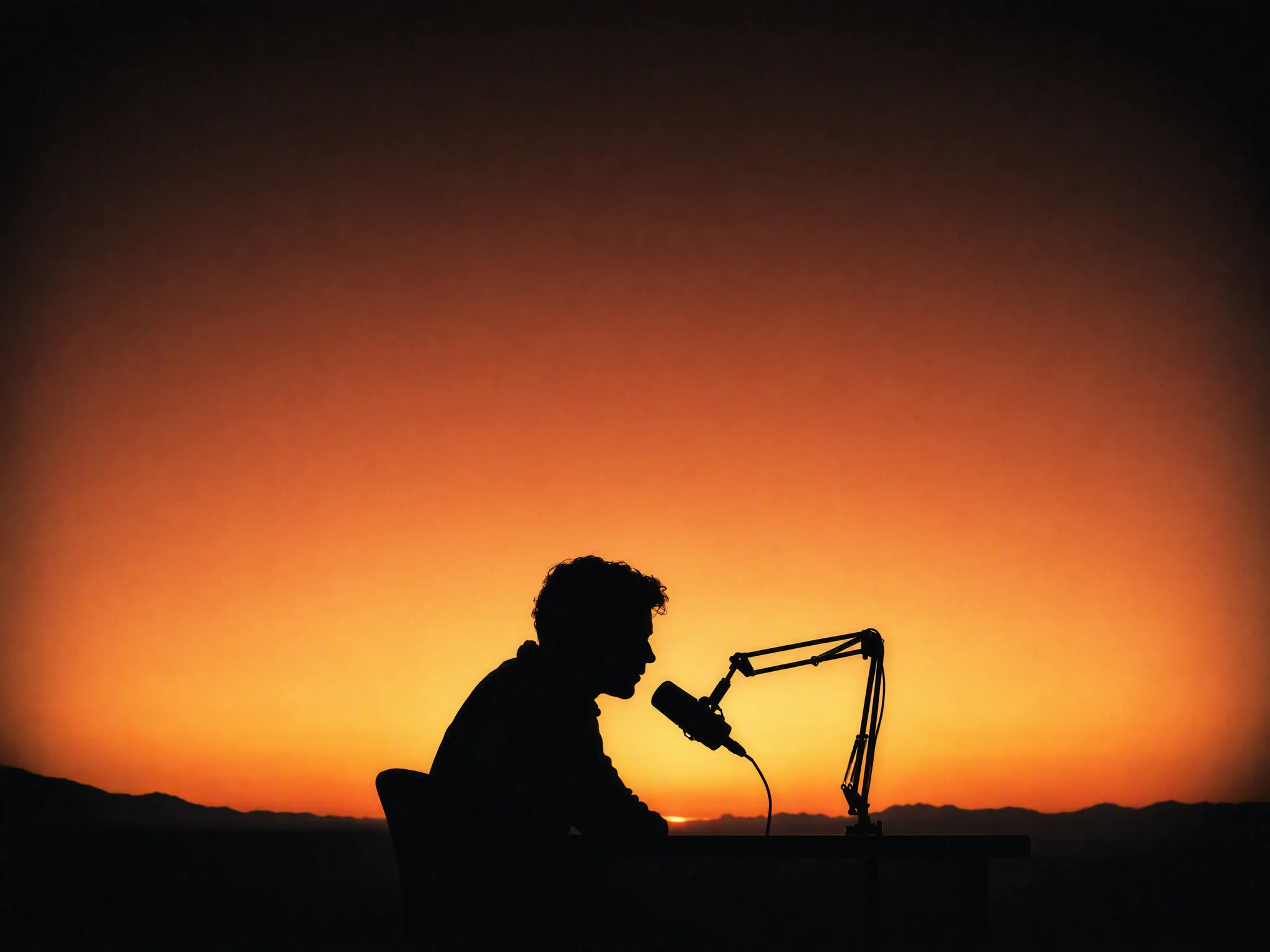
AI video still of a dancer silhouette on a smoky stage under amber light
AI video still from a drone flight through a red rock canyon
AI video still of milk splashing around chocolate cookies
AI video still of an astronaut walking down a glowing spaceship corridor

OmniHuman 1.5 — turn one photo and a voice into a lifelike talking avatar

ByteDance's OmniHuman 1.5 drives a single portrait from audio: synced lips, natural expressions, and whole-body gestures that respond to the rhythm and meaning of the voice — not just a moving mouth. Upload a photo and a clip, or type text and pick a voice.

AI video still of a dancer silhouette on a smoky stage under amber light

One photo + a voice becomes a talking avatar

Give OmniHuman 1.5 a single portrait and an audio clip and it animates the face into a believable speaking performance with accurate lip-sync, while preserving the person's identity, facial structure, and lighting. No rigging, no green screen, no studio.

AI video still of an astronaut walking down a glowing spaceship corridor

Whole-body motion, not just the lips

Unlike basic talking-head tools, OmniHuman 1.5 reads the rhythm, prosody, and meaning of the audio to drive head movement, posture shifts, and hand gestures — so the avatar emphasizes, pauses, and reacts like a real presenter rather than a static portrait with a moving mouth.

AI video still of rain running down a cafe window with warm bokeh

Type text, pick a voice — no recording needed

No audio on hand? Switch to text mode: type what the avatar should say, choose a voice from the built-in text-to-speech library, and OmniHuman 1.5 generates the spoken performance for you. Ideal for scripted presenters, explainers, and social clips.

AI video still of northern lights swirling over a snowy cabin

Narration, dialogue, or singing

The model adapts to different audio styles — calm narration, expressive dialogue, even singing — and can follow optional text guidance for camera and gesture direction, producing polished results suitable for marketing, training, and social content.

Keep exploring CreateVision AI

One account, the full image and video generation workflow.

Choose Your Plan

Start free with daily credits. Upgrade for premium models, faster generation, and 4K output.

Free

$0

Perfect for getting started

  • 80 credits per day, 400 per month
  • Z Image Turbo drafts at 0 credits
  • Standard generation speed
  • Generation history included
Get Started

Premium

Most popular
$29/month

Billed annually · $240/year

  • 1,600 credits/day, 8,000 credits/month
  • All premium models — GPT Image 2, Nano Banana, Seedream, Seedance, Veo, Kling
  • 5x generation speed, priority queue
  • AI prompt enhancement
Upgrade to Premium

Ultimate

$49/month

Billed annually · $300/year

  • 4,000 credits/day, 18,000 credits/month
  • HD generation up to 4K resolution
  • Private generation — results stay out of the gallery
  • Fastest queue and early access to new models
Upgrade to Ultimate

Frequently Asked Questions

1

What is OmniHuman 1.5?

OmniHuman 1.5 is ByteDance's audio-driven avatar model: it turns a single portrait plus a voice track into a realistic talking video with synced lips, expressions, and gestures.

2

What do I need to provide?

A clear single-person portrait photo, plus either an audio clip (mp3/wav) or — in text mode — the text you want spoken and a voice picked from the built-in library, which is synthesized into the driving audio.

3

How long can the avatar clip be?

Up to 35 seconds of audio per generation. Longer scripts are best split into multiple clips. Billing is by the second of audio, rounded up.

4

Does it move more than the mouth?

Yes. OmniHuman 1.5 generates head motion, posture, and hand gestures that respond to the audio's rhythm and meaning, so the avatar performs rather than just lip-syncs.

5

What makes a good source photo?

A single, clearly visible, front-facing person with good lighting and an unobstructed face. Group photos, tiny faces, or heavily occluded faces reduce quality or may fail.

6

How is OmniHuman 1.5 priced?

Per second of generated audio. The exact credit cost is shown before you generate, and failed runs are refunded automatically.

Bring your photo to life with OmniHuman 1.5

Start Generating Videos