

AI Old Photo Restoration
Restore and colorize old damaged photos with AI
Tap to uploadDrop image or click
JPG · PNG · WebP
Preview Examples


Drag the slider to compare
What is AI Old Photo Restoration?
AI Old Photo Restoration uses advanced AI to repair damaged, faded, and aged photographs. It removes scratches, tears, and stains, enhances faces, restores faded colors, and can colorize black & white photos naturally.

Why Families Choose AI Old Photo Restoration
Professional quality, privacy protected, instant results
Repair Scratches and Tears
The AI fixes scratches, tears, stains, creases and fading in one pass, and fills small missing areas from the surrounding detail.
Bring Back Natural Color
Black-and-white photos are colorized with era-appropriate tones for skin, clothing and backgrounds, not a single flat tint.
Make Faces Recognizable Again
Blurry or damaged faces get clearer features and expressions, so you can see who is in the picture.
See What You Can Do With AI Old Photo Restoration
Perfect for various professional scenarios, instant and secure
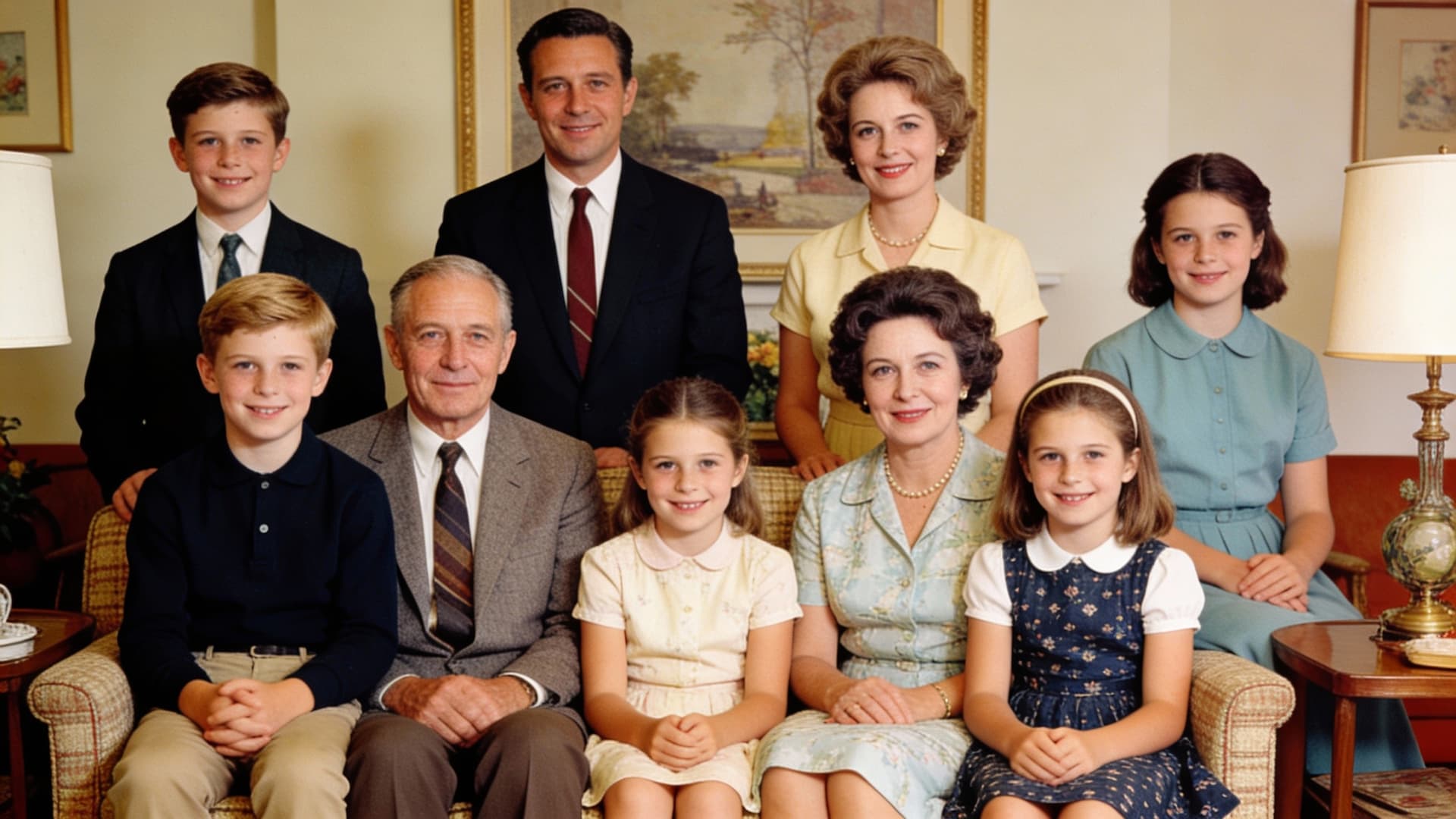
Restore Your Family Photos for Everyone
Repair the creased, stained prints from your family album. Share clear copies with relatives or print them again for the people who matter. Bring the photo to life
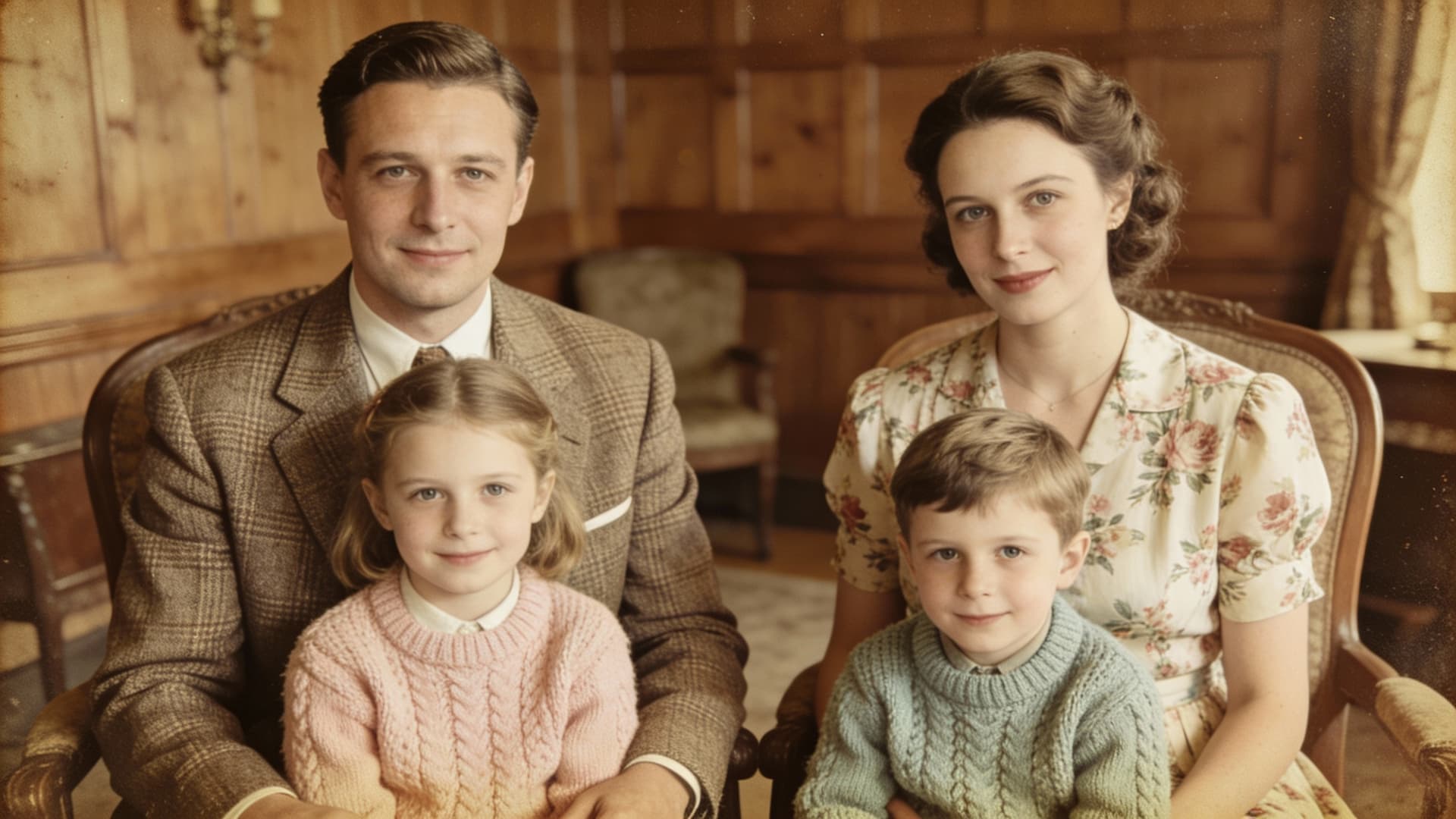
Colorize Black-and-White Photos From the Past
See your grandparents' wedding or an old street scene in color. The AI chooses tones that fit the era of your photo. Step into another era
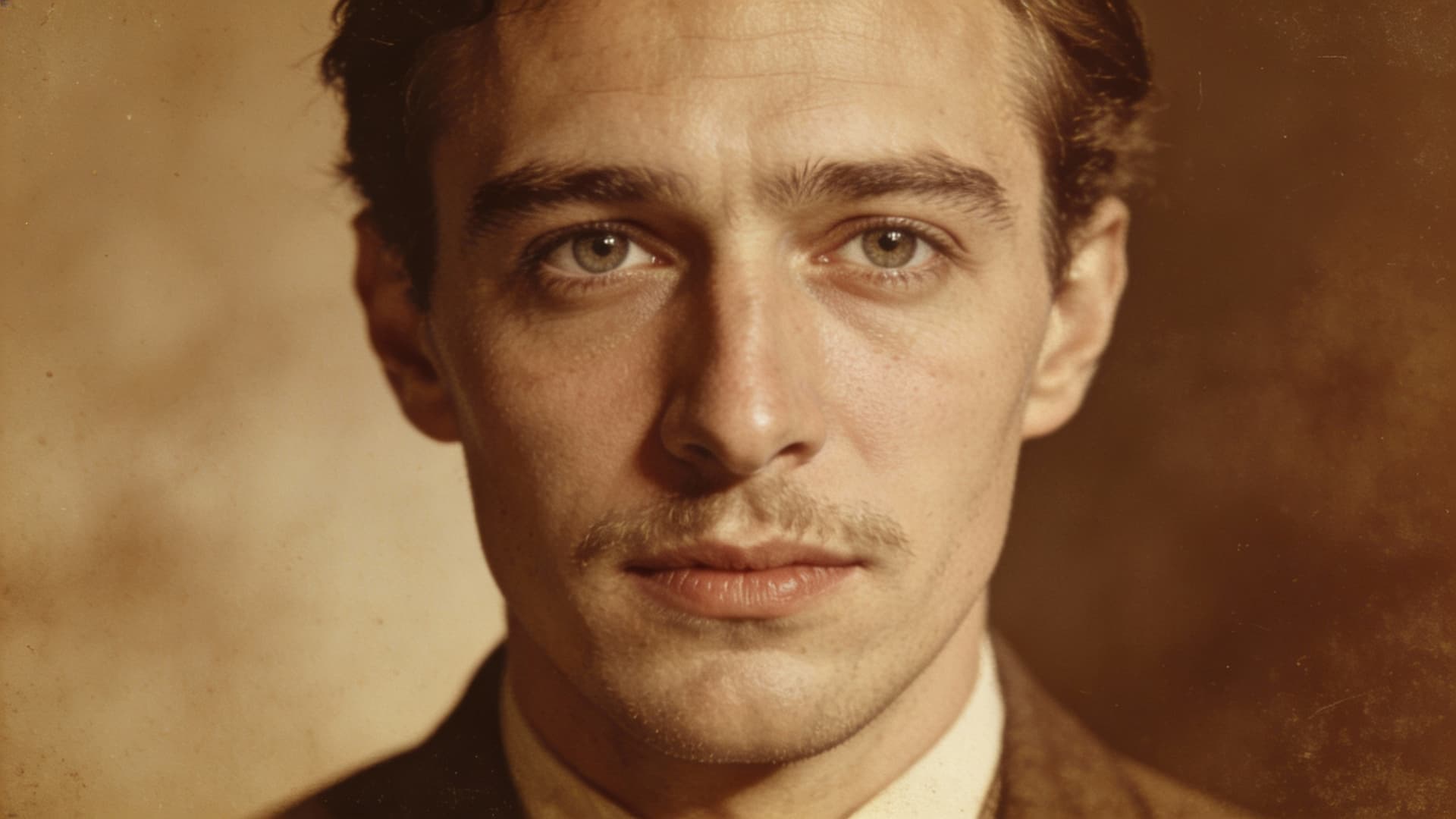
Recover Faces Hidden by Damage and Blur
Faded or soft portraits get clearer eyes, mouths and features. Your restored photo shows the person, not just a shape. Upscale for printing
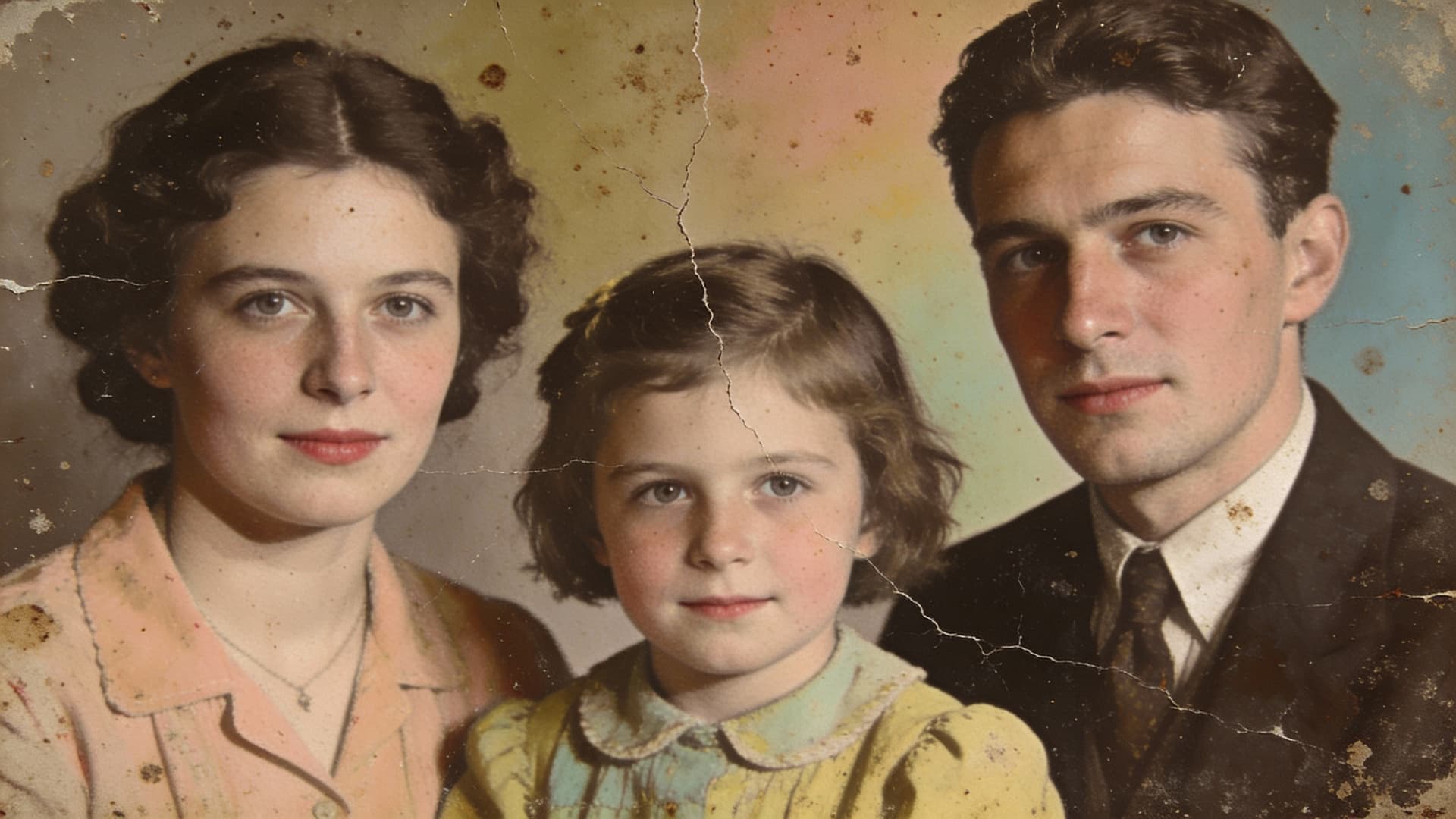
Prepare Clear Photos for Memorials and Reunions
Turn a damaged snapshot into a clear image for a service, slideshow or reunion board. Your family sees the person as they remember them. Create a portrait
Who Uses AI Old Photo Restoration
Four ways people use it every week
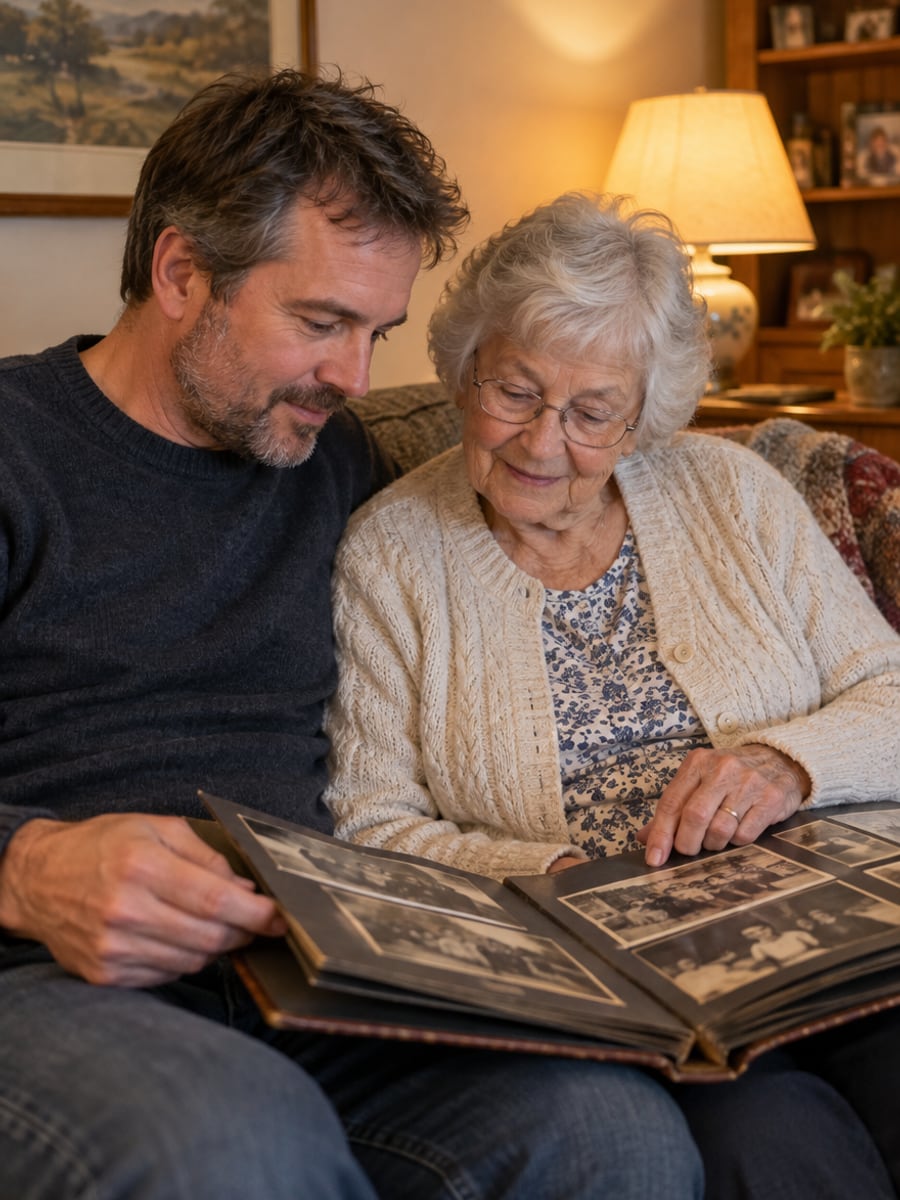
Save the prints in your family album
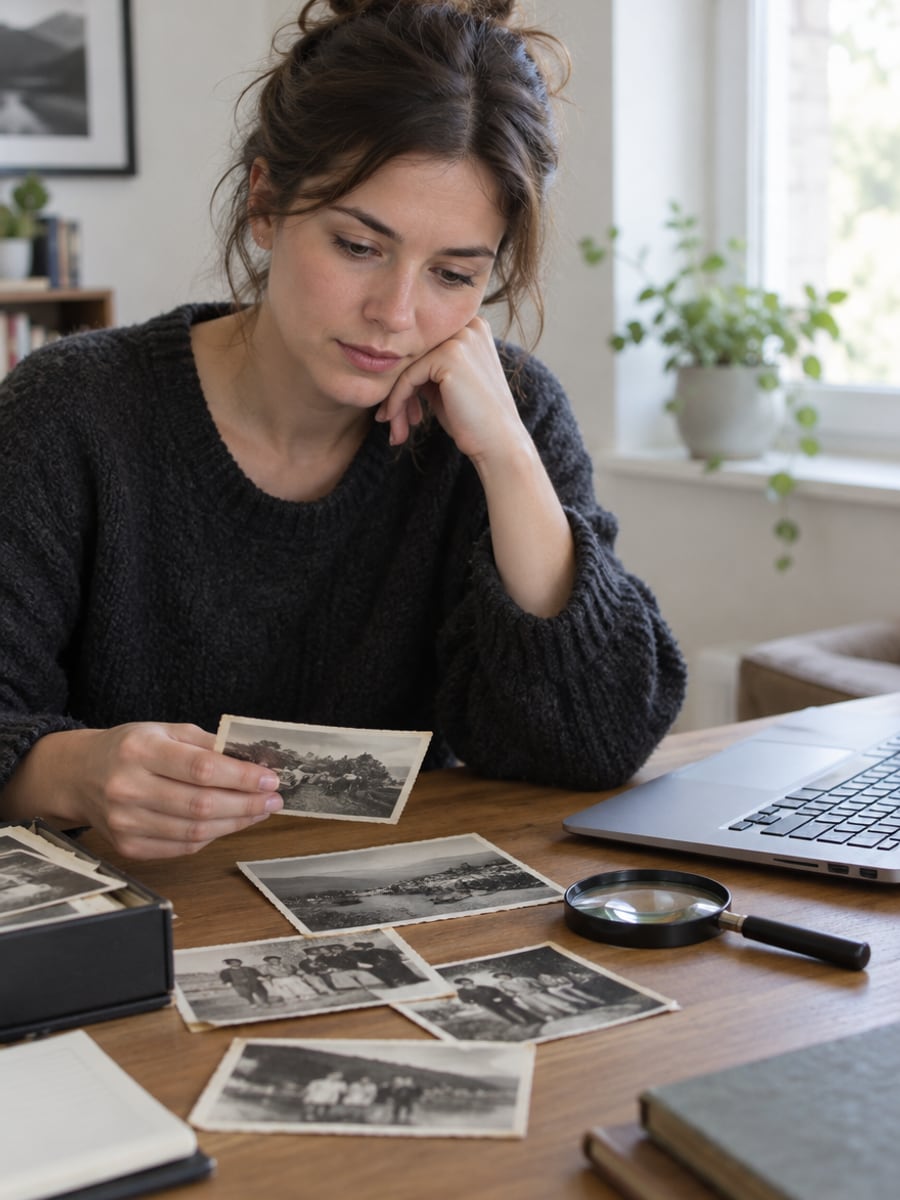
See your ancestors clearly and in color
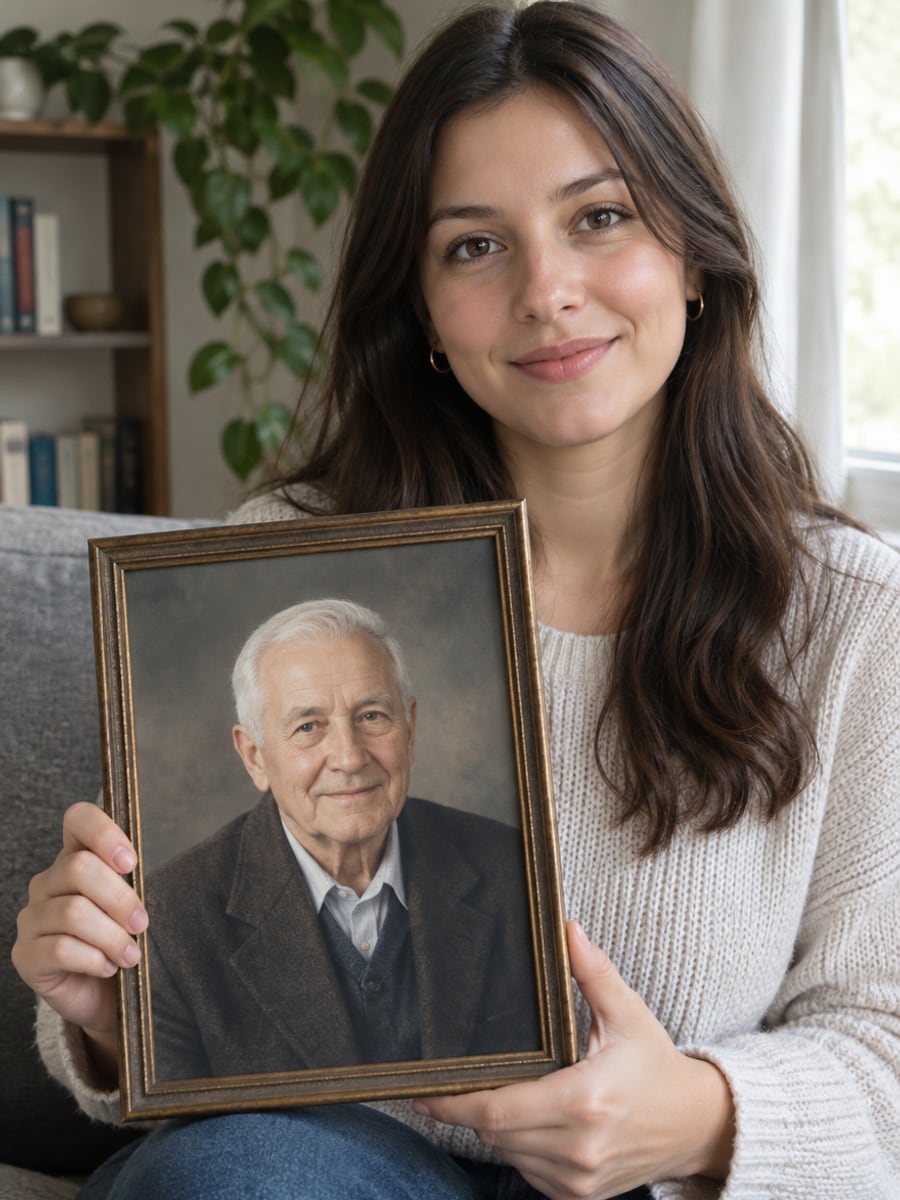
Get a clear photo ready for the service
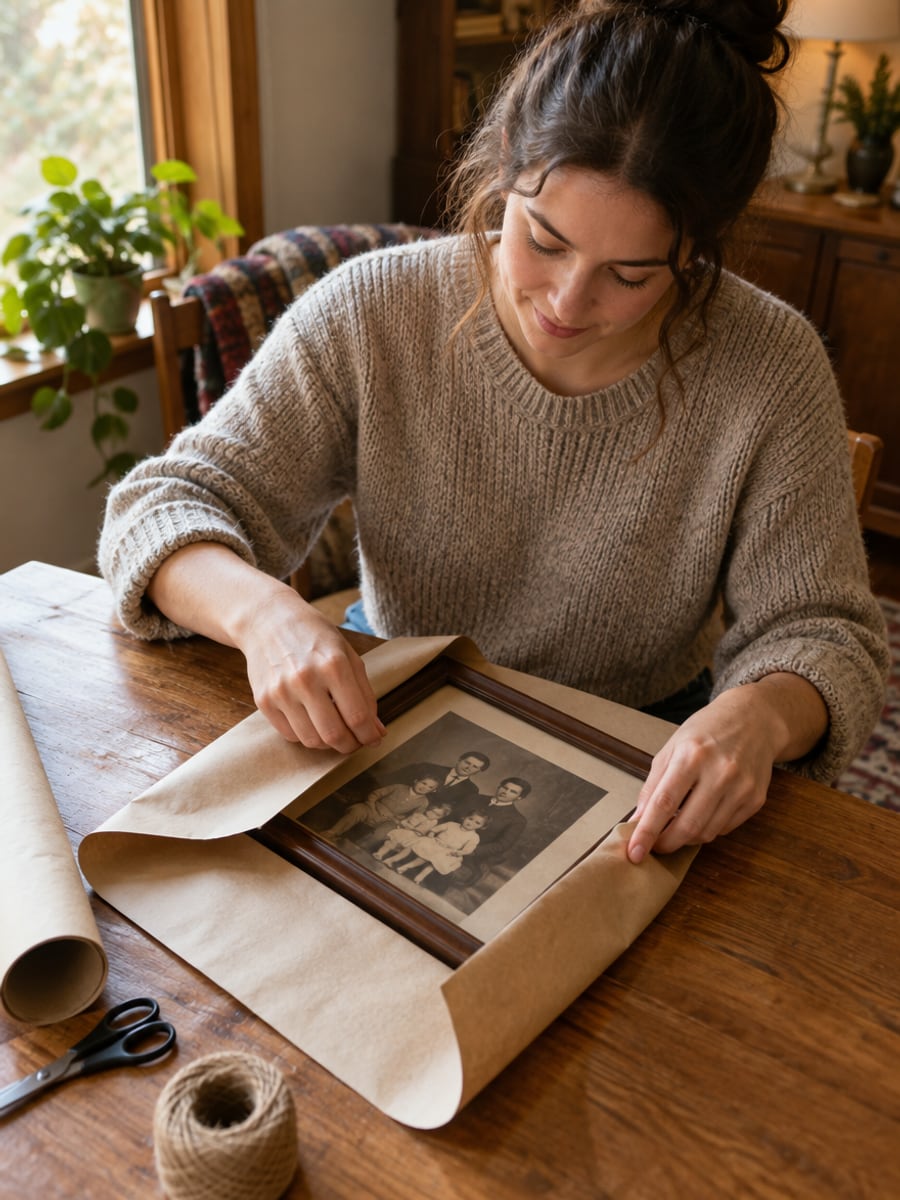
Turn a faded snapshot into a meaningful gift
How to Restore Old Photos with CreateVision
Upload your photo, select a style, and download your professional result instantly

Upload Your Old Photo
Choose a scan or a phone photo of the print you want to restore. Flat, glare-free shots give the AI the most detail to work with.

Choose a Restore Preset
Pick Auto Restore, Colorize, Repair Damage or Full Restore, then press Restore Photo.

Download Restored Photo
The AI repairs damage, clears faded areas and colorizes black-and-white photos. Subscribers and credit-pack buyers can download without our mark; free-plan results carry a small CreateVision watermark.
The All-in-One AI Creation Platform
One account for images, videos, an AI agent that works for you, expert AI mentors and 80+ ready-made tools.

AI Image & Video Generator
Every leading model in one workspace: Seedream, Nano Banana, GPT Image, Seedance, Veo and more.
Open
Ava, your AI creative agent
Describe what you need and Ava plans, generates and iterates for you.
Open
80+ AI tools
One-click tools for photos, videos, cards, portraits and viral trends.
Open
Template library
Thousands of ready prompts and styles to start from.
Open
Studios
Portrait, marketing, poster and cinema studios for finished work, not single shots.
Open
AI model library
Compare and pick the right image or video model for every job.
Open
AI mentors
Learn from expert mentors in photography, design and video, then create with their guidance.
Open190K+ creators
Using CreateVision to create and share
What Users Say
Real feedback from users worldwide
“I've been digitizing my family's photo collection from the 1940s. This tool restored photos I thought were beyond repair. The colorization is remarkably accurate!”

“As a museum archivist, I need professional restoration quality. This AI tool delivers results comparable to expensive manual restoration at a fraction of the cost.”

“We restored our grandmother's wedding photo for her 80th birthday. She cried when she saw it - the scratches were gone and the faces were clear. Priceless!”

FAQs About Our AI Old Photo Restoration
AI Old Photo Restoration is a CreateVision tool that repairs damaged, faded and aged photographs. It removes scratches, tears and stains, makes faces clearer and colorizes black-and-white photos with natural tones.
The best one repairs damage, restores faces and adds believable color in a single step. CreateVision does all three with Seedream 5 Pro, offers four presets for different kinds of damage, and charges a flat 50 credits per result.
The AI reads the damage in your photo and rebuilds the missing or scratched areas from the surrounding detail. It sharpens faces, reduces grain and applies era-appropriate color to skin, clothing and backgrounds.
Scratches, tears, creases, water stains, fading, yellowing, dust spots and general wear. The AI also restores unclear faces. For best results, upload a flat, evenly lit scan or photo of the print without glare.
Each restored photo costs 50 credits. You can start with the 200 free credits you get once when you sign up with Google, which covers four restorations. Subscriptions and credit packs add more credits.
Your uploads and results are private by default and are not shown in public galleries unless you choose to share them. Only upload photos you own or have permission to restore. Free-plan downloads carry a small CreateVision watermark, which subscribers and credit-pack buyers can turn off.
When a face or object is badly torn or faded, the AI has to infer what was there, so small details may differ from the original. Colors are a best estimate, since a black-and-white photo holds no color data. Try a cleaner scan or a different preset if a result looks off.
Restore Old Photos With AI Today
Upload a damaged or faded print and get a repaired, colorized copy for 50 credits.
Related Tools You Might Like
Explore more AI creative tools



Related Tools You Might Like
Explore more AI creative tools