AI Background Changer
Change or remove photo backgrounds instantly with AI
Tap to uploadDrop image or click
JPG · PNG · WebP
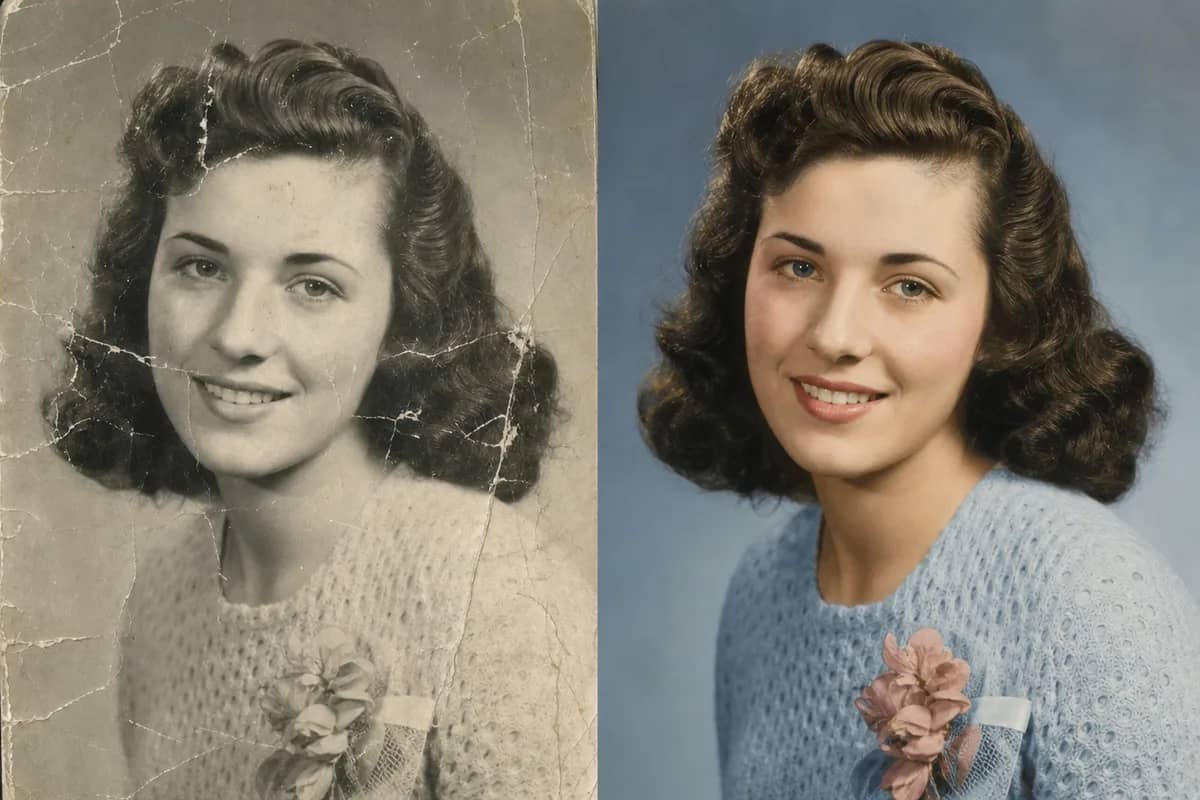
Preview Examples


Drag the slider to compare
What is AI Background Changer?
AI Background Changer is an online tool that replaces photo backgrounds with professional scenes. It intelligently matches lighting, shadows, and perspective for realistic results. Perfect for headshots, social media, and creative projects.

Change Photo Background With Matched Light
Professional quality, privacy protected, instant results
Match Light and Shadow
The AI adjusts lighting, shadows and perspective between you and the new scene, so the photo looks taken there, not pasted.
Pick a Ready Scene
Choose studio, office, nature, city, beach or gradient presets. Each one is tuned for clean blending with people and products.
Keep Hair and Edges Clean
Fine detail like hair, fur and clothing edges stays sharp against the new background. You do not need to mask anything by hand.
See What You Can Do When You Change Photo Background
Perfect for various professional scenarios, instant and secure

Turn Casual Shots Into Professional Portraits
Place your photo in an office or studio setting for LinkedIn, resumes and team pages. You skip booking a shoot just to fix the backdrop. Make a full headshot
Set the Mood for Your Social Posts
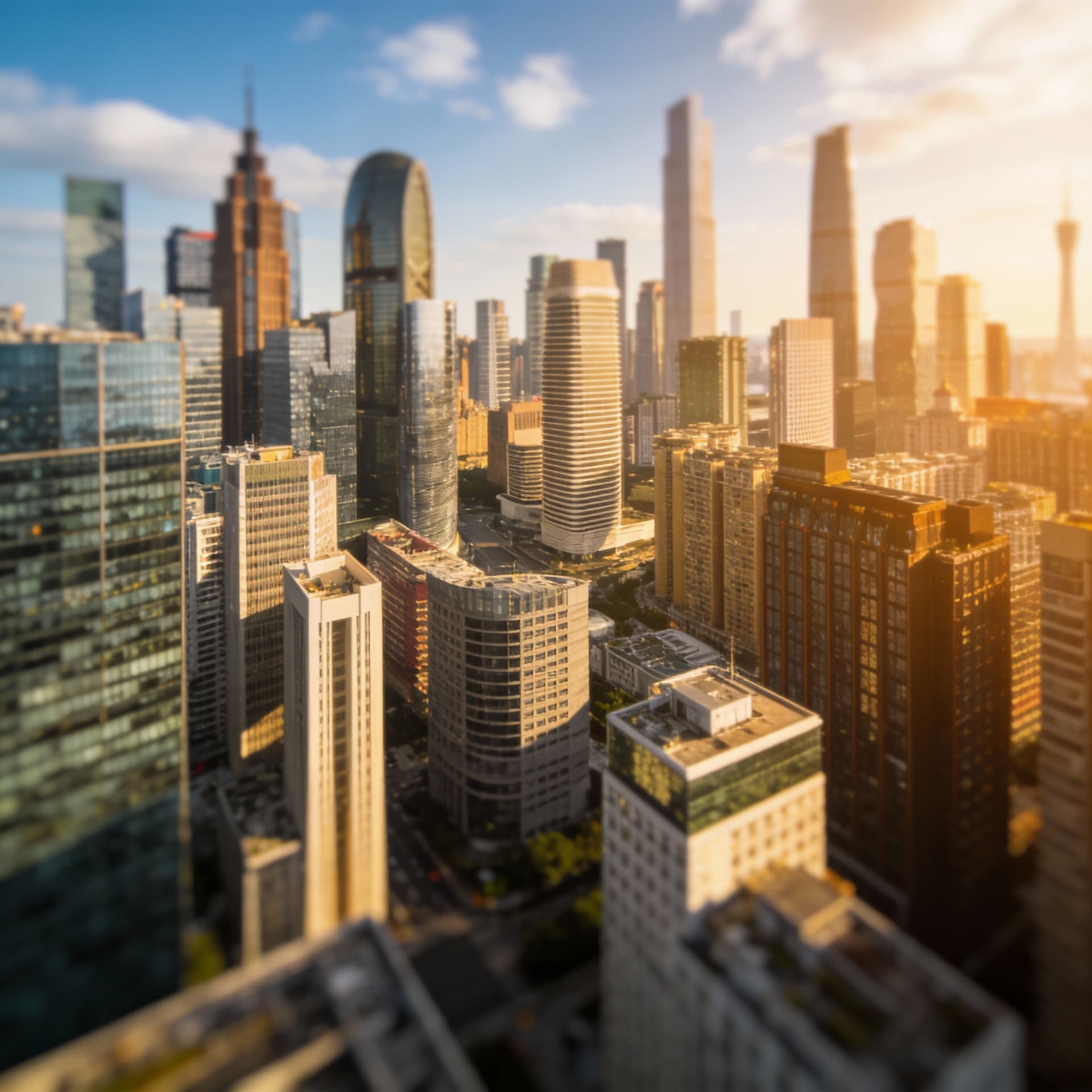
Move your photo to a city street or a beach to match the post you are writing. Your profile and feed stay consistent with your style. Try a Polaroid look
Put Your Products on Clean Backdrops
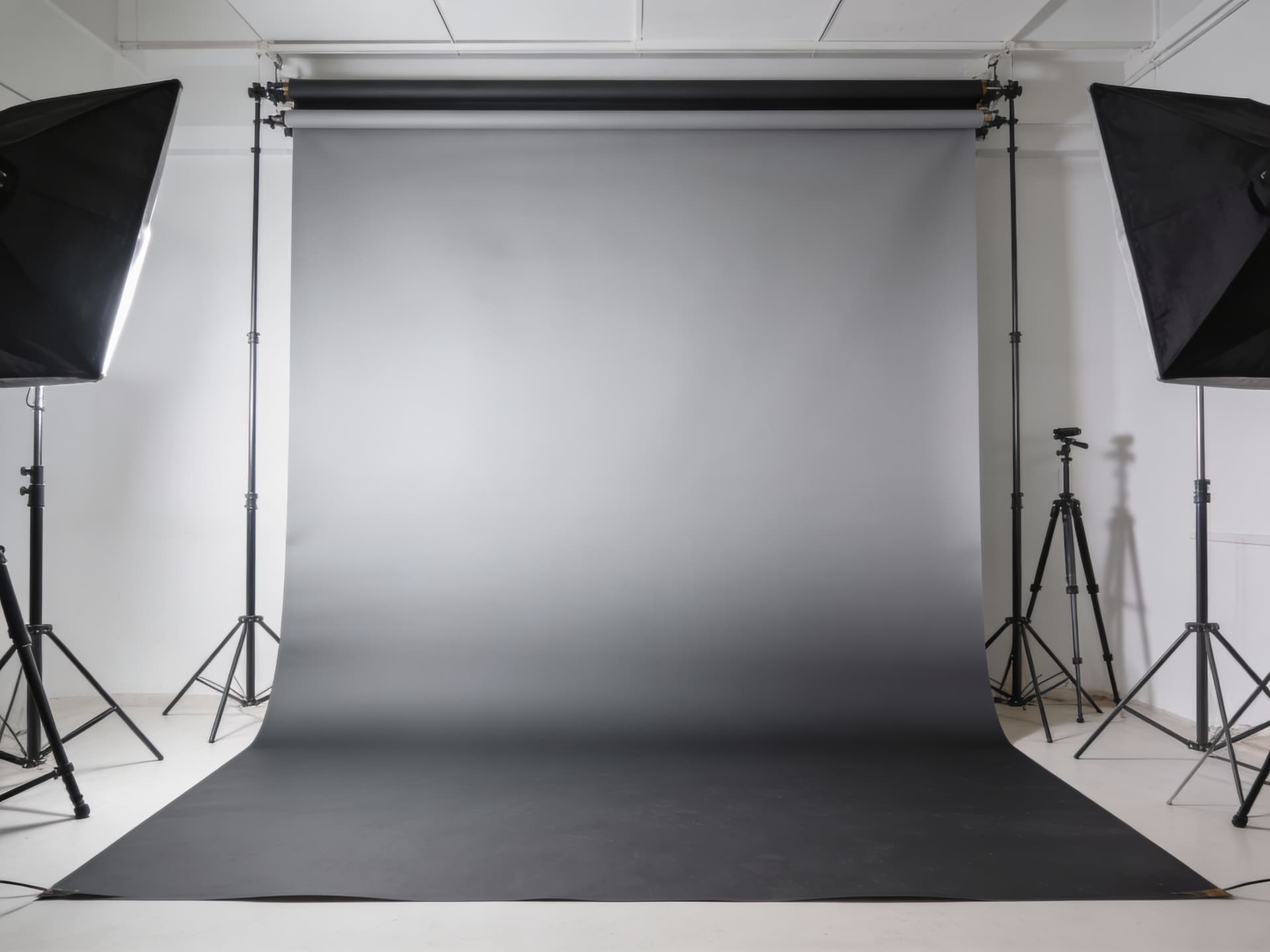
Replace a messy table or room with a studio or gradient background. Your listings look uniform without a lightbox or a reshoot. Get a transparent cutout
Try New Scenes for Creative Projects
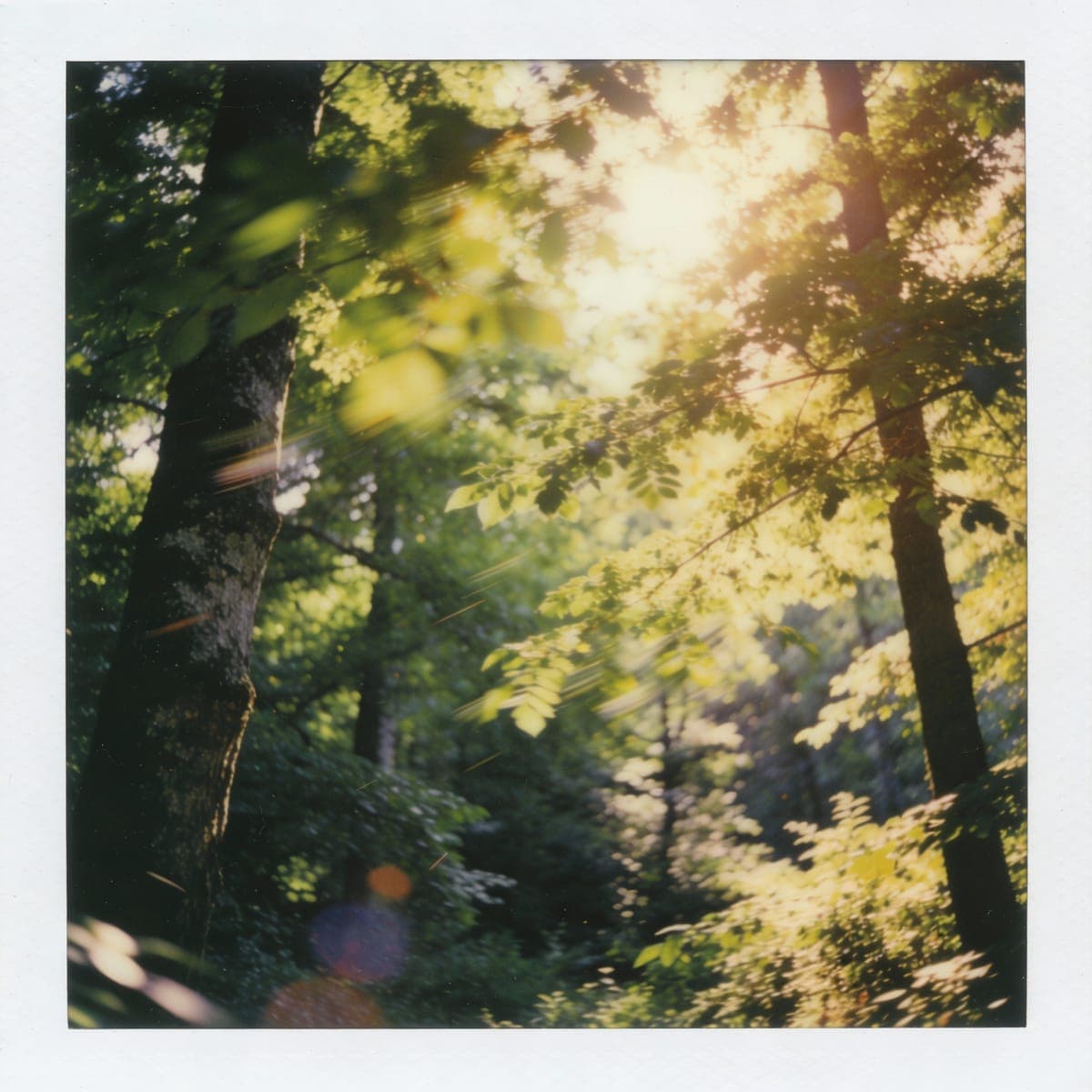
Test nature views or abstract gradients behind the same subject for posters and presentations. You can compare several versions before you commit. Upscale your result
Who Uses AI Background Changer
Four ways people use it every week

Get an office backdrop for your profile photo

Give every product photo the same clean background
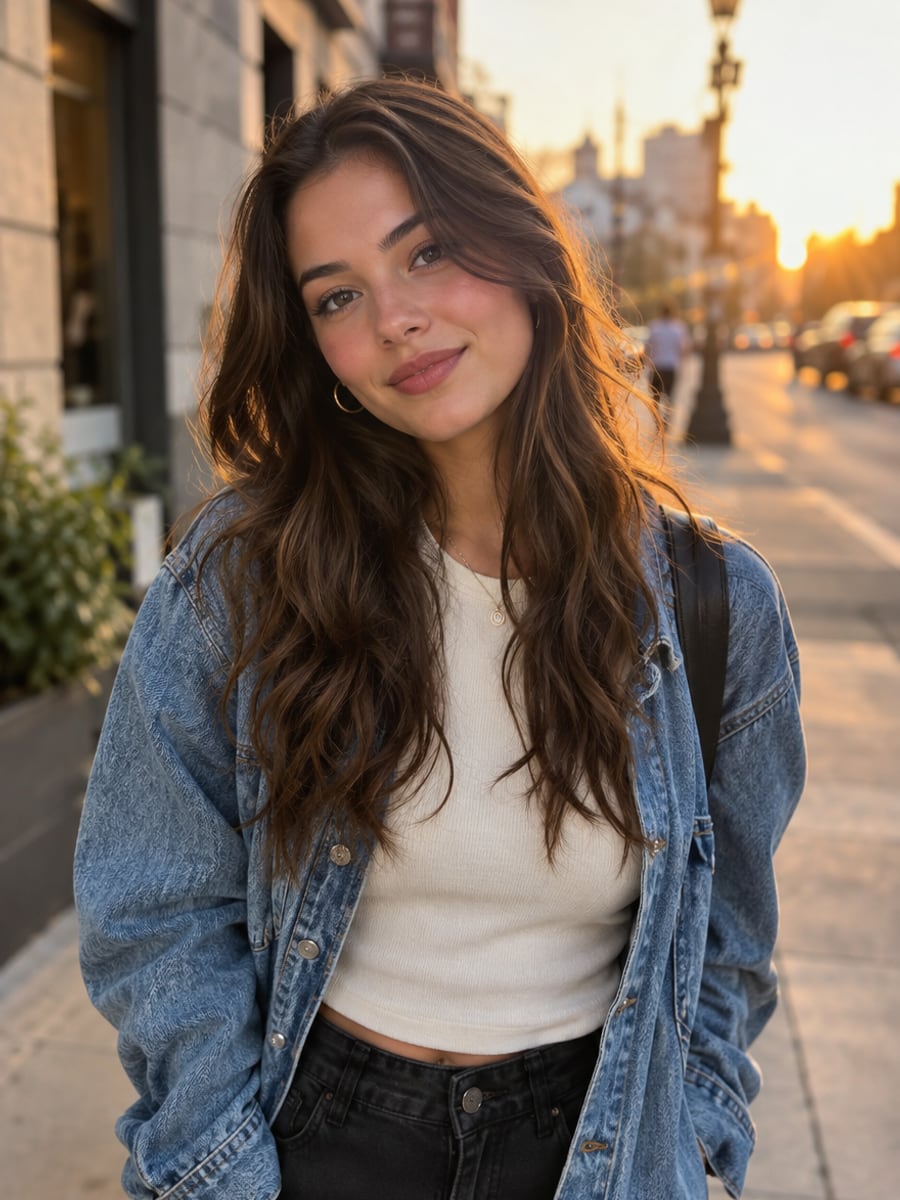
Match your photo backdrop to each post

Swap a crowded backdrop for a calm scene
How to Change a Photo Background with CreateVision
Upload your photo, select a style, and download your professional result instantly

Upload Your Photo
Choose a photo with a clear subject and decent lighting. Portraits, full-body shots and product photos all work.

Choose a Background
Pick a preset such as Studio Backdrop, Office Professional, Nature Outdoor, City Urban, Beach Tropical or Abstract Gradient. Then press Change Background.

Get Your New Image
The AI places your subject in the new scene and matches lighting and perspective. Subscribers and credit-pack buyers can download without our mark; free-plan results carry a small CreateVision watermark.
The All-in-One AI Creation Platform
One account for images, videos, an AI agent that works for you, expert AI mentors and 80+ ready-made tools.
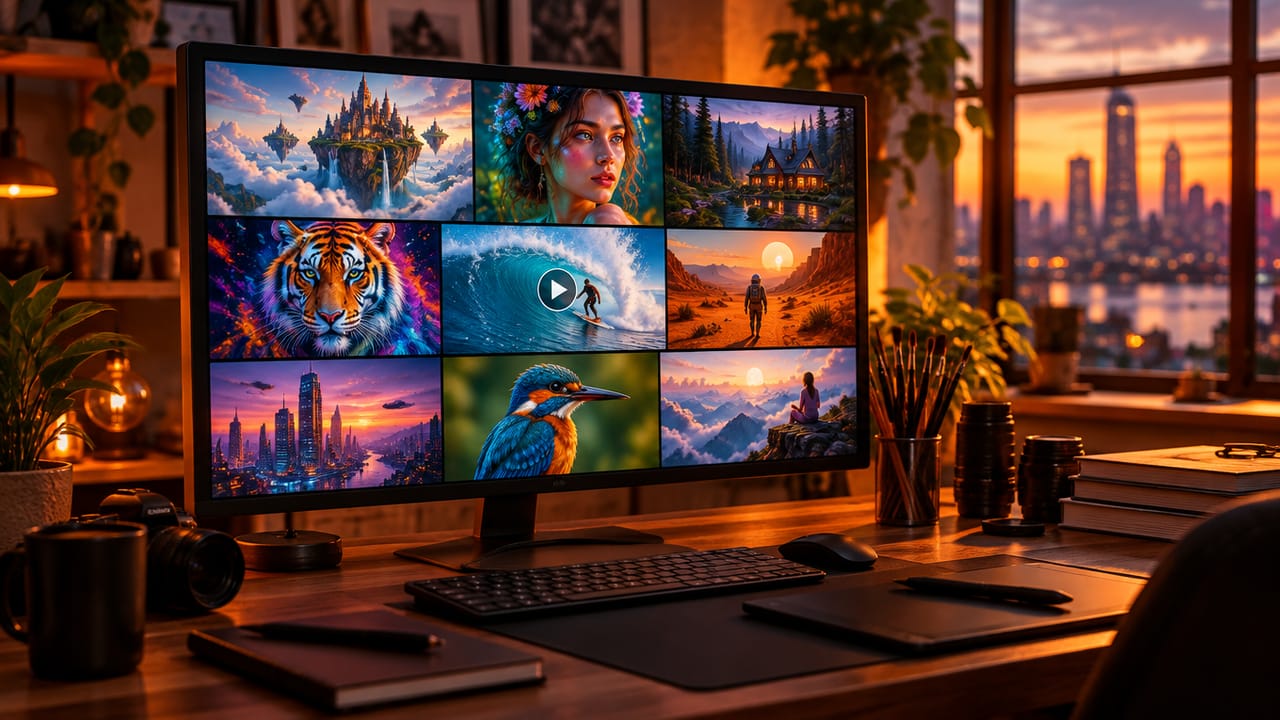
AI Image & Video Generator
Every leading model in one workspace: Seedream, Nano Banana, GPT Image, Seedance, Veo and more.
Open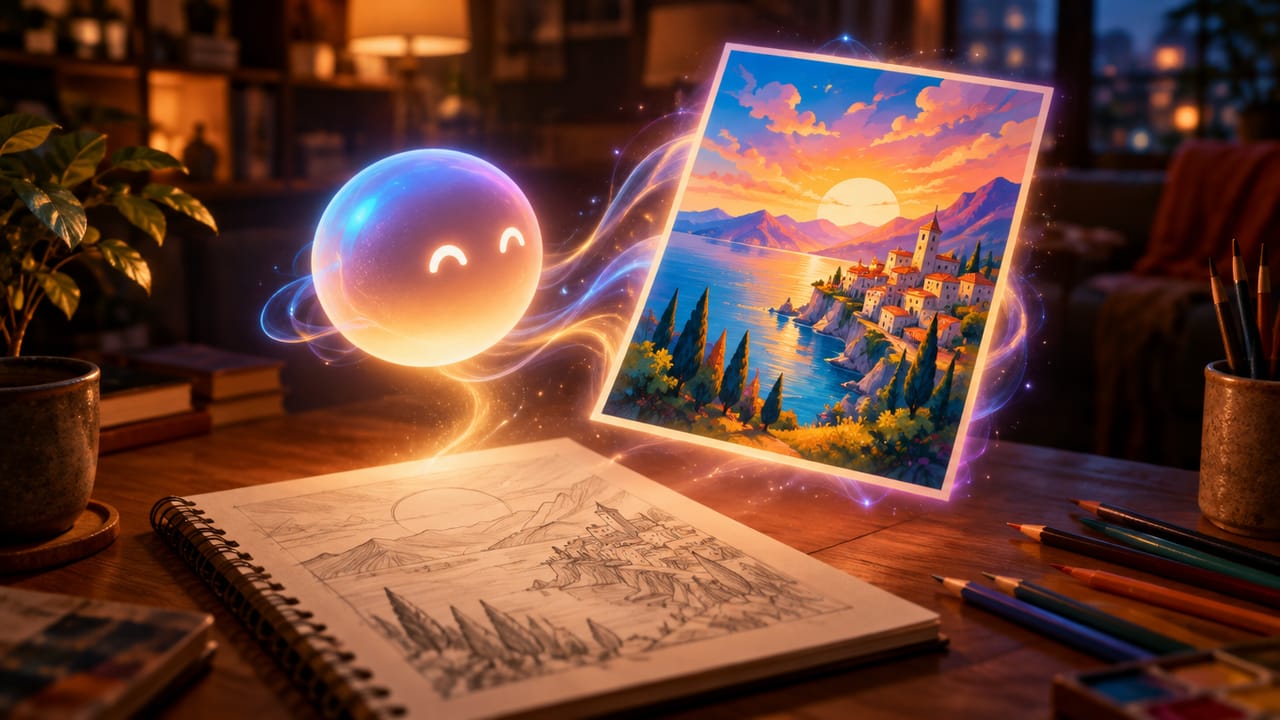
Ava, your AI creative agent
Describe what you need and Ava plans, generates and iterates for you.
Open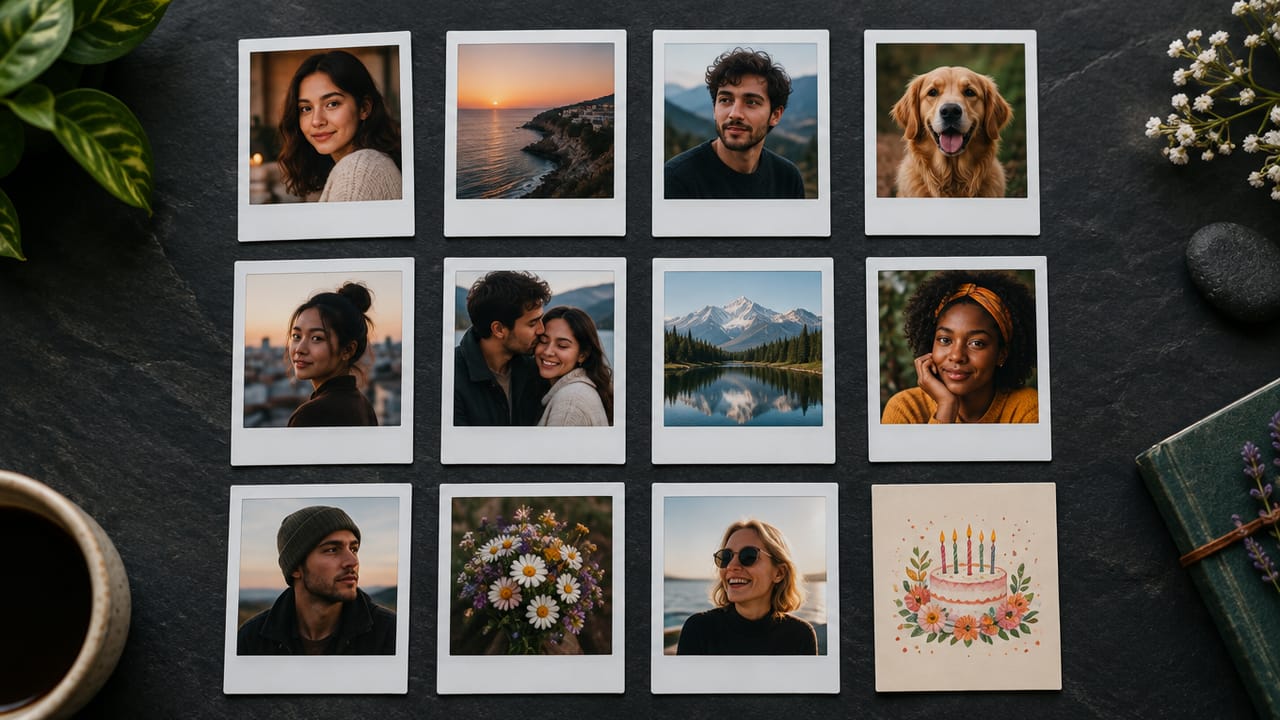
80+ AI tools
One-click tools for photos, videos, cards, portraits and viral trends.
Open
Template library
Thousands of ready prompts and styles to start from.
Open
Studios
Portrait, marketing, poster and cinema studios for finished work, not single shots.
Open
AI model library
Compare and pick the right image or video model for every job.
Open
AI mentors
Learn from expert mentors in photography, design and video, then create with their guidance.
Open190K+ creators
Using CreateVision to create and share
What Users Say
Real feedback from users worldwide
“I needed professional headshots for my LinkedIn but couldn't afford a photographer. This tool gave me amazing office backgrounds that look totally real!”

“As a content creator, I change backgrounds for different videos. This AI tool saves me hours and the quality is incredible. Game changer!”

“The lighting match feature is amazing. My photos look like they were actually taken in those locations. Very impressed!”

FAQs About Our AI Background Changer
AI Background Changer is a CreateVision tool that replaces the background of your photo with a new scene. It matches lighting, shadows and perspective so the subject looks like it was photographed there. People use it for headshots, product photos and social posts.
The best one blends the subject into the new scene instead of cutting and pasting it. CreateVision runs on Seedream 5 Pro, matches light and shadow automatically, keeps hair and edges clean, and offers ready presets at a flat 50 credits per result.
The AI isolates your subject, builds the background you picked, then adjusts lighting, color temperature and shadows so the two match. Edges are blended so the result reads as one photo.
Portraits, headshots, full-body images and product photos work well. You get the best results with a clear subject, good lighting and some contrast between the subject and the old background. If you need a transparent PNG cutout instead of a new scene, use AI Background Remover.
Each result costs 50 credits. You can start with the 200 free credits you get once when you sign up with Google, which covers four results. Subscriptions and credit packs add more credits.
You can use results from photos you own or have permission to edit, including for listings and profiles. Do not upload photos of other people without their consent. Free-plan downloads carry a small CreateVision watermark, which subscribers and credit-pack buyers can turn off.
Busy backgrounds, low light or a subject that blends into the scene make edges harder to separate. Strong backlight can also be hard to match with a new scene. Try a clearer photo or a different preset, and run it again if one detail looks off.
Change Your Photo Background in Seconds
Upload a photo, pick a scene and get a natural-looking result for 50 credits.
Related Tools You Might Like
Explore more AI creative tools