

AI Gender Swap
See yourself as the other gender
Tap to uploadDrop image or click
JPG · PNG · WebP
Preview Examples


Drag the slider to compare
How does the AI gender swap work?
Upload one clear photo of your face and pick a direction. The AI regenerates the photo changing only the gender-presenting features — the jawline and chin, the brow, the eyebrows, facial hair, the hairstyle and any makeup — while keeping your eyes, nose, mouth, skin tone, age, clothing, pose and background exactly as they were.

Why Our AI Gender Swap Still Looks Like You
Professional quality, privacy protected, instant results
Stay Recognizably You
Your eyes, nose, mouth, moles, freckles, skin tone and age are locked. Only the jaw, brow, eyebrows, facial hair, hairstyle and makeup change.
Choose How Far to Go
Pick from four intensities in each direction. The subtle ones barely differ at a glance, and they are often the most convincing.
Get a Real Photo Back
You keep real skin texture instead of a smoothed, plastic face. Your background and clothes stay exactly as they were.
See What You Can Do With AI Gender Swap
Perfect for various professional scenarios, instant and secure
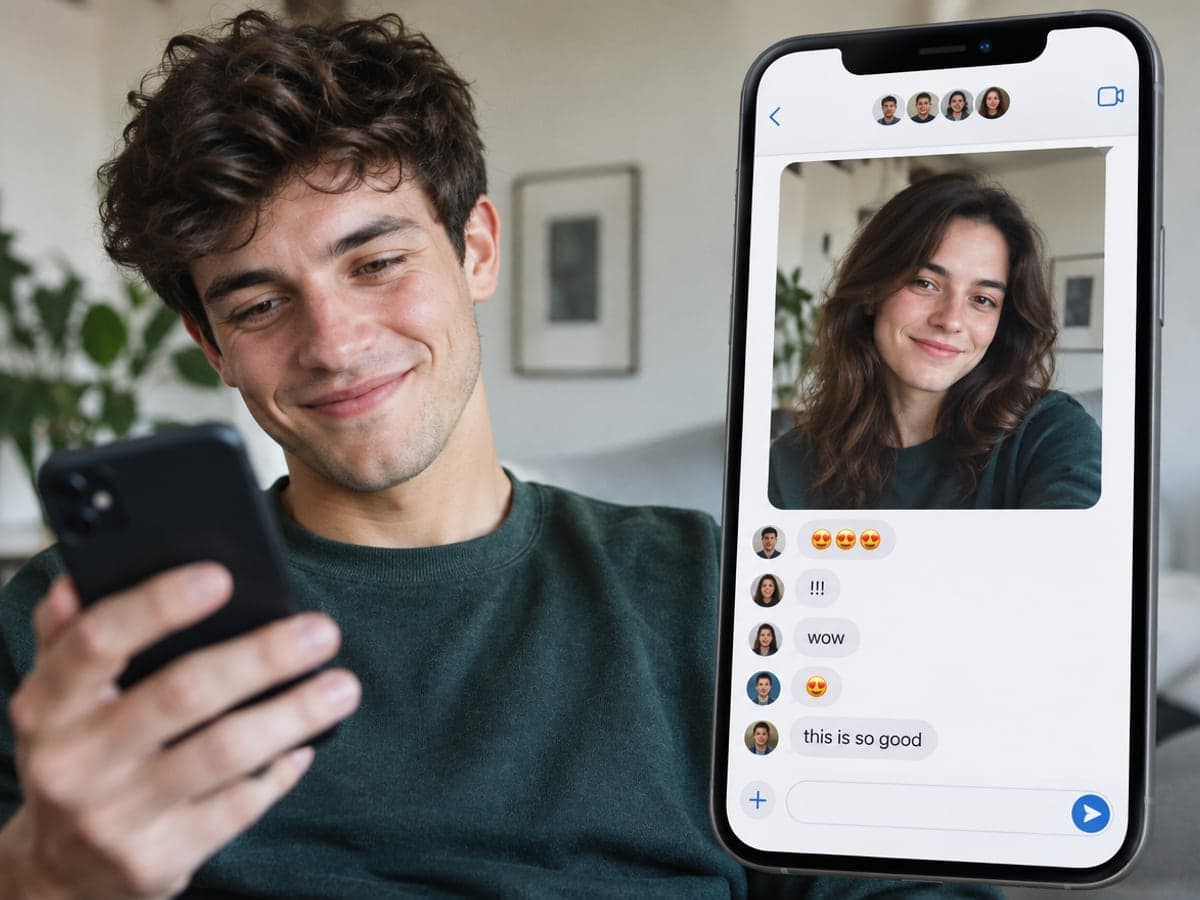
Make the Filter Your Friends Reply To
Run the gender swap filter on your own photo and drop the result in the group chat. The best ones are where everybody can still tell it is you. Try the bald filter
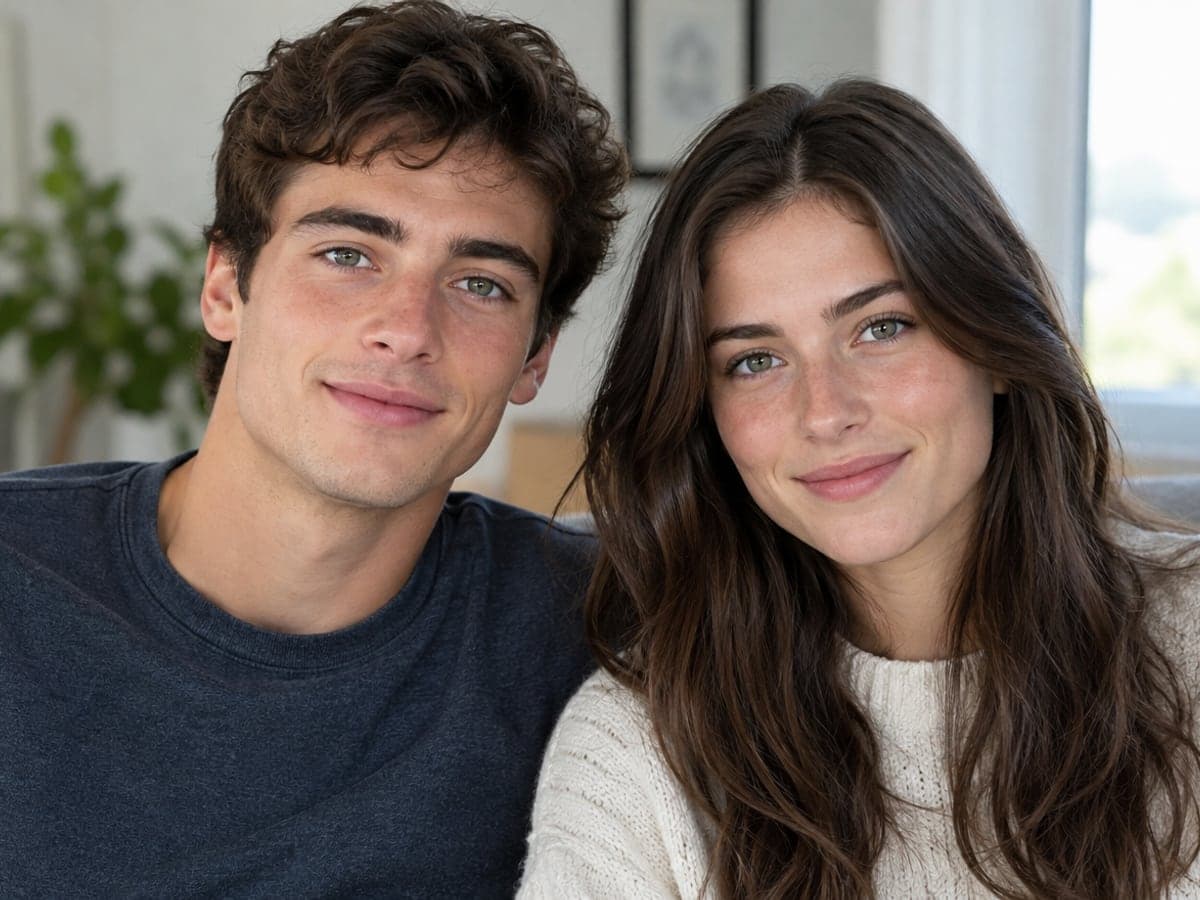
Meet the Sibling You Never Had
Because your eyes, nose and skin tone stay the same, the result reads like your brother or sister. It looks related, not like a stranger. See yourself older too
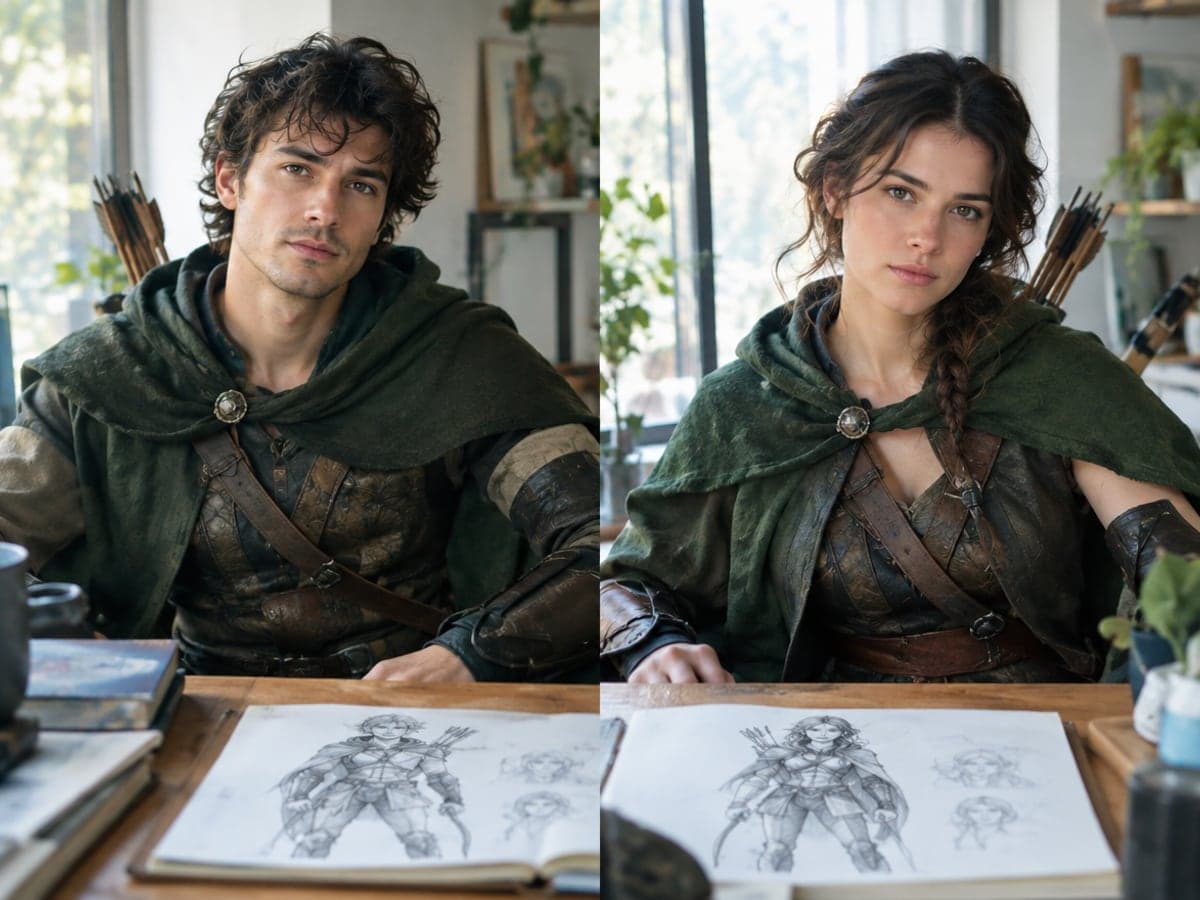
Test a Character Design Both Ways
Writers, cosplayers and game masters use it to see one face both ways before committing to a design. You skip hiring a model or illustrator. Change the outfit next
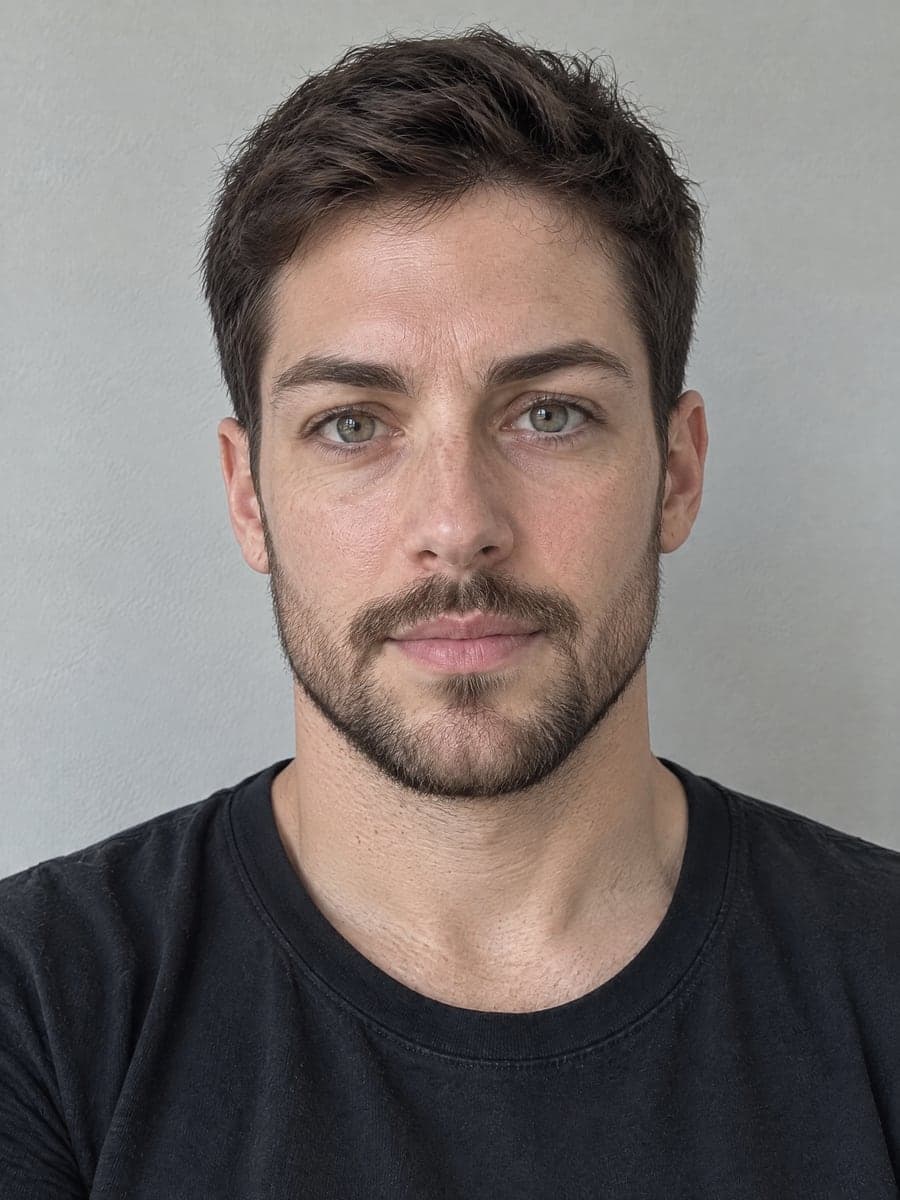
Try a New Hairstyle or Beard
Pick the long-hair or beard presets to see a bolder look on your own face. Compare it with the subtle version using the before/after slider. Try more hairstyles
Who Uses AI Gender Swap
Four ways people use it every week

Send the photo everyone wants to try next
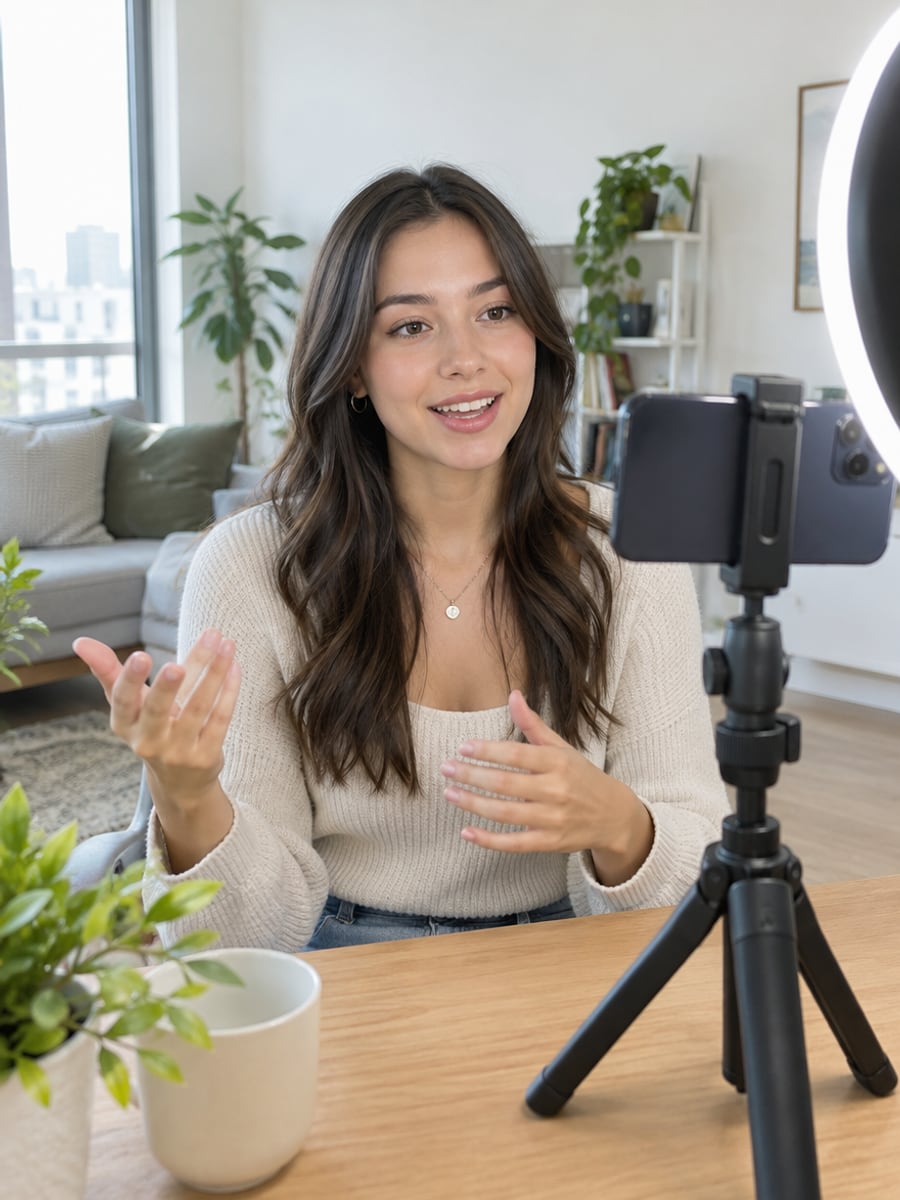
Post a before and after that gets replies
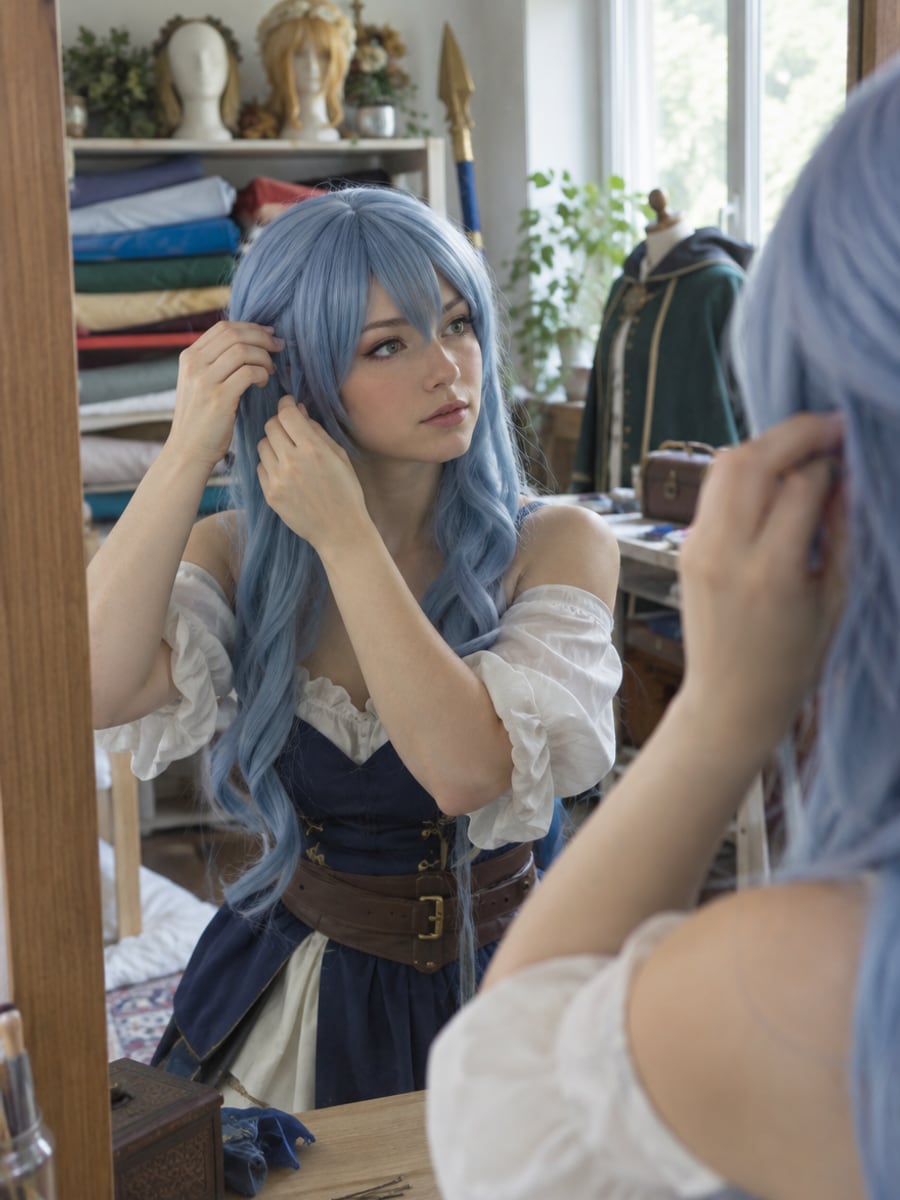
Preview a gender-flipped character on your own face
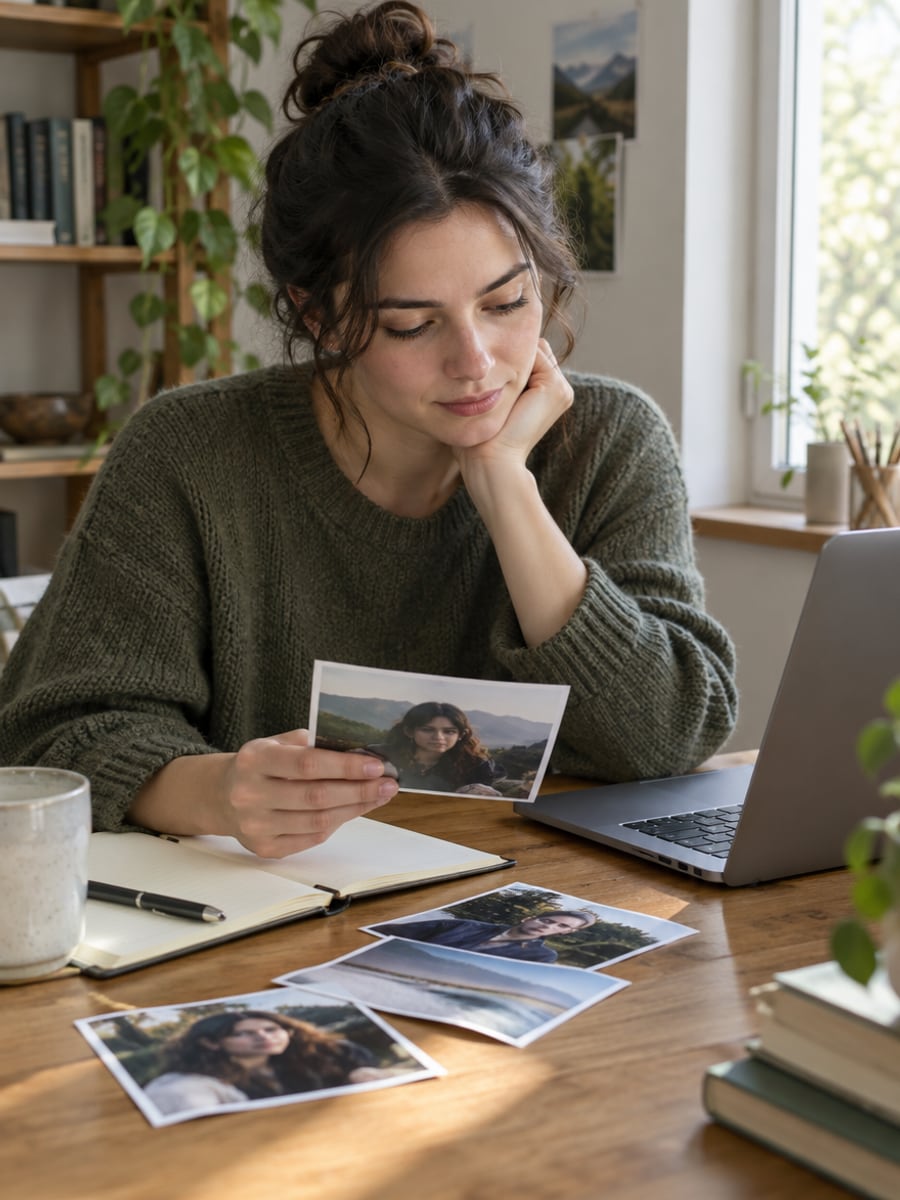
See your character's face from both sides
How to Gender Swap a Photo with CreateVision
Upload your photo, select a style, and download your professional result instantly

Upload a Photo
Pick a clear front-facing photo where your whole face is visible and the light is even. No sunglasses, no hat.

Pick a Direction
Choose feminine or masculine, then how far: a barely-there shift, a natural change, long hair, a beard, or a full look with makeup.

Slide to Compare
Drag the before/after slider to check it still looks like you. Then download your result at full resolution.
The All-in-One AI Creation Platform
One account for images, videos, an AI agent that works for you, expert AI mentors and 80+ ready-made tools.

AI Image & Video Generator
Every leading model in one workspace: Seedream, Nano Banana, GPT Image, Seedance, Veo and more.
Open
Ava, your AI creative agent
Describe what you need and Ava plans, generates and iterates for you.
Open
80+ AI tools
One-click tools for photos, videos, cards, portraits and viral trends.
Open
Template library
Thousands of ready prompts and styles to start from.
Open
Studios
Portrait, marketing, poster and cinema studios for finished work, not single shots.
Open
AI model library
Compare and pick the right image or video model for every job.
Open
AI mentors
Learn from expert mentors in photography, design and video, then create with their guidance.
Open190K+ creators
Using CreateVision to create and share
FAQs About Our AI Gender Swap
AI gender swap is a photo filter that shows what you might look like as another gender. CreateVision's version changes only the gender-presenting features, such as the jaw, brow, eyebrows, facial hair, hairstyle and makeup. Everything else in your photo stays the same.
The best gender swap is the one where people can still tell it is you. CreateVision locks your eyes, nose, mouth, skin tone and age before anything changes. You get four intensities in each direction instead of one on/off switch, and real skin texture instead of a smoothed cartoon face. A before/after slider lets you check the likeness before you download.
Upload one clear photo of your face and pick a direction and intensity. The AI regenerates the photo, changing the jawline and chin, the brow, the eyebrows, facial hair, the hairstyle and any makeup. Your eyes, nose, mouth, skin tone, age, clothing, pose and background stay as they were.
Use a sharp, evenly lit, front-facing photo where your whole face is visible, with no sunglasses or hat and no hair covering the jawline. Slight three-quarter angles work too. Very dark photos, heavy motion blur and group shots give weaker results. The tool works in both directions, with four feminine and four masculine presets.
Each result costs credits based on the style tier you pick: Precise is 50 credits (the default), Natural is 60 and Identity is 40. You can start with 200 free credits from Google sign-up. Free accounts download with a small CreateVision mark, and subscribers and credit-pack buyers can turn it off.
Only use a photo of someone else with their permission, and never post an altered photo of a person without their consent. Sexual, revealing or degrading imagery of anyone is prohibited and blocked by content moderation. Uploaded photos are deleted automatically within 24 hours, and results stay in your history for 30 days. Your images are never sold, published or used to train any model.
No. This is an entertainment filter that changes how a photo looks and nothing more. It is not a medical tool, it does not model hormones or surgery, and it should not be used to set expectations about transition outcomes.
See Yourself Both Ways with AI Gender Swap
Upload one photo, pick from eight looks, and use the slider to check it still looks like you.
Related Tools You Might Like
Explore more AI creative tools


