


AI video model

Seedance 2.0 Mini AI Video Generator

Use Seedance 2.0 Mini for fast, budget-friendly video generation from text prompts, image references, or reference clips, with controllable duration and quality.

Budget videoText to videoImage references

Explore More Models

Compare Seedance 2.0 Mini with other video models — same workspace, one click to switch.

Get Inspired

A glimpse of what people are creating with AI video models on CreateVision AI.

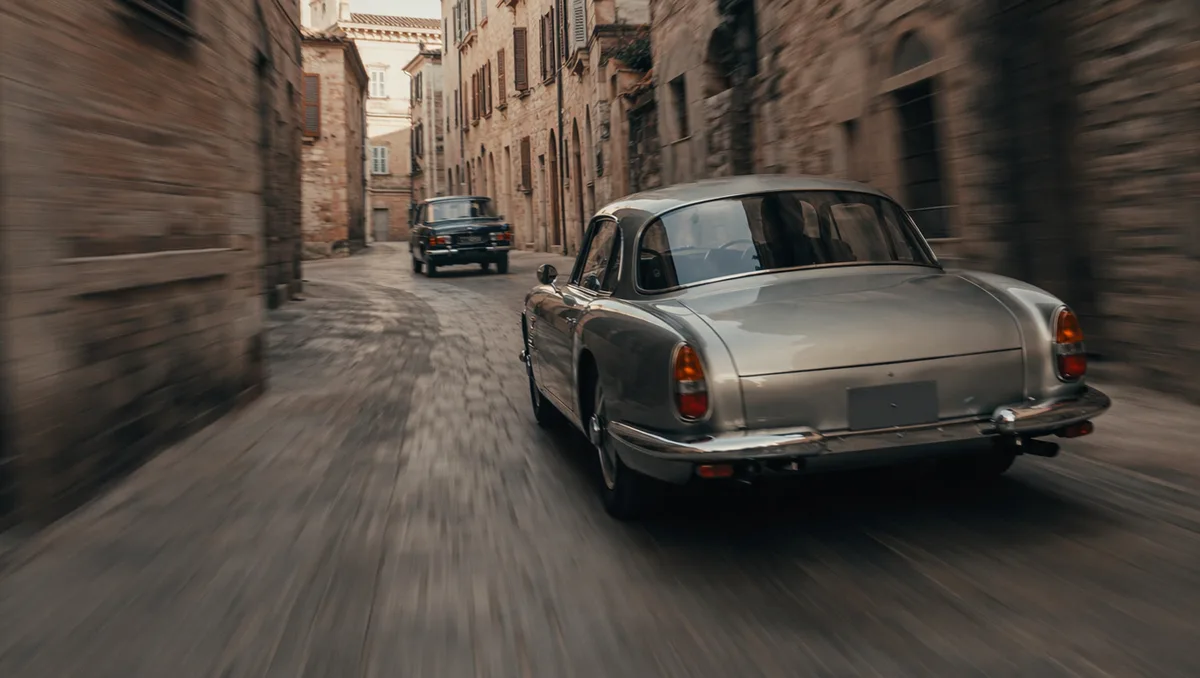
AI video still of a vintage car chase through narrow European streets
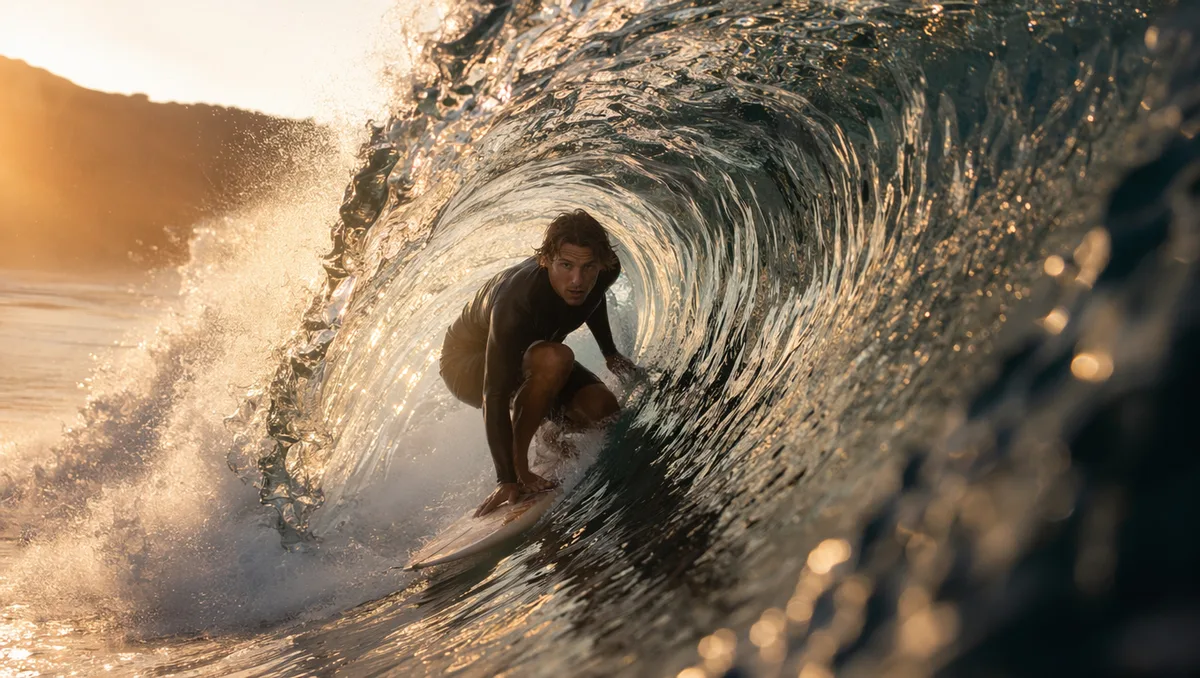
AI video still of a surfer inside a glassy barrel wave at sunrise
AI video still of northern lights swirling over a snowy cabin
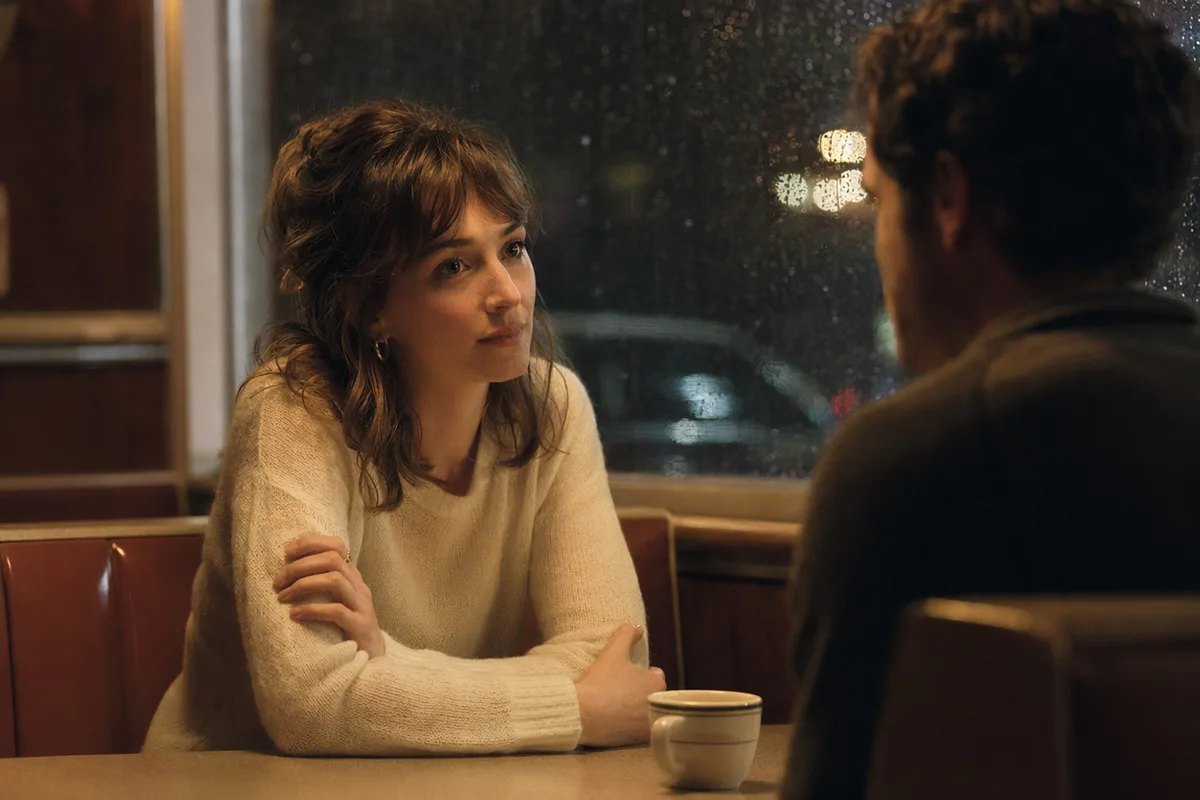
AI video still of rain running down a cafe window with warm bokeh
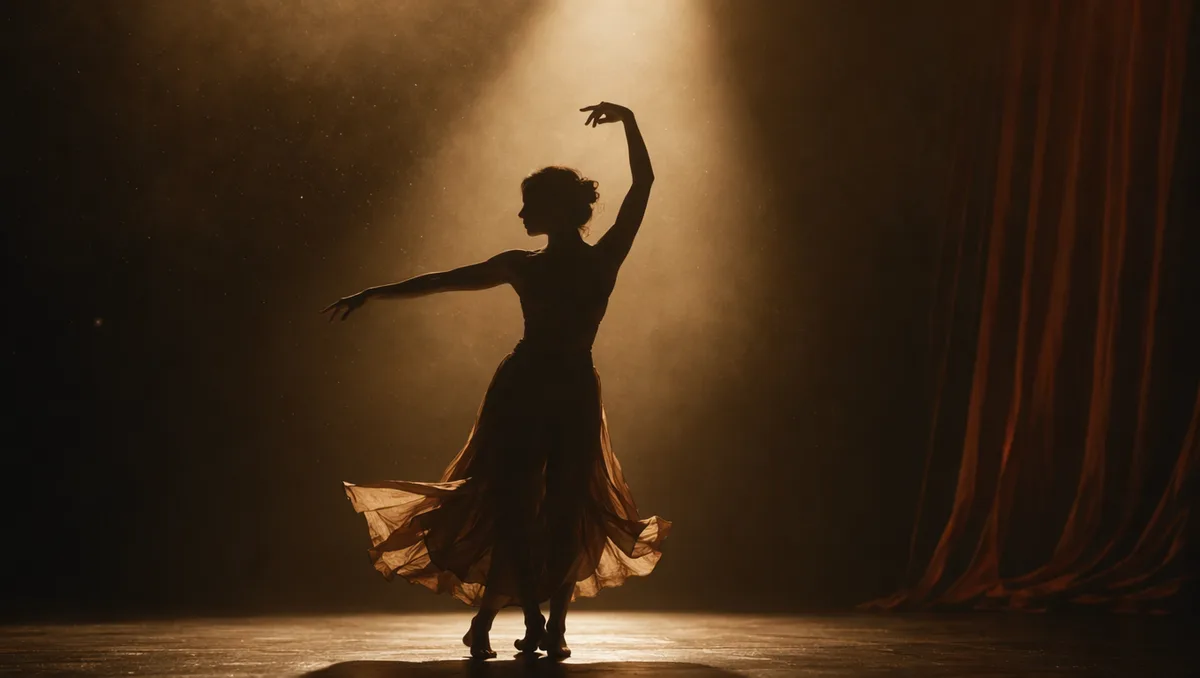
AI video still of a dancer silhouette on a smoky stage under amber light
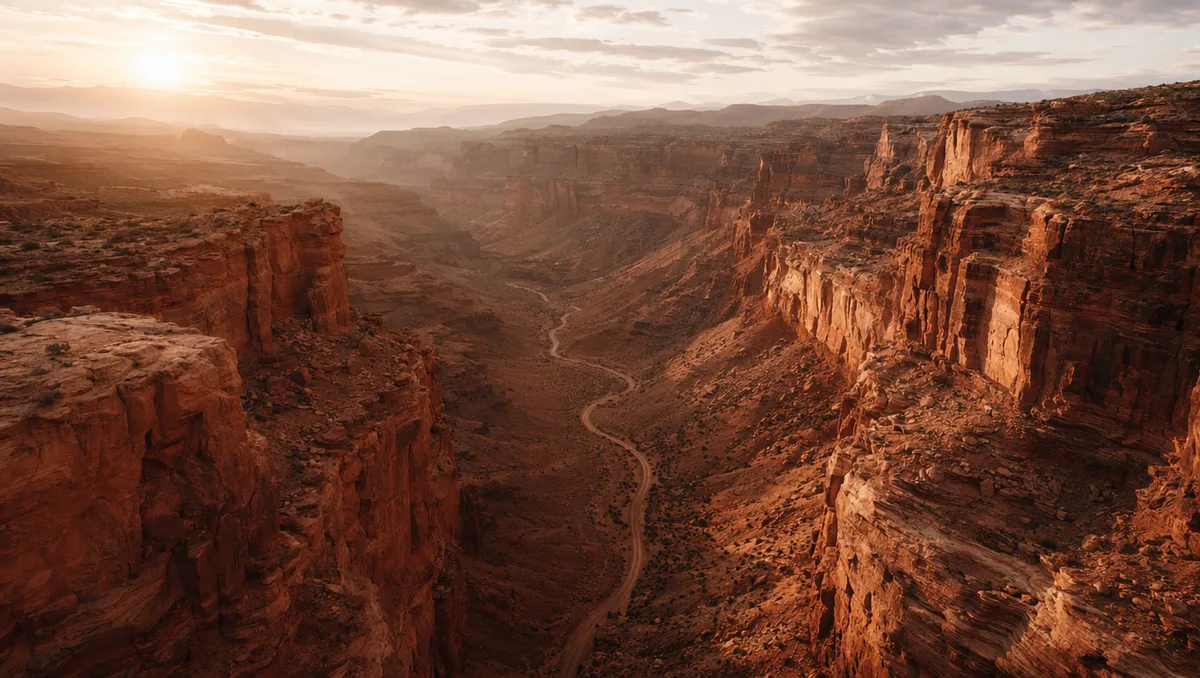
AI video still from a drone flight through a red rock canyon
AI video still of milk splashing around chocolate cookies
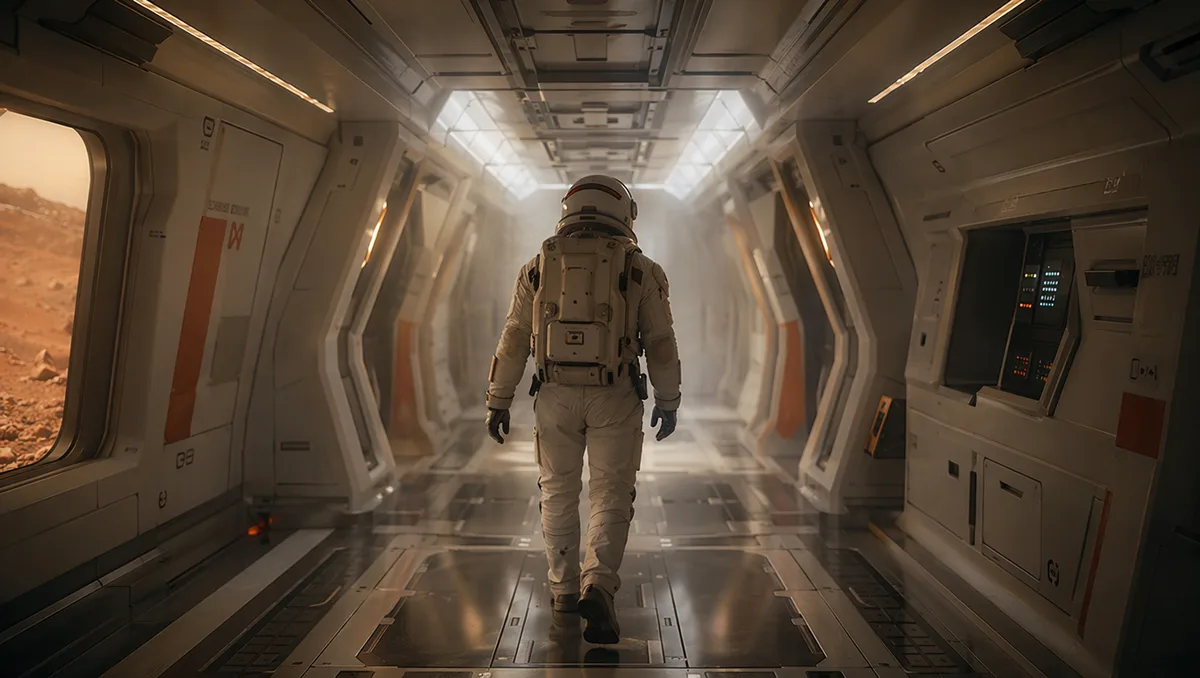
AI video still of an astronaut walking down a glowing spaceship corridor

Seedance 2.0 Mini — the budget-friendly way to make AI video

The lightweight member of the Seedance 2.0 family: the same text-, image-, and reference-to-video workflow at a fraction of the credits, so you can draft, iterate, and batch without watching the meter.

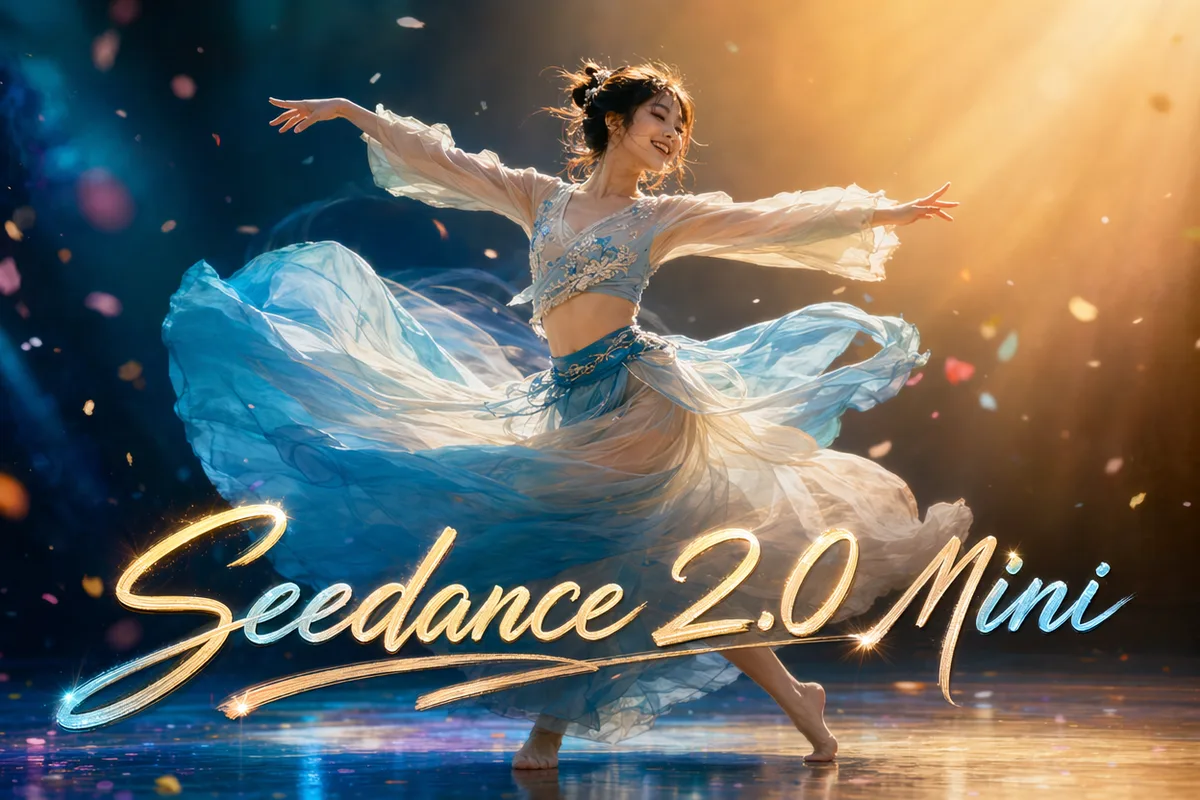
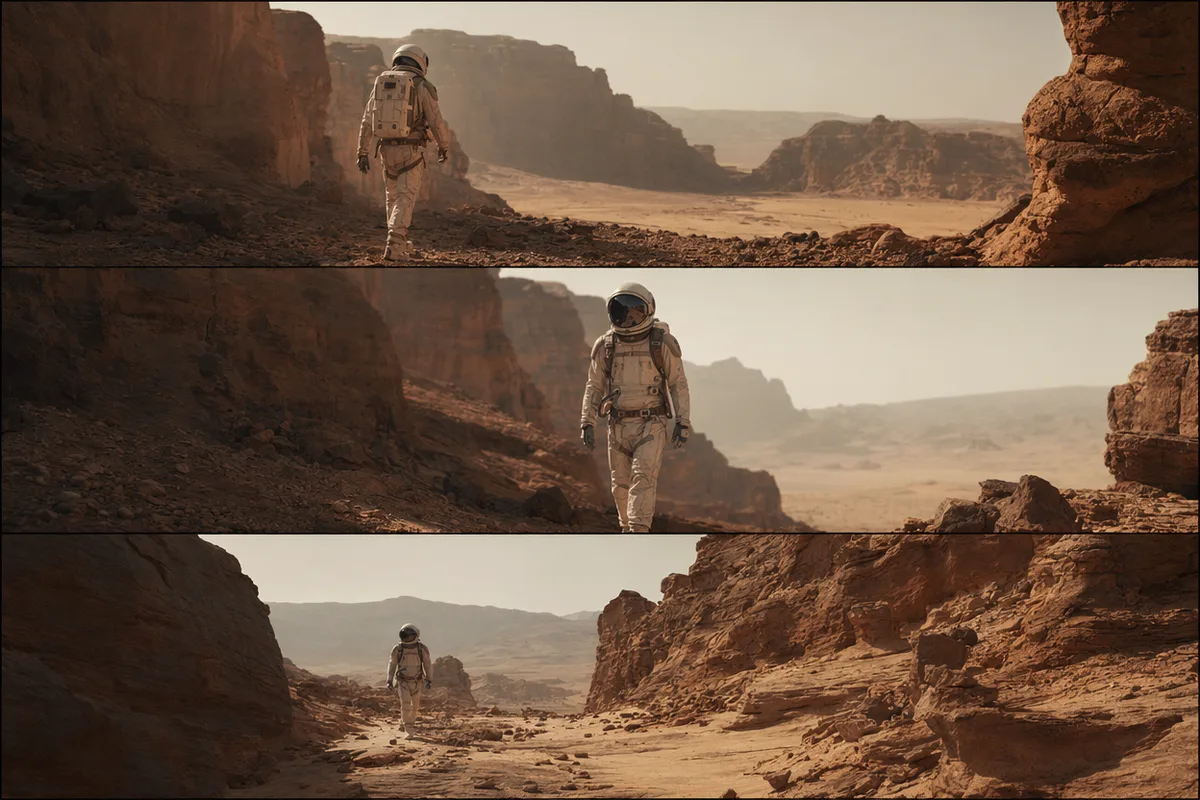
Cinematic AI video frame generated with Seedance

Lowest cost in the Seedance family

Mini bills per second of output like its siblings but at a much lower rate — ideal for storyboards, social drafts, and high-volume iteration where you want many takes before committing to a flagship render. The exact cost shows before every generation and failed runs refund automatically.

Vintage car chase film still

Text, image, and reference to video

All three Seedance modes are here: generate from a prompt, animate a still, or steer a scene with image and audio references. Switch modes in the same workspace without changing tools or re-learning controls.

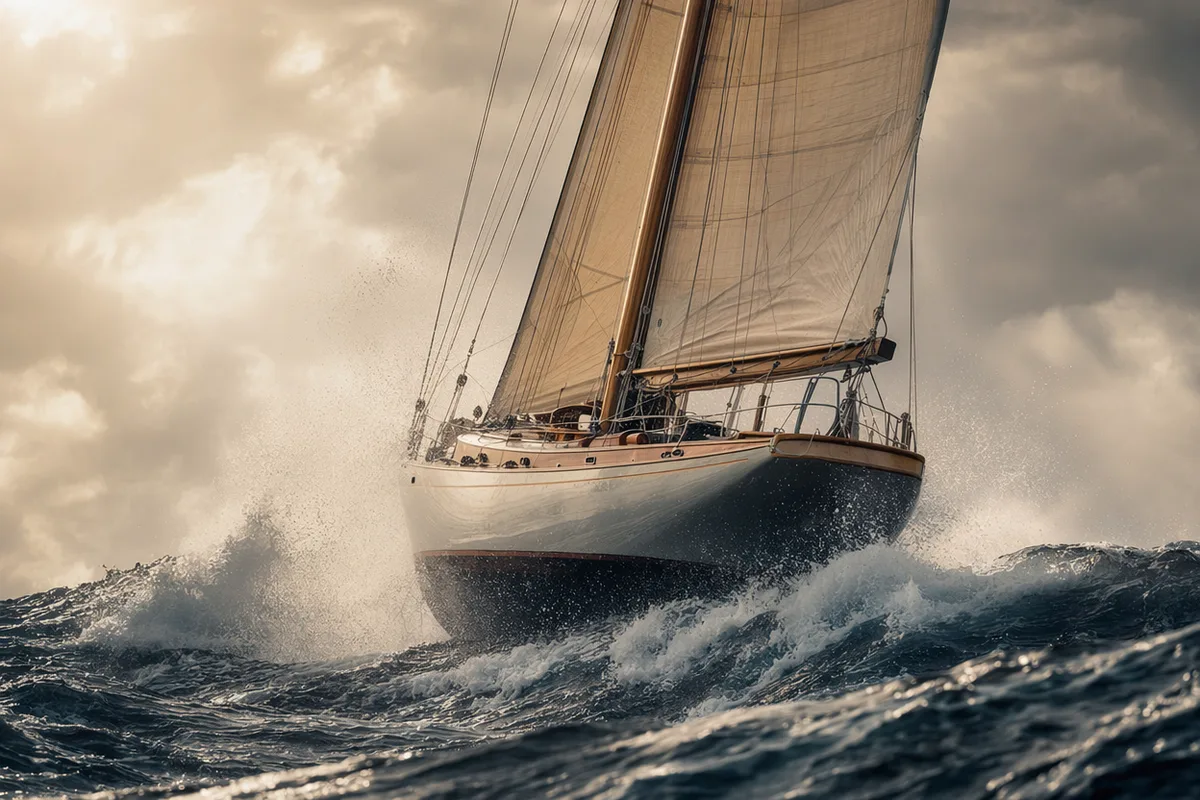
Dramatic sailboat storm scene film still

Fast turnarounds for iteration

Mini is tuned for speed, so drafts come back quickly — the right engine when you are exploring ideas and want to see ten variations rather than wait on one polished clip.

Drone flight through a red rock canyon

480p and 720p with audio

Choose 480p for the cheapest drafts or 720p for shareable clips, with native audio generated in the same pass. Configurable duration up to 15 seconds per generation.

Keep exploring CreateVision AI

One account, the full image and video generation workflow.

Choose Your Plan

Start free with daily credits. Upgrade for premium models, faster generation, and 4K output.

Free

$0

Perfect for getting started

  • 80 credits per day, 400 per month
  • Z Image Turbo drafts at 0 credits
  • Standard generation speed
  • Generation history included
Get Started

Premium

Most popular
$29/month

Billed annually · $240/year

  • 1,600 credits/day, 8,000 credits/month
  • All premium models — GPT Image 2, Nano Banana, Seedream, Seedance, Veo, Kling
  • 5x generation speed, priority queue
  • AI prompt enhancement
Upgrade to Premium

Ultimate

$49/month

Billed annually · $300/year

  • 4,000 credits/day, 18,000 credits/month
  • HD generation up to 4K resolution
  • Private generation — results stay out of the gallery
  • Fastest queue and early access to new models
Upgrade to Ultimate

Frequently Asked Questions

1

How is Seedance 2.0 Mini different from Seedance 2.0?

Mini is the lightweight, lower-cost variant. It keeps the same text-, image-, and reference-to-video workflow but bills fewer credits per second, making it ideal for drafts and high-volume iteration. Step up to Seedance 2.0 for flagship multi-shot consistency.

2

How is it priced?

Per second of output, varying with resolution (480p or 720p) and mode. Mini is the cheapest Seedance video option; the exact cost shows before generation, and failed runs are automatically refunded.

3

What modes does it support?

Text-to-video, image-to-video, and reference-to-video — animate a still, or steer a scene with image and audio references.

4

How long can clips be?

Configurable duration up to 15 seconds per generation, at 480p or 720p, with optional native audio.

5

When should I use Mini instead of the full model?

Use Mini for storyboards, social drafts, and iterating on many variations cheaply. Use Seedance 2.0 when you need the strongest multi-shot consistency and multi-reference direction for a final render.

6

What if the generation fails?

Credits are refunded automatically for failed video generations.

Draft your next clip with Seedance 2.0 Mini

Draft your next clip with Seedance 2.0 Mini

Start Generating Videos