Wan 3.0 AI Video Generator

Run Alibaba's flagship Wan 3.0 in your browser: clips up to 30 seconds with sound already attached, a first-and-last-frame mode that pins exactly where the shot starts and ends, and a reference mode that reads images, video, and audio in one request.

0 / 2,000
~400 cr

What is Wan 3.0?

Wan 3.0 is Alibaba's Tongyi Wanxiang 3.0, the successor to Wan 2.7, served here on the alibaba/wan-3.0 endpoint through our video provider. Three modes share one panel: text-to-video from a prompt alone, image-to-video that pins a first frame and optionally a last frame, and reference-to-video that reads up to 10 images, 5 video clips, and 5 audio tracks in a single request, each cited in the prompt by number. Its defining numbers are range: any whole second from 2 to 30, three resolutions from a 480p draft tier to 1080p, and audio generated with every clip.

The trade-offs are specific. 1080p is the ceiling — a 4K deliverable belongs to Kling 3.0. The upstream API defines a smart-duration mode that picks the clip length itself; it reserves credits at the 30-second cap, so we have not wired it up — you choose an explicit length here. Reference video seconds count toward billing, which the price preview shows before you commit. The two clips further down this page took 3m 33s (5 seconds, 720p) and 7m 32s (20 seconds, 720p) to generate here — plan around minutes, not seconds, for long takes.

Alibaba's Tongyi Wanxiang 3.0 generates clips up to 30 seconds with native audio, pins the exact first and last frame of a shot, and reads images, video clips, and audio tracks together in one reference request — billed per second from a 480p budget tier.

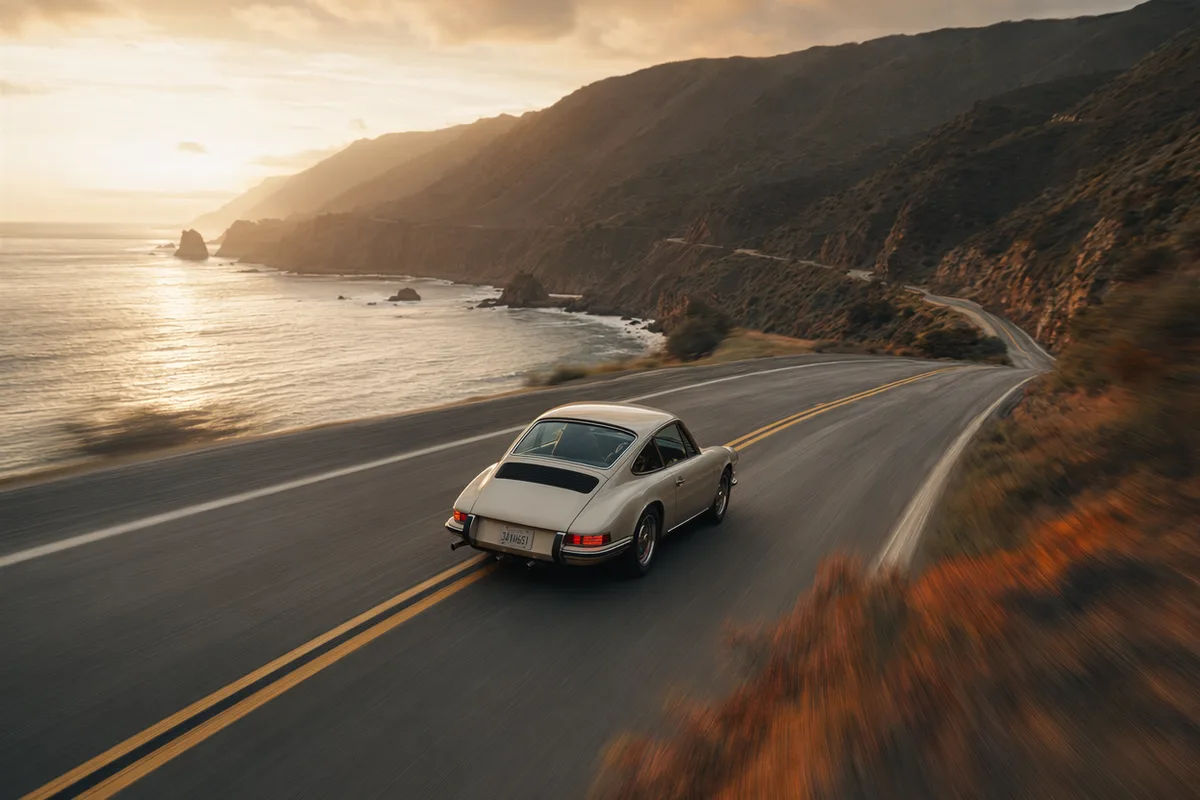
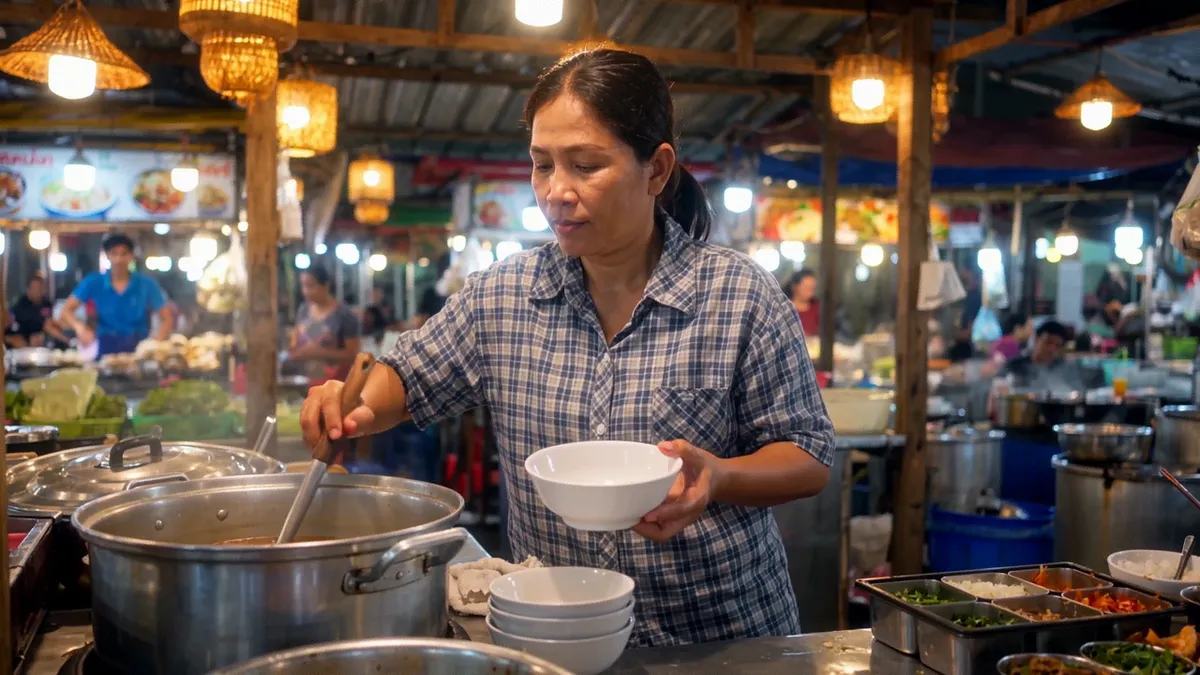
Frame from a real 20-second continuous Wan 3.0 take generated in this workspace

Up to 30 seconds in a single take

Most AI video models stop at 10 or 15 seconds; Wan 3.0 runs to 30 in one continuous generation. That is long enough for a full product walkthrough, a spoken scene, or a sequence of shots without stitching clips together afterwards. Pick any whole second from 2 to 30 — you pay per second, so a 6-second draft and a 30-second final are priced exactly in proportion.
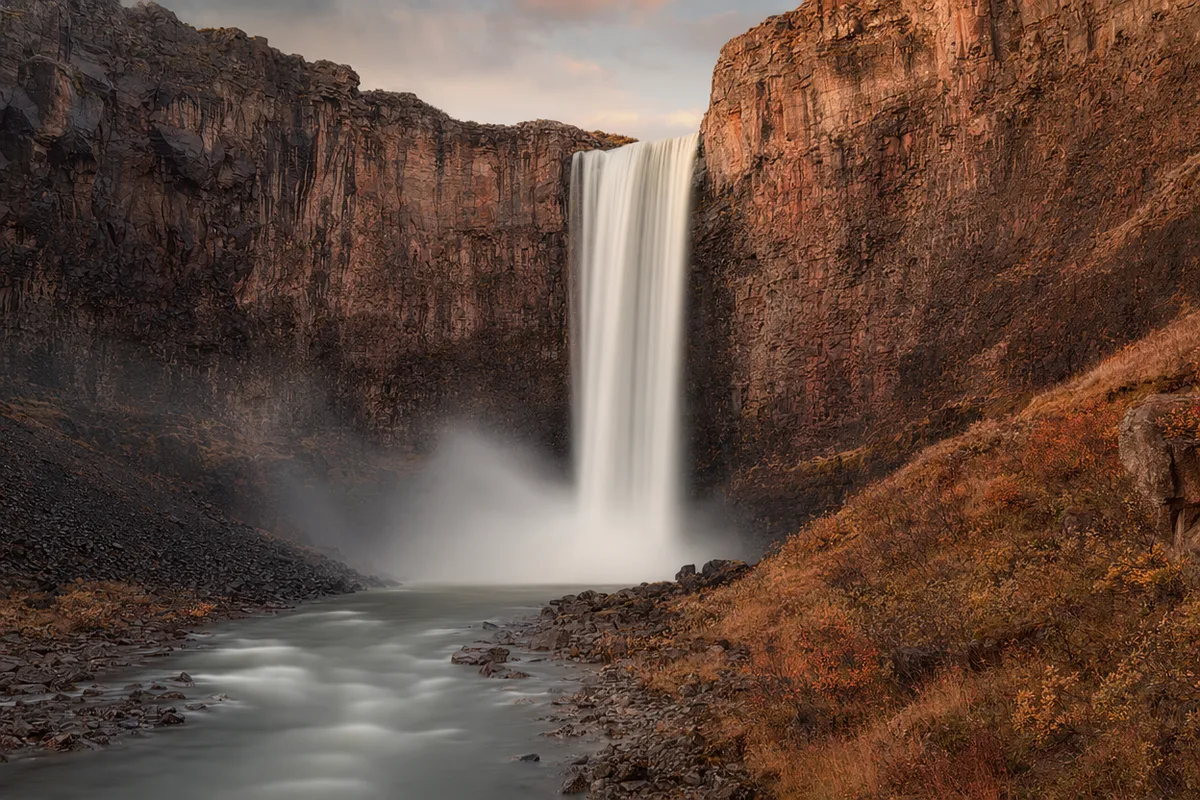
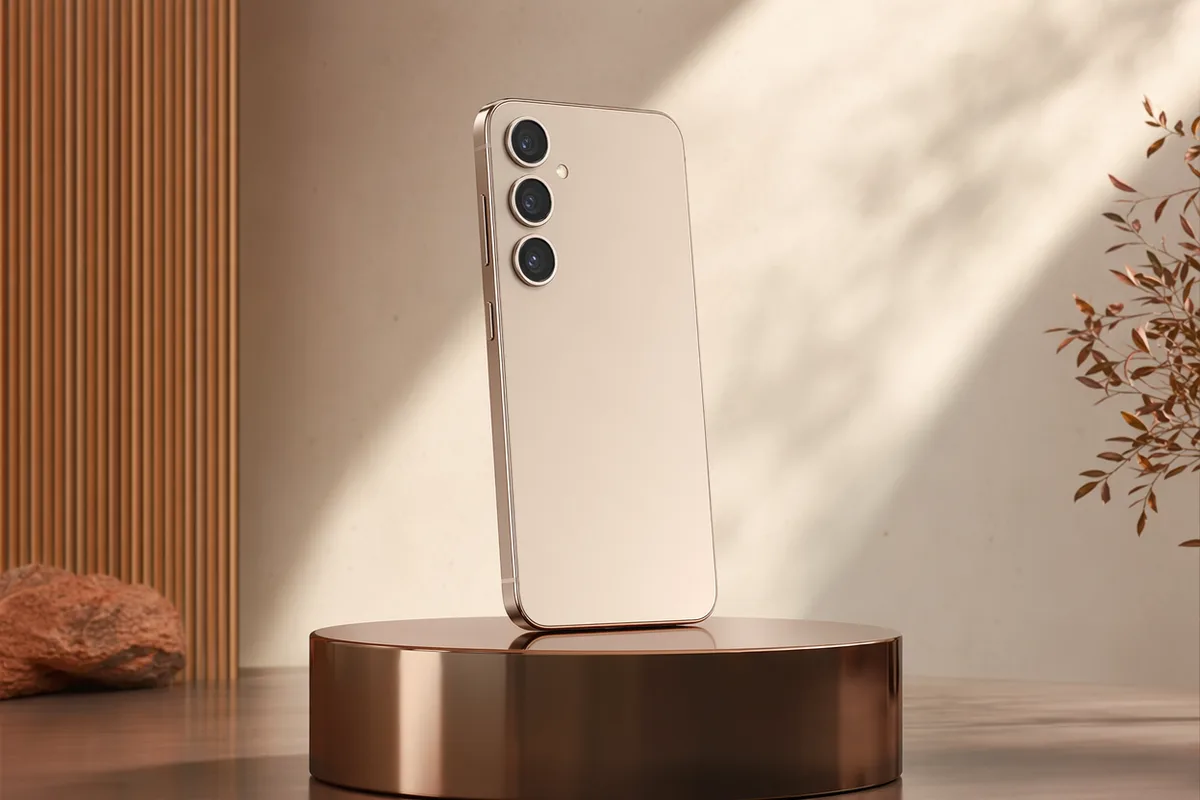
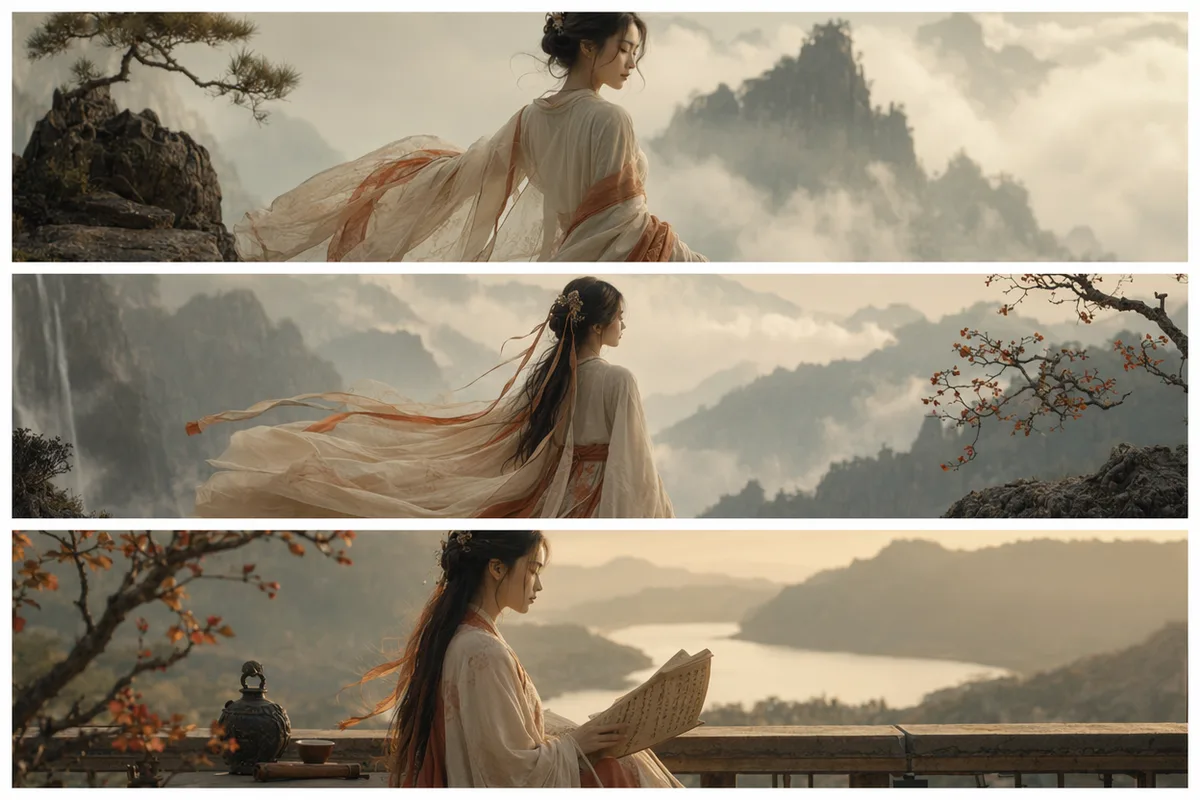
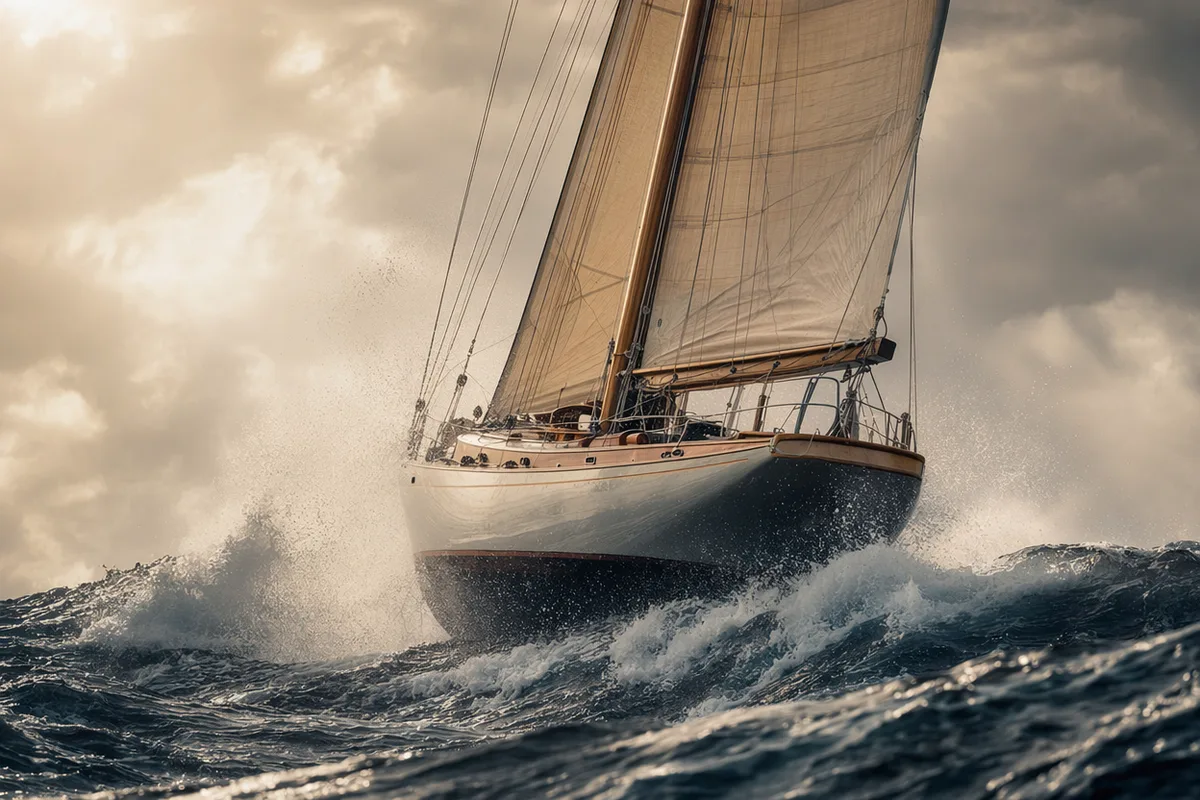
First and last frame video interpolation example

First-and-last-frame control

Image-to-video here goes beyond animating a single photo: upload a first frame and, optionally, a last frame, and Wan 3.0 interpolates the motion between your two fixed endpoints. It is the only model in the comparison further down this page that accepts a last frame — the difference between "start from this image" and "get from exactly this image to exactly that one".

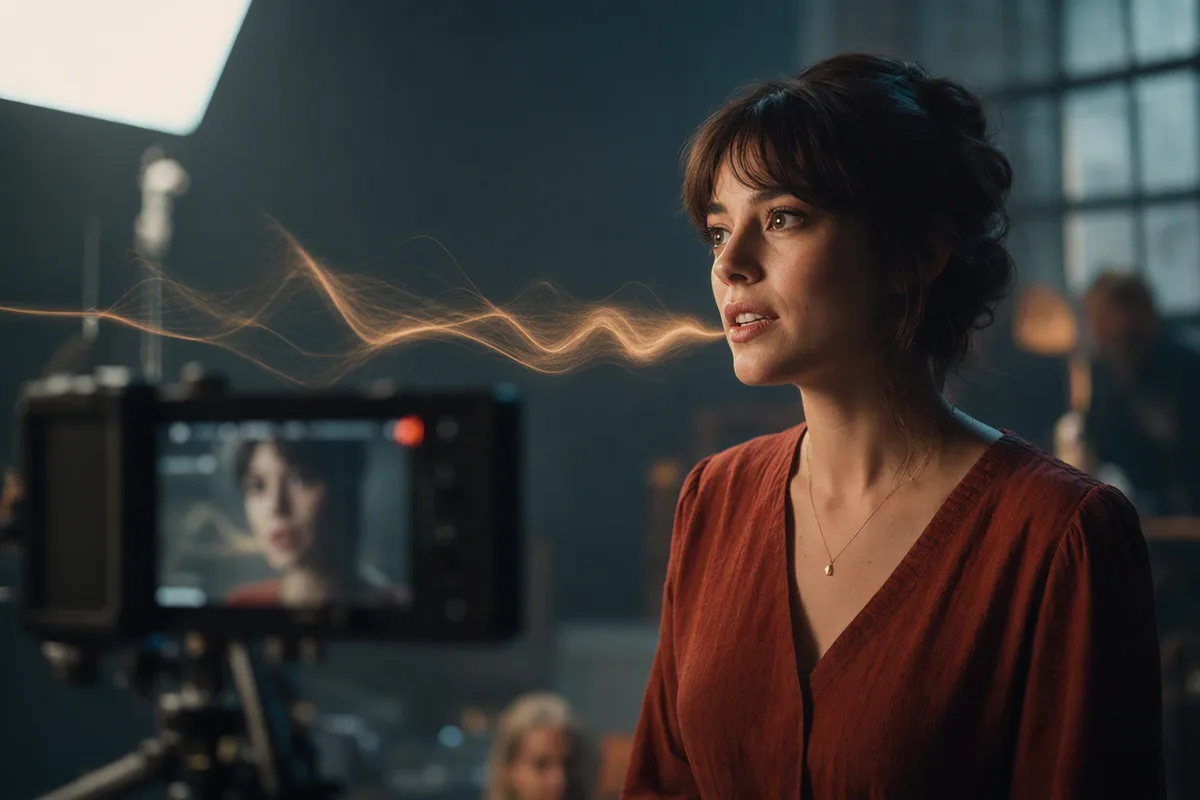
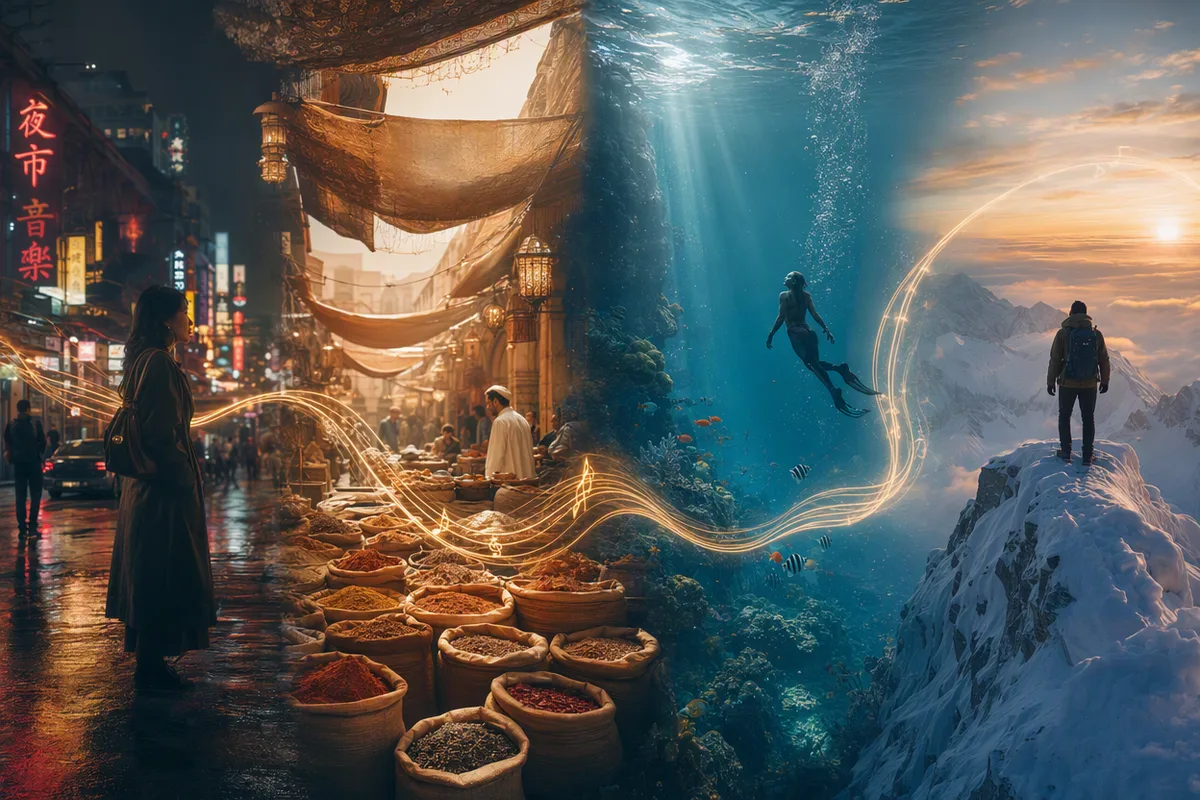
Multimodal reference material driving an AI video generation

One reference request: images, video, and audio together

Reference-to-video accepts mixed material in one request — up to 10 images, 5 short video clips, and 5 audio tracks — and the prompt addresses each by number: "the character from Image 1, moving like Video 1, scored like Audio 1". Reference images and audio are free; reference video seconds are added to the billed duration, and the cost shows before you generate.

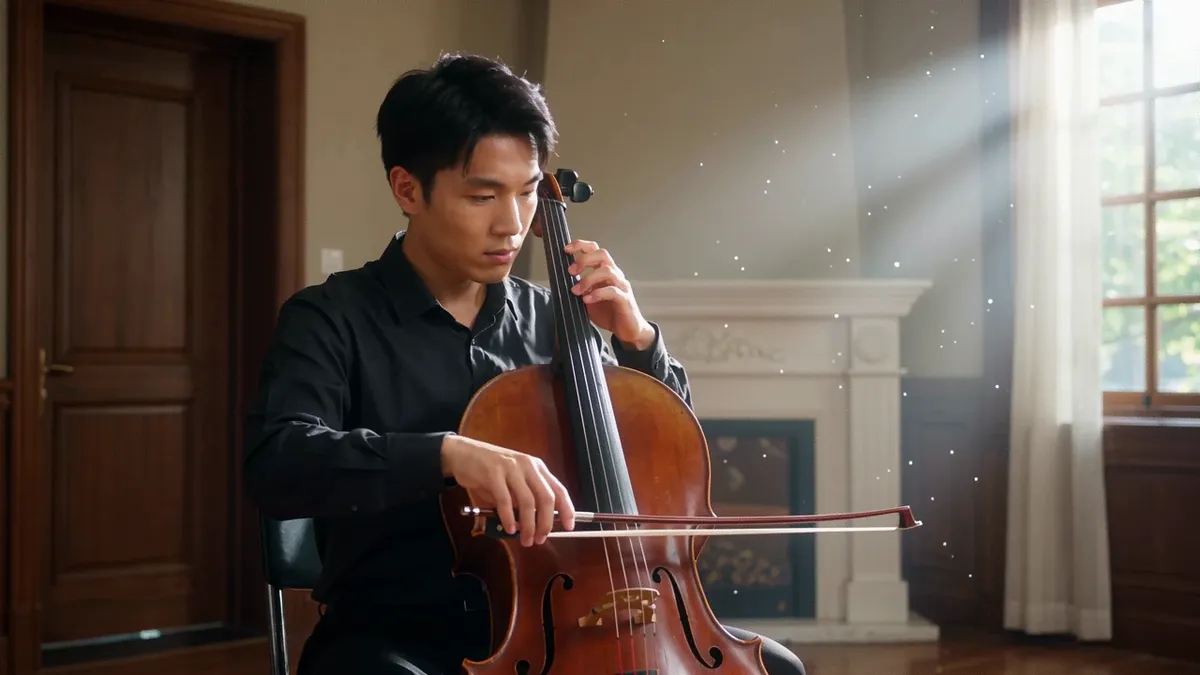
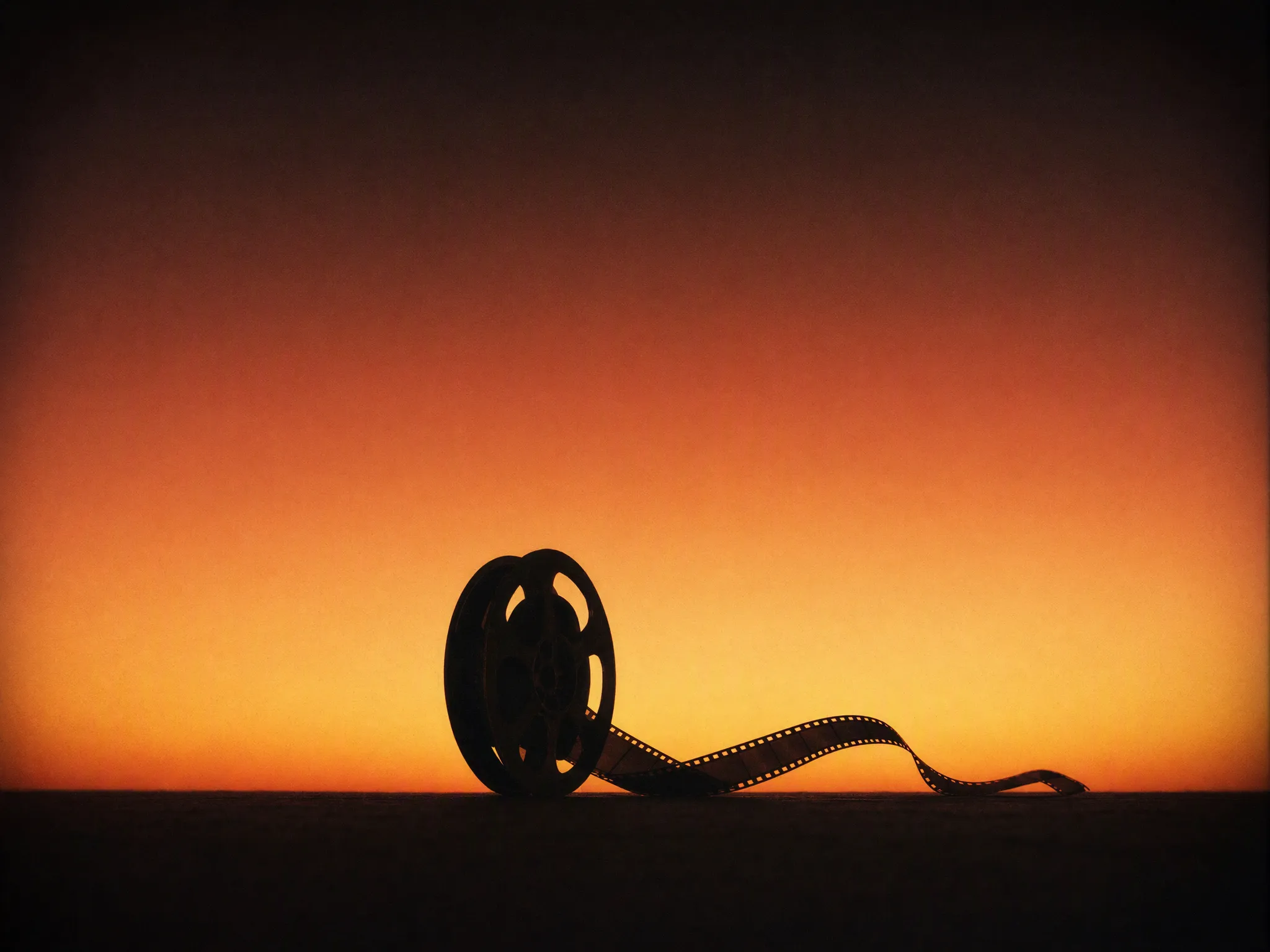
Frame from a real Wan 3.0 clip with native cello audio generated in this workspace

Native audio and a 480p budget tier

Audio — voices, effects, ambience — is generated with the clip, and turning it off costs the same, so there is never a surcharge for sound. Three resolutions bill in clean proportion: 480p at 40 credits per second for drafts, 720p at 80, and 1080p at 160 for finals. Iterating at 480p and finishing at 1080p keeps a 30-second production affordable.

Real Wan 3.0 clips from this workspace

Generated here on 26 August 2026, first take, exact prompts and settings shown. The 20-second clip exists to prove the long-take claim above — one generation, no cuts, no stitching.

Prompt720p · 16:9 · 20s · generated in 7m 32s

One continuous handheld shot following a food vendor through a night market: she ladles broth at her stall, hands a bowl to a customer, wipes the counter, then looks up smiling as lanterns sway overhead, ambient market chatter and sizzling sounds throughout, no cuts.

Prompt720p · 16:9 · 5s · generated in 3m 33s

A cellist practicing alone in a sunlit rehearsal room, bow moving across the strings, warm resonant cello notes filling the space, dust motes in the light, slow push-in.

Who Wan 3.0 is for

It is the long-form and precision model of this group: the 30-second ceiling, the only last-frame control, and the widest reference toolbox.

  • Anyone whose story does not fit in 10 seconds

    Product walkthroughs, spoken scenes, and multi-beat sequences run to 30 seconds in one generation — no stitching, no continuity seams between clips, and the audio track spans the whole take.

  • Shots that must start and end exactly somewhere

    The first-and-last-frame mode takes two images and interpolates the motion between them — a transformation, a reveal, a camera move that has to land on a specific composition. No other model on this page accepts a last frame.

  • Creators directing with material, not just words

    Feed it the character from one image, the motion style of a video clip, and a music track, and address each by number in the prompt. Ten images, five clips, and five audio tracks can shape a single generation.

  • Drafting cheap, finishing clean

    The 480p tier bills at a quarter of the 1080p rate with identical prompt behaviour, so you can iterate a 30-second cut at 1,200 credits and render the final at 4,800 only once it is right.

  • Not for: 4K finals or hands-off clip length

    1080p is the ceiling — a 4K deliverable belongs to Kling 3.0. And the upstream smart-duration mode is not wired up here, so you always choose an explicit length between 2 and 30 seconds.

Wan 3.0 against the video models nearest to it

Same workspace, same credit pool — switching between any of these is one click.

Wan 3.0Wan 2.7MiniMax H3Kling 3.0
Resolutions480p · 720p · 1080p720p · 1080p768p · 2K720p · 1080p · 4K
Clip length2–30s, any whole second2–15s, any whole second4–15s, any whole second3–15s, any whole second
How it is billedPer second of output; reference video seconds addedPer second of outputPer second of output; reference video seconds addedPer second of output
SoundNative, on by default — on and off cost the sameNative, always on, no toggleNative, always on, no toggleOptional toggle, off by default
Credits per second, budget tier40 at 480pNot offered — 720p is the floor55 at 768p45 at 720p, silent
Credits per second, 1080p16070Not offered — its top tier is 2K at 9060 silent · 85 with sound
Credits for a 6-second 1080p clip960420Not offered at 1080p360 silent · 510 with sound
Credits for one clip, floor to ceiling80–4,80080–1,050220–2,820135–3,000
Image-to-videoFirst frame + optional last frameFirst frame onlyFirst frame onlyFirst frame only
Reference materialUp to 10 images + 5 videos + 5 audio tracks, cited as Image 1 / Video 1 / Audio 1Up to 5 images, cited as Image 1, Image 2 …Up to 9 images + 3 videos + 3 audio tracksNone — the single image is the first frame
Aspect ratios5 — 16:9, 9:16, 1:1, 4:3, 3:45 — 16:9, 9:16, 1:1, 4:3, 3:46 — 16:9 through 21:93 — 16:9, 9:16, 1:1
Speed we measured ourselves3m 33s for 5s and 7m 32s for 20s, both 720p (2 clips, August 2026)Not measuredNot measuredNot measured

Every resolution, clip length and credit figure in this table is read from our own model registry and the rate tables in our code on 26 August 2026 — the same tables that price your generations, not vendor marketing pages. All four models bill per second, so per-clip figures are the rate multiplied by the length you choose; Wan 3.0 and MiniMax H3 additionally count reference video seconds toward billing. The only speed numbers are the two Wan 3.0 clips we generated and timed ourselves; every other cell says Not measured rather than borrowing a number.

More Video Models Like Wan 3.0

Compare Wan 3.0 with other video models — same workspace, one click to switch.

Wan 3.0 specs on CreateVision AI

Modelwan-3.0 (Tongyi Wanxiang 3.0), by Alibaba — served on the alibaba/wan-3.0 endpoint
ModesText-to-video, image-to-video with first-and-last-frame control, and reference-to-video with mixed image, video, and audio material
Resolution480p, 720p and 1080p — billed in 1x / 2x / 4x proportion
Duration2–30 seconds, any whole second (5 by default) — the longest range on this platform
Aspect ratios16:9, 9:16, 1:1, 4:3 and 3:4 for text- and reference-to-video; image-to-video follows the first frame
Reference assetsUp to 10 images, 5 video clips (15 seconds combined), and 5 audio tracks, cited in the prompt as Image 1, Video 1, Audio 1
First / last frameImage-to-video accepts a strict first frame and an optional last frame; frames and reference material are mutually exclusive upstream
SoundNative — voices, effects and ambience generated with the clip; sound on and off cost the same
CreditsPer second of output: 40 at 480p, 80 at 720p, 160 at 1080p — the same rate across all three modes
Reference video billingReference video seconds are added to the billed duration; reference images and audio are free
Credit range per clip80 for a 2-second 480p clip, up to 4,800 for a 30-second 1080p clip (plus any reference video seconds)
CancellationFailed generations refund automatically
Measured speed3m 33s for a 5-second 720p clip and 7m 32s for a 20-second 720p clip (2 clips, 26 August 2026)

How to Use Wan 3.0

Three steps from a blank prompt box to a finished clip.

Start Generating Videos
  1. Select Wan 3.0

    Open the model picker and choose Wan 3.0. The panel shows its credit cost, resolution options, and duration limits before you spend anything.

  2. Describe what you want

    Write the subject, the action, and how the camera behaves. Attach a first frame if you want the clip to start from a specific image.

  3. Generate, then keep going

    Download the clip, extend it, or send it through further editing. Prompt, model, and settings stay attached in your history.

Beyond Wan 3.0

One account, the full image and video generation workflow.

Wan 3.0 Pricing and Free Daily Credits

Run Wan 3.0 on the free tier's daily credits, or upgrade for premium models, faster generation, and 4K output.

Free

$0

Perfect for getting started

  • 200 welcome credits, up to 80/day
  • Z Image Turbo drafts at 0 credits
  • Standard generation speed
  • Generation history included
Get Started

Premium

Most popular
$29/month

Billed annually · $240/year

  • 8,000 credits/month, no daily limits
  • All premium models — GPT Image 2, Nano Banana, Seedream, Seedance, Veo, Kling
  • 5x generation speed, priority queue
  • AI prompt enhancement
Upgrade to Premium

Ultimate

$49/month

Billed annually · $380/year

  • 18,000 credits/month, no daily limits
  • HD generation up to 4K resolution
  • Priority support
  • Fastest queue and early access to new models
Upgrade to Ultimate

Wan 3.0 — Frequently Asked Questions

1

What is Wan 3.0 best at?

Long-form takes and controlled shots: clips up to 30 seconds with native audio, a first-and-last-frame mode that pins exactly where a shot starts and ends, and a reference mode that reads images, video, and audio together in one request.

2

How is Wan 3.0 priced on CreateVision AI?

Per second of output: 40 credits at 480p, 80 at 720p, 160 at 1080p — the same rate for text-, image-, and reference-to-video. Reference video seconds are added to the billed duration; reference images and audio are free. The exact cost shows before you generate, and failed runs refund automatically.

3

What modes does Wan 3.0 support?

Text-to-video from a prompt alone, image-to-video from a first frame (with an optional last frame), and reference-to-video with up to 10 images, 5 video clips, and 5 audio tracks cited in the prompt as Image 1, Video 1, Audio 1.

4

How long can Wan 3.0 videos be?

2 to 30 seconds, any whole second — the longest range of any video model on this platform. Sound is generated with the clip at every length.

5

How does Wan 3.0 compare to Wan 2.7?

Wan 3.0 doubles the length ceiling (30s vs 15s), adds a 480p budget tier and last-frame control, and extends references from 5 images to mixed image + video + audio material. Wan 2.7 remains the lower-rate pick at 720p (40 vs 80 credits per second) for shorter multi-shot work.

6

What happens if a generation fails?

Credits are refunded automatically for failed video generations — you only pay for clips that finish.

Direct your first 30-second take with Wan 3.0

Start Generating Videos

Discover our one-click AI video tools

One-click tools for everything around generation — polish, restyle, and share.

Pricing & Access — The FactsWan 3.0

Model
Wan 3.0
Developer
Alibaba
Access
Runs in the CreateVision AI workspace via API — sign in and generate. No API key, no cloud project, no software install.
Price per generation
From 200 credits ≈ $0.73 per 5-second clip on the Premium plan ($29/month for 8,000 credits). The free plan includes 80 credits every day.
Privacy
Private by default — no other user can see your generations, on any plan. We don't sell or misuse member data. Privacy Policy

What's newWan 3.0

  1. New

    Wan 3.0 (Alibaba Tongyi Wanxiang 3.0) integrated — clips up to 30 seconds with native audio, first-and-last-frame control, and reference-to-video that reads up to 10 images, 5 video clips and 5 audio tracks in one request. 480p/720p/1080p at 40/80/160 credits per second.