AI Polaroid Generator
Turn 1–3 photos into a real-looking instant-film print
Tap to uploadDrop image or click
JPG · PNG · WebP
Preview Examples
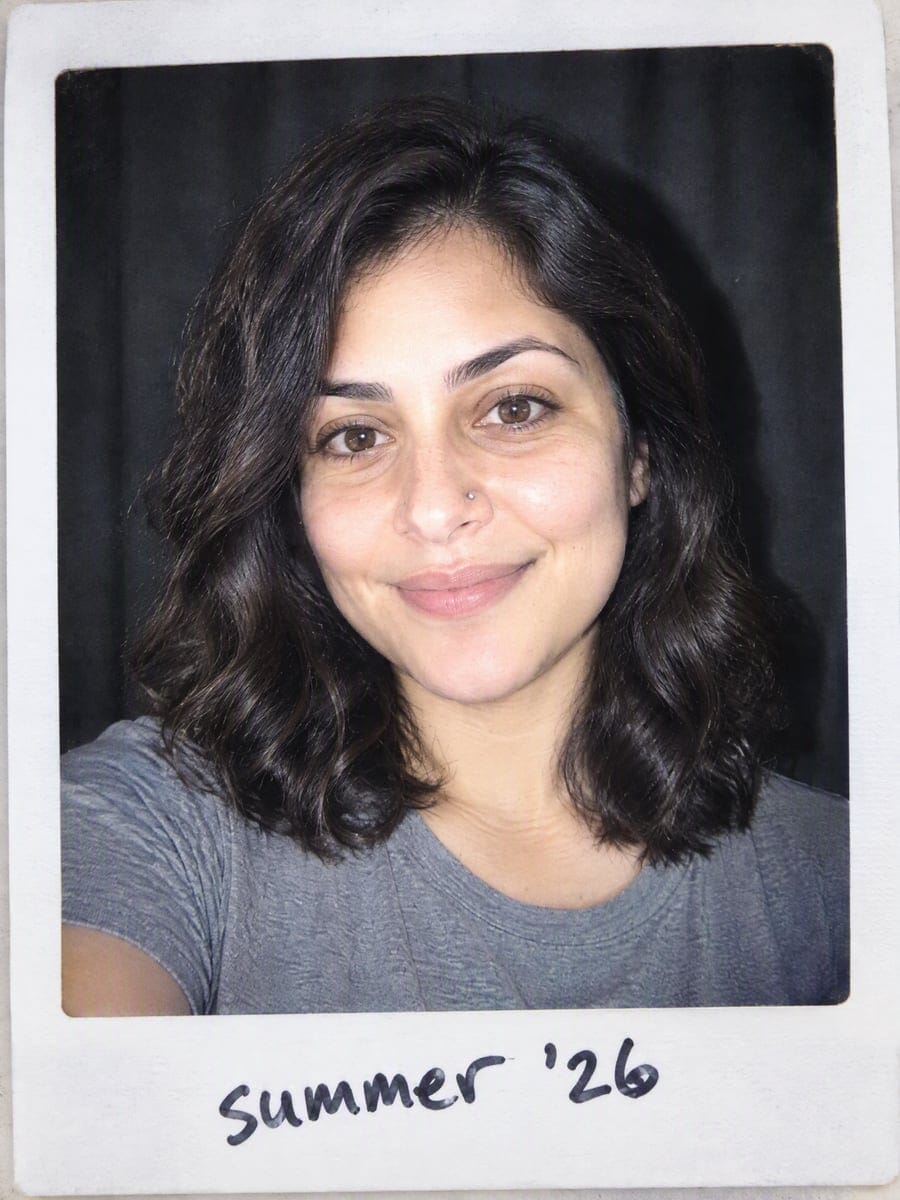
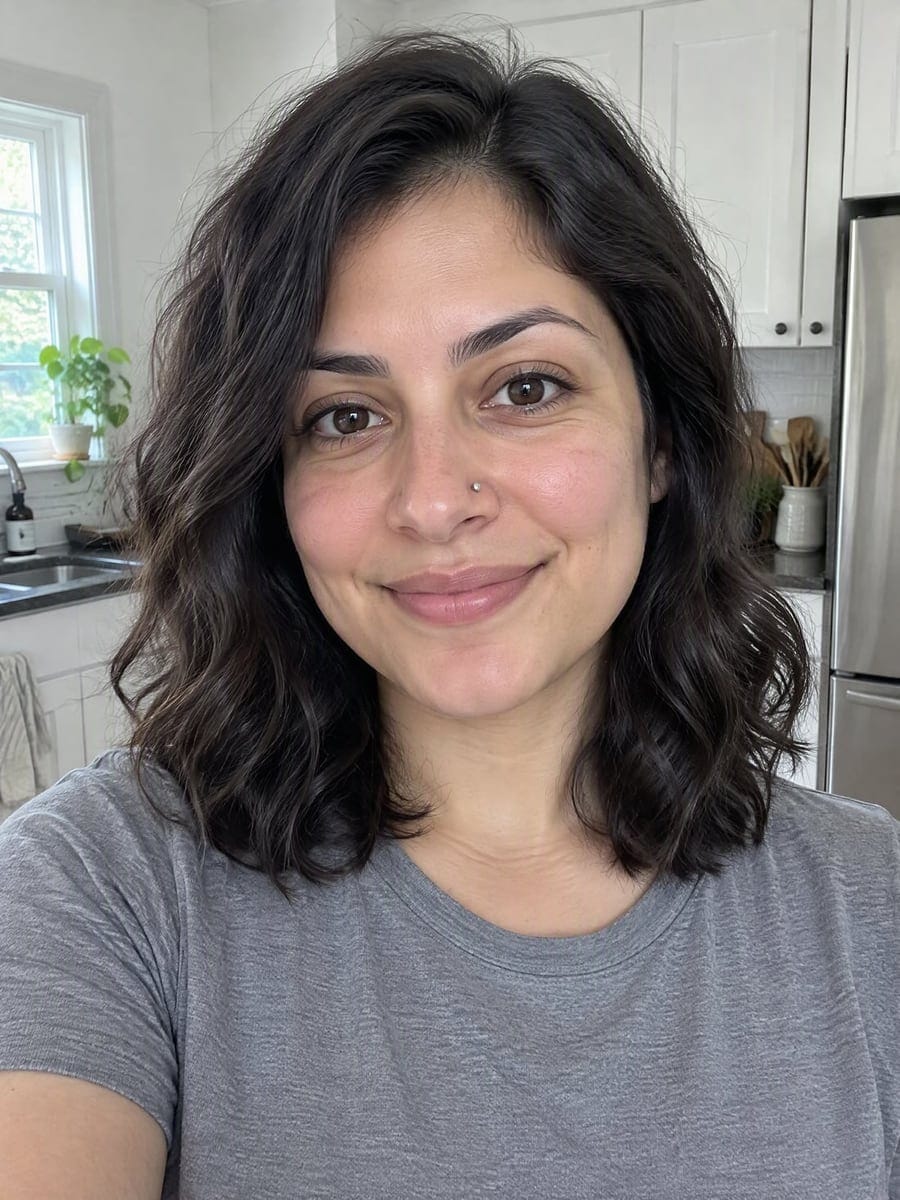
Drag the slider to compare
What is AI Polaroid Generator?
AI Polaroid Generator is an AI-powered tool that transforms your photos into professional results instantly.
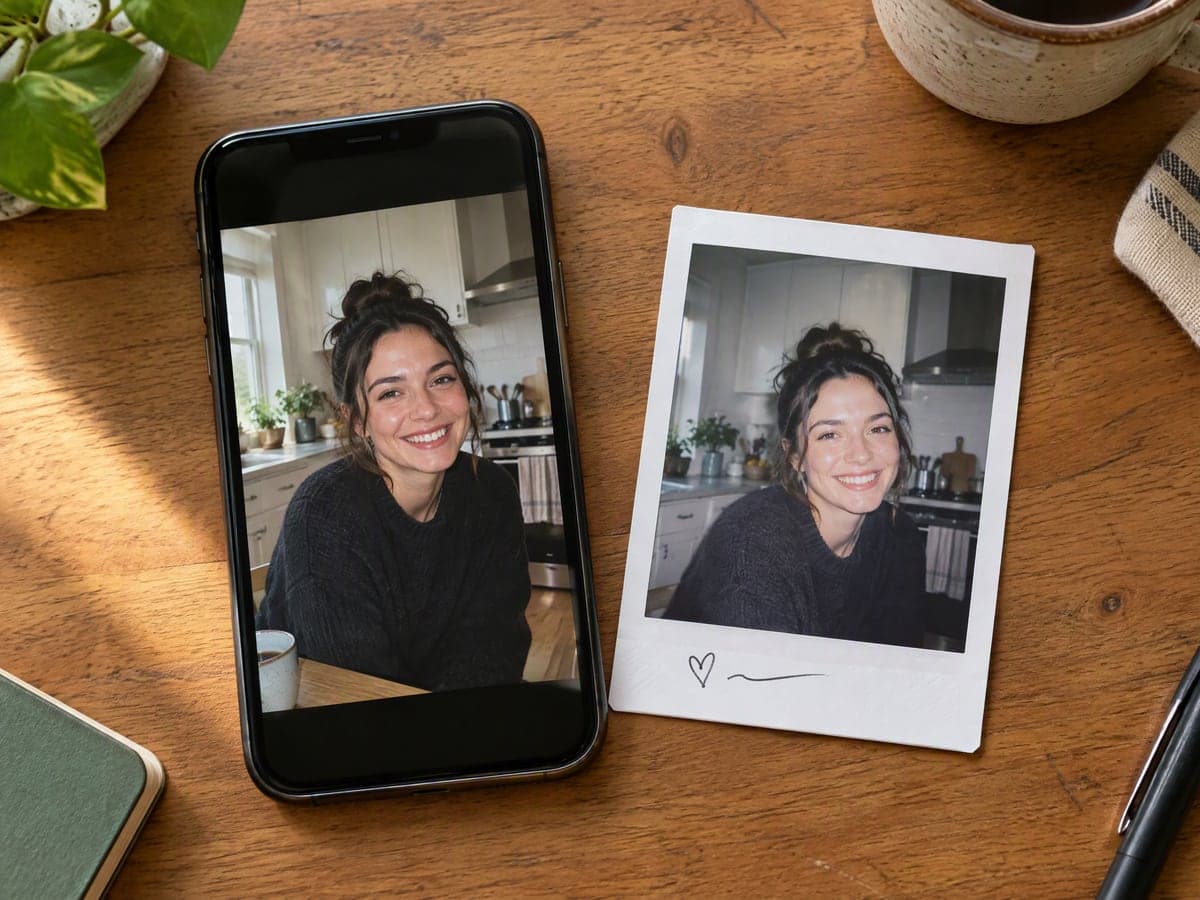
Why Our AI Polaroid Generator Still Looks Like You
Professional quality, privacy protected, instant results
It Still Looks Like You
Faces, hair, skin and build are locked before anything else is rendered. The trend only works when the person in the print is clearly you.
Real Instant Film, Not a Filter
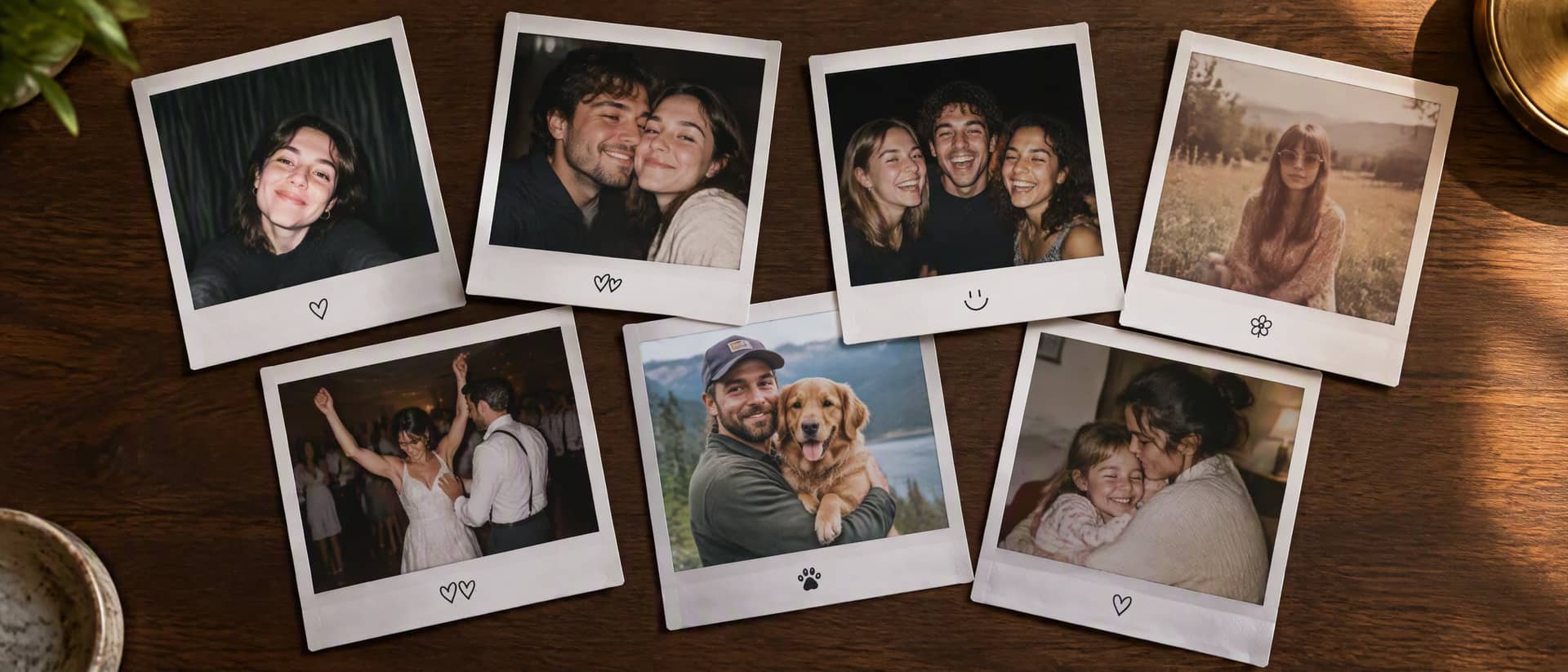
You get the white frame with a wider bottom border, direct flash, soft vignette, faint grain and the color cast of instant film.
Frame Your Photo for 0 Credits
Frame mode drops your own photo into a classic, Instax mini or photo-strip frame in your browser. No AI, no sign-in, and nothing is uploaded.
See What You Can Create With AI Polaroid
Perfect for various professional scenarios, instant and secure
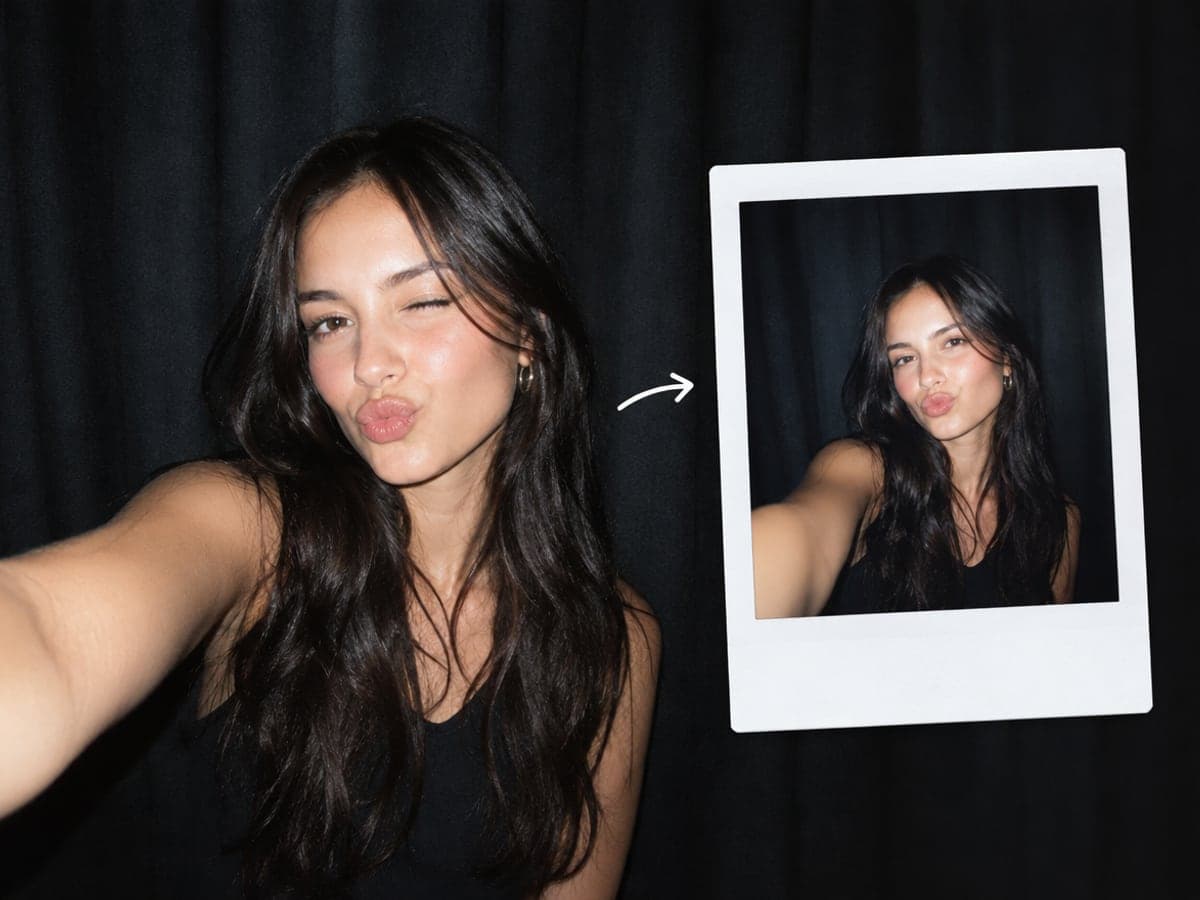
Do the AI Polaroid Trend in One Click
The flash selfie in front of a dark curtain is the look everyone is posting. Upload one photo and pick Flash Selfie. The prompt, frame and flash are handled for you. Try time travel photos
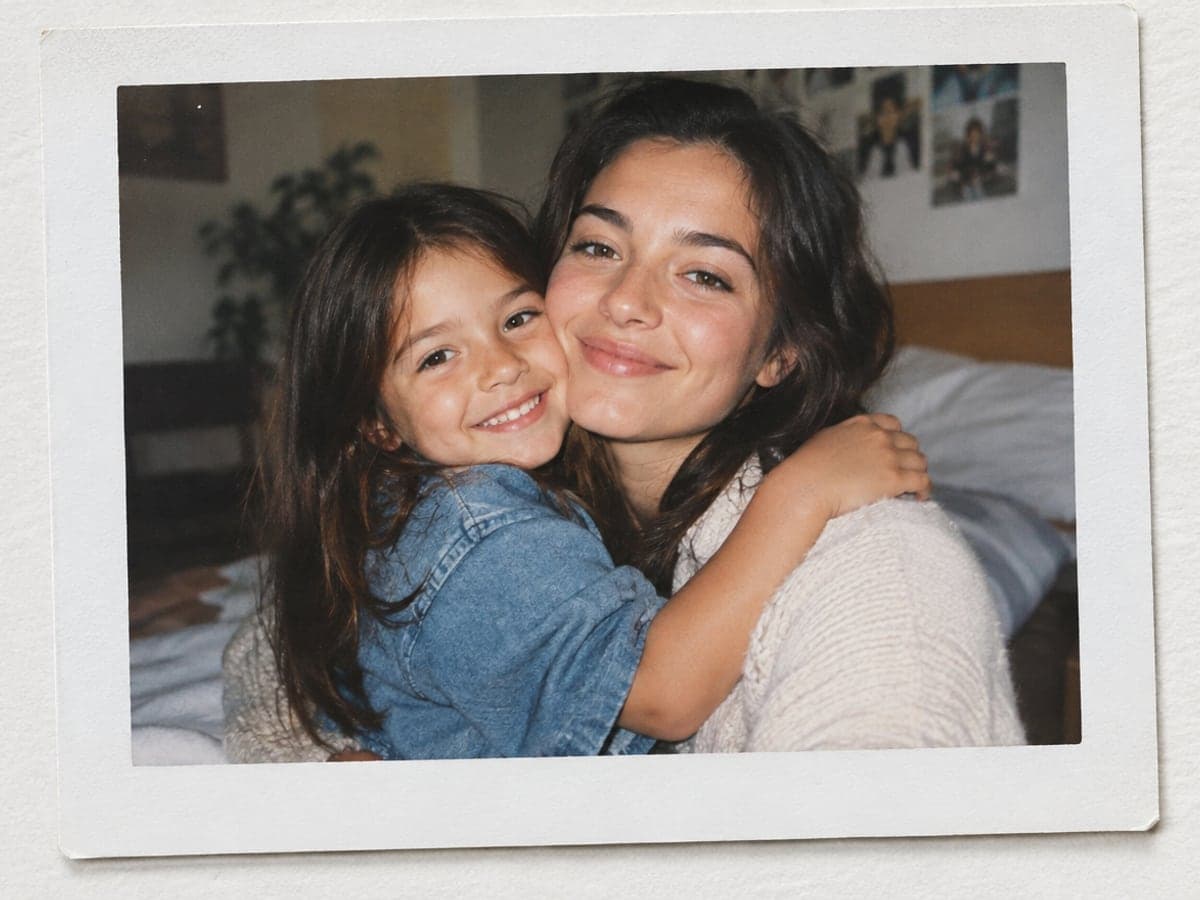
Hug Your Younger Self in One Print
Upload a photo of you today and, if you have one, a childhood photo. The generator puts both of you in one instant print, arms around each other. See yourself older
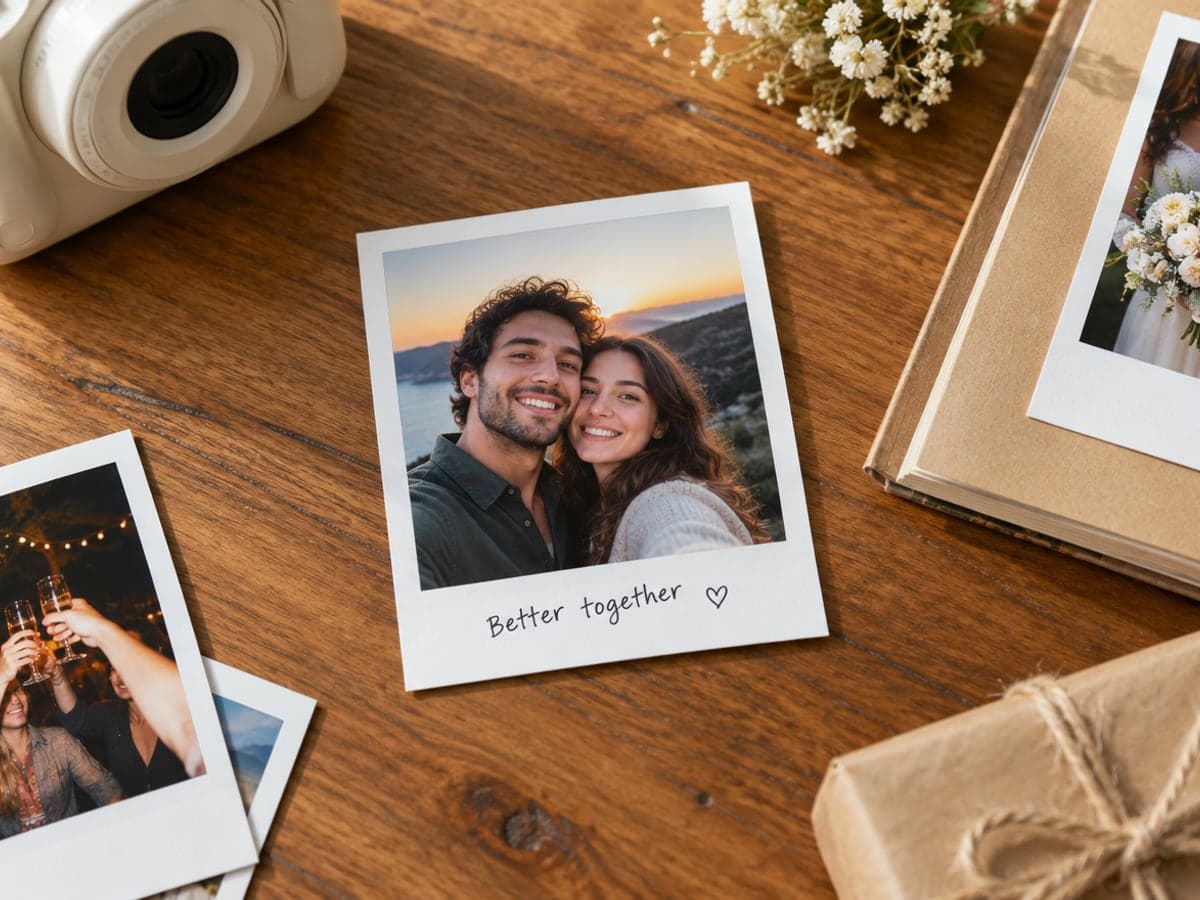
Print Polaroid Pictures for a Wall or Gift
Turn a couple photo, a night out or a wedding into instant prints with a handwritten caption. Download a 300 DPI file and print it for a wall, scrapbook or card. Make a couple photo
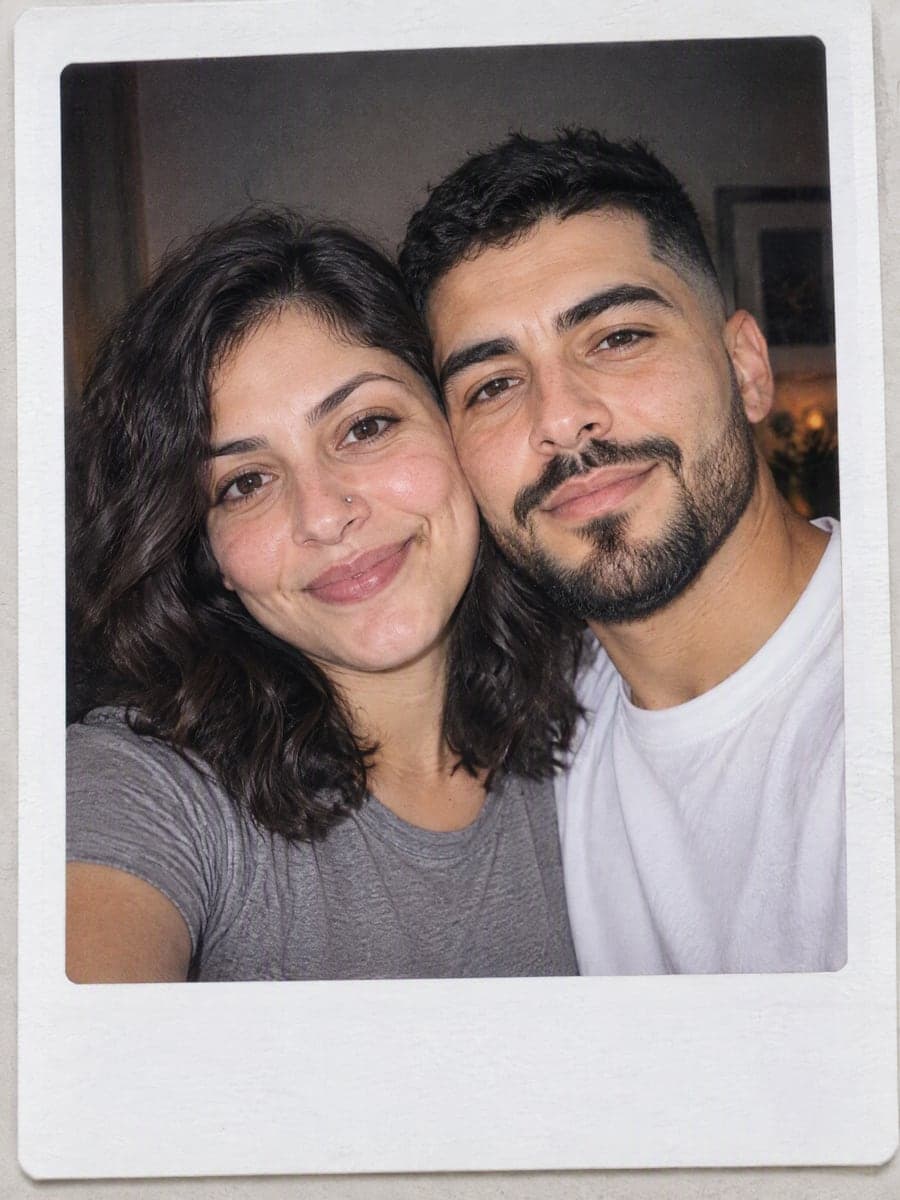
Put Up to Three People in One Polaroid
Upload each person in their own slot and pick Couple or Friends. Each face stays recognizable, and everyone lands together in one instant photo with matching flash. Change your outfit
Who Uses AI Polaroid Generator
Four ways people use it every week
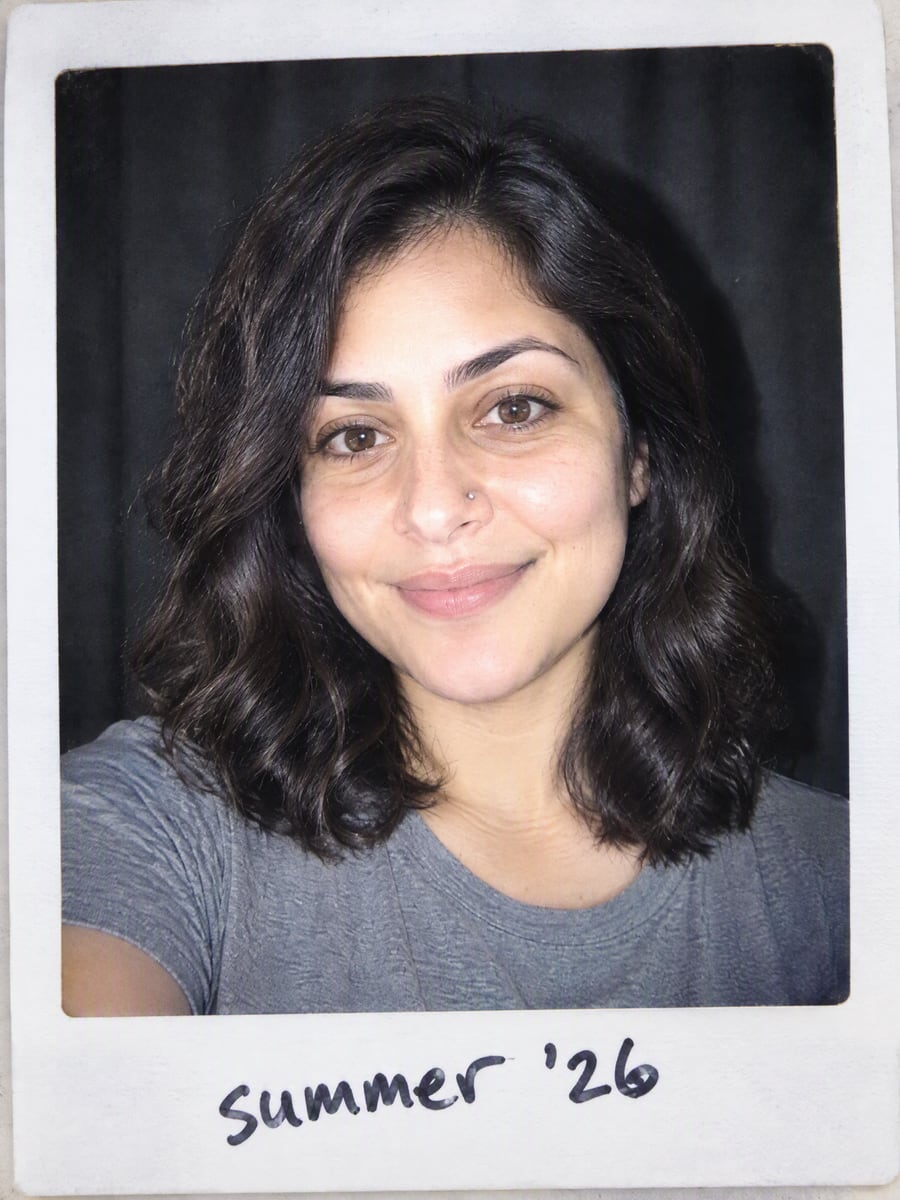
Post the flash selfie polaroid in minutes
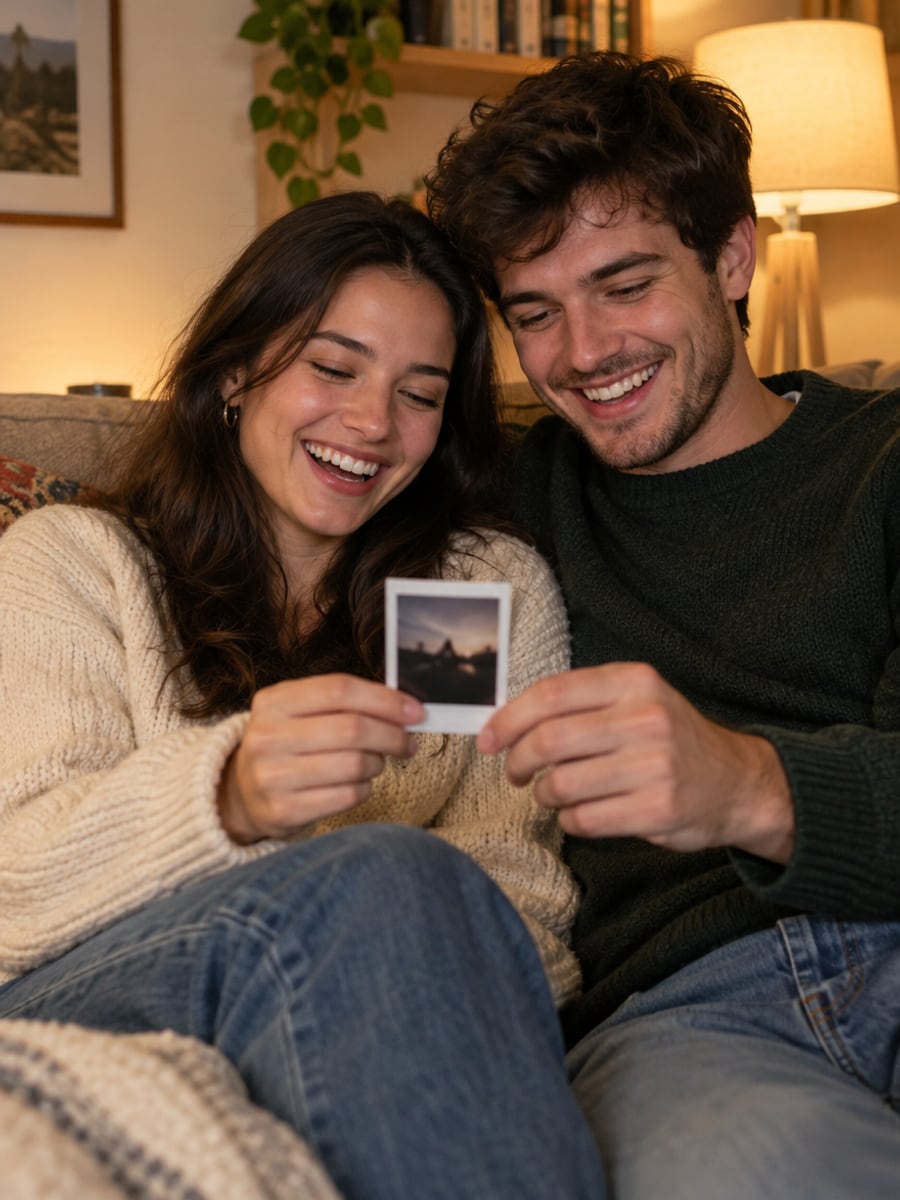
Turn your favorite couple photo into a keepsake print
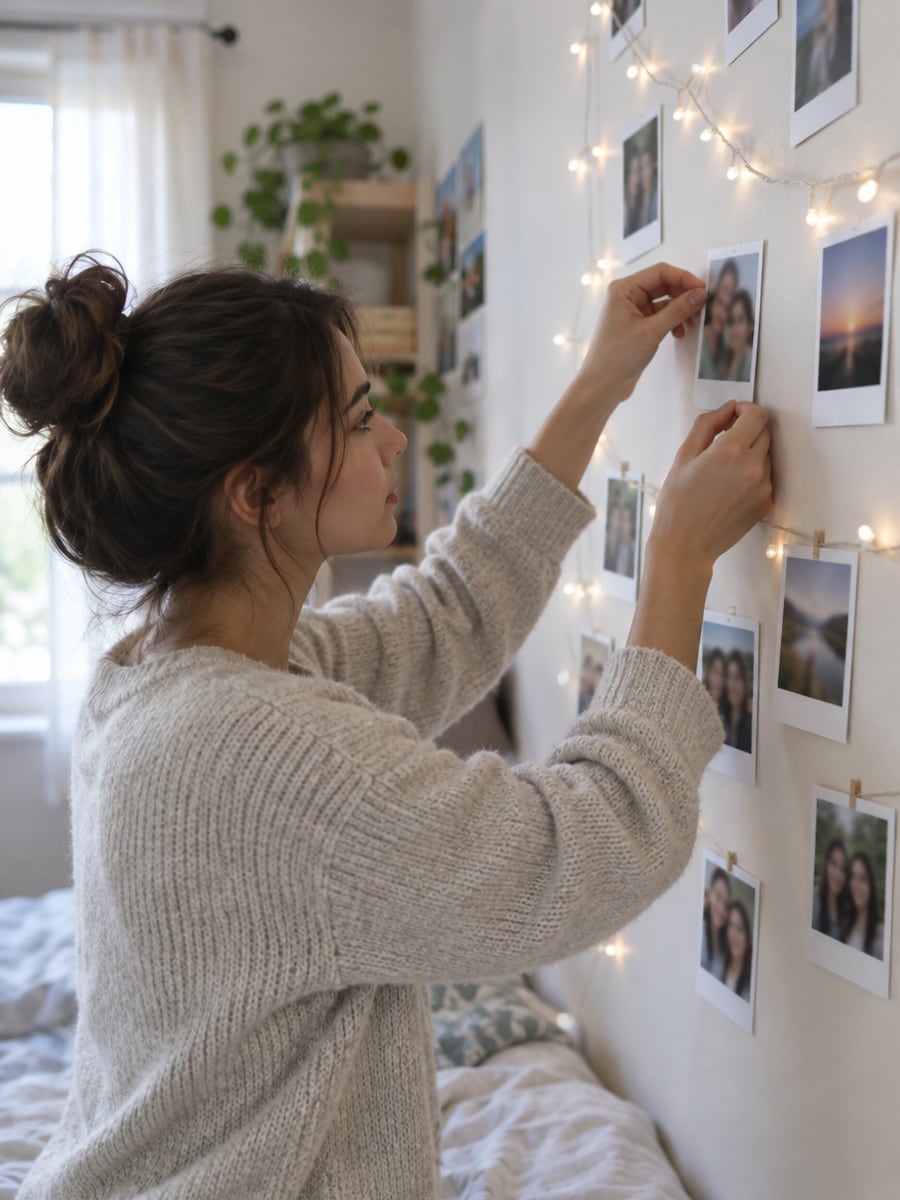
Print a photo wall without an instant camera
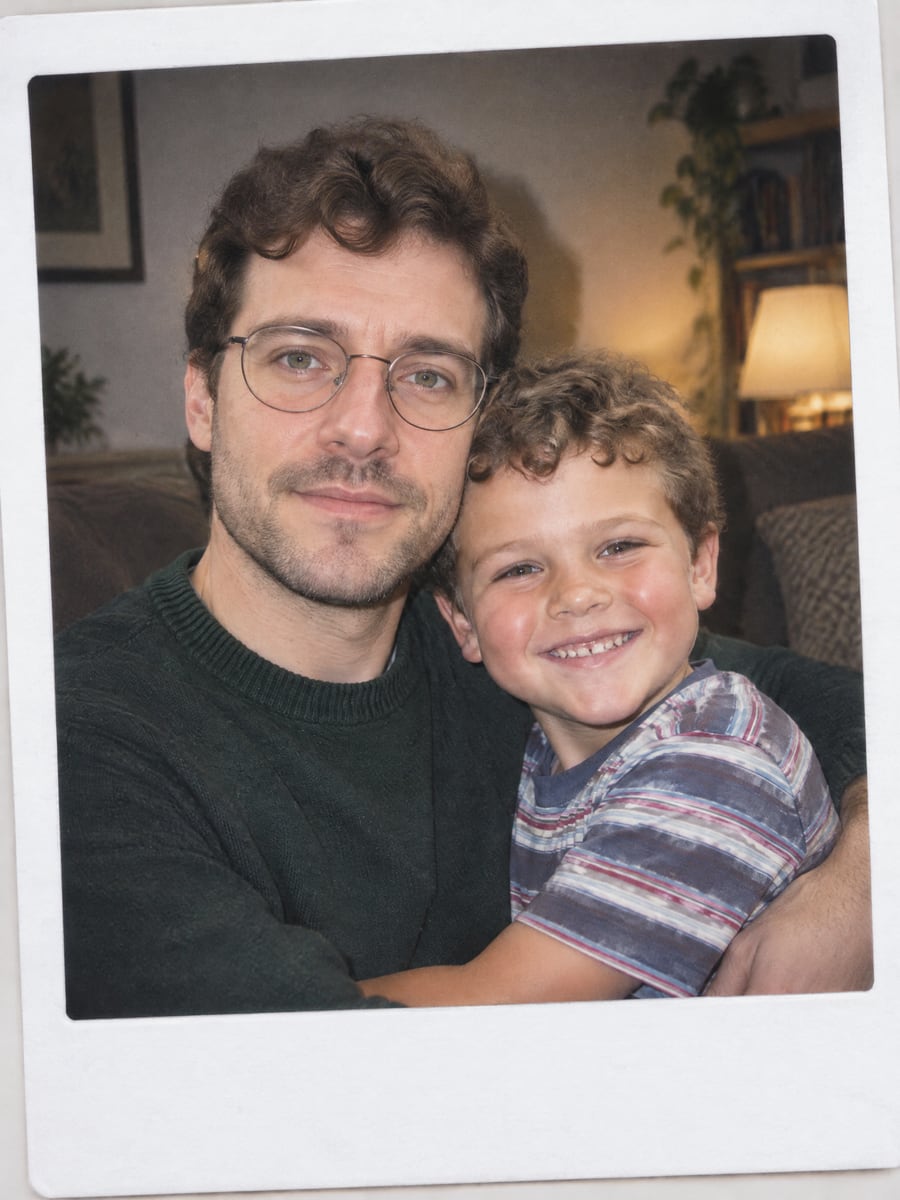
Stand beside your younger self in one photo
How to Create Polaroid Pictures with CreateVision
Upload your photo, select a style, and download your professional result instantly
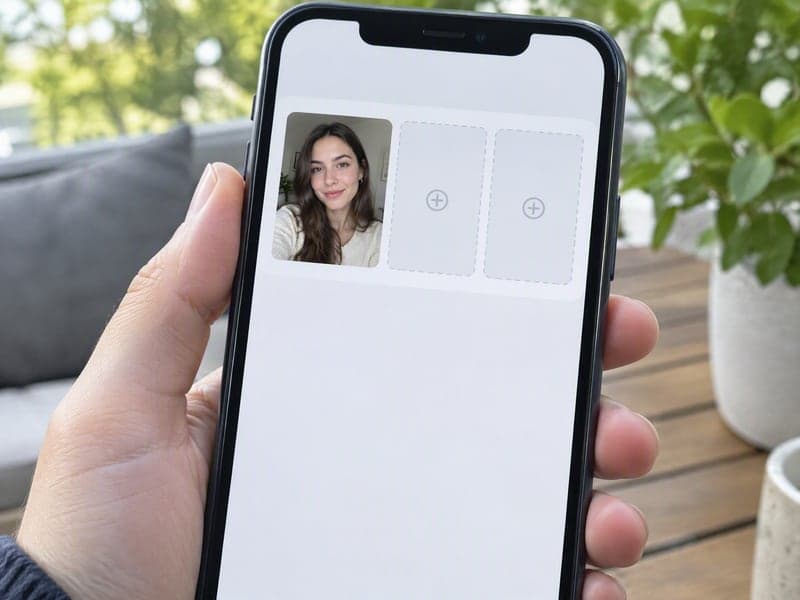
Upload 1–3 Photos
A clear photo of you is enough. Add a second and third person for a couple or friends polaroid, or a childhood photo for the younger-self style.
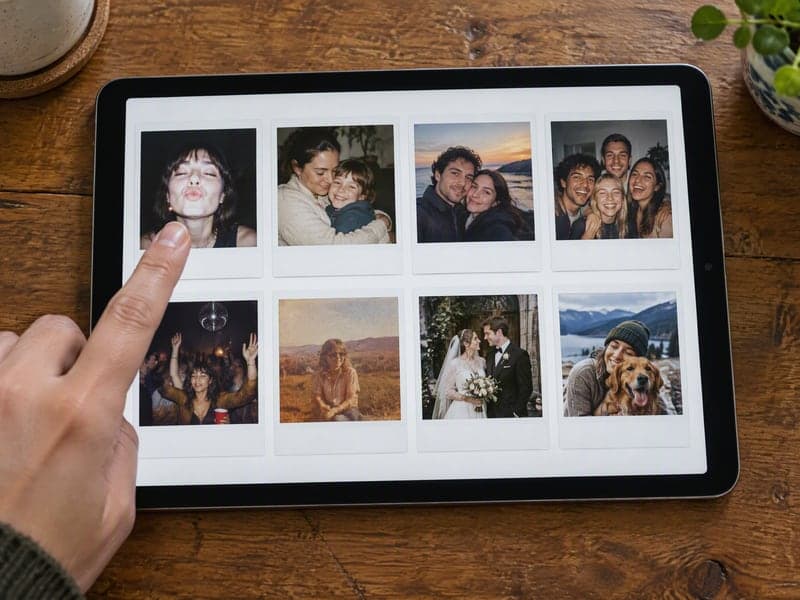
Pick a Style
Flash selfie, younger self, couple, friends, 90s party, faded 70s, wedding or pet. Add a caption in quotes if you want it handwritten on the border.
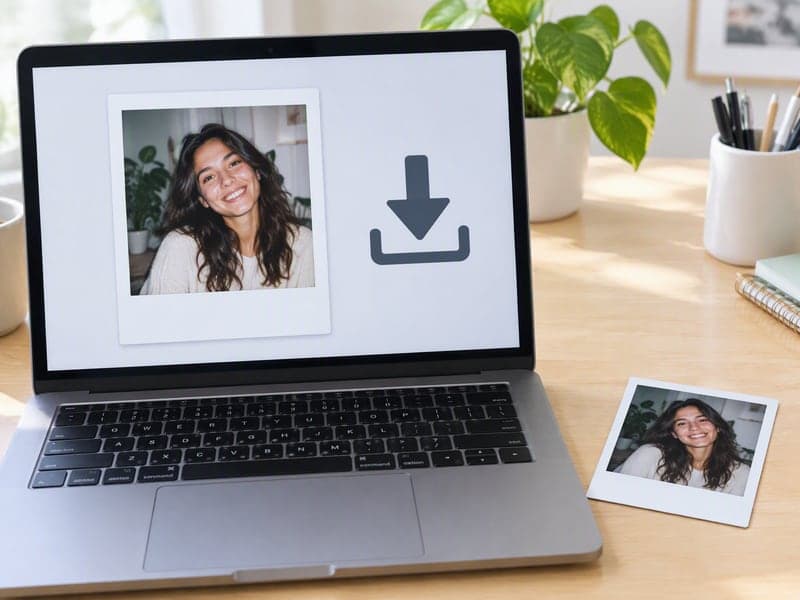
Download Your Polaroid
Compare it with the original using the slider, then download at full resolution. Print it, post it, or run another style.
The All-in-One AI Creation Platform
One account for images, videos, an AI agent that works for you, expert AI mentors and 80+ ready-made tools.

AI Image & Video Generator
Every leading model in one workspace: Seedream, Nano Banana, GPT Image, Seedance, Veo and more.
Open
Ava, your AI creative agent
Describe what you need and Ava plans, generates and iterates for you.
Open
80+ AI tools
One-click tools for photos, videos, cards, portraits and viral trends.
Open
Template library
Thousands of ready prompts and styles to start from.
Open
Studios
Portrait, marketing, poster and cinema studios for finished work, not single shots.
Open
AI model library
Compare and pick the right image or video model for every job.
Open
AI mentors
Learn from expert mentors in photography, design and video, then create with their guidance.
Open190K+ creators
Using CreateVision to create and share
AI Polaroid Generator FAQs
It turns one to three ordinary photos into a print that looks like real instant film. You pick a style, such as flash selfie, younger self, couple, friends, 70s, wedding or pet, and the generator adds the white frame, flash, grain and color cast. The people in the print keep their own faces.
CreateVision's AI Polaroid Generator locks faces, hair and skin before rendering, so the result still looks like you. It takes up to three people in one print, writes your caption by hand on the border, and exports print-ready 300 DPI files at true film size. It also has a frame mode that costs 0 credits for photos you already like.
Upload one clear photo of yourself, choose the Flash Selfie style and generate. That style is the viral look: a close-up taken with a harsh on-camera flash in front of a dark curtain, printed as an instant photo with a white frame. Add a caption in quotes, for example "summer '26", and it is handwritten on the bottom border.
Yes. Every result downloads as a print-ready PNG with 300 DPI written into the file, so a print shop opens it at the right size. Export one print at true film size (classic polaroid 3.5 × 4.2 in, Instax mini 54 × 86 mm, photo strip 2 × 6 in) or a ready-to-cut sheet. Four classic polaroids or ten Instax minis fit an A4 page, and two photo strips fit a 4 × 6 print.
Each AI polaroid costs 50 credits with the default Identity engine or 60 with Natural. You can start with 200 free credits from Google sign-up. Frame mode costs 0 credits and needs no account. Free accounts download with a small CreateVision mark, and subscribers and credit-pack buyers can turn it off.
Uploaded photos are deleted automatically within 24 hours, and generated results stay in your history for 30 days before being removed. Your images are processed by the AI model provider that generates your result. They are never sold, published, or used to train any model.
The generator works best with a clear, front-facing or three-quarter photo where the face is well lit and not covered. Very small faces in wide group shots, heavy filters and motion blur give weaker results. If a print is off, upload a sharper photo, try another engine, or run the style again.
Create Your AI Polaroid Pictures Today
Upload one to three photos, pick an instant-film style and add a caption in handwriting.
Related Tools You Might Like
Explore more AI creative tools