AI Album Cover Generator
Artist name + title + genre → a square album cover with real typography
Tap to uploadDrop image or click
JPG · PNG · WebP
Preview Examples

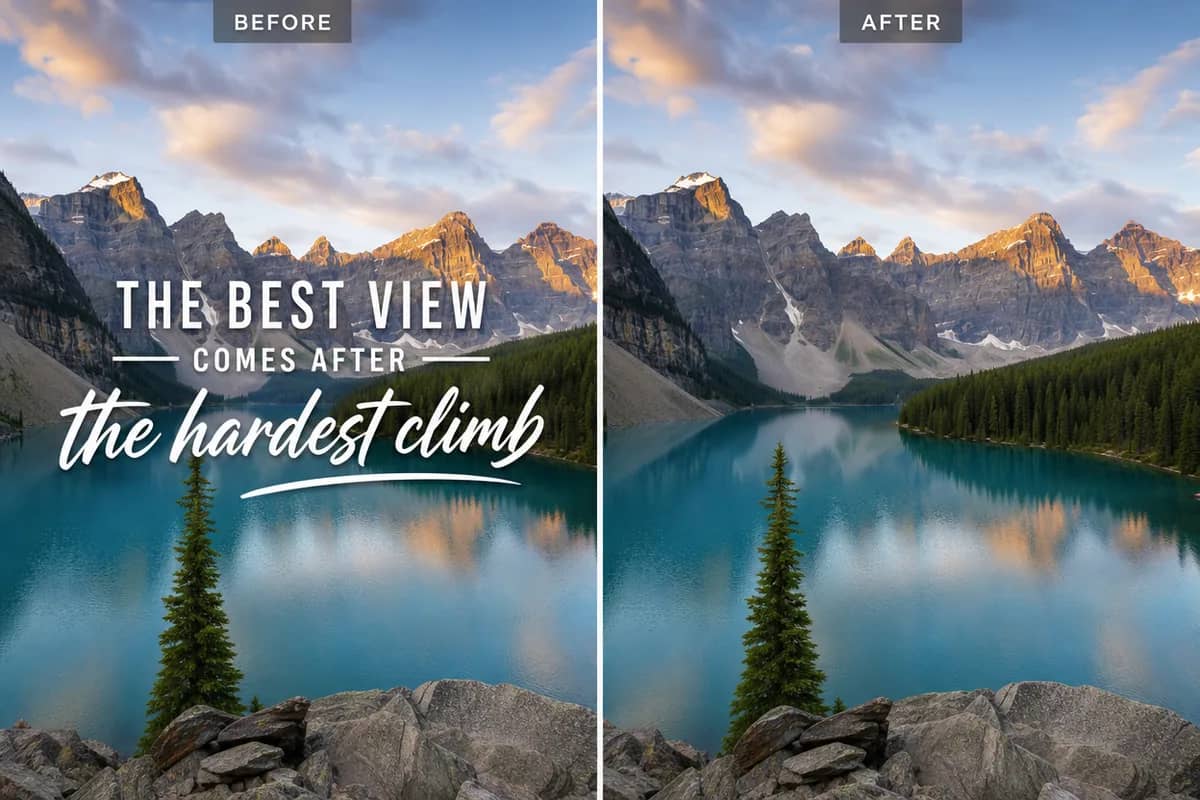
Drag the slider to compare
What is AI Album Cover Generator?
AI Album Cover Generator is an AI-powered tool that transforms your photos into professional results instantly.
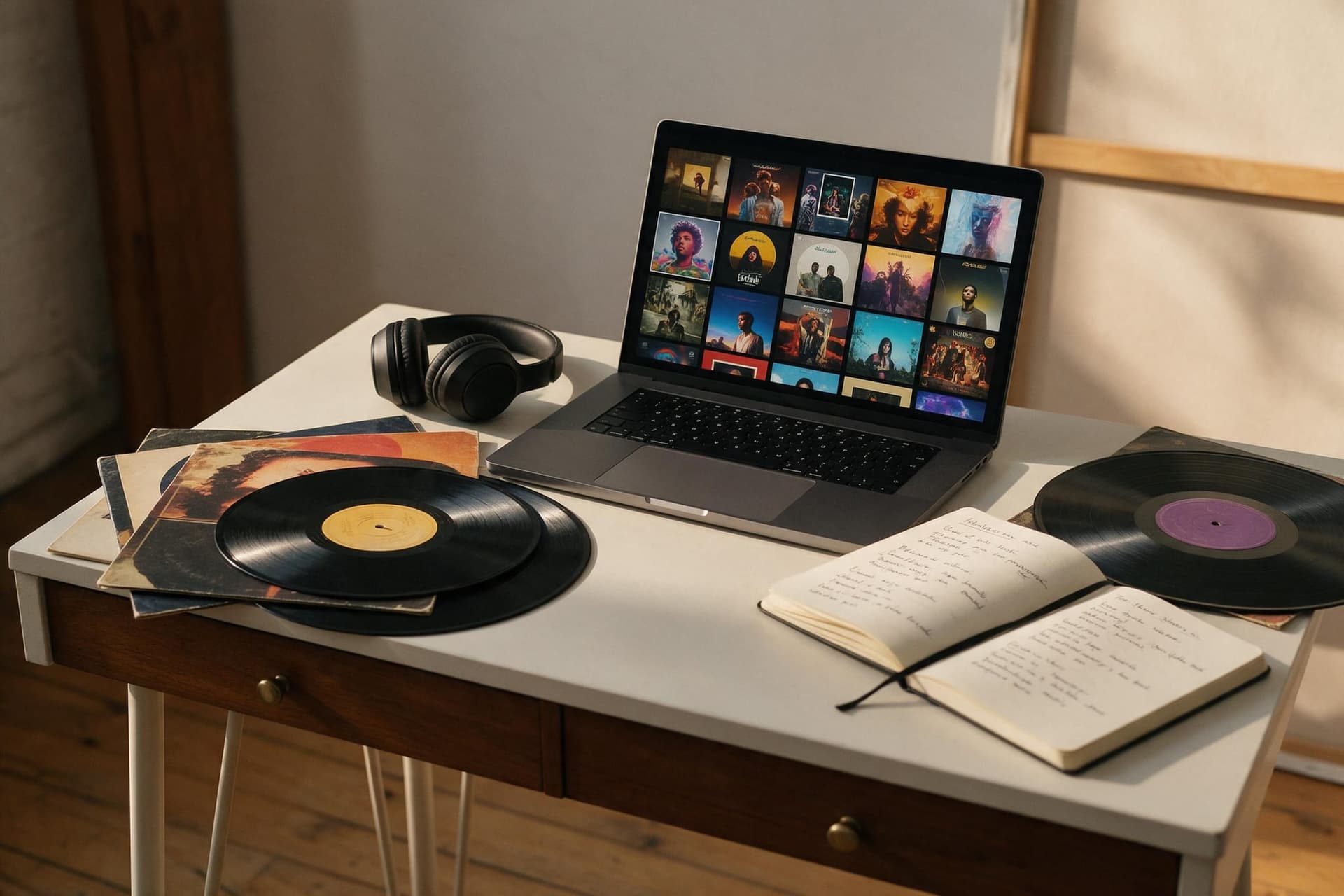
Why Choose AI Album Cover Generator?
Professional quality, privacy protected, instant results
Names Spelled Right
The artist name and album title are rendered as real typography that matches the genre — not garbled letters you have to paint over afterwards.
You on the Cover
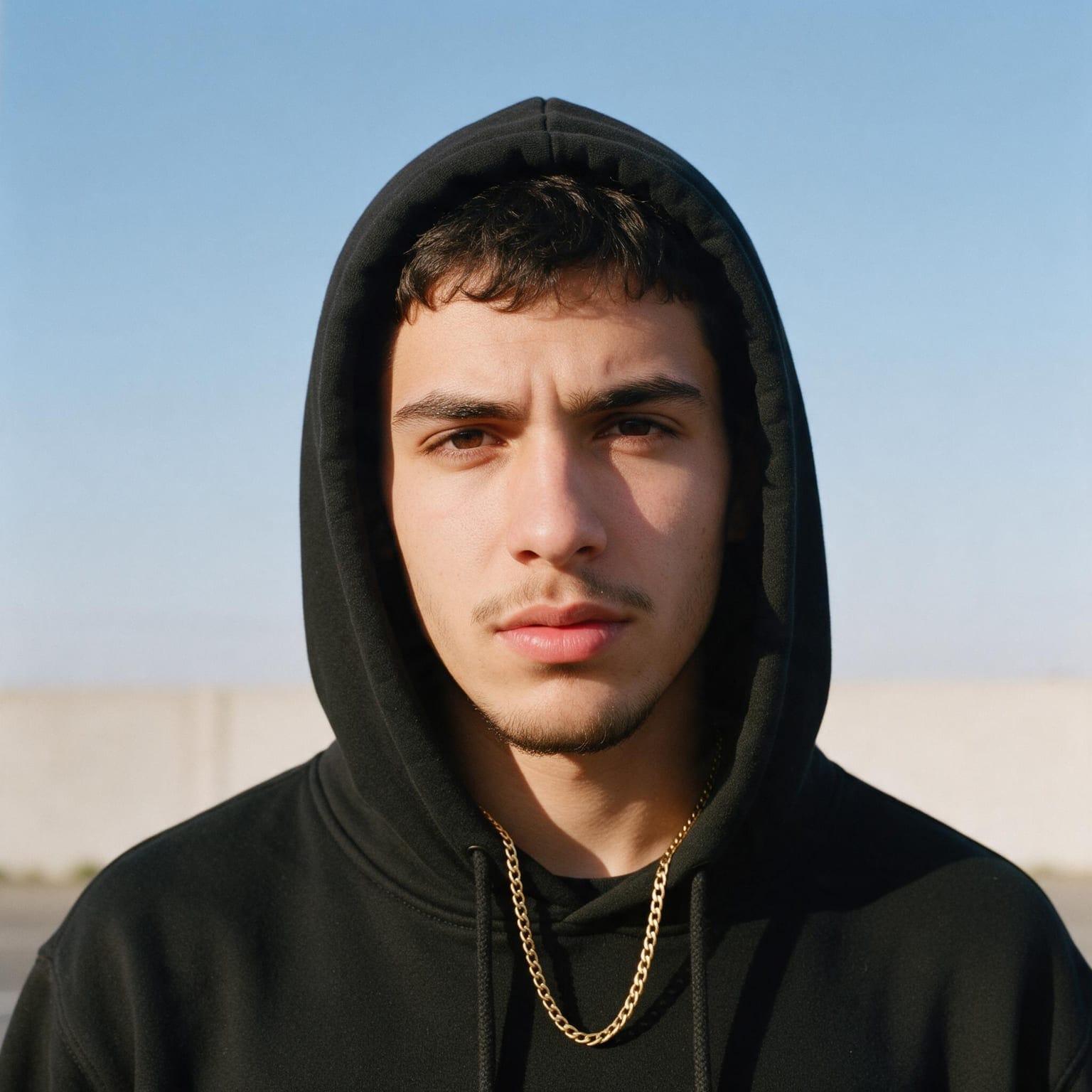
Upload one photo and the cover is built around you — same face, same features — instead of a stock model who looks nothing like the artist.
Ten Genres, Four Dials
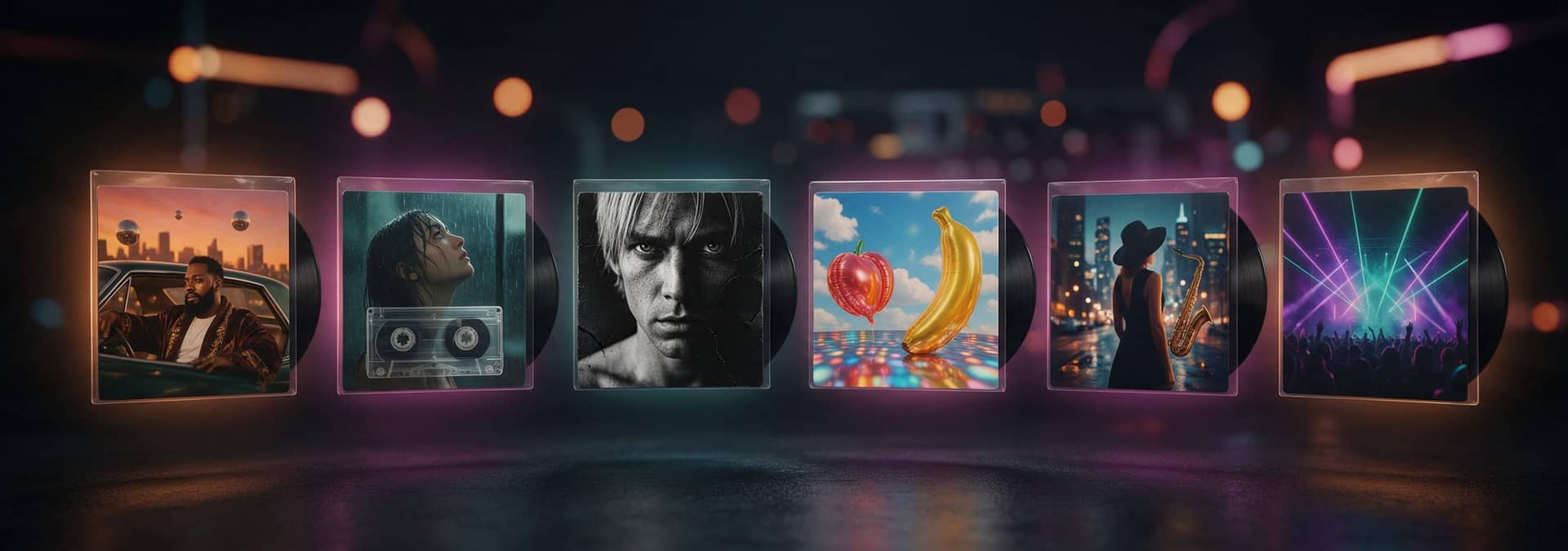
Every preset is a complete art direction: layout, palette, lettering and mood. Layout, title lettering, colour mood and era are separate dials on top.
What Can You Use AI Album Cover Generator For?
Perfect for various professional scenarios, instant and secure
Release Day Without a Designer
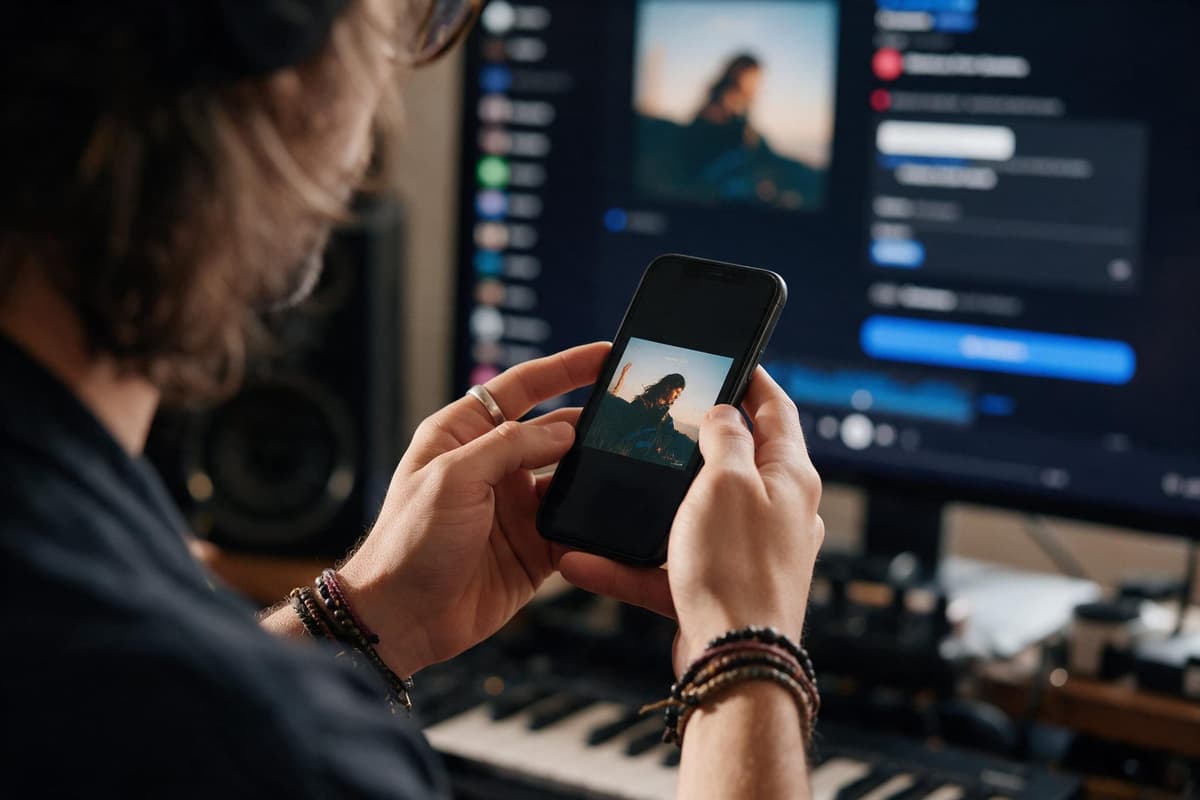
You have the single mastered and the distributor upload open. Type the artist name and title, pick the genre, and download a 1K square cover that passes the streaming checklist — then get back to the music.
Playlist and Mixtape Covers That Match
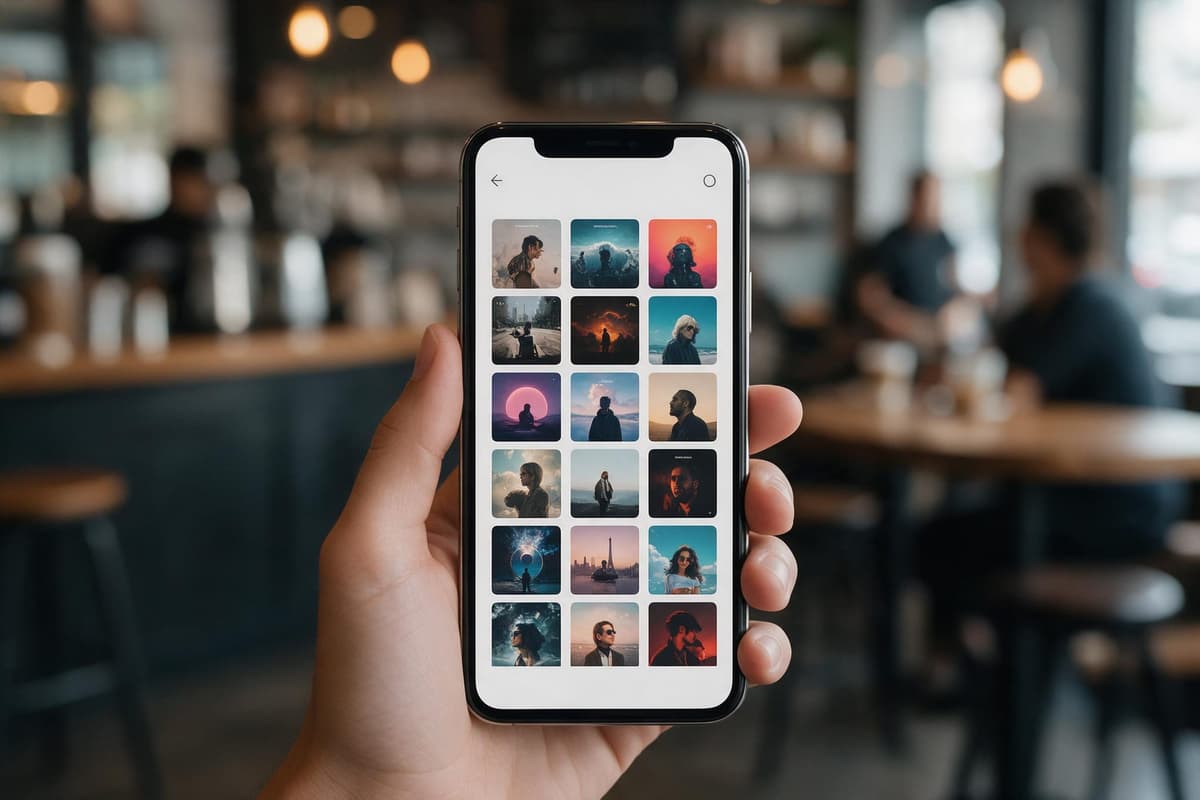
Run the same style and colour mood across a whole series so your playlists, mixtapes and beat tapes look like one catalogue instead of ten random thumbnails.
Show Art for Podcasts and Singles
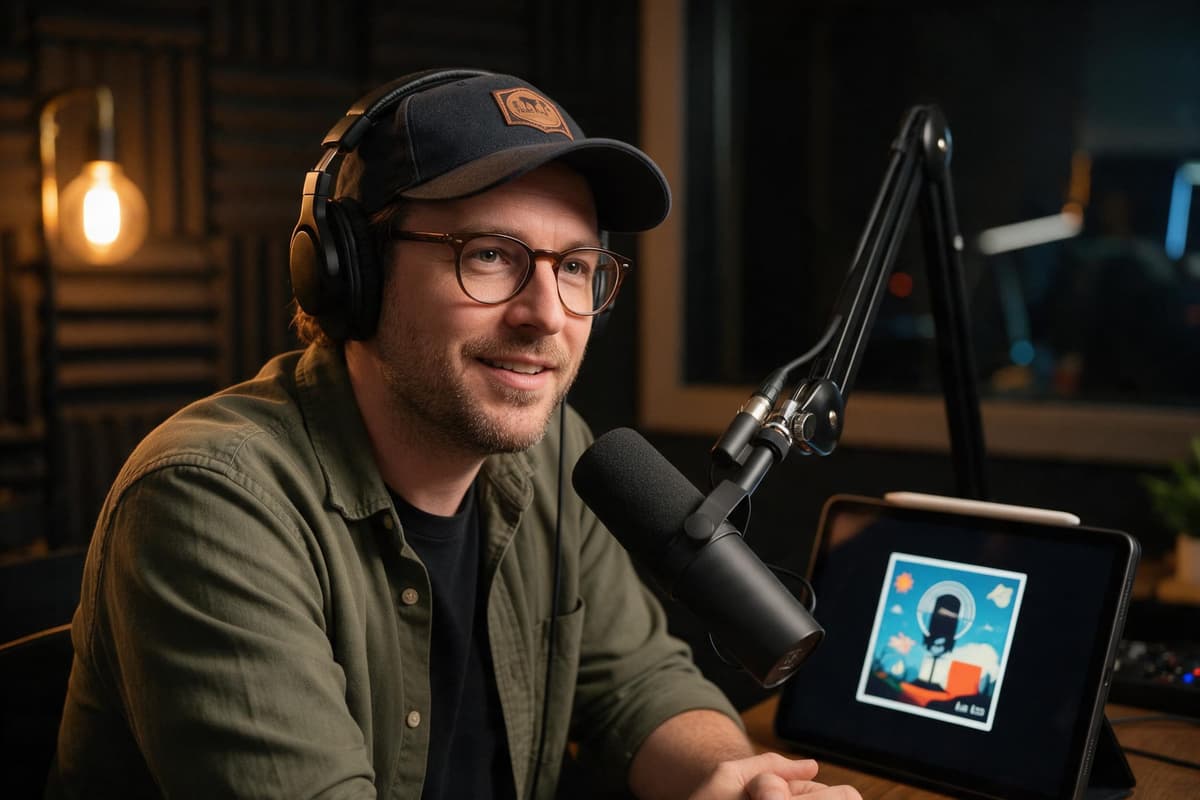
A square with a legible title is also what podcast directories and single releases need. Use the typography-led layout when there is no photo to work with.
How to Use AI Album Cover Generator in 3 Simple Steps
Upload your photo, select a style, and download your professional result instantly

✏️Step 1:Type the Words on the Cover
Artist name, album title and one line about the mood — that is the whole brief. Put names in quotes so they are rendered exactly as written. Add your photo if you want to be on the cover.
🎨Step 2:Pick a Genre Style
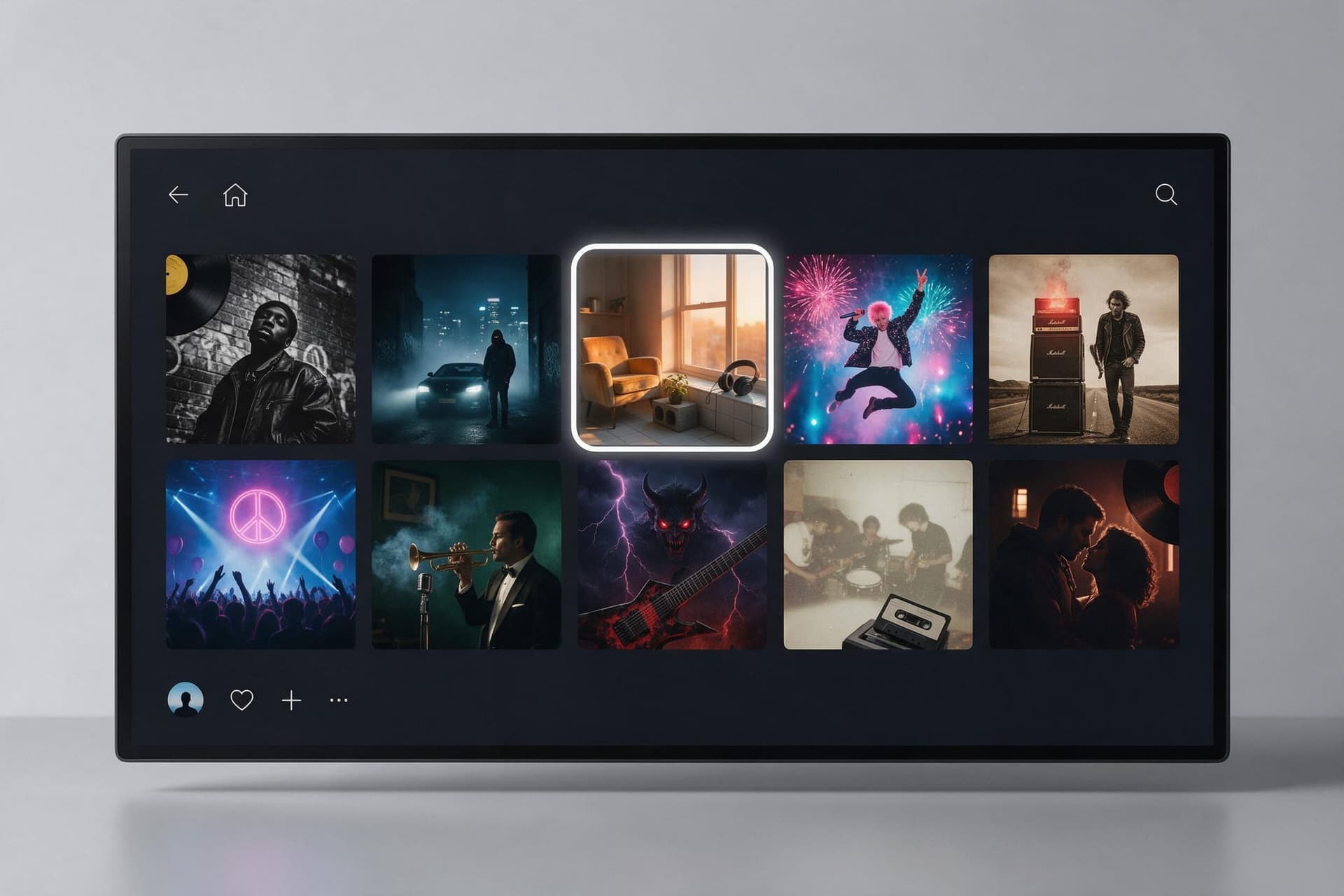
Ten art directions from hip-hop and trap to jazz, metal and indie folk. Refine with layout, lettering, colour mood and era if you have a specific look in mind.
⬇️Step 3:Generate and Download
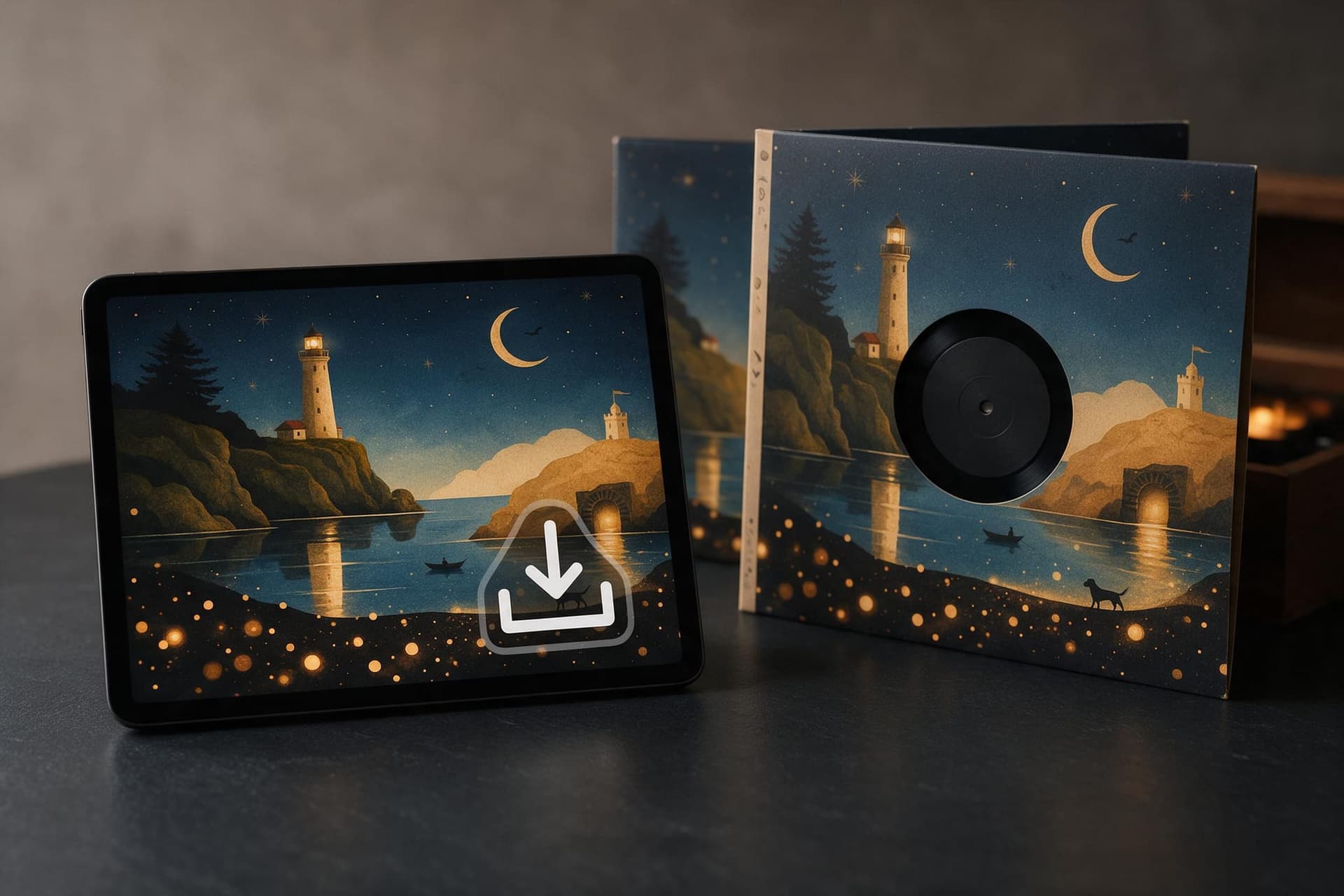
Each run costs 50 credits and returns a 1K square. Regenerate until the lettering and the mood are right, then download — watermark-free with a subscription.
Your Name on the Cover, Spelled Right
Artist, title, genre — and a 1K square cover ready for release day.
Frequently Asked Questions About AI Album Cover Generator
You type the artist name, the album title and a line about the mood, pick one of ten genre styles, and optionally upload a photo of the artist. The AI composes a square cover where the words are rendered as typography in that style and, if you added a photo, the person on it becomes the subject with their face unchanged.
Every cover is a 1K square (1:1) JPG. Spotify, Apple Music and most distributors ask for a square between 1400 and 3000 pixels, RGB, no URLs or social handles — the download meets that as-is. If your distributor insists on 3000×3000, run the result through the AI Image Upscaler once.
Put the artist name and title in quotes and keep them short — the model renders those strings as real typography and gets them right in the large majority of runs. Very long titles, unusual symbols and more than two lines of text are where it can still slip; regenerate or shorten the copy if it does.
Yes. Upload one clear photo and choose the photo-led layout: the cover is built around that person with the face, features and skin tone kept as they are. Only upload photos of yourself or people who have agreed to be on the cover.
Covers made on a paid plan can be used commercially, including on streaming platforms, merch and print. Type your own names and titles — do not enter another artist's name, a record label's trademark or a copyrighted logo, and check that the fonts and imagery do not imitate an existing release.
50 credits per generation. New accounts start with 200 welcome credits, so you can make four covers before deciding on a plan. Subscribers download without a watermark; free-plan results carry a small CreateVision mark.
Yes. Write the words in the AI Rap Lyrics Generator, turn them into a track in the AI Rap Generator, and pair the track with this cover. Rap videos are next on the roadmap.
Related Tools You Might Like
Explore more AI creative tools