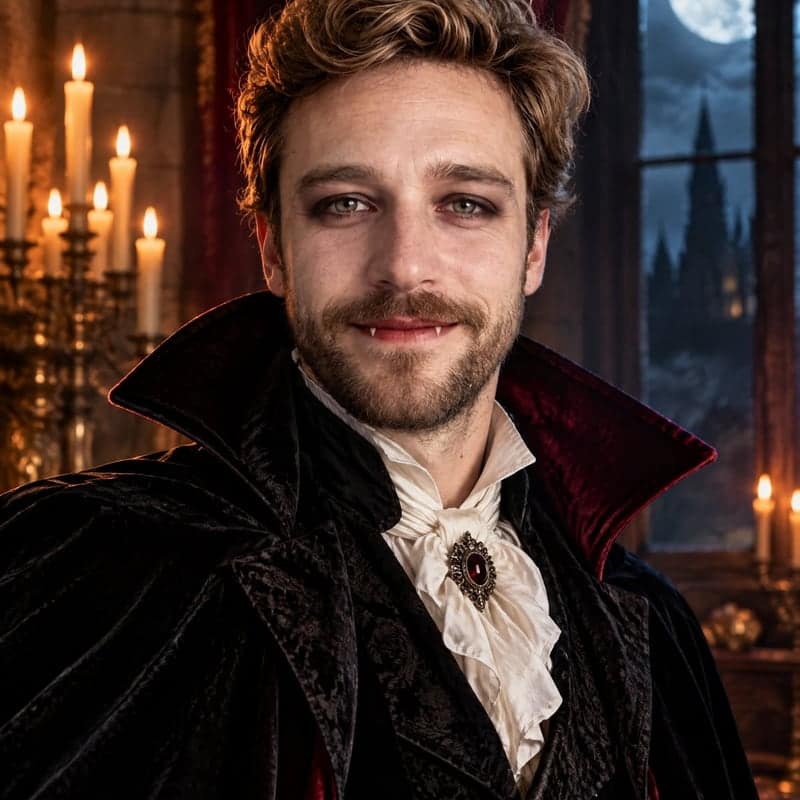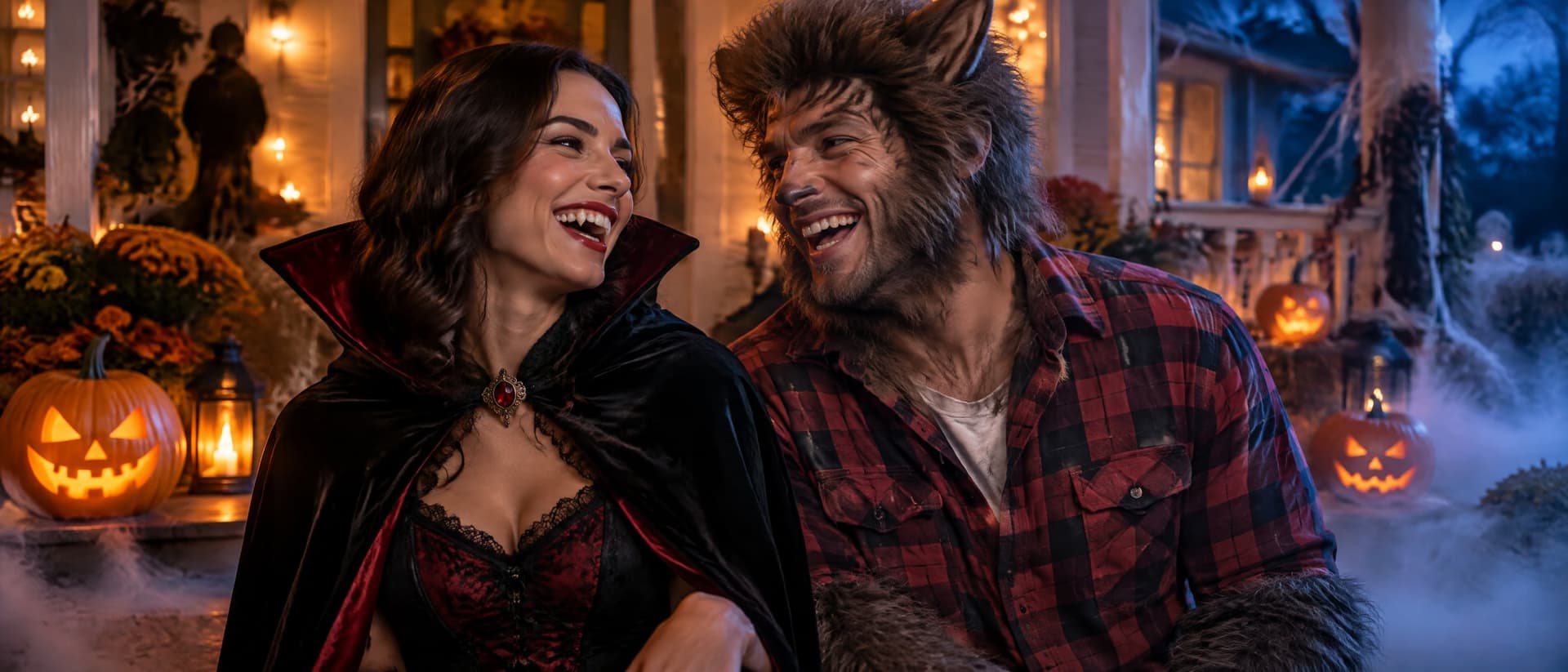
Works best with a result from the Halloween photo generator, but any clear photo of a person or pet will do. Add a second photo for a second subject.
Preview
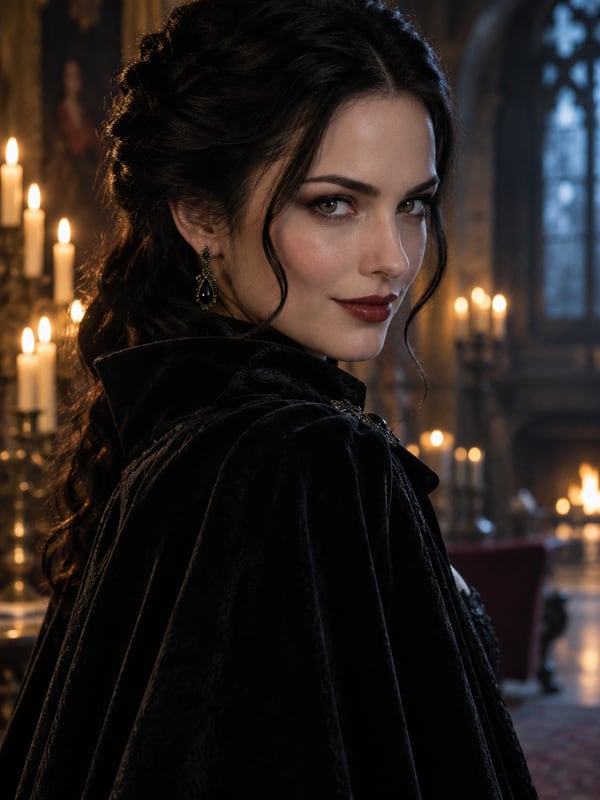
What does a Halloween filter do to your photo?
AI Halloween Video turns one Halloween photo into a 5, 10 or 15-second clip: zombie awakening, vampire reveal, witch spell, ghost drift, trick-or-treat walk and more. It keeps your face and costume from the photo.
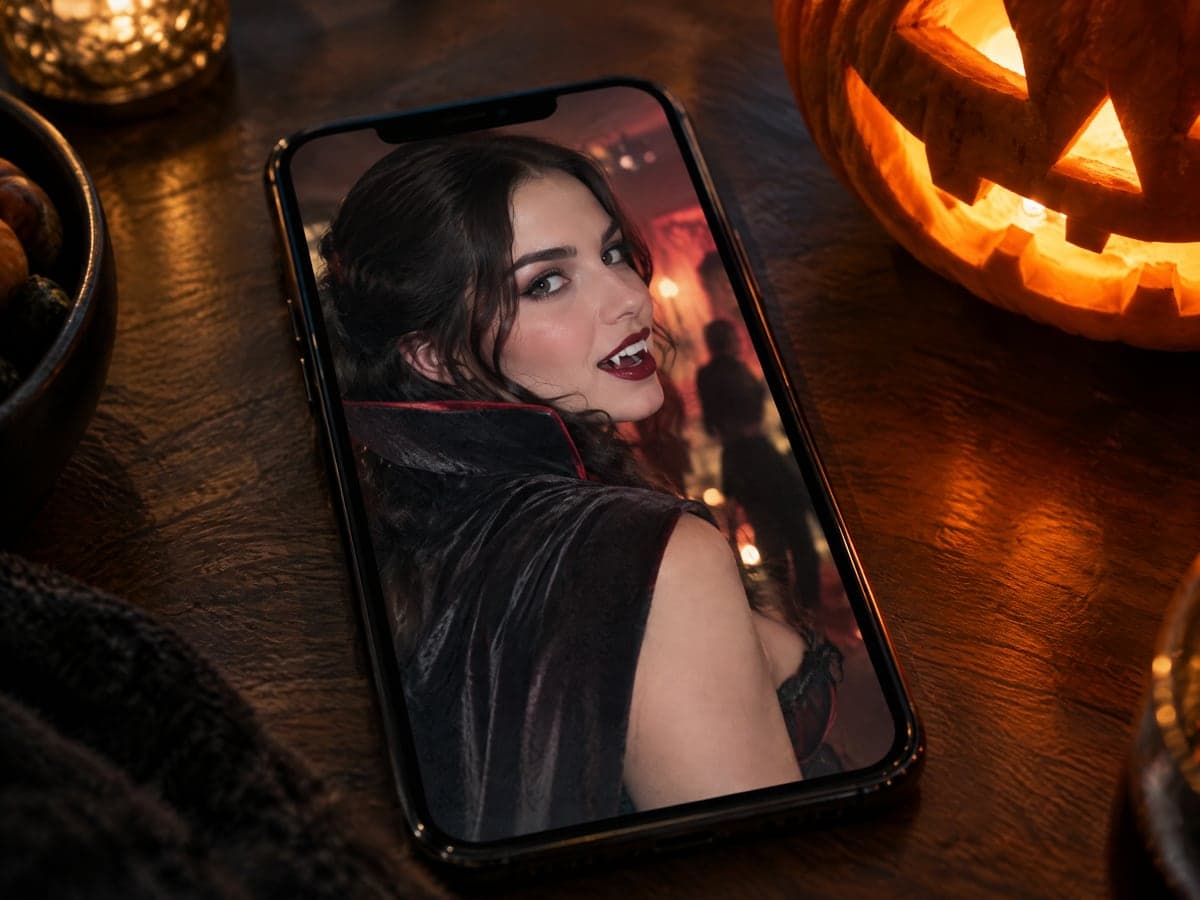
Why Our Halloween Filter Video Still Looks Like You
Made for everyday people, not editors.
It Still Looks Like You
Every scene describes motion only. Your face, costume and makeup come from your photo, not from a stock character.
Eight Halloween Moments Ready
Pick zombie awakening, vampire reveal, witch spell, ghost drift, pumpkin glow, trick-or-treat walk, thunder portrait or pet costume wiggle.
From 45 Credits a Clip
A 5-second 480p clip costs 45 credits on the default Quick tier. Videos have no watermark, and a failed generation is refunded automatically.
See What You Can Do With a Halloween Filter
Real moments, ready to share — pick the one that fits.
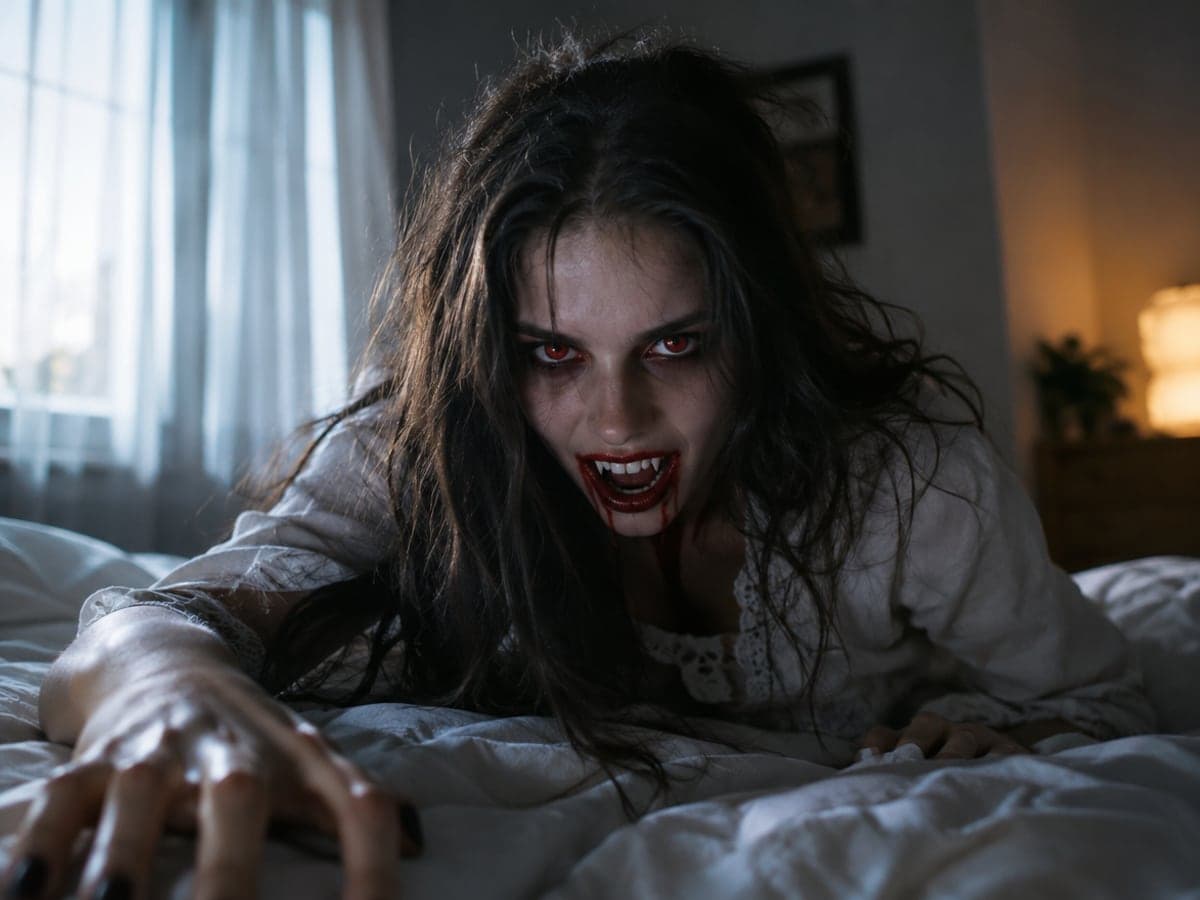
Post the Halloween Reel That Stops Scrolling
Turn one photo of yourself into a zombie awakening or vampire reveal. Your 9:16 clip is ready for Reels, Shorts and TikTok. Make the costume photo
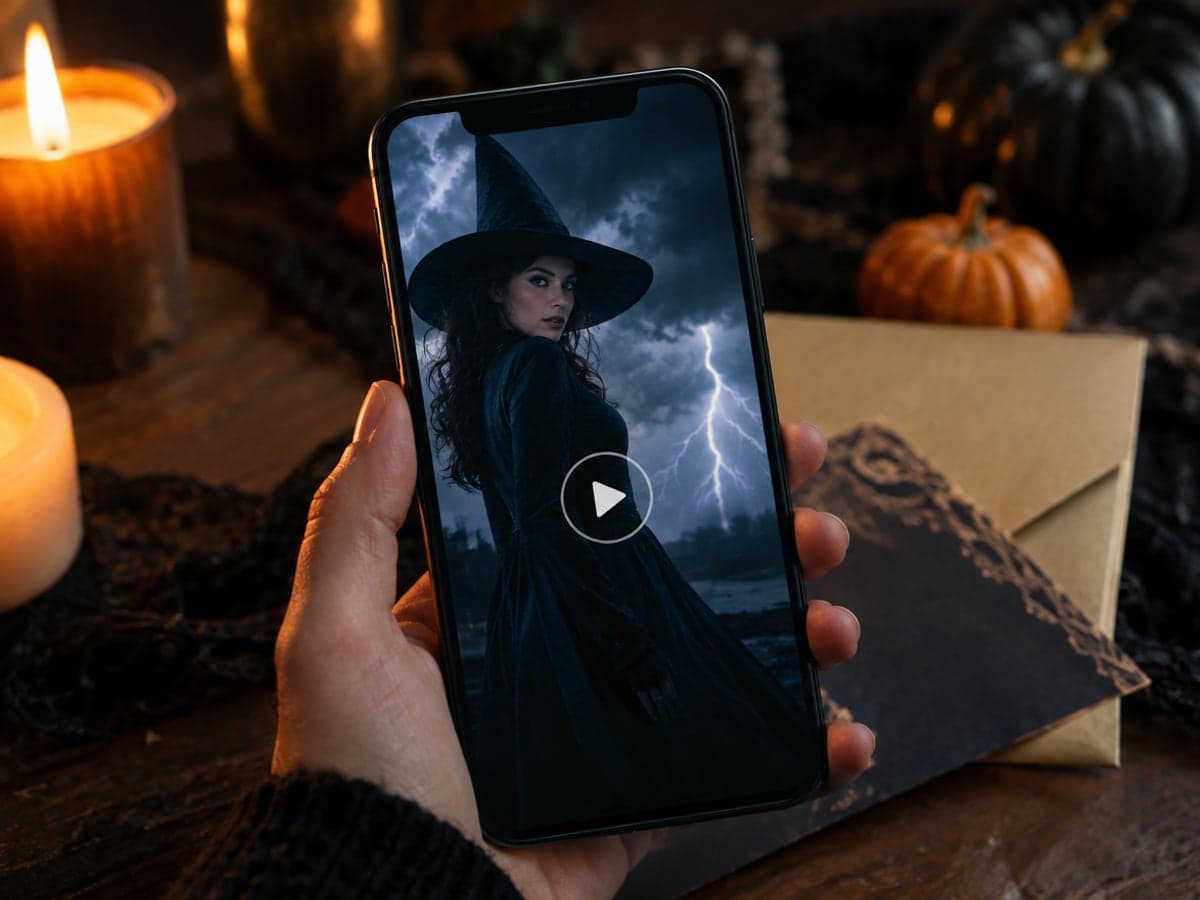
Put Your Costume in the Party Invite
Animate your costume photo with the thunder portrait scene and drop the clip into your invitation. Your guests see the theme before they arrive. Create a Halloween photo
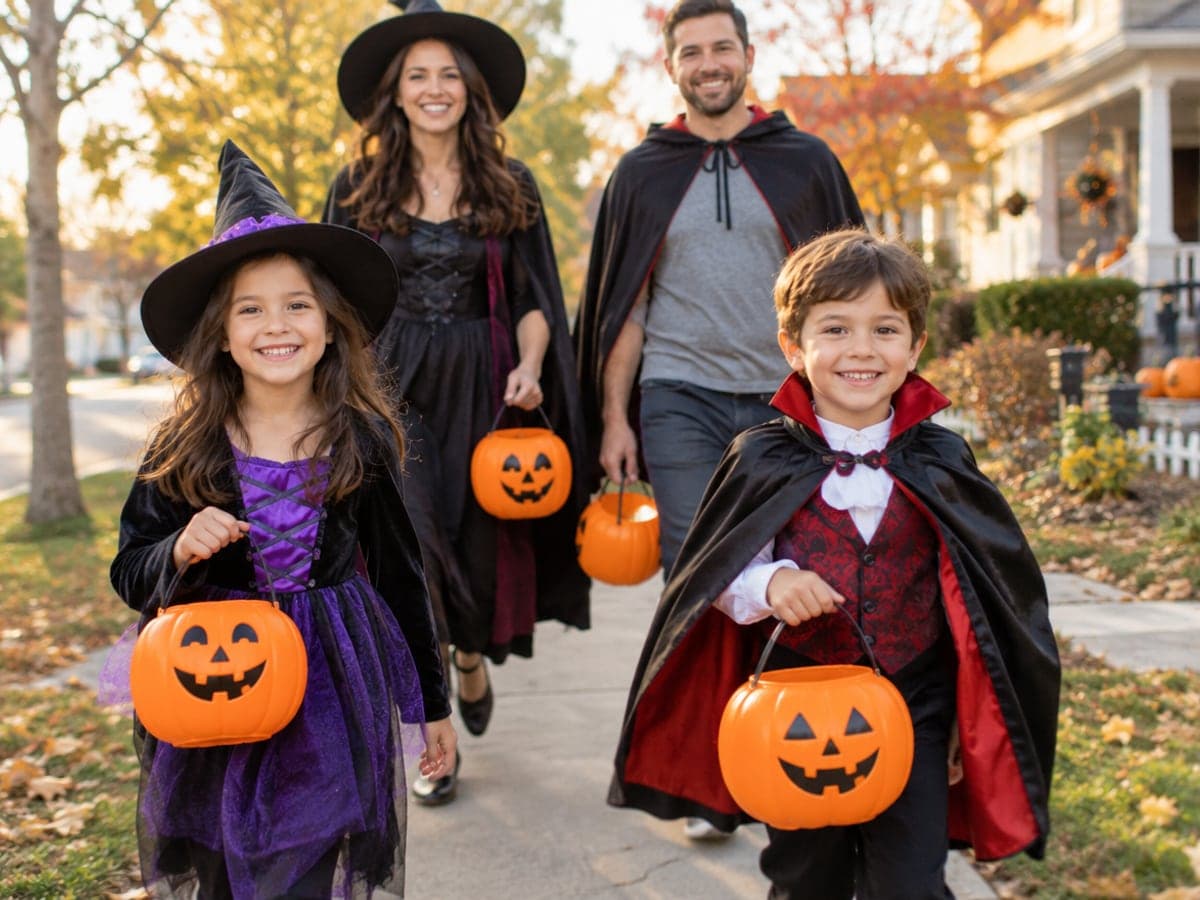
Keep the Family Clip Fun, Not Scary
Start from your trick-or-treat family photo and let everyone walk toward the camera with candy buckets. The scene stays cheerful for kids. Make them dance too
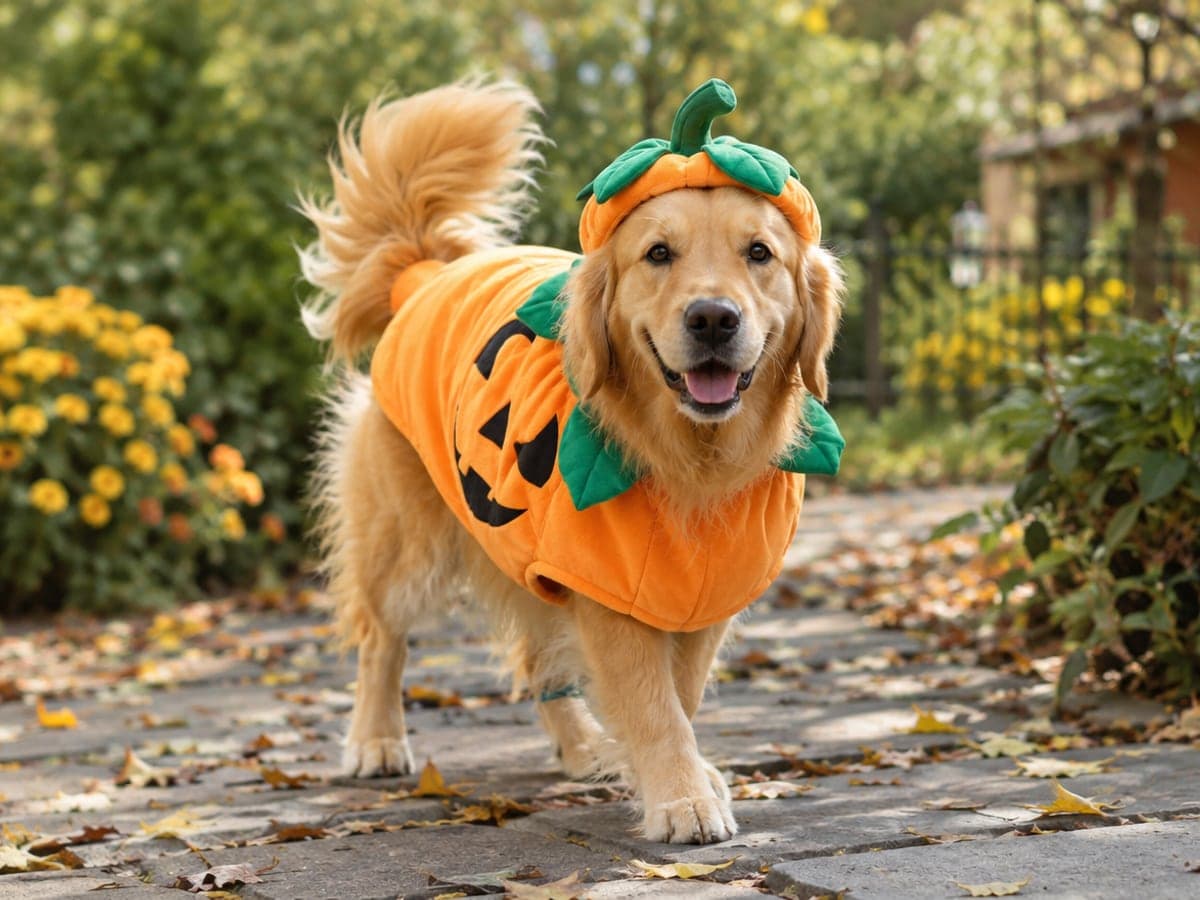
Let Your Pet Show Off Its Costume
Upload a photo of your dressed-up dog or cat and pick Pet Costume Wiggle. Your pet keeps its own look while it moves. More pet videos
Who Uses AI Halloween Video
Four ways people use it every week
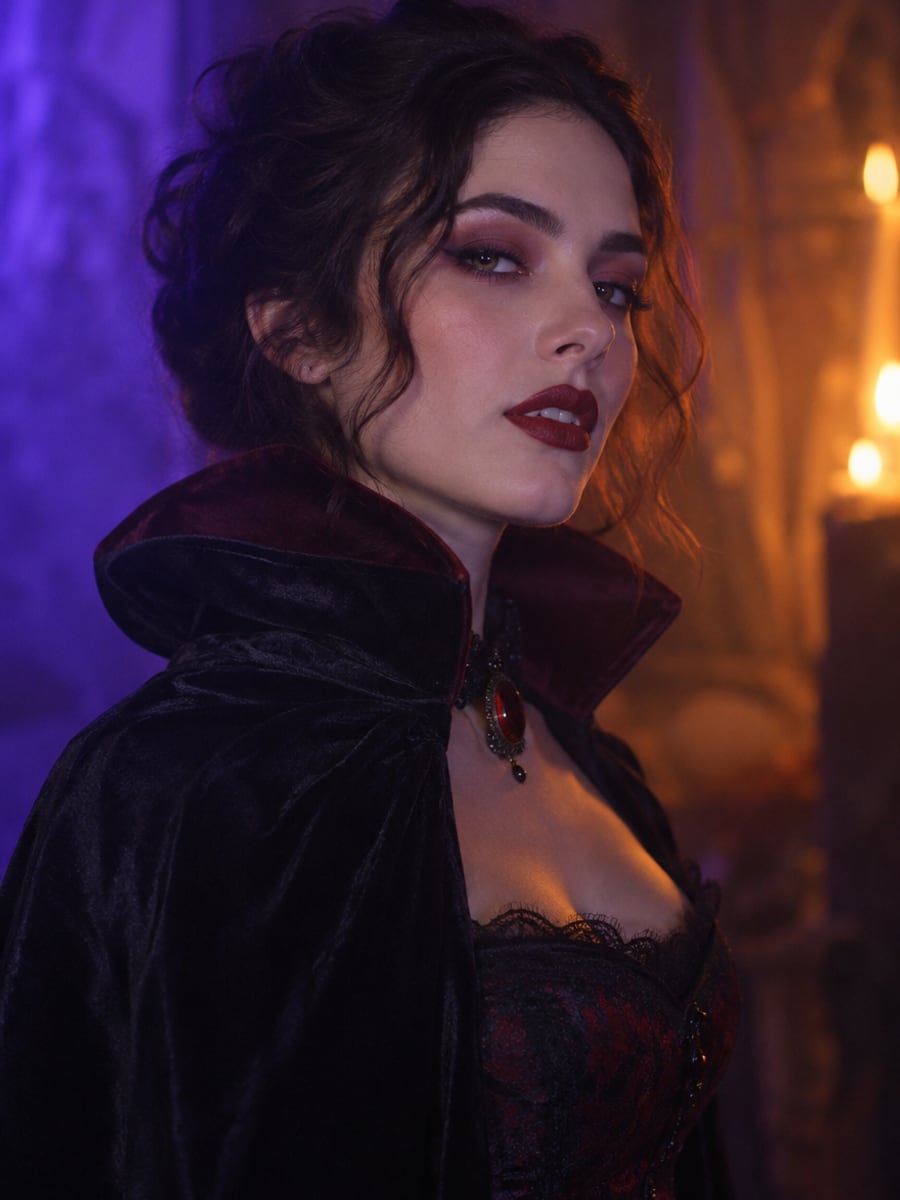
A Halloween transformation clip from one photo
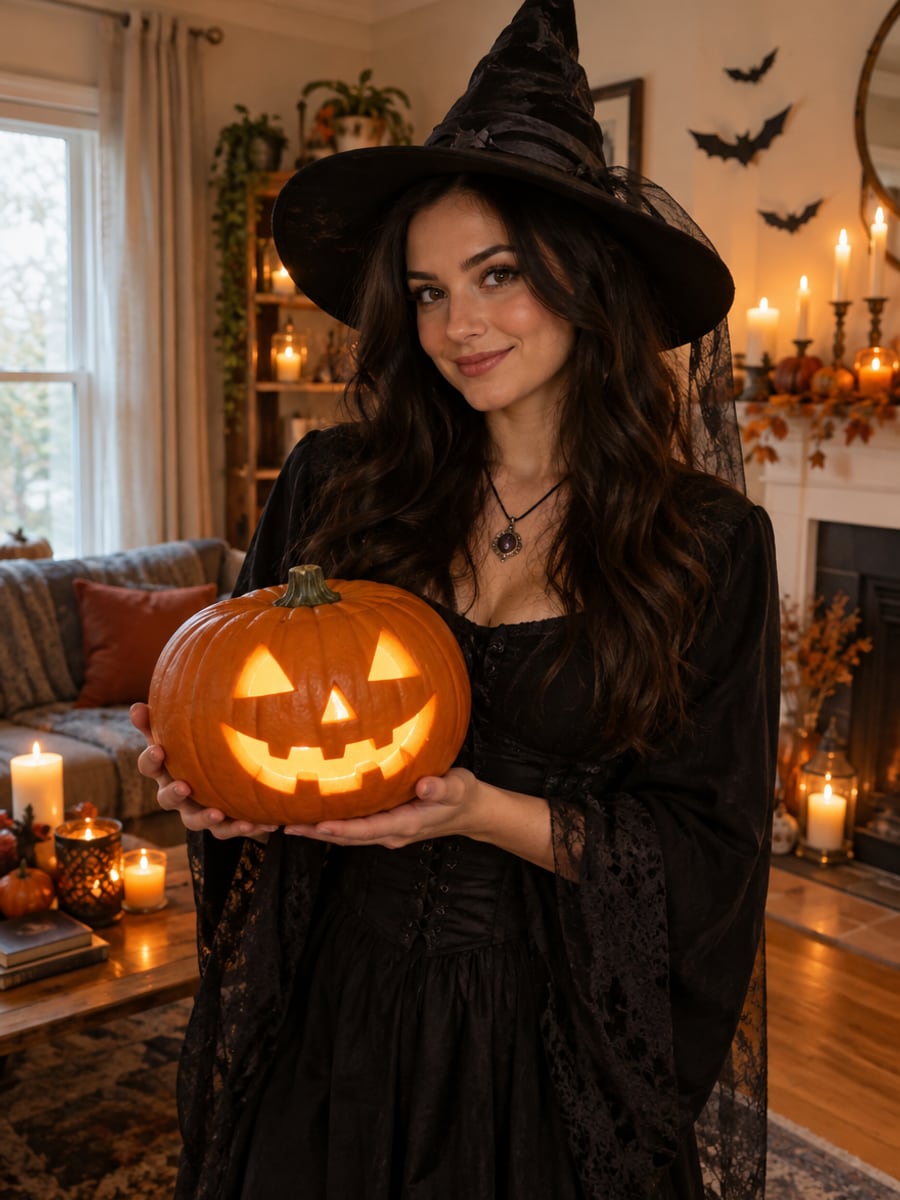
An animated invite that sets the party mood
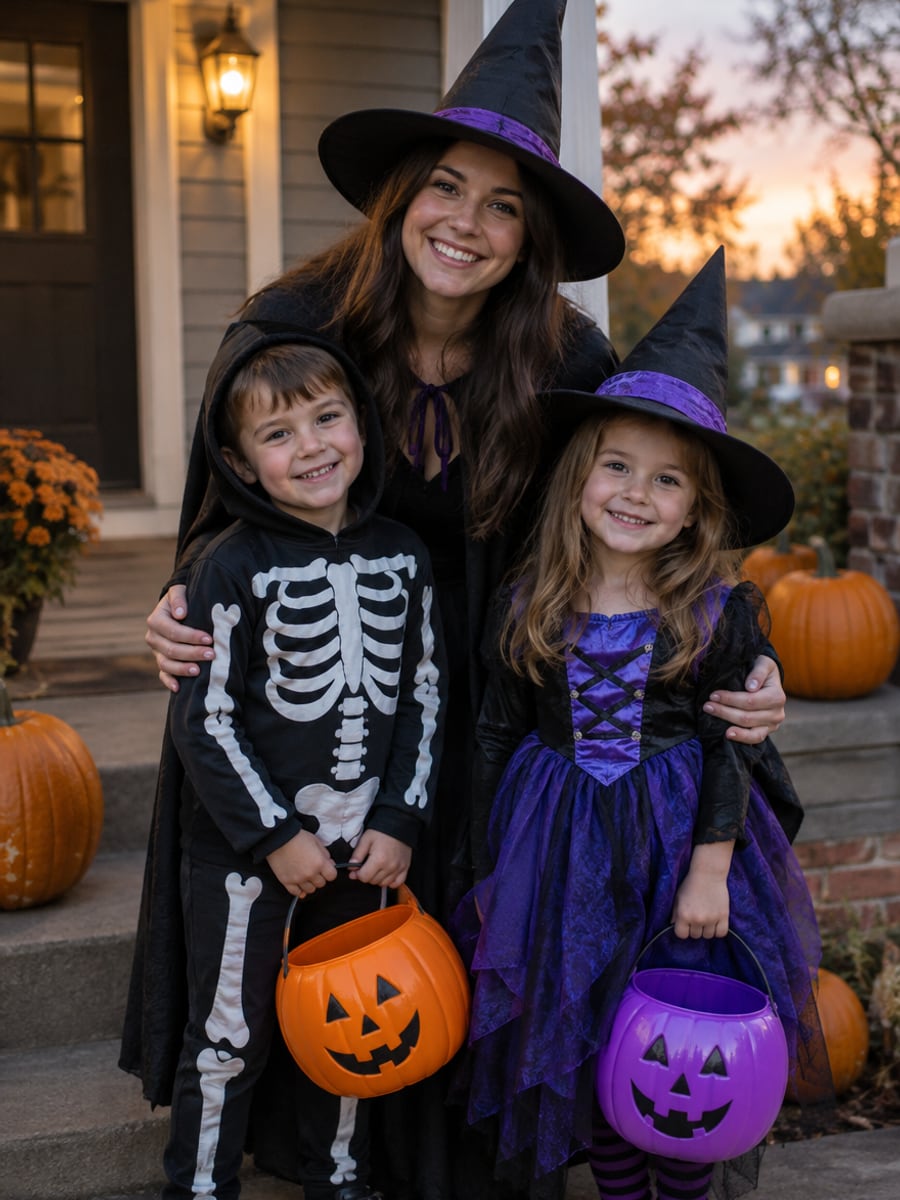
A cheerful trick-or-treat clip the kids can share
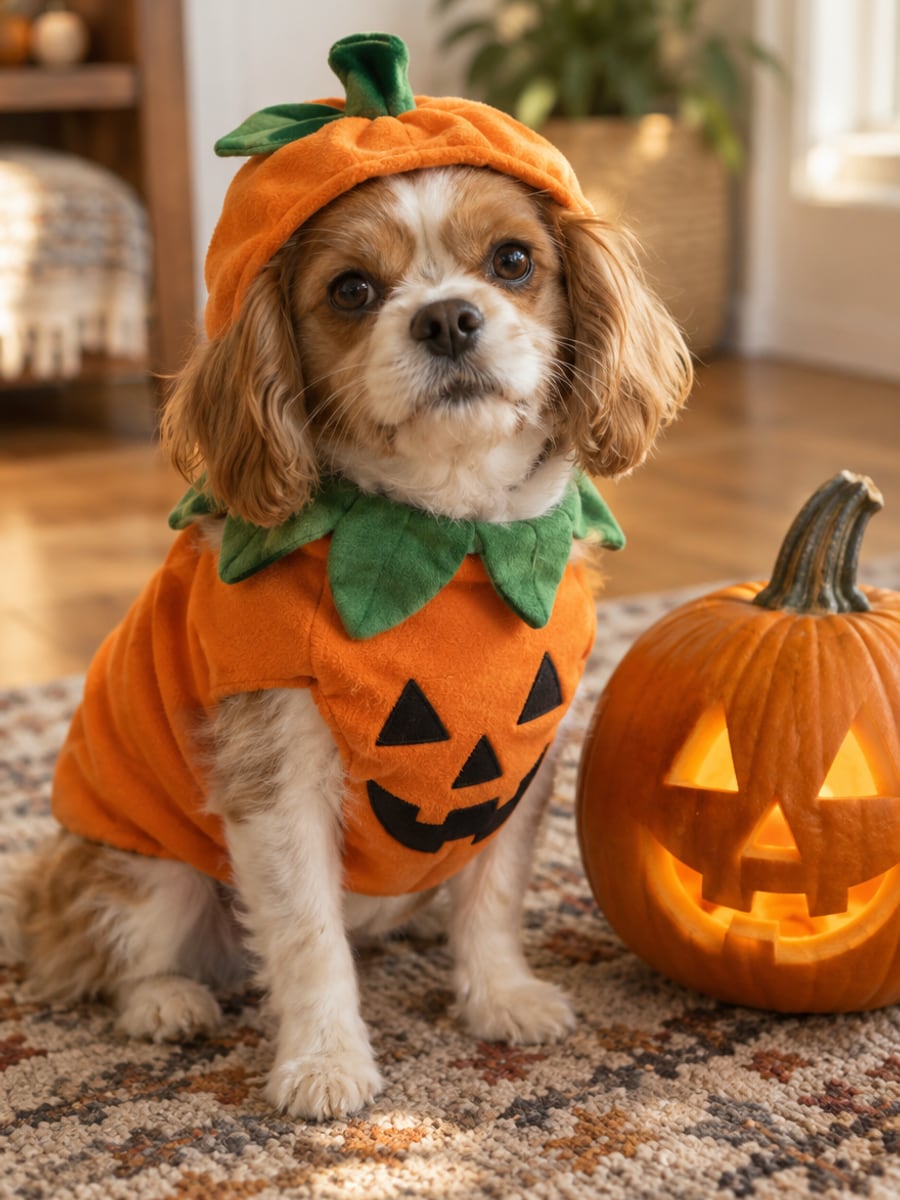
Watch your costumed pet wiggle on video
How to Animate a Halloween Photo with CreateVision
Three small steps to a video you'll actually want to send.

Upload your photo
Add one or two clear photos of a person or pet. A costume photo with good lighting gives the best clip.

Pick a Halloween scene
Choose a scene such as Vampire Reveal or Trick-or-Treat Walk, or write your own short motion prompt.

Generate and download
Choose 5, 10 or 15 seconds and a 9:16, 1:1 or 16:9 frame, then click Generate and download your MP4.
The All-in-One AI Creation Platform
One account for images, videos, an AI agent that works for you, expert AI mentors and 80+ ready-made tools.

AI Image & Video Generator
Every leading model in one workspace: Seedream, Nano Banana, GPT Image, Seedance, Veo and more.
Open
Ava, your AI creative agent
Describe what you need and Ava plans, generates and iterates for you.
Open
80+ AI tools
One-click tools for photos, videos, cards, portraits and viral trends.
Open
Template library
Thousands of ready prompts and styles to start from.
Open
Studios
Portrait, marketing, poster and cinema studios for finished work, not single shots.
Open
AI model library
Compare and pick the right image or video model for every job.
Open
AI mentors
Learn from expert mentors in photography, design and video, then create with their guidance.
Open190K+ creators
Using CreateVision to create and share
FAQs About Our AI Halloween Video Maker
It is a short clip made from one Halloween photo, where you come alive as a zombie, a vampire, a witch or a trick-or-treater. On CreateVision, your face, costume and makeup come from your photo, and the scene only adds the motion.
The best one keeps you recognizable. CreateVision's scene prompts describe motion only and never name a costume, so the result keeps your own face and look instead of swapping in a stock character. You get eight ready scenes, three aspect ratios and clips from 45 credits with no watermark.
Upload one or two photos and pick a scene or write your own motion prompt. A reference-to-video model uses your photo as the identity reference and animates the moment you picked. Choose 5, 10 or 15 seconds and download the MP4.
A result from the AI Halloween Photo generator gives the best clip because the costume and lighting are already there. Any clear photo of a person or pet works too. Faces that are sharp and well lit keep their likeness best.
On the default Quick tier, clips cost 9 credits per second at 480p and 17 at 720p. A 5-second 480p clip is 45 credits, 10 seconds is 90 and 15 seconds is 135. Higher quality tiers cost more, and the exact price shows on each tier button. You can start with 200 free credits from Google sign-up.
Choose Trick-or-Treat Walk, Pumpkin Glow or Pet Costume Wiggle for cheerful scenes. None of the scenes include gore, blood or weapons. Uploaded reference photos are deleted automatically within 24 hours, and your clips stay in your private gallery until you delete them.
Each clip is generated fresh, so motion and expressions vary between runs. Group photos and small faces are harder to animate than a single clear portrait. If a generation fails, credits are refunded automatically, and if the model rejects a photo you will see why and can try another shot.
Bring Your Halloween Photo to Life Today
Upload a costume photo, pick a spooky moment and get a 5-second clip from 45 credits.
Related Tools You Might Like
Explore more AI creative tools