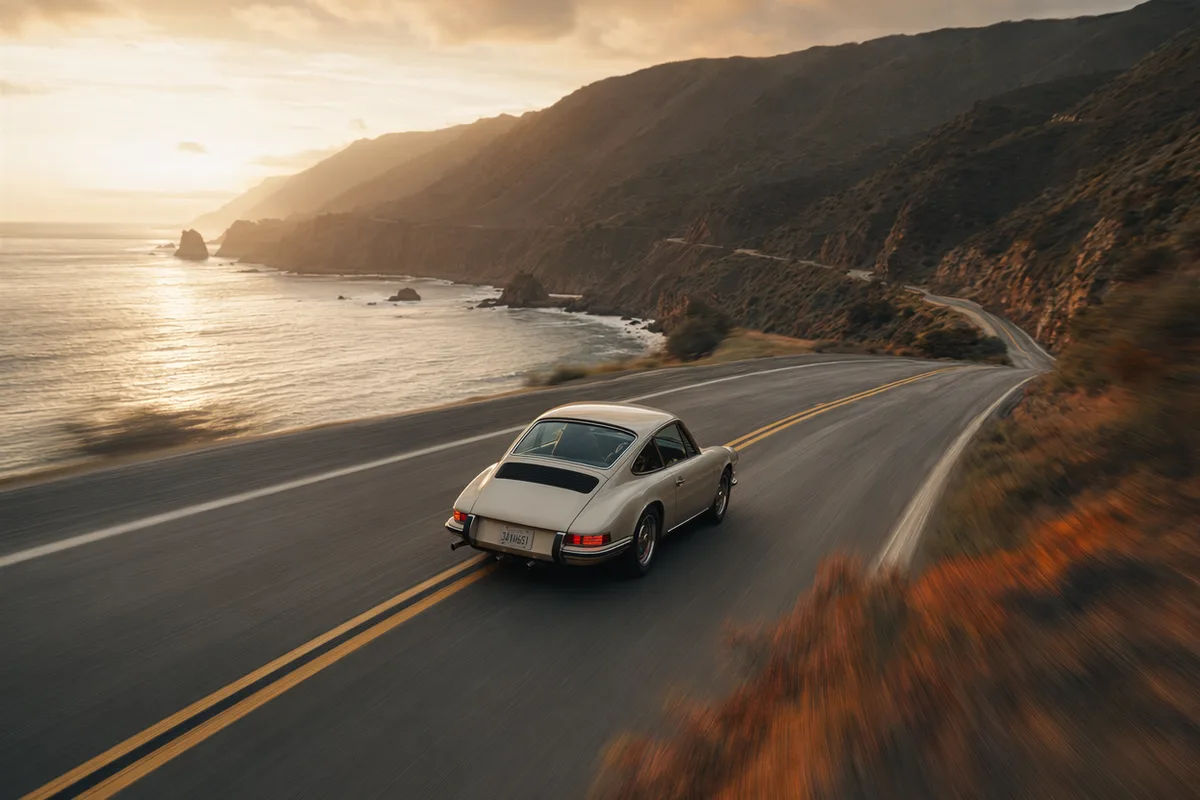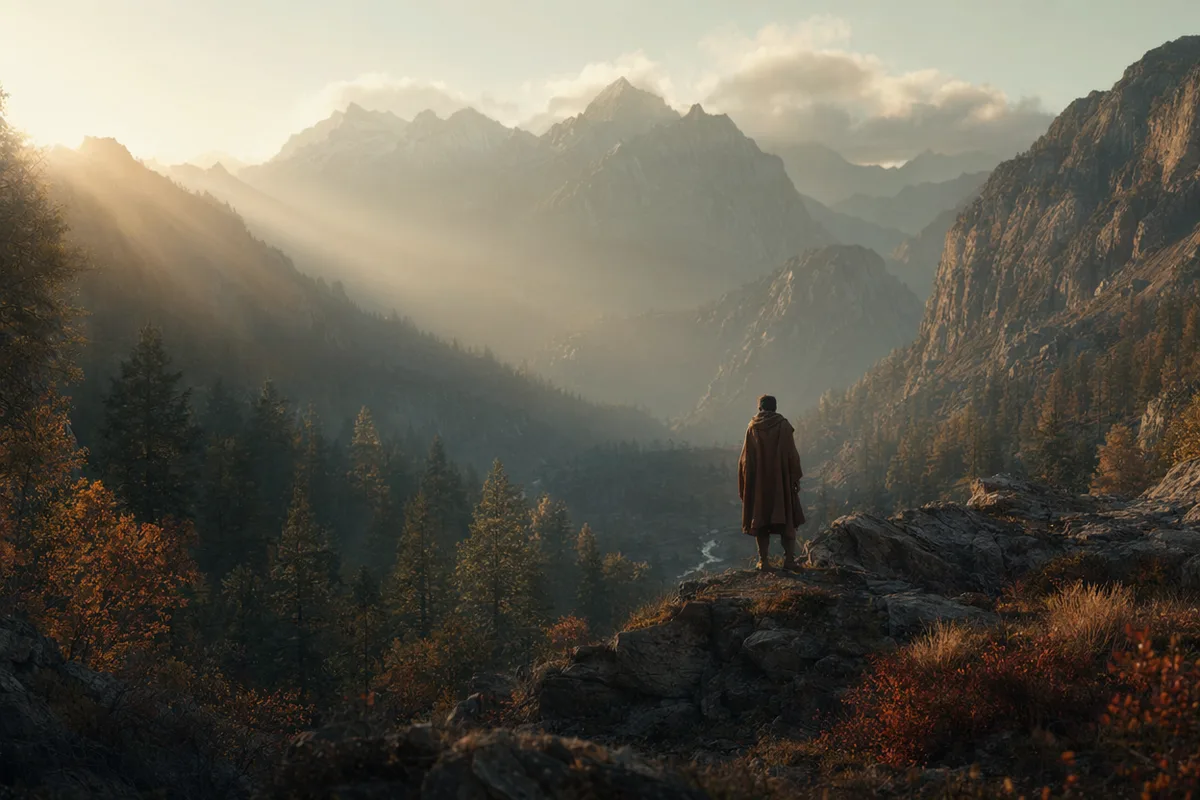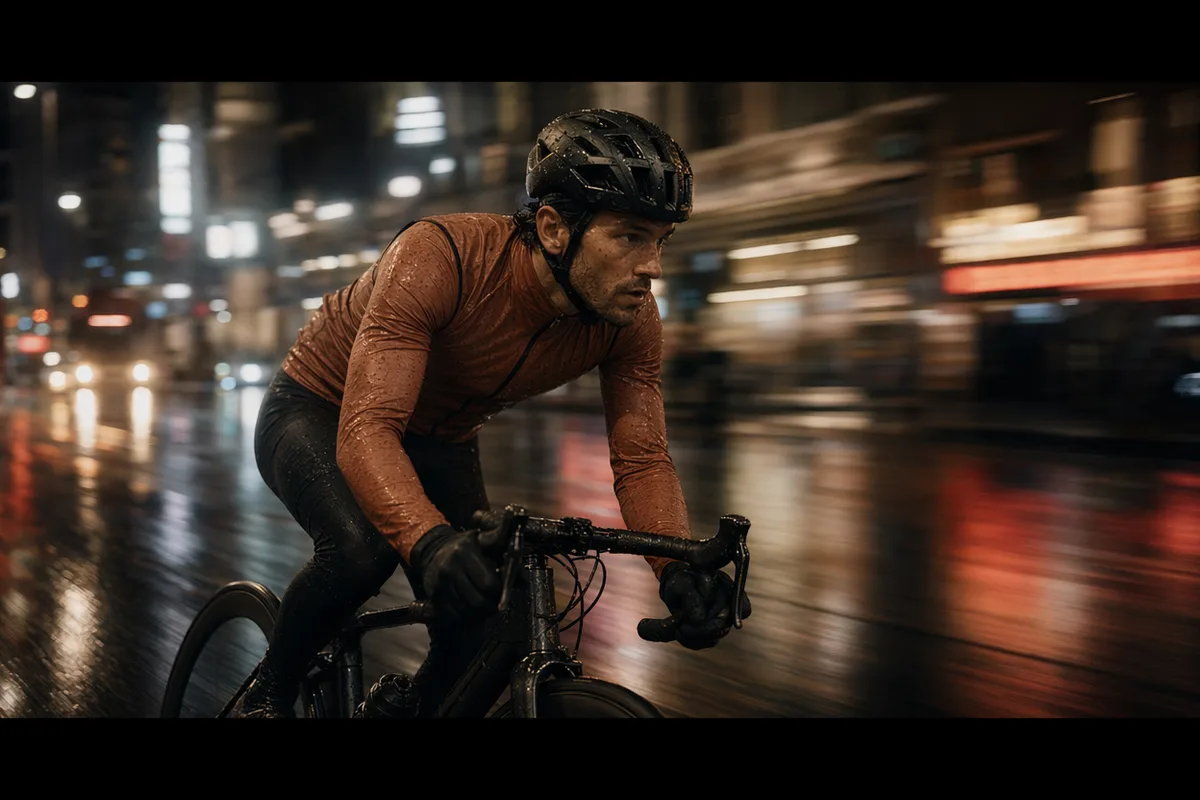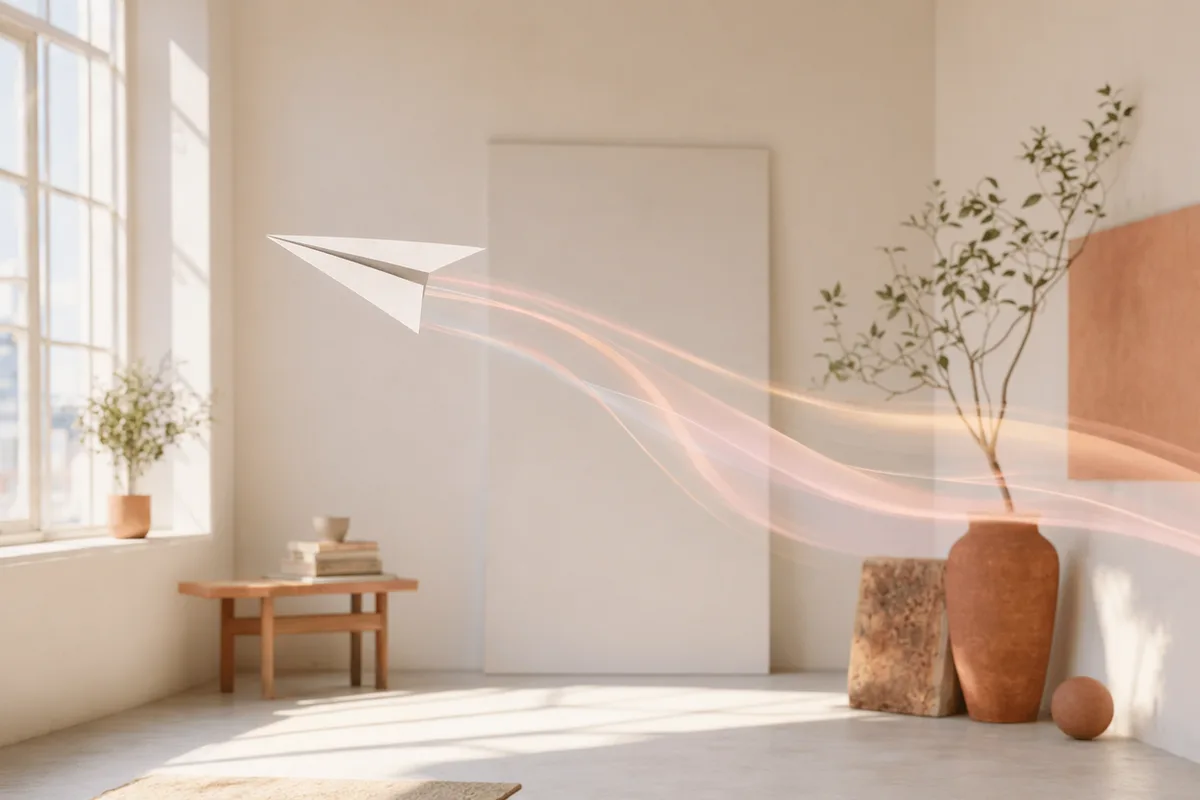
Quick turnarounds at a friendly price
Hailuo 02 is one of the faster, more affordable video models in the lineup — ideal for high-volume social content, drafts, and rapid iteration where you want to try many ideas without burning through credits.
Hailuo 02 is priced per finished clip rather than per second — five fixed prices — and the camera is directed inside the prompt with bracketed commands like [Push in].
Hailuo 02 is MiniMax's fast, low-cost video model. Write a prompt and it generates a shot from nothing; attach one photo and it treats that photo as the first frame. What sets it apart from every other model in the comparison below is how it bills — a fixed price per finished clip, drawn from a five-entry table, instead of a rate multiplied by the length you picked.
The limits are real. Clips arrive silent — there is no audio parameter at all. There is no aspect-ratio field, so text-to-video comes back in the model's own default framing. There is no reference-to-video mode, so nothing locks a face across separate generations. And 1080p runs at six seconds only. On speed we have exactly two data points, both shown below — 94 and 86 seconds — which is two clips, not a benchmark.
MiniMax's Hailuo 02 is built for speed and value: text-to-video and image-to-video at 512p to 1080p, steered by 15 director-style camera-motion commands.
Hailuo 02 is one of the faster, more affordable video models in the lineup — ideal for high-volume social content, drafts, and rapid iteration where you want to try many ideas without burning through credits.
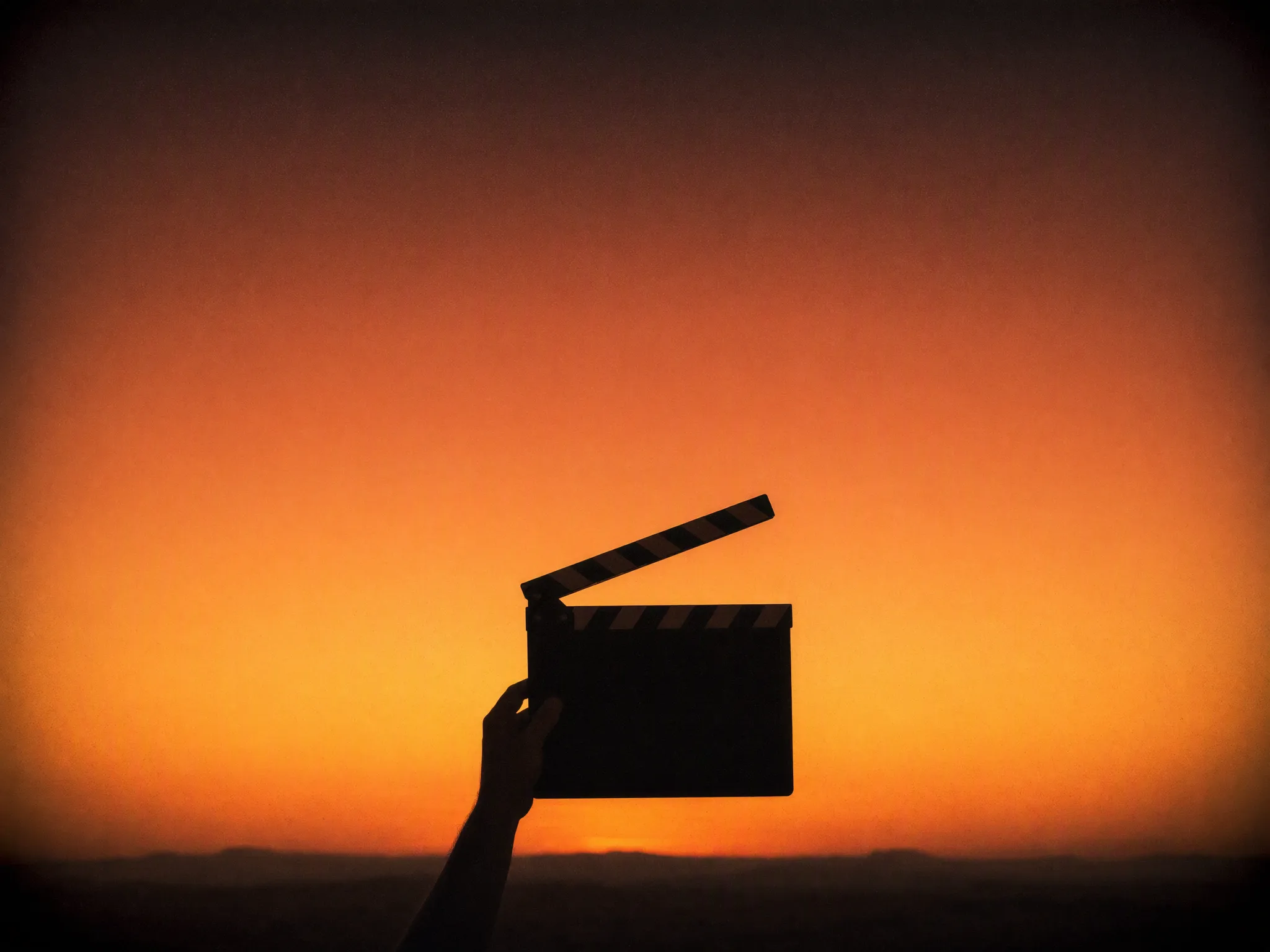
Direct the shot in plain language with commands like [Push in], [Pull out], [Pan left], [Tracking shot], and [Static shot]. Combine up to three in one bracket for compound moves, so the camera does what a real operator would.
Generate from a prompt alone, or attach one photo and let Hailuo 02 treat it as the first frame and animate forward. The mode is decided by whether you attach an image — there is nothing else to switch.
Pick 512p for low-cost drafts in image-to-video, 768p for everyday clips, or 1080p for finished work. Lengths are 6 or 10 seconds, except at 1080p, which runs at 6. The price for each combination is shown up front.
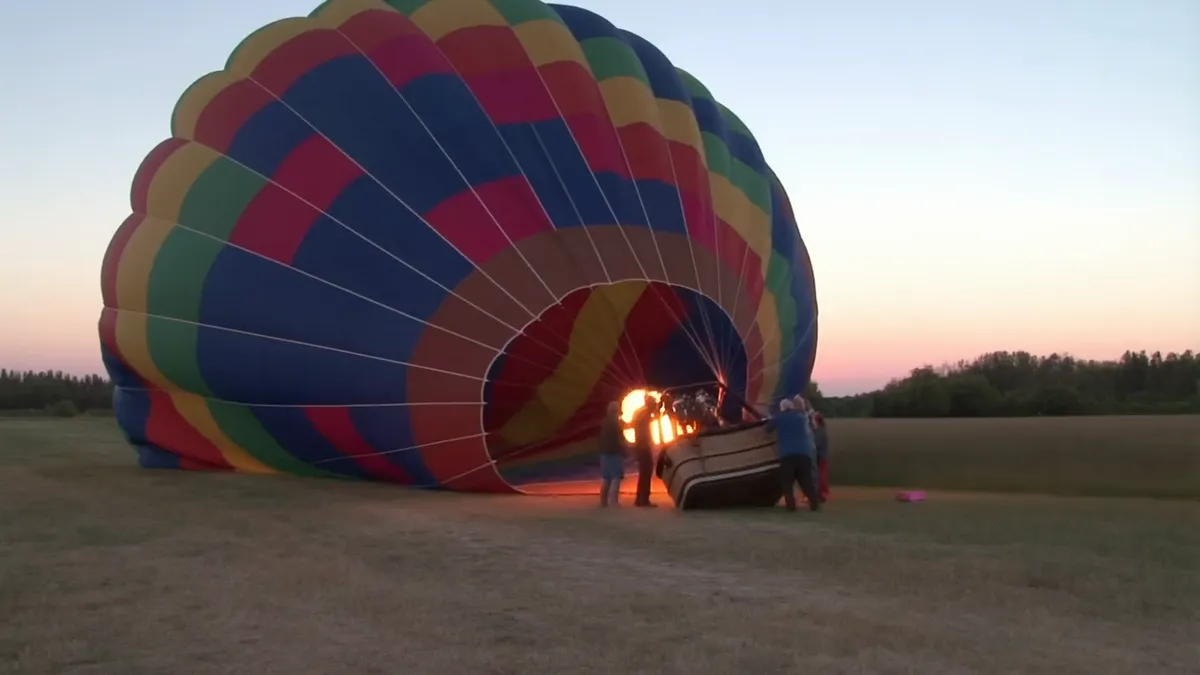
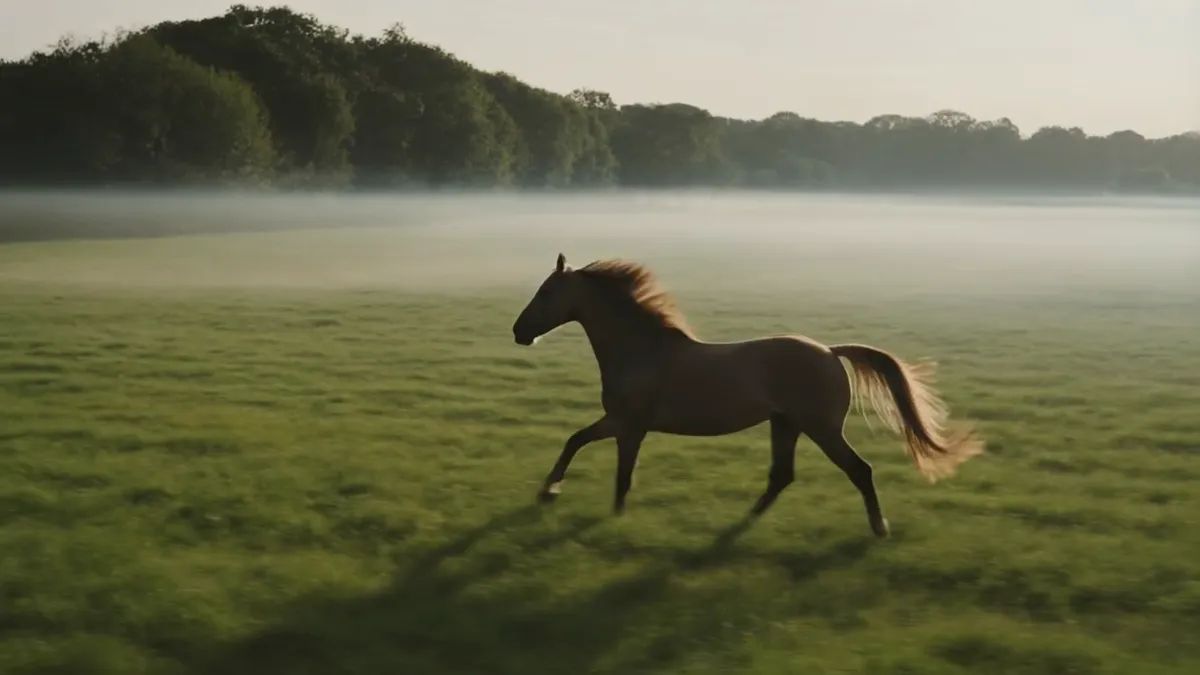
Generated here on 15 August 2026, first take, exact prompts and settings shown. Each clip targets one of the capabilities claimed further down this page.
A hot air balloon inflating at dawn, fabric rippling as it fills, burner flame roaring, crew holding the basket, wide static shot.
A horse cantering across an open meadow, mane and tail moving with stride, morning mist low on the grass, side tracking shot.
It is the model you reach for when you want to know the price before you touch the length control, and when the shot matters more than the soundtrack.
Five resolution-and-length combinations, each with one fixed price for the finished clip. There is no rate to multiply out and no way for a longer take to quietly cost more than you planned — the table above is the entire price list.
Short six-second clips at the smaller tiers are how you find the shot. Once you know what you want, re-render it at 1080p here or take the idea to a model with more resolution — the prompt and settings stay in your history either way.
Motion is written into the prompt as bracketed commands — a push in, a pull out, a tracking shot — and up to three can run together for a compound move. If you already describe shots the way an operator would, you can direct this model without learning a new control panel.
Attach one image and it becomes the first frame, then describe what should happen next. Useful when the framing is already right and all you need is for it to move.
There is no audio parameter, 1080p is the ceiling, and there is no reference-to-video mode to lock a face. For a talking character go to HappyHorse 1.1, for 4K go to Kling 3.0, and for identity held across several reference images go to Wan 2.7.
Same workspace, same credit pool — switching between any of these is one click.
| Hailuo 02 | Wan 2.7 | HappyHorse 1.1 | Kling 3.0 | |
|---|---|---|---|---|
| Resolutions | 512p · 768p · 1080p | 720p · 1080p | 720p · 1080p | 720p · 1080p · 4K |
| Clip length | 6 or 10s — 1080p is 6s only | 2–15s, any whole second | 3–15s, any whole second | 3–15s, any whole second |
| How it is billed | Per finished clip, from a fixed five-entry table | Per second of output | Per second of output | Per second of output |
| Sound | No audio parameter — clips come back silent | Native, always on, no toggle | Native audio and lip-sync, always on, no toggle | Optional toggle, off by default |
| Credits per second, 720p | Not applicable — priced per clip, and its nearest tier is 768p | 40 | 65 | 45 silent · 60 with sound |
| Credits per second, 1080p | Not applicable — priced per clip | 70 | 85 | 60 silent · 85 with sound |
| Credits per second, 4K | Not offered | Not offered | Not offered | 200, sound included at no extra cost |
| Credits for a 6-second 1080p clip | 240 | 420 | 510 | 360 silent · 510 with sound |
| Credits for one clip, floor to ceiling | 40–240 | 80–1,050 | 195–1,275 | 135–3,000 |
| Image-to-video | Yes, one first frame | Yes, one first frame | Yes, one first frame | Yes, one first frame |
| Reference images for identity | None — no reference-to-video mode | Up to 5, cited in the prompt as Image 1, Image 2 … | Up to 9, cited in the prompt as character1, character2 … | None — the single image is the first frame |
| Aspect ratios | No aspect-ratio parameter | 5 — 16:9, 9:16, 1:1, 4:3, 3:4 | 9 — from 9:21 through to 21:9 | 3 — 16:9, 9:16, 1:1 |
| Speed we measured ourselves | 94s and 86s for the two 768p 6-second clips above (2 clips, August 2026) | Not measured | Not measured | Not measured |
Every resolution, clip length and credit figure in this table is read from our own model registry and the rate tables in our code on 20 August 2026 — the same tables that price your generations, not vendor marketing pages. Wan 2.7, HappyHorse 1.1 and Kling 3.0 bill per second, so their per-clip figures are the rate multiplied by the length you choose; Hailuo 02 bills per clip from a fixed table. The only speed numbers here are the two Hailuo 02 clips we timed ourselves, and every cell we have not measured says so rather than borrowing a number from somewhere else.
Compare Hailuo 02 with other video models — same workspace, one click to switch.
| Model | MiniMax-Hailuo-02, by MiniMax — integrated here on 25 June 2026 |
|---|---|
| Modes | Text-to-video, and image-to-video from a single first-frame photo. The mode is chosen by whether you attach an image |
| Resolution | 512p, 768p and 1080p — 512p is an image-to-video tier upstream |
| Duration | 6 or 10 seconds. 1080p runs at 6 seconds only |
| Aspect ratios | Not a parameter — Hailuo 02 takes no aspect-ratio field. Image-to-video follows your photo; text-to-video returns the model's default framing |
| Reference images | One, used as the first frame. The upstream model also defines a first-and-last-frame mode, but this workspace sends a single image, so that mode is not available here |
| Sound | None — there is no audio parameter and clips come back silent |
| Camera control | Written into the prompt as bracketed commands such as [Push in] or [Pan left], not a separate setting |
| Credits | Per finished clip rather than per second: 40 at 512p/6s, 70 at 512p/10s, 120 at 768p/6s, 240 at 768p/10s, and 240 at 1080p/6s |
| Credit range per clip | 40 for a 6-second 512p clip, up to 240 for the top two combinations |
| Measured speed | 94 seconds and 86 seconds for the two 768p 6-second clips on this page, generated 15 August 2026 — two clips, not a benchmark |
Three steps from a blank prompt box to a finished clip.
Open the model picker and choose Hailuo 02. The panel shows its credit cost, resolution options, and duration limits before you spend anything.
Write the subject, the action, and how the camera behaves. Attach a first frame if you want the clip to start from a specific image.
Download the clip, extend it, or send it through further editing. Prompt, model, and settings stay attached in your history.
One account, the full image and video generation workflow.
Run Hailuo 02 on the free plan, or upgrade for premium models, faster generation, and 4K output.
Perfect for getting started
Billed annually · $240/year
Billed annually · $468/year
Hailuo 02 (MiniMax-Hailuo-02) is MiniMax's fast, cost-effective AI video model, supporting text-to-video and image-to-video with built-in camera-motion control.
Add bracketed commands like [Pan left] or [Push in] to your prompt. Multiple commands in one bracket run together (max three recommended), and commands placed in sequence run in text order.
512p, 768p, and 1080p. Durations are 6 or 10 seconds, except 1080p, which is 6 seconds; 512p is available in image-to-video mode.
Yes — attach one photo and it becomes the first frame, then describe the motion you want. This workspace sends a single reference image, so the first-and-last-frame mode the upstream model also defines is not available here.
It is priced per clip by resolution and duration, and is one of the most affordable video options here. The exact credit cost is shown before you generate.
Hailuo 02 prioritizes speed, price, and camera control at up to 1080p; Kling 3.0 reaches 4K with optional sound. For fast, high-volume work Hailuo is the value pick — and both live in the same workspace.
One-click tools for everything around generation — polish, restyle, and share.
MiniMax Hailuo 02 integrated for video generation.