
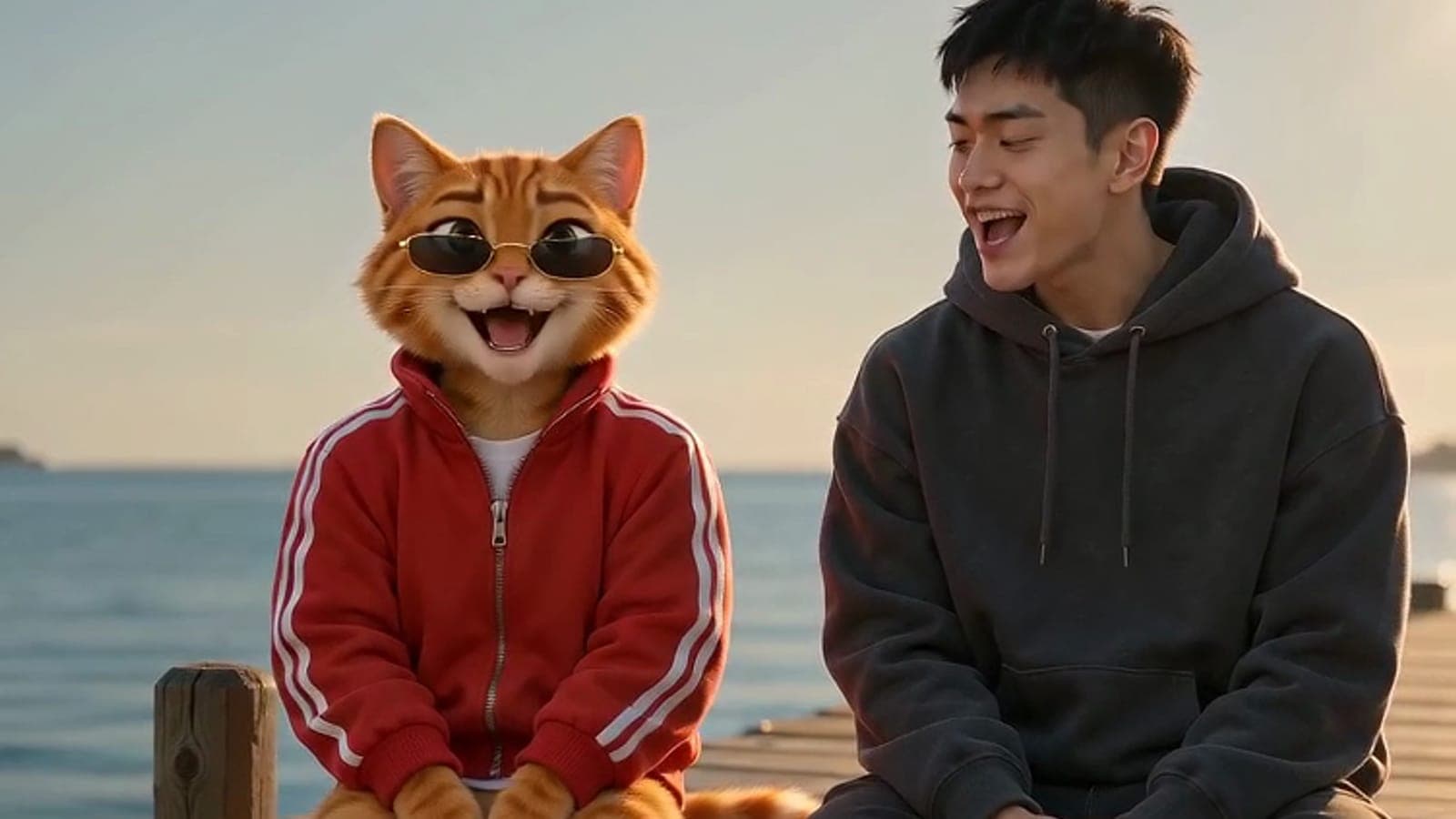
Raindance AI Video
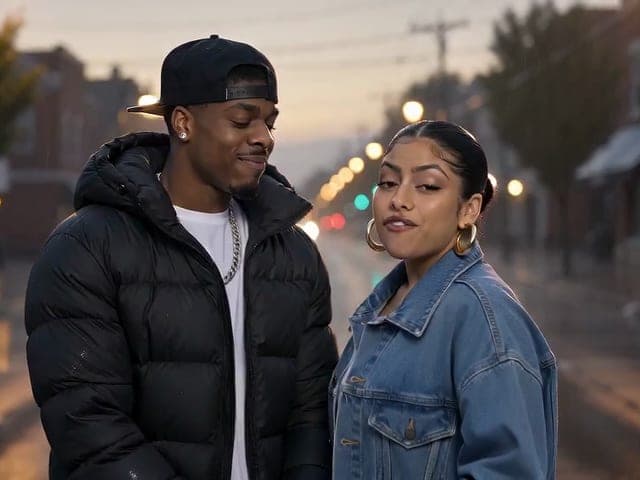
The Raindance AI trend in one click: add two photos — you, your partner, your dog — or pick preset characters, and they star in a 15-second cinematic music video. One listens and sways, the other sings Raindance straight to camera, with the song laid back underneath.
or upload your photo
One clear, front-facing photo per character — people, pets and cartoon characters all work — or pick presets below
Preview
What is Raindance AI Video?
Raindance AI Video makes the music-video clip behind the "Raindance AI trend": two characters on a sunny wooden pier, one sitting back and swaying, the other singing Raindance straight to camera across a few cinematic cuts. You choose who those two characters are — yourself, a friend, a partner, a pet or a preset cartoon — and the song plays underneath the finished video.
Why Choose Raindance AI Video?
Made for everyday people, not editors.
Made for two
Two characters share the frame the way the trend does: one sways along, the other sings to camera across several cinematic cuts.
The song is built in
No audio to find or upload. The Raindance clip drives the singer's mouth and is laid back under the finished video.
Anyone can sing
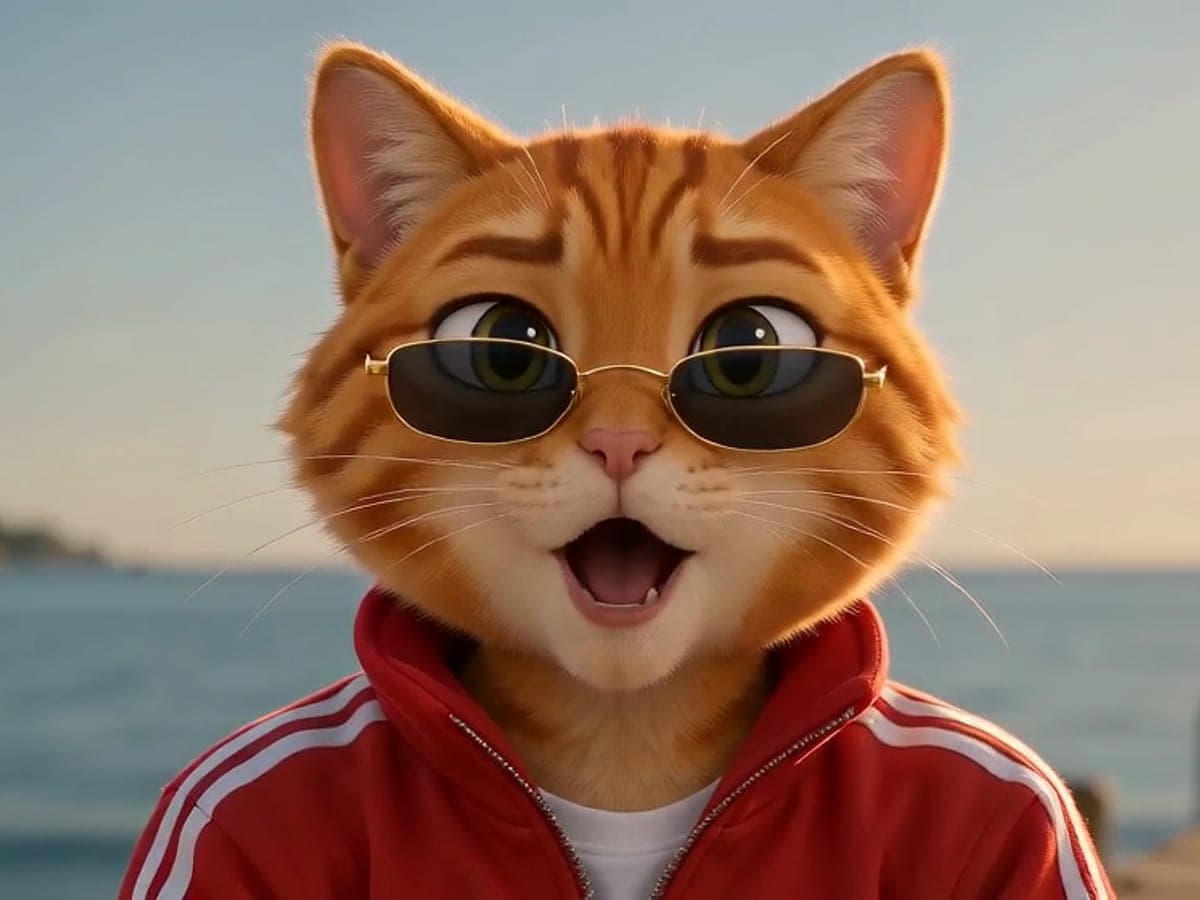
People, pets, plush toys and cartoon characters all keep their look while they perform — the singing cat is half the fun.
What Can You Use Raindance AI Video For?
Real moments, ready to share — pick the one that fits.
You and your pet
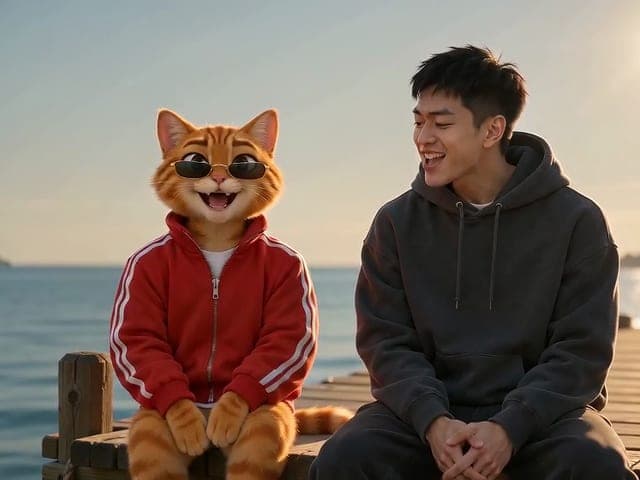
The format that made the trend: you on the pier, your cat or dog singing Raindance to camera.
Couples and best friends
Two people, one song: a sweet, slightly ridiculous clip to post or send to each other.
Characters and mascots
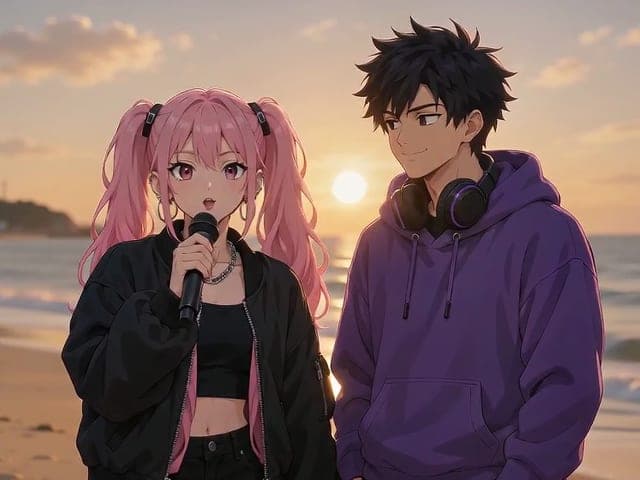
Anime characters, game avatars and brand mascots keep their style while they take the song.
How to Use Raindance AI Video in 3 Simple Steps
Three small steps to a video you'll actually want to send.
🧑🤝🧑Step 1:Pick two characters
Upload one clear, front-facing photo for each character, or tap a preset. Character 1 listens and sways; Character 2 sings to camera — put the one you want singing in the second slot. Cats, dogs and cartoons work as well as people.

🌊Step 2:Choose a scene
Sunny Pier is the classic trend look; In the Rain and Beach Sunset are two other moods for the same song.

✨Step 3:Generate & download
Click Make Our Raindance Video. The clip takes about 3–4 minutes, then you download a 15-second MP4 with the song included.
Raindance AI Video
The Raindance AI trend in one click: add two photos — you, your partner, your dog — or pick preset characters, and they star in a 15-second cinematic music video. One listens and sways, the other sings Raindance straight to camera, with the song laid back underneath.
Frequently Asked Questions About Raindance AI Video
It is a viral AI video format set to "Raindance" by Dave and Tems: two characters — often a person and their pet — star in a short, cinematic music video by the sea, and one of them sings the song straight to camera.
Three steps. 1) Add two photos, one per character, or pick presets. 2) Choose a scene — Sunny Pier is the classic look. 3) Click Make Our Raindance Video and download the 15-second MP4 a few minutes later.
One character per photo, facing the camera, clearly lit, with the face and outfit visible. Pets work best in a sharp, front-on photo. The second character is the one who sings.
15 seconds with the song included, in 4:3 by default (16:9 and 9:16 are also available), at 480p or 720p.
It depends on the engine and resolution. A 15-second clip at 480p is 225 credits with Seedance Mini, 525 with Seedance Fast and 1,650 with Seedance 2.5; 720p costs about twice as much. The exact price is shown on the button before you generate.
The song clip is used as the lip-sync reference, so the singer's mouth follows the vocals, and the original song is laid back under the finished video. The higher engines follow the words more closely; with fast head turns or extreme close-ups the match can loosen for a moment.
Only photos you have the right to use — yourself, friends who agreed, your pets or characters you created. Do not upload photos of other people without their permission. This tool is a fan-made take on a viral trend and is not affiliated with Dave, Tems or their labels.
Related Tools You Might Like
Explore more AI creative tools